
Create and edit advanced CAD projects for CCTV infrastructure with this software solution that offers 3D professional surveillance system design and many useful tools. #CCTV design #CAD for CCTV #Video surveillance design #CCTV #CAD #Surveillance

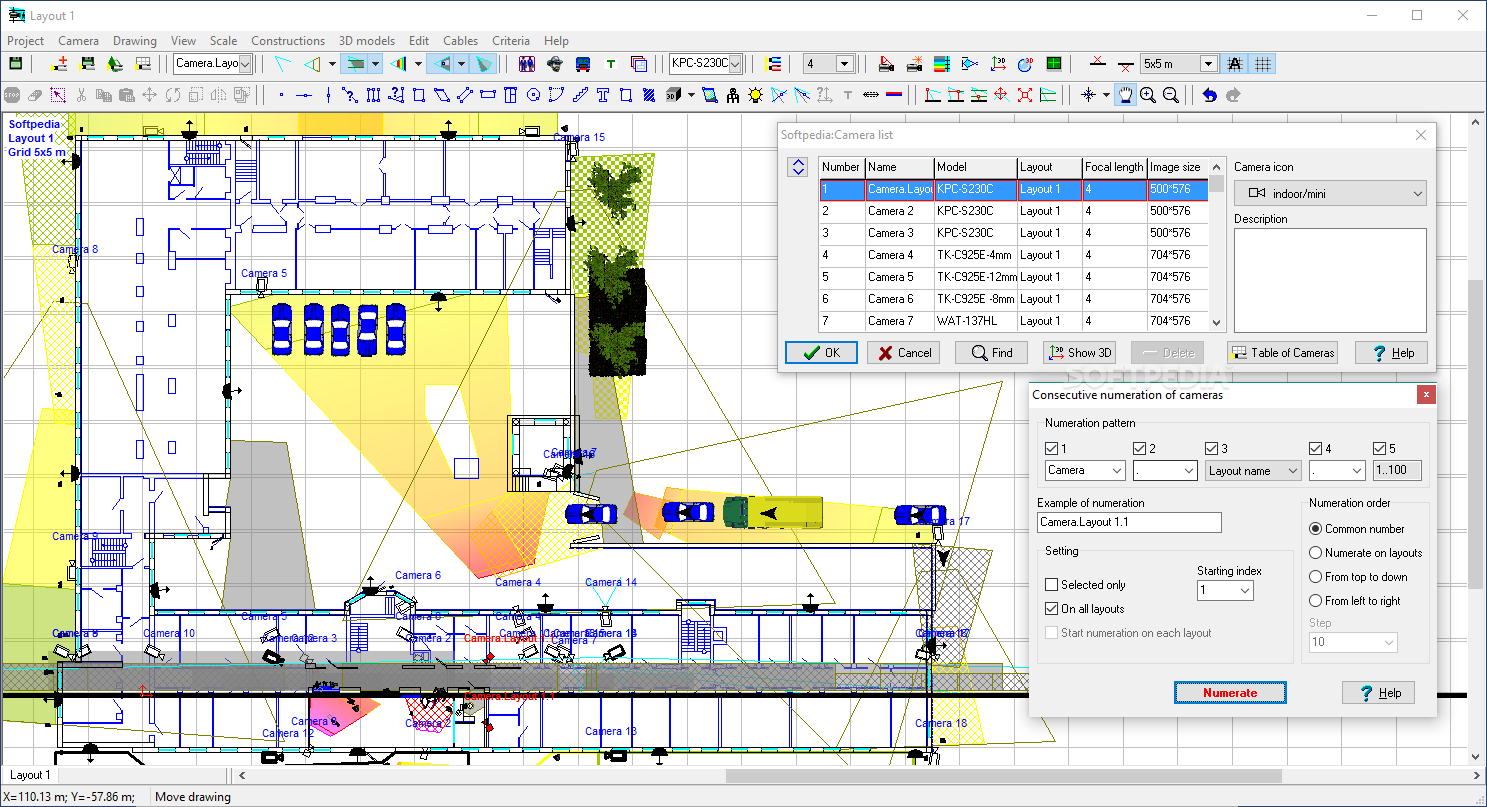
Designing a video surveillance system is a difficult task because of its inherent elements' complexity, so users who take on such undertakings will require an efficient management of all the involved parameters. VideoCAD was created to help users design their CCTV infrastructure with ease and it offers a thorough set of tools that will provide an essential basis for creating and modeling the required video surveillance system, in terms of both physical equipment and video image characteristics.
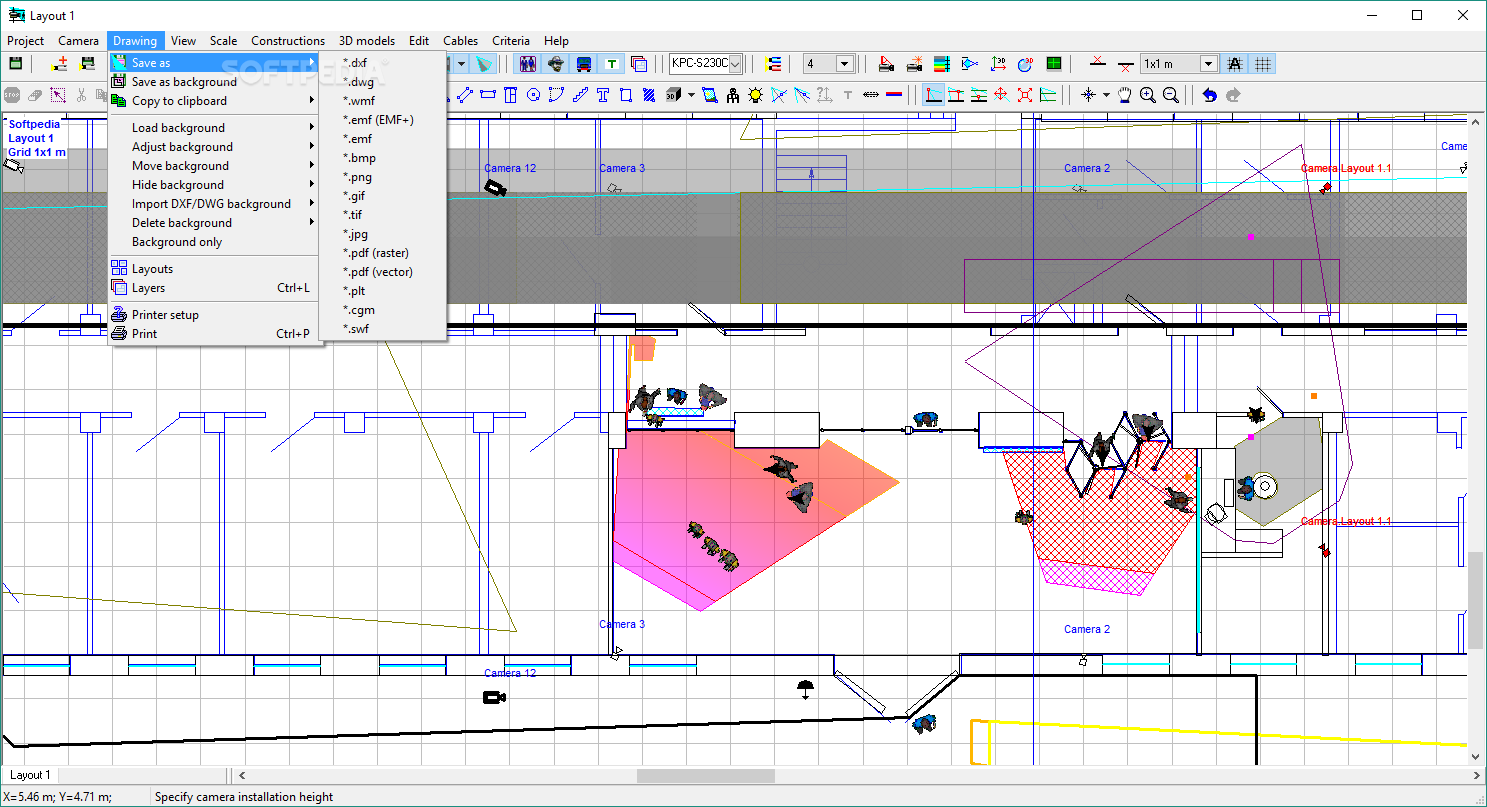
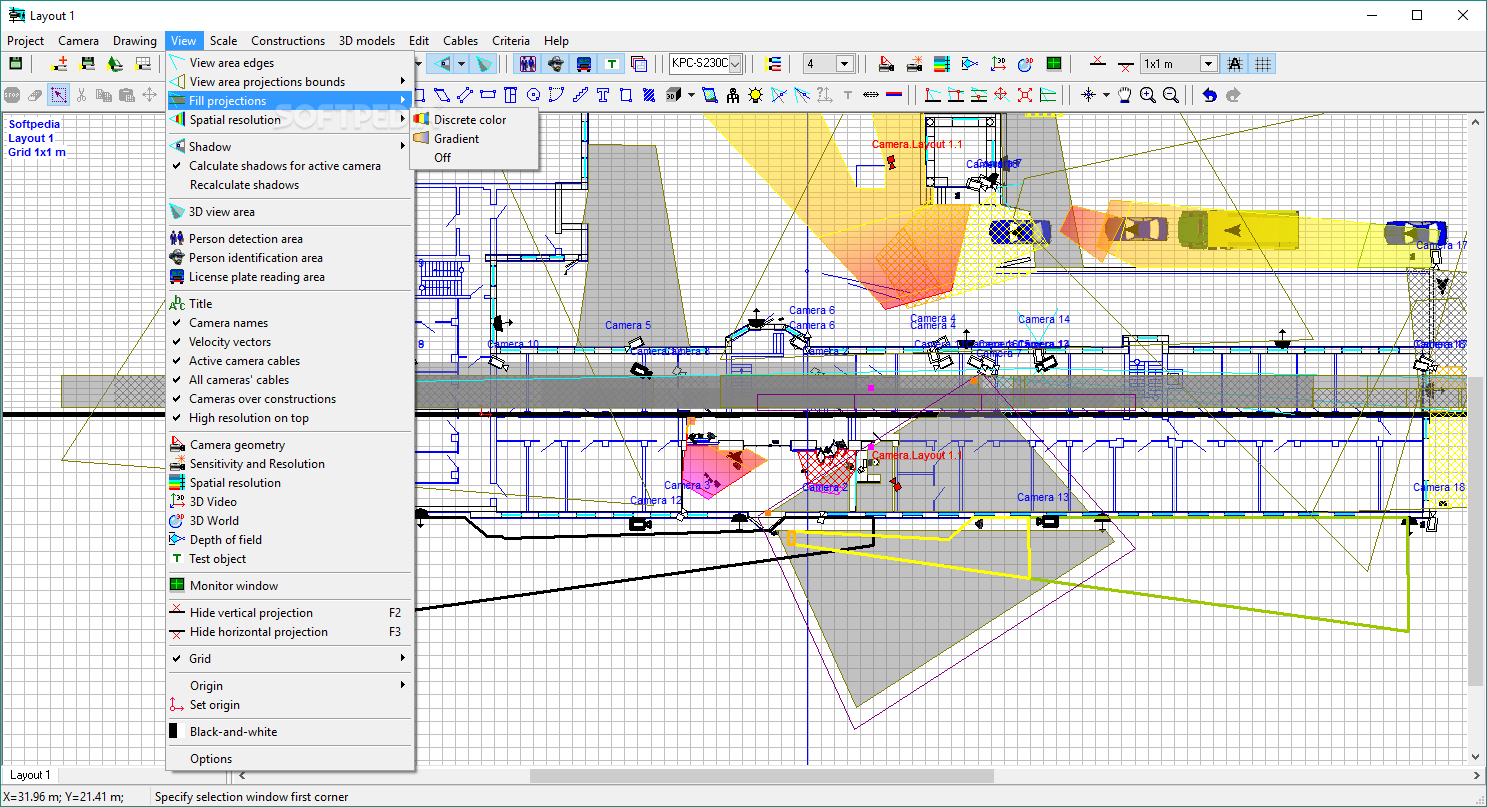
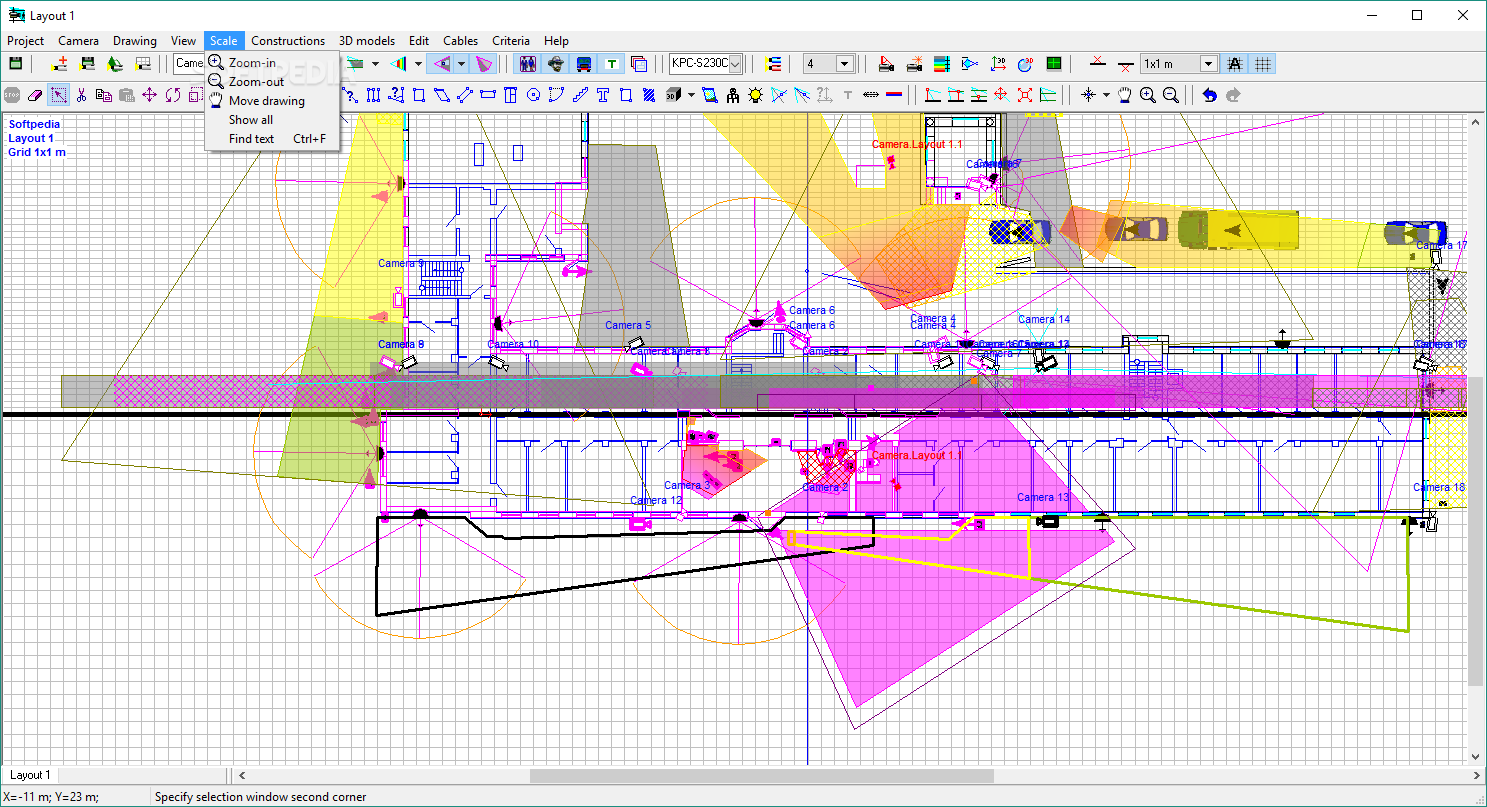
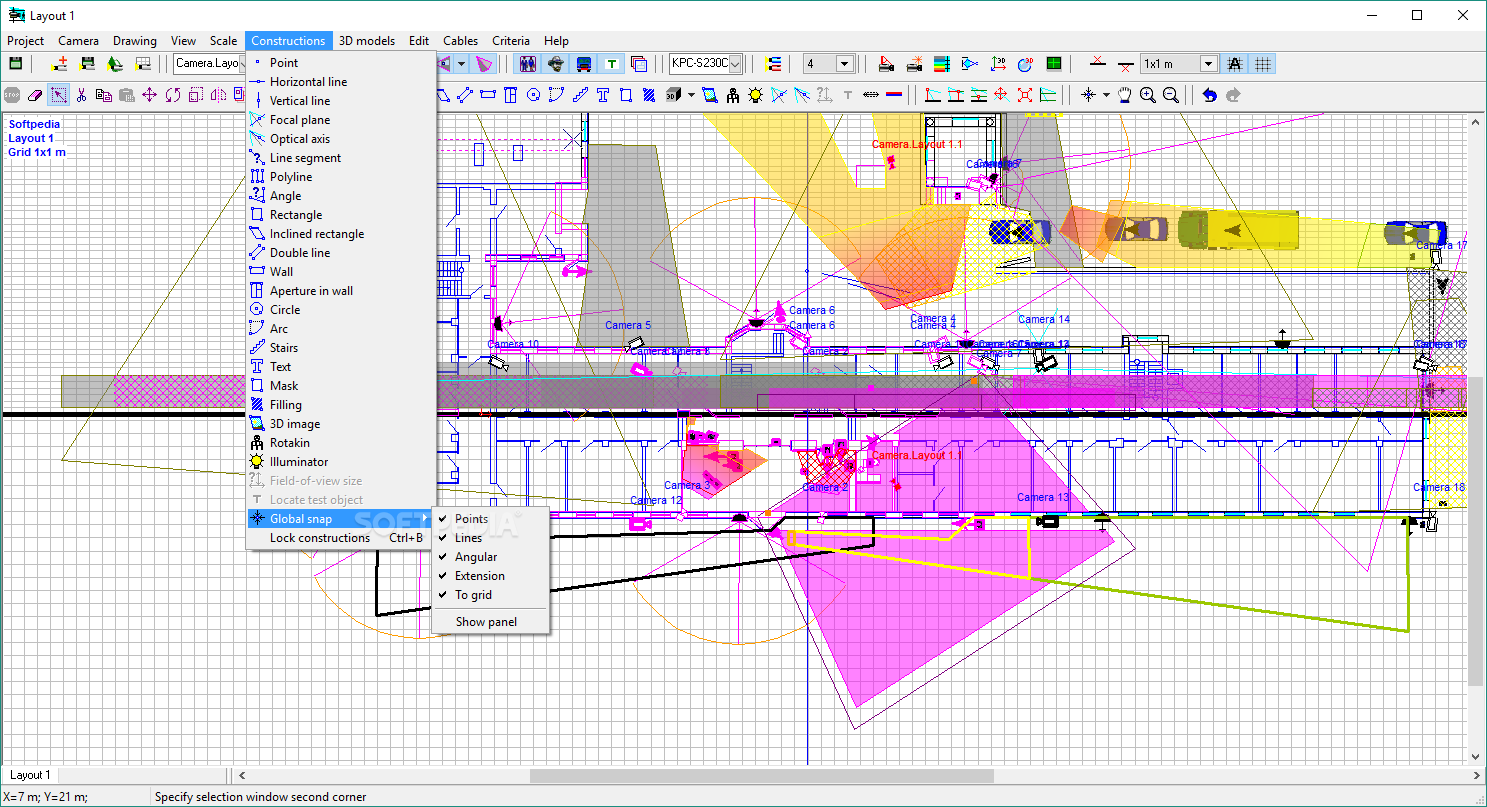
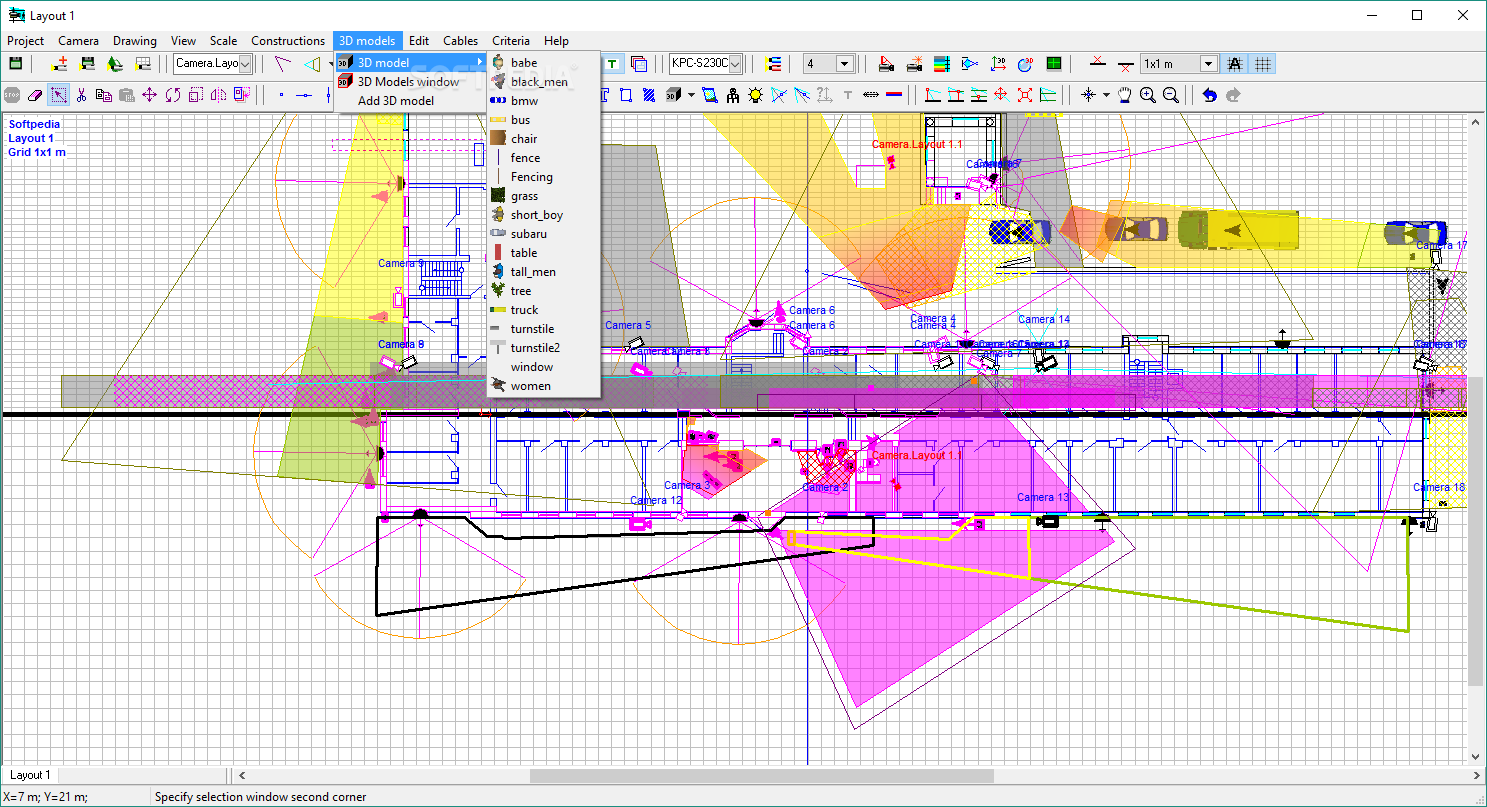
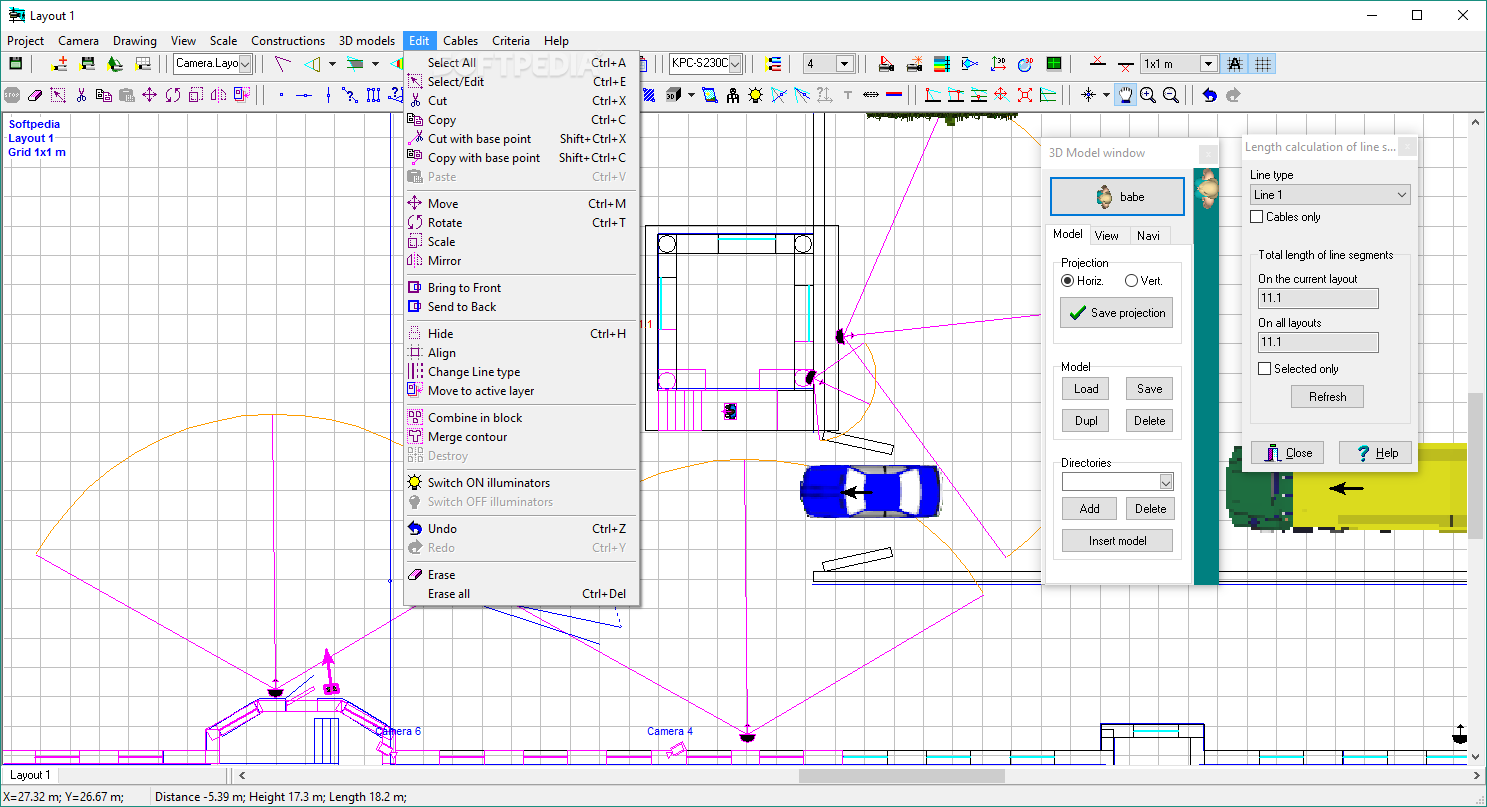
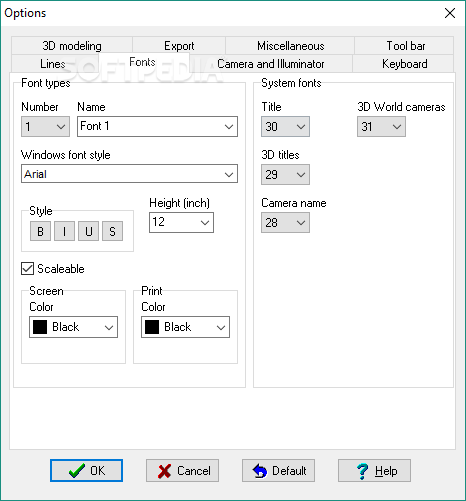
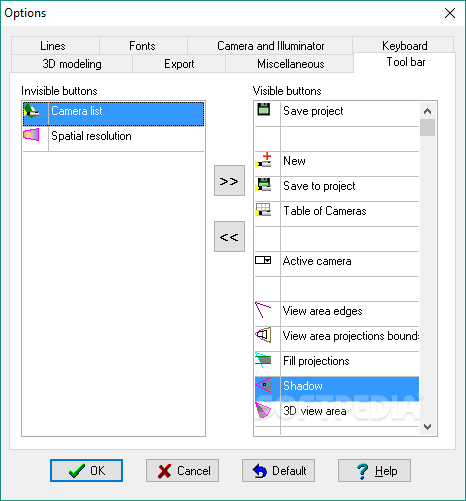
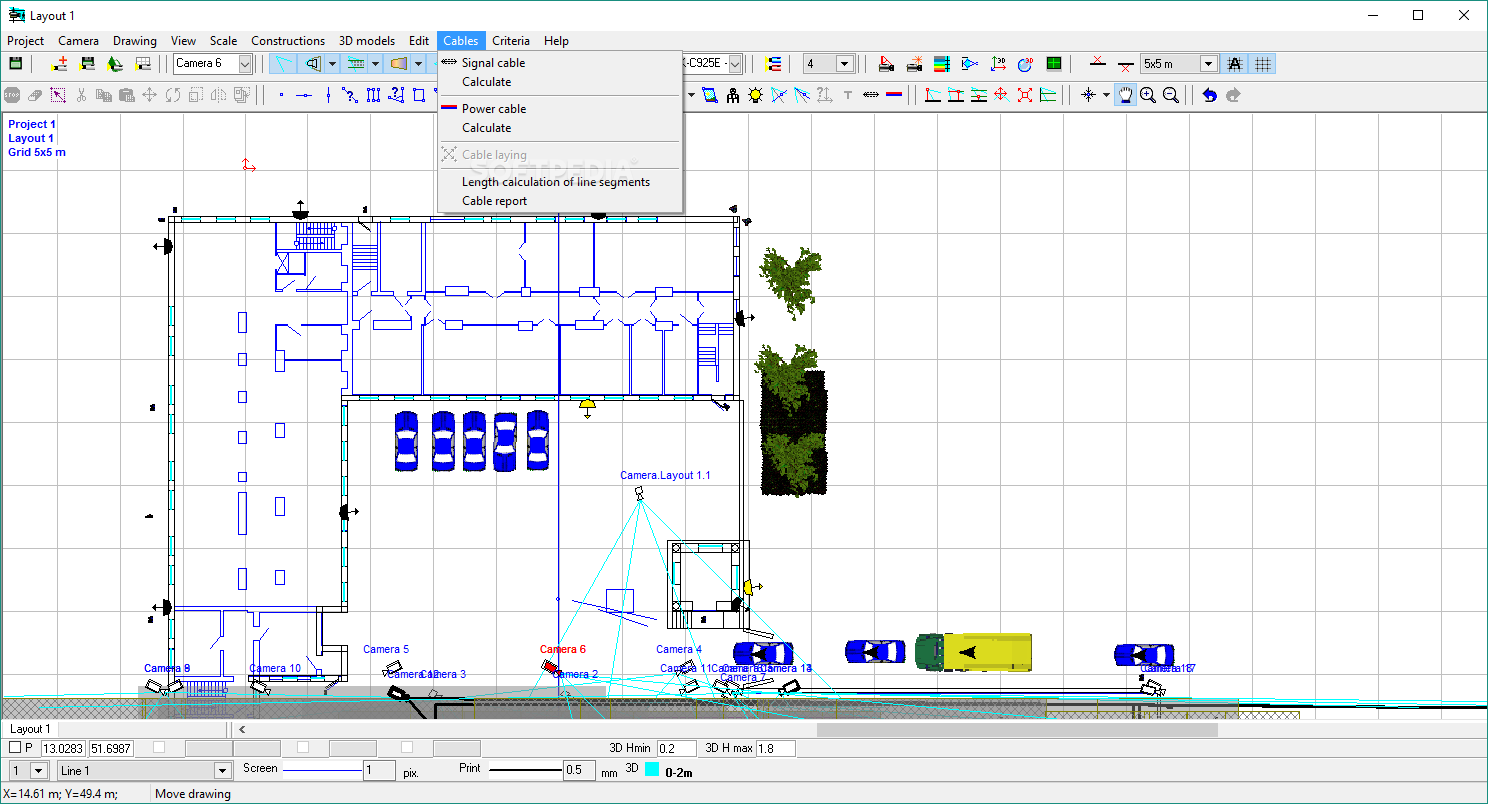
VideoCAD boasts a sleek interface that offers its tools in a very thoughtful layout, users being able to access its features with ease. Its tools are offered in an attractive button array and despite constituting a CAD suite, users will find it easy to access its basic tools and features.
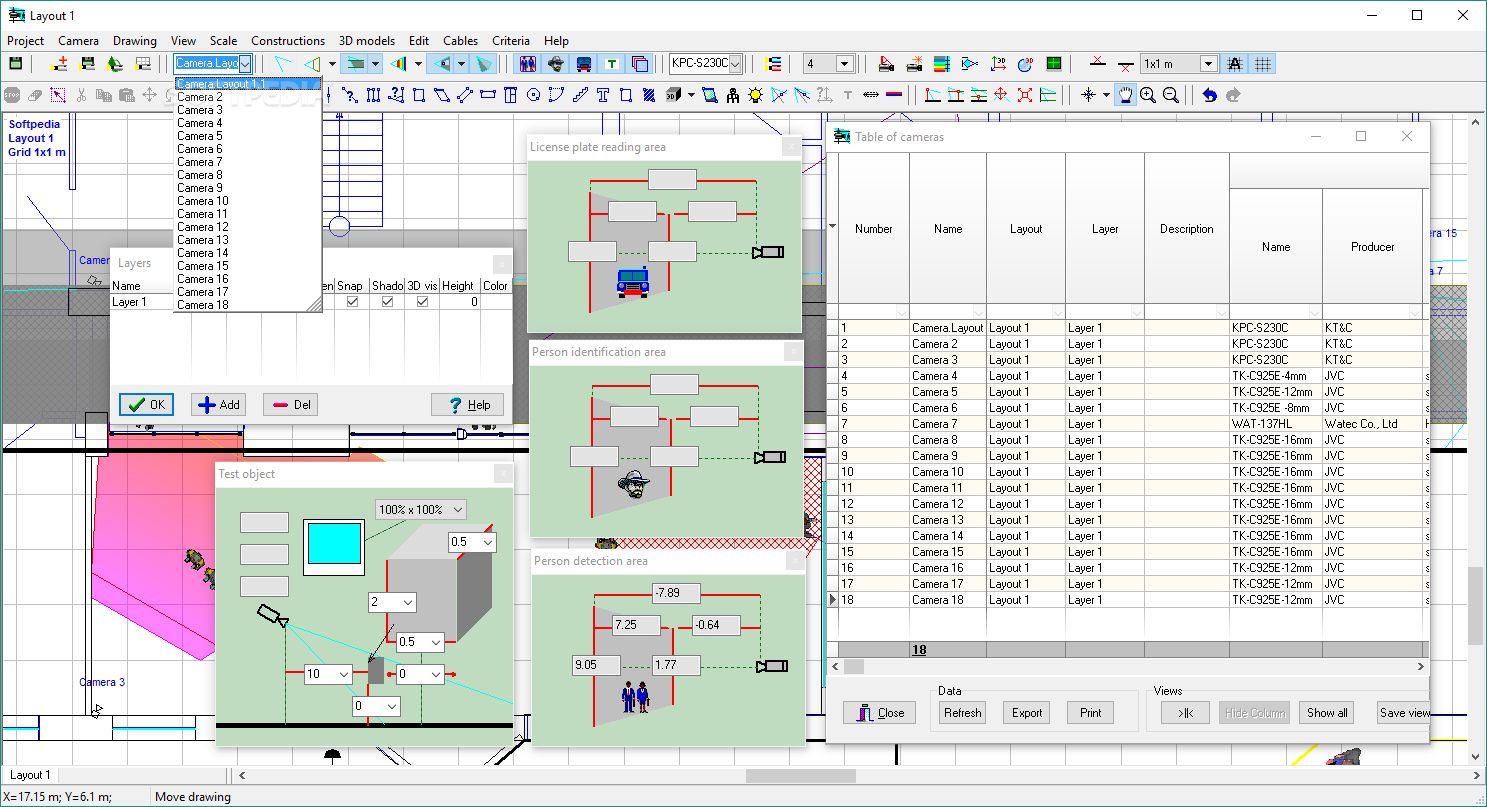
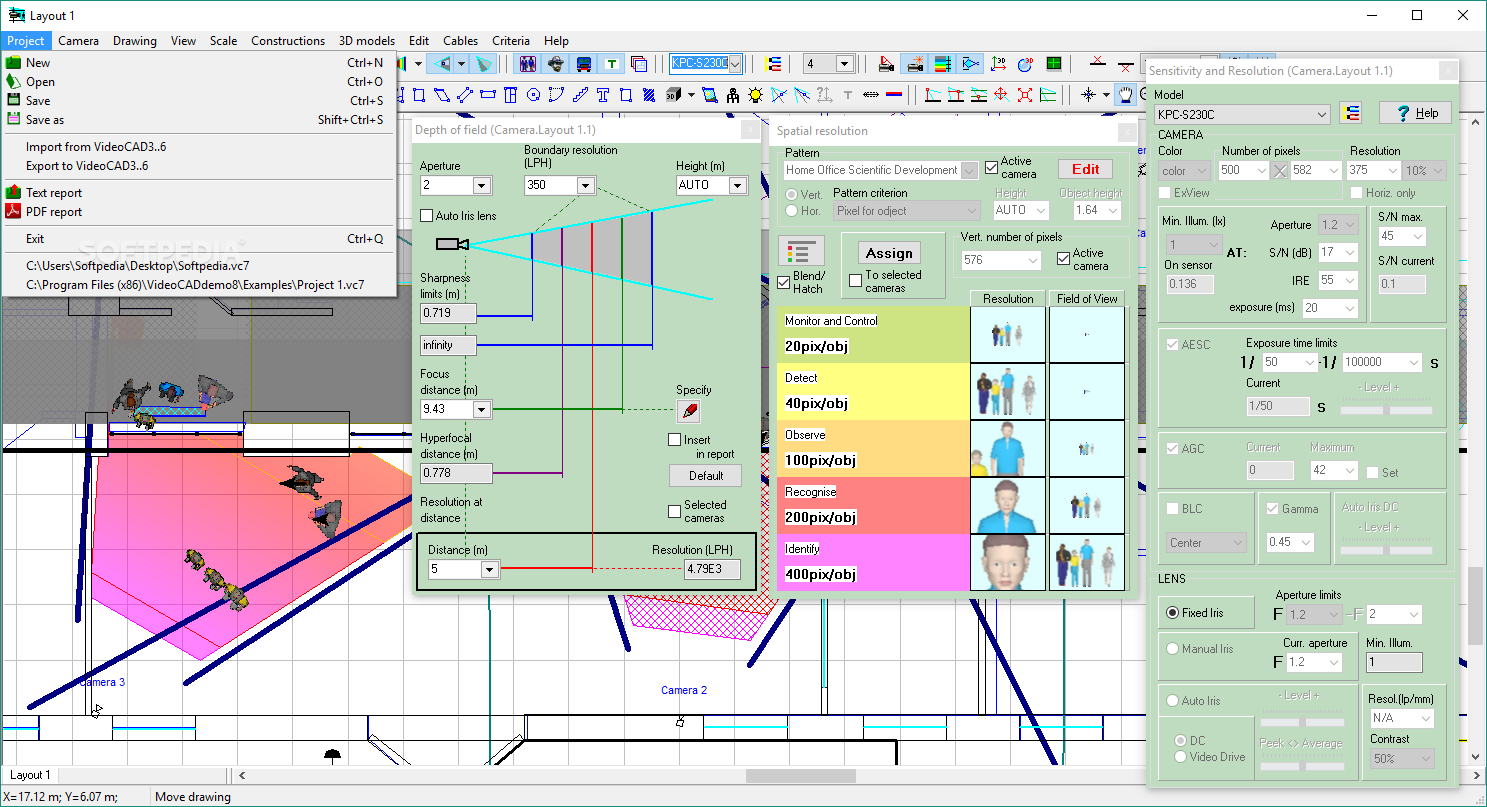
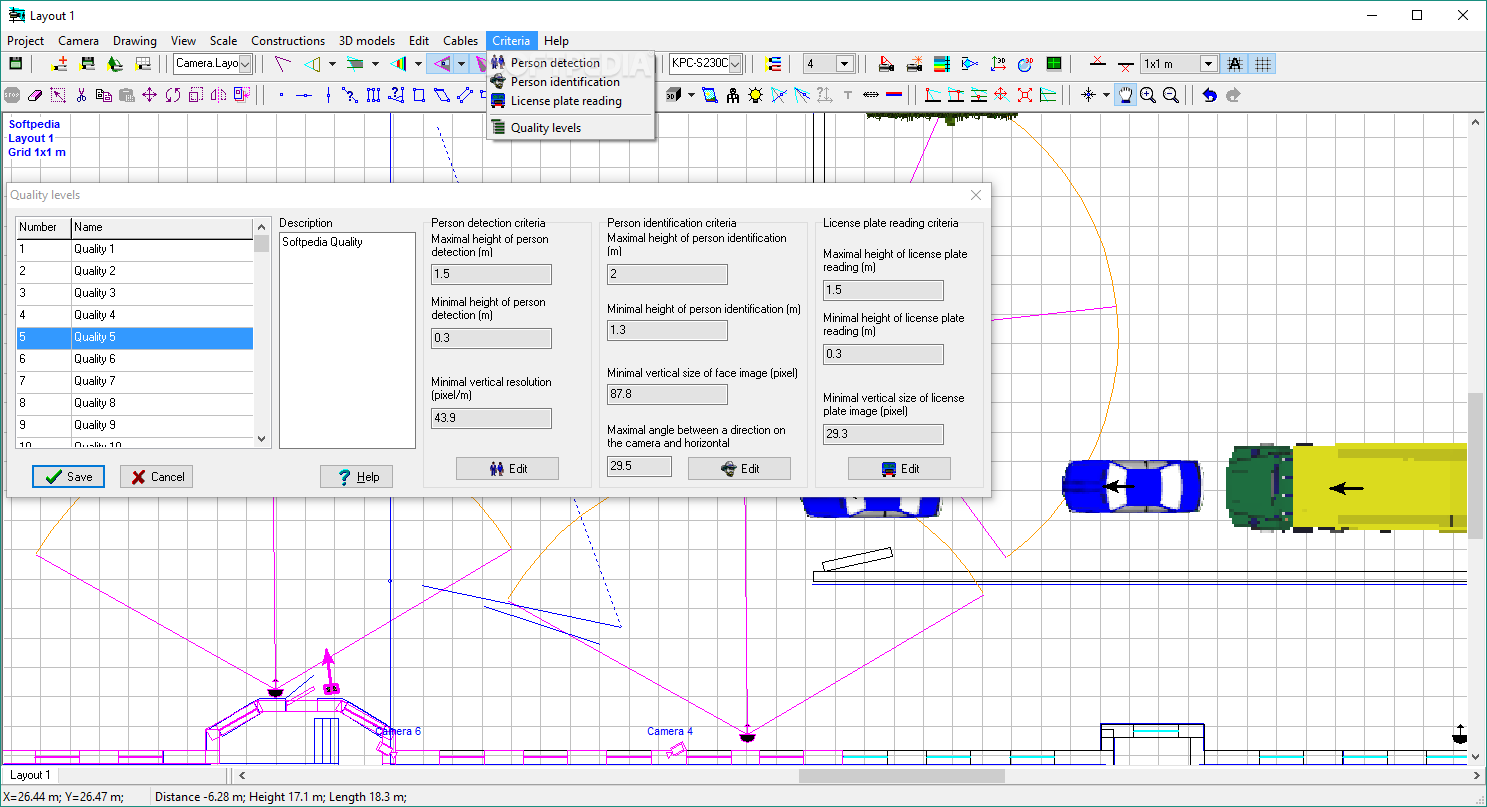
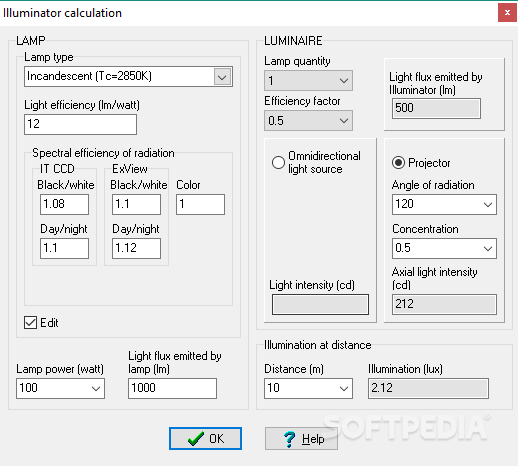
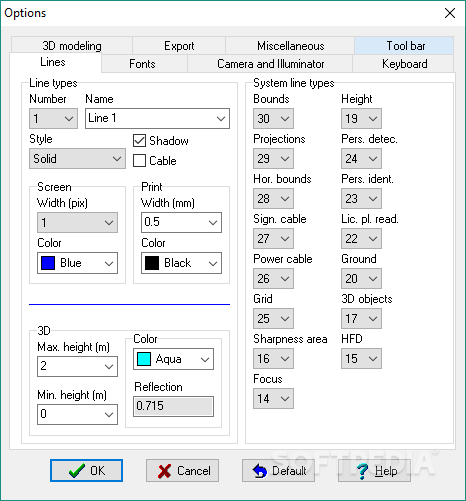
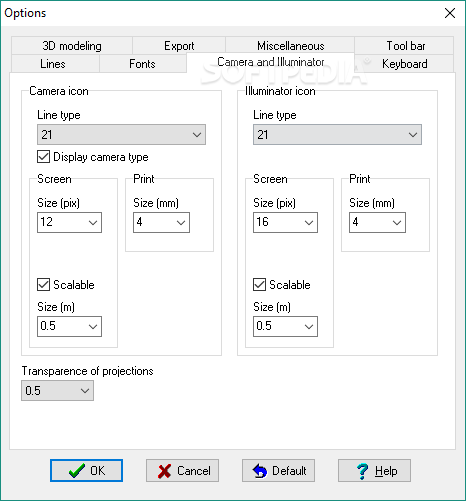
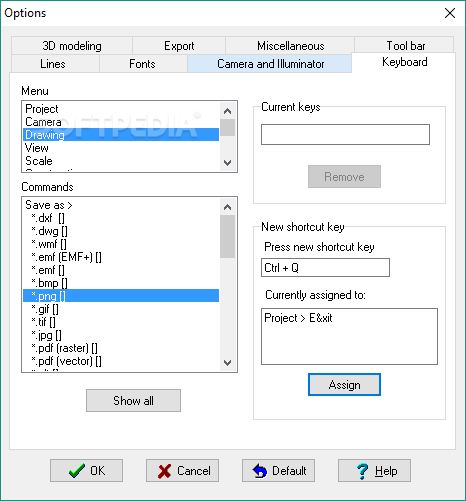
The application comes packed with plenty of tools for creating a CCTV infrastructure from scratch and it accommodates numerous presets for its various parameters, 2D / 3D objects, camera characteristics and image / video settings. Inexperienced users will also appreciate the very comprehensive built-in tutorials that VideoCAD features, that will help them learn its functionality.
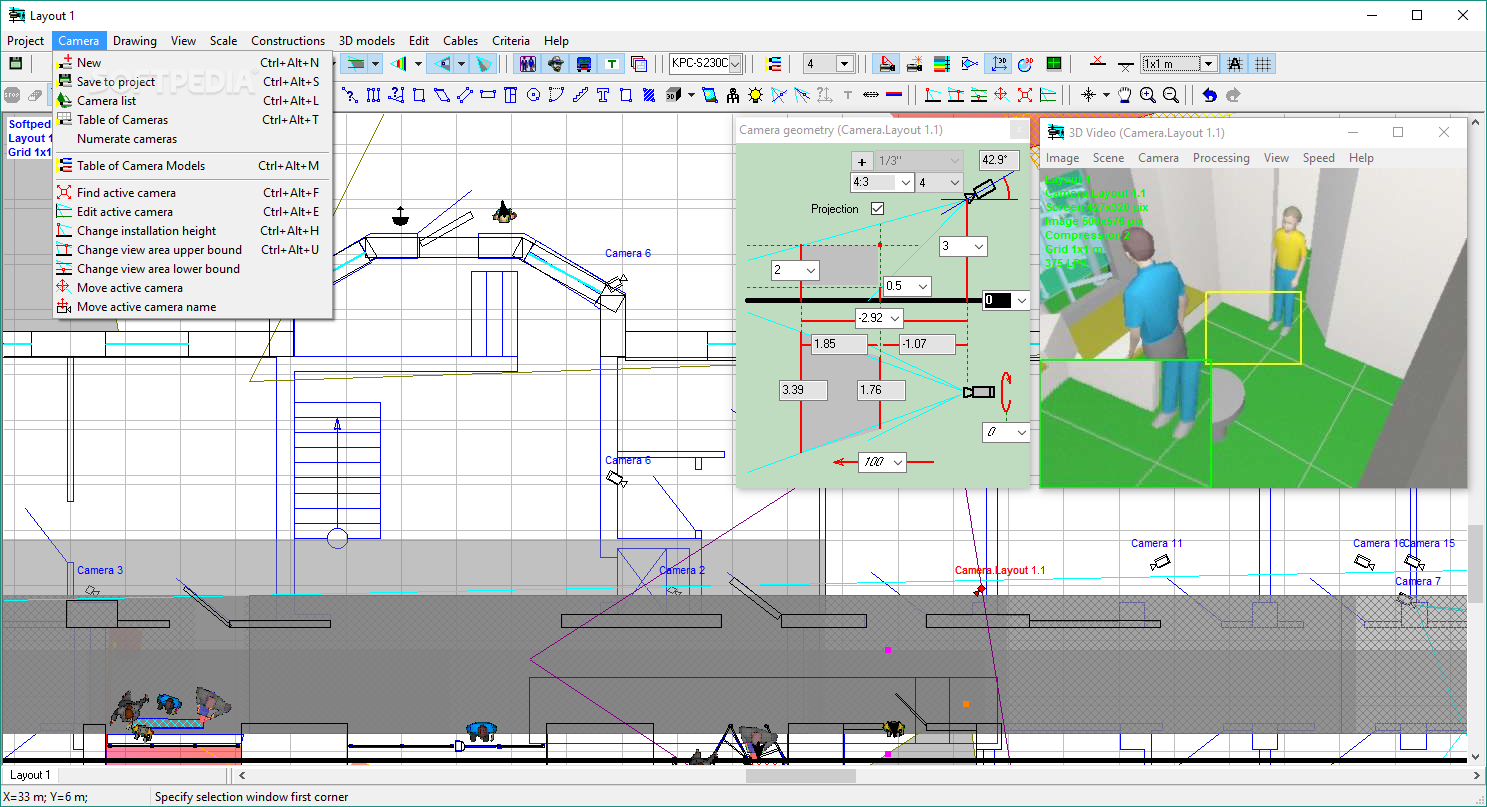
Users can work with multiple layers and they can perform various calculations for the geometric parameters of the cameras or image characteristics, work with 2D projections that are complemented by various CAD tools or model the 3D features and adjust the camera infrastructure layout and viewing areas.
VideoCAD features a large collection of advanced tools for defining camera parameters, editing cable mainframe or managing the 2D projections. Nevertheless, when going past the basic functionality of the application and entering its more advanced tools, users might consider that its extensive features might be too disorganized and not that easy to access.
For the CCTV engineers who will have a good understanding of all the camera parameters and viewing options, VideoCAD’s expanded range of advanced features will be easy to use. However, novice users might have trouble entering and using these advanced features.
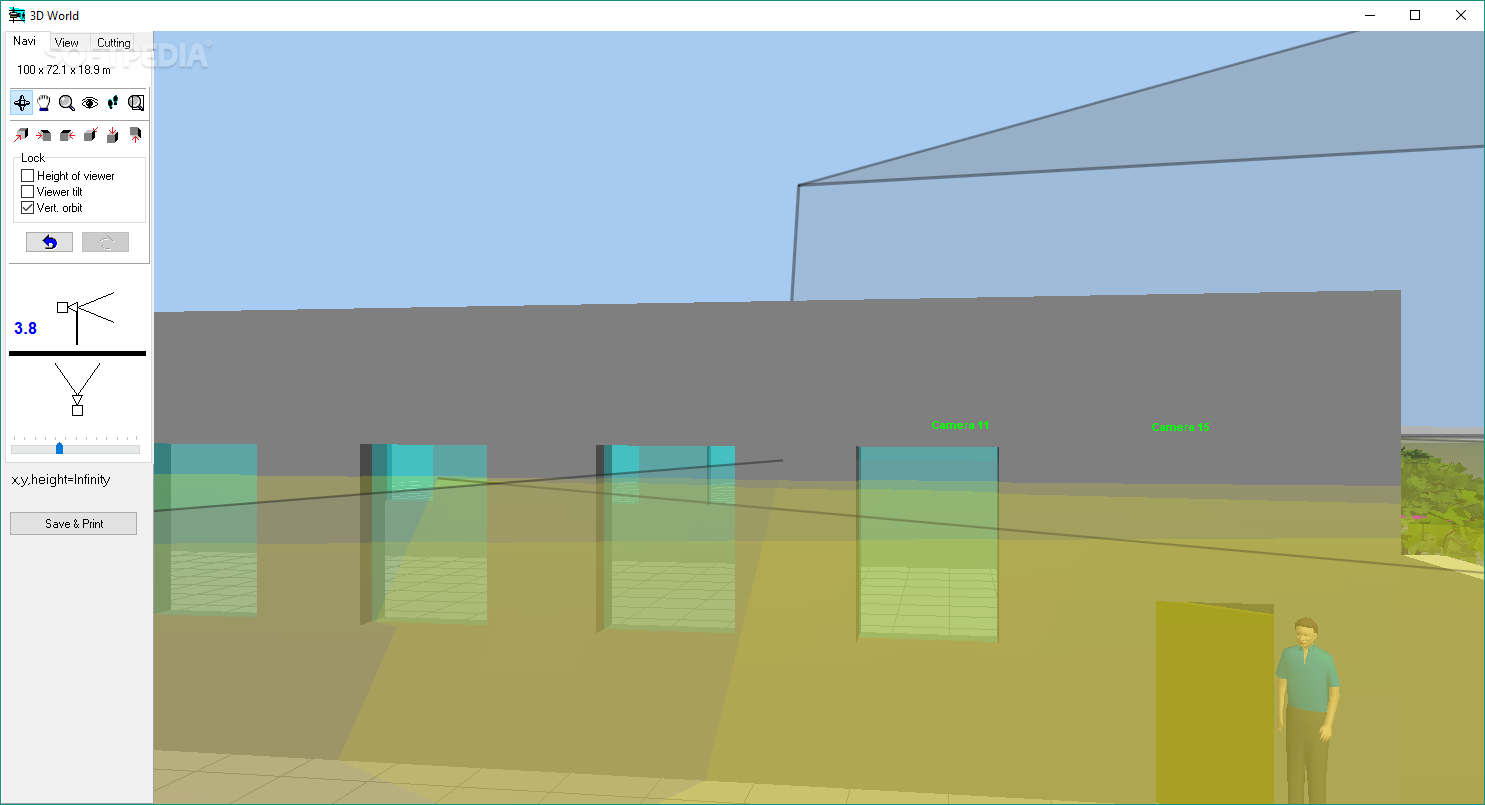
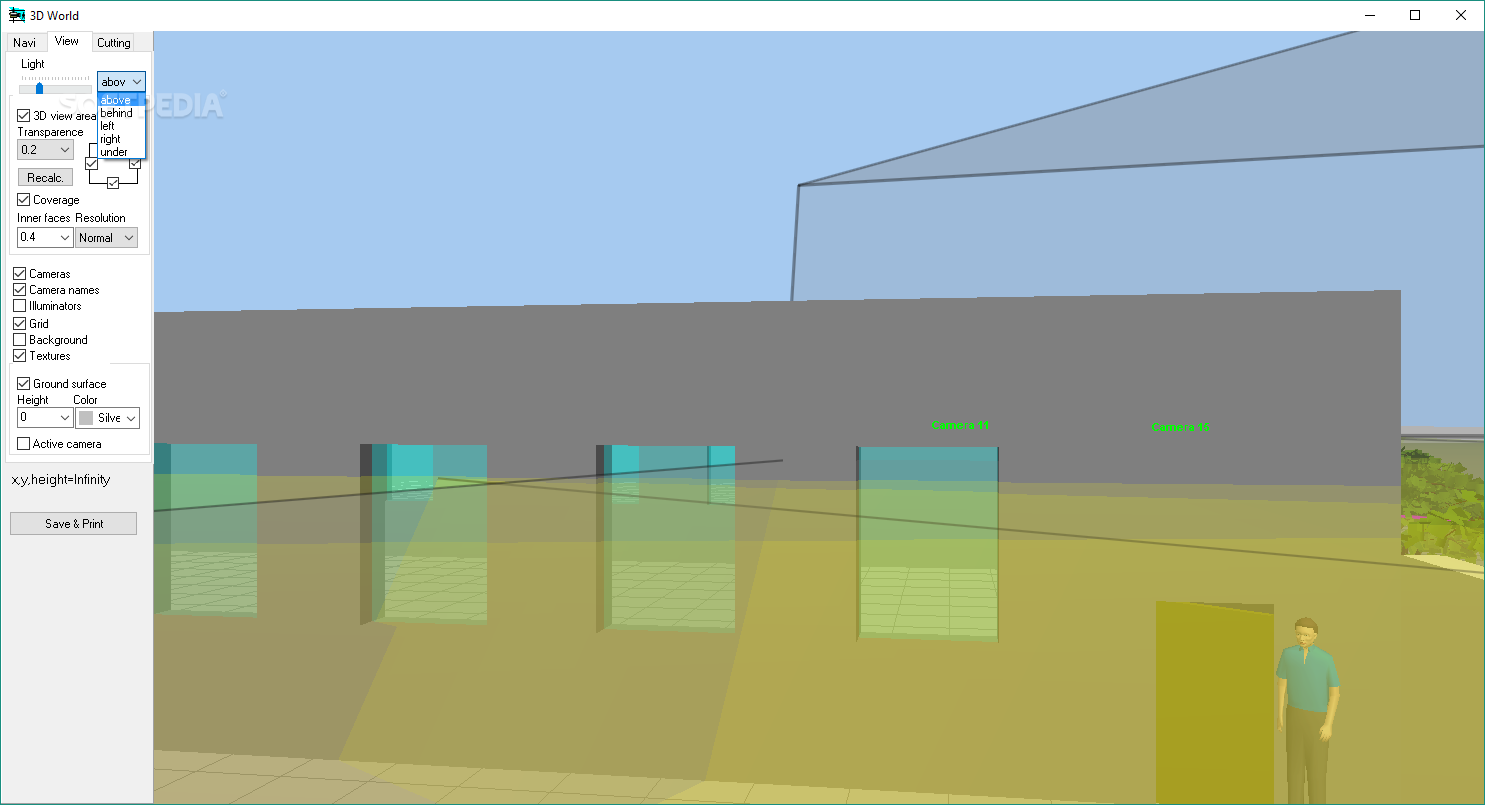
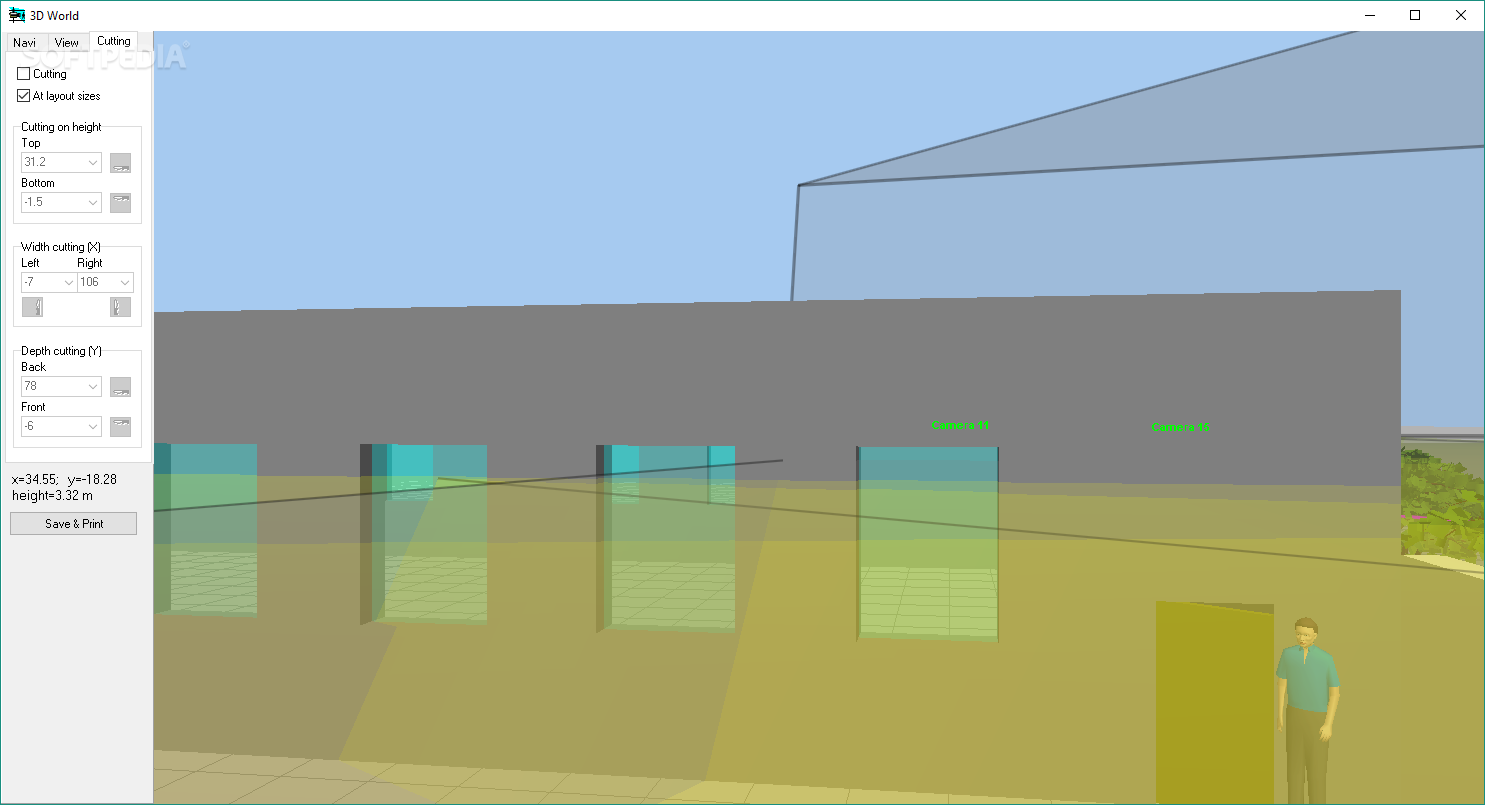
The application also provides a dedicated 3D World, where users can view their project in 3D and navigate in the created environment. For viewing the video feeds of the preferred camera layout, users have access to a separate monitoring system that simulates the actual view from those angles. Nevertheless, both of these additional modules are quite cumbersome to use with a rather sketchy look to them.
For users who require a solution for designing video surveillance systems that offers increased customization and CCTV-specific tools, VideoCAD could be the answer. It features an extensive collection of tools for geometric calculations, drawing, managing projections and 2D / 3D modeling that will help users refine their video surveillance system to their requirements. However, despite its increased customization and advanced features, the application might have presented its advanced features in a more structured way, therefore also enabling novice users to interact with it in an easier way.
What's new in VideoCAD 13.0.0.0:
- Modeling Fisheye cameras with the field of view limited by the image sensor (Cropped circle and Full frame), as well as any intermediate variants of the Fisheye field of view.
- New ability to change the maximum (circular) angle of view of Fisheye lenses in the range of 110-250 degrees. Thus, it is possible to simulate both narrow-angle and ultra-wide-angle Fisheye cameras.
VideoCAD 13.0.0.0
add to watchlist add to download basket send us an update REPORT- runs on:
-
Windows 11
Windows 10 32/64 bit
Windows 8 32/64 bit
Windows 7 32/64 bit
Windows Vista 32/64 bit
Windows XP 32/64 bit
Windows 2K - file size:
- 259 MB
- filename:
- VideoCADdemo.zip
- main category:
- Multimedia
- developer:
- visit homepage
IrfanView

Zoom Client

7-Zip

calibre

Microsoft Teams

Bitdefender Antivirus Free

4k Video Downloader

ShareX

Windows Sandbox Launcher

paint.net

- ShareX
- Windows Sandbox Launcher
- paint.net
- IrfanView
- Zoom Client
- 7-Zip
- calibre
- Microsoft Teams
- Bitdefender Antivirus Free
- 4k Video Downloader