
Easily edit video and audio files. #Video Editor #Video Overlay #Video Subtitle #Editor #Transition #Cutter

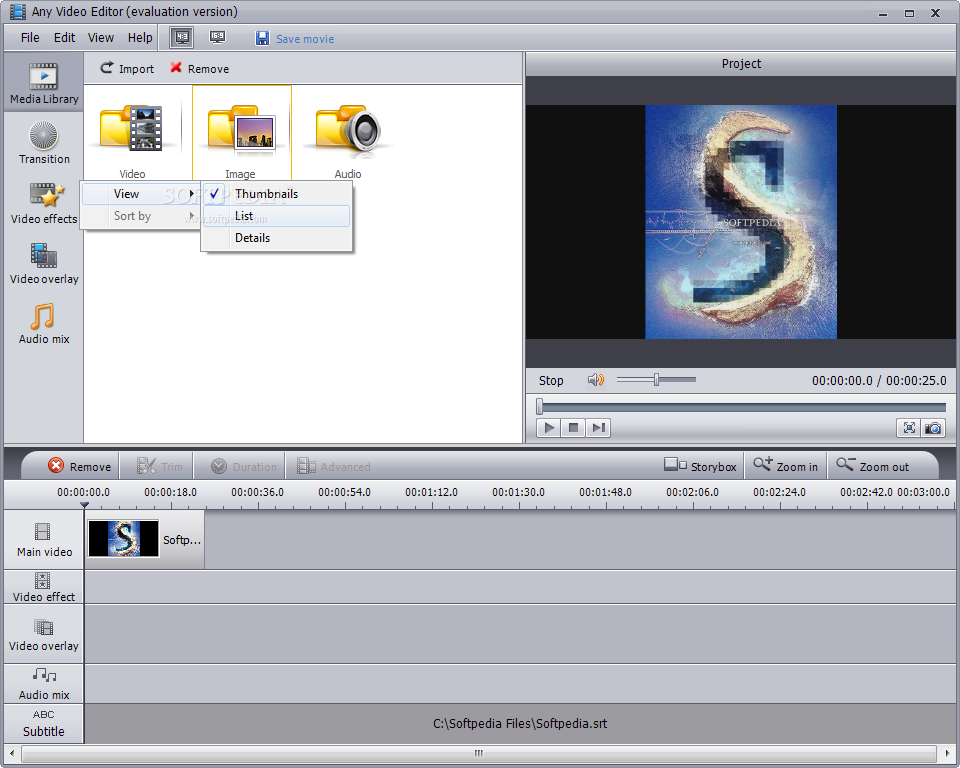
Any Video Editor is a very useful program that enables you to easily edit video files of various of formats, including 3GP, AVI, WMA and OGG.
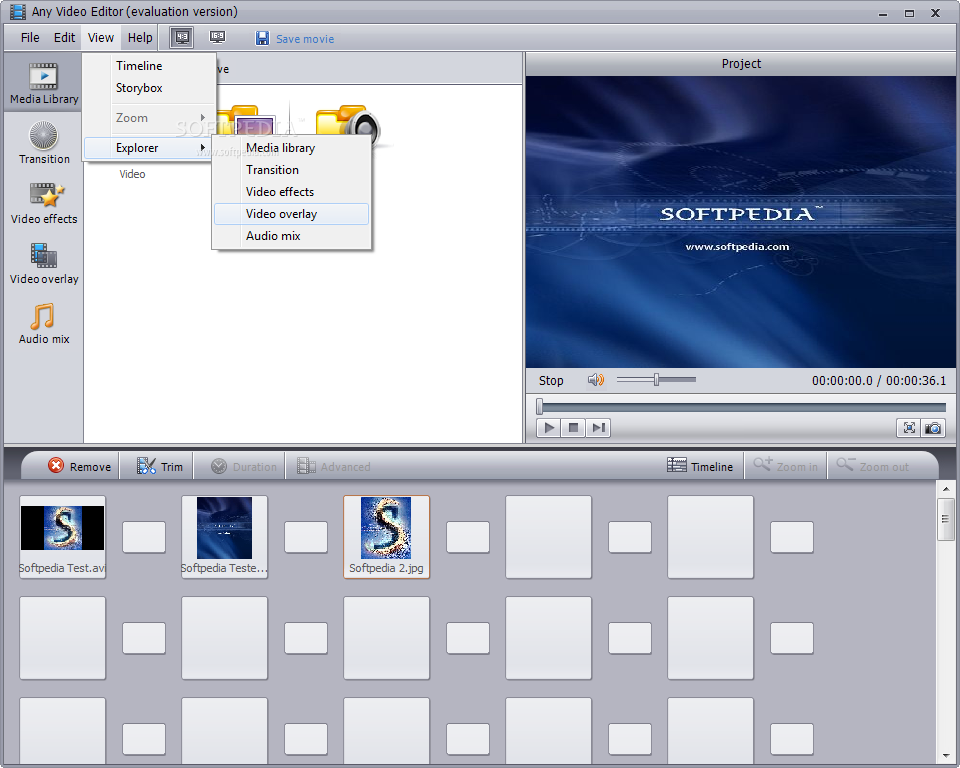
The interface of the application is clean and intuitive. You can only use the file browser to import media, since the "drag and drop" method is not supported. Batch processing is permitted.
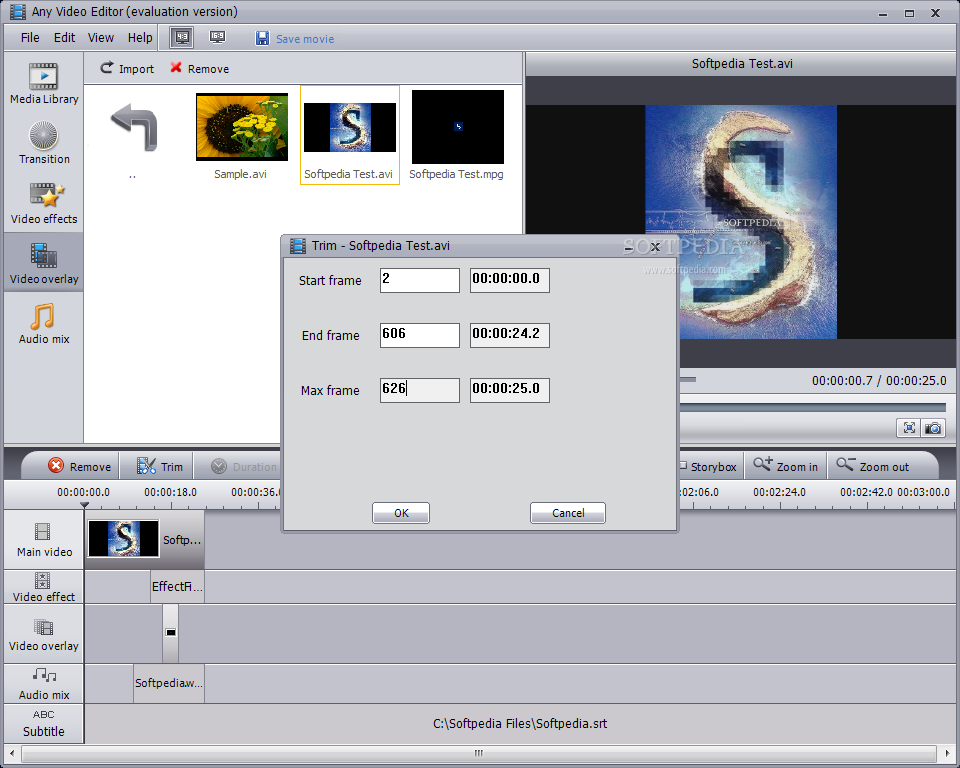
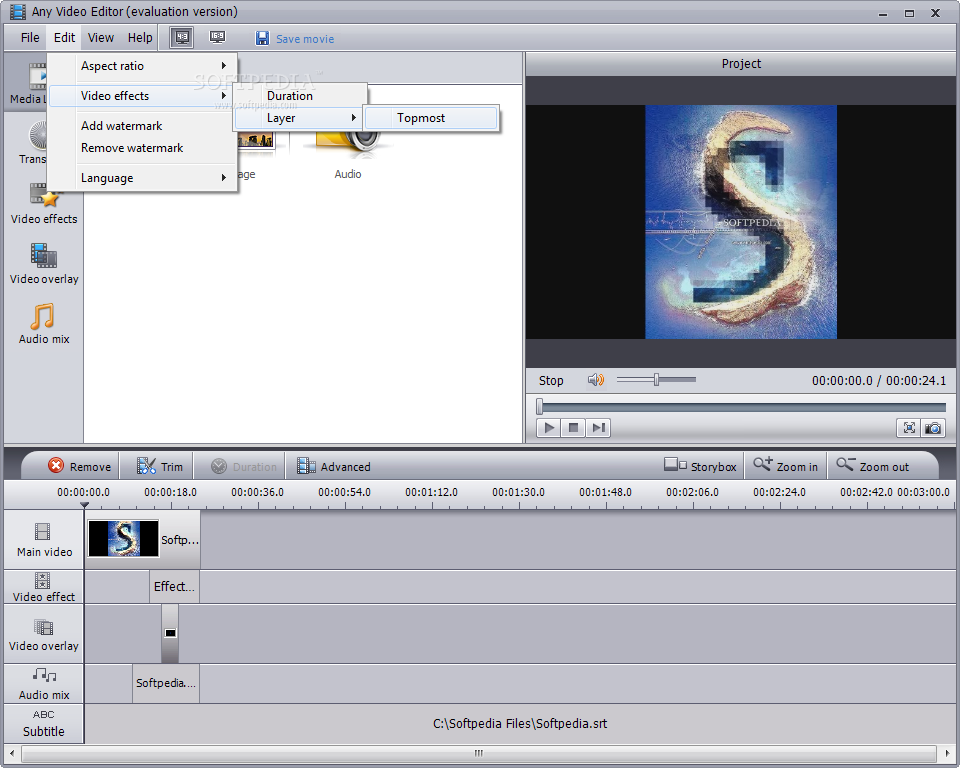
You can preview clips and add them to the timeline, switch to full screen mode and take snapshots, as well as trim videos by marking the start and end frame.
You can add transitions (e.g. shuffle, peel, push, slide in, ripple) and apply video effects (e.g. balloon, binoculars, flashes, distort).
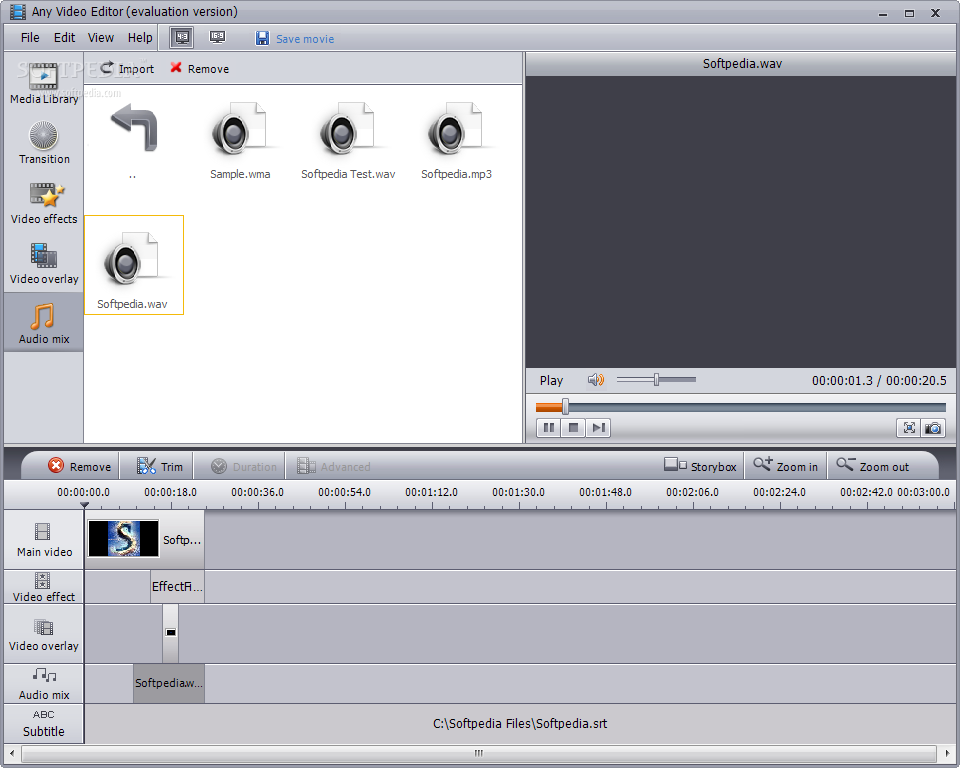
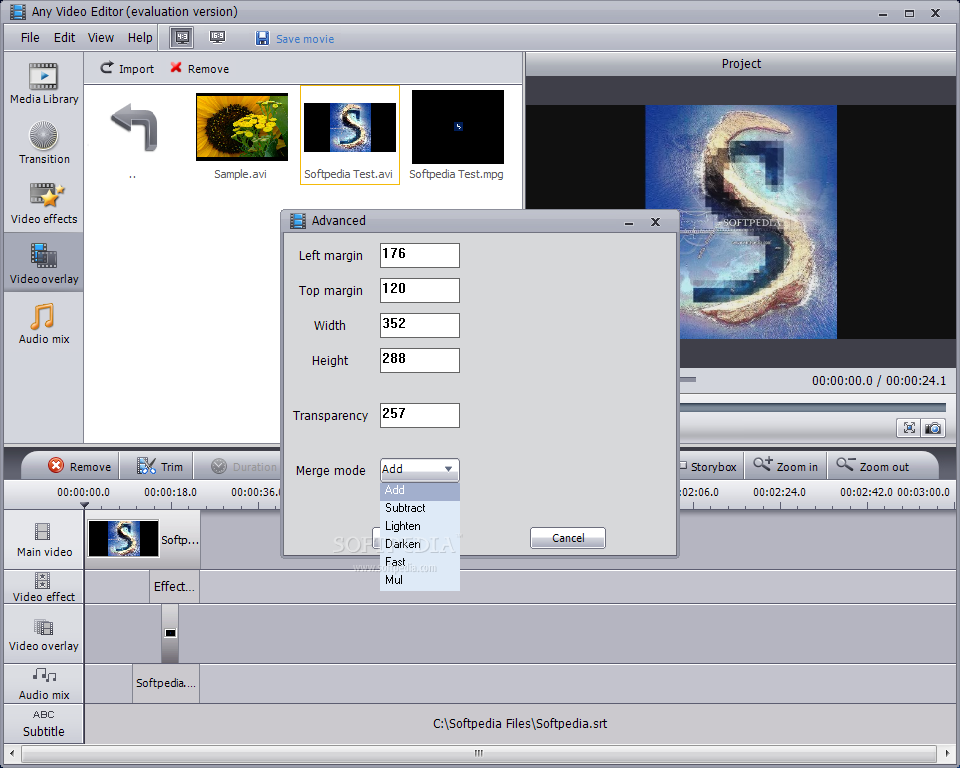
On top of that, you can add a soundtrack and subtitles, zoom in and out of the timeline, switch to storybox mode, change the aspect ratio, add watermarks, change the interface language, and more.
The video editing tool takes up a moderate amount of system resources, includes a well-written help file with snapshots and generally has a very good response time (it temporarily freezes when you add videos to the timeline).
We haven't come across any issues during our tests, since Main Menu Bar did not freeze, crash or pop up errors. On the other hand, we had expected to find more features. For example, you cannot adjust image settings to the video when it comes to the brightness, contrast and others. Plus, you cannot modify program settings (e.g. automatically run at system startup).
Any Video Editor is a pretty decent program for video files and we recommend it to all users, especially novices.
What's new in Any Video Editor 1.3.6.1:
- Fix the problem of burning DVD do not finalize.
- Fix the bug that DVD+R and DVD+R DL fail to play in some DVD Players.
Any Video Editor 1.3.6.1
add to watchlist add to download basket send us an update REPORT- runs on:
-
Windows 7 32/64 bit
Windows Vista 32/64 bit
Windows XP - file size:
- 36.7 MB
- filename:
- any-video-editor.exe


- main category:
- Multimedia
- developer:
- visit homepage
calibre

Windows Sandbox Launcher

Context Menu Manager

IrfanView

7-Zip

Zoom Client

Bitdefender Antivirus Free

ShareX

4k Video Downloader

Microsoft Teams

- ShareX
- 4k Video Downloader
- Microsoft Teams
- calibre
- Windows Sandbox Launcher
- Context Menu Manager
- IrfanView
- 7-Zip
- Zoom Client
- Bitdefender Antivirus Free