Search Perform an advanced search query SOFTPEDIA
 
SOFTPEDIA
Updated one minute ago
HomeSubmit a program for being reviewedAdvertise on our websiteGet help on surfing our websitesSend us your feedbackGet information about our XML/RSS backend and how to use itBrowse the news archiveVisit our discussion forumVizitati forumul in limba romana


Program Finder NormalFreeware onlyShareware only

Ulead VideoStudio 11.0.0157.0 Plus Report spyware 

Click to download Ulead VideoStudioUlead VideoStudio - Softpedia Pick Award (If you developed this product, click here to download your award)
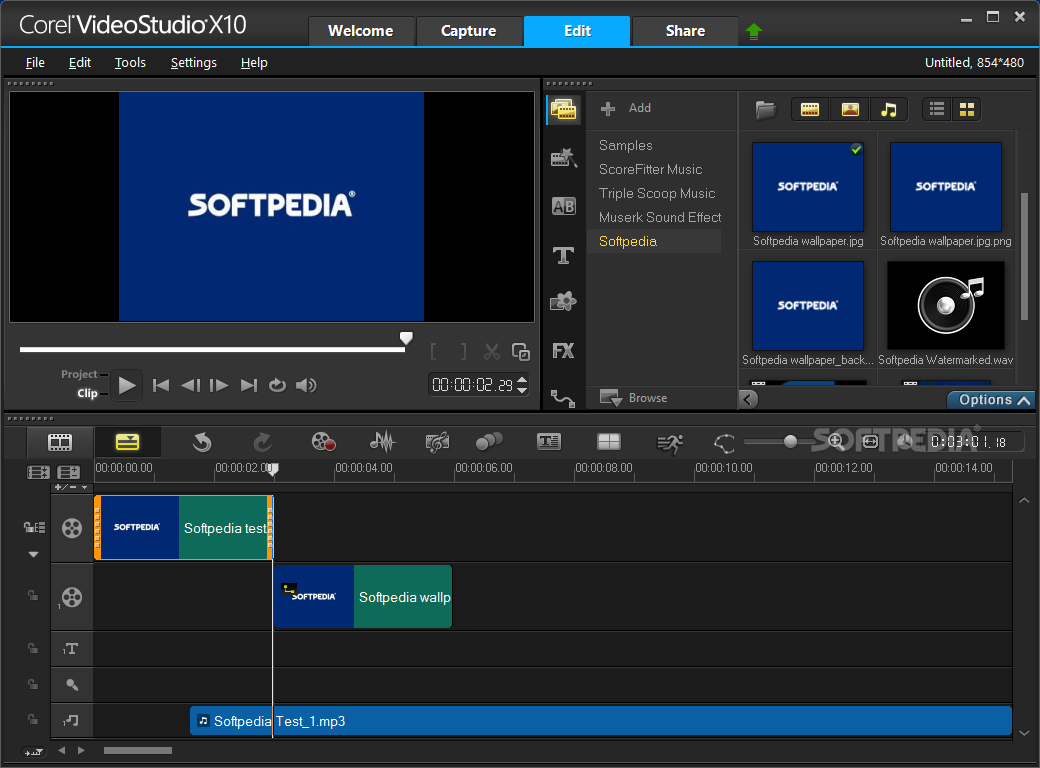
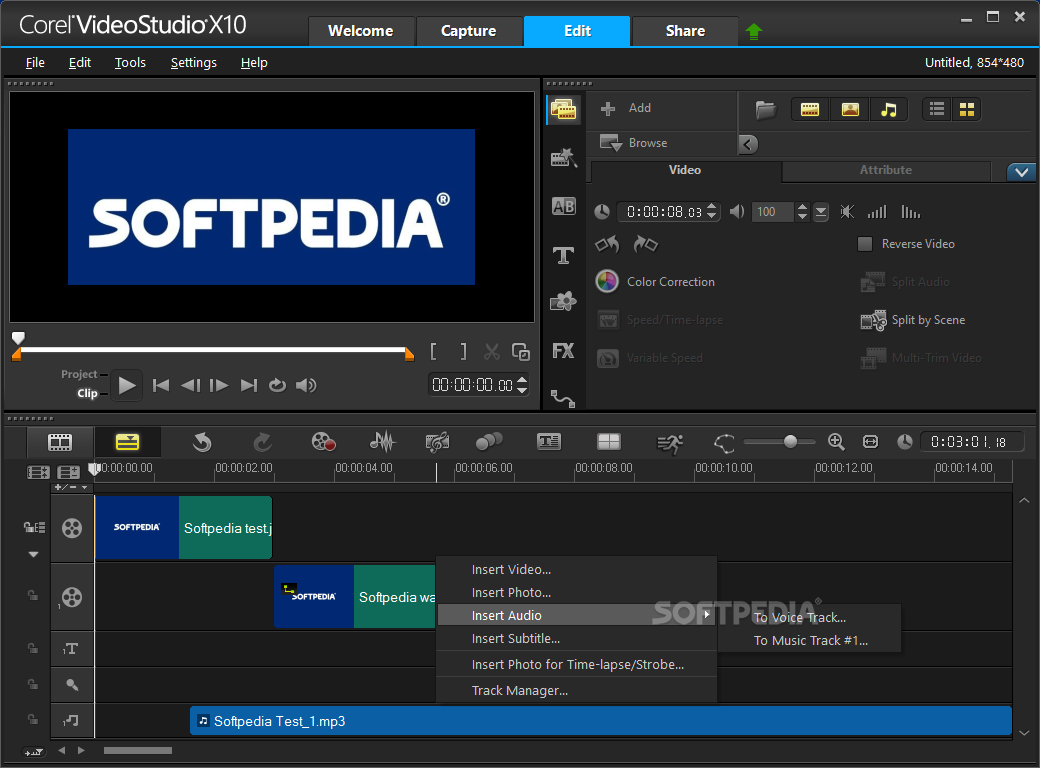
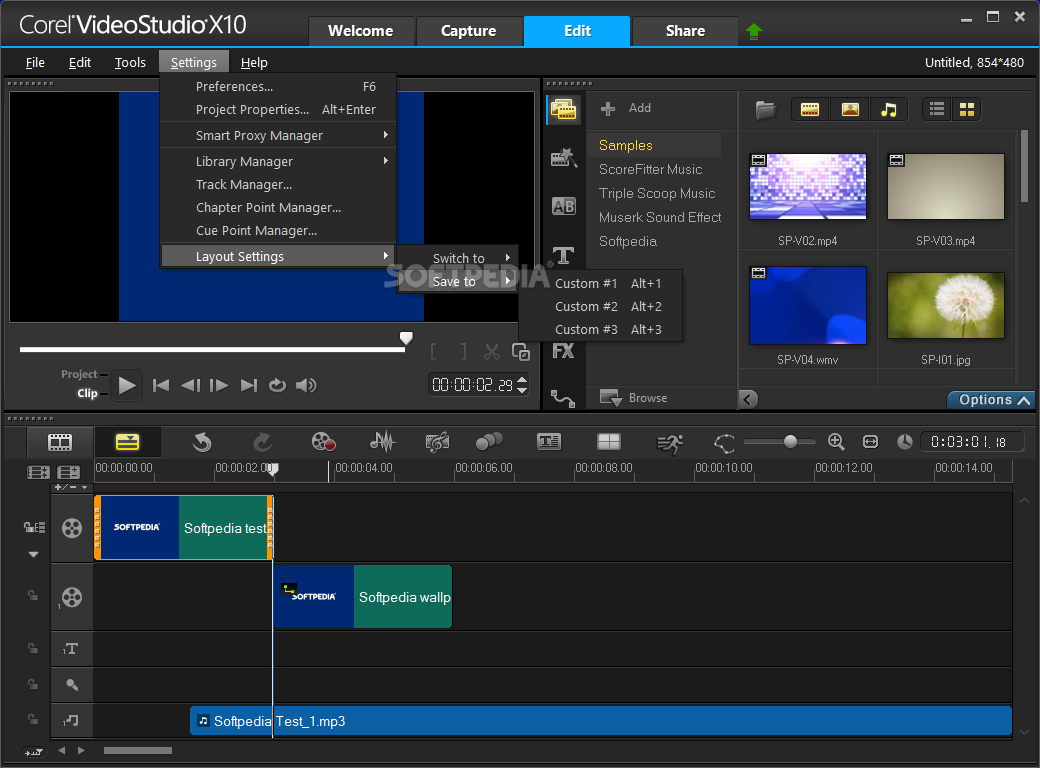
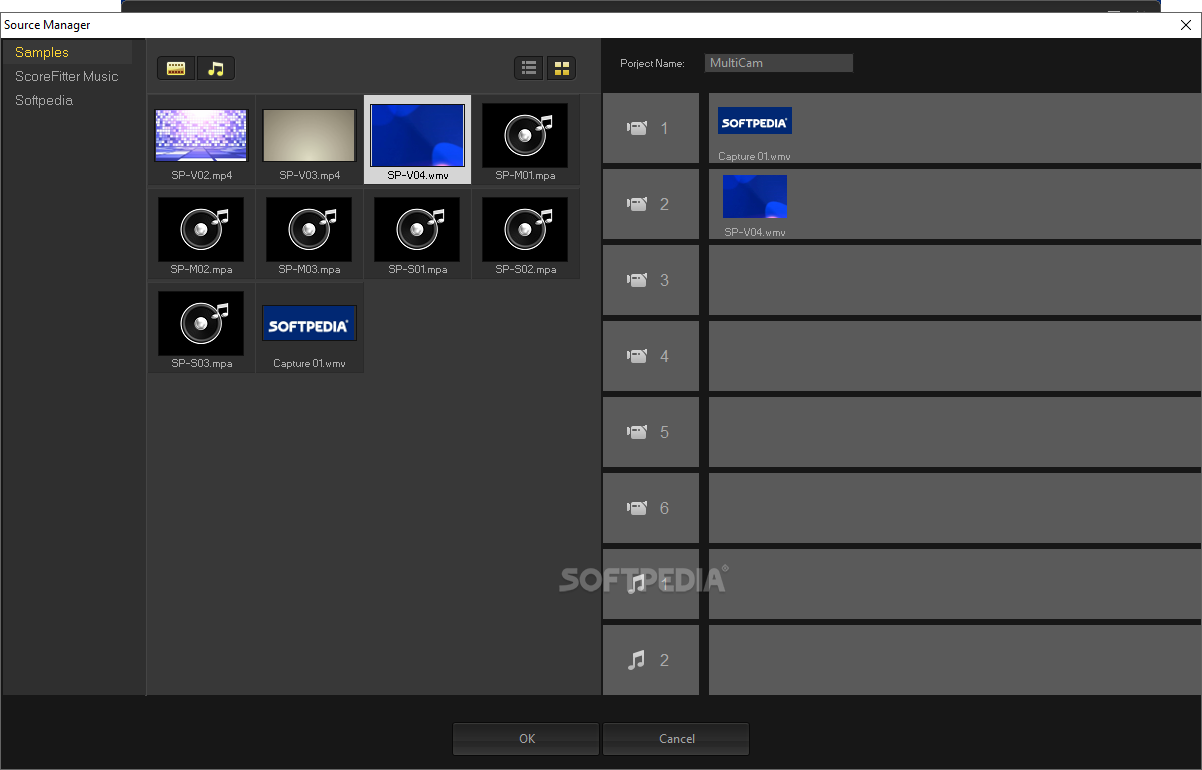
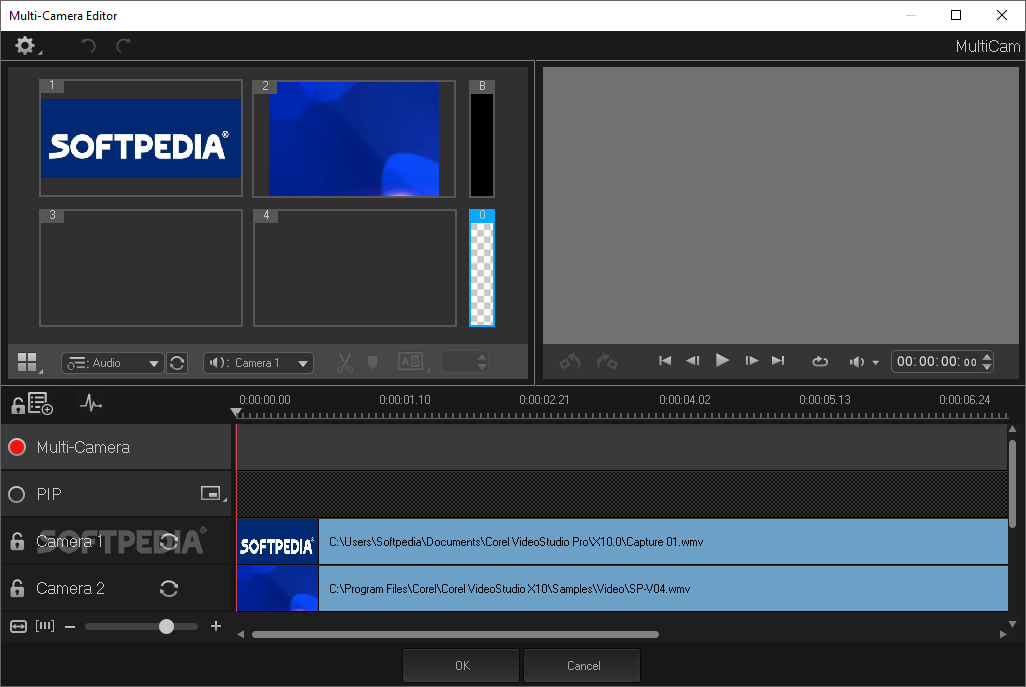
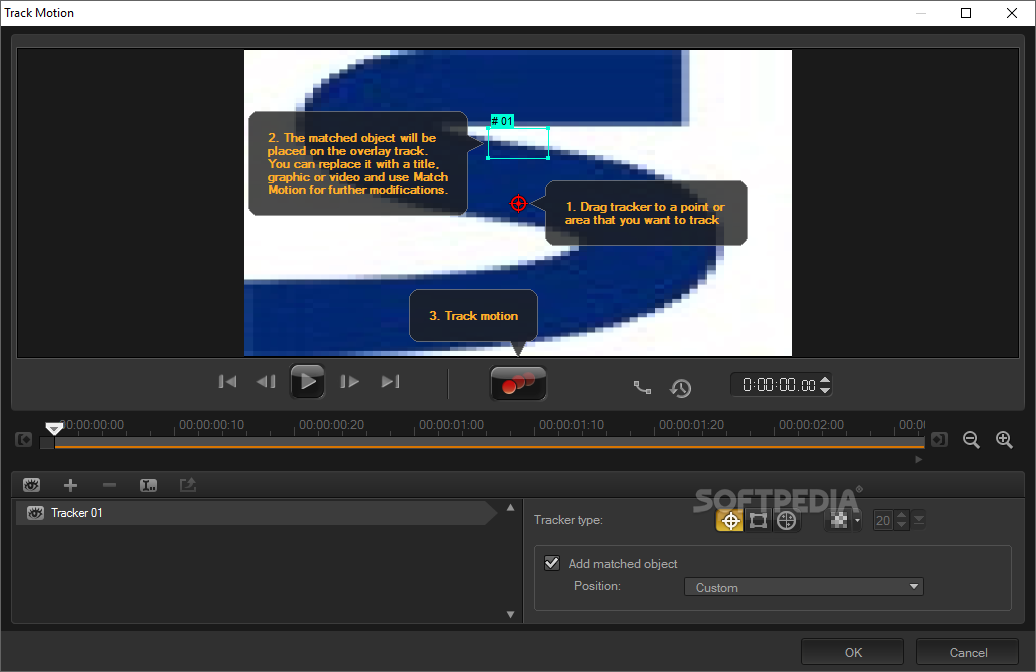
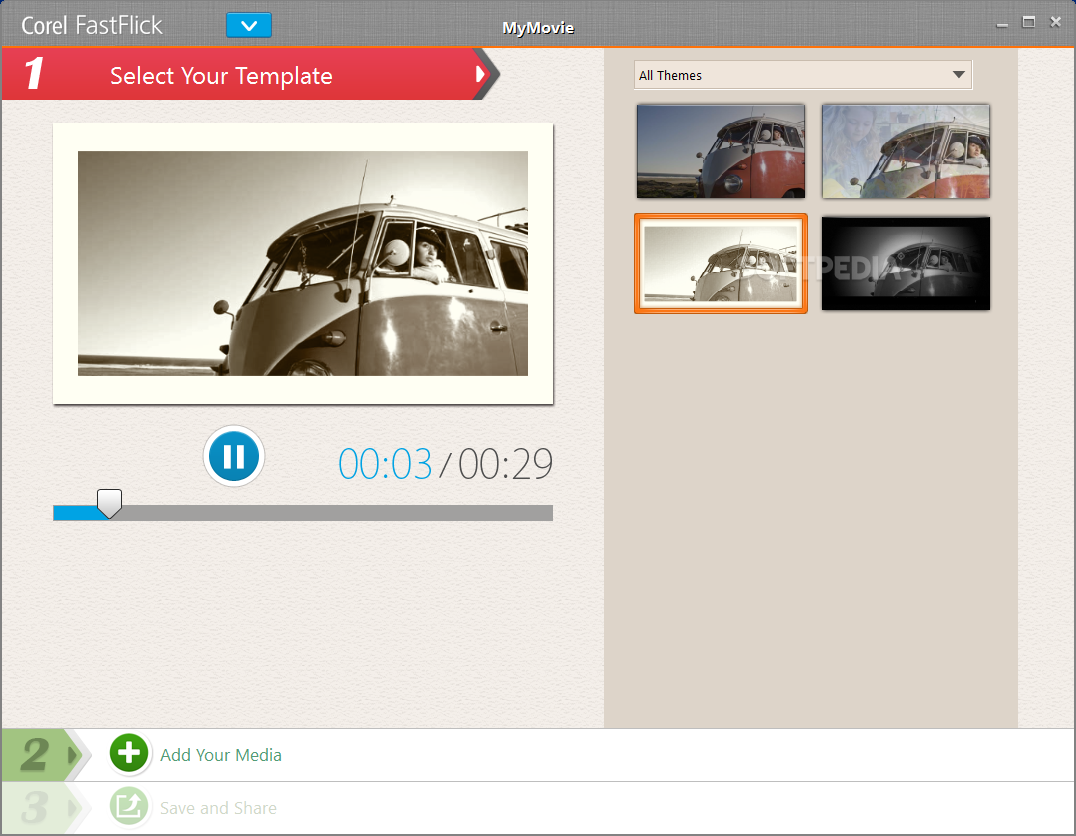
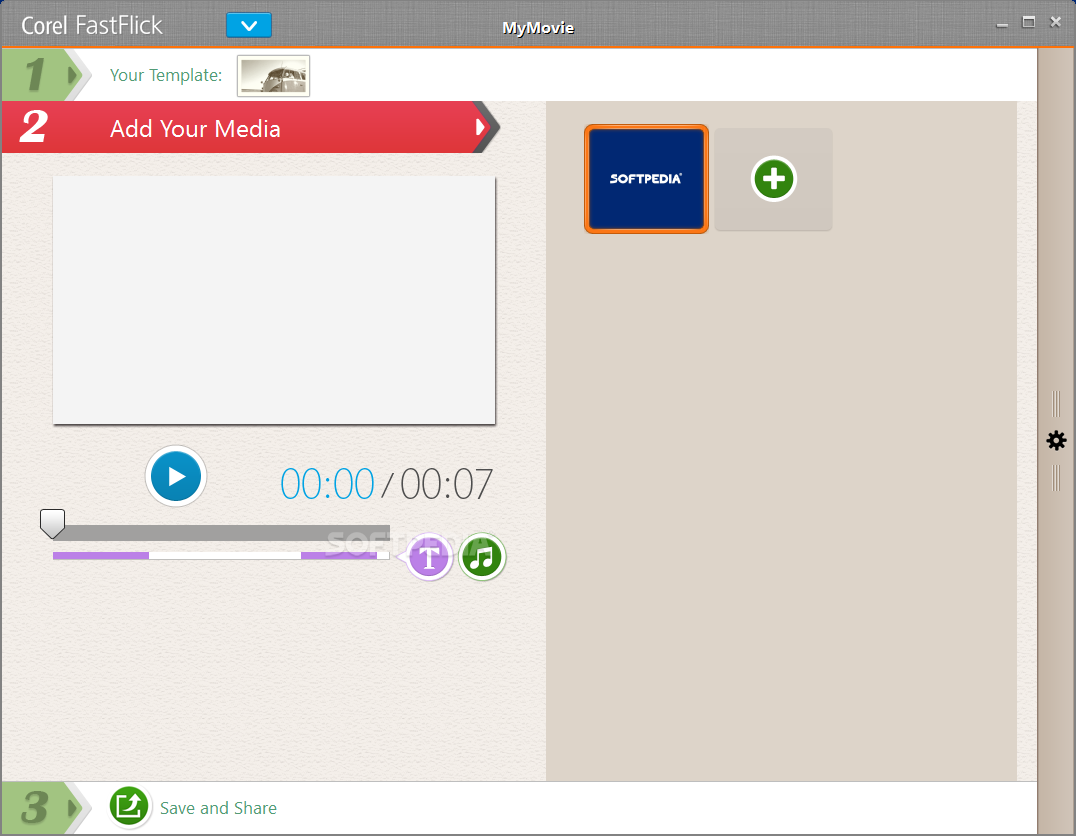
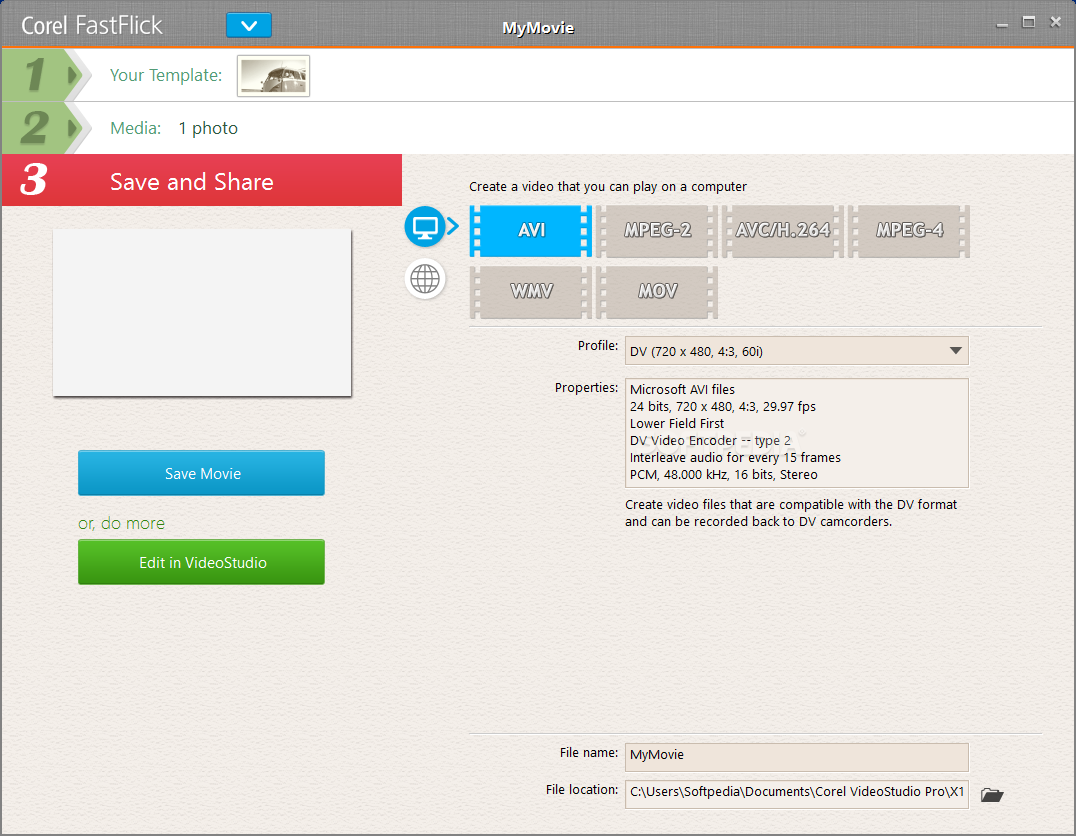
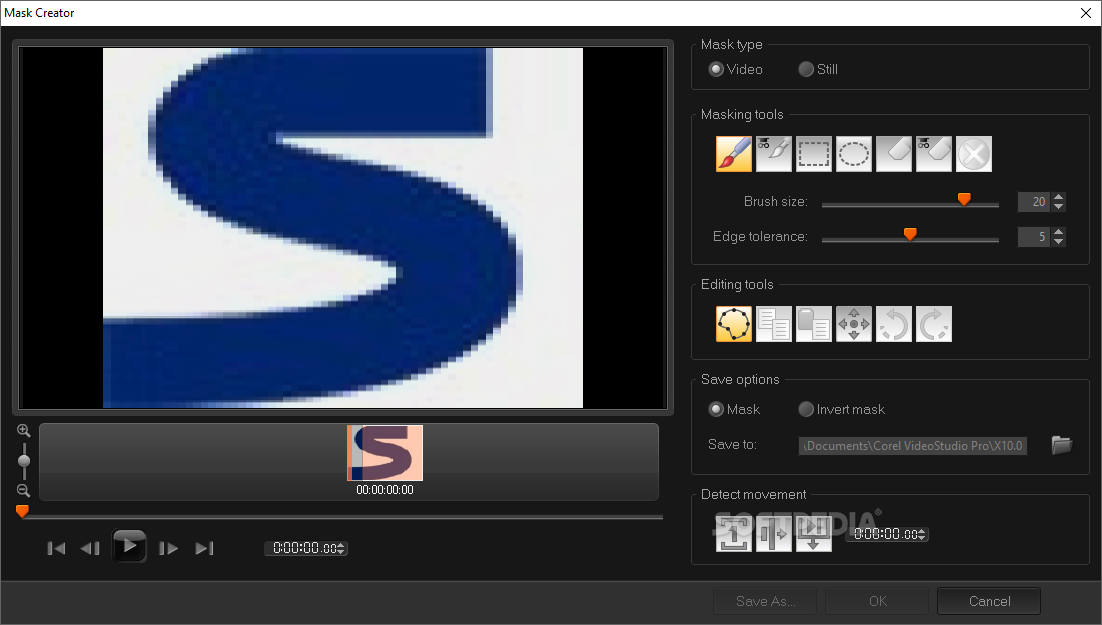
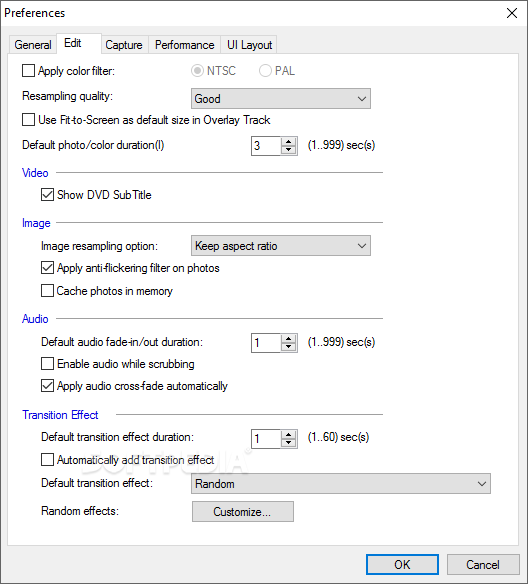
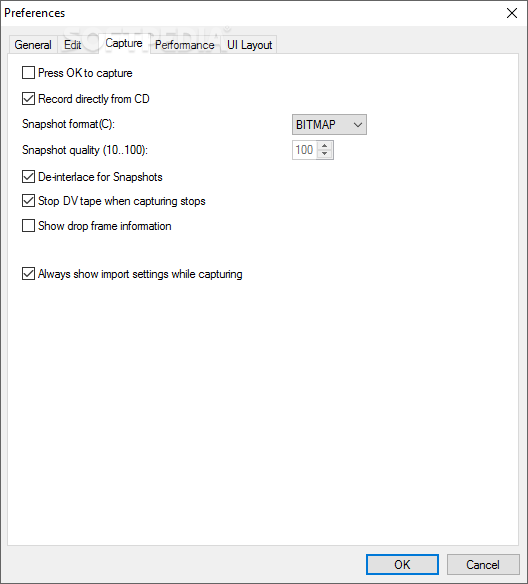
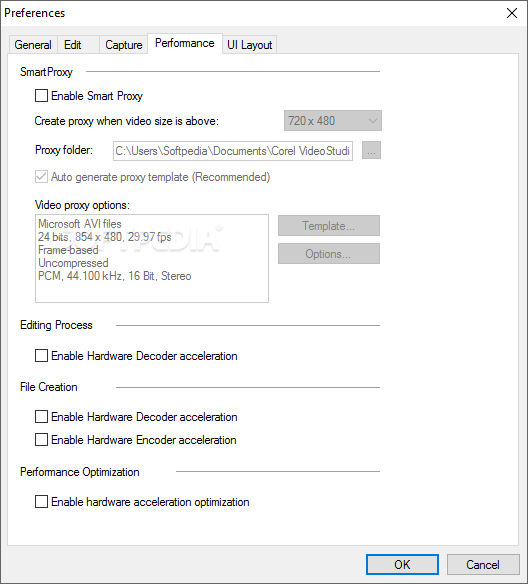
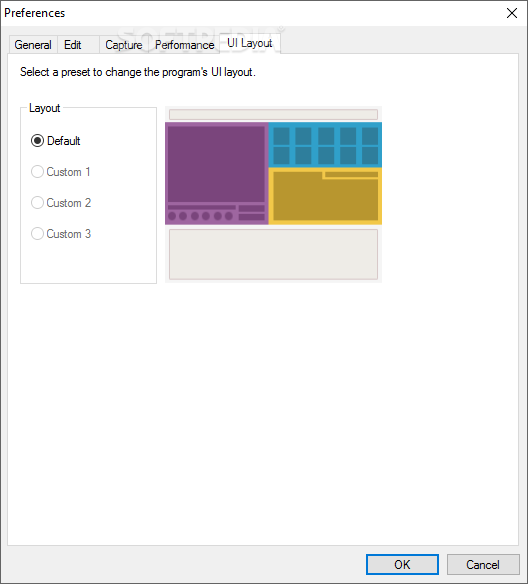
View more Ulead VideoStudio screenshots (12)
 Downloads: 158,407
Rating: Very Good (4.0/5) | Rated by: 434 user(s)
Add to download basket     Send us update information
 Developer: Ulead | More programs by this producer
 License: Trial , 129.99 $ to buy 
 Size / OS: 140 MB, Windows 2K/XP/Vista
 Last Updated: May 2nd, 2007, 07:45 GMT
 Category: C: \ Multimedia \ Video \ Video Editors
 Read user reviews (0) Add a review Refer to friend Subscribe
    Download Ulead VideoStudio

Ulead VideoStudio description
Easy-to-use editing and authoring tools for making great home movies

VideoStudio 11.5 Plus is video editing and DVD authoring software for anyone who wants to easily produce professional-looking videos, slideshows, and DVDs. Work quickly with intuitive wizards, or express your creativity with hands-on editing tools. Share your movies everywhere, on iPods, YouTube, or the latest HD home theater systems, with full support for AVCHD, Blu-ray and HD DVD discs.

Full-Featured DVD Authoring
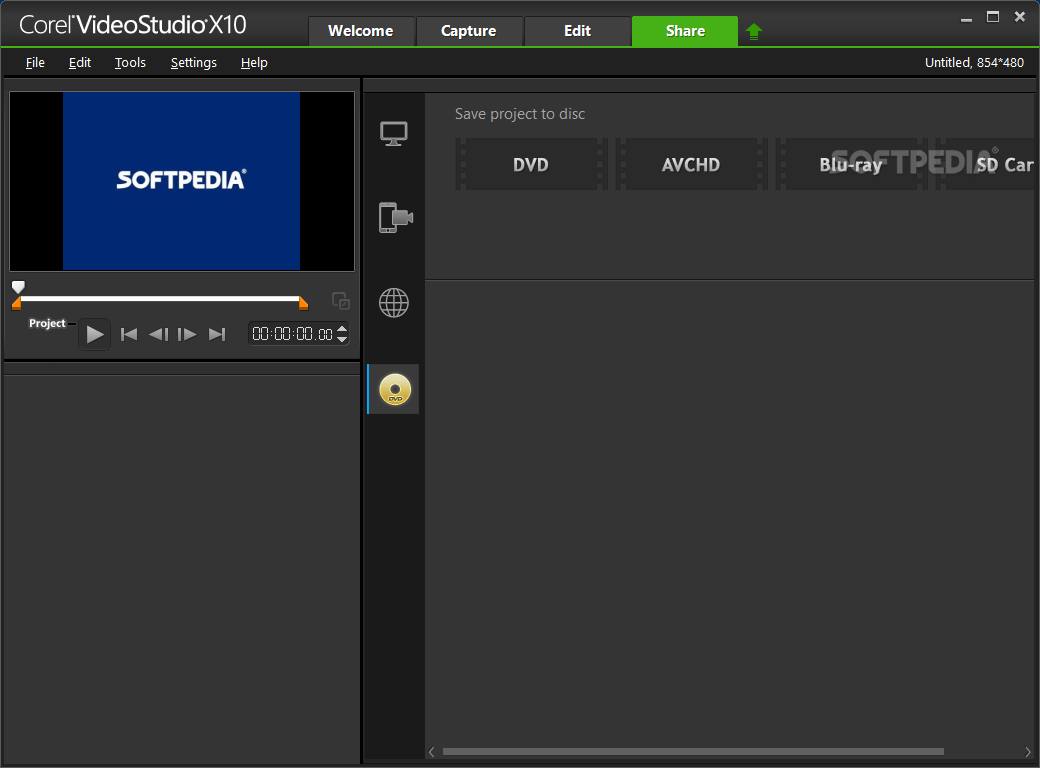
Create breathtaking standard and 16:9 widescreen video and slideshow discs. VideoStudio 11 Plus allows you to author and burn HD DVD as well.

Powerful Tools. Unlimited Creativity.
Spice up your home movies with hundreds of customizable effects, filters and transitions. VideoStudio 11 Plus includes six overlay tracks for making amazing picture-in-picture and montage effects. The Plus version also let you create Dolby® Digital 5.1 surround sound tracks and works with high-definition video formats.

Output to any Format or Device
The Plus version lets you output to H.246, MPEG 4 or devices such as Zune, iPod, PSP and Nokia VideoPhones.

Ulead VideoStudio 11.5 Plus is comprised of the VideoStudio 11 Plus program
along with the VideoStudio 11 Power Pack and Media One Plus. If you are an existing VideoStudio 11 Plus owner, click on the icon below for your free upgrade. If you purchased VideoStudio 11.5 Plus then you do not need to download the update packs.

Here are some key features of "Ulead VideoStudio 11.5 Plus":

End-to-end AVCHD – (AVCHD on standard DVD)
· Author HD content (from AVCHD or HDV camcorder, or any other HD source) and burn to a standard DVD, using a standard burner.
· AVCHD discs with menus play back pristine HD video on your PC, Blu-ray Player or Sony PS3, or from disc based AVCHD camcorders.
· Supports standard screen sizes from SD to HD, 1280x720 to 1920x1080 as well as PAL and NTSC systems
· Audio formats include LPCM and Dolby 2.0 or 5.1.

M2TS (Transport Stream) import
· Import video files directly from AVCHD hard drive or memory card camcorders.
· Use the “Insert Video” function to preview clips and easily import to hard drive
· VideoStudio 11.5 Plus opens M2TS files that have been copied to your hard drive using other utilities.

Blu-ray Disc (BDMV) authoring
· BD supports standard screen sizes from 720 to 1920 as well as PAL and NTSC systems.
· Compliant video, (such as HDV) isn’t re-rendered, ensuring shorter encoding times and excellent picture quality.
· Supports Dolby 2.0 and 5.1 audio formats
· Both single- and double-layer discs are supported.

H.264 High Profile (HD) encoding-
· Supports 1440x1080 and 1920x1080 output frame sizes.
· Encoding is optimized for multi-core processors, including Intel Core2 Duo and Core2 Quad.

HD DVD on standard DVD Production
· There is now a dedicated workflow for producing such “3X DVDs”.
· Choose a disc size and the capacity indicator will show how much space isavailable on the disc.
· HD DVDs play on set-top or PC HD DVD players, Xbox 360 HD DVD players, or standard PC DVD drives with appropriate software.

Native .TOD format (JVC HD Camcorder) import and editing
· VideoStudio 11.5 now offers support for importing and editing native .tod HD video from the latest JVC HD-7 camcorders. No conversion is required.
· VideoStudio 11.5 Plus fully supports all frame sizes offered by this camera, including the “FullHD” 1920x1080i frame size.
· MPEG Optimizer works with TOD video and VideoStudio will SmartRender it for more efficient performance.

New Menus, Templates and Overlay Graphics
·
8 New Movie Wizard templates for Home Movie and Slideshows, including powerful, eye-catching multiple-overlay sequences.
· 20 DVD Menus in text, thumbnail and unique One-Scene styles.
· 5 video frames for custom openings or segues.
· 19 Animated Flash overlays to enhance video.
· 5 Overlay mask frames for transparent overlays.

Direct YouTube upload
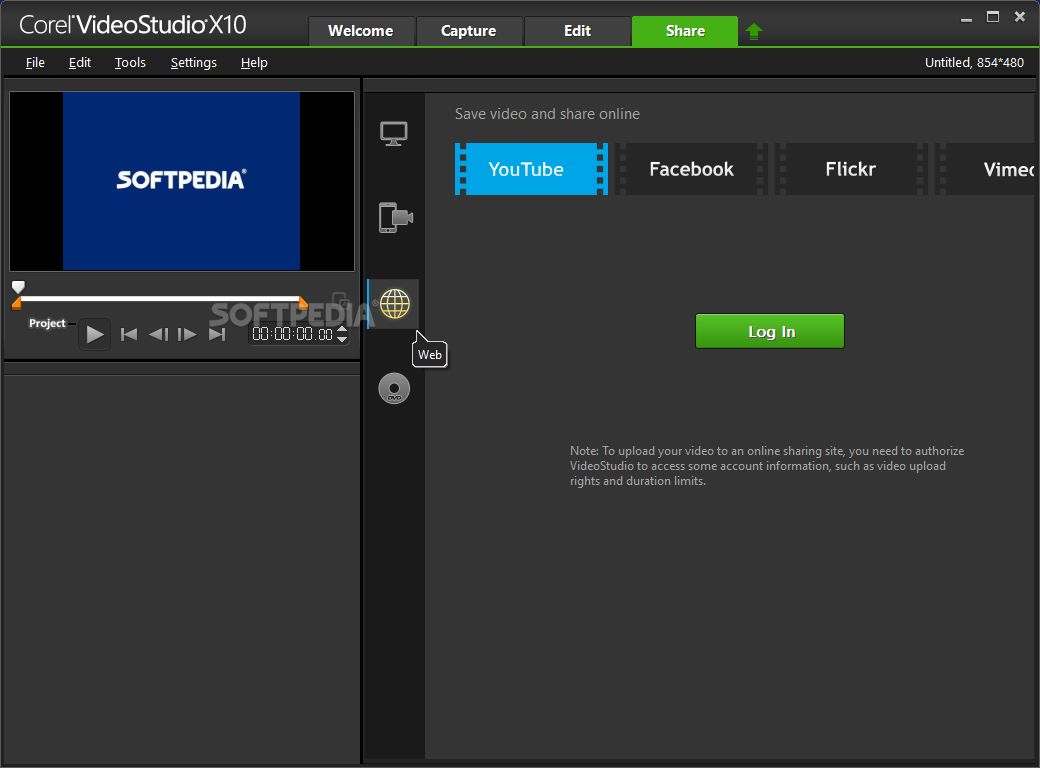
· After completing editing, users can select from a range of quality settings before video is encoded and uploaded directly to YouTube.
· Logging in and uploading all takes place from within VideoStudio.


Built around an intuitive interface, VideoStudio helps you transform long, boring videotapes into great home movies.


You can add titles and rolling credits, transitions, narration, and background music. It offers expanded usability features, such as enhanced scene detection, plug and play conectivity, overlays, and more.

Here are some key features of "Ulead VideoStudio":

· VideoStudio eliminates the steep learning curve associated with video editing.
· An intuitive user interface and the latest technology take the steep learning curve out of video editing.
· Guided workflow makes the entire creation process easy-to-follow
· Plug-and-play video transfer for quick connection and easy video capture
· Drag-and-drop control for quick and easy video creation
· Get more out of your videos without experience or investing a lot of time.
· 30 customizable video filters for quick correction and stylish effects
· Over 100 adjustable transitions for smooth scene changes
· Unlimited scrolling titles with shadows and borders
· Video & graphic motion overlays for image or video-on-video effects
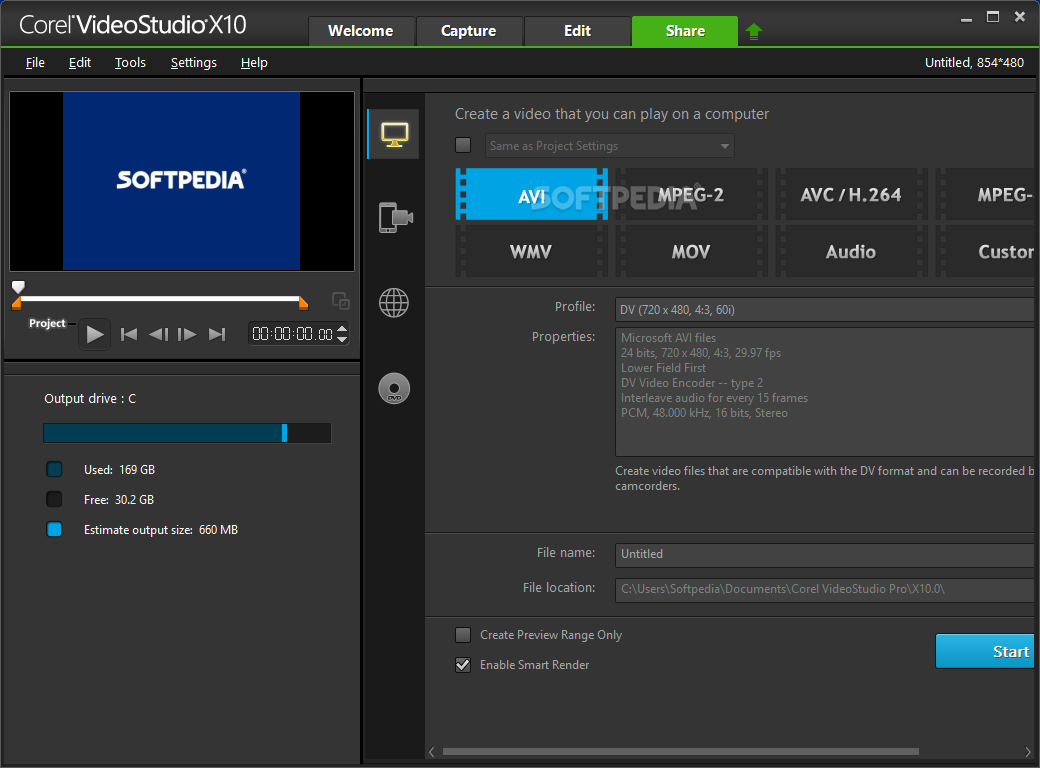
· Offers widest range of video sharing options so you can choose and customize the movie format that is right for you.
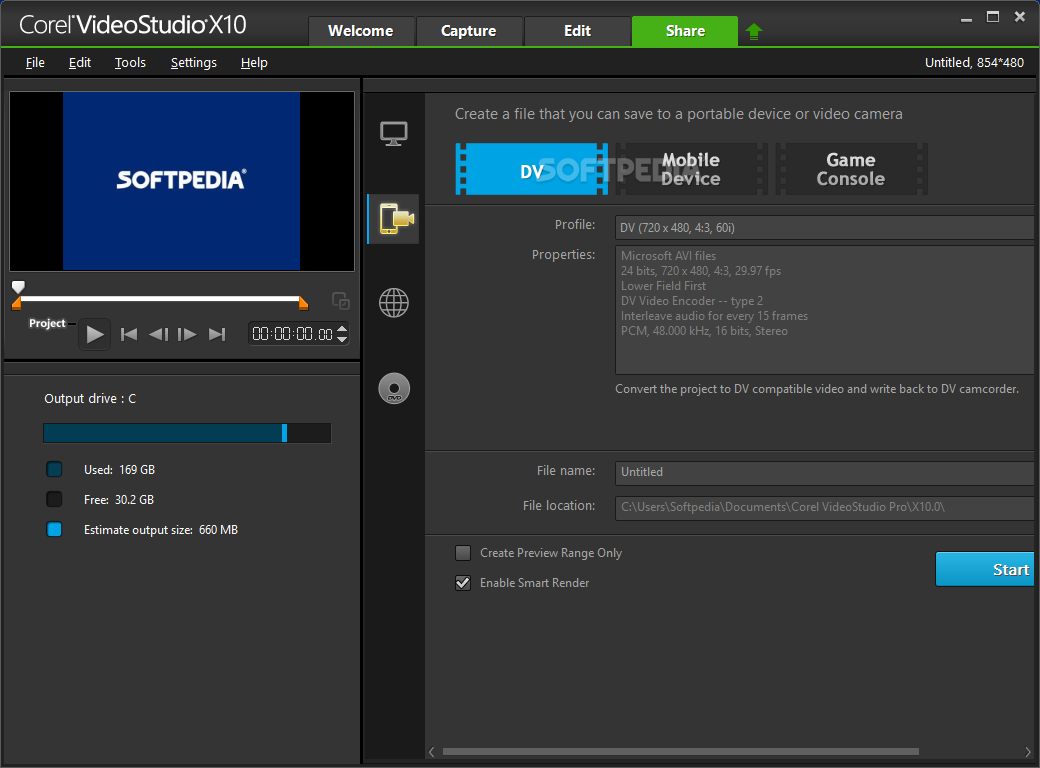
· Record finished videos straight to your DV/D8 camcorder
· One-click Video Web page and Greeting Card output
· Popular Web video formats (QuickTimeŽ, RealNetworksŽ, WindowsŽ Media)
· Create DV and MPEG-2 videos for outstanding quality


Input Formats :

Video: AVI, FLC, FLI, GIF, MOV, MPEG-1, MPEG-2, QT, RM*, UIS , WMV*
Image: BMP, CLP, CUR, DCS, EPS, FPX, GIF, ICO, IFF, IMG, JPG, PCD, PCT, PCX, PIC, PNG, PSD, PXR, RAS, RLE, SCT, SHG, TGA, TIF, WMF
Audio: AIF, AIFC, AIFF, AU, AVI, MOV, MP3, MPEG-1, MPEG-2, QT, WAV

Output Formats :

Video: AVI, FLC, FLI, FLX, MOV, MPEG-1, MPEG-2, QT, RM, UIS, WMV
Image: BMP, CLP, EPS, FPX, GIF, IFF, JPG, PCX, PNG, PSD, PXR, RAS, RLE, SCT, TGA, TIF, WMF
Audio: WAV , MPA , RM , WMA

· DV-to-DVD Wizard simplifies the process of videomaking even more by providing the fastest route from DV tape to finished DVD. In just two easy steps you’ll have an authored DVD - with menus, titles, transitions and music!
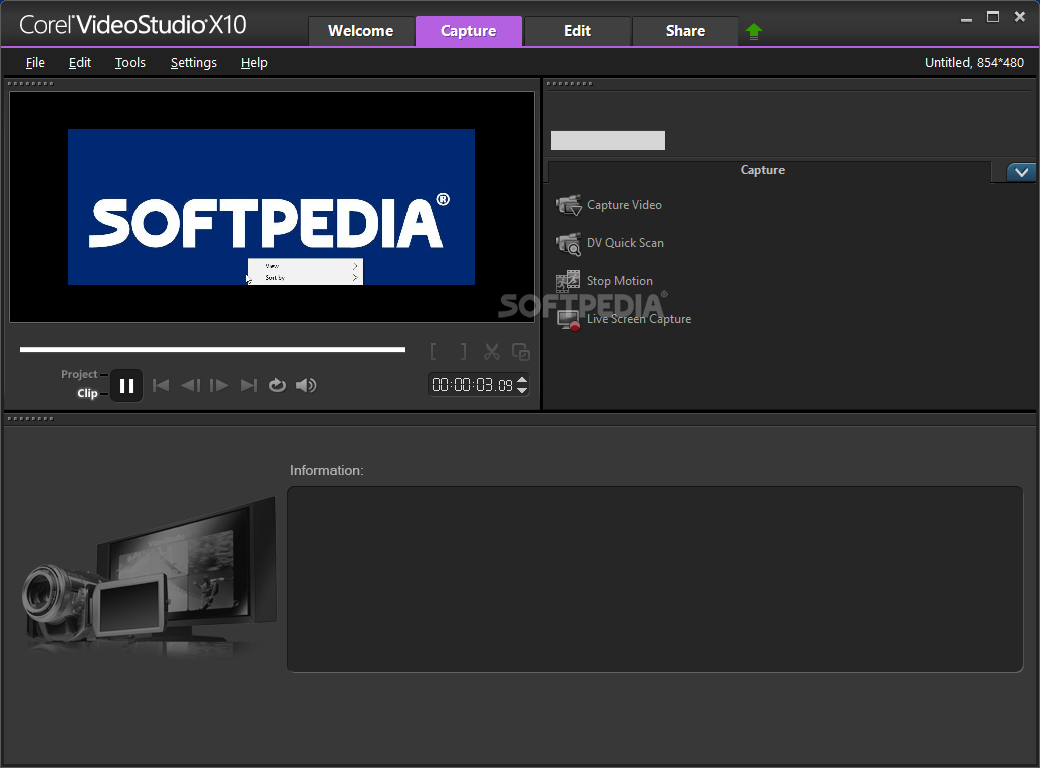
· DV Quick Scan shows you exactly what is on your DV tape by automatically scanning it and giving you a timecoded thumbnail list of all your clips. You can then batch capture· only the clips you want.
· Ripple Editing makes removing portions of clips and arranging scenes easier, as it automatically adjusts the positions of elements like audio, titles and overlays in relation to the video.
· Timeline Zoom Control means getting a look at the bigger picture – instantly. A zoom control slider lets you expand or compress your video timeline, so you can see the details of your video quicker Improved Titles mean better ways to apply titles. Grid lines now help you place your titles exactly where you want them. Drag presets from the Library or create your
own. Assign a specific duration each for your title’s start, end and pause.
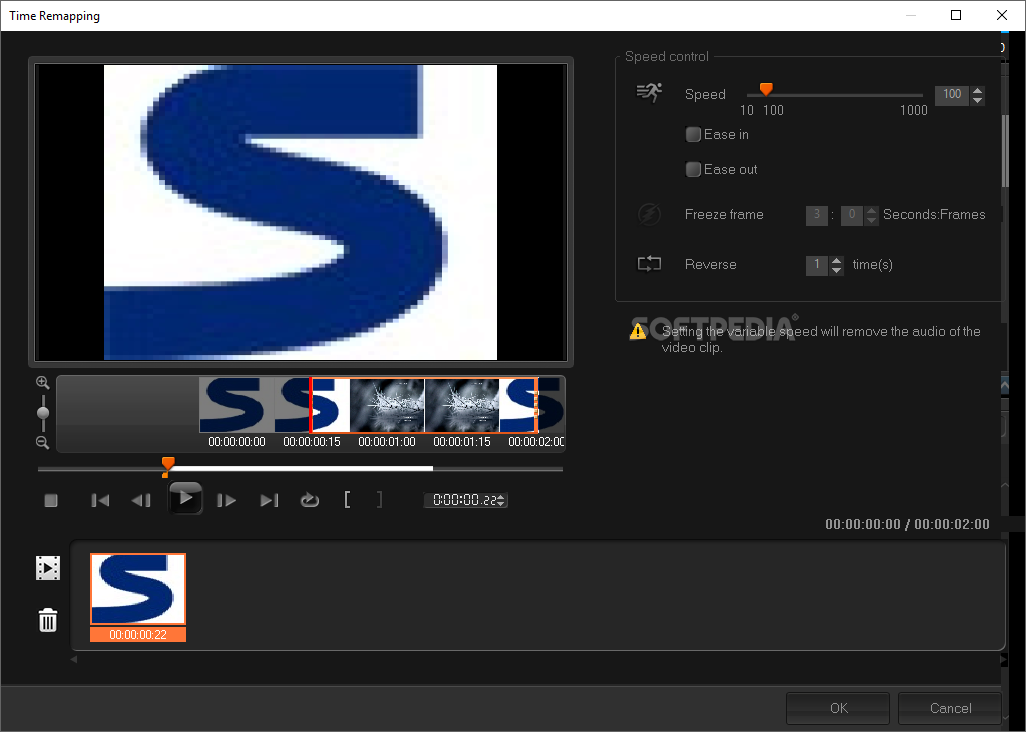
· Time Stretch lets you tweak the duration of video or audio clips to match other material on the timeline, without adversely affecting the audio pitch.
· Reverse Playback creates a fun visual effect by playing your video backwards.
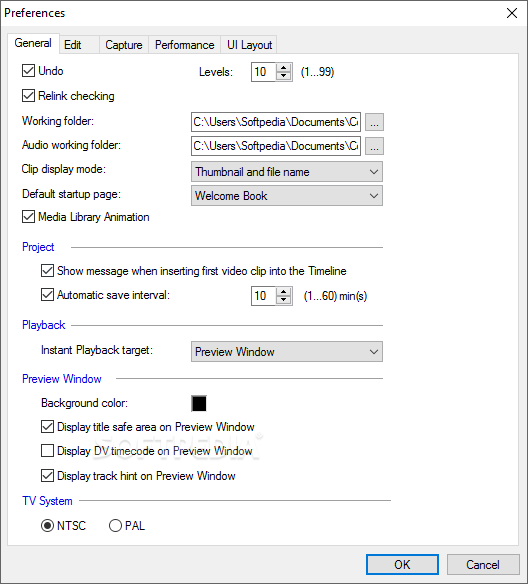
· Auto Save makes sure you don’t lose your work if something goes wrong, by automatically saving at set time intervals.
· Enhanced Capture Options provide a no-hassle capture experience. Select the capture method, and VideoStudio displays only the options you need.
· Chroma Key lets you create TV magic the way the pros do.
· Shoot your video subject against any uniformly colored background and then “fill in” the background of your choice. Place yourself in the Amazon jungle in an instant.
· Flash Animation Overlay Support allows you to use Flash objects or clips, that have been saved with a transparency channel, as cartoon-style overlays.
· New Transitions create great optical effects that make your transitions between scenes as fluid as possible. Choose from new Masks and Flashback for fun new ways for you scenes to fade in and out.
· Audio Filters such as Volume Leveling which matches the volume of loud and soft video clips to ensure volume consistency and Audio Reverb, a creative effect which adds a sense of acoustic space to your movies audio.
· Second Generation Auto Music Maker features an enhanced music engine that lets you create an infinite variety of unique royalty-free tunes to perfectly fit your video’s mood and duration.
· Second Generation Music Analysis Engine now detects rhythm patterns in the background music so that transitions between video clips and images can be made to the beat.
· Video Distortion is a creative tool to reshape your images or video clips so they fit into slanted or distorted overlay frames.
· All New Video Filters give you more choices to make your video clips stand out. Particle Filters create a unique effect by overlaying random Clouds and Rain which you can customize just the way you like.
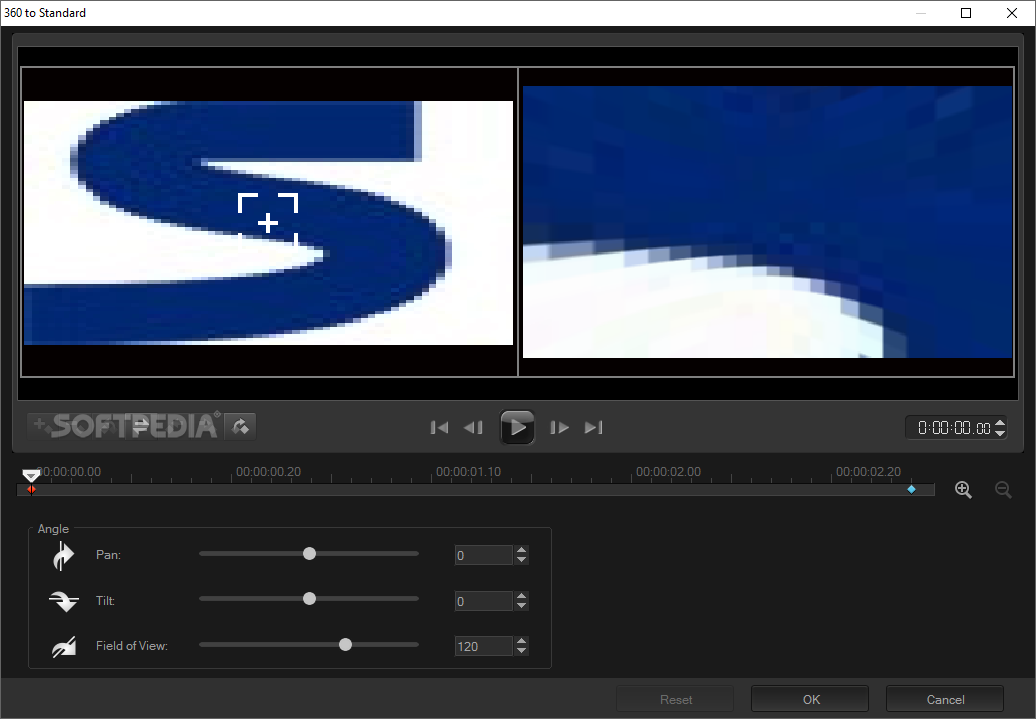
· Video Pan and Zoom lets you pan across and zoom in on the details of your favorite video clips.
· Strobe Motion Filter selectively speeds up or slows down portions of a video clip. See the part where the player kicks the ball in slow-mo, and then speed up the rest for the goal!
· Ghost Motion Filter creates a ghosting effect that is great for making kids’ “ghost” movies.
· Auto Slideshow with smart Pan & Zoom creates lively slideshows from your photos. You can specify the duration for each image, set transitions and automatically match them to the rhythm and duration of the background audio.
· Motion Menus make your DVDs look professional with full motion buttons, as well as video and audio menu backgrounds.
· 16:9 Widescreen Support creates widescreen movies for a true home theater experience.
· Movie Screensaver creates Windows screensavers based on your favorite slideshow or video clips complete with your favorite music.
· Smart Download provides you with ready to download updates, add-ons and other content for VideoStudio directly from the Ulead Web site.

Requirements:

· Intel Pentium 4 (equivalent) or higher recommended
· 512 MB (1GB RAM or above recommended)
· 1 GB of available hard disk space for program installation
· Windows-compatible sound card (multi-channel sound card for surround sound support recommended)
· Windows-compatible CD-ROM for installation
· Windows Media Player
· Apple QuickTime
· RealNetworks RealPlayer
· Capture device


Limitations:

· 30 days trial


What's New in This Release:

· easier to adjust chroma key settings.
· Expandable Timeline
· Expand the timeline at a click of a button, so that you can conveniently see all your overlay tracks.
· Place cue marks on the timeline to easily mark where you want a title to start, or perhaps some music to come in.
· "My Favorites" folder in Transitions Folder makes it easier to find the most-used transitions quickly.
· New Encoding Options
· MPEG Optimizer analyzes the bitrates of all clips on the timeline, and suggests encoding settings to ensure the least re-rendering for the best quality and speed.
· Safely Pause rendering at any time when you need to do something that requires more PC resources.
· Expanded Title and Subtitle Support
· Multi-language titles such as double-byte Chinese, Japanese and Korean characters supported.
· Unicode character set supported to simplify multi-language titles.
· Rotate titles directly in the preview window to any angle you like.
· DVD Sub-Title Import lets you Import a subtitle set in the language of your choice together with the video from a DVD.
· Sync subtitles to downloaded movies, which often have subtitle files available in .srt format that will automatically synch to the video when burning a DVD.
· More Filters and Effects
· Corrective Video Filters
· Auto Color & Tone will auto-correct the color and tone of videos that were recorded in low light or less than perfect white balance conditions.
· DeBlock Filter cleans up video with blocky compression artifacts, such as movies copied from VCD.
· DeSnow Filter removes digital noise from your videos shot in low light.
· Combine transparency and mask or chroma key effects for more striking overlays.
· Enhanced DVD Menus and Authoring
· Lots More Content. Flash Animations, Movie Wizard Video & Slideshow Style Templates, and HD DVD* menus.
· Distort menu objects like buttons and overlays for creative effects.
· The Most Complete Solution
· Create Quality Movies for Mobile Devices and show them on the go. Works with virtually any handheld device with MPEG-4*, H.264* and WMV templates for:
· Apple iPod
· Sony PSP
· Zune
· Nokia® mobile phones* – including import from videophones
· Smartphones (Windows Mobile 5.0), PDAs and other portable devices.
· Windows Vista™ Support for the latest-generation systems.
· Intel® Core 2 Duo™ support – enjoy improved performance from dual-core CPUs.... [ read full changelog ]


Softpedia guarantees that Ulead VideoStudio 11.0.0157.0 Plus is 100% CLEAN, which means it does not contain any form of malware, including but not limited to: spyware, viruses, trojans and backdoors.

This software product was tested thoroughly and was found absolutely clean, therefore it can be installed with no concern by any computer user.

However, it should be noted that this product will be retested periodically and the award may be withdrawn, so you should check back on this page from time to time. (click here for more information)


Related downloads IT News Popular downloads New additions   Latest reviews  
Video Edit Magic 4.47
Lets you capture, edit and give effects to your videos
VideoCharge 3.14.0.0
Easy tool for convert and split video/movies files, resize, make snapshots
Colorful Movie Editor 4.2.2
Colorful Movie Editor is the fastest and simplest way to create compelling productions from raw video
VideoEdit Converter Gold 4.0
Convert video/audio to MPEG1, MPEG2, VCD-PAL, VCD-NTSC, SVCD-PAL, SVCD-NTSC, DVD
AV Video Morpher Gold 3.0.9
An all-in-one home movie editor that will help you create movies by dubbing voices
Stereo Movie Maker 0.93
A versatile stereo movie editor and stereo movie player
FMV Pro 5.99
FMV Pro is a unique movie editor and player bursting with multimedia features, special effects, transitions, realtime editing
i.Xchange Movie Editor 1.7.1
i.Xchange Movie Editor - easy-to-use video editor with export options for video, audio and image
Scene Composer Razor 3.0
Scene Composer is a home video maker tool designed to trim unwanted scenes in MPEG and VOB files.

go to top Use the following code to link to this page:


Welcome!
Hello, Guest

Login if you have a Softpedia.com account.

Otherwise, register for one.

Main categories:
  • Antivirus
  • Compression tools
  • CD/DVD Tools
  • Office tools
  • Programming
  • Authoring tools
  • File managers
  • Desktop Enhancements
  • Internet
  • Network Tools
  • IPOD TOOLS
  • Mobile Phone Tools
  • Multimedia
  • Tweak
  • System
  • Security
  • Others
  • Science / CAD
  • UNIX
  • Windows Widgets
  • PORTABLE SOFTWARE

  • Week's best:
  • Adobe Flash Player 1...
  • Intel Chipset Softwa...
  • Uxtheme Multi-patche...
  • SRS Audio Sandbox 1....
  • SP3 UxTheme Patcher ...
  • PECompact 2.82
  • Sony Vegas Movie Stu...
  • 3DMark Vantage 1.0
  • Total Commander 7.03
  • VistaMizer 2.5.1.0
  • AVG Free Edition 8.0...
  • Windows XP Service P...
  • Ashampoo Burning Stu...
  • XviD Media Codec 1.1...
  • Blu-ray Disc Ripper ...
  • Blu-ray Region Code ...
  • Adobe Photoshop Ligh...
  • PowerDVD 8.0.1531
  • EF Commander 6.54
  • Microsoft Windows In...
  • Nero 8 Lite 8.3.2.1
  • WebSite-Watcher 4.41...
  • EVEREST Ultimate Edi...
  • Nokia PC Suite 6.86....
  • VMware Workstation 6...
  • AnyDVD HD 6.4.2.2
  • Messenger Plus! Live...
  • The Bat! Voyager 4.0...
  • Windows Vista Servic...
  • Nero 8 8.3.2.1
  • © 2001 - 2008 Softpedia. All rights reserved.
    Softpedia™ and Softpedia™ logo are registered trademarks of SoftNews NET SRL.
    Copyright Information | Privacy Policy | Terms of Use | Contact Softpedia | Update your software | Archive