
A practical and handy media player which plays almost all multimedia formats without the need for installing any separate codecs. #Media player #Preview video #Media viewer #Playback #Player #Play

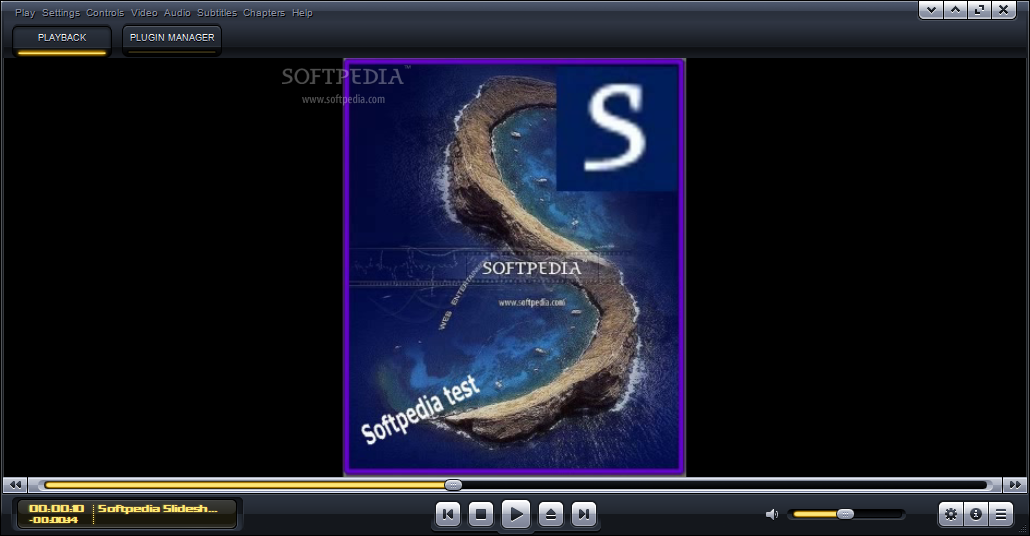
Kantaris is a multimedia player that supports most commonly used audio and video file formats. Straight from the installation, you will be able to set file associations.
The types that the program can handle include 3GP, AVI, DIVX, FLV, MKV, MOV, MPEG, XVID, FLAC, MP3, WAV, WMA, RAR (plays these archives without having to extract media), and DVDs.
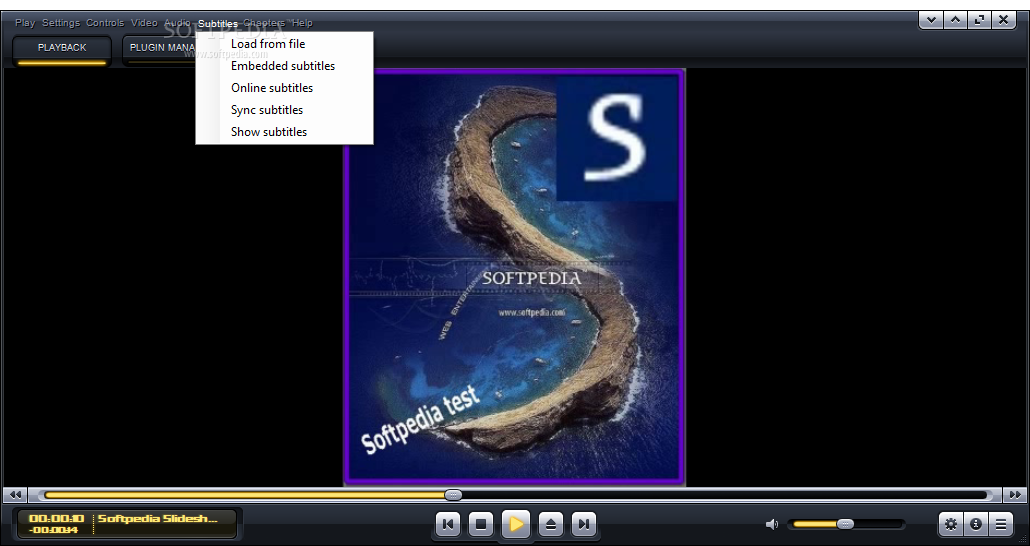
The interface of the software is quite simple, so you should not have any trouble finding its features. Kantaris is both designed for novice and experienced users.
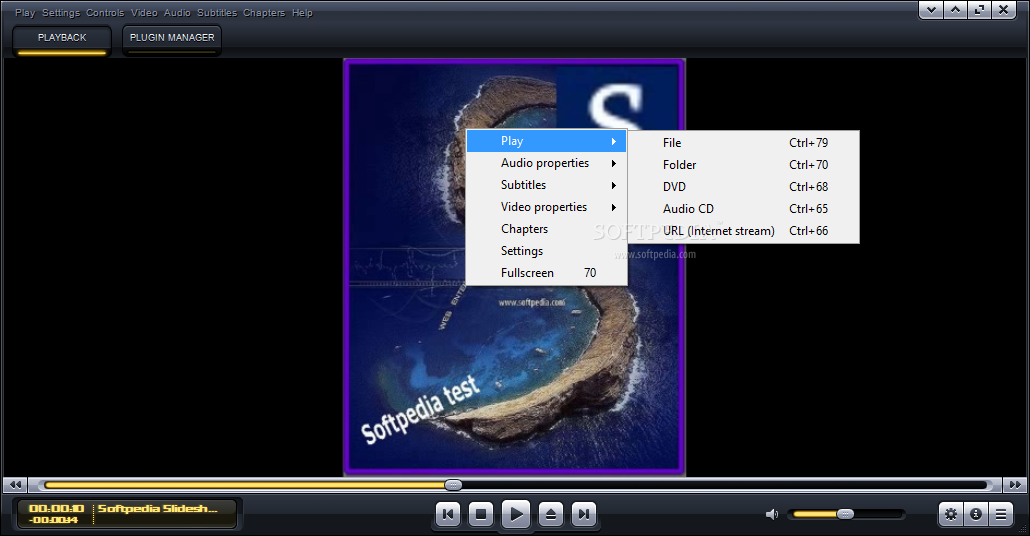
You can load a file, folder, DVD or audio CD, but you can also insert a URL address with a file or stream you want to play. Unfortunately, the last feature failed a couple of times during our tests.
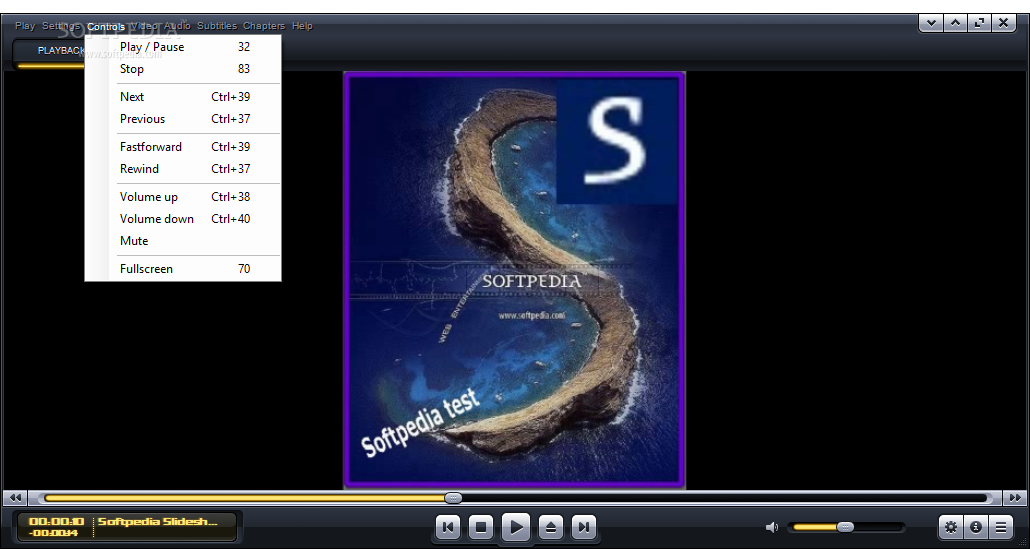
We loaded a bunch of video files of different formats. Kantaris works perfectly in most cases, but it is sometimes difficult to move back and forth in the video because the application takes a few seconds to load the new position.
Plus, when we put an MPG and ASF file to the test, navigating in the clips was not possible. Every time we tried to navigate in the clip, the video started from the beginning.
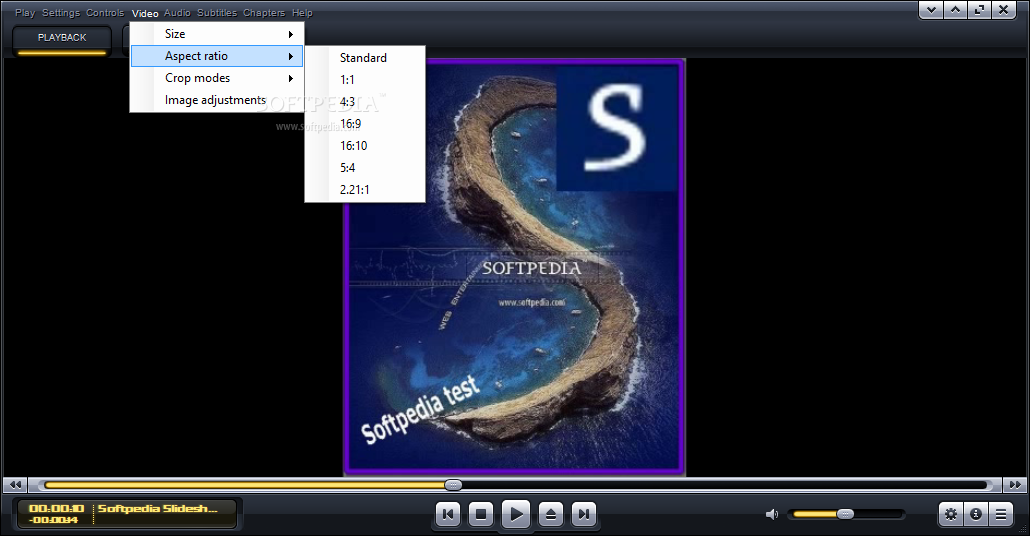
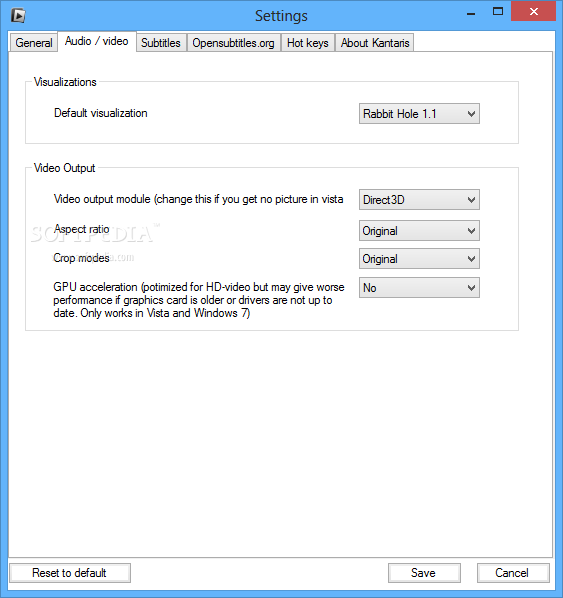
You can change the video's size, aspect ratio, crop mode, and you can also make image adjustments. Audio language can be selected or disabled, while the sound can be synchronized with the image.
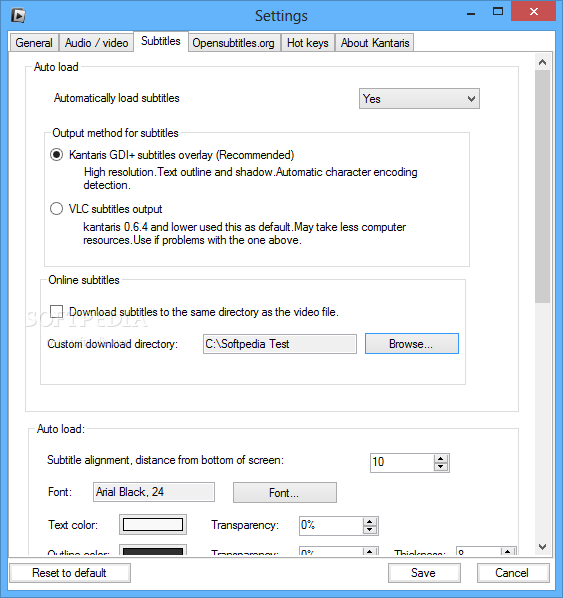
A plugin manager allows you to install various useful add-ons for Kantaris. Subtitles can be either loaded from the file, automatically browsed in an online database (which is not very extensive), as well as synced.
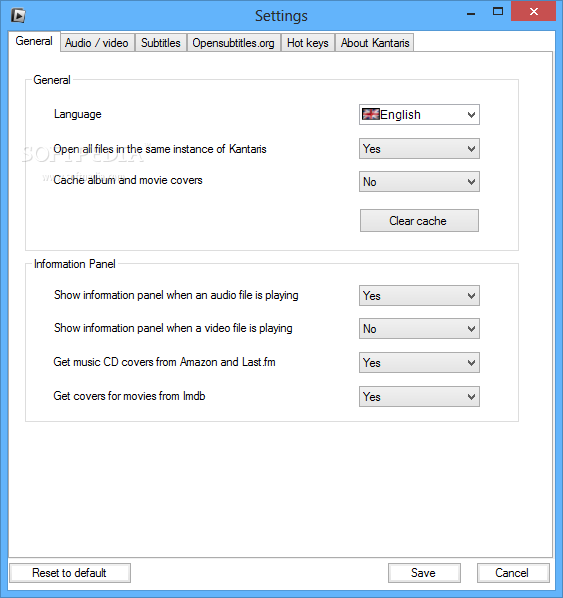
The program uses a high amount of system memory, and sometimes we couldn't access general settings because the app froze every once in a while. Overall, Kantaris is a decent multimedia player as it packs many functions and is quite easy to use.
Download Hubs
Kantaris is part of these download collections: Video Players, Play MKV, Open DivX, MPEG Player
Kantaris 0.7.9
add to watchlist add to download basket send us an update REPORT- runs on:
-
Windows 7
Windows Vista
Windows XP
Windows 2K - file size:
- 17 MB
- filename:
- Kantaris_0.7.9_setup.exe
- main category:
- Multimedia
- developer:
- visit homepage
calibre

Zoom Client

4k Video Downloader

Windows Sandbox Launcher

Bitdefender Antivirus Free

Microsoft Teams

ShareX

IrfanView

paint.net

7-Zip

- IrfanView
- paint.net
- 7-Zip
- calibre
- Zoom Client
- 4k Video Downloader
- Windows Sandbox Launcher
- Bitdefender Antivirus Free
- Microsoft Teams
- ShareX