
MIS Info Video lets you play DVD, AVI, MP3 and MPEG files, manage, and obtain information about a media file. #Dvd player #Information manager #Video player #Play #Player #Video
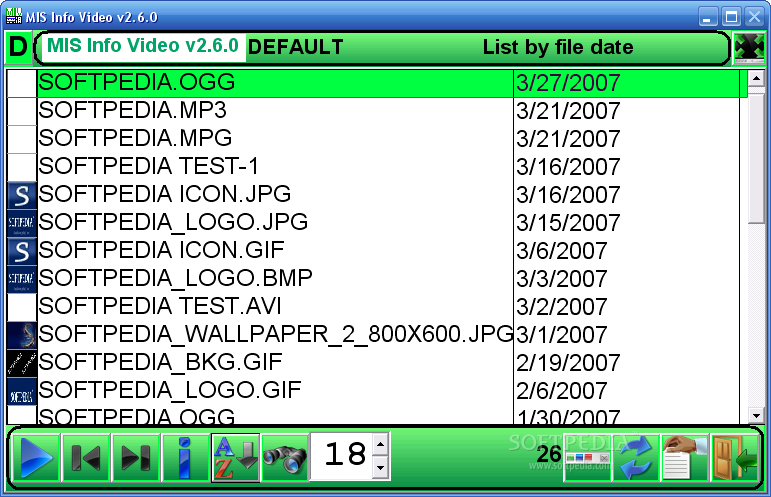
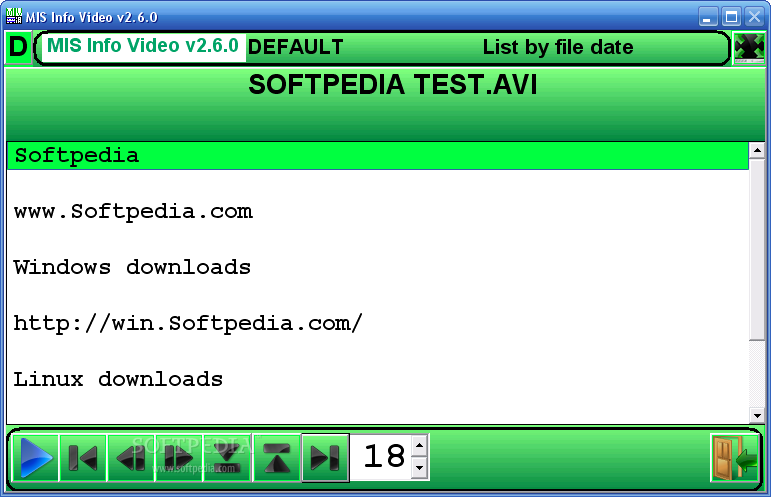
MIS Info Video lets you to play DVD, AVI, MP3 and MPEG files, manage, and obtain information about a media file using MIS specification (subtext, chapters, URL...), .NFO or .TXT.
MIS Info Video also gives you the possibility to resume a media (video/audio), a 10-foot onscreen TV interface, parental control with a .MIS, sorting, profiles, work like a regular player (no profile needed), English/French ...
Here are some key features of "MIS Info Video":
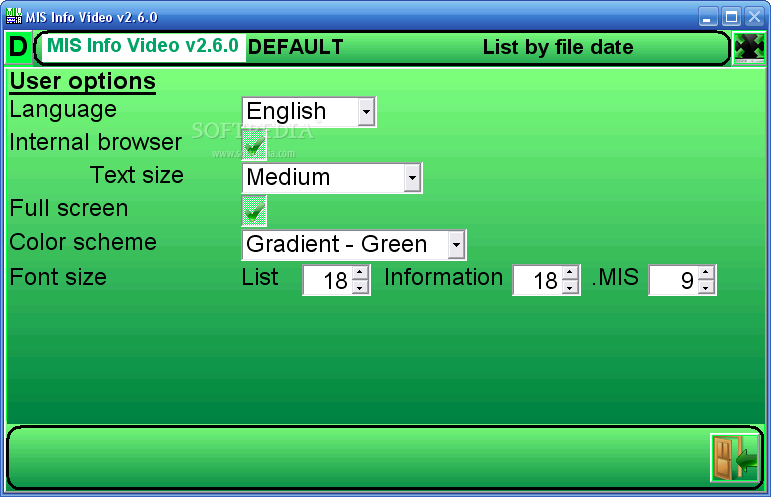
· Support password, parental control · Can resume playback where you last stop it (support multi-user and the .MIR specification) · Search credit name on imdb.com · Option to hide the date when resuming · Enter an alternate name when resuming a second time (mostly for computers with one user account) · View your pictures (JPG, TIF, PNG, BMP, GIF) · 6 ways to navigate your media files · Assign a default picture for each folders or each file without a previously assigned picture. Perfect for albums, TV series, theme folders ... · Fully support the FOLDER.MIF · Support more .MIS tags (purchase-ymd, estimate-price, warranty-ymd...) thus starting your own basic inventory system · Support for other extension (no playback): ISO, IMG, AMZN (Amazon Unbox) · Search for a word in the title or .MIS · Let you play (1, 2) (DVD, AVI, WMV, MPEG 1/2, MP3, WMA, WAV, ASF, TS) and displays more types · Acts like a regular media player without the need to create a profile · 10-foot onscreen TV interface · Support .MIS chapters, subtexts · Manage more than 1 million titles per profiles · Profile Manager Program to better organize your profiles · Mini Web browser for the URLs within a .MIS · Sort by original date, title, folder, file extension ... · Create a .TXT from a .MIS · Launch and play the VIDEO_TS.IFO(DVD) on your hard drive (2) · 12 Color scheme(6 gradient, 6 normal) · Take snapshots of a video media · Organize all of your video files with the help of a profile · Resize to the screen resolution · Configure your favorite video player · Support network drive · English and French support · No spyware or adware
Requirements:
· Processor Memory: 128 MB minimum · Hard disk space: 25 MB of free space · Video: 800X480 · Graphic: Latest DirectX 9 and video drivers (not the basic one), Windows Media Player 9/10 · Input: Keyboard and Mouse
MIS Info Video 2.7.0
add to watchlist add to download basket send us an update REPORT- runs on:
-
Windows 2003
Windows Vista
Windows XP - file size:
- 10.9 MB
- filename:
- MISInfoVideo_setup.exe
- main category:
- Multimedia
- developer:
- visit homepage
ShareX

Bitdefender Antivirus Free

paint.net

4k Video Downloader

IrfanView

calibre

Zoom Client

7-Zip

Microsoft Teams

Windows Sandbox Launcher

- 7-Zip
- Microsoft Teams
- Windows Sandbox Launcher
- ShareX
- Bitdefender Antivirus Free
- paint.net
- 4k Video Downloader
- IrfanView
- calibre
- Zoom Client