
A video player that with a modern-looking interface and basic playback controls that can load individual files, DVDs, and video URLs. #Video player #Movie player #Play film #Player #Play #Converter

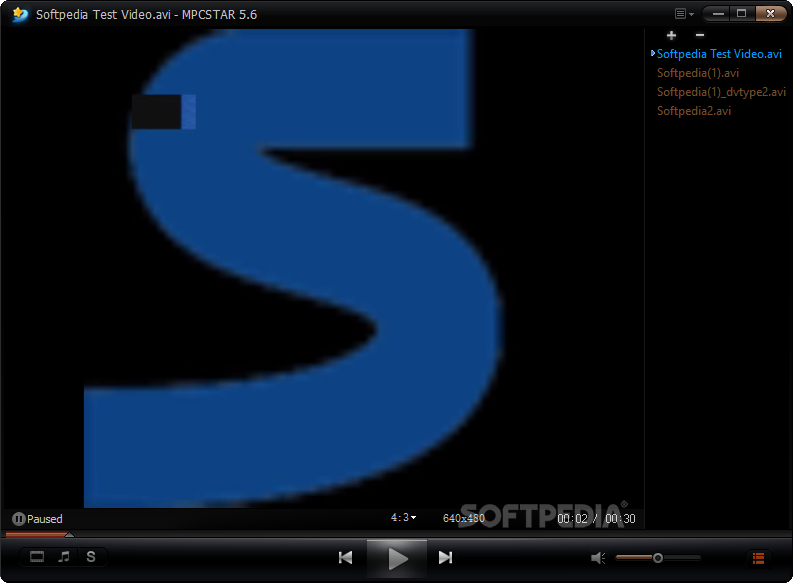
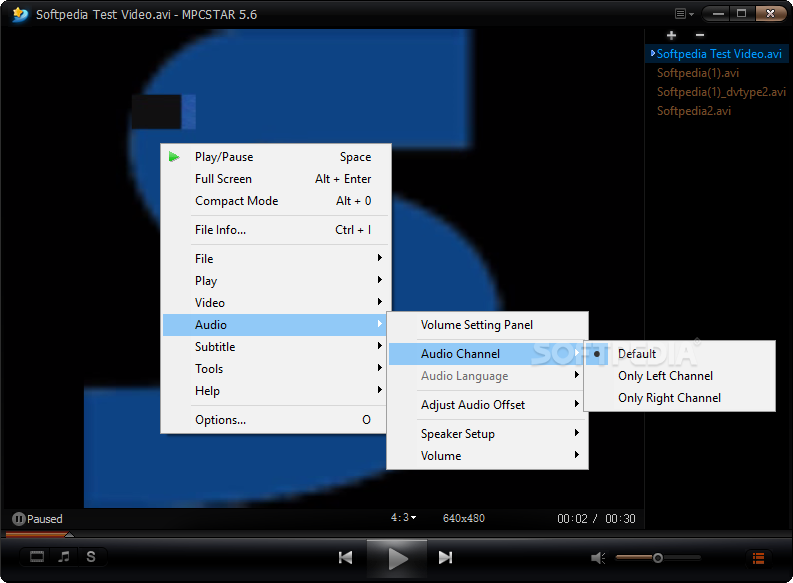
MPCSTAR is a full-featured video player that comes with built-in codecs, so you won't need to install additional files to view your favorite movies.
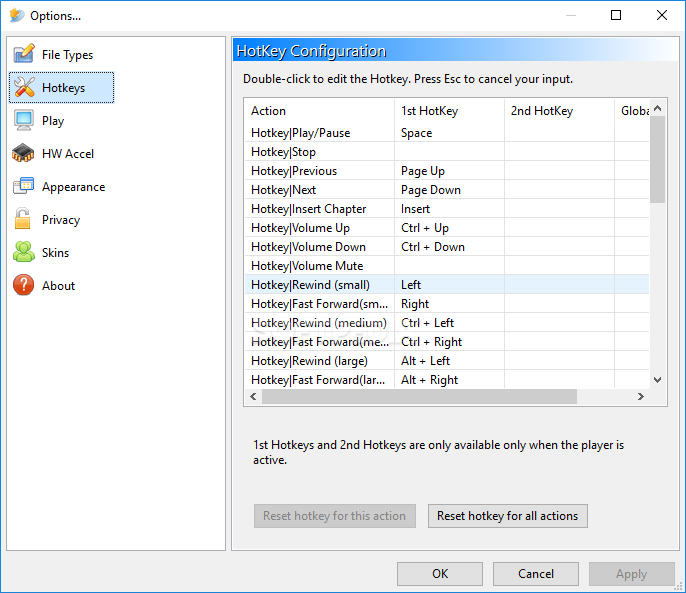
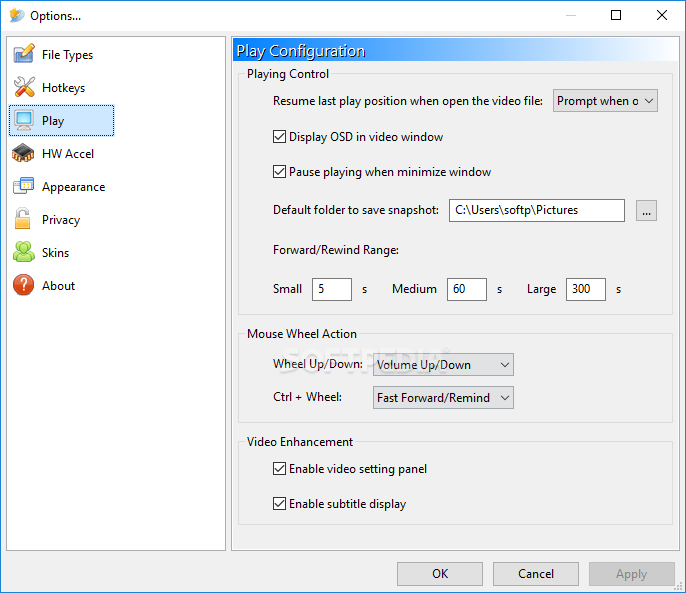
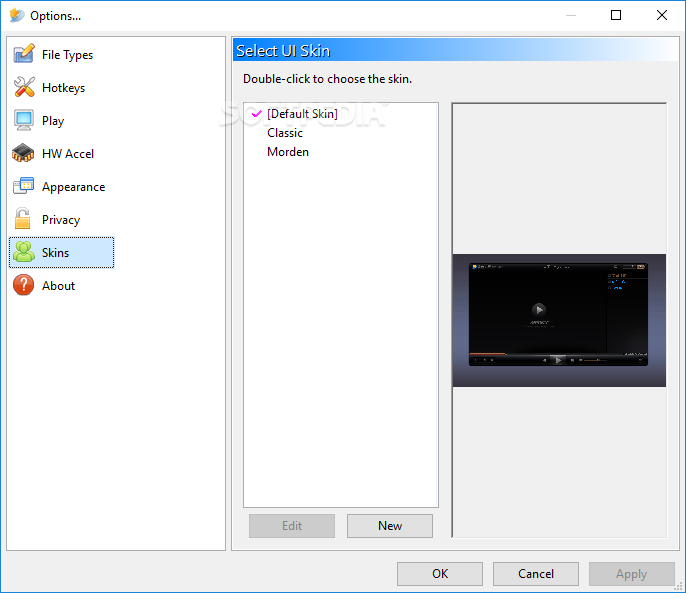
Basically, the application comes with the same features you might have seen in other video players on the market, including theme support, which basically means that you should be able to customize the way the program looks with just a few clicks.
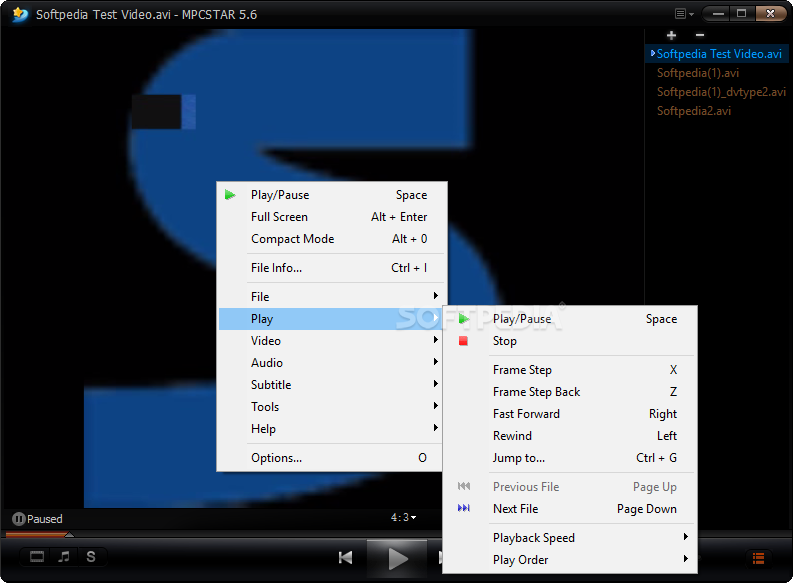
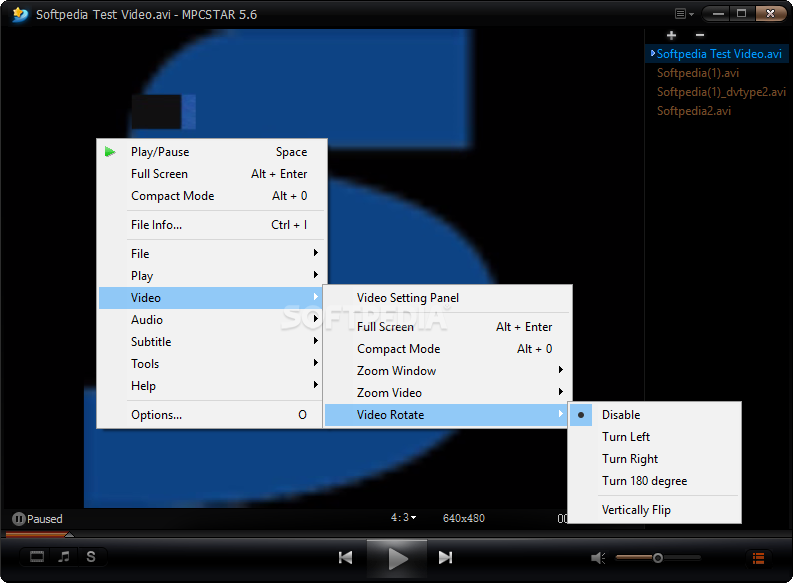
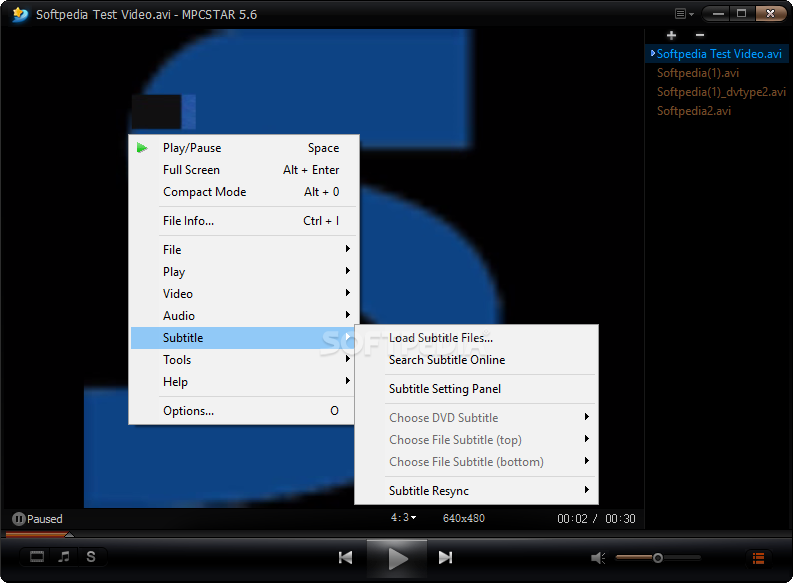
As expected, MPCSTAR comes with subtitle support and a playlist creator as well, but the real goodie this time is the application as a whole because it includes an impressive amount of features.
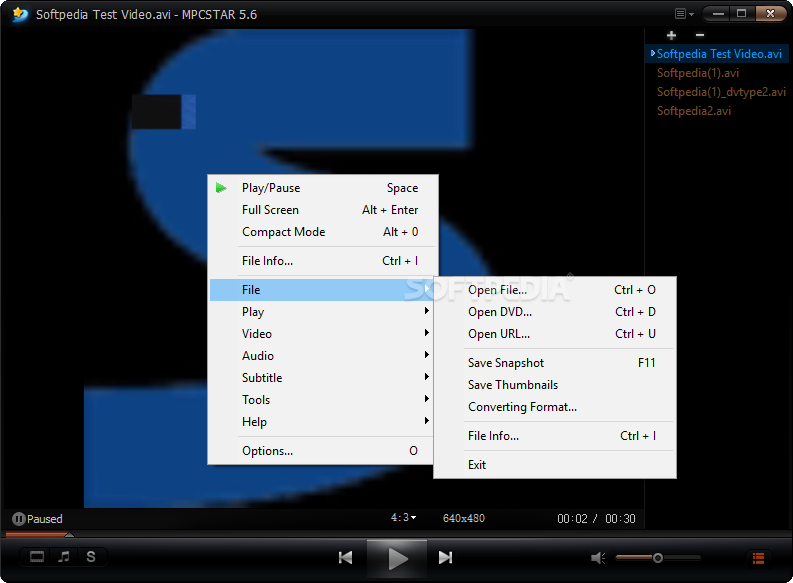
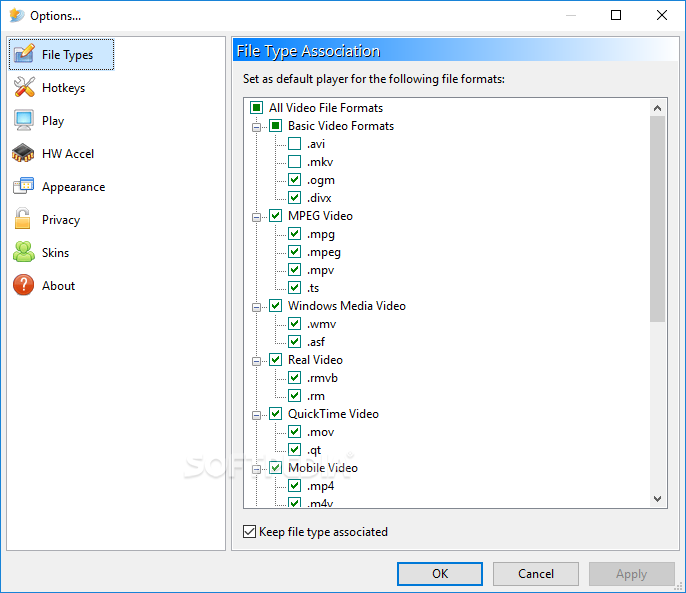
Since it comes with support for all the popular formats, you can play virtually all video types out there. In case you wish to use MPCSTAR as the default video or audio player, it is quite easy to set up file associations straight from installation.
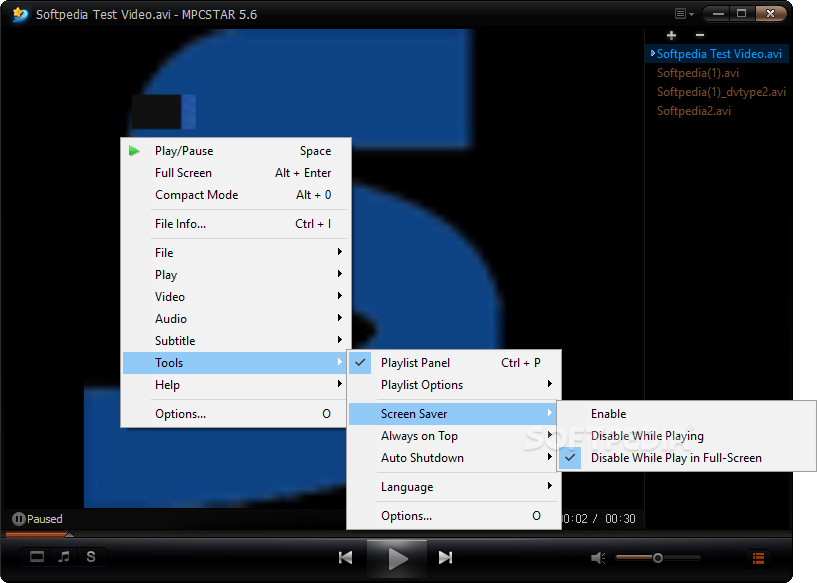
Another useful thing is the online subtitle search tool that uses the file name to look for subtitles on the Internet. We've tried the app with multiple titles and it worked quite okay. A neat feature of MPCSTAR is the ability to shutdown hibernate or set the system to sleep after all the loaded files played.
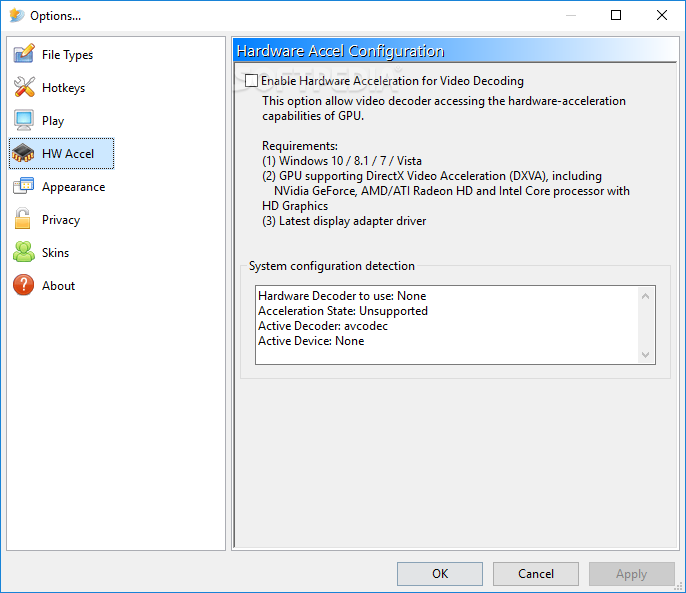
This program isn't too heavy on computer resources, even when dealing with high-quality movies, so it's just a nice way to play videos on older computers too.
The conclusion is that MPCSTAR is an impressive presence in the video player category. The solid feature pack and the ease of use can surely make this tool one of the top choices for all user types.
What's new in MPCSTAR 7.0:
- [PLAYER] support non-integer DPI scaling
- [PLAYER] fix the bug of the opened file won't been played if already in playlist
- [CODEC] update LAVFilters to 0.75.1
MPCSTAR 7.0
add to watchlist add to download basket send us an update REPORT- PRICE: Free
- runs on:
-
Windows 10 32/64 bit
Windows 2003
Windows 8 32/64 bit
Windows 7 32/64 bit
Windows Vista 32/64 bit
Windows XP 32/64 bit
Windows 2K - file size:
- 53.3 MB
- filename:
- mpcstar_setup.exe
- main category:
- Multimedia
- developer:
- visit homepage
4k Video Downloader

Zoom Client

Windows Sandbox Launcher

7-Zip

paint.net

Microsoft Teams

calibre

IrfanView

ShareX

Bitdefender Antivirus Free

- IrfanView
- ShareX
- Bitdefender Antivirus Free
- 4k Video Downloader
- Zoom Client
- Windows Sandbox Launcher
- 7-Zip
- paint.net
- Microsoft Teams
- calibre