
Play your favorite songs or movies in a personalized interface with the help of this fully featured and powerful software application. #Video player #Video playback #Play movie #Play #Player #Movie

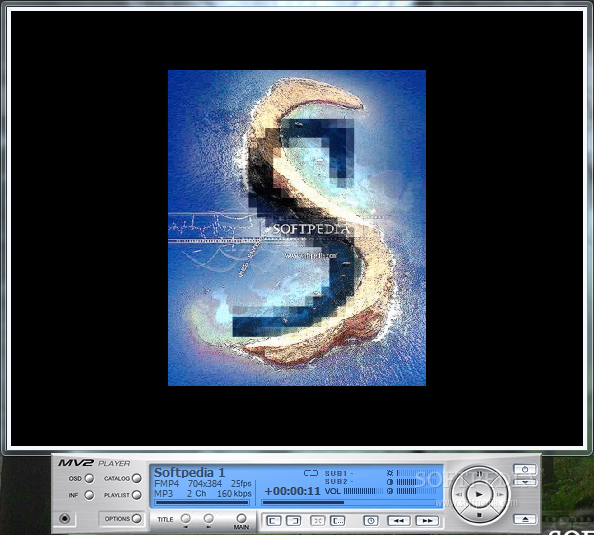
When it comes to software solutions designed to work with multimedia files, the variety of available applications makes it difficult sometimes to decide which one is the best. You can simply choose the one that works best for you and trying older programs like MV2Player can uncover hidden gems.
Things are pretty simple when it comes to this utility, even though, at first glance, you may think its features are just basic. The interface is very clean and easy to use, which is just a sign that beginners should be able to use the application without spending too much time getting to know it.
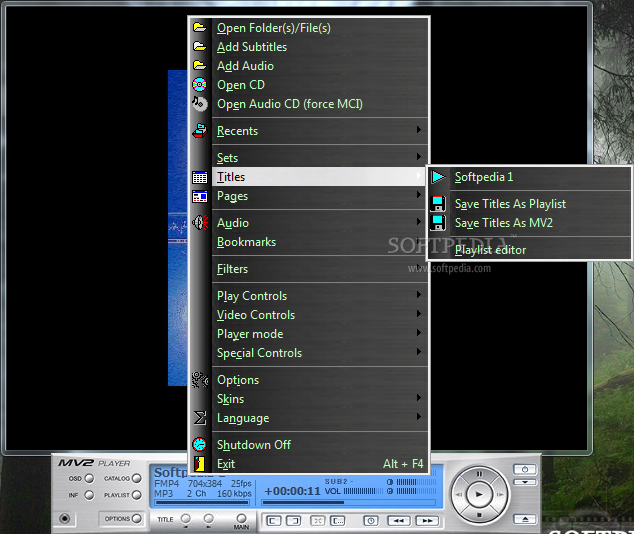
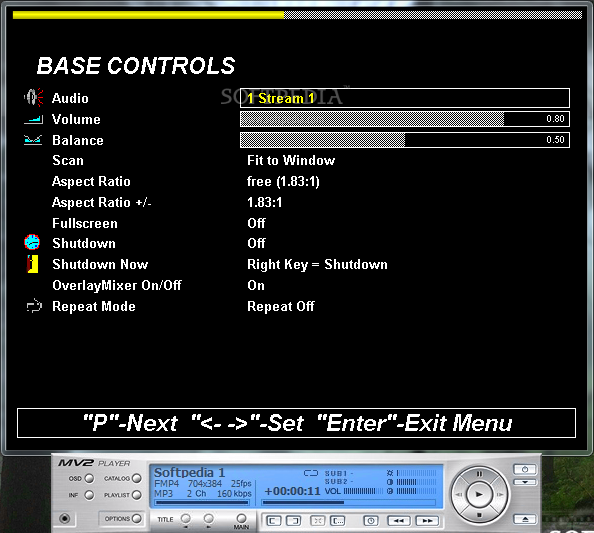
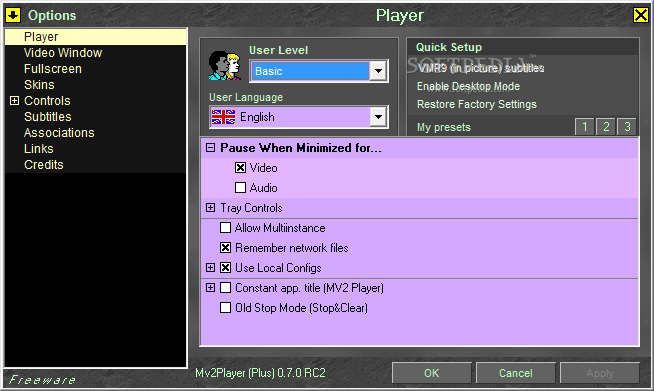
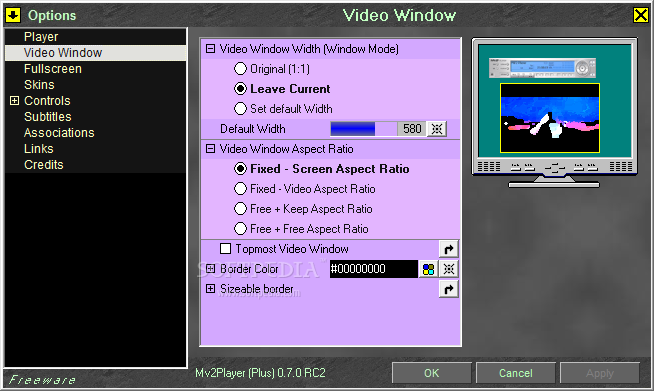
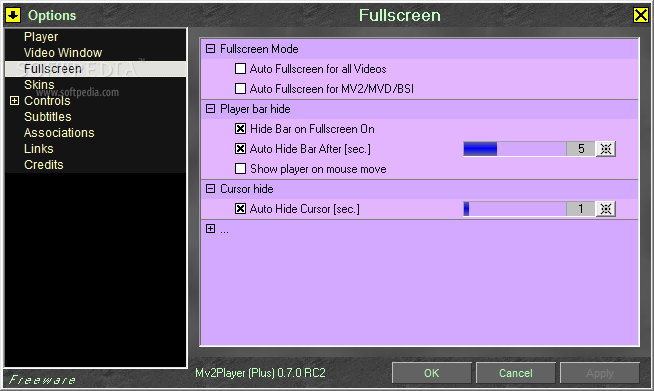
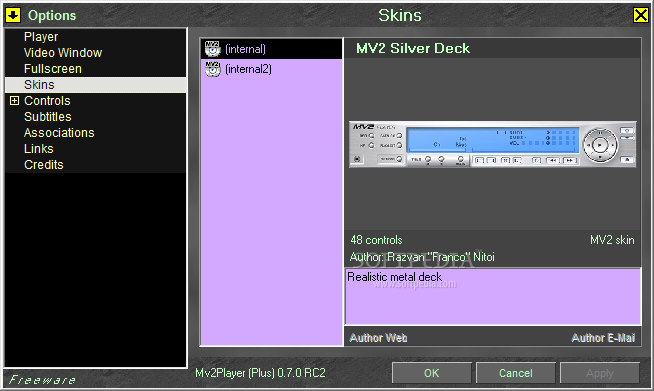
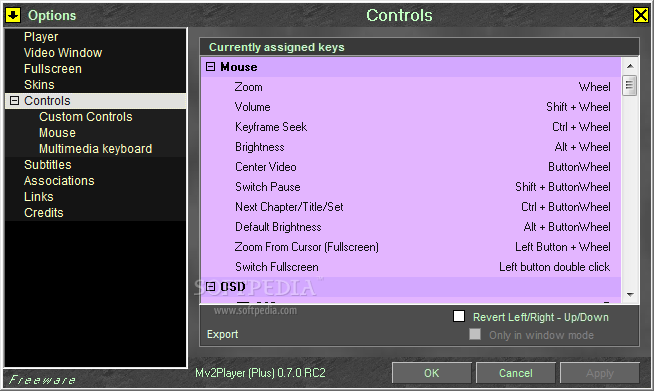
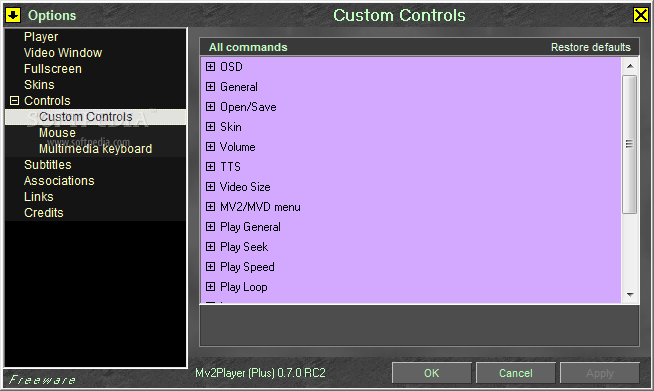
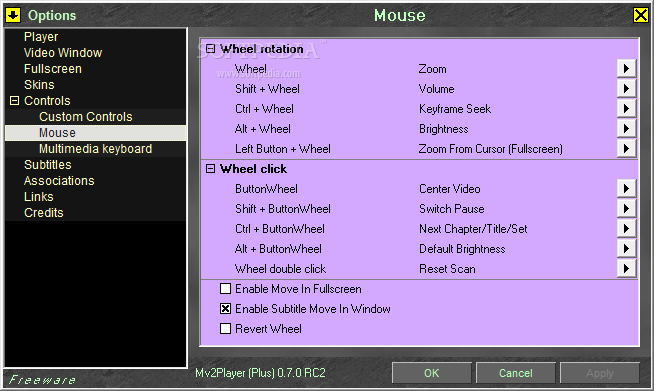
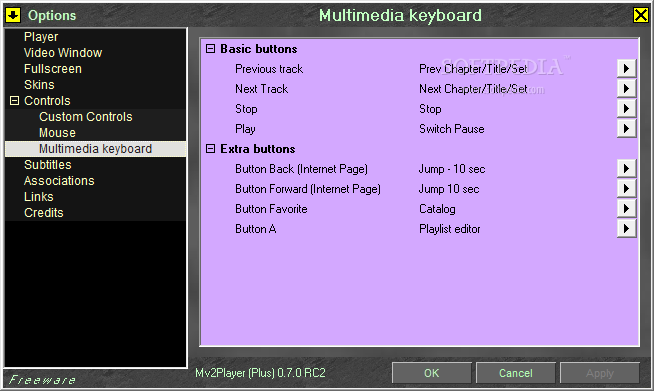
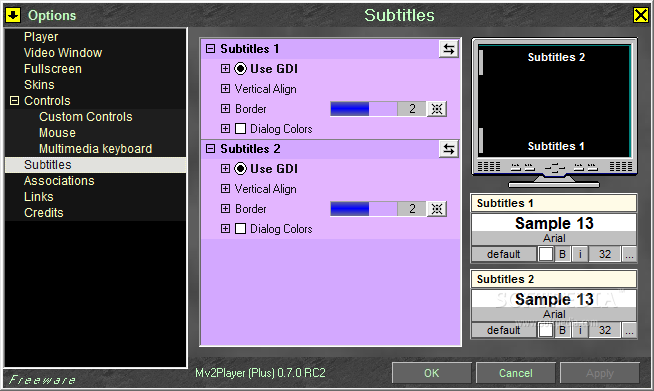
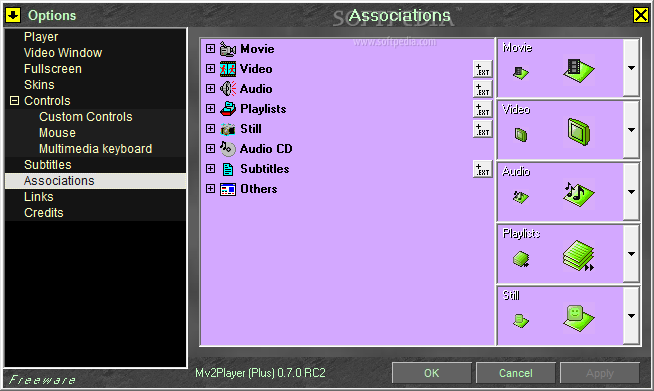
MV2Player has a rich settings menu that enables you to bring your personal touch over the way the software works. It also comes with theme support that now is available in almost every multimedia player out there.
A great feature is the built-in 'Catalog' that will enable you to manage your multimedia collection and easily sort your files. There is a 'Scan' function that helps you automatically discover and populate the list with movies, music, and pictures, but also playlists and subtitles.
Expect some problems when running MV2Player on newer operating systems though. For example, during our tests on a machine running Windows 7 the Aero system theme was disabled and the color scheme changed to Basic every time we opened a video file. Fortunately, the original settings were restored as soon as the playback ended.
Highly configurable and easy to use, this application can handle an impressive variety of multimedia formats. These can be viewed and sorted out in the browser window, so you can easily select to display either video, audio, images or even playlists.
MV2Player may be a pretty good solution for older computers running previous Windows iterations. It takes little space on your hard disk drive and your computer won't feel a thing from running it, also letting you quickly accommodate with the simple interface.
Download Hubs
MV2Player is part of these download collections: Play AVI, Open 3GP, Play 3GP
What's new in MV2Player 07 RC2:
- RC1 update with some bug corrections
MV2Player 07 RC2
 Softpedia Editor's Pick
add to watchlist
add to download basket
send us an update
REPORT
Softpedia Editor's Pick
add to watchlist
add to download basket
send us an update
REPORT
- portable version
- Portable MV2 Player
- runs on:
- Windows All
- file size:
- 1.2 MB
- filename:
- mv2p070RC2p.exe
- main category:
- Multimedia
- developer:
- visit homepage
Bitdefender Antivirus Free

Microsoft Teams

paint.net

Windows Sandbox Launcher

calibre

IrfanView

7-Zip

Zoom Client

ShareX

4k Video Downloader

- Zoom Client
- ShareX
- 4k Video Downloader
- Bitdefender Antivirus Free
- Microsoft Teams
- paint.net
- Windows Sandbox Launcher
- calibre
- IrfanView
- 7-Zip