
Play high-quality DivX content live in your favorite browser using this add-on that supports multiple audio tracks and subtitles. #Web Video Player #DivX Player #DivX Playback #DivX #Player #Plugin
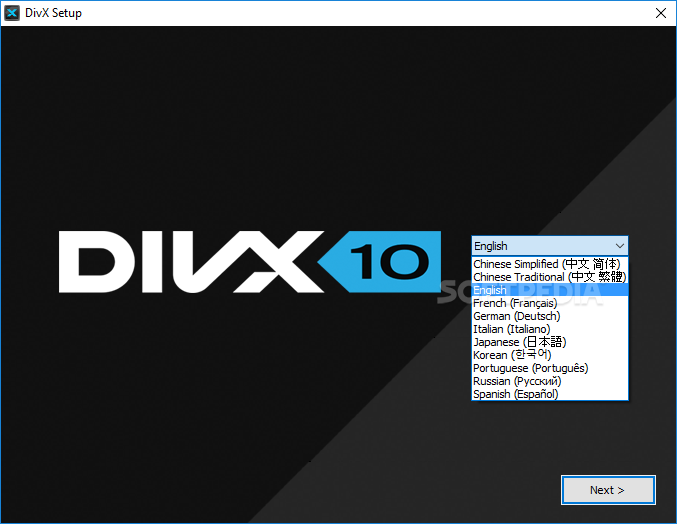
DivX Web Player is an innovative initiative that facilitates a clean, yet high-quality playback for DivX videos inside your browser of choice. Built on a complex technology, the add-on is able to play content that contains multiple audio tracks or subtitles.
The quality of the playback is what matters nowadays and when it comes to web content, Flash is one of the most popular choices; while it manages to do its job properly, it can’t increase or enhance the appearance of videos.
In this respect, DivX Networks has come up with an innovation that promises to deliver a full and unique media experience. HD content is managed and played seamlessly, with support for the latest HTML5 technology.
It works with popular browsers such as Internet Explorer, Chrome, Firefox and Opera. The list of formats supported by DivX Web Player includes MKV, DivX, AVI, MP4, MOV, as well as 5.1 channel AAC audio.
The playback interface is elegant, sporting a control bar that allows you to play videos in full screen or inside a separate window; you can also adjust the volume or enable / disable audio tracks or subtitles.
What makes the extension special is its ability to auto-download DivX content in a location of your choice. This means that while you’re watching the videos, you can have the software grab it and save it to your computer, for you to enjoy the clip in offline mode.
Preferences include the possibility to adjust the video quality by selecting one of the post-processing modes, as well as enabling hardware decoding acceleration. You can also opt to fade out video borders in idle mode.
In conclusion, DivX Web Player makes your movie experience enjoyable and provides control over the quality of the DivX content. It can also download the clips as you watch them.
DivX Web Player 10.10.1
add to watchlist add to download basket send us an update REPORT- PRICE: Free
- runs on:
-
Windows 11
Windows 10 32/64 bit
Windows 8 32/64 bit
Windows 7 32/64 bit
Windows Vista 32/64 bit - file size:
- 4 MB
- filename:
- DivXInstaller.exe
- main category:
- Multimedia
- developer:
- visit homepage
IrfanView

Windows Sandbox Launcher

calibre

4k Video Downloader

Context Menu Manager

7-Zip

Microsoft Teams

ShareX

Bitdefender Antivirus Free

Zoom Client

- ShareX
- Bitdefender Antivirus Free
- Zoom Client
- IrfanView
- Windows Sandbox Launcher
- calibre
- 4k Video Downloader
- Context Menu Manager
- 7-Zip
- Microsoft Teams