
Play media files from your computer and manage your library by turning to this comprehensive application that features an extensive set of functions. #Media player #Video player #Audio player #Player #Listen #Playlist


Zoom Player FREE is an application which allows you to play your favorite media files. It can be easily used by individuals of any level of experience.
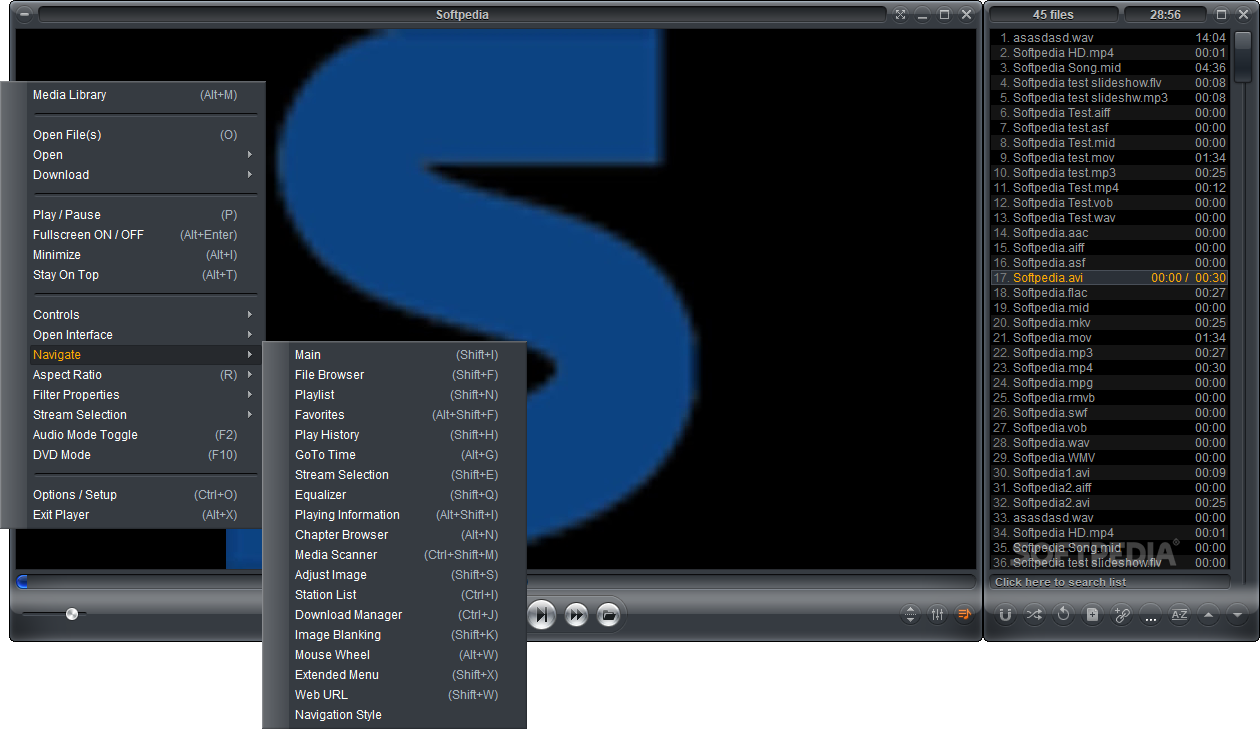
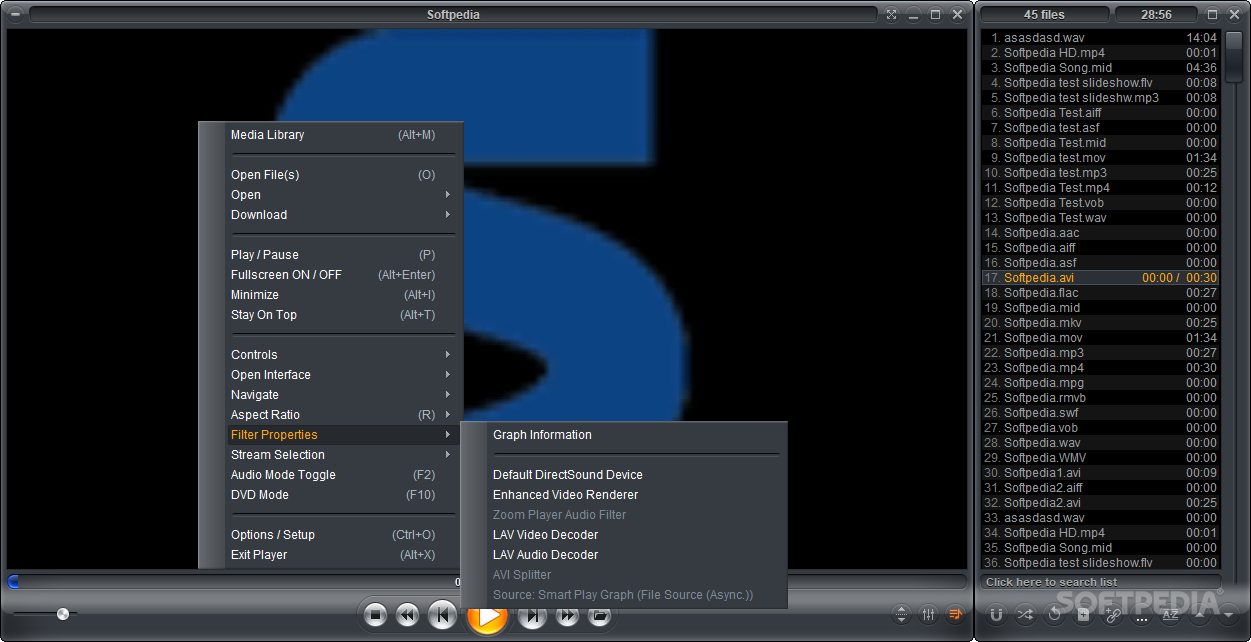
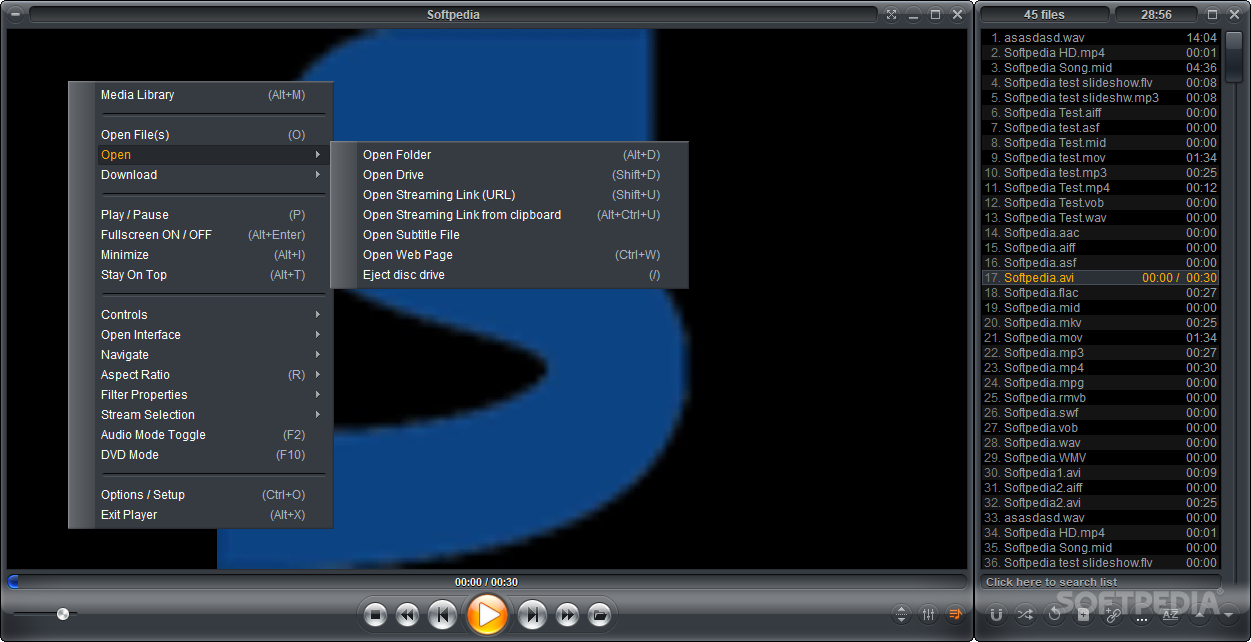
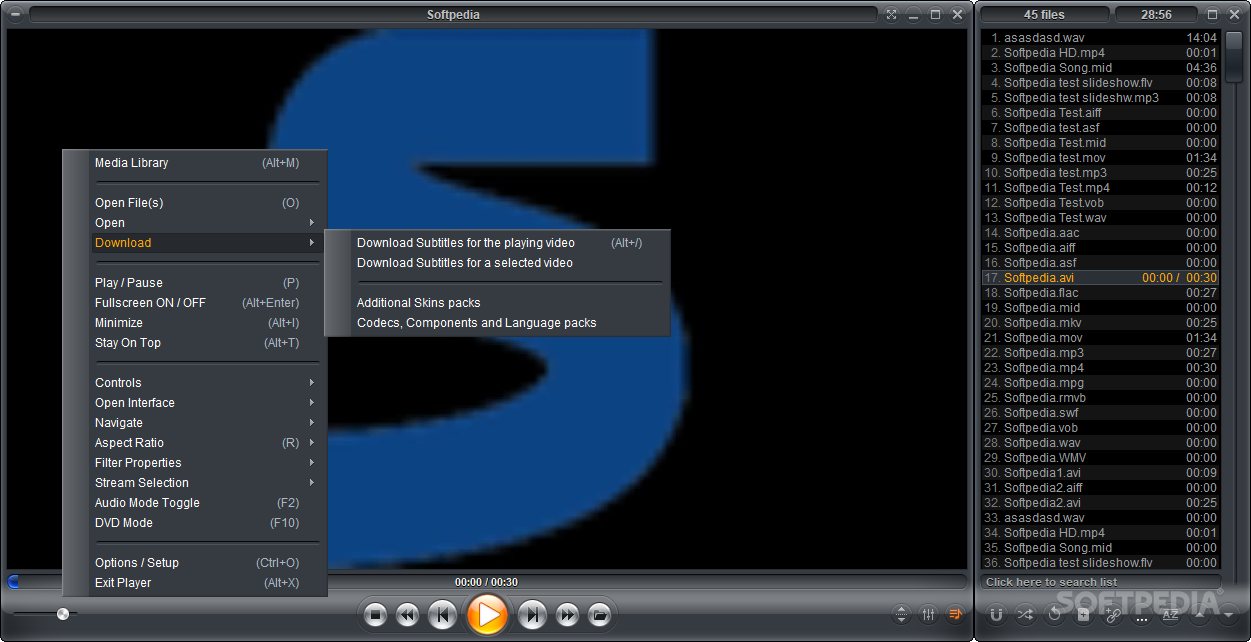
The interface of the tool is clean and intuitive. You can import files by using either the file browser or the "drag and drop" method.
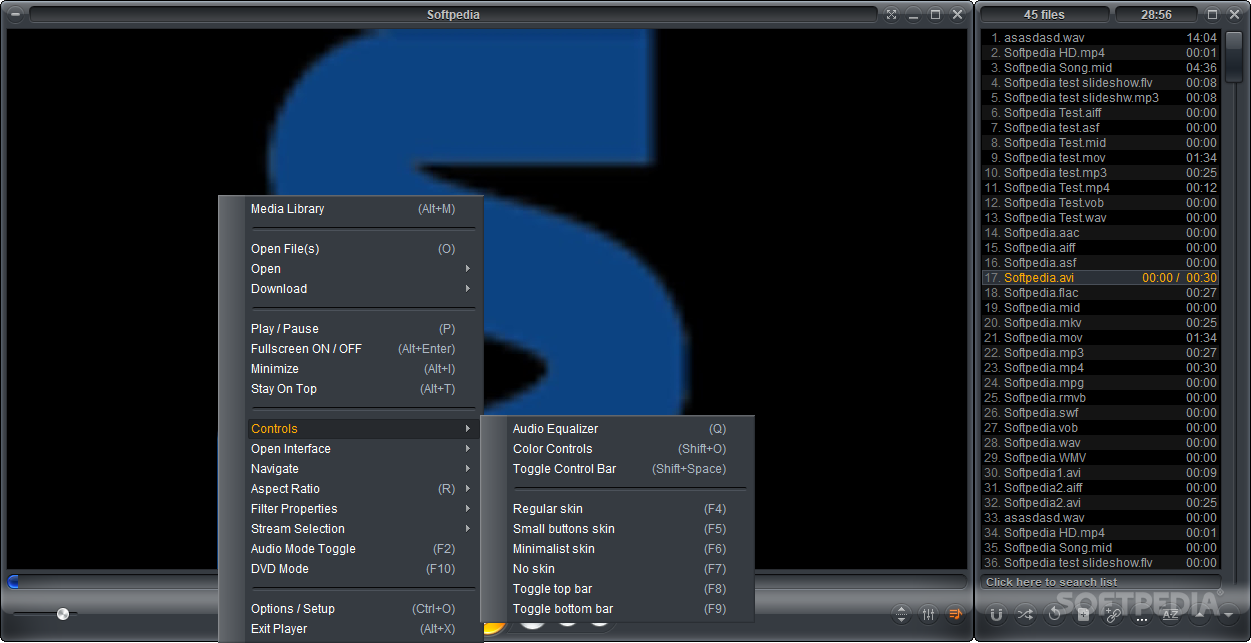
You can use basic media player tools, such as pause and stop, adjust the volume, navigate back and forth within the track and switch to full screen mode.
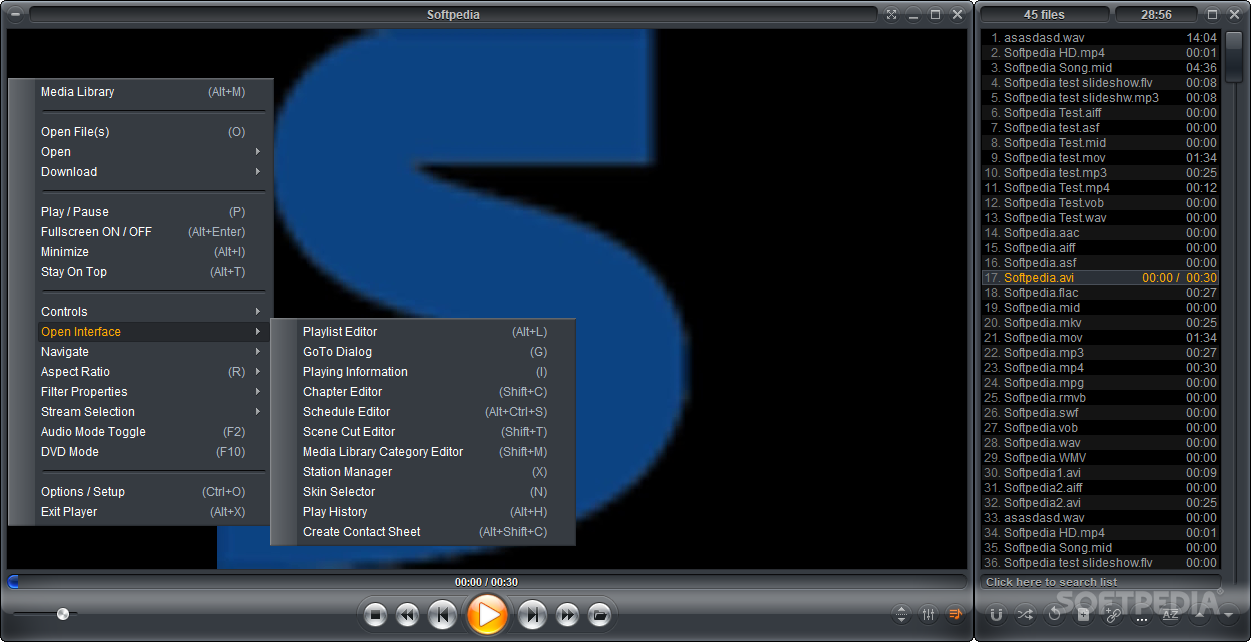
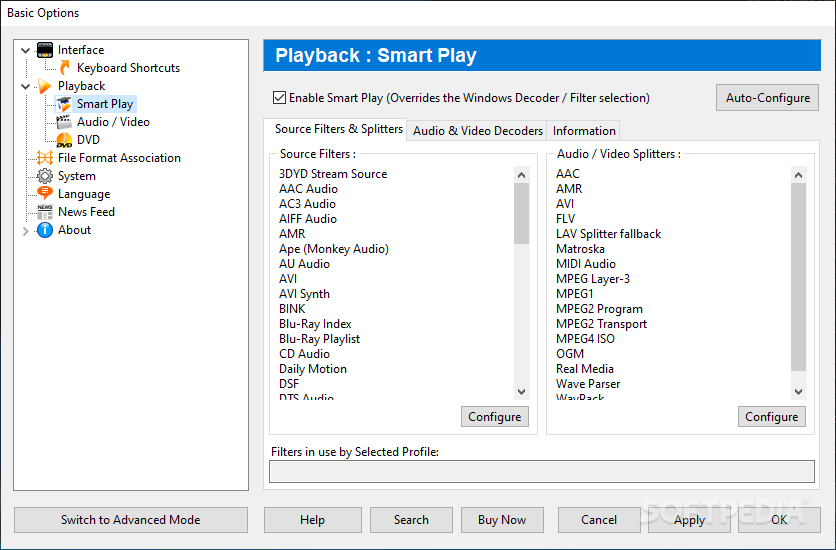
You can enable Zoom Player FREE to deinterlace videos and to stay on top of other processes, configure an audio equalizer, toggle audio and video mode, jump to a particular frame, adjust the brightness and contrast of the image and toggle the control bar.
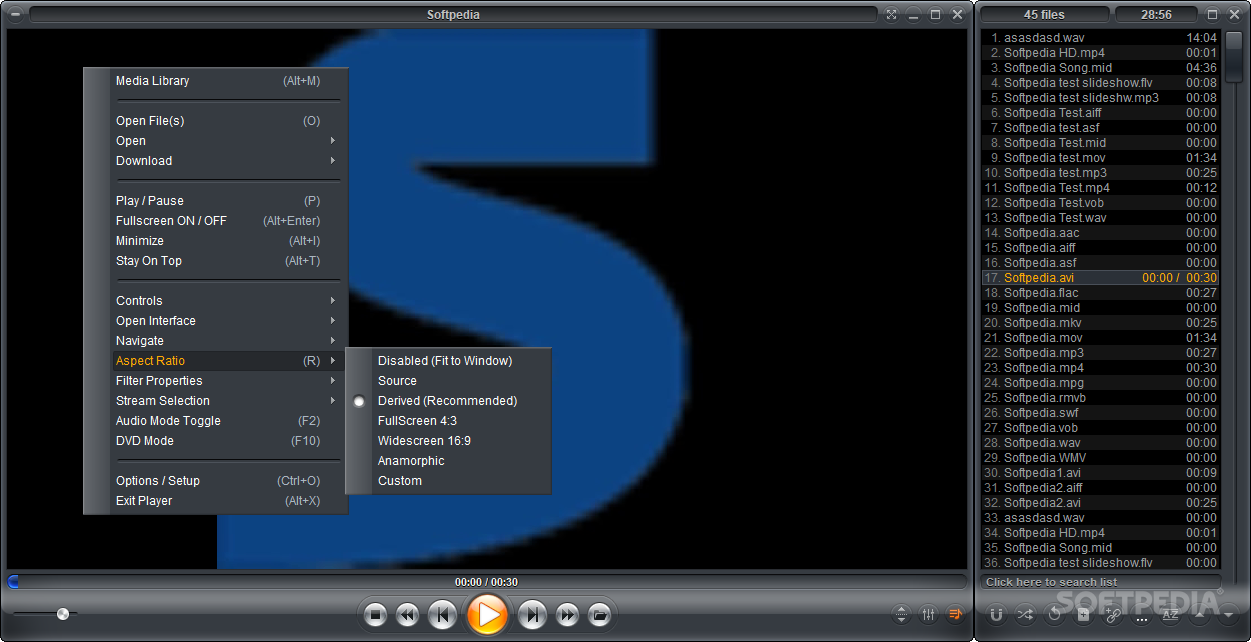
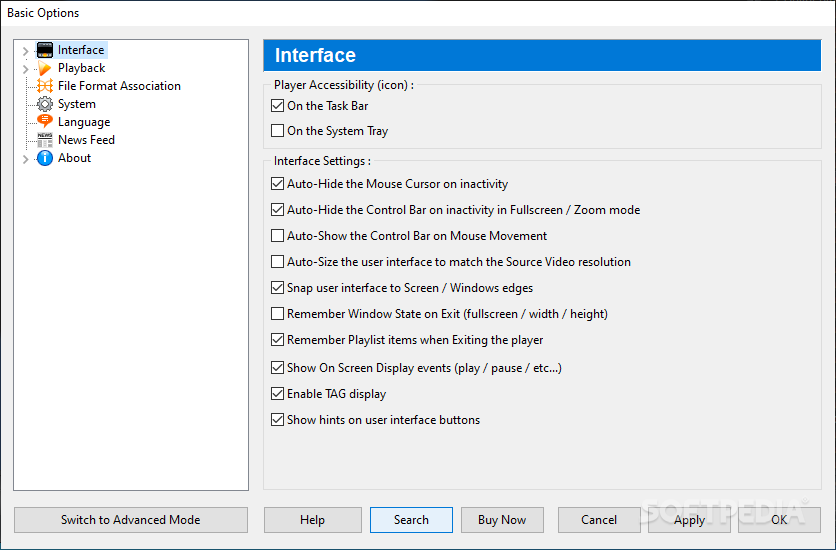
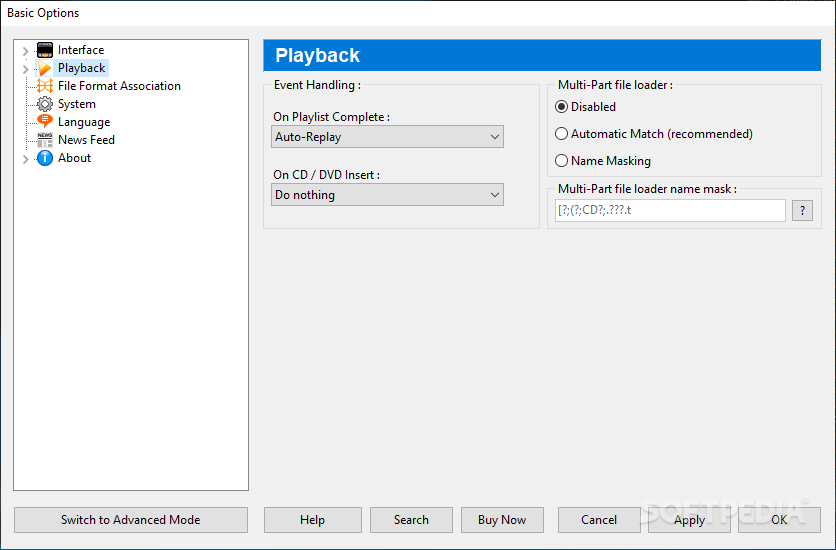
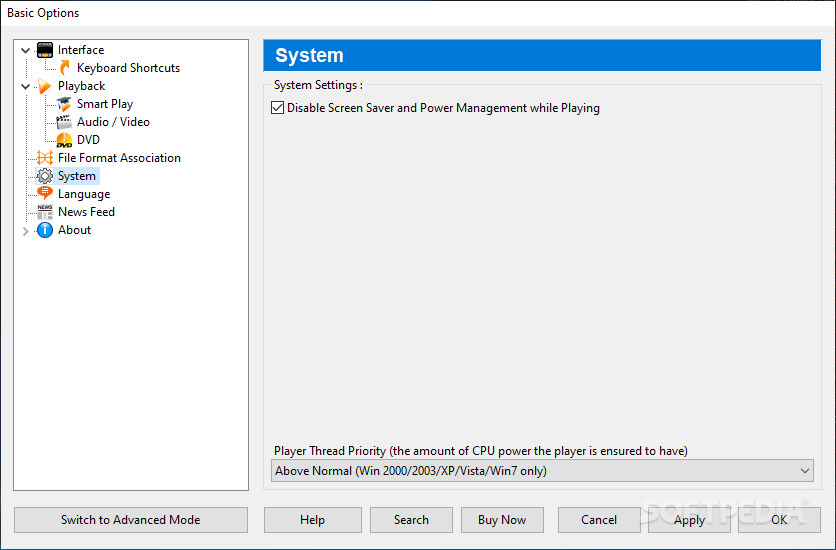
You can create playlists and a contact sheet, edit chapters, change the aspect ratio, switch to DVD mode, enable Zoom Player FREE to place an icon the system tray, make file associations, disable the screen saver and power management while playing, and more.
The media player takes up a moderate amount of system resources, supports numerous keyboard shortcuts and includes a comprehensive help file (too bad it doesn't have a snapshots). We haven't come across any kind of issues during our tests, since Zoom Player FREE did not freeze, crash or display errors. We strongly recommend this software to all users.
Even though Zoom Player Free is a well-equipped media player, several functions are only available in Zoom Player MAX, as shown here.
What's new in Zoom Player FREE 19.0.0 Beta 6:
- New :
- Added support for the new H.266 VVC (Versatile Video Codec) format. LAV Filters v0.79 is required for decoding.
- Please note that VCC support is experimental and not fully optimized. To properly support VCC in resolutions above 1080p would require hardware accelerated decoding which is not currently supported by any GPU or CPU.
- Added Equalizer and Pre-Amp support for the libVLC media engine, please note that the values work a bit differently when compared to the DirectShow Equalizer values.
Zoom Player FREE 18.0.0 / 19.0.0 Beta 6
add to watchlist add to download basket send us an update REPORT- runs on:
-
Windows 11
Windows 10 32/64 bit
Windows 8 32/64 bit
Windows 7 32/64 bit
Windows Vista 32/64 bit
Windows XP - file size:
- 37 MB
- filename:
- zp1800.exe
- main category:
- Multimedia
- developer:
- visit homepage
ShareX

4k Video Downloader

IrfanView

Microsoft Teams

7-Zip

Context Menu Manager

Windows Sandbox Launcher

Zoom Client

Bitdefender Antivirus Free

calibre

- Zoom Client
- Bitdefender Antivirus Free
- calibre
- ShareX
- 4k Video Downloader
- IrfanView
- Microsoft Teams
- 7-Zip
- Context Menu Manager
- Windows Sandbox Launcher