
A small yet fully functional video capture application to you with your webcam. It supports Microsoft DirectShow and a lot of webcams models. #Video capture #Webcam recorder #Record video #Capture #Recorder #Capturer
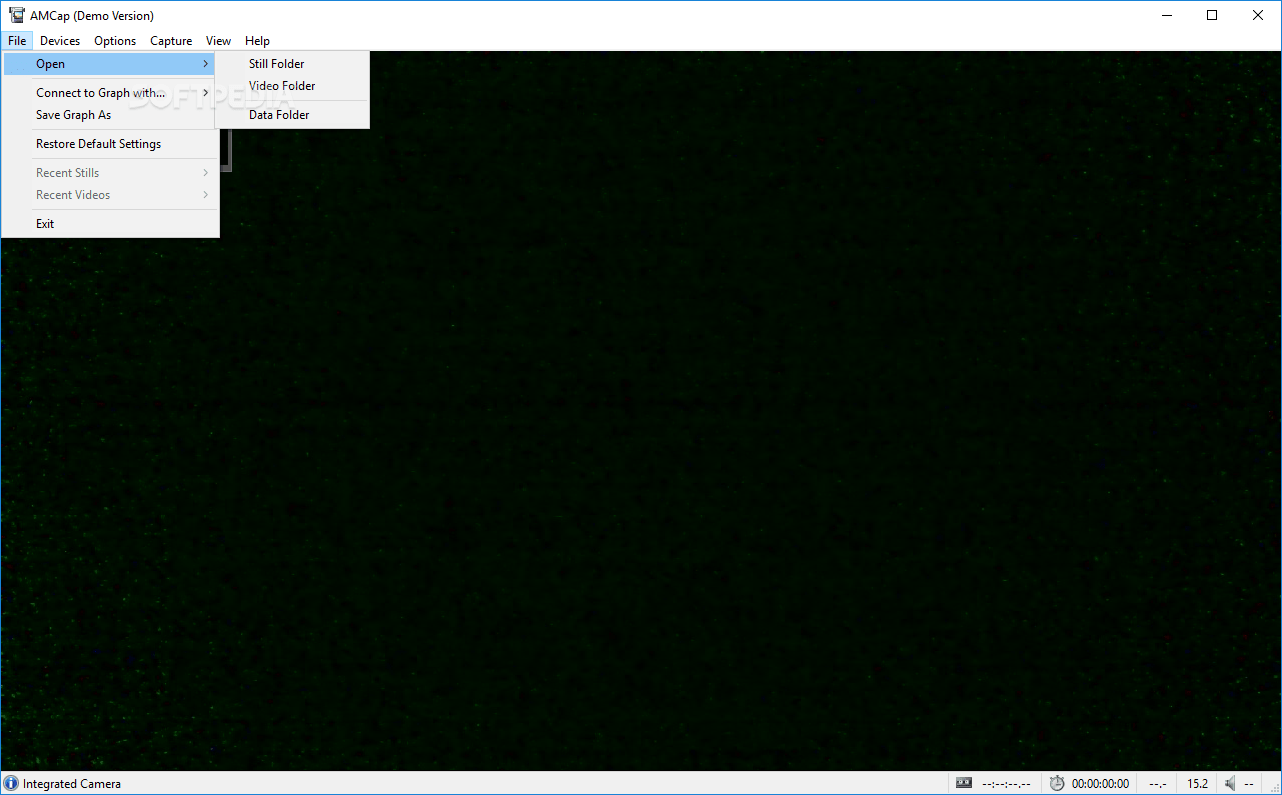
AMCap is a powerful application that can facilitate the previewing and recording of webcam and camcorder devices. The program is compatible with Microsoft DirectShow and is capable to deliver high-quality recordings.
There are a wide array of webcam recording applications in today’s market, but the best choice is always a compromise between price, ease of use and performance. One application that fits this pattern is AMCap.
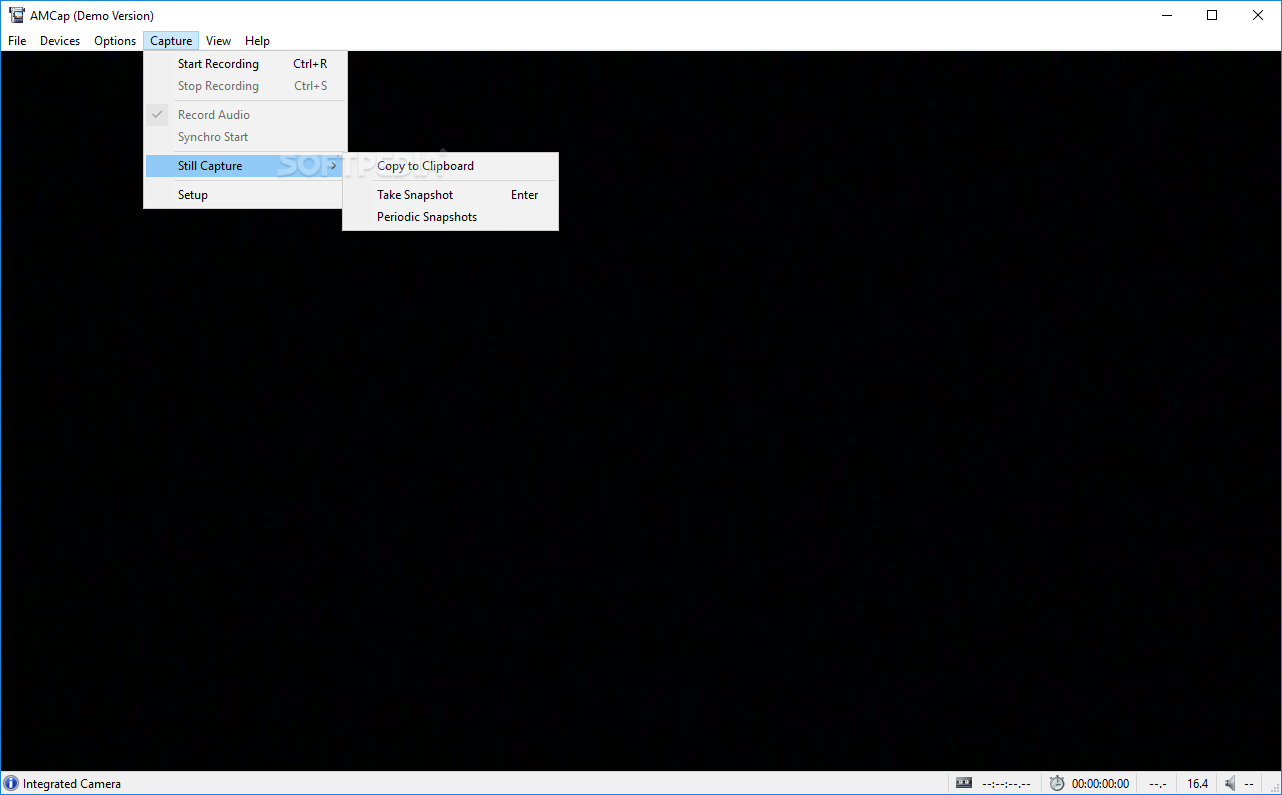
This program can record both video and audio sources and features analog TV tuner support. It can work with multiple monitors and is able to compress the recordings to AVI or WMV format.
AMCap’s developers saw simplicity and ease of use as priorities when they rolled out the application, which translated (and still does) into a pleasant experience for the end user. Everything is easy to understand and follow, starting with the installation process (which requires you to press a few Next buttons) and ending with the GUI, which makes an impression though a very good management of resources and space.
The incorporated menus hold all the features that make it a keeper, while a larger area is reserved for the recording itself. Not to mention that AMCap automatically recognizes the camera (webcam/camcorder / USB camera) that is currently plugged in and starts transmitting the images that are being filmed.
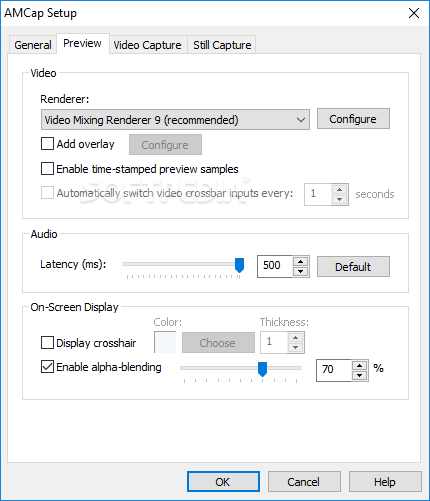
The application is also able to record from an audio source, thus making it possible to produce home-made movies accompanied by sounds. Other features include alpha-blended overlay video capabilities, full-screen mode, deinterlacing support, digital zoom, to name just a few.
AMCap can make the most of webcam, allowing you to record anything you want from a simple and user-friendly environment that both beginners and professionals will appreciate.
Download Hubs
AMCap is part of these download collections: Video Capture
What's new in AMCap 9.23 Build 300.6:
- Adds flip mode persistence for video renderers that support flipping (VMR7/VMR9/EVR).
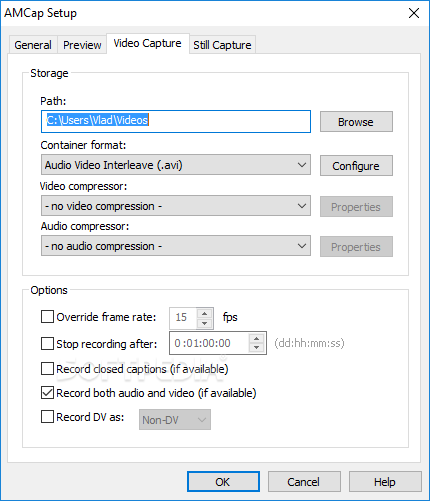
- Adds support for the MPEG-4 container format (.mp4 files) in Video Capture properties.
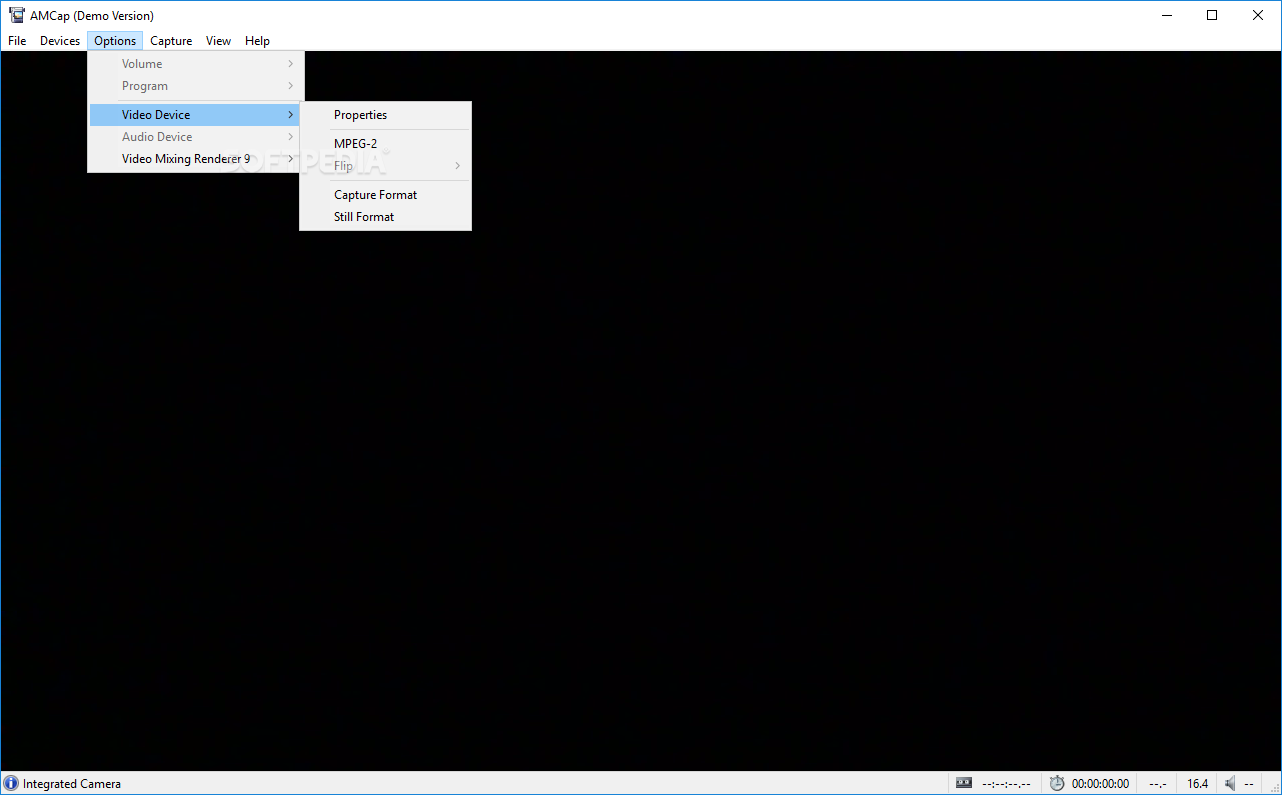
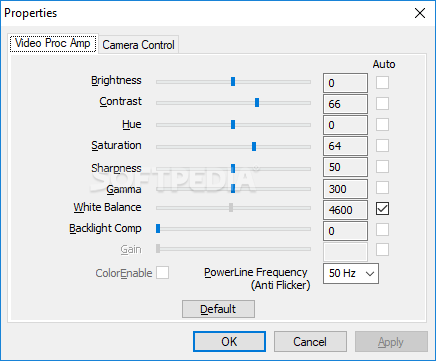
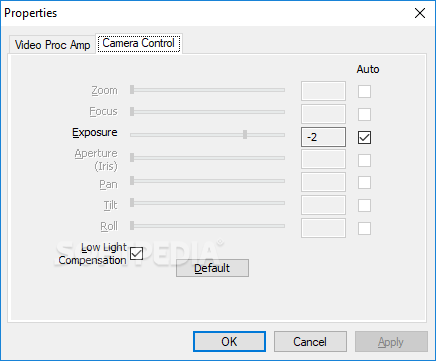
- Adds a Camera Control popup menu to the Options > Video Device menu; this allows manual control of camera properties (Aperture, Exposure, Focus, Zoom, Pan, Tilt, Roll) using keyboard shortcuts.
- Adds Clear option on the View > On-Screen Display menu to immediately remove any context (temporary) information from the screen.
AMCap 9.23 Build 300.6
add to watchlist add to download basket send us an update REPORT- runs on:
- Windows All
- file size:
- 14.2 MB
- filename:
- AMCapSetup.exe
- main category:
- Multimedia
- developer:
Bitdefender Antivirus Free

7-Zip

IrfanView

Microsoft Teams

calibre

4k Video Downloader

paint.net

Zoom Client

Windows Sandbox Launcher

ShareX

- Zoom Client
- Windows Sandbox Launcher
- ShareX
- Bitdefender Antivirus Free
- 7-Zip
- IrfanView
- Microsoft Teams
- calibre
- 4k Video Downloader
- paint.net