
All-in-one video program that helps you convert videos, play media files, burn data, and combine files or extract the audio from clips. #Video Converter #Video conversion #Convert media #Converter #Conversion #Convert

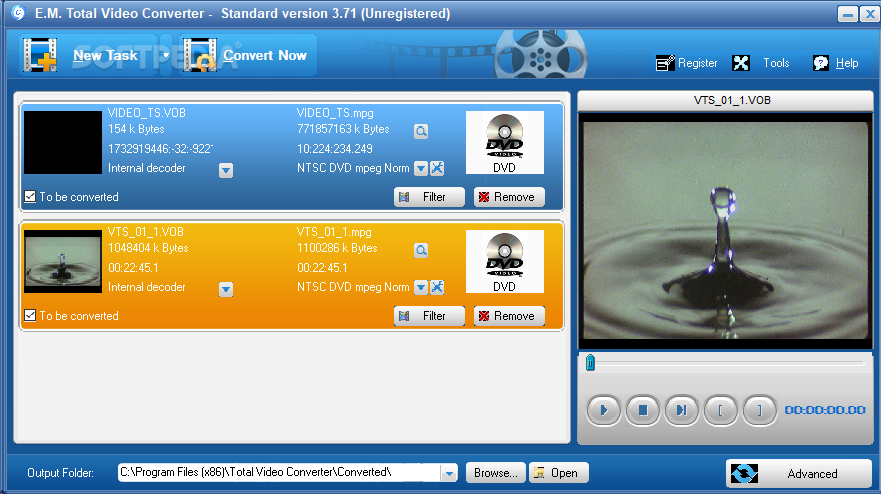
Total Video Converter is a conversion utility designed to ready your video and audio files for devices such as PDA, PSP, iPod, iPhone and Xbox. It manages to encode between a wide range of formats with decent speed and with qualitative results.
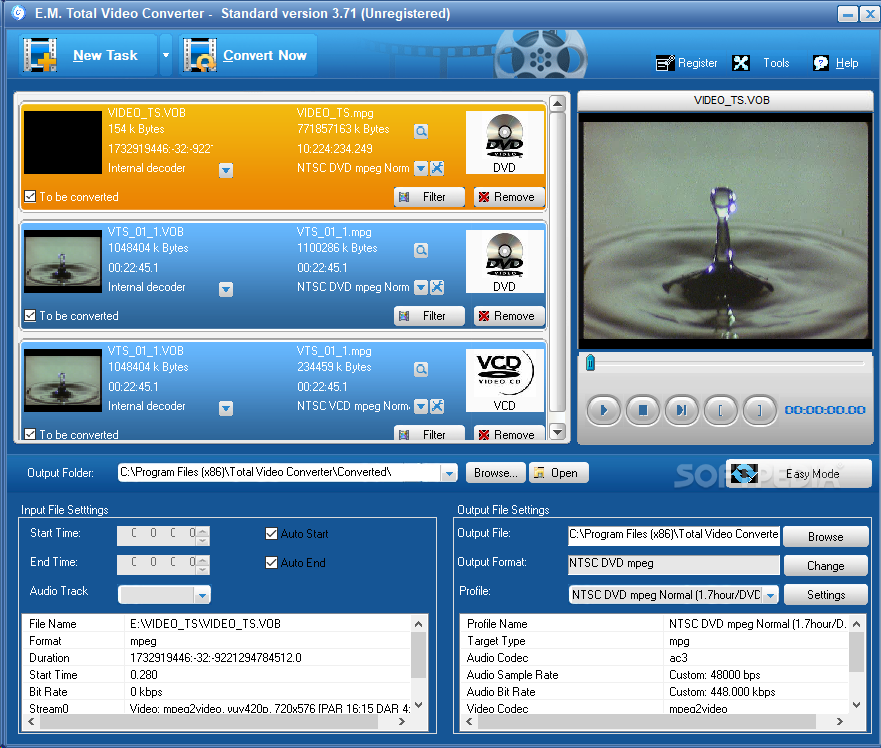
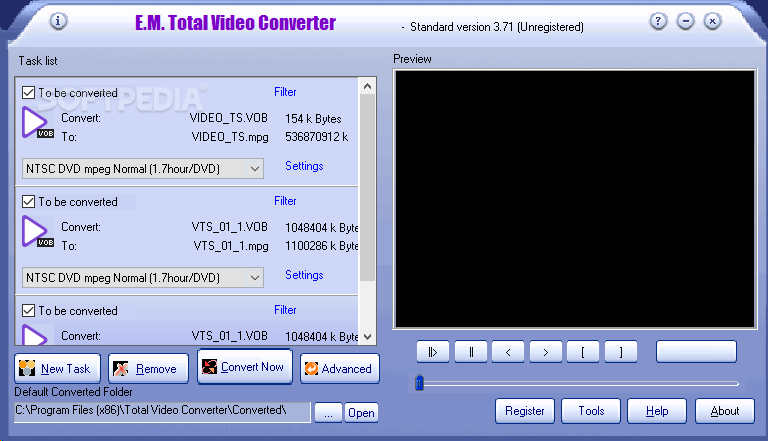
The quick installation ends with the possibility to integrate Total Video Converter in the Explorer context menu, thus offering users easier access to its launch. The program’s interface is pleasant and easy to work with; the largest area is taken by the list of videos to be converted, while the remaining space holds a built-in video/audio player.
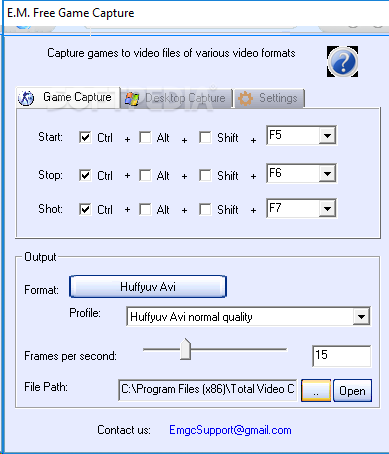
The main menu of Total Video Converter allows users to add new conversion tasks by importing media files, download Flash video (only available for Windows XP), access the Video Editor, import photos (in order to convert them to video files), access Desktop Capture and Game Capture (a type of tool which some YouTube users have), copy from a AVCHD disc, or copy from audio CD discs.
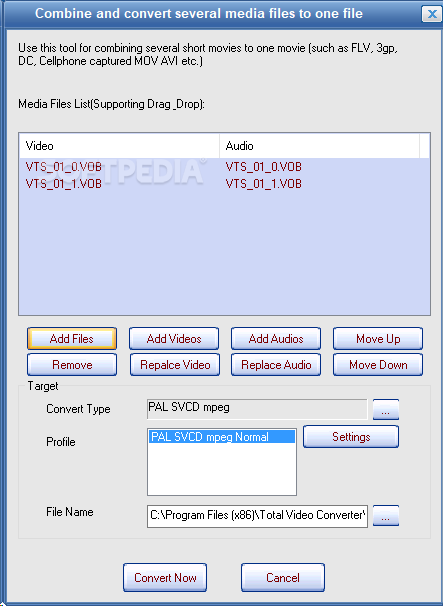
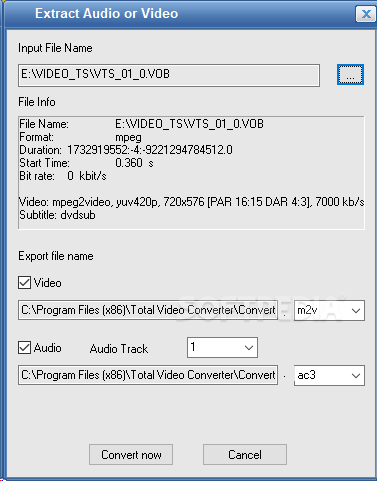
Other features become available when accessing the Tools menu. From here, users can launch the built-in media player or burner, as well as utilities for combining files or extracting the audio from video clips.
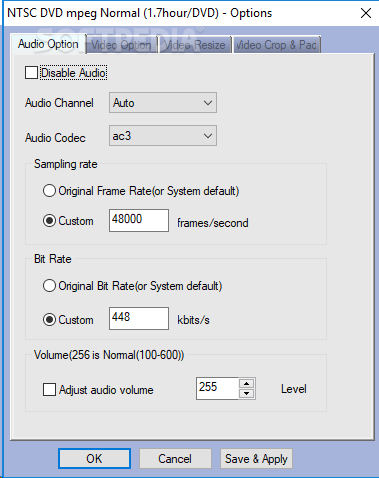
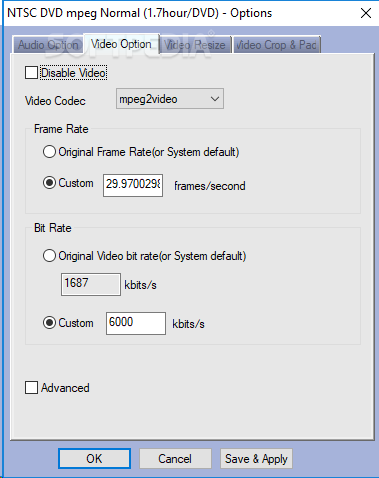
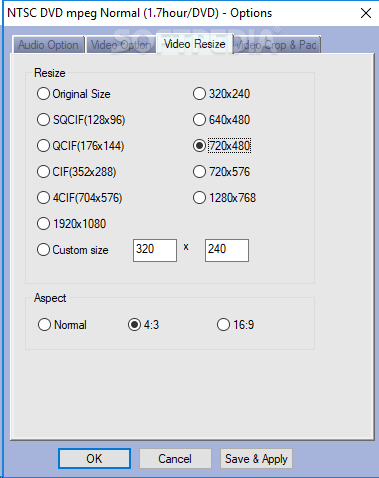
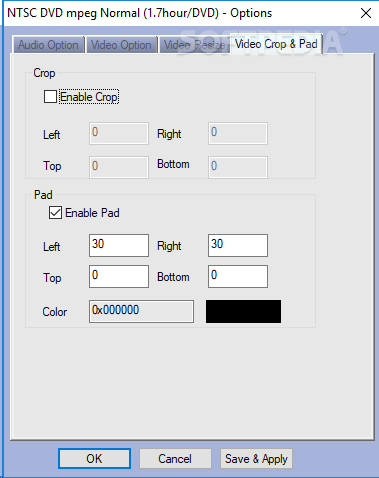
If you select the Advanced Mode, two additional sections appear below the entire window of Total Video Converter, and they grant you access to input and output file settings.
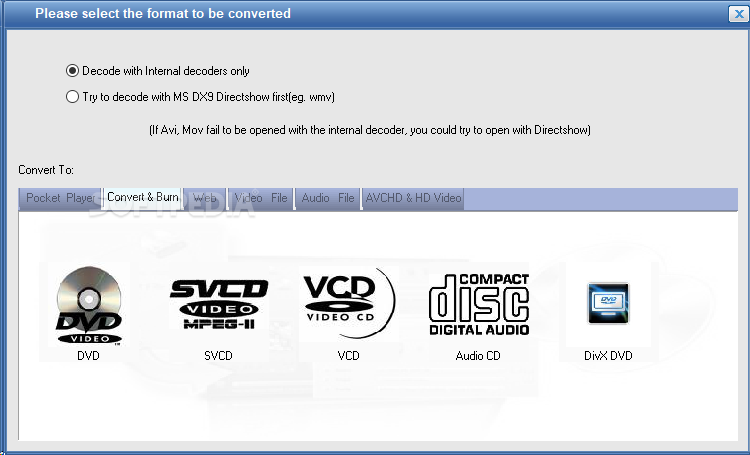
Total Video Converter allows conversion to web-based (FLV, GIF, SWF), video (e.g. AVI, MOV, MP4), audio (e.g. WAV, FLAC, MP3, OGG, WMA), or to AVCHD and HD video formats.
While testing Total Video Converter we were impressed with its conversion speed, and the quality of the images and pictures were fairly preserved. The built-in media player, together with the DVD/Audio CD burner recommend it as more than a video converter.
Download Hubs
Total Video Converter is part of these download collections: Convert MKV, Convert 3GP, Make MKV, Make 3GP
What's new in Total Video Converter 3.71:
- Add a simple video editor which supports cutting and merging videos which are accurate to frame.
- Flash video download supports Windows 7.
- Flash video download supports MP4 download.
- Add a new engine supporting Mts, M2TS, avi, rm video format.
Total Video Converter 3.71
add to watchlist add to download basket send us an update REPORT- runs on:
- Windows All
- file size:
- 15 MB
- filename:
- tvc371new.exe
- main category:
- Multimedia
- developer:
- visit homepage
Microsoft Teams

Bitdefender Antivirus Free

4k Video Downloader

calibre

Zoom Client

ShareX

paint.net

7-Zip

Windows Sandbox Launcher

IrfanView

- 7-Zip
- Windows Sandbox Launcher
- IrfanView
- Microsoft Teams
- Bitdefender Antivirus Free
- 4k Video Downloader
- calibre
- Zoom Client
- ShareX
- paint.net