
A screen recording tool that facilitates the recording of your desktop for various uses, such as creating tutorial videos, webinars, and even recording gameplay footage. #Screen Recorder #Snapshot Screen #Record Screen #Recorder #Screenshot #Snapshot

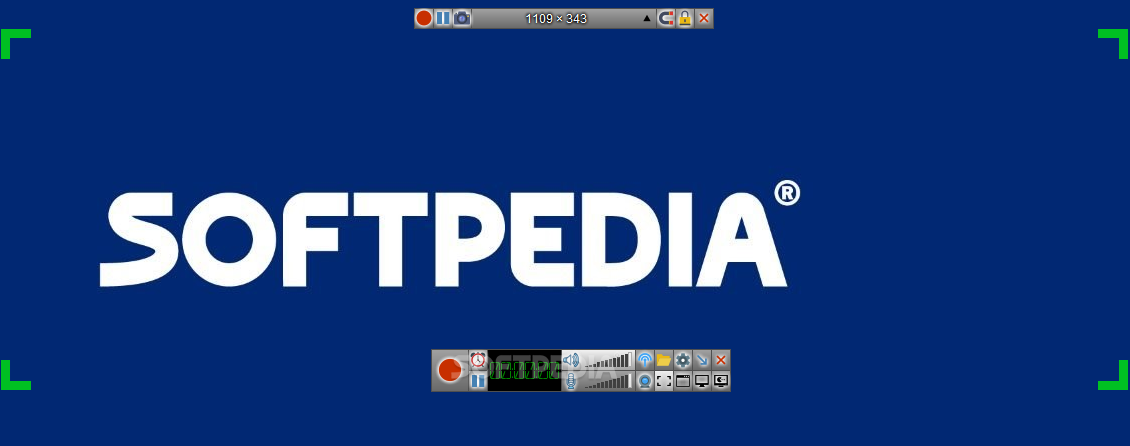
Recording your screen has many uses, and if you’ve been on the internet for a while, you’ll know that it was almost synonymous with how-to videos back in the day. Nowadays, it seems as though users record their screen mostly to record gaming clips, but that doesn’t mean you can’t boot up your app to record a tutorial of some sort.
Either way, the point is that a screen recorder is versatile by nature. ZD Screen Recorder is a tool that can help you record how-to videos, webinars, as well as PC gameplay in an intuitive manner.
The program includes various recording modes to address the many use cases of a general audience. There’s one for creating how-to clips, one for online videos, and you may also record webinars and gameplay footage.
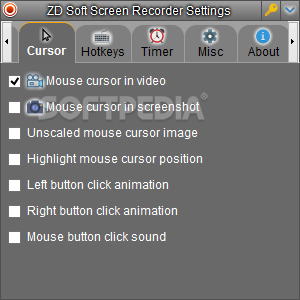
Each of these modes comes with its own recording presets. For instance, you’ll find that for how-to clips, the program will automatically highlight your cursor and annotate mouse movements to make your tutorials easier to follow.
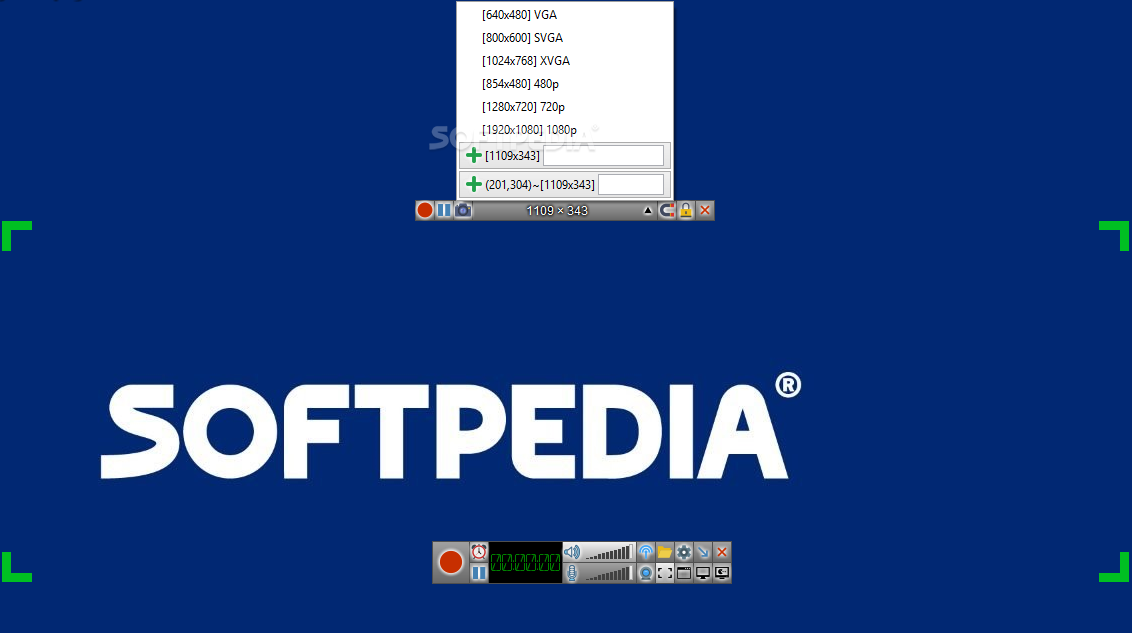
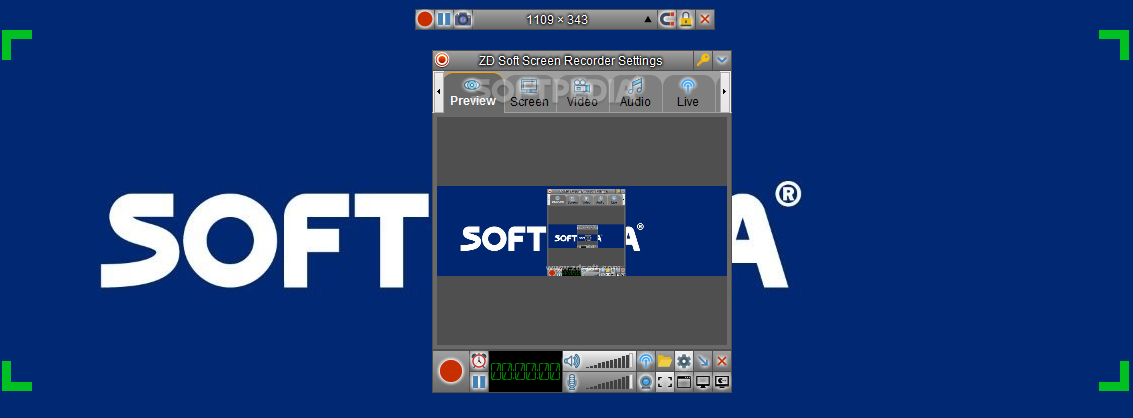
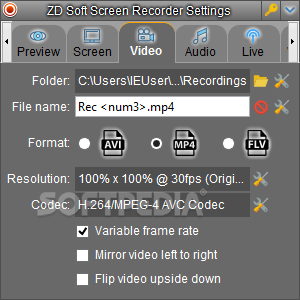
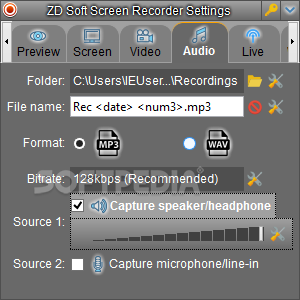
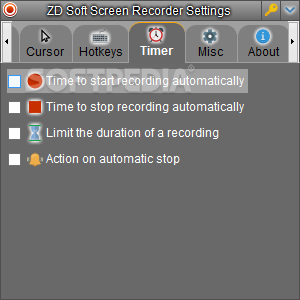
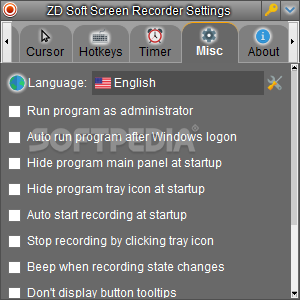
Of course, should you want to configure things yourself, there are various avenues to do so. Configure recording technicalities such as resolution, codecs, audio, and so on, modify mouse cursor effects, and even include TTS narration in your clips.
Upon recording your videos, the app will display a menu that will let you look at your clips. In this menu, you’ll be able to trim and merge footage, as well as blur certain logos or sensitive information.
What’s more, when modifying your clips, you can re-encode and save them in a different format, resolution, and framerate.
ZD Screen Recorder is easy enough to use, making it viable for anyone looking for such a tool. You can use it to record webinars, how-to videos, and even gameplay footage, so it’s quite a versatile software package overall.
Download Hubs
ZD Screen Recorder is part of these download collections: Video Capture, Video Grabber
What's new in ZD Screen Recorder 11.7.5:
- Resolved an issue where taking a screenshot in webcam-only recording mode resulted in a desktop screenshot.
ZD Screen Recorder 11.7.5
add to watchlist add to download basket send us an update REPORT- runs on:
-
Windows 11
Windows 10 32/64 bit
Windows 8 32/64 bit
Windows 7 32/64 bit - file size:
- 12.2 MB
- filename:
- SRSetup.exe


- main category:
- Multimedia
- developer:
- visit homepage
Bitdefender Antivirus Free

Zoom Client

Microsoft Teams

Context Menu Manager

calibre

Windows Sandbox Launcher

ShareX

IrfanView

4k Video Downloader

7-Zip

- IrfanView
- 4k Video Downloader
- 7-Zip
- Bitdefender Antivirus Free
- Zoom Client
- Microsoft Teams
- Context Menu Manager
- calibre
- Windows Sandbox Launcher
- ShareX