
Advanced screen recording software that can capture the full screen, selected window or fixed ratio, take screenshots and adjust video properties. #Capture Video #Record Screen #Record Video #Capture #Screen #Recorder

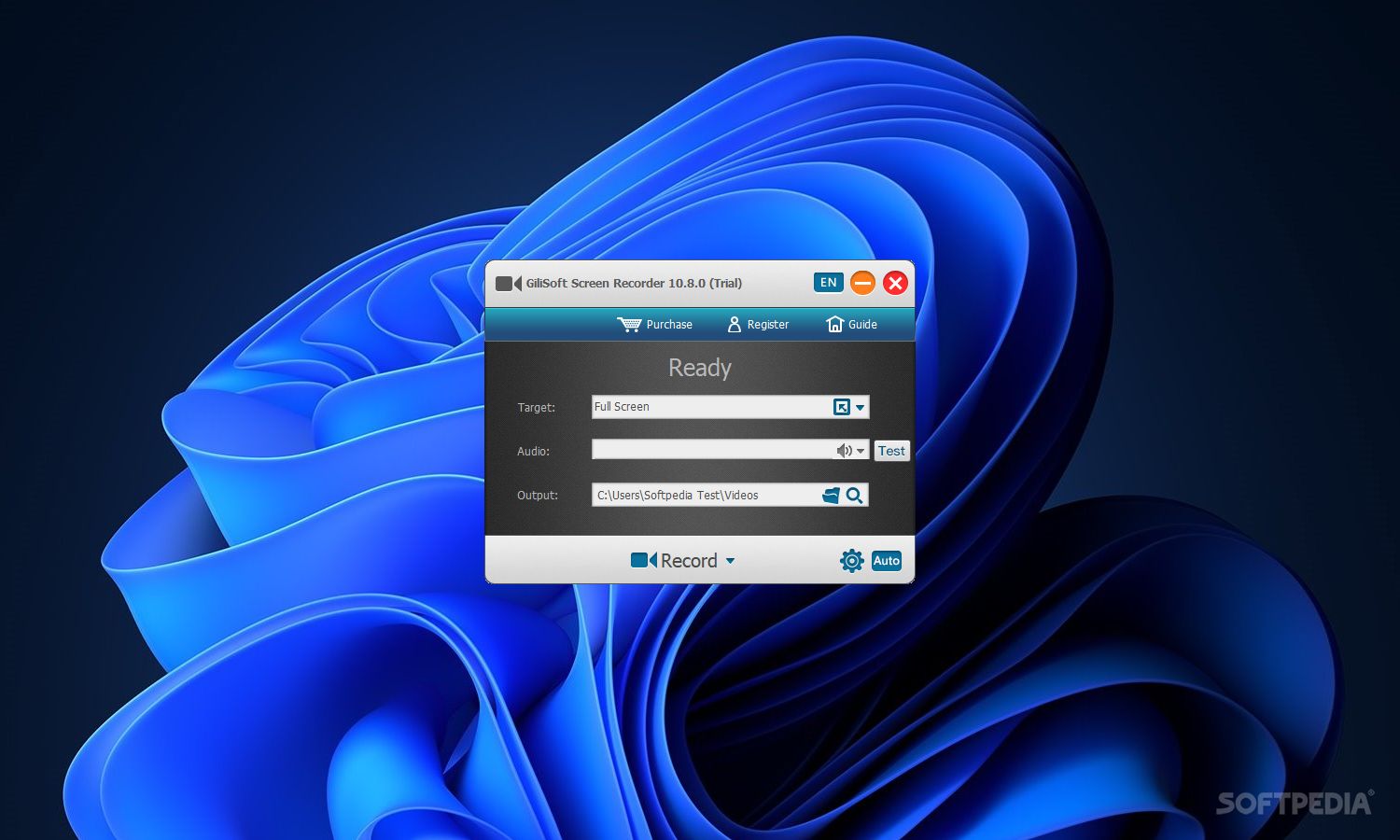
Screen Recorder is a feature-rich, yet easy-to-use screen recorder that can capture the full screen, selected window, or fixed region and save the video to file.
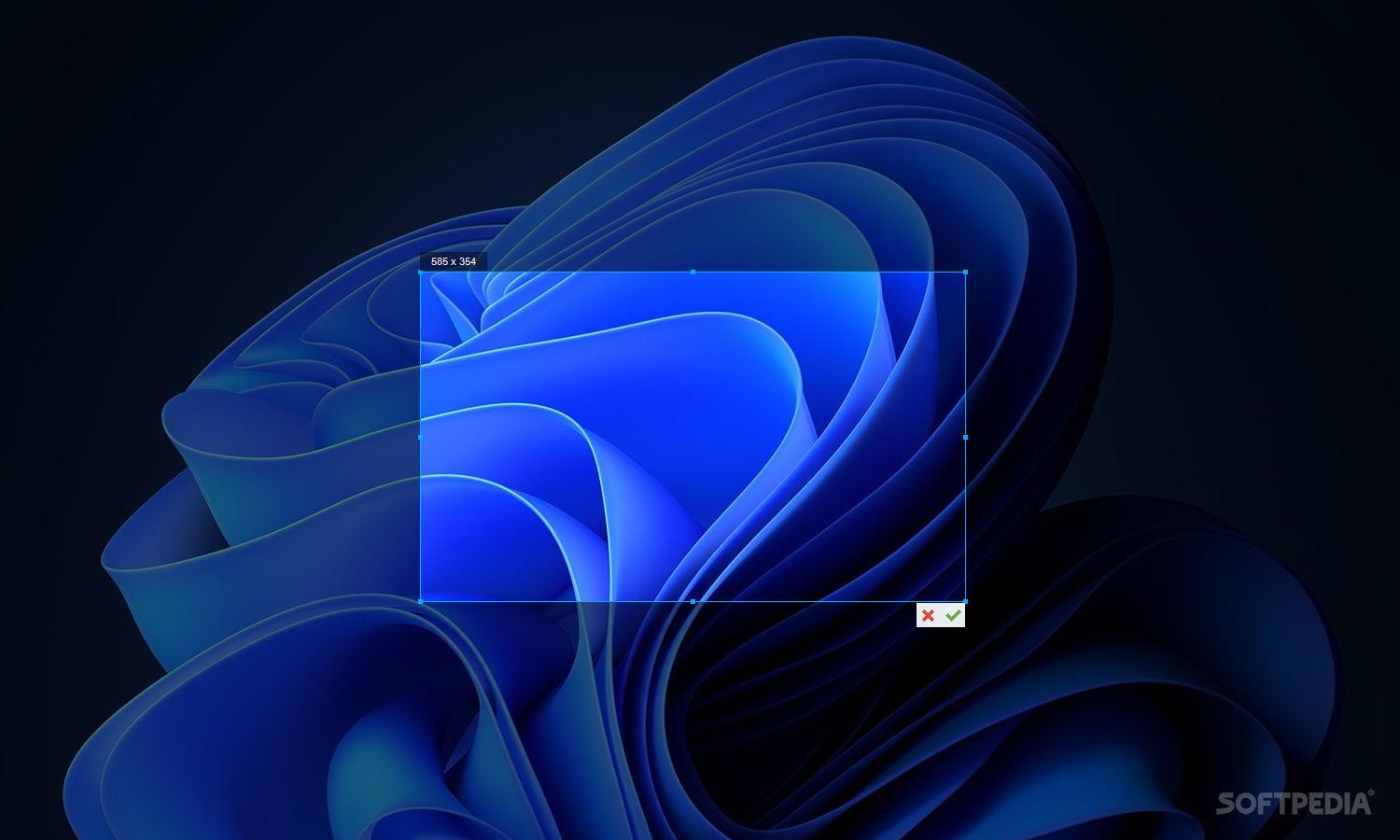
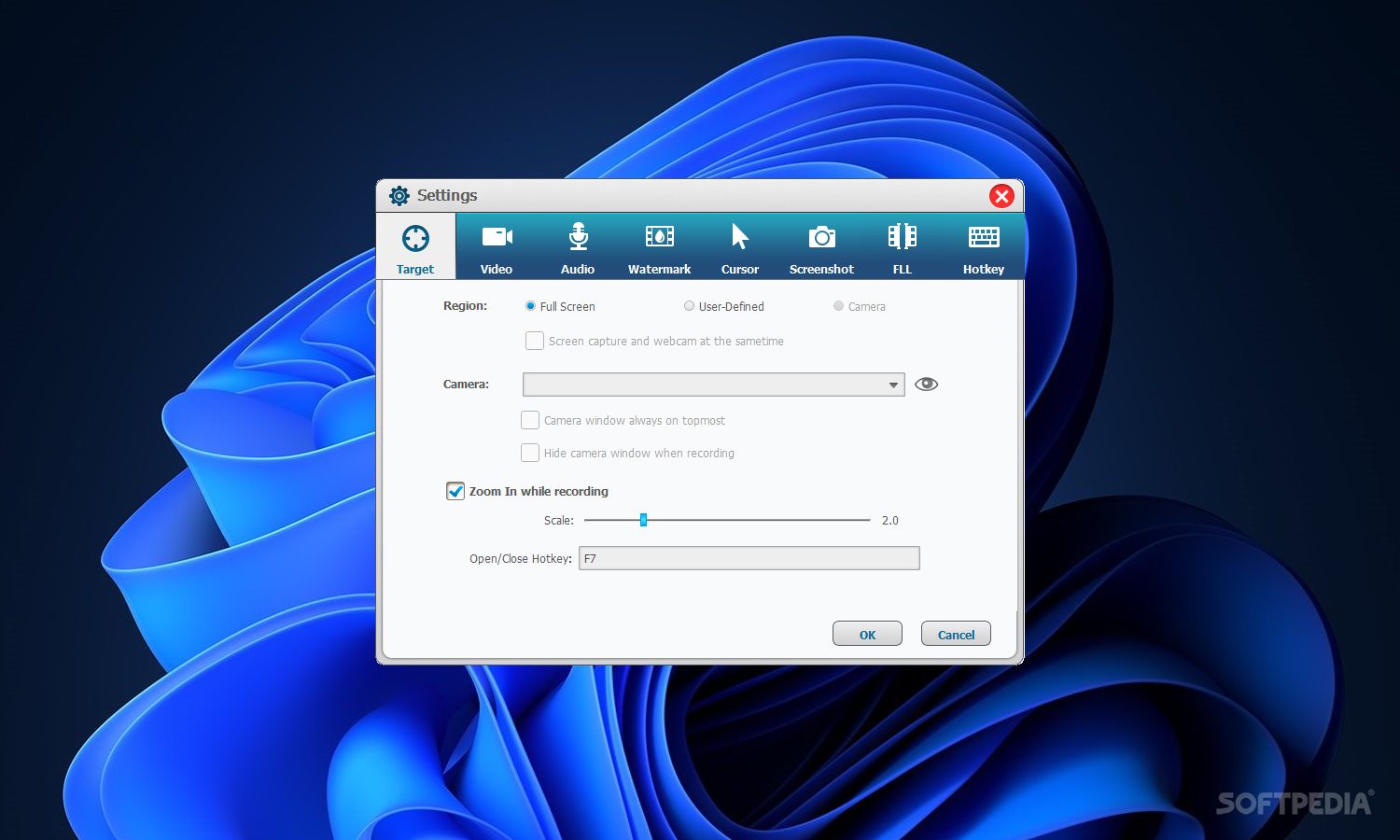
Setting up the app takes little time and minimum effort. Its clear-cut interface is made from a regular window with a well-organized structure, where you can select the type of screen recording between full mode, window, and fixed region. It is possible to capture frames as well; they are automatically saved to PNG format.
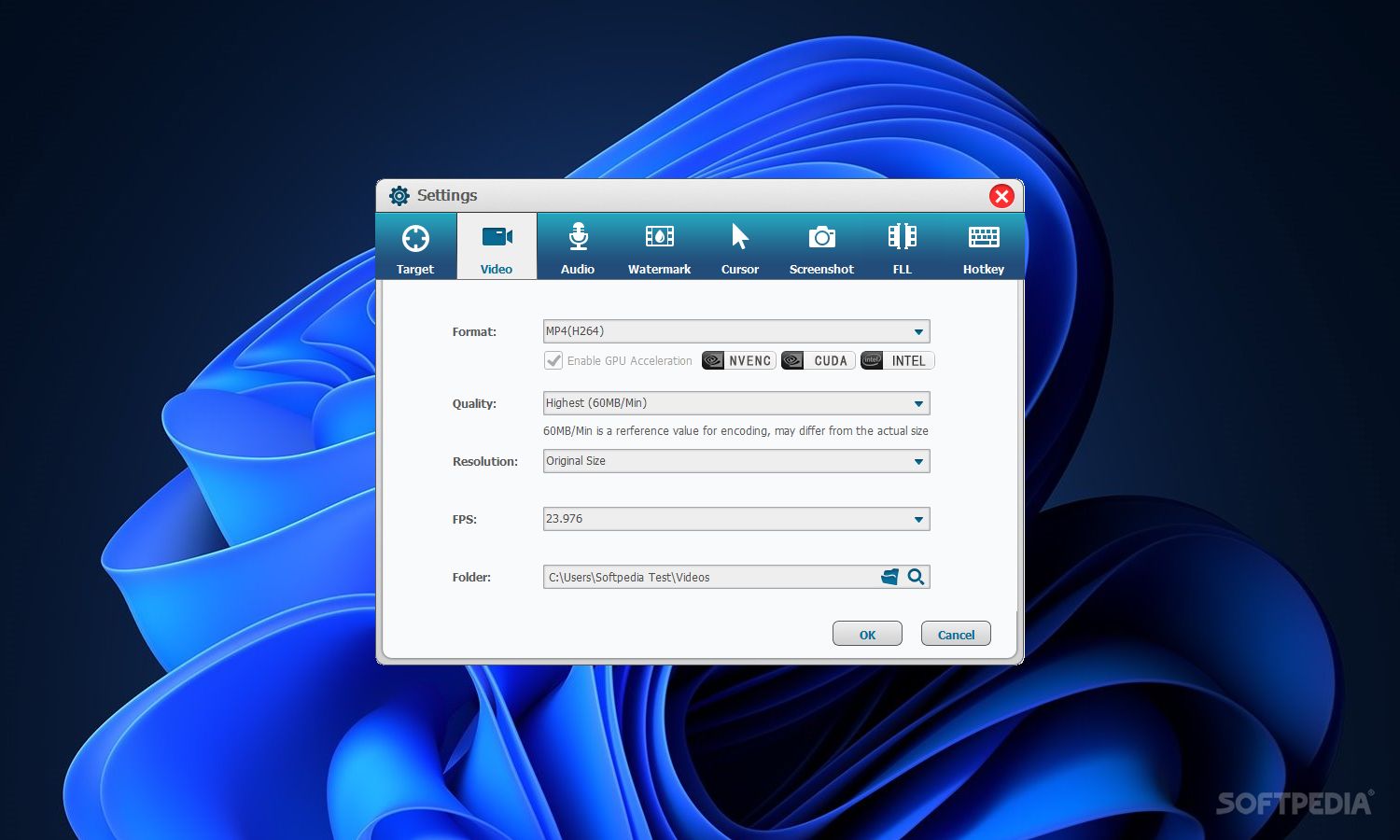
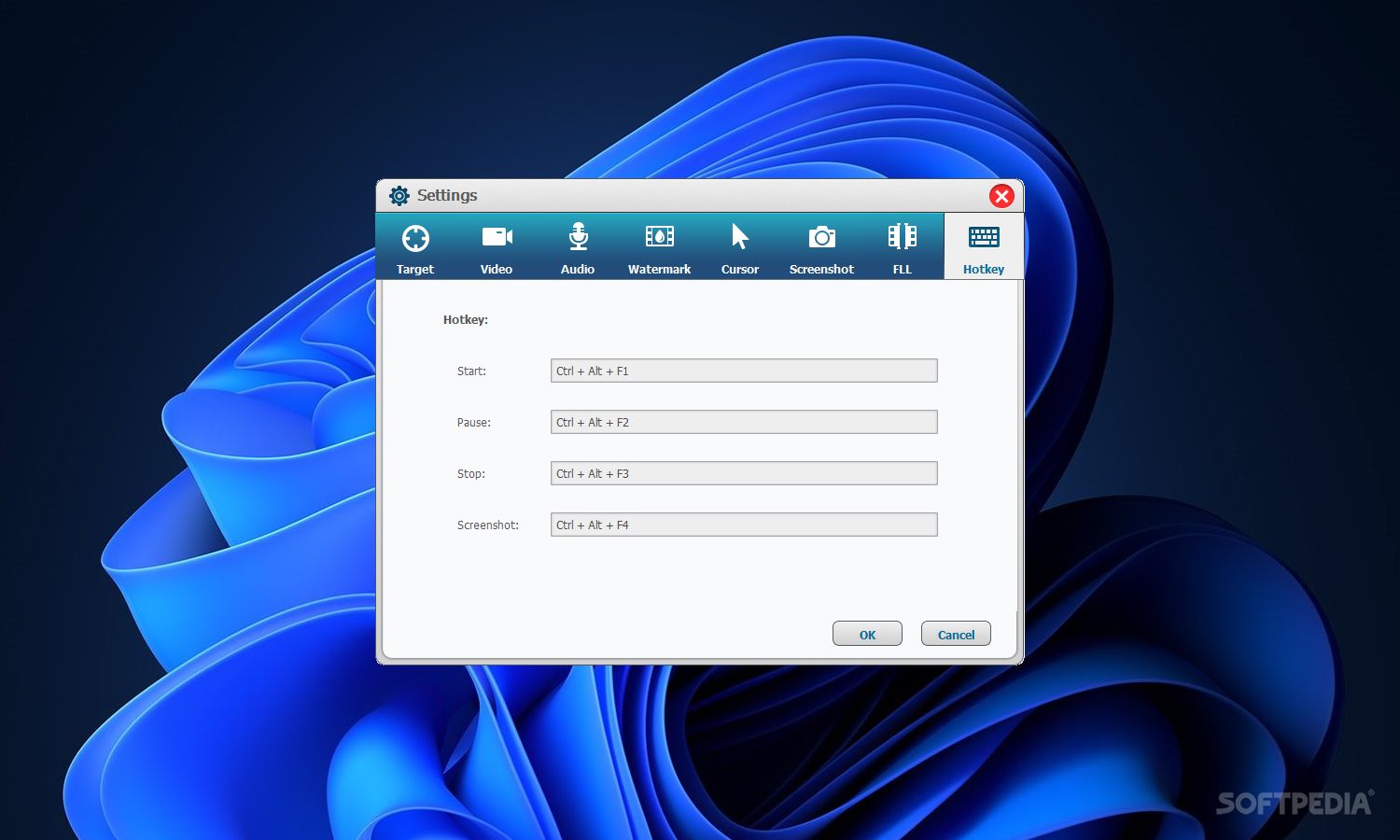
All videos are created with the FLV format. You can alter the default output directory and open it by clicking a button in the main frame. Hotkeys are available for starting and stopping the recording session.
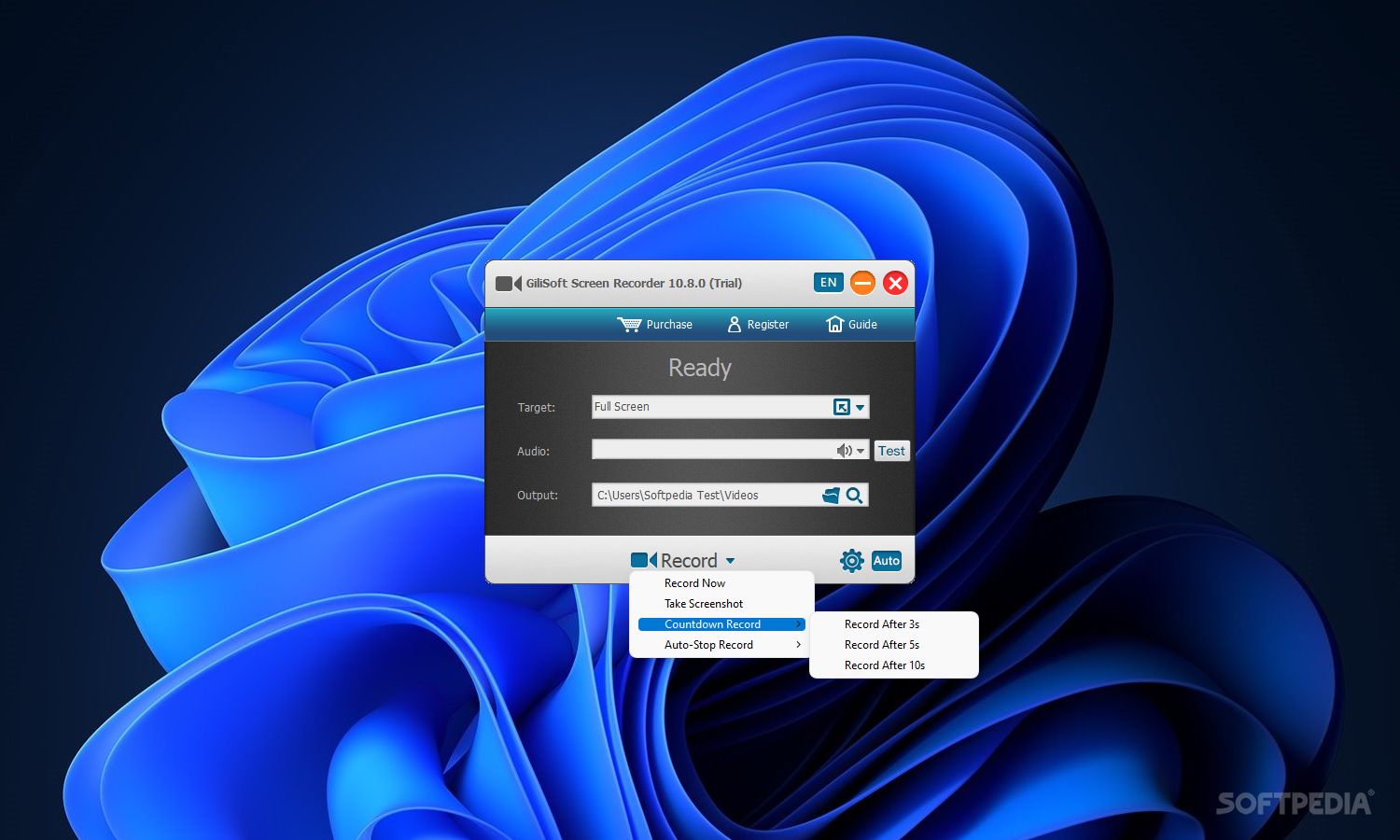
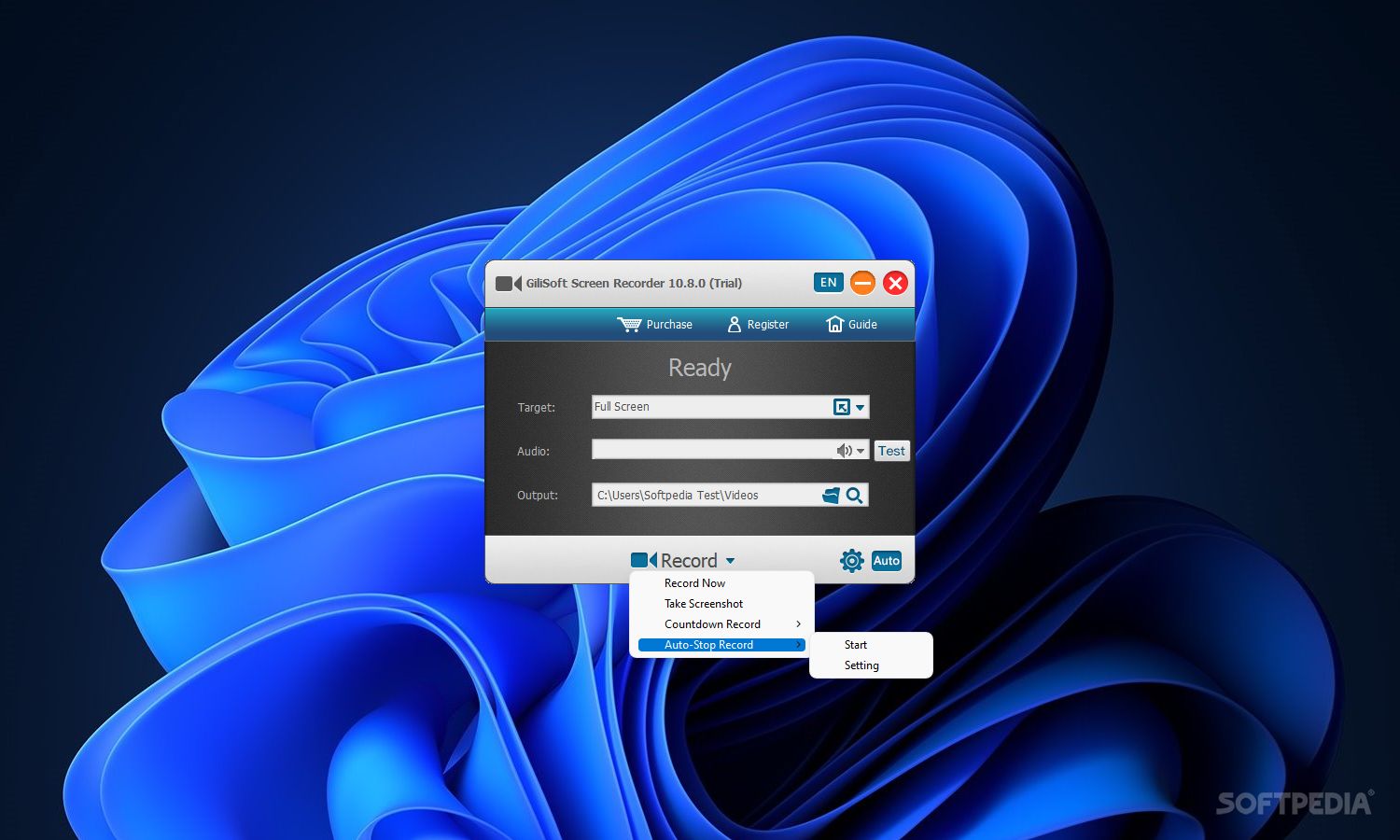
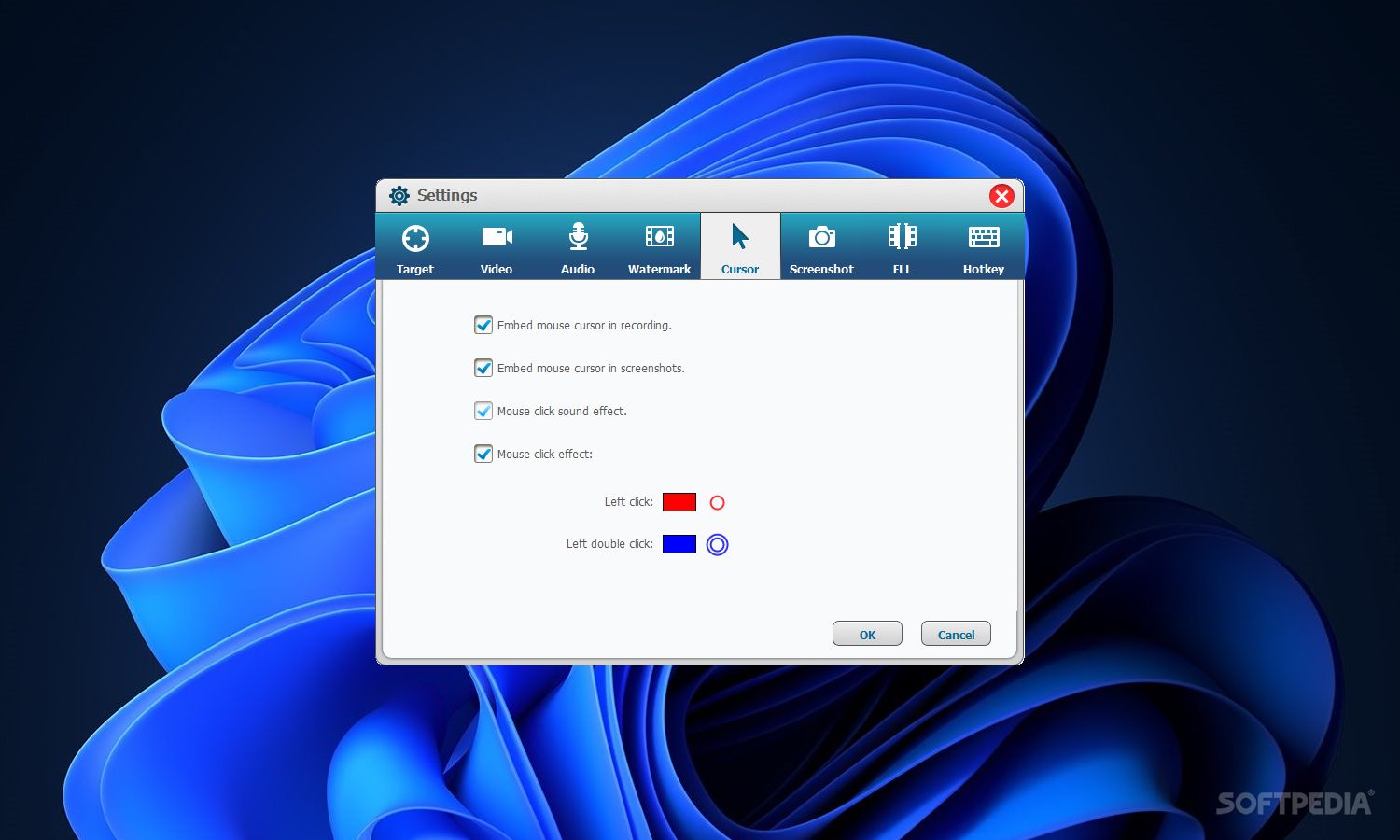
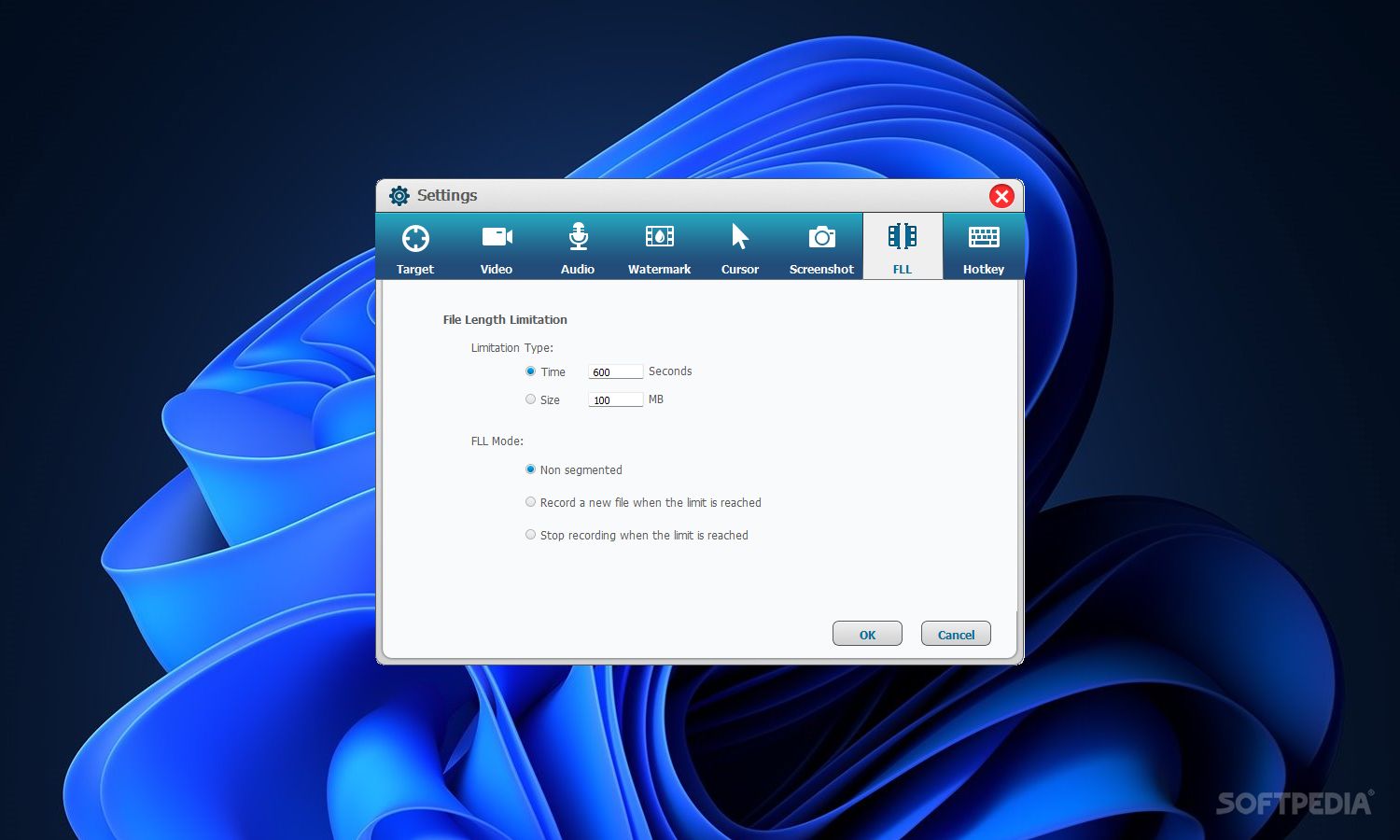
When it comes to configuration settings, it is possible to adjust the pre-recording countdown, set the app to automatically open the output path on recording completion, as well as split video files automatically by time or size. Video properties are prone to editing in terms of scale, frames per second, and bit rate. The mouse cursor may be hidden in the resulted clips as well.
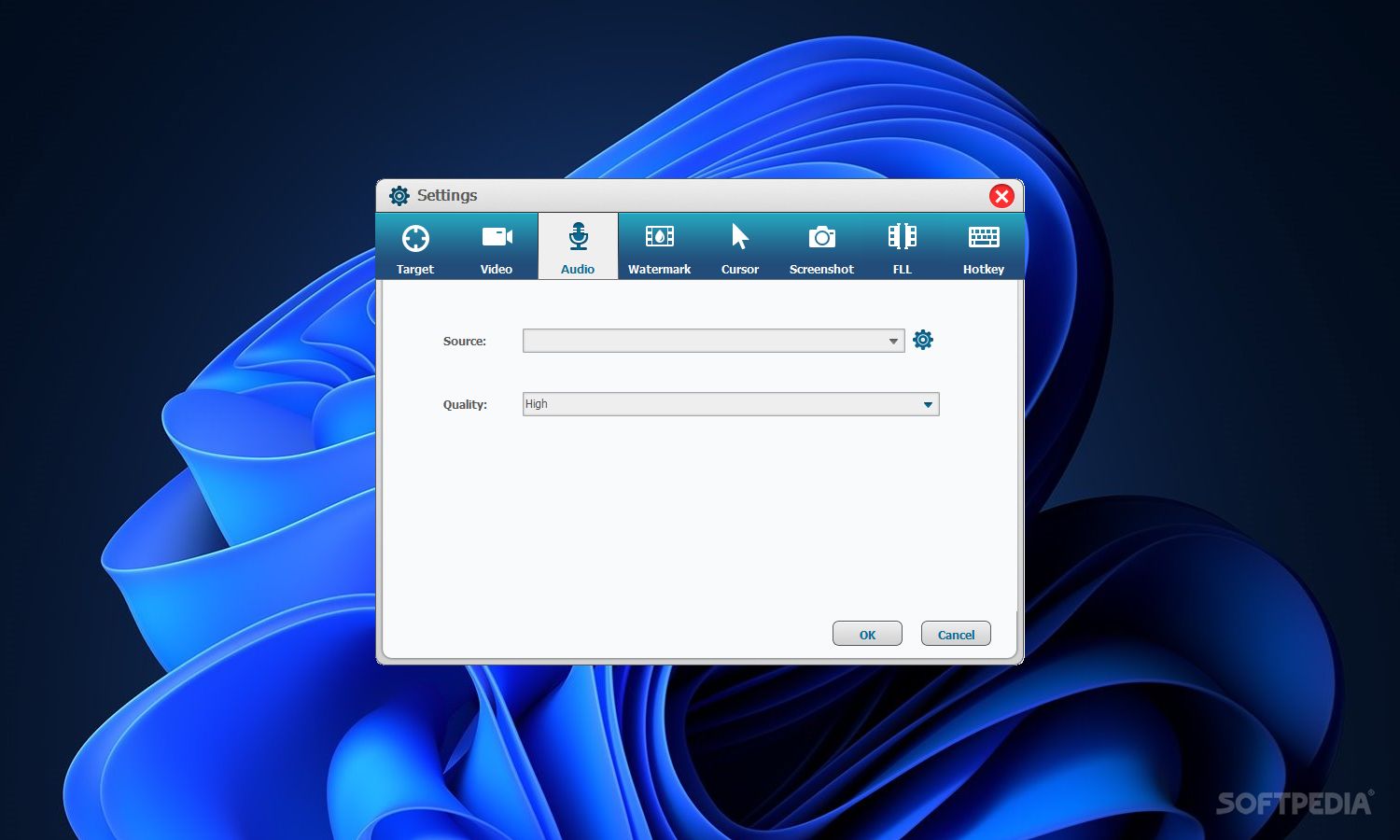
The tool is also capable of recording audio, as long as it is from an external source (system sounds are not supported), and you can tweak the volume level. Last but not least, the hotkeys can be remapped.
Screen Recorder uses a moderate-to-high quantity of CPU and RAM, has a good response time and creates quality videos. We have not come across any kind of problems throughout our evaluation, since the app did not hang, crash or pop up error messages. Screen Recorder should please all users, regardless of their previous experience with screen recording apps.
GiliSoft Screen Recorder 12.7.0
add to watchlist add to download basket send us an update REPORT- runs on:
-
Windows 11
Windows 10 32/64 bit
Windows 8 32/64 bit
Windows 7 32/64 bit
Windows Vista 32/64 bit
Windows XP 32/64 bit
Windows 2K - file size:
- 49 MB
- filename:
- screen-recorder.exe

- main category:
- Multimedia
- developer:
- visit homepage
7-Zip

IrfanView

Microsoft Teams

Windows Sandbox Launcher

ShareX

calibre

Bitdefender Antivirus Free

Zoom Client

4k Video Downloader

Context Menu Manager

- Zoom Client
- 4k Video Downloader
- Context Menu Manager
- 7-Zip
- IrfanView
- Microsoft Teams
- Windows Sandbox Launcher
- ShareX
- calibre
- Bitdefender Antivirus Free