
3D Game Capture, Output AVI, WMV, RM, MOV, JPG, PNG, BMP files. #Take screenshot #Record game #Screen recorder #Recorder #Screenshot #Game

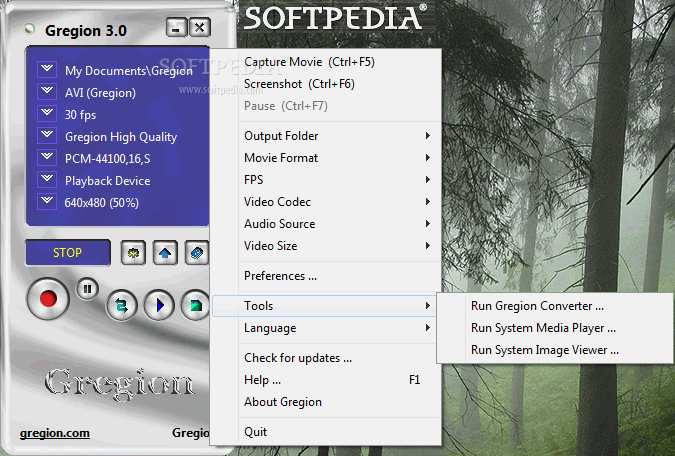
Gregion is a program designed to help you record your gaming sessions and take screenshots of your desktop. You can use it to create video files in different formats from 3D games (Direct3D or OpenGL).
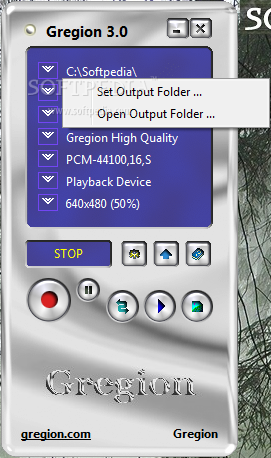
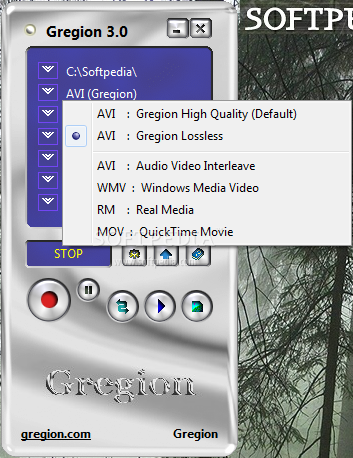
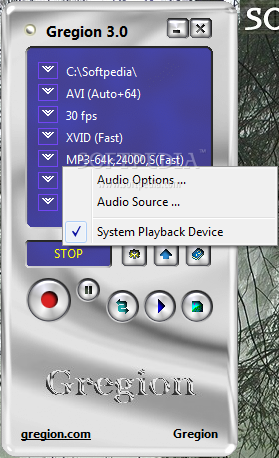
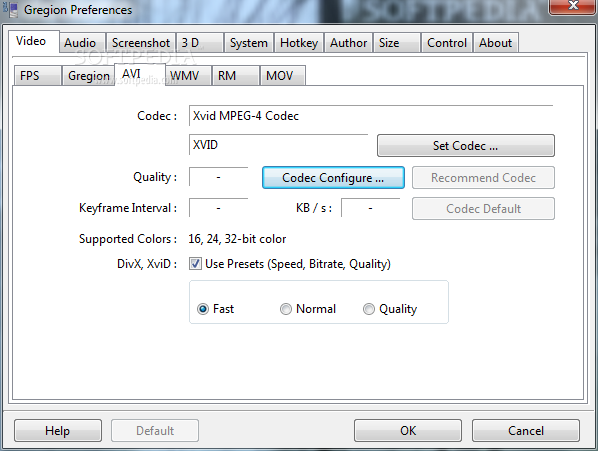
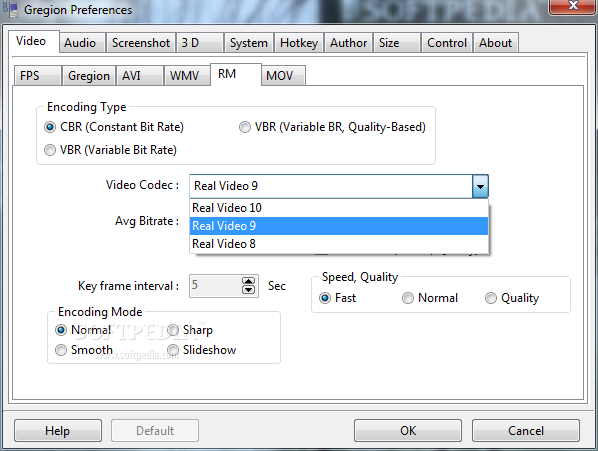
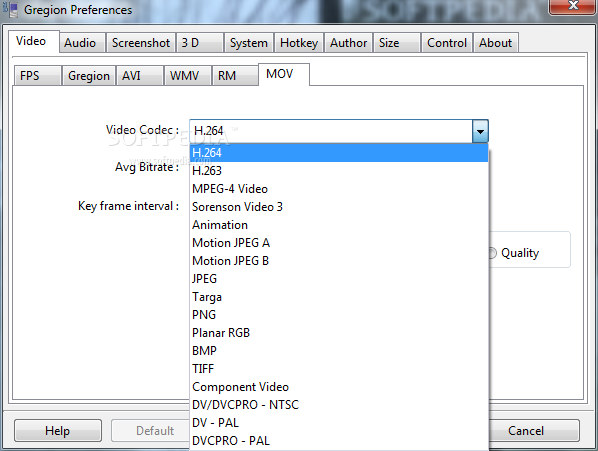
The interface is simple and clean, so configuring the application should be easy for any type of user. Thus, you can set the output folder for the resulting files and select the movie type. The application provides support for the following formats: AVI, WMV, Real Media (RM) and MOV and can use multiple codec packages for video encoding.
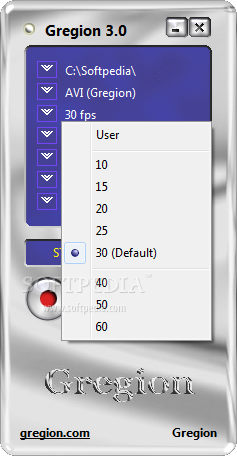
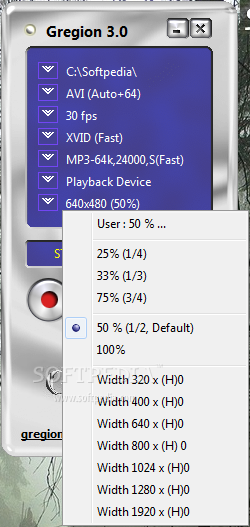
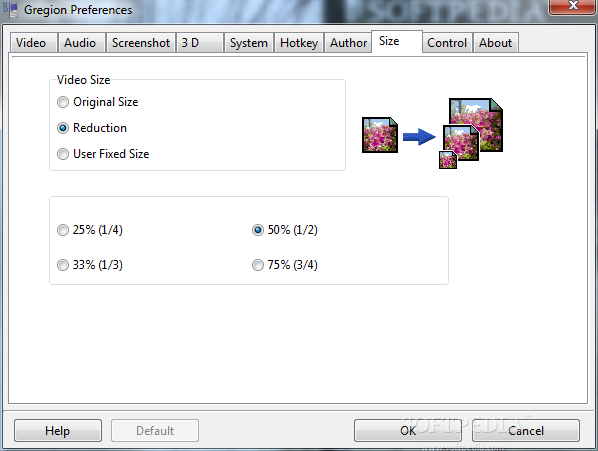
The video capturing settings can also be customized by defining the video quality, bitrate and speed. You can select one of the predefined values for the number of FPS your recordings should have or define a new value yourself. The video can be captured at its original size, but you can also choose to reduce the size or even input a custom width.
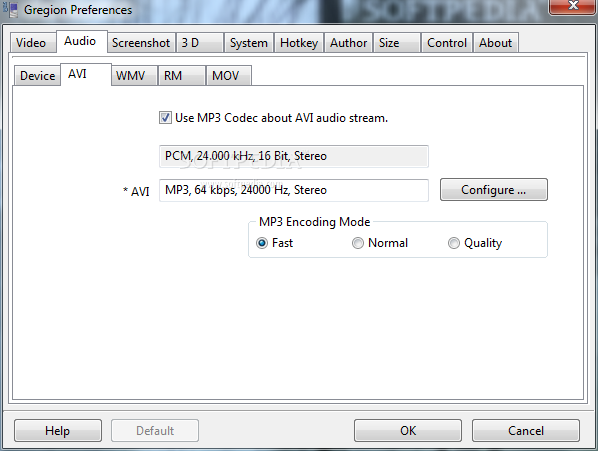
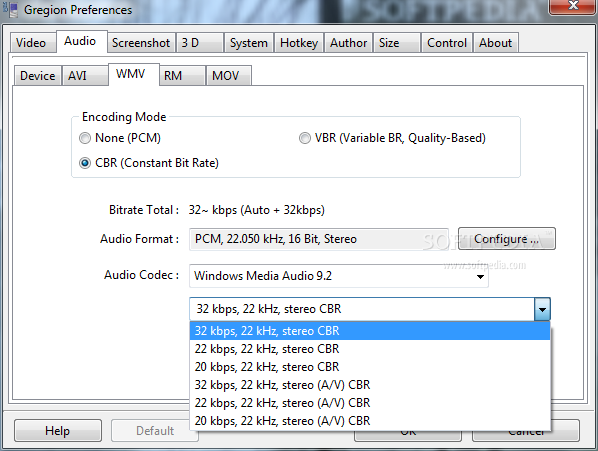
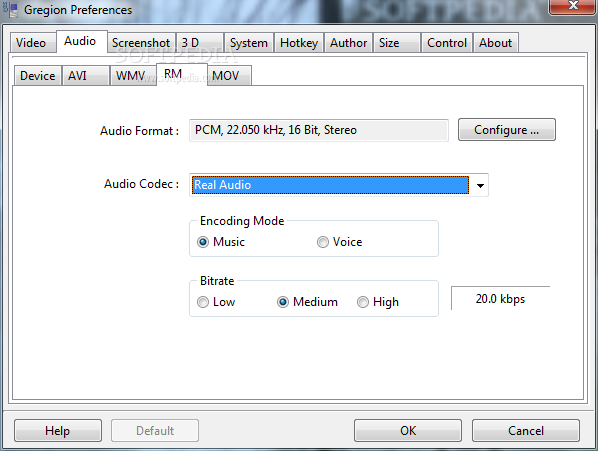
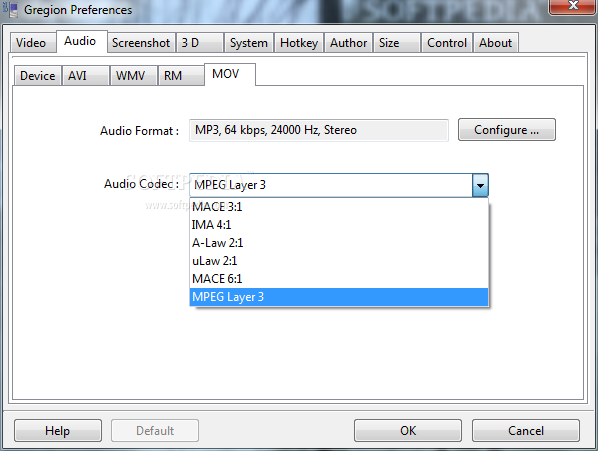
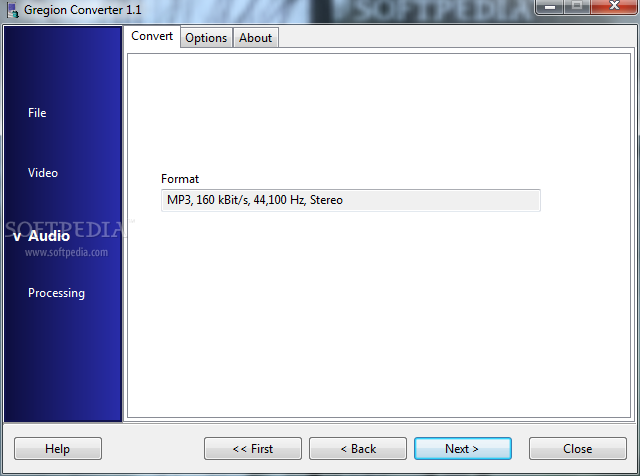
Users can easily change the audio settings by selecting the input device, configuring the encoding mode and choosing the audio output format.
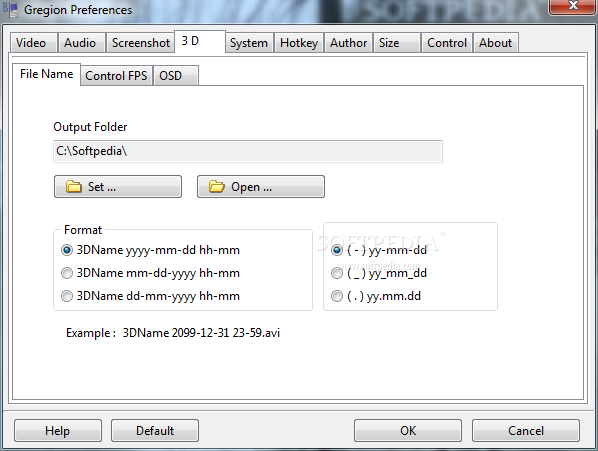
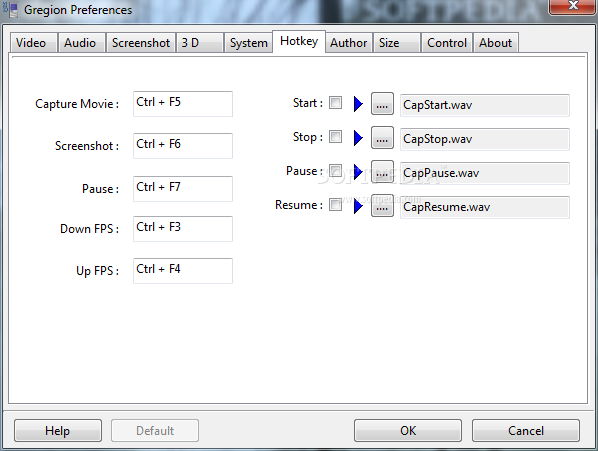
Capture time limit, hotkeys, FPS controlling features, on-screen display options, predefined name formats for the output files are other advantages that this application brings you.
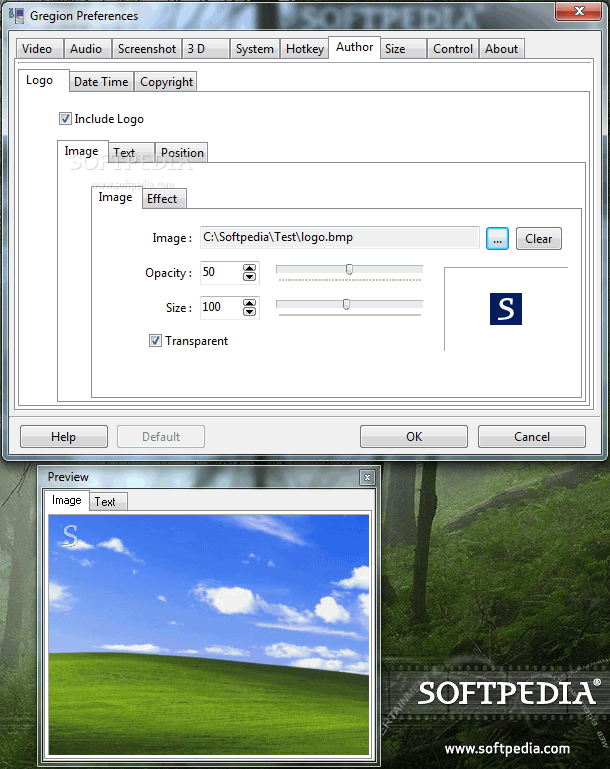
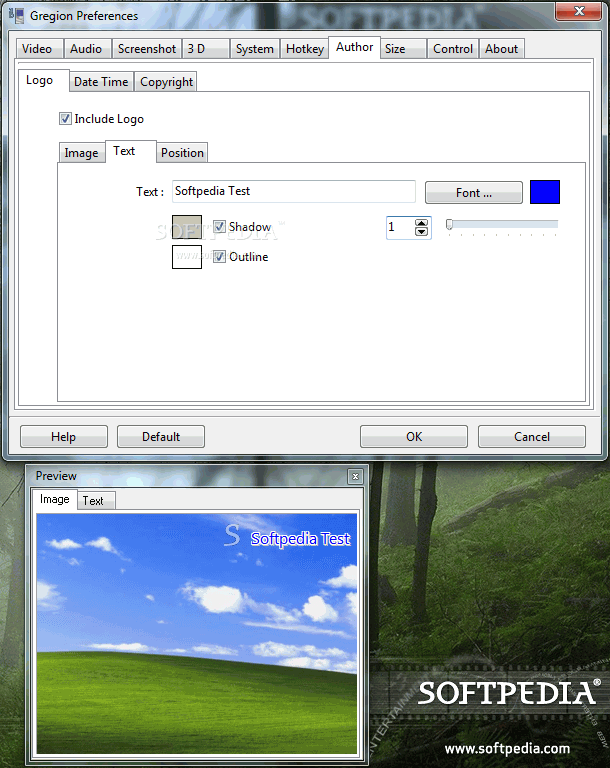
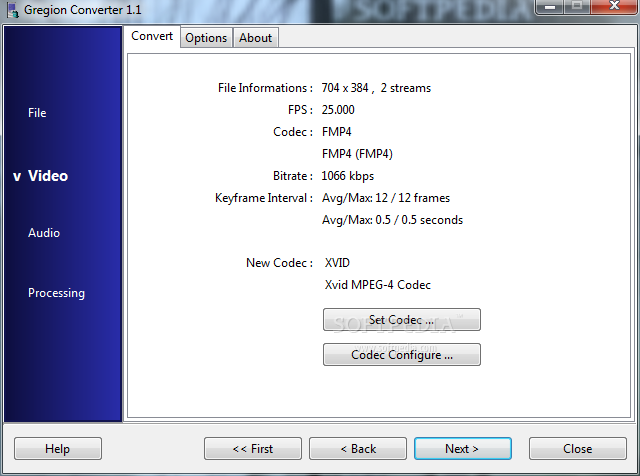
You can add graphic logos (some effects, such as grayscale, outline and invert can be applied directly from the application), copyright information, the current date and time or apply text watermarks to the recordings. The Gregion converter can be used for converting your recordings to other video formats.
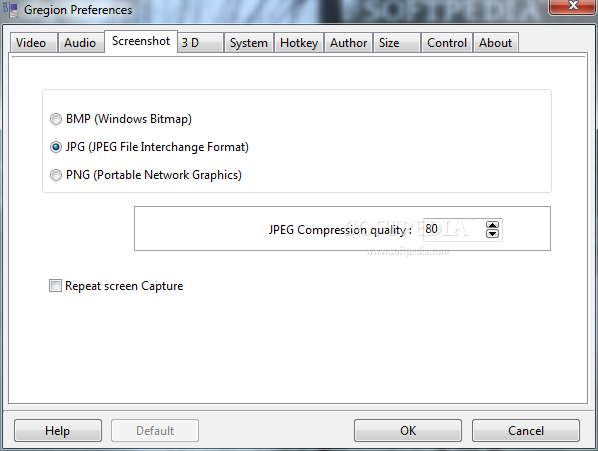
Those who want to use Gregion for screen capturing can choose one of the supported output formats (BMP, JPG, PNG) and set the JPG compression quality.
Ease of use, together with the good quality of recordings are features that make Gregion a viable choice when it comes to game recording and screen capturing.
Gregion 3.1
add to watchlist add to download basket send us an update REPORT- runs on:
-
Windows 7 32/64 bit
Windows Vista 32/64 bit
Windows XP
Windows 2K - file size:
- 5.5 MB
- filename:
- gregion.exe



- main category:
- Multimedia
- developer:
- visit homepage
Windows Sandbox Launcher

paint.net

IrfanView

Zoom Client

7-Zip

calibre

ShareX

Microsoft Teams

Bitdefender Antivirus Free

4k Video Downloader

- Microsoft Teams
- Bitdefender Antivirus Free
- 4k Video Downloader
- Windows Sandbox Launcher
- paint.net
- IrfanView
- Zoom Client
- 7-Zip
- calibre
- ShareX