
Record your screen, and use post editing tools to enhance or adjust your creation to perfection, making sure you also share or transfer it via FTP. #Screen recorder #Desktop snapshot #Screen capture #Capture #Recorder #Grabber

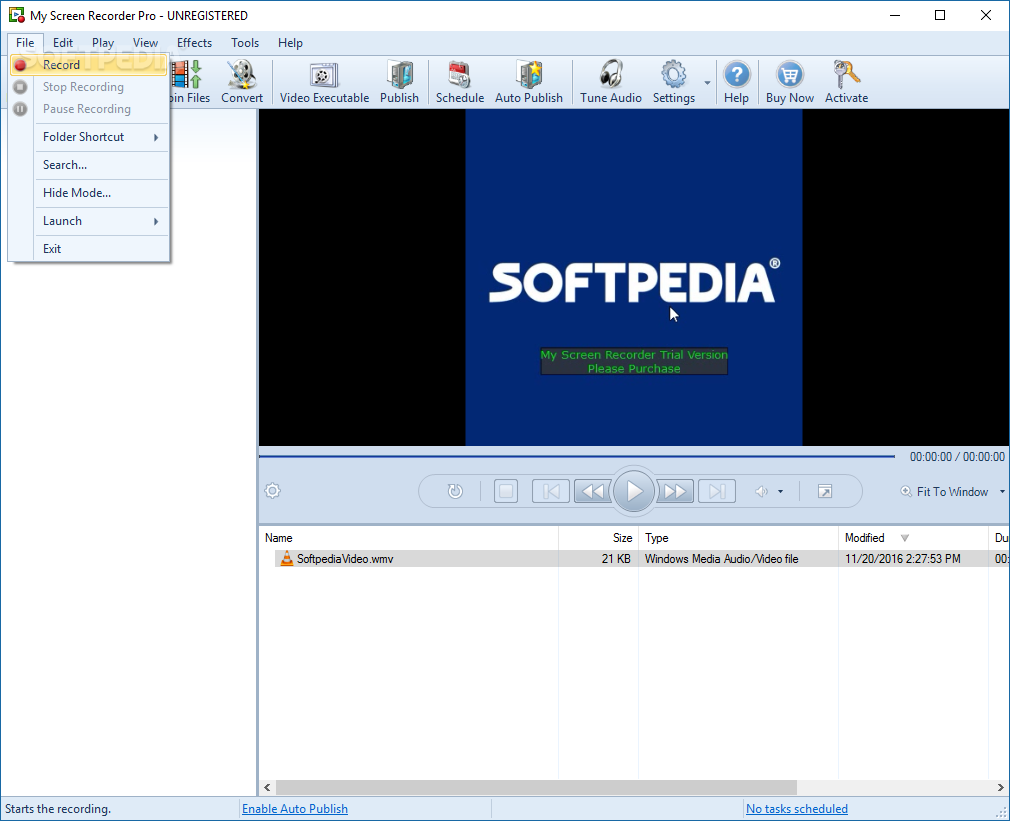
My Screen Recorder Pro is an application created for users who like to share what happens on their screen. Whether you are a tutorial aficionado, or simply want to record something funny on screen, this application could be a good choice, given the fact that unlike most other similar apps it also includes a post-processing suite of tools. You could consider this program a one-stop-shop for your desktop recording needs.
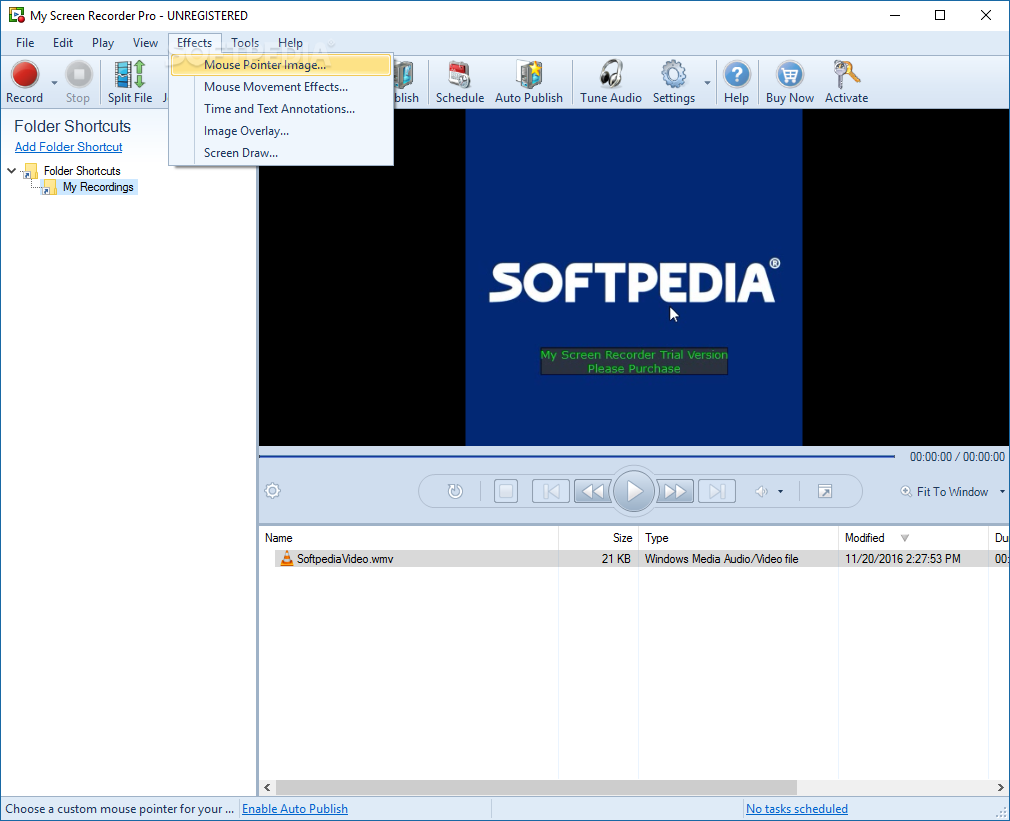
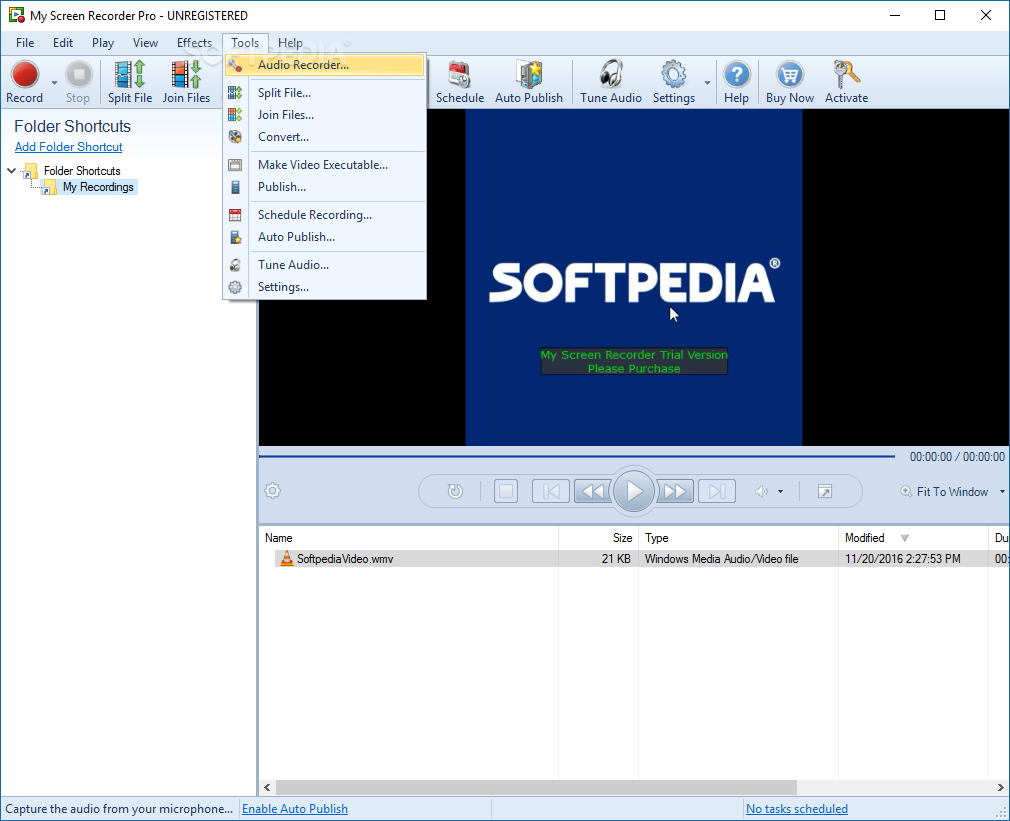
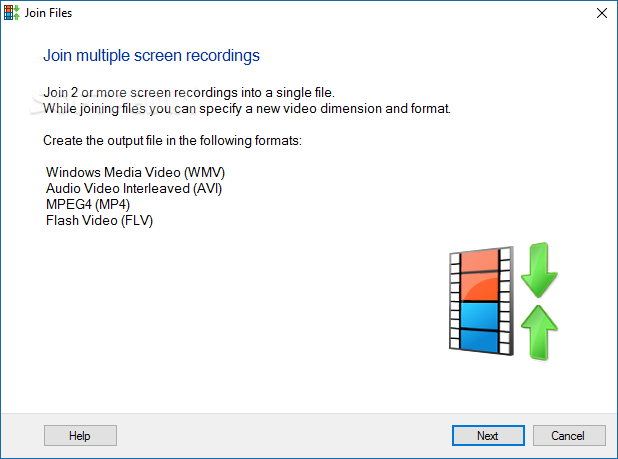
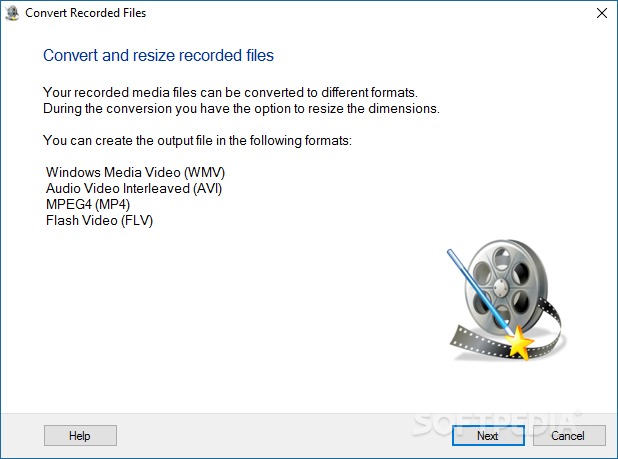
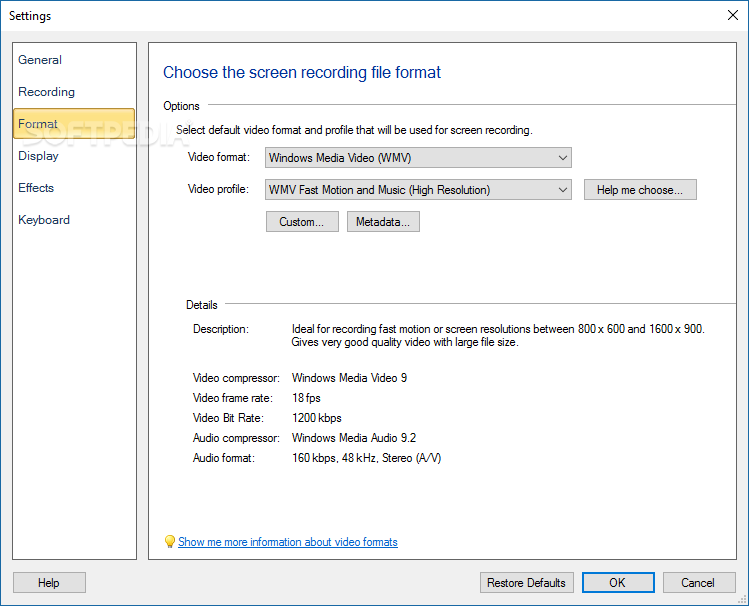
Well, like all recorders out there, the main attraction is the big red REC button. Once you hit that, the app will start registering your every move on the screen. Make sure you do your thing and not worry about small inconveniences or inconsistencies. that might appear on the way. These can easily be taken care of after closing your recording session. Split or join files, depending on your final goal. You can convert your video creation to a more suitable format for upload on YouTube perhaps or any other similar service.
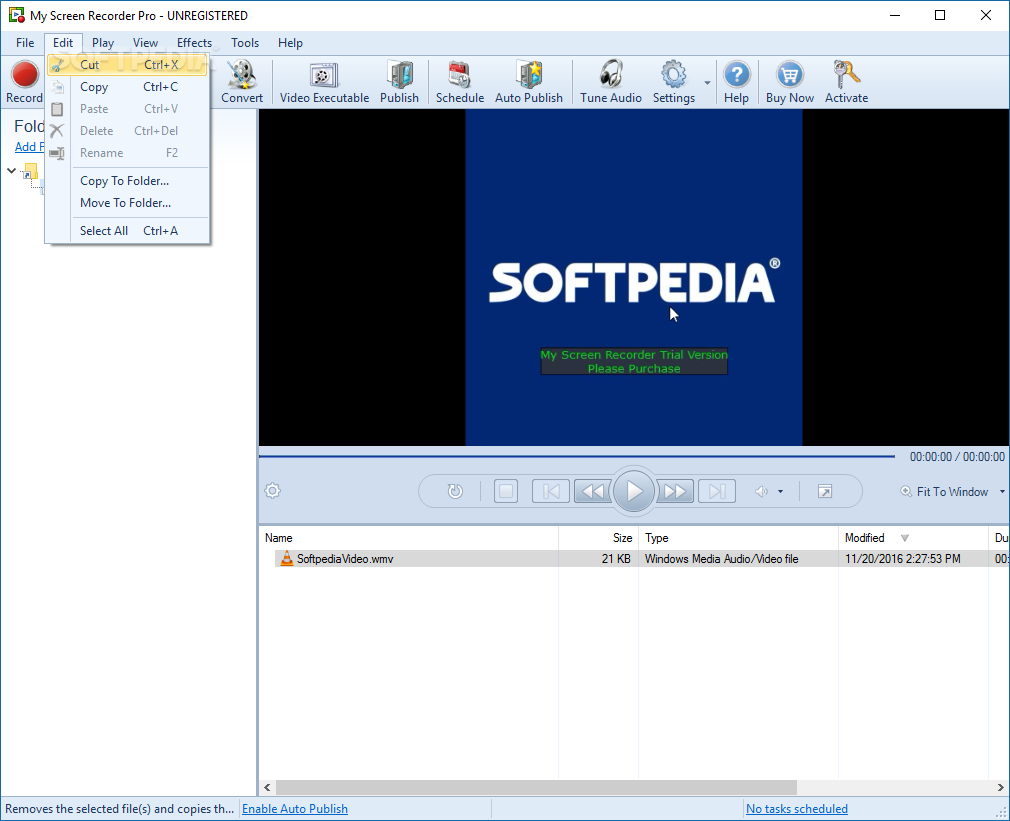
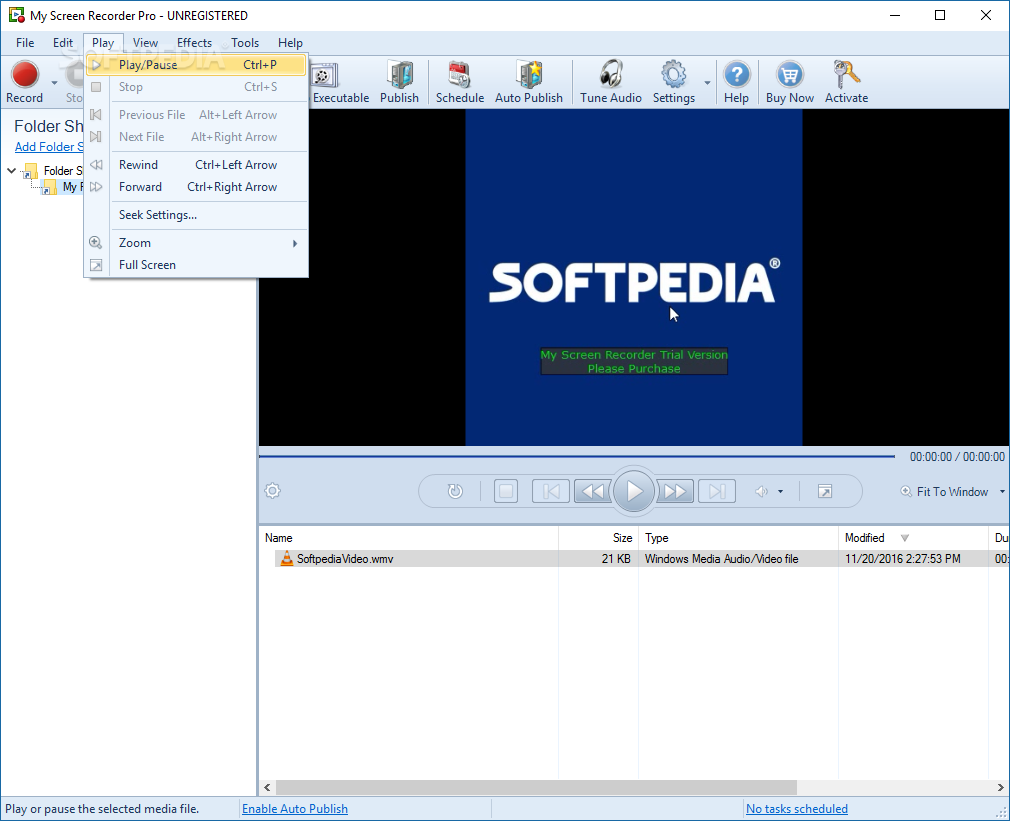
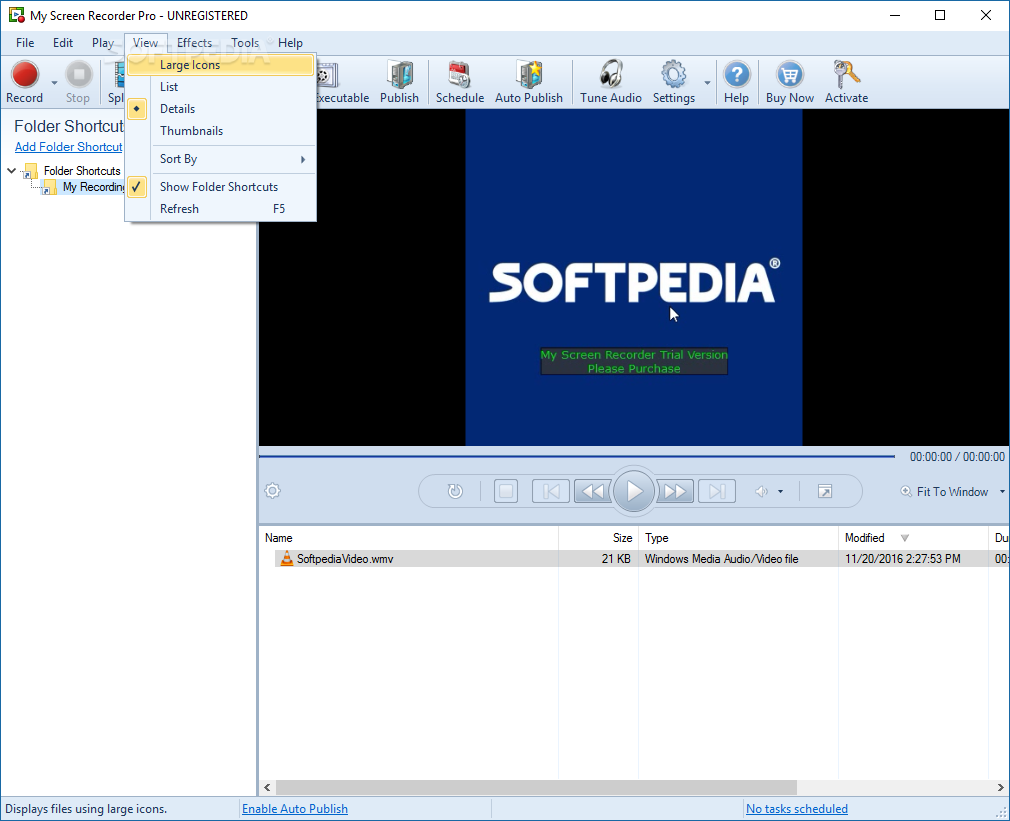
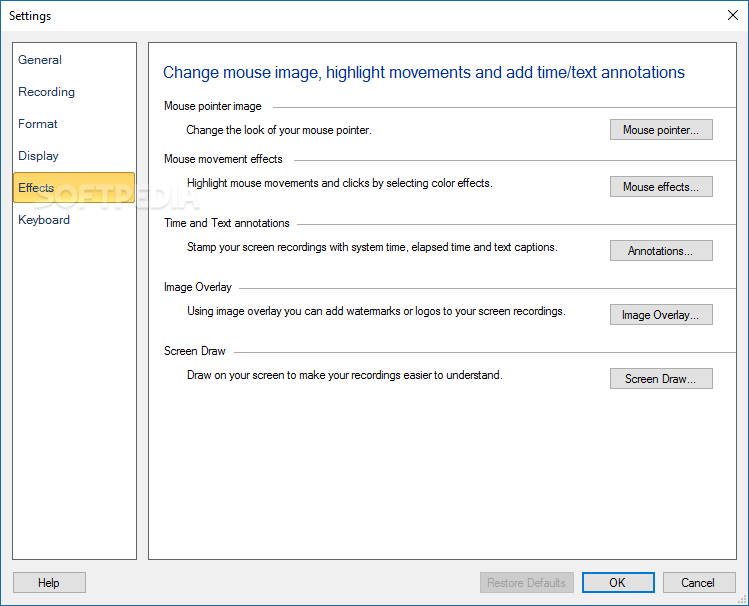
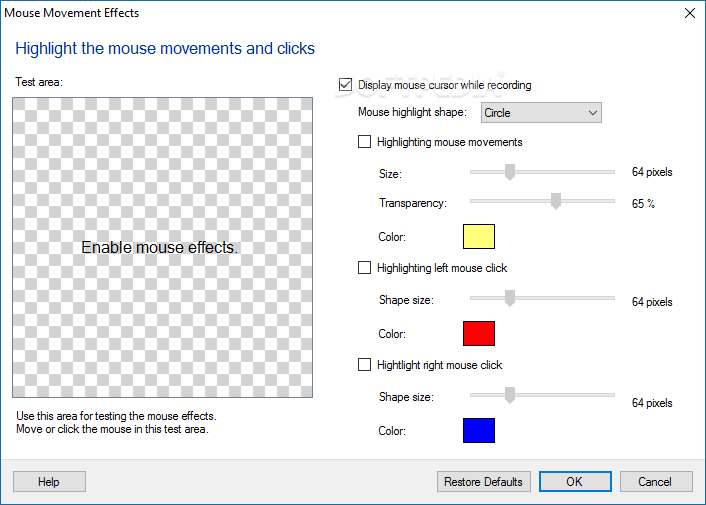
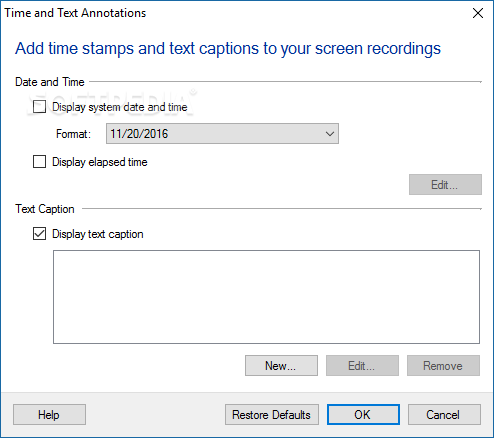
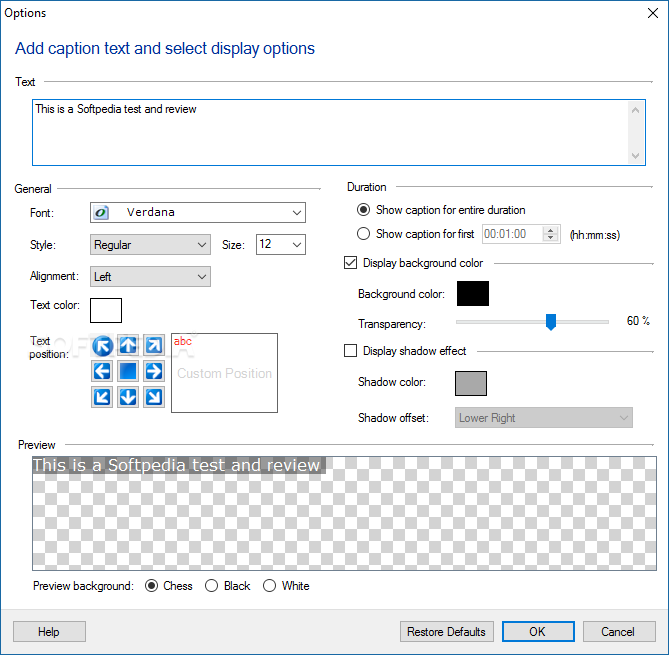
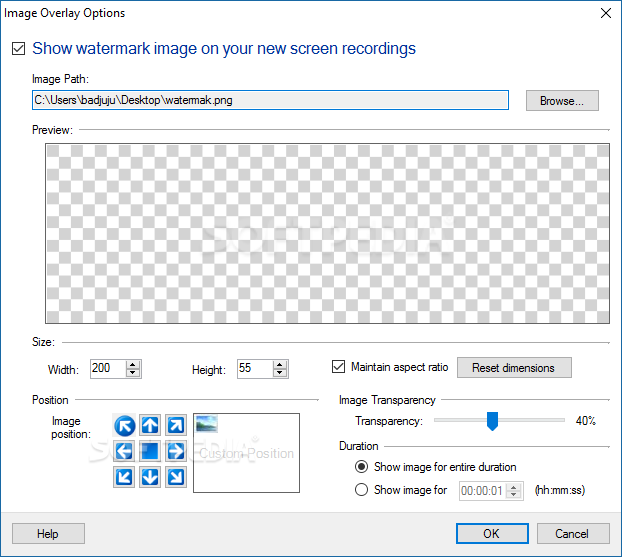
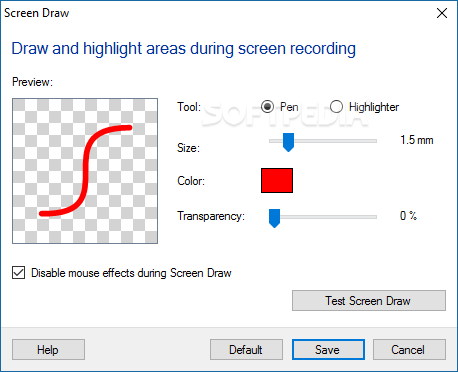
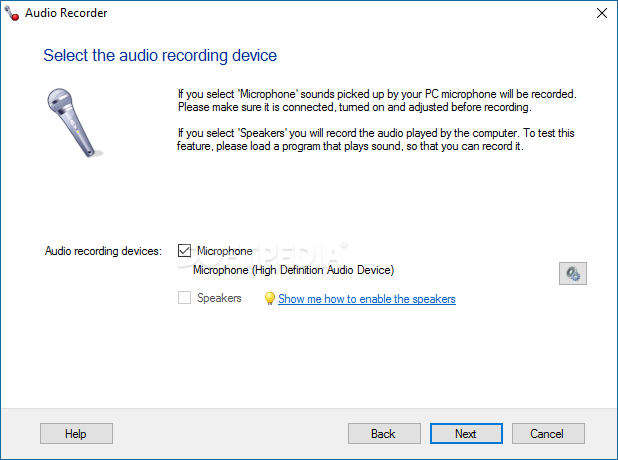
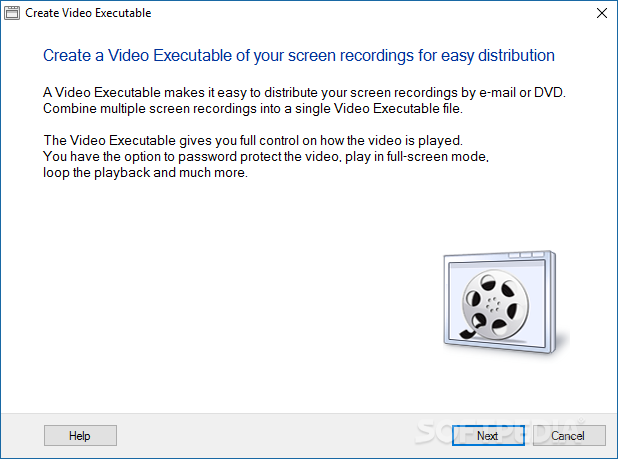
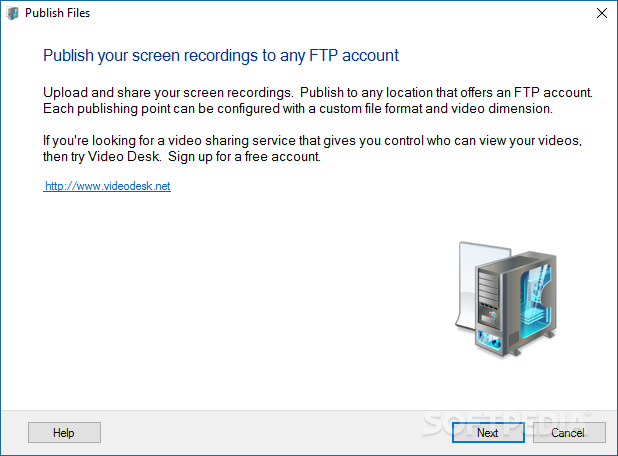
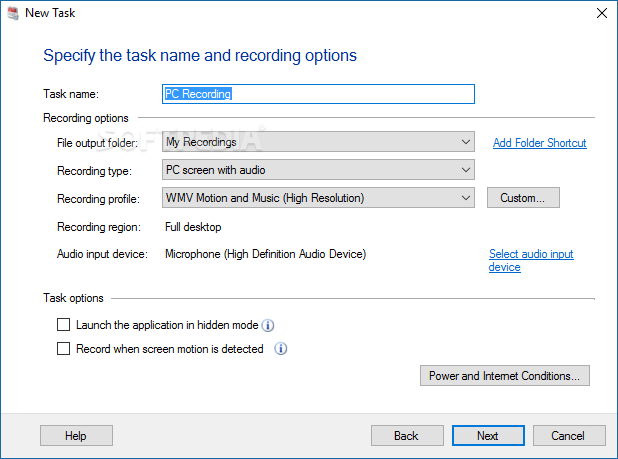
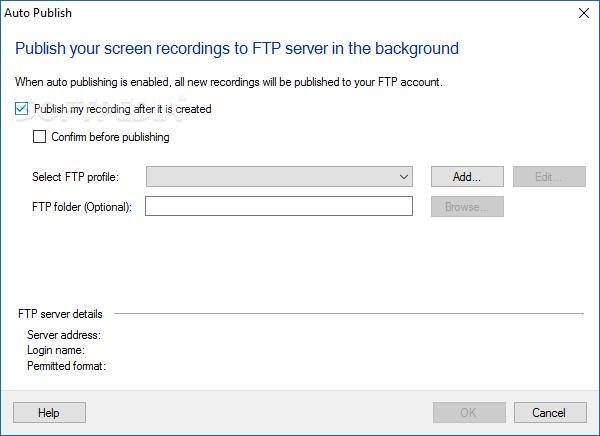
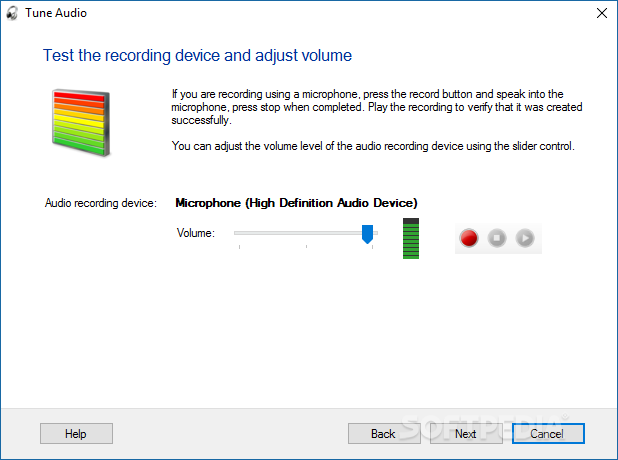
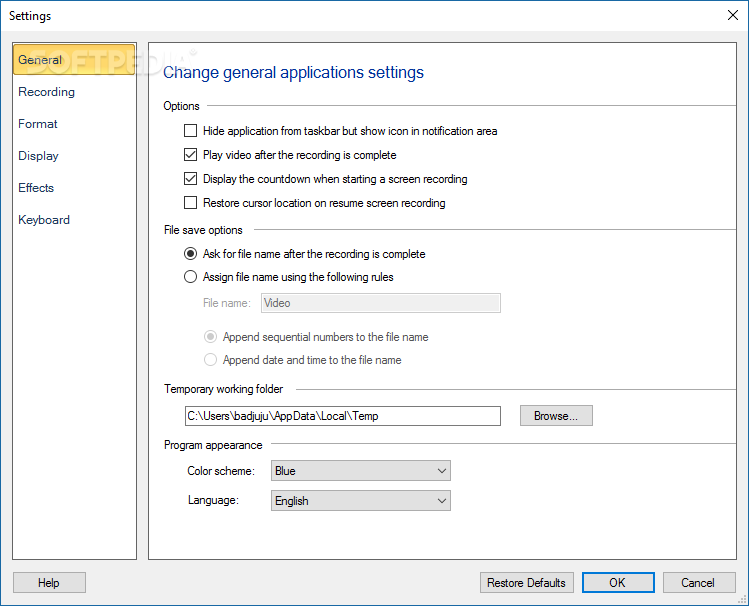
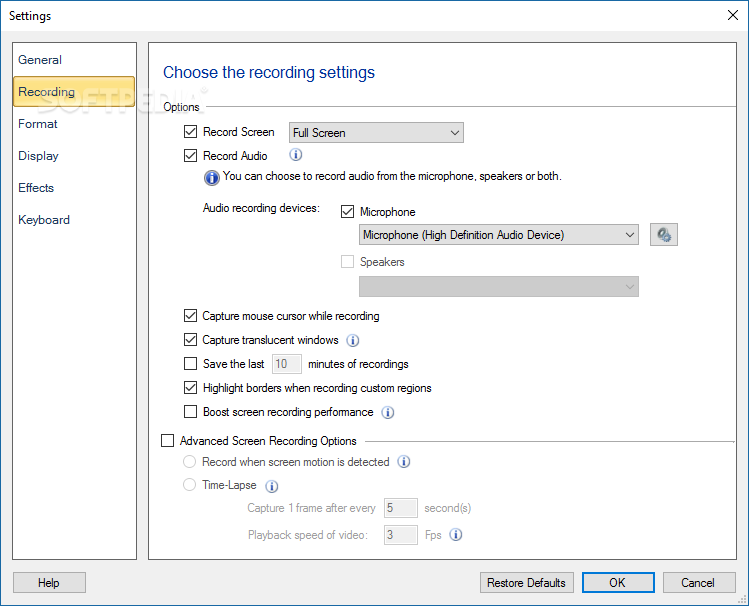
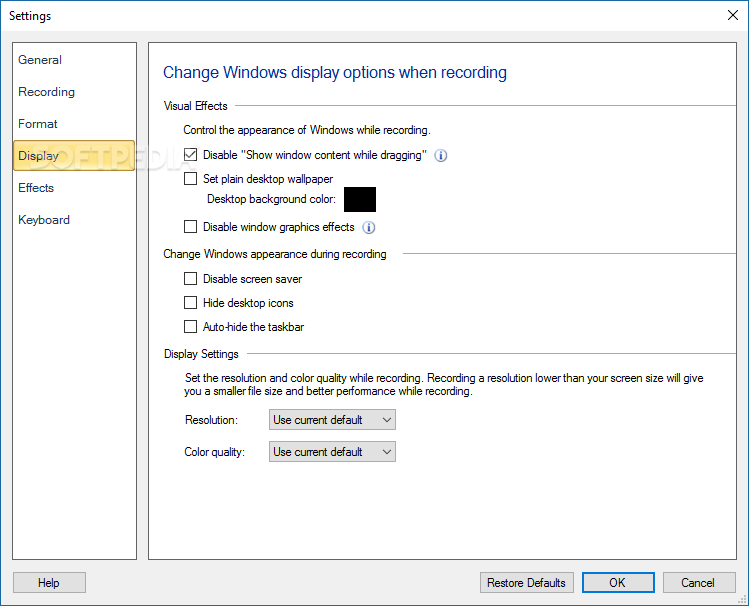
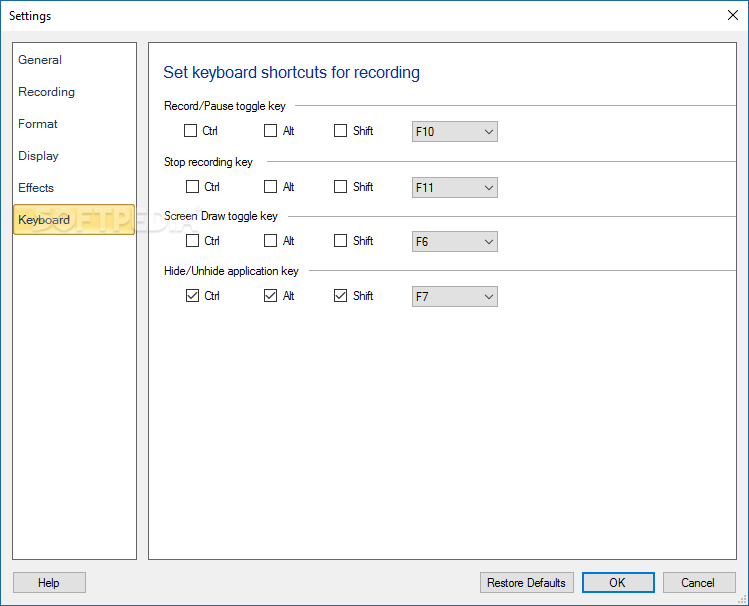
The application also includes audio tuning options, for those who'd like to add some sound to their creations. One can directly schedule screen recording jobs and auto-publish this content. Video executables are also an option for those who want to share the video and not worry about compatibility issues. Settings include the ability to adjust effects applied to the user's mouse pointer, the app's general behavior, the display area for the recorded content, its format, and keyboard shortcuts.
My Screen Recorder Pro might not be an application that brings something new to the table, but it manages to contribute with something solid that could represent the foundation of your desktop-recording project, also offering a suite of post-processing tools that will no doubt become helpful on the way.
Download Hubs
My Screen Recorder Pro is part of these download collections: Video Capture
What's new in My Screen Recorder Pro 5.3:
- Record Mobile Screen:
- Connect your Android mobile phone to your PC via USB. Record the screen as you, control and navigate all functions of your mobile device from your PC.
My Screen Recorder Pro 5.32
add to watchlist add to download basket send us an update REPORT- runs on:
-
Windows 11
Windows 10 32/64 bit
Windows Server 2012 R2
Windows Server 2012
Windows 8 32/64 bit
Windows 7 32/64 bit - file size:
- 63.1 MB
- filename:
- MyScreenRecorderPro.exe
- main category:
- Multimedia
- developer:
- visit homepage
4k Video Downloader

Zoom Client

Bitdefender Antivirus Free

7-Zip

Context Menu Manager

calibre

IrfanView

Windows Sandbox Launcher

Microsoft Teams

ShareX

- Windows Sandbox Launcher
- Microsoft Teams
- ShareX
- 4k Video Downloader
- Zoom Client
- Bitdefender Antivirus Free
- 7-Zip
- Context Menu Manager
- calibre
- IrfanView