
Manage the bandwidth to take control over the network traffic by filtering data according to user-defined sets of rules, view logs and statistics, and more. #Control Bandwidth #Network flow #Control traffic #Management #Network #Flow

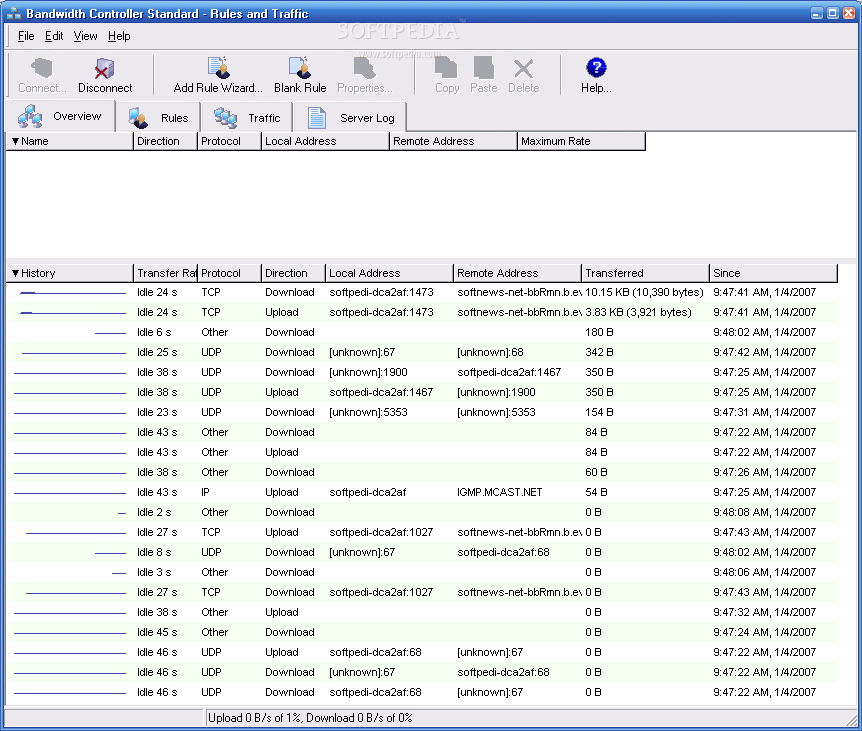
Bandwidth Controller is an advanced software application which gives experienced users the possibility to take control over their network traffic by filtering data in several ways. It lets you customize settings for each network adapter to limit the Internet connection without affecting the internal network.
The installation package includes both a client and server side, and you can install any of them or both. It also offers to set up a driver that it is mandatory for the tool to work properly.
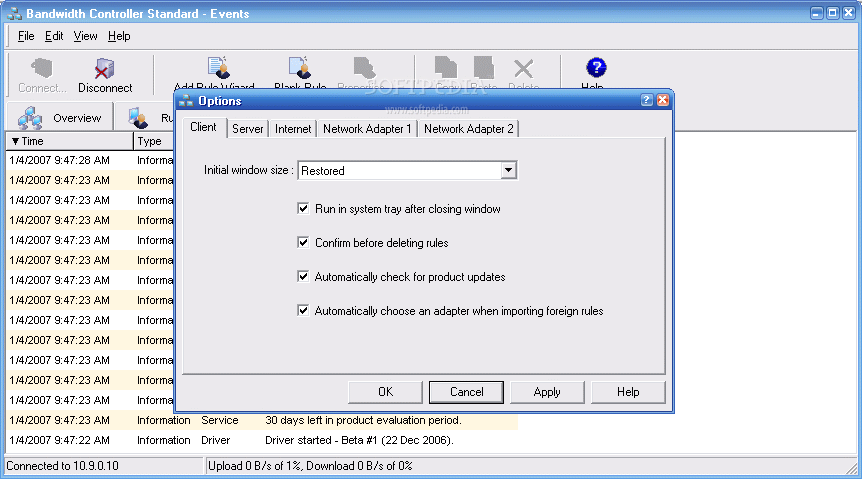
Bandwidth Controller adopts a classical interface with a neatly organized structure made from a large window with two panels and a few buttons. You can get started by connecting to a server after setting the address, port number and authentication details.
The software utility lets you view data when it comes to the name, direction, protocol, local and remote address, along with maximum rate of each connection and history which includes the transferred data and start date, among others.
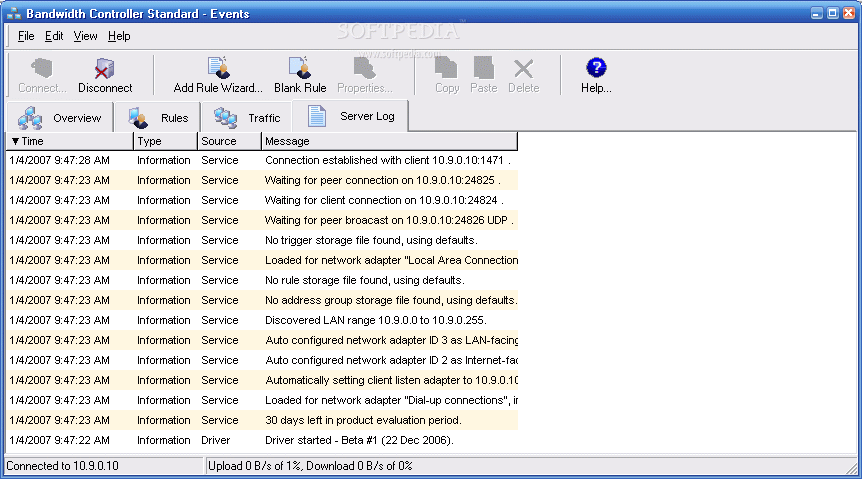
You can customize traffic rules for any connection when it comes to the data rate and ports, as well as limit the bandwidth of TCP traffic without affecting the UDP, to name an example. It is possible to investigate statistics, reports and server logs, schedule tasks, as well as send Bandwidth Controller to the system tray area when minimized to make it non-intrusive.
There were no stability issues in our testing, since the software application did not hang, crash or pop up error messages. It leaves a small footprint on system resources, thanks to the fact that it consumes low CPU and RAM.
To conclude, Bandwidth Controller provides experienced users with customizable rules for network traffic, backed by statistics, reports, logs and other useful tools.
Bandwidth Controller Standard 1.21
 Softpedia Editor's Pick
add to watchlist
add to download basket
send us an update
REPORT
Softpedia Editor's Pick
add to watchlist
add to download basket
send us an update
REPORT
- runs on:
-
Windows 2003
Windows XP
Windows 2K - file size:
- 5.2 MB
- filename:
- BandwidthControllerStandardSetup.exe
- main category:
- Network Tools
- developer:
- visit homepage
7-Zip

Bitdefender Antivirus Free

Microsoft Teams

paint.net

ShareX

calibre

4k Video Downloader

Windows Sandbox Launcher

Zoom Client

IrfanView

- Windows Sandbox Launcher
- Zoom Client
- IrfanView
- 7-Zip
- Bitdefender Antivirus Free
- Microsoft Teams
- paint.net
- ShareX
- calibre
- 4k Video Downloader