
A tool which allows you to change LAN settings. #DHCP settings #Change IP #IP address #DHCP #IP #SubNet

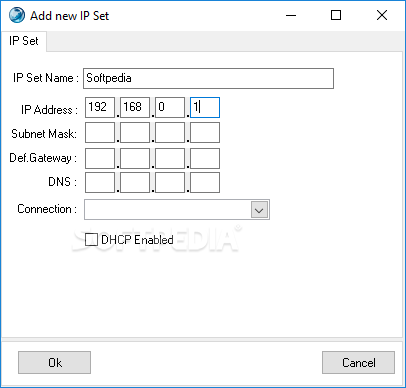
IP Changer is a configurable network tool that provides the means to easily change your IP address, SubNet Mask, Gateway, DNS Server, and DHCP (enabled or disabled).
The purpose of this application is to hide your real IP address and to ensure your anonymity over the Internet. By doing so, it prevents companies from tracking your browsing habits and from stealing information.
IP Changer doesn’t need installation, since it’s a portable application and can be carried around on a removable drive and launched on any work station without affecting the system registry.
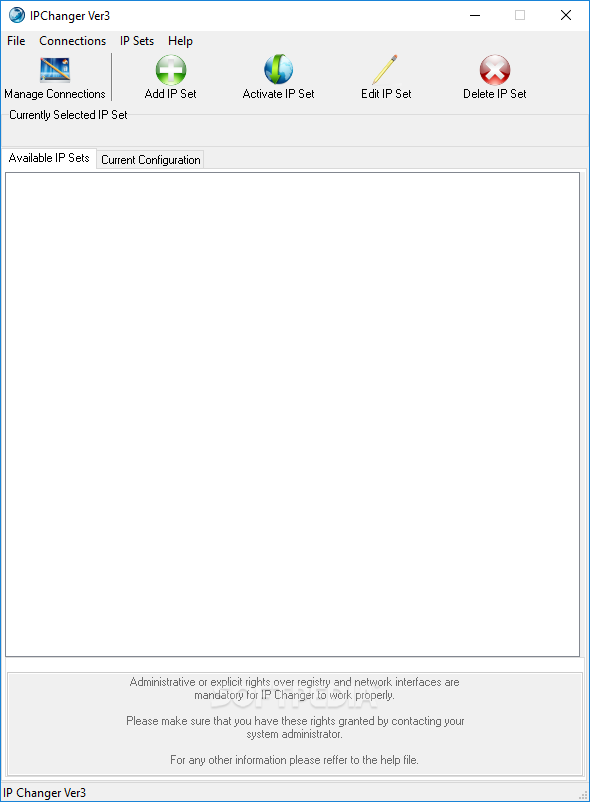
Its interface is classic, yet pleasant and organized; it bundles a few menus, as well as a bunch of buttons that allow you to create new IP configurations. There’s no limit to the number of IP sets you can add, which means you can easily switch between them, according to your needs.
Once you have made the necessary modifications to the IP address and everything else, you are free to safely surf the Internet. You can now rest assured that your traffic is redirected and no one can track you.
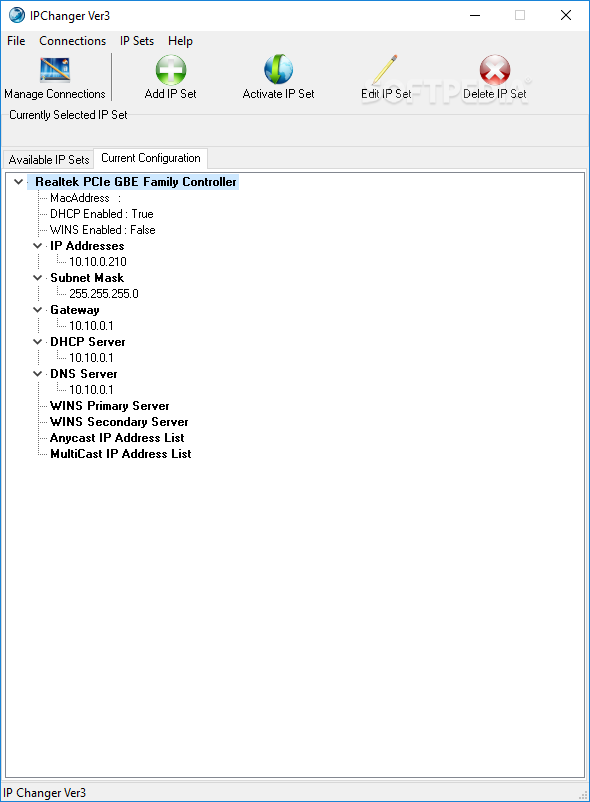
IP Changer also includes a section where it displays information about your current network configuration: MAC / IPaddress, DNS, DHCP and DNS Server.
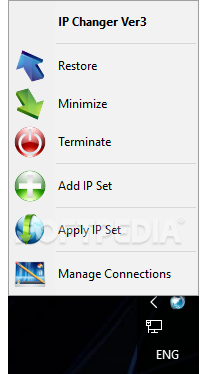
IP Changer also places a shortcut in the system tray, so that you have easy access to its features. These include Restore, Minimize, Terminate, Add IP Set, Apply IP Set, or Manage Connections.
To conclude, IP Changer is a recommendable choice if online privacy makes one of your top priorities. By using a different IP, it routes the traffic through various servers and whoever is trying to track you will have a real challenge ahead of themselves.
What's new in Ip Changer 3.0.15:
- Revised, more friendly user interface.
- Full Unicode support.
- Tray icon functionality.
- Complete support of Windows7
Ip Changer 3.0.15
add to watchlist add to download basket send us an update REPORT- runs on:
- Windows All
- file size:
- 1.6 MB
- filename:
- IPChanger_3_0_15.zip
- main category:
- Network Tools
- developer:
- visit homepage
Microsoft Teams

Context Menu Manager

4k Video Downloader

7-Zip

IrfanView

Zoom Client

Windows Sandbox Launcher

ShareX

Bitdefender Antivirus Free

calibre

- ShareX
- Bitdefender Antivirus Free
- calibre
- Microsoft Teams
- Context Menu Manager
- 4k Video Downloader
- 7-Zip
- IrfanView
- Zoom Client
- Windows Sandbox Launcher