Search Perform an advanced search query SOFTPEDIA
 
SOFTPEDIA
Updated one minute ago
HomeSubmit a program for being reviewedAdvertise on our websiteGet help on surfing our websitesSend us your feedbackGet information about our XML/RSS backend and how to use itBrowse the news archiveVisit our discussion forumVizitati forumul in limba romana


Program Finder NormalFreeware onlyShareware only

LanFlow Net Diagrammer 6.0.2011 Report spyware 

Click to download LanFlow Net Diagrammer
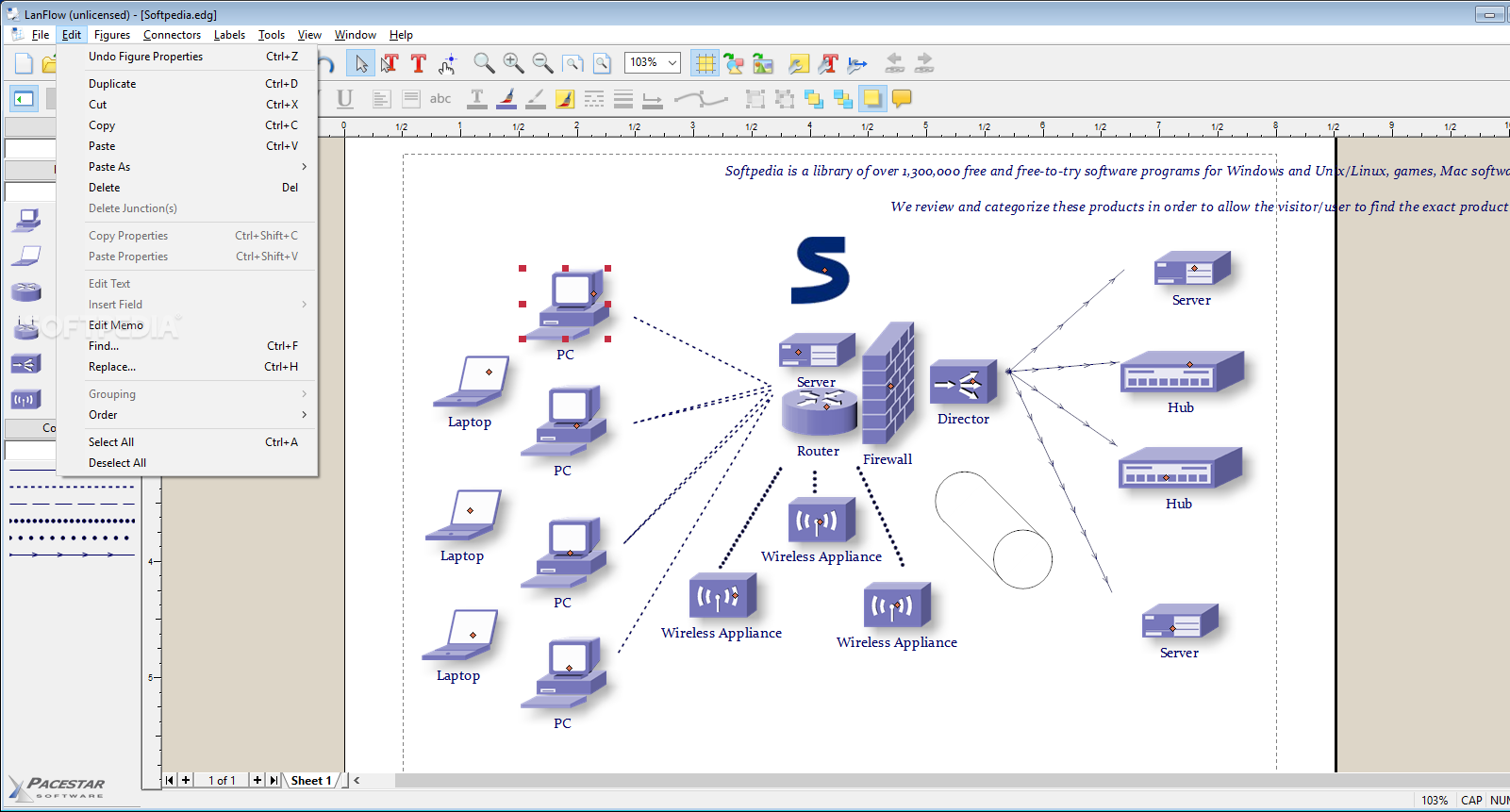
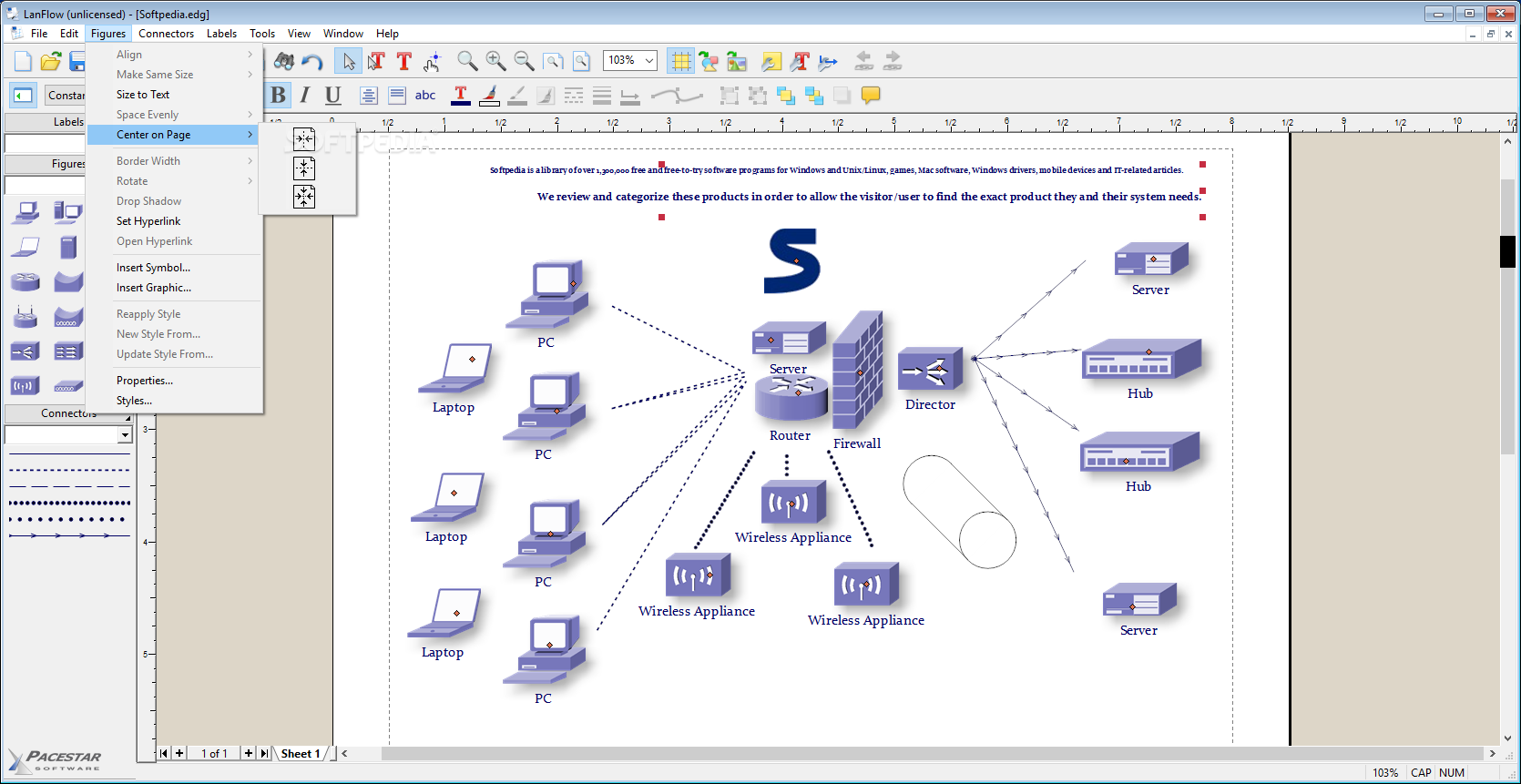
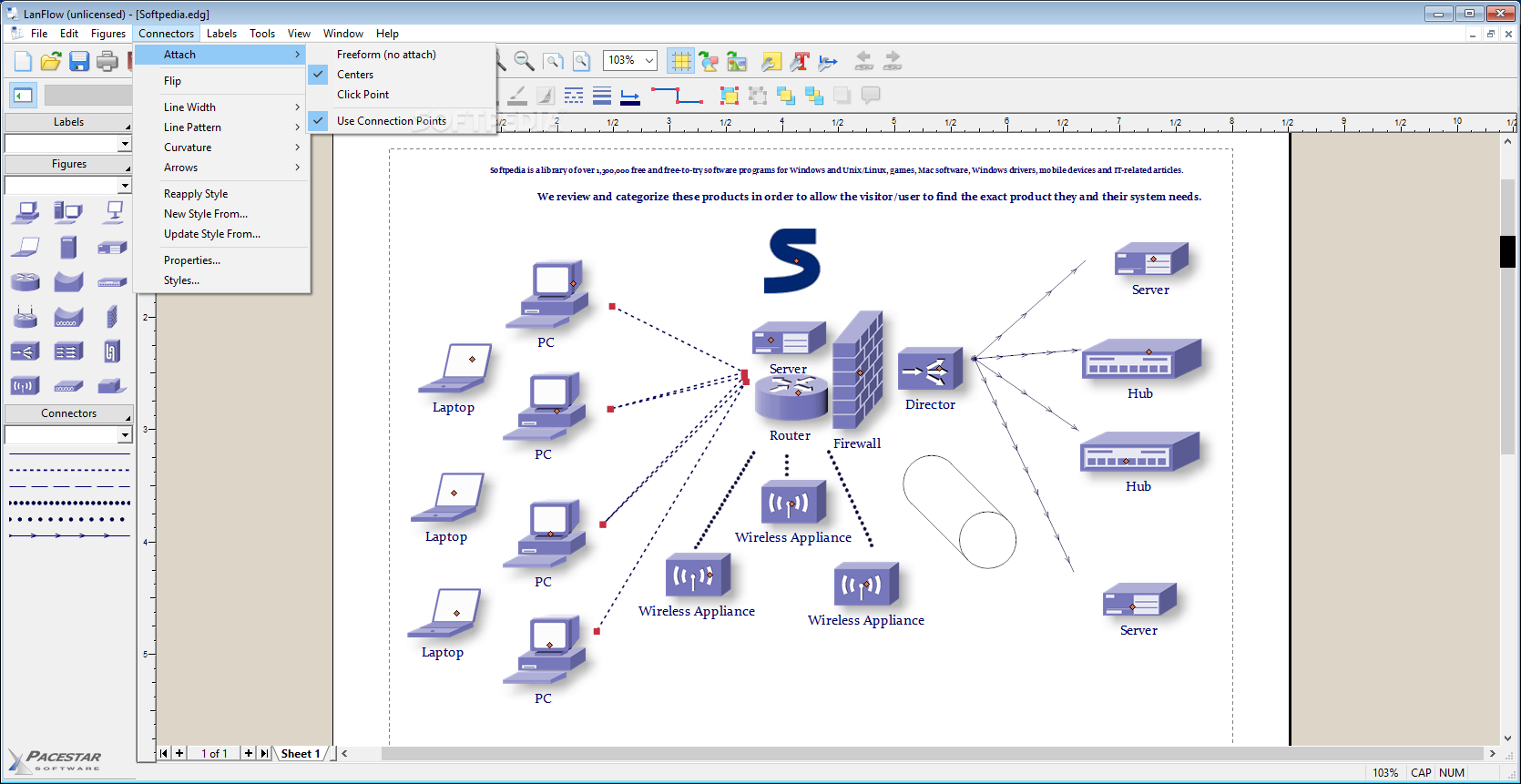
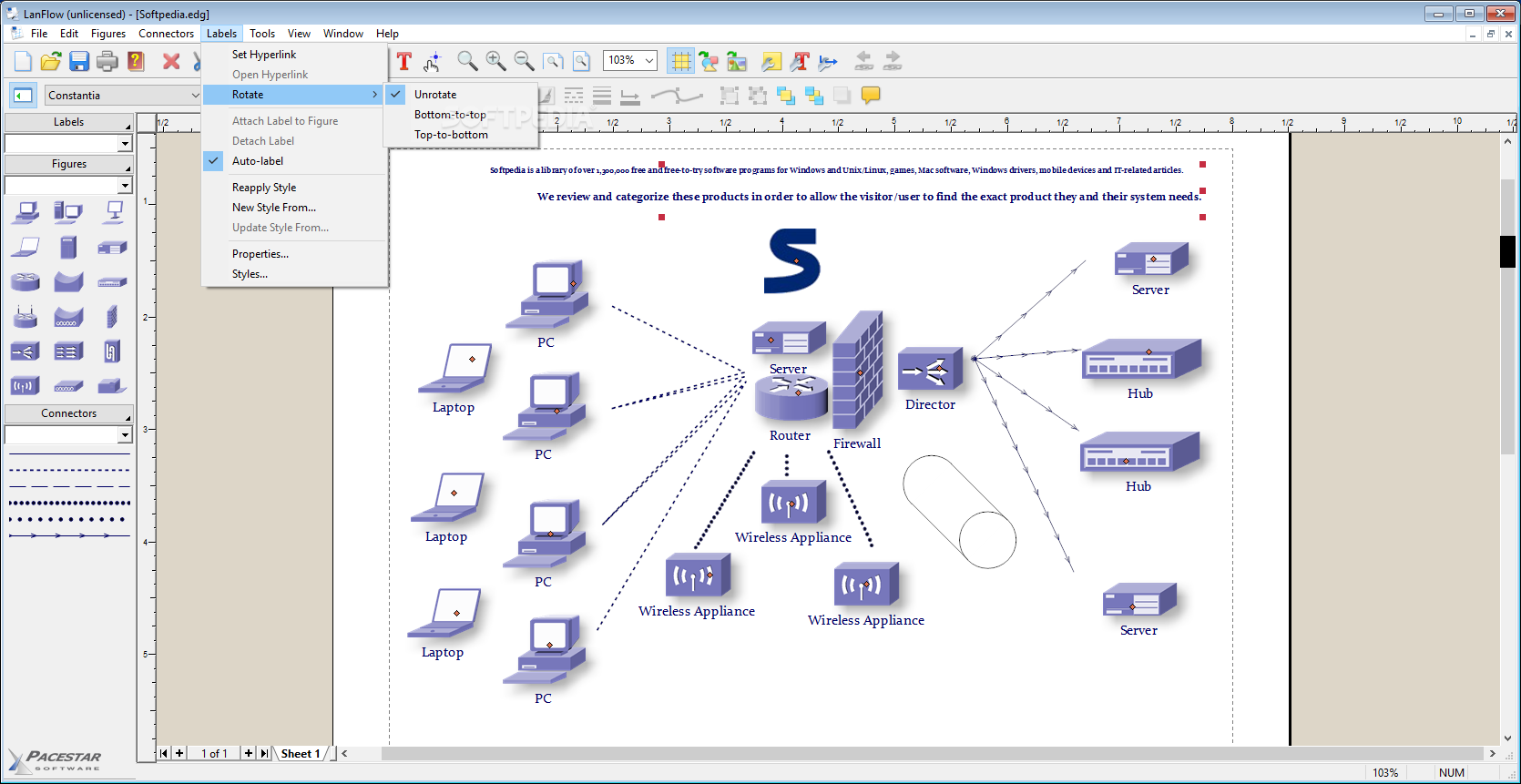
View more LanFlow Net Diagrammer screenshots (5)
 Downloads: 6,526
Rating: Good (3.1/5) | Rated by: 26 user(s)
Add to download basket     Send us update information
 Developer: Pacestar Software | More programs by this producer
 License: Trial , 89 $ to buy 
 Size / OS: 6.07 MB, Windows All
 Last Updated: March 28th, 2008, 23:40 GMT
 Category: C: \ Network Tools \ Misc. Networking Tools
 Read user reviews (0) Add a review Refer to friend Subscribe
    Download LanFlow Net Diagrammer

LanFlow Net Diagrammer description
A user friendly full-featured network diagramming tool

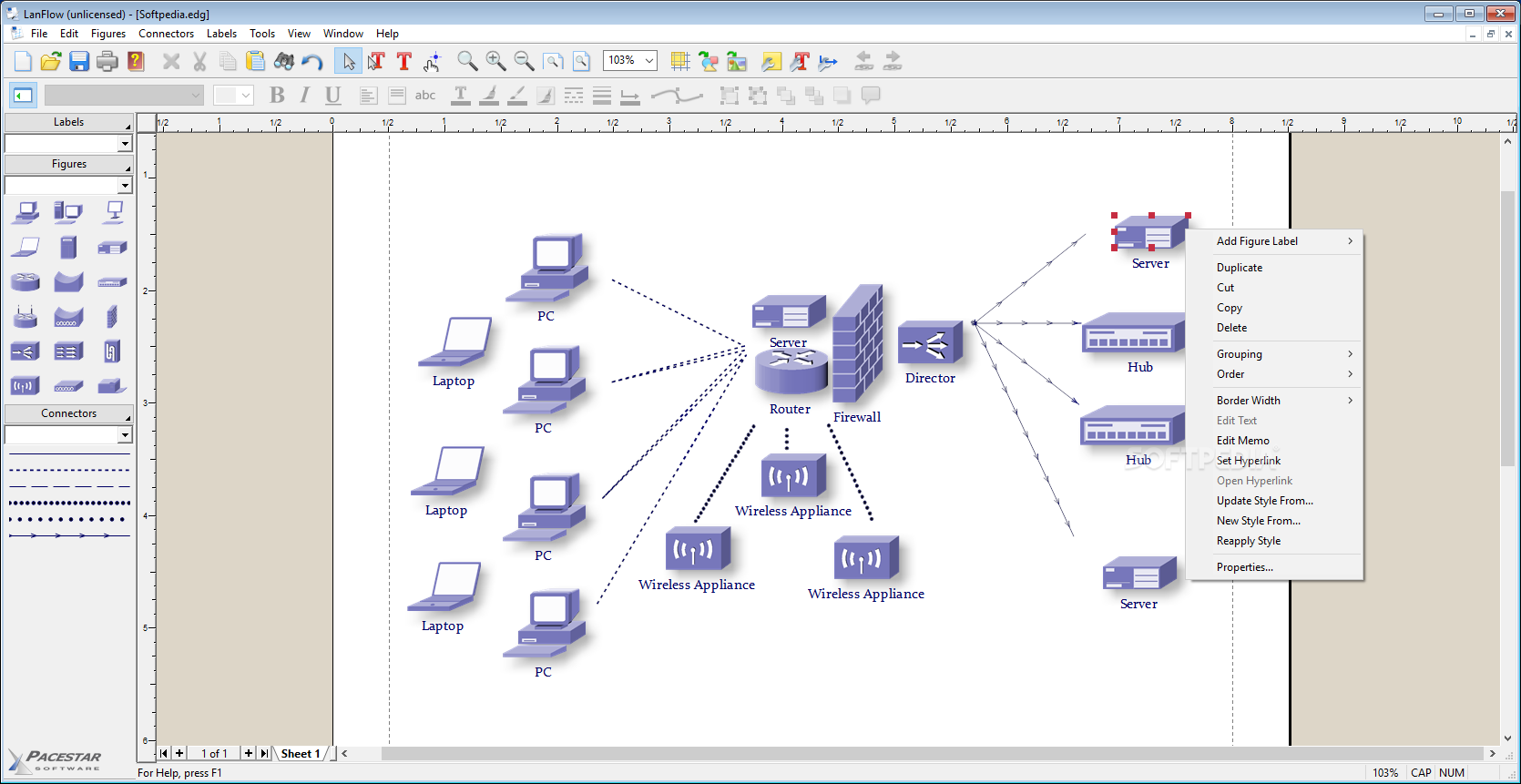
LanFlow Net Diagrammer is a LAN and network diagramming tool which will help users to create network maps.

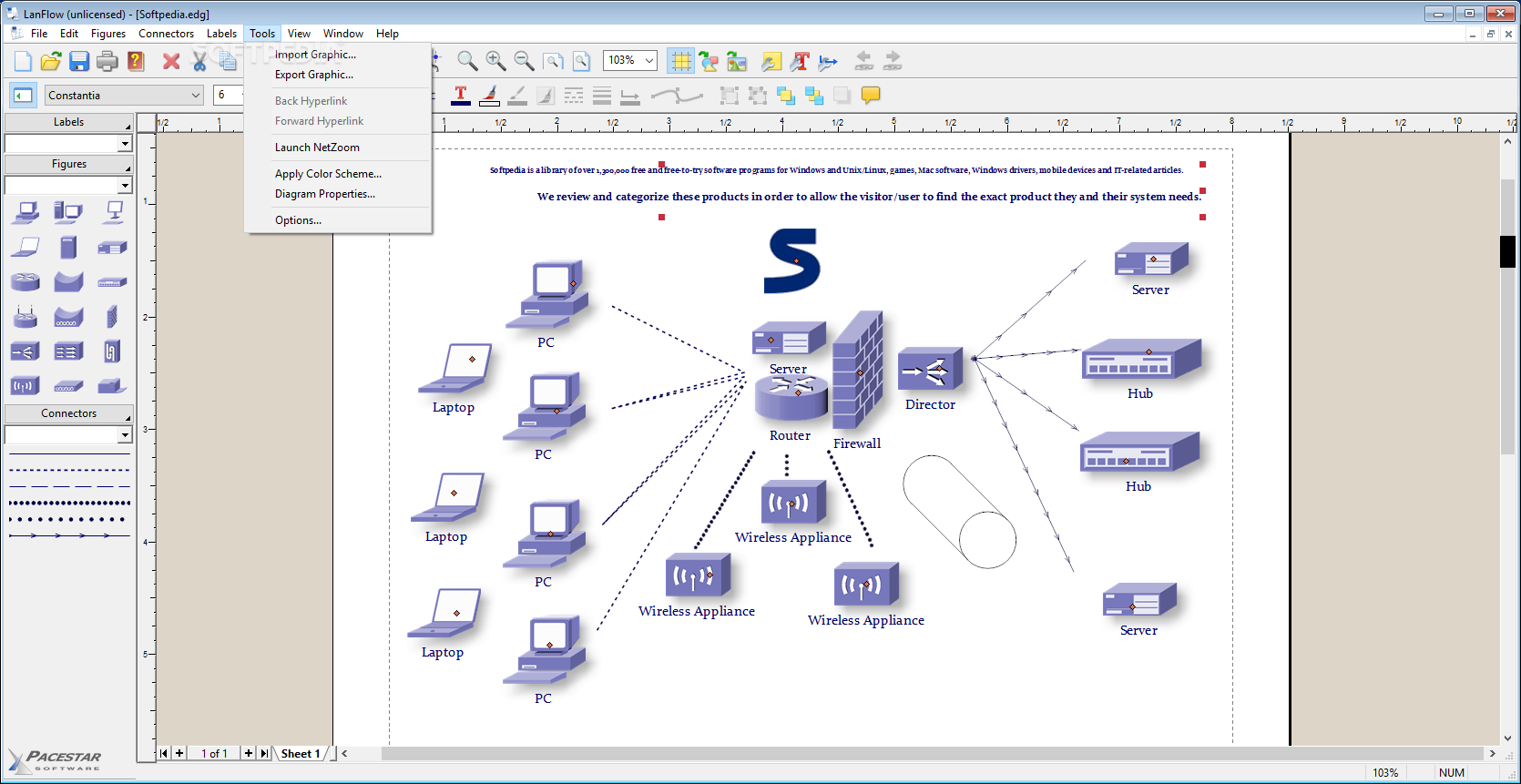
With LanFlow Net Diagrammer you can create great looking LAN, internet, telecommunications, and computer network diagrams with the absolute minimum effort. In just minutes, you can plan and document a network, show cabling and wiring, and communicate flows and processes. LanFlow includes 2D and 3D common networking symbols, outline symbols, and some basic block diagramming symbols. Plus you can add clip-art to represent specific network equipment from your environment. LanFlow is the easiest and fastest solution for managing and documenting your network.

Here are some key features of "LanFlow Net Diagrammer":

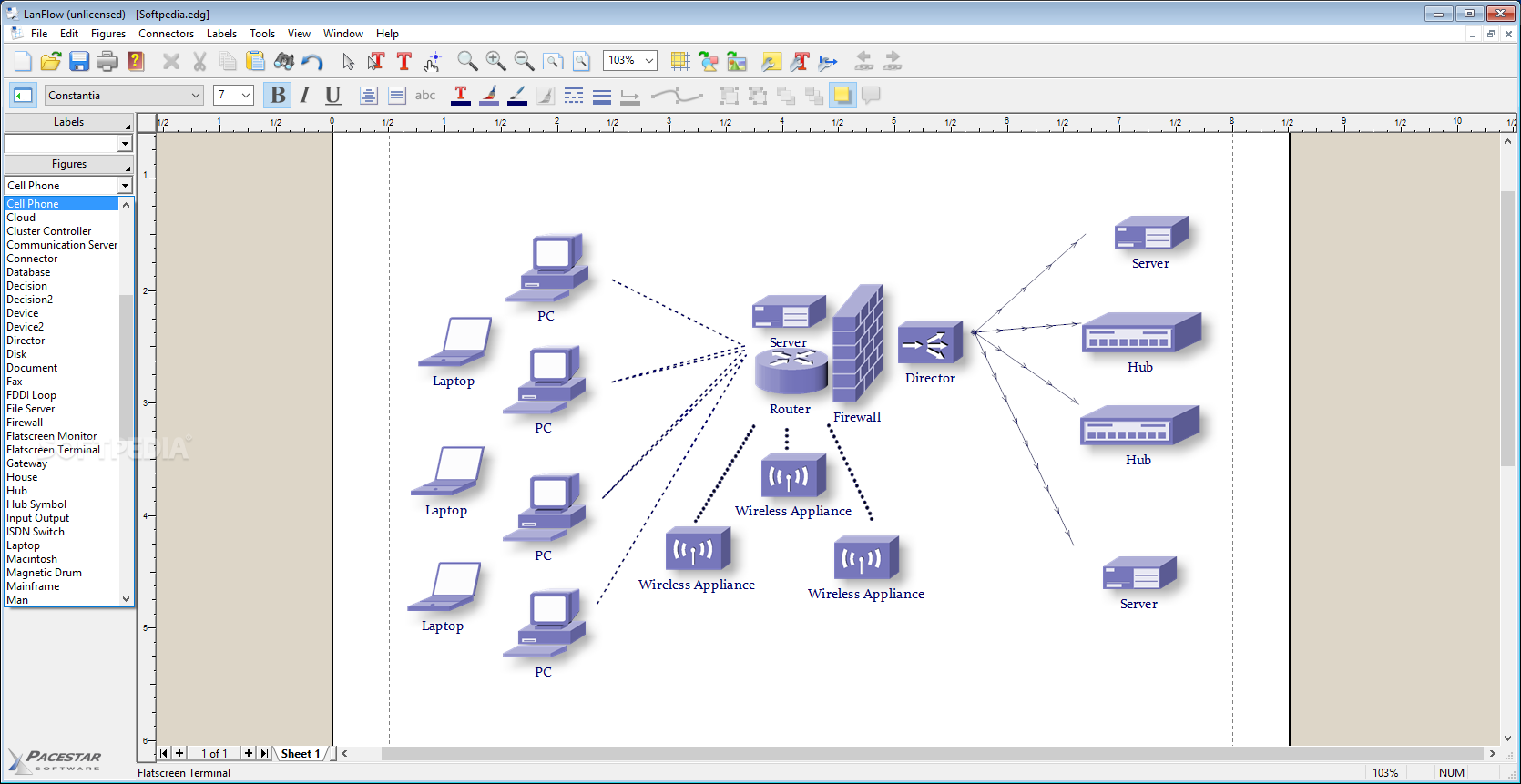
· Includes hundreds of pre-defined shapes and symbols including 3D gray, black and white, and outline symbol sets.
· Includes several pre-defined diagram templates with each style of symbols.
· Create your own styles combining the attributes, shapes, colors, and behaviors of your own figures.
· Create custom diagram templates to represent your own diagramming methodologies and to store your custom symbol libraries.
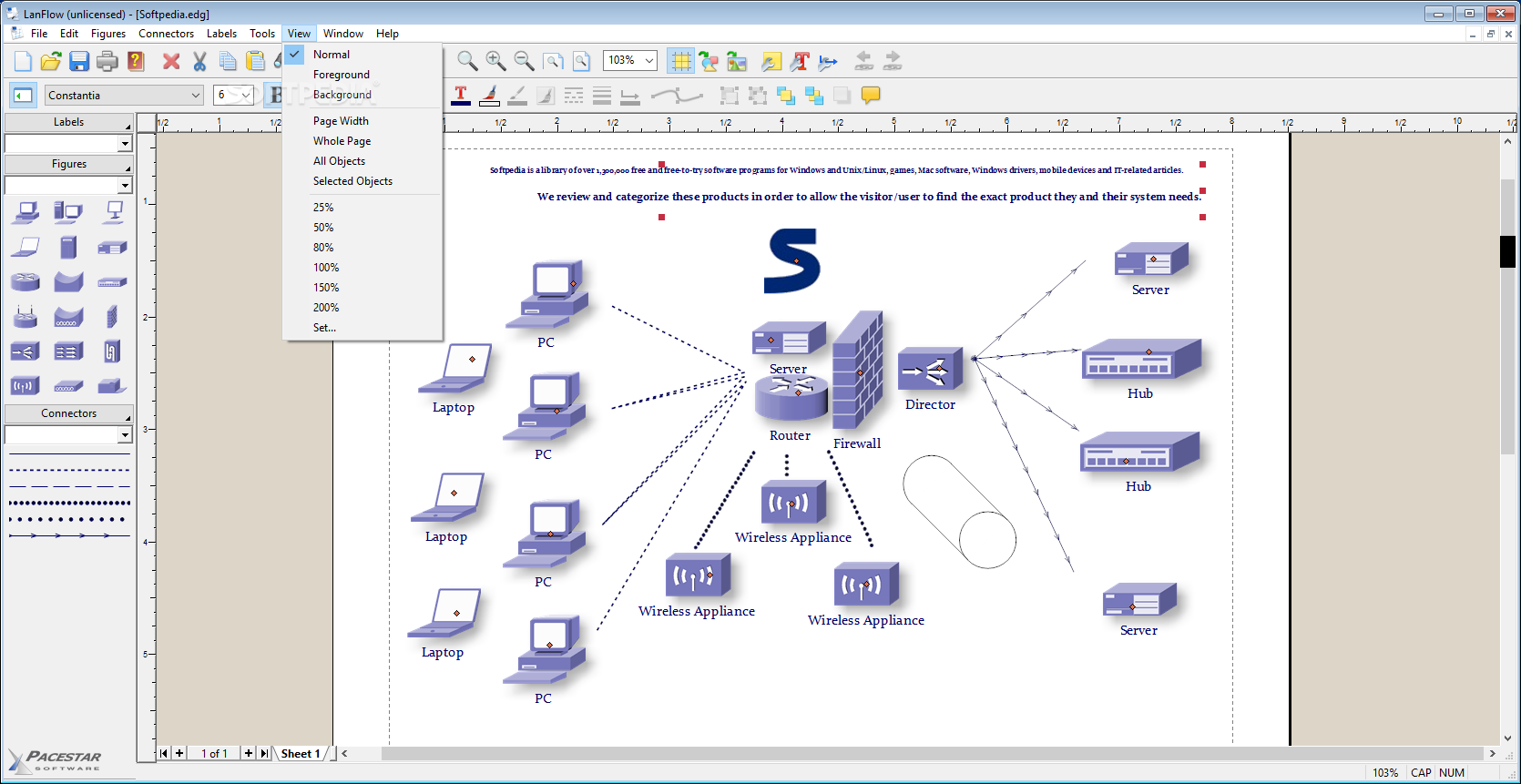
· Full zoom and scrolling capability with dozens of intuitive and convenient features for easy navigation around even the most complex diagrams.
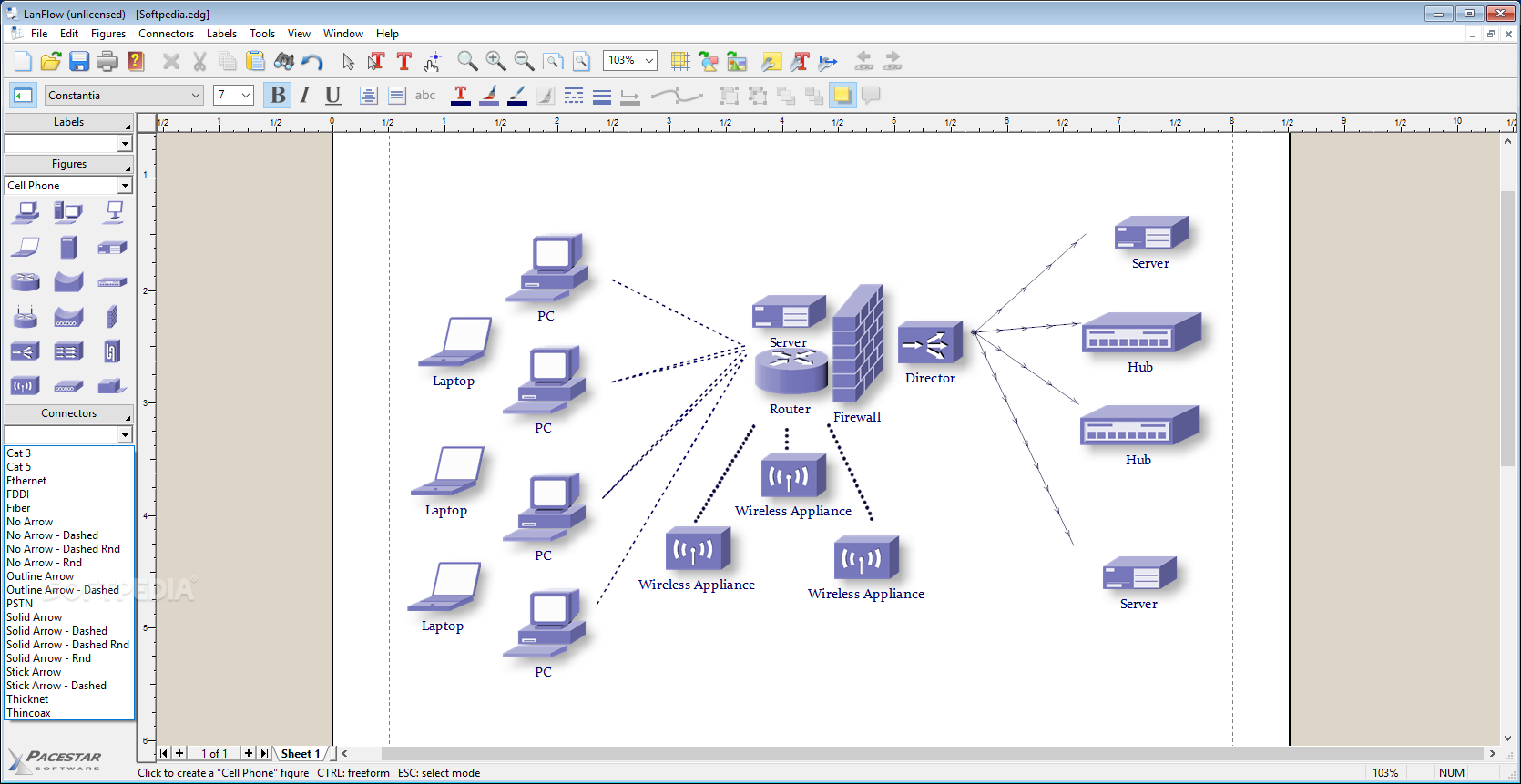
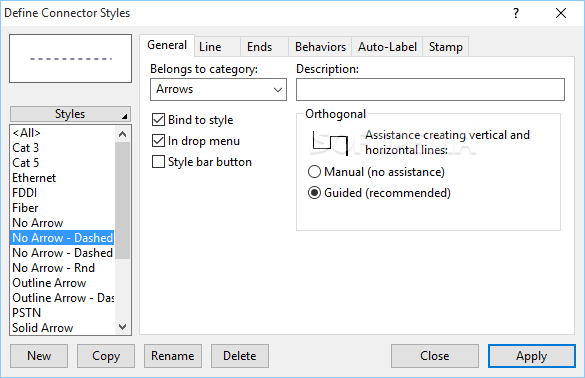
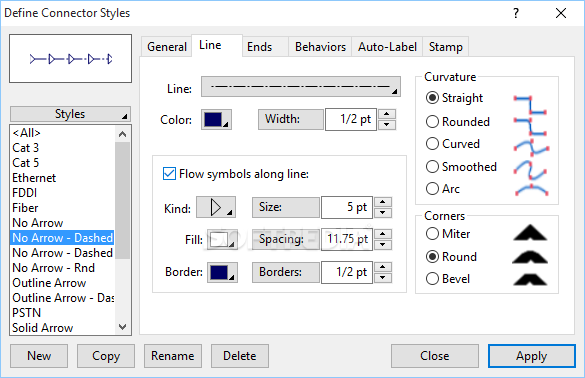
· Connectors can have many different lines styles, colors, curves, patterns, end symbols (arrows), and designs. Plus you can select flow symbols that are drawn along the path of the line.
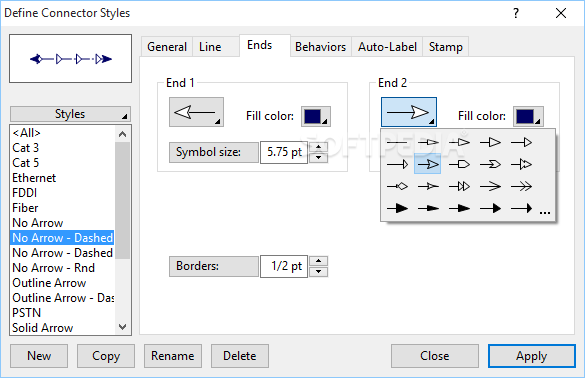
· Connectors can have many possible terminators (arrowheads). Many are included in the End Symbol Gallery.
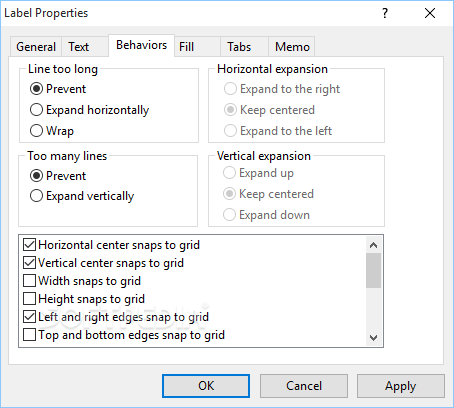
· Snap
grid for precise placement. The snap grid can be visible or invisible, enabled or disabled, or customized to different sizes for any diagram.
· Create large multi-page wall posters. Pages can be managed separately or cropped and attached to create a poster.
· Alignment and arrangement tools. In addition to the usual aligning, centering, and spacing features, the program also performs subtle behind-the-scenes steps to help you keep your diagram organized and looking good.
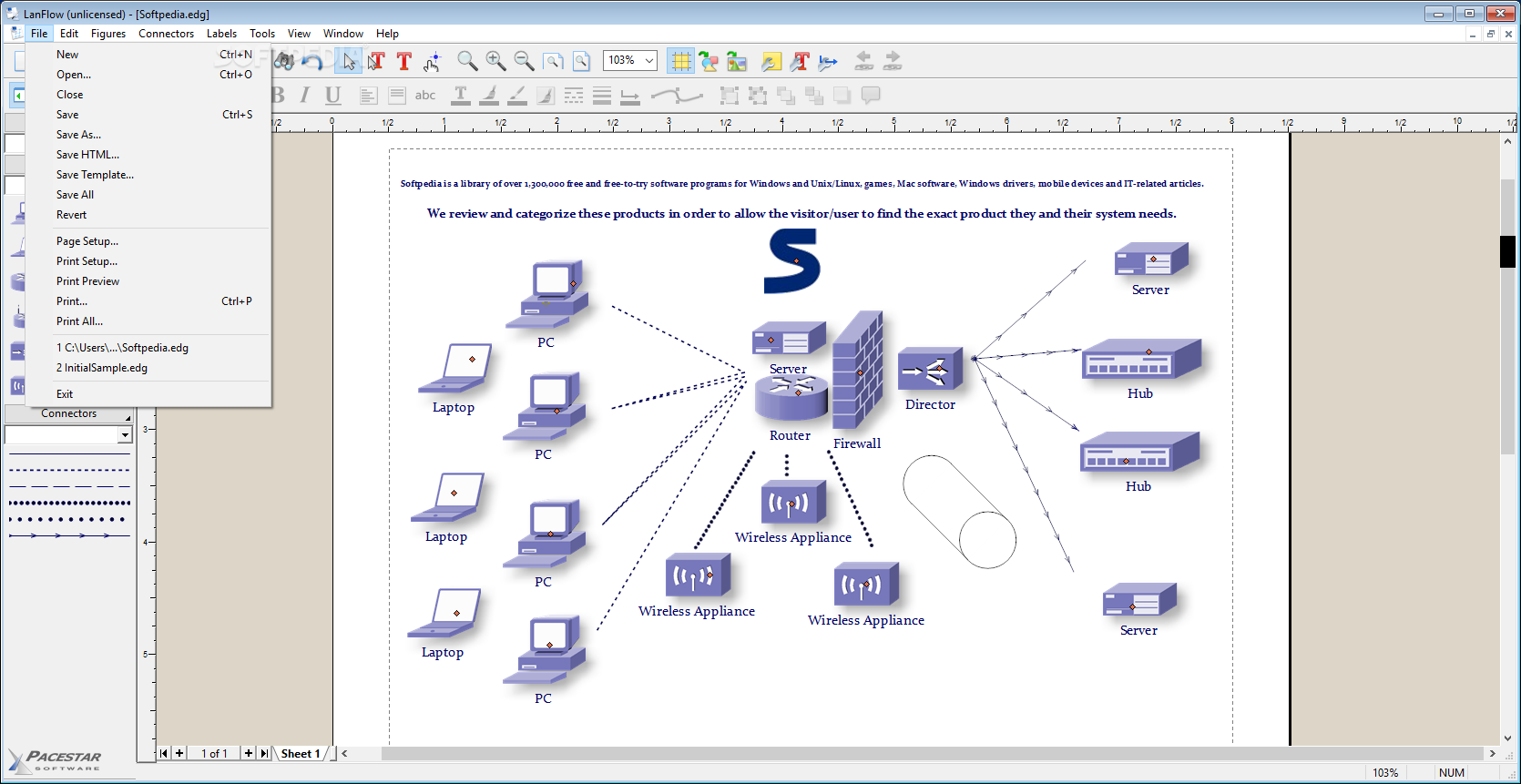
· Copy or export diagrams to other programs such as Microsoft Word with OLE. Simply copy and paste into most any other software, or link and embed into any OLE-enabled program for full control. Export formats include WMF, EMF, BMP, and JPG.
· Import external graphics and clip-art to use in your diagrams. Supports EMF, WMF, BMP, and JPG files.
· Hyperlinks let you link symbols to other diagrams, web pages, or documents. Simply link any figure to another diagram and open that diagram by double-clicking on the figure. You can also link a figure to a web page, a spreadsheet, a database file, or any other document.
· Includes a complete set of our professional flowcharting templates.
· Create web pages from your diagrams in a single step. Hyper-linked diagrams translate instantly to image-mapped hierarchically-linked HTML web pages exactly as you would expect.
· Auto-save and Auto-backup. Choose to save backup versions whenever you save a file, or have a backup file saved periodically. Fully programmable.
· Attach / detach figures in "flows". Drop a symbol onto a cable and the symbol merges into the cable automatically.
· New diagram wizard lets you select sizes, and initial fonts with great convenience.
· Enable "jogs" (also called jumps or crossovers) to clarify line routing.
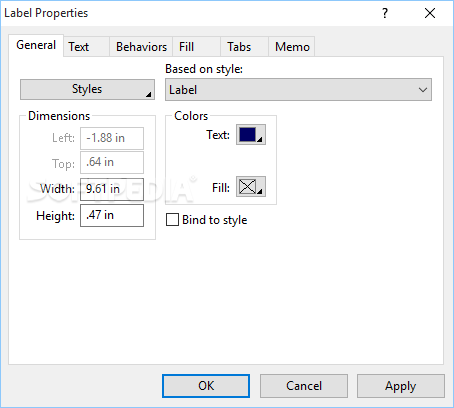
· Add freeform text labels anywhere on your diagram or add specialty labels described below. You can control text justification, color, point size, font, bold, italic, underline, subscript, superscript, and so on.
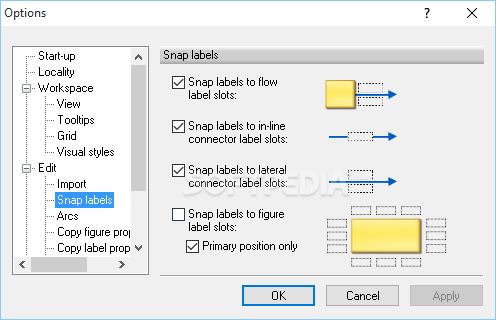
· Connector labels attach to a line (cable) and adjust when the line moves.
· Flow labels attach to the point where a line meets a symbol and adjust automatically when either the symbol or the line moves. (more)
· Figure labels attach to a symbol and move when the symbol moves.
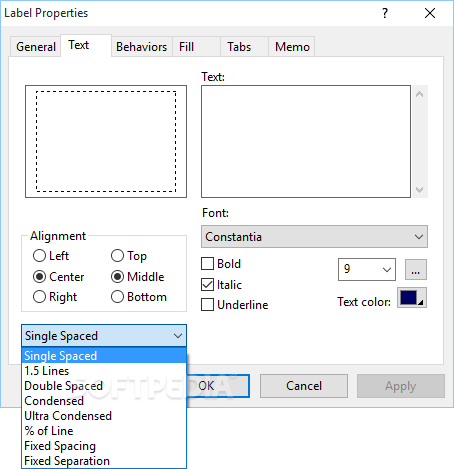
· Line spacing is programmable. Select from many line spacing options.
· Connect to any point on a symbol on demand or by defining fully programmable connection points.
· Group objects to create larger objects. Features include Group, Ungroup, Ungroup All, and Regroup.
· Container symbols show divisions of larger diagrams by creating a "box around" a number of other symbols. The container also lets you work with the included symbols as a unit.
· English (inches) or metric (millimeters) measurement units
· Full install/uninstall. Does not modify your operating system files!
· Complete online help plus optional PDF user guide.
· Compatible with Netzoom symbol libraries available from Altima Technologies.


Requirements:

· 128 Meg RAM
· 20 Meg free disk space
· Pentium class or better processor recommended


Limitations:

· 30 day trial
· Restrictions on diagram complexity.


What's New in This Release:

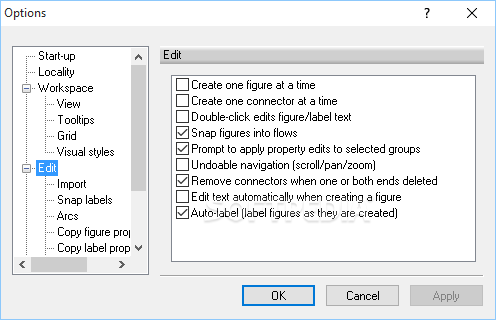
· New User Interface: Improved Windows Vista compatibility and support for Vista and XP visual styles and custom themes.
· Memo Tips: Custom data in the form of text memos can now be attached to any figure or label. The memo displays you hover over the object with the mouse. When saving a diagram as a web page, memo tips can be included with similar functionality.
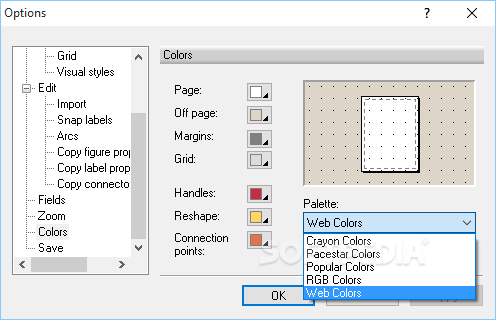
· Color Palettes: A number of new color palettes are included for a wider variety of convenient color selections.
· Tool Tips: Tool tip help is now available when hovering the mouse over styles, drop menus, color selections and so on.
· Property Apply: Object properties can now be applied from the properties screen without terminating the screen. The same is true for diagram properties and options. These screens also remember their positions from one invocation to another.
· Shortcut Keys: Some key shortcuts have been added for more convenient and standardized text editing. For example, Ctrl-B can be used as a shortcut to Bold text, Ctrl-I to italicize text, Ctrl-L to left-justify text, and so on. These function in the same manner as other leading software packages.
· Copy/Paste Fill: The Fill properties screen now contains a simple feature to copy all of the fill properties from any object or style to another. In prior versions, only the solid fill color was easy to duplicate from one object to another. Now all the possible combinations of gradient options can be easily copied and pasted as easily from one object or style to another.
· Import/Export: Graphics import and export have been improved, as reflected in both the Export feature and the Save as HTML feature. Bitmap formats such as BMP and JPG have been improved and better standardized, and PNG output has been both corrected and improved. The Export screen now contains a preview control and checkbox to select the entire diagram or only selected objects. Export is now also available using the SaveAs command. Import support for the outdated and less popular PCX format has been discontinued.
· Font Previews: Font family controls now support sample text previews.
· Text wrap and figure size constraints have been improved and some related bugs fixed.
· Fixed raster output to avoid edge effects created by scaling and interpolation.
· Import support for the outdated and less popular PCX graphics format has been discontinued.
· As of version 6.0, this product no longer supports Windows versions for which Microsoft has announced it is discontinuing support. This includes Windows 95 and earlier operating systems, and Windows 98 in part. Support for Windows 98 is still included but with lower testing and support priority.... [ read full changelog ]


Softpedia guarantees that LanFlow Net Diagrammer 6.0.2011 is 100% CLEAN, which means it does not contain any form of malware, including but not limited to: spyware, viruses, trojans and backdoors.

This software product was tested thoroughly and was found absolutely clean, therefore it can be installed with no concern by any computer user.

However, it should be noted that this product will be retested periodically and the award may be withdrawn, so you should check back on this page from time to time. (click here for more information)


Related downloads IT News Popular downloads New additions   Latest reviews  
WizFlow Flowcharter 6.01 Build 2013
User friendly drawing tool for creating quality flowcharts quickly
EasiDraw Free Edition 2.3.1F
EasiDraw helps you to create diagrams in your MS Word and PowerPoint
Desk Marker 1.9.8
Desk Marker allows to draw on windows with different pensize and color
Magic Whiteboard 2.3
A fun and colorful network drawing software, designed especially for kids' entertainment
SlideMate 4.0.44
A tool for drawing something on Screen in anytime, anywhere.
Presto Web FX 2.0
Quickly create unique, eye-catching animations in Macromedia Flash format
OrbitGraph 2.0
OrbitGraph - create spirograph images
SlideMate 3.0
SlideMate is a tool to draw something on screen when slide showing
WebCanvas 2006
Namo WebCanvas 2006 is a vector-based Web graphic drawing tool optimized for use with Namo WebEditor
XYPad 1.00
This small drawing utility will help you achieve a wide field of applications.

go to top Use the following code to link to this page:


Welcome!
Hello, Guest

Login if you have a Softpedia.com account.

Otherwise, register for one.

Main categories:
  • Antivirus
  • Compression tools
  • CD/DVD Tools
  • Office tools
  • Programming
  • Authoring tools
  • File managers
  • Desktop Enhancements
  • Internet
  • Network Tools
  • IPOD TOOLS
  • Mobile Phone Tools
  • Multimedia
  • Tweak
  • System
  • Security
  • Others
  • Science / CAD
  • UNIX
  • Windows Widgets
  • PORTABLE SOFTWARE

  • Week's best:
  • SP3 UxTheme Patcher ...
  • PECompact 2.82
  • Sony Vegas Movie Stu...
  • 3DMark Vantage 1.0
  • Total Commander 7.03
  • VistaMizer 2.5.1.0
  • AVG Free Edition 8.0...
  • Windows XP Service P...
  • Ashampoo Burning Stu...
  • XviD Media Codec 1.1...
  • Blu-ray Disc Ripper ...
  • Blu-ray Region Code ...
  • Adobe Photoshop Ligh...
  • PowerDVD 8.0.1531
  • EF Commander 6.54
  • Microsoft Windows In...
  • Nero 8 Lite 8.3.2.1
  • WebSite-Watcher 4.41...
  • EVEREST Ultimate Edi...
  • Nokia PC Suite 6.86....
  • VMware Workstation 6...
  • AnyDVD HD 6.4.2.0
  • Messenger Plus! Live...
  • The Bat! Voyager 4.0...
  • Windows Vista Servic...
  • Nero 8 8.3.2.1
  • Vipre 3.1.1997 Beta
  • Internet Explorer 8 ...
  • Norton 360 2.0.0.242
  • SmartFTP 3.0.1015.5
  • © 2001 - 2008 Softpedia. All rights reserved.
    Softpedia™ and Softpedia™ logo are registered trademarks of SoftNews NET SRL.
    Copyright Information | Privacy Policy | Terms of Use | Contact Softpedia | Update your software | Archive