
Reliable and complete remote administration, network management and monitoring software that offers support for a large variety of tools. #VNC manager #Remote administration #Ultravnc server #VNC #Server #Remote

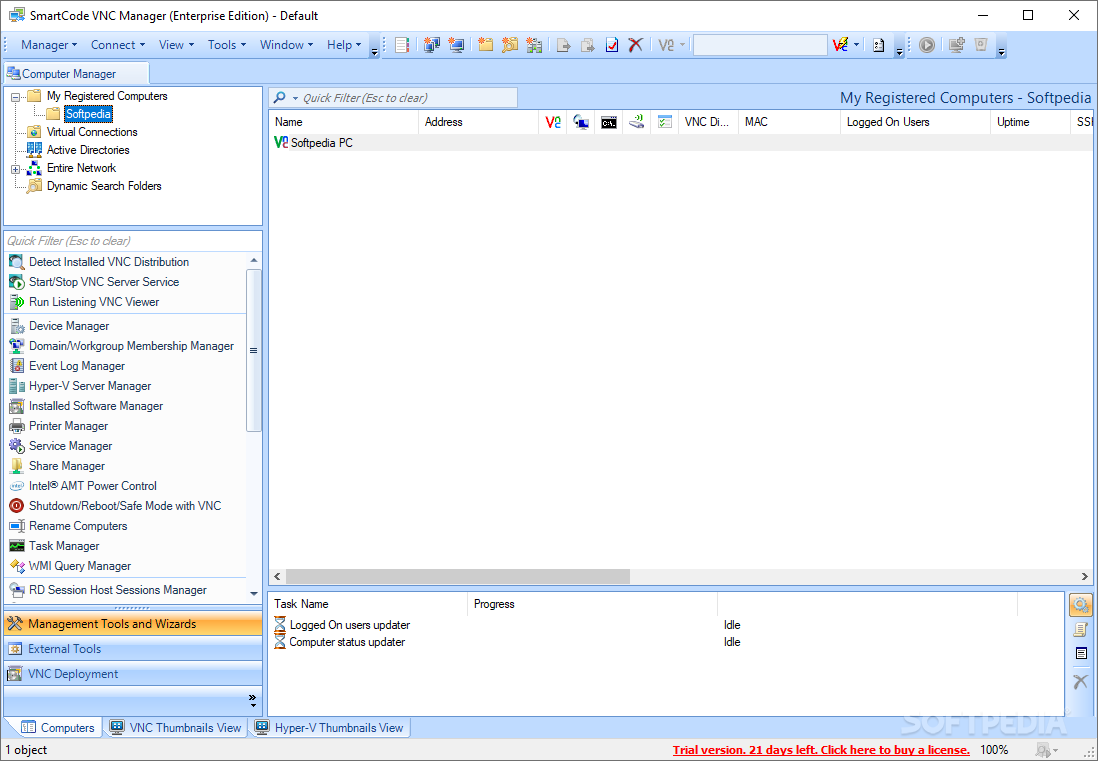
SmartCode VNC Manager Enterprise Edition provides you with a full-featured application for managing and monitoring home and corporate networks. With its remote administration and monitoring capabilities, it comes with all the necessary tools for offering professional technical assistance.
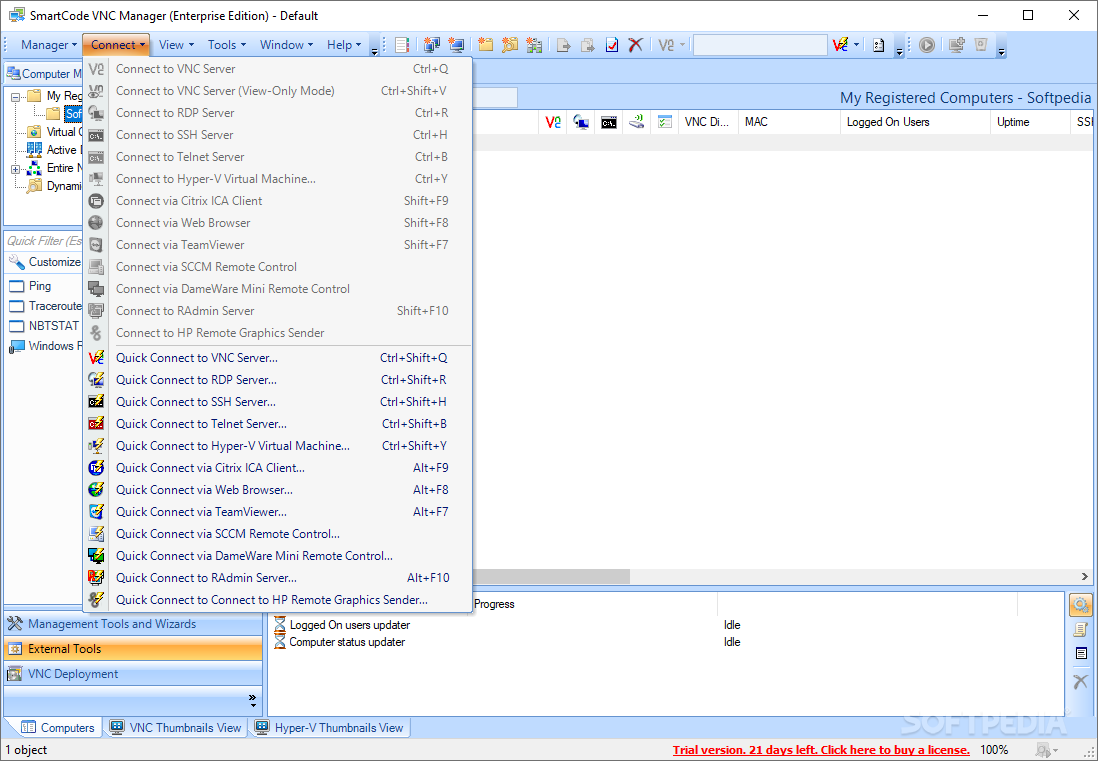
The Enterprise Edition bundles advanced features that you can use to take remote control over any computer. It provides support for various remote connection software, such as Microsoft Hyper-V, TeamViewer, LogMein, VNC, Remote Desktop Services, SSH and Telnet clients, Radmin, DameWare Mini Remote and much more.
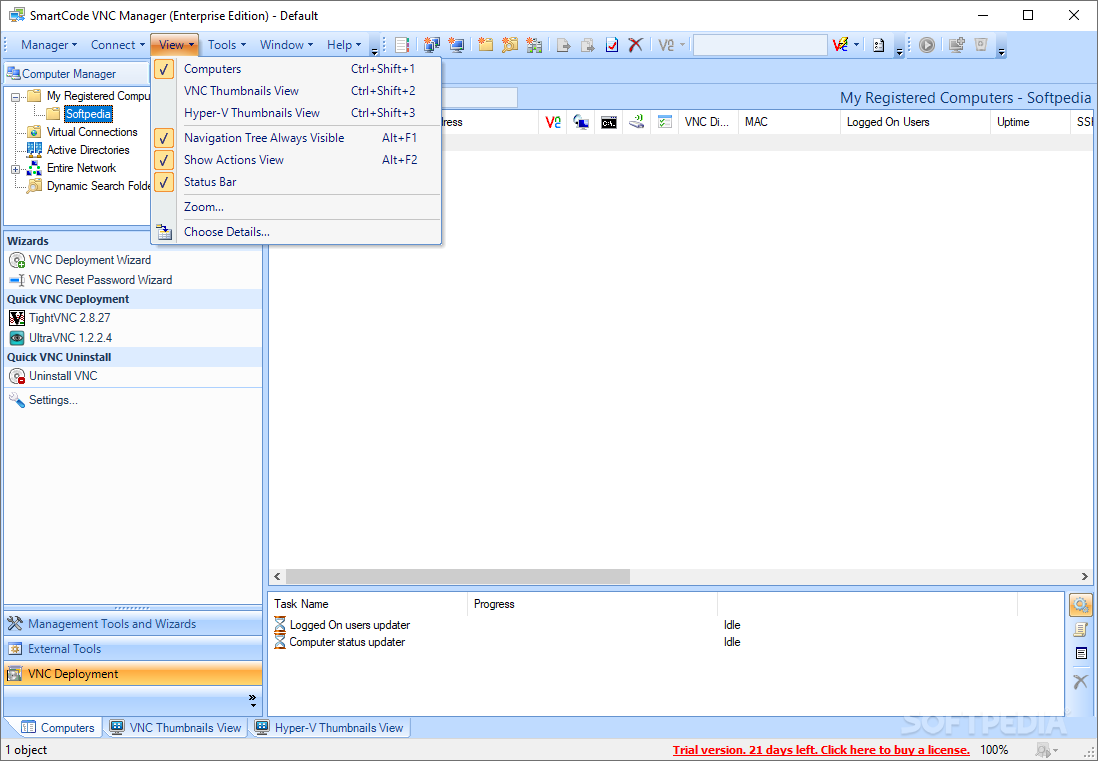
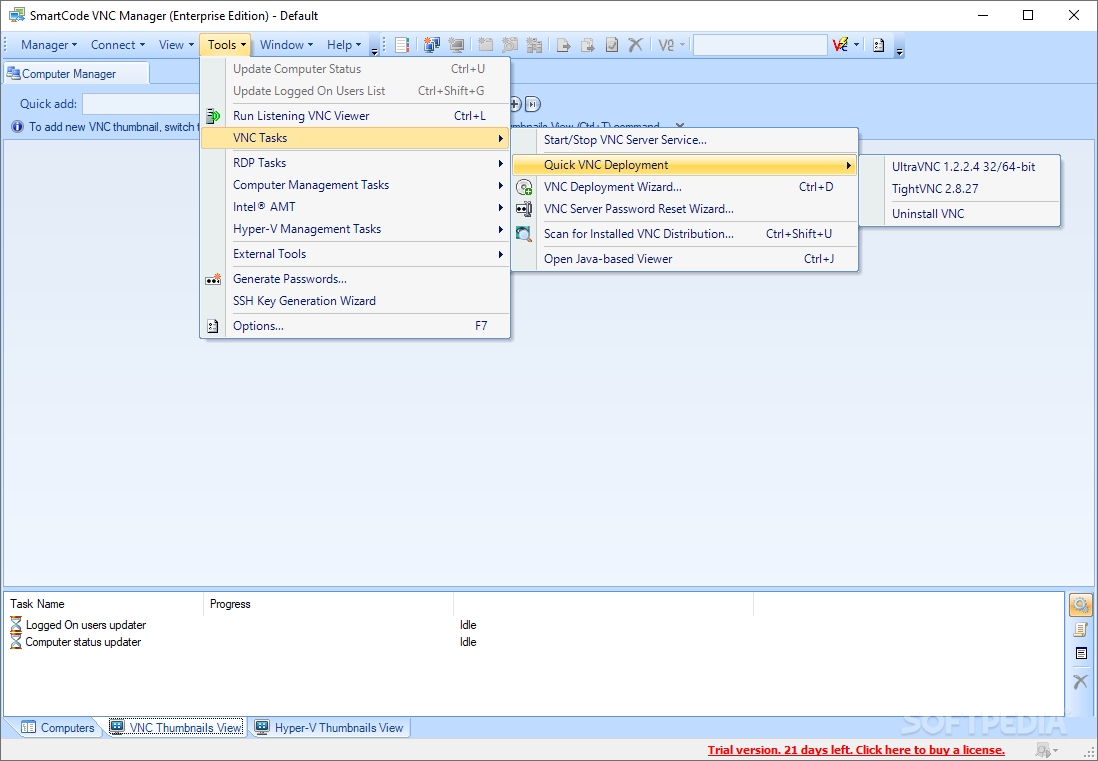
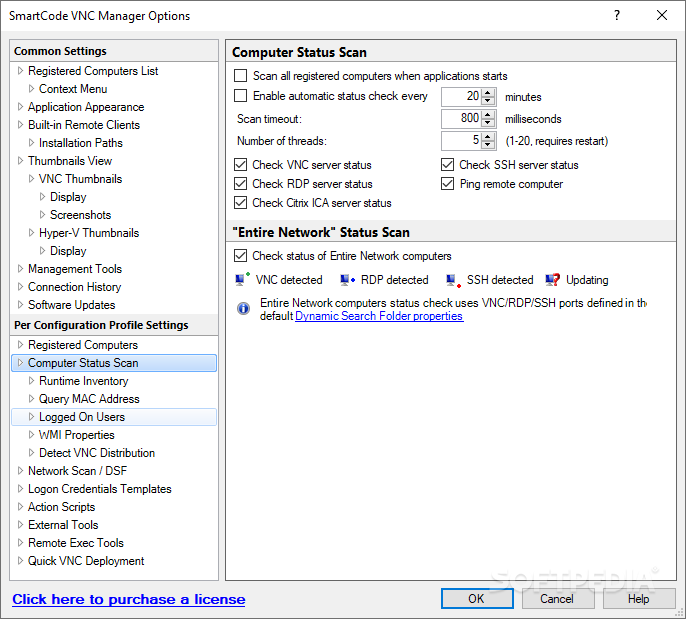
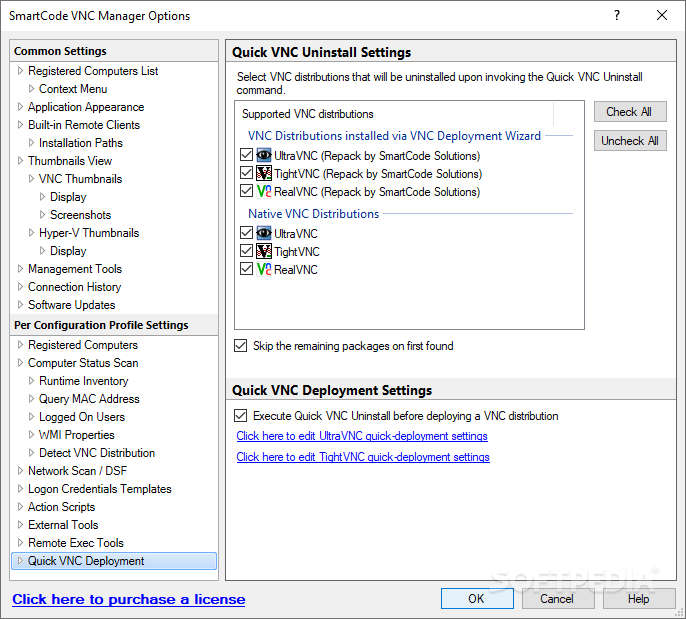
The 'VNC Deployment Wizard' enables you to remotely install and control UltraVNC, TightVNC and RealVNC, as well as capture screenshots of the remote VNC server. The dynamic search feature allows easy and fast network scanning (it can automatically detect online VNC, RDP, SSH, Citrix ICA servers and any system that responds to a ping request), while the the advanced monitoring features (VNC and Hyper-V thumbnail view) allow you to keep an eye on multiple computers simultaneously.
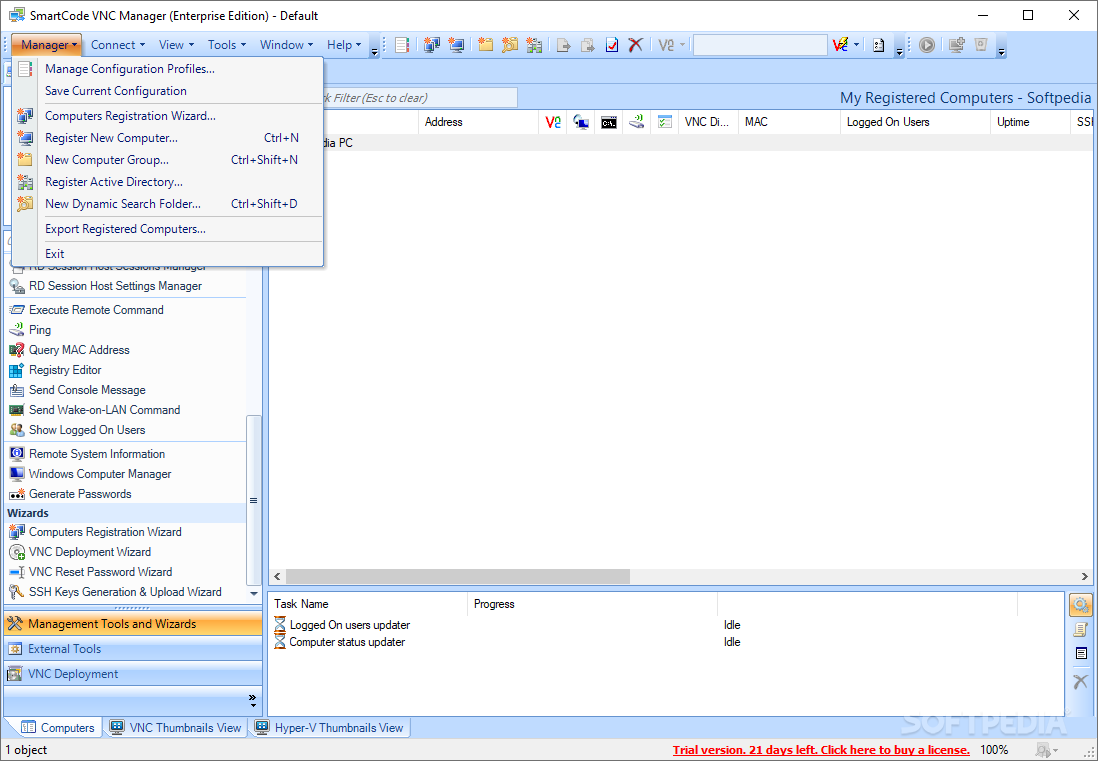
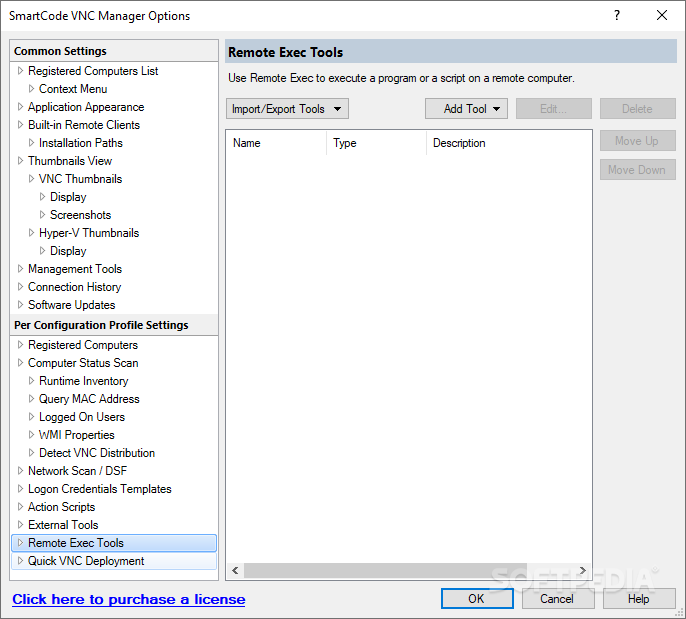
SmartCode VNC Manager Enterprise Edition comes equipped with powerful remote management tools, enabling you to easily manage domains and workgroups, view installed software, launch applications, manage shared files, edit system registry, manage running processes, services and device drivers, reboot or shutdown the target computer, send it console messages or wake-on-LAN packets.
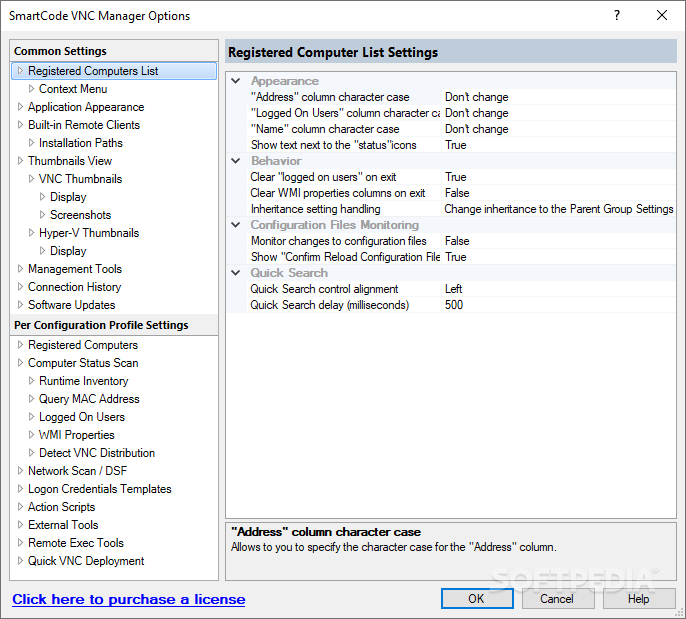
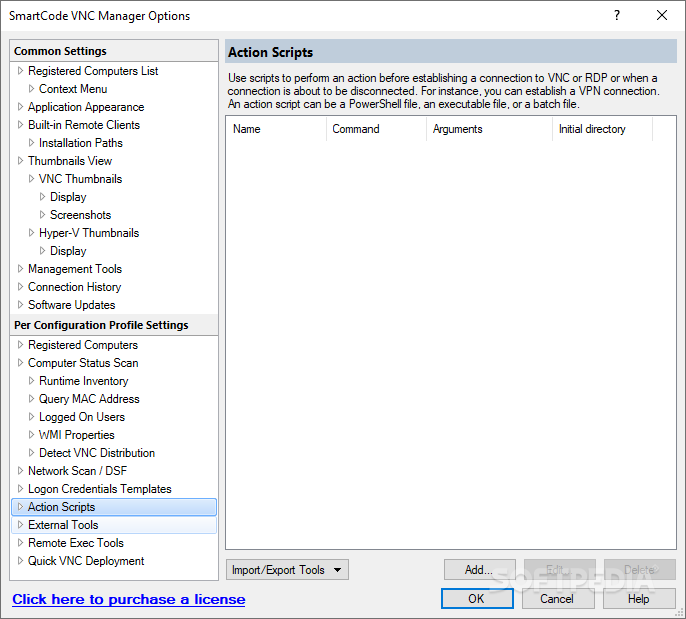
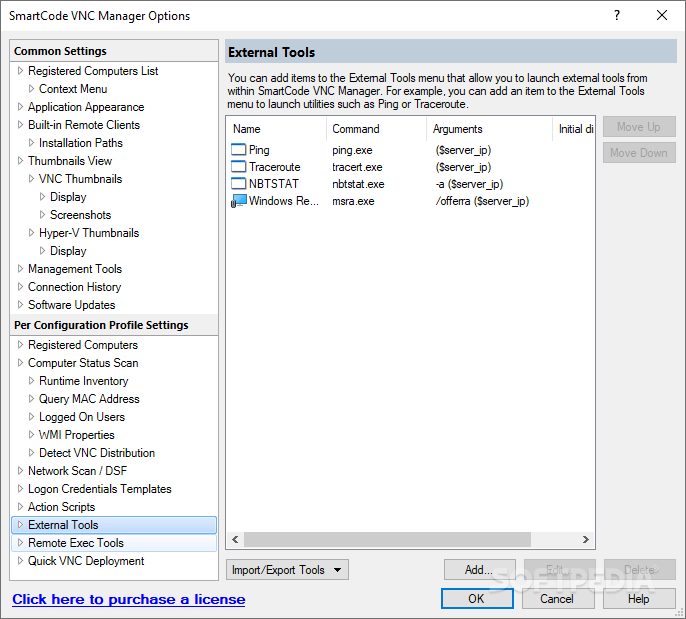
HTTP and Intel AMT support, virtual machines remote management, customizable external tools and action scripts, Active Directory integration, configuration profiles, SSH key and password generation are other advantages that this application includes.
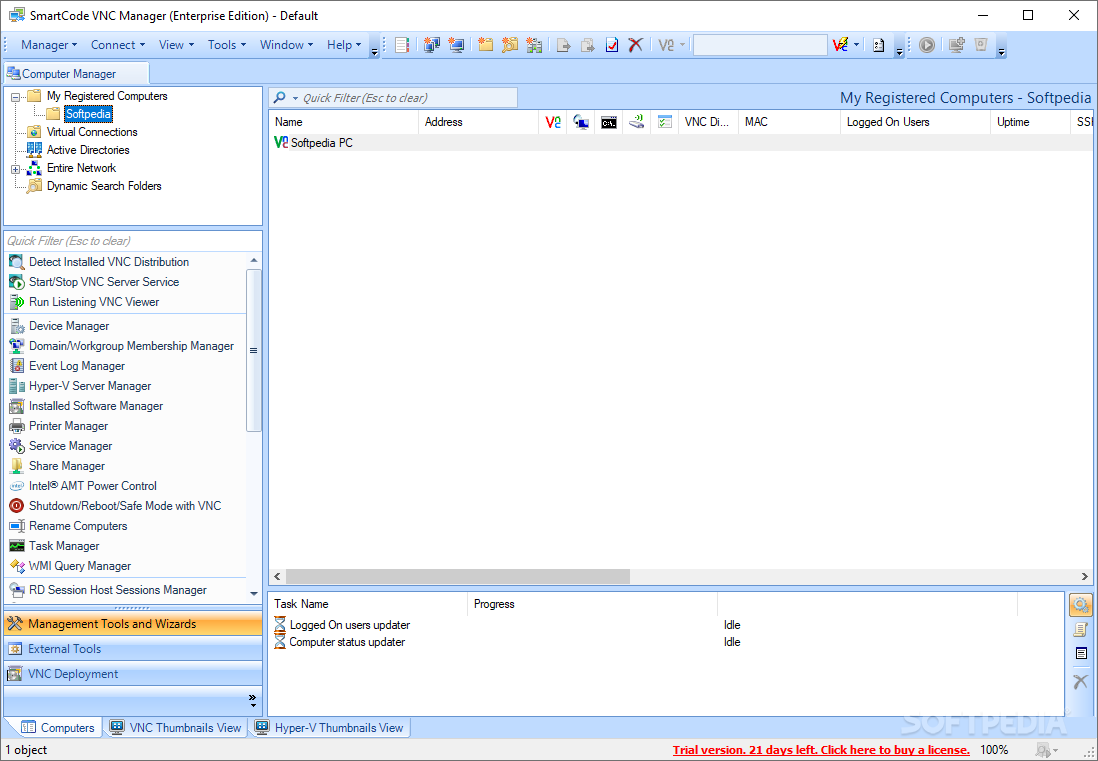
The main interface is intuitive, displaying all the registered computers and offering fast access to all the monitoring tools. The built-in wizards are there to ease your work and help you perform different tasks faster.
SmartCode VNC Manager Enterprise Edition is a powerful tool that comes in handy especially for large network administrators. Its remote connection properties can help you easily troubleshoot system problems and offer high-quality assistance to multiple computers at once.
Download Hubs
SmartCode VNC Manager Enterprise Edition is part of these download collections: VNC Clients
What's new in SmartCode VNC Manager Enterprise Edition 2022.09.1:
- Updated UltraVNC deployment package to the v1.4.3.1
- NEW Updated TightVNC deployment package to the v2.8.81
- NEW Updated detection of the latest versions of TeamViewer, RAdmin, DameWare Mini Remote control
- NEW Various updates to the built-in VNC viewer
SmartCode VNC Manager Enterprise Edition 2022.09.1
add to watchlist add to download basket send us an update REPORT- runs on:
-
Windows 11
Windows Server 2022
Windows Server 2019
Windows Server 2016
Windows 10 32/64 bit
Windows Server 2012
Windows 2008 R2
Windows 8 32/64 bit
Windows 7 32/64 bit - file size:
- 30.6 MB
- filename:
- SmartCode VNC Manager (Enterprise Edition).msi
- main category:
- Network Tools
- developer:
- visit homepage
7-Zip

Zoom Client

Bitdefender Antivirus Free

calibre

paint.net

4k Video Downloader

ShareX

IrfanView

Windows Sandbox Launcher

Microsoft Teams

- IrfanView
- Windows Sandbox Launcher
- Microsoft Teams
- 7-Zip
- Zoom Client
- Bitdefender Antivirus Free
- calibre
- paint.net
- 4k Video Downloader
- ShareX