
Fast and easy-to-use IP scanner that lets you create your own favorite list for easier network management and allows you to connect to other PCs using Radmin. #IP scanner #Scan IP #Remote shutdown #Scan #Scanner #Radmin
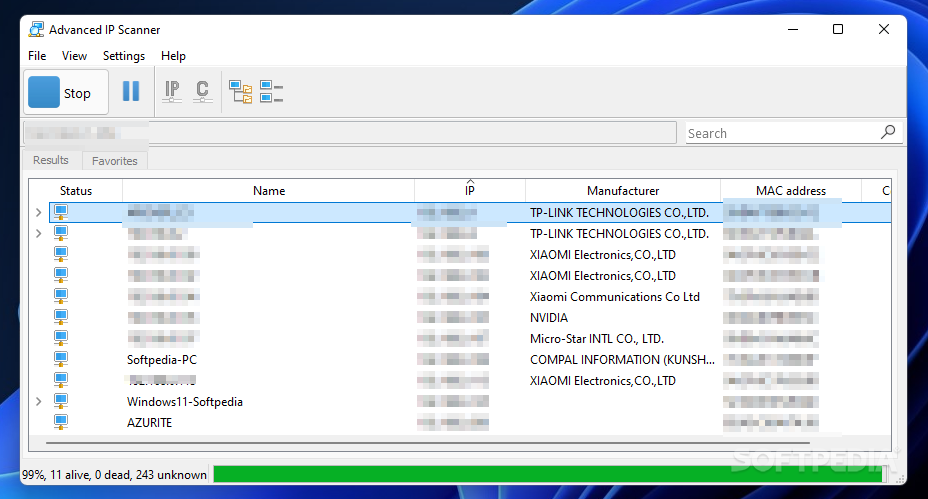
Getting information about the computers on a Local Area Network (LAN) in a few seconds and managing the remote workstations is usually a job for specialists. Nonetheless, with a program like Advanced IP Scanner details like IP and MAC address are no longer a secret, even for the novice user.
Similar in some ways to a point-and-shoot camera, this software can find PCs and show you their available resources with a simple push of a button. A nice bonus is the price tag attached to this tool that reads zero dollars, so without having to pay any money you'll get a quick and powerful network scanning utility.
The application installs fairly fast so you'll be able to get acquainted with the user-friendly interface in a couple of moments. As soon as you press the 'Scan' button, the results will start to pour in, allowing you to view in real time the progress of this task.
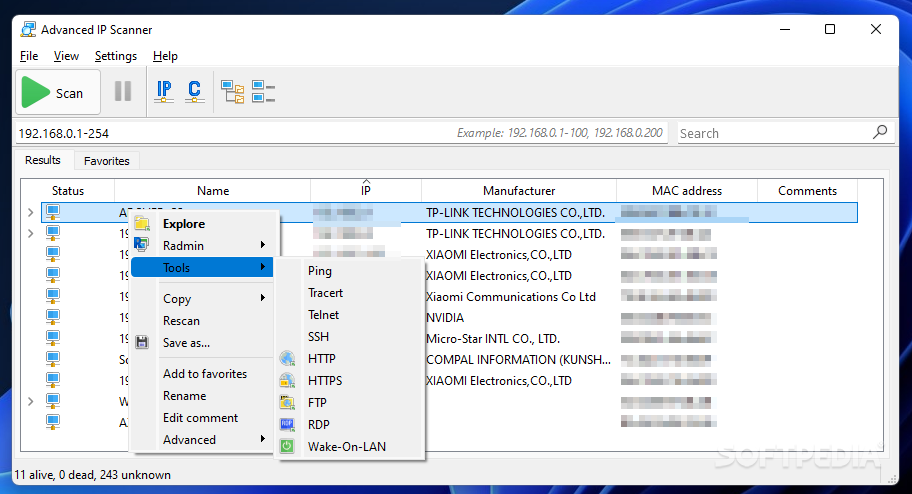
Besides retrieving the status, name, IP and MAC address for all the computers on a LAN, Advanced IP Scanner comes with a decent set of functions designed to help you remotely manage the PCs. These including sending 'Wake-On-LAN' or 'Shut down' commands.
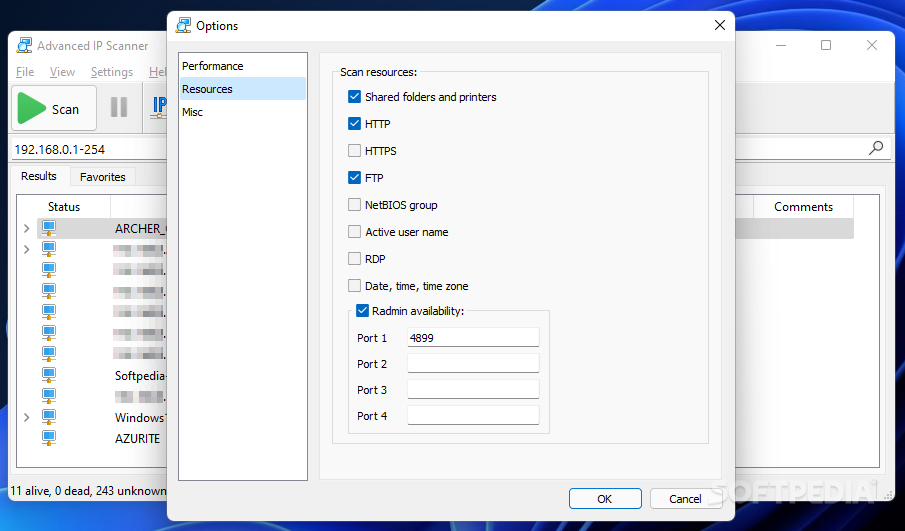
The software comes with support for HTTP, HTTPS and FTP protocols and is also able to scan for NETBIOS name and group. The information as well as the usage of remote commands are, unfortunately, limited to machines running Windows OS.
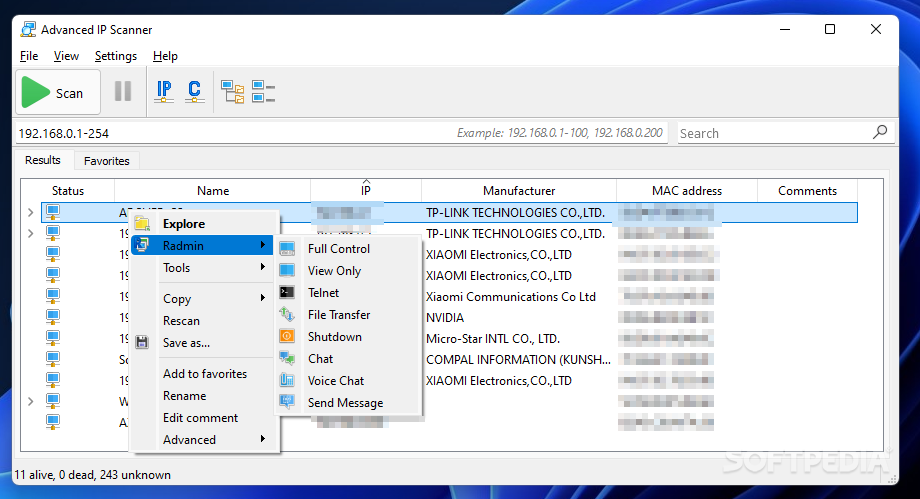
An extra set of features becomes available from the 'Operations' menu of the application, but only if you install Radmin. This extends the capabilities of Advanced IP Scanner and provides you with options like for file transferring and chatting.
All the commands for a highlighted entry on the computer list can be quickly accessed by right-clicking that item. You should note that in order to carry out any remote administrative actions requires you to provide the right username and password for connecting to the selected machine.
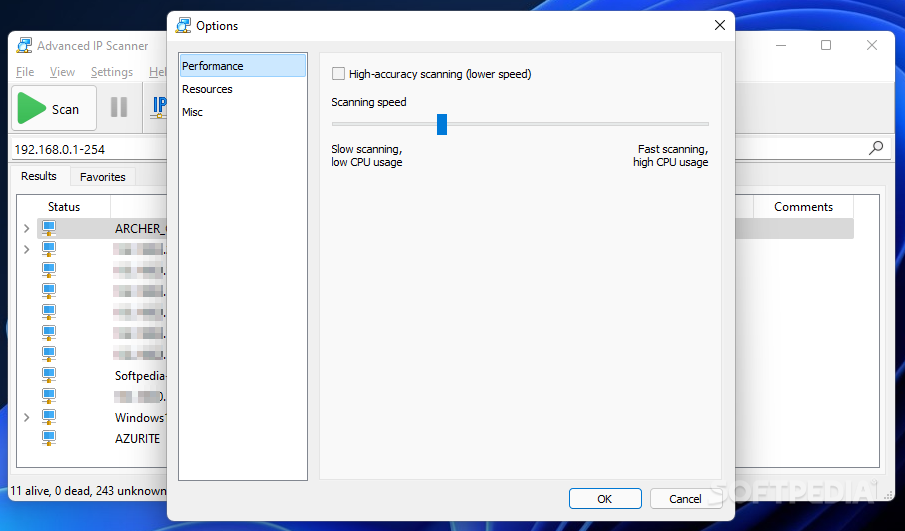
Easy to use, with a friendly GUI and dedicated functions for adjusting the scan speed, remotely connecting and managing workstations, to name a few, this utility earns a high spot on the network tools list.
What's new in Advanced IP Scanner 2.5.4594.1:
- MAC-address list was updated for more precise vendor detection
- More precise service detection
Advanced IP Scanner 2.5.4594.1
add to watchlist add to download basket send us an update REPORT- PRICE: Free
- runs on:
-
Windows 11
Windows 10 32/64 bit
Windows 8 32/64 bit
Windows 7 32/64 bit - file size:
- 20.1 MB
- filename:
- Advanced_IP_Scanner_2.5.4594.1.exe
- main category:
- Network Tools
- developer:
- visit homepage
Windows Sandbox Launcher

4k Video Downloader

Bitdefender Antivirus Free

ShareX

7-Zip

calibre

IrfanView

Microsoft Teams

Zoom Client

Context Menu Manager

- Microsoft Teams
- Zoom Client
- Context Menu Manager
- Windows Sandbox Launcher
- 4k Video Downloader
- Bitdefender Antivirus Free
- ShareX
- 7-Zip
- calibre
- IrfanView