
A fully-featured application that comprises a wide range of network tests (e.g. Ping, email, web) and several alert modes (warning messages, email notifications). #Network monitor #Host pinger #Network tester #Ping #Host #Monitor

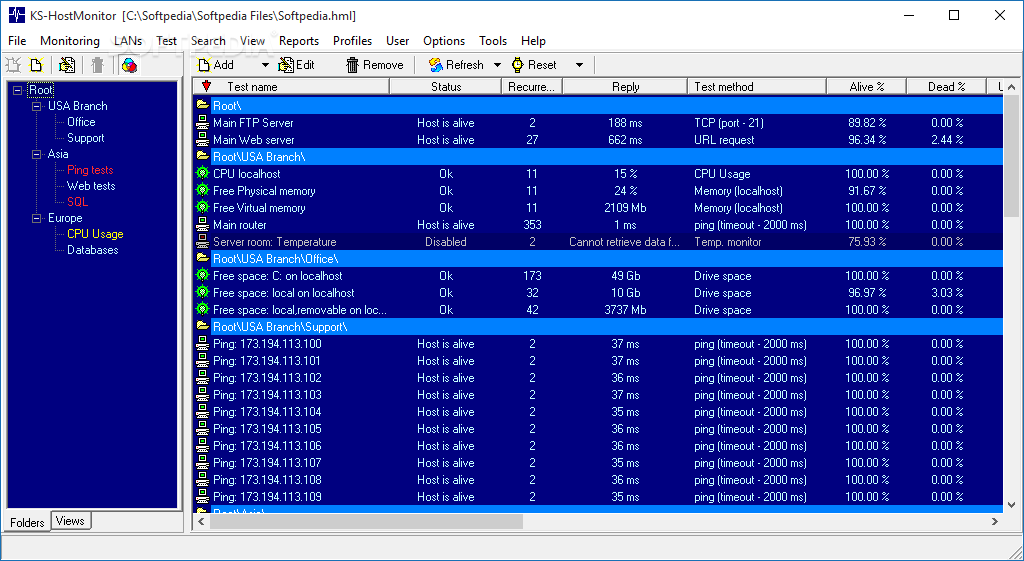
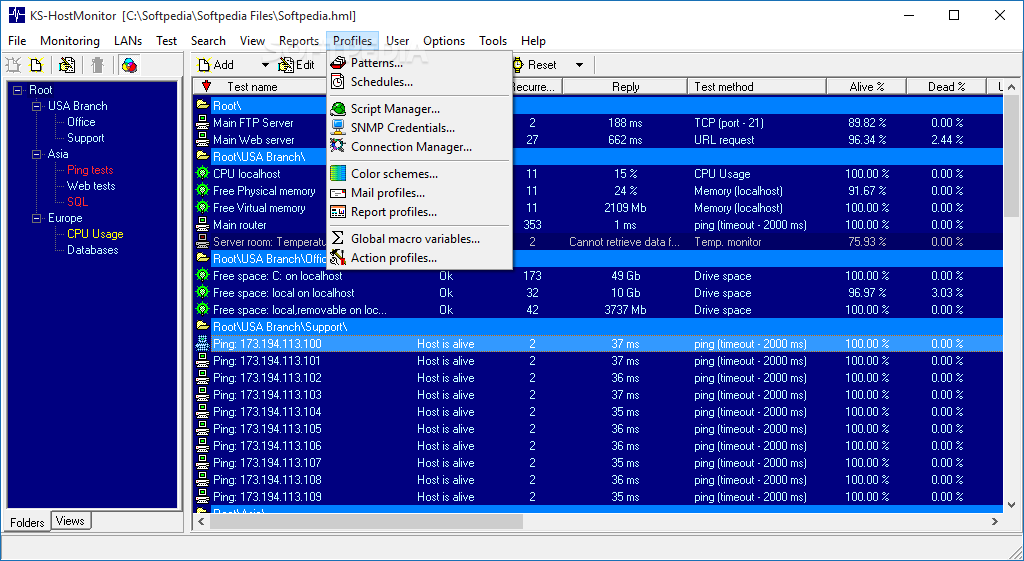
Designed for both small networks and the enterprise environment, Advanced Host Monitor delivers a scalable network monitoring solution with robust scanning and reporting capabilities, advanced logging functionality, Telnet and remote support.
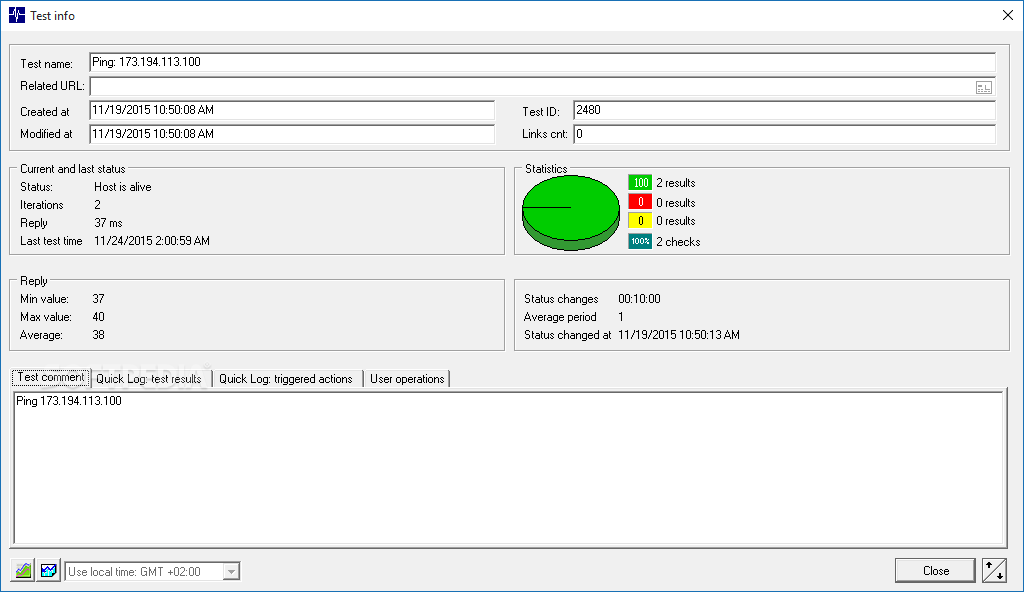
With this professional-grade system management tool, network administrators should be able to keep a close eye on their servers to ensure their performance and availability and respond to errors and connectivity issues in a timely manner.
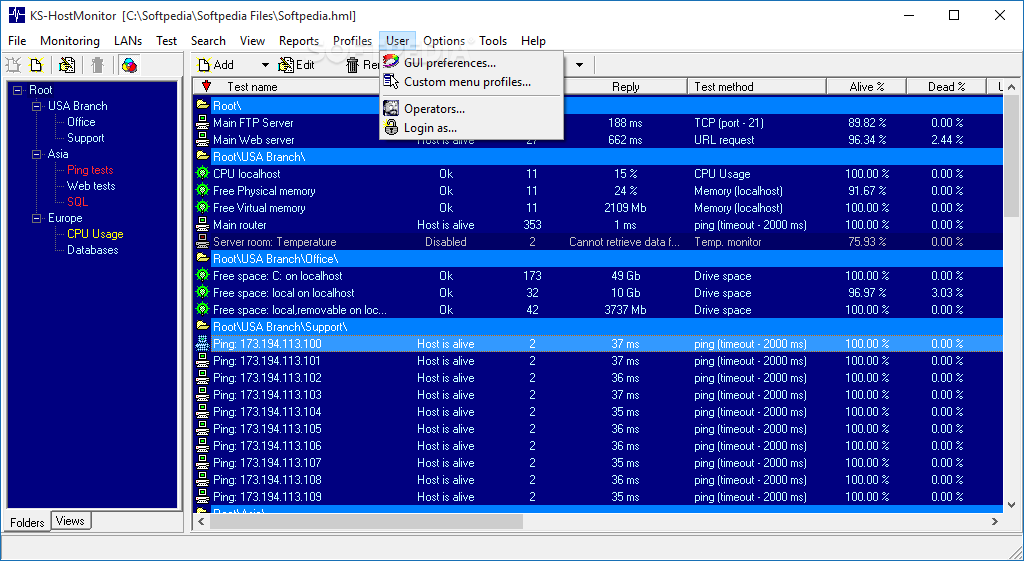
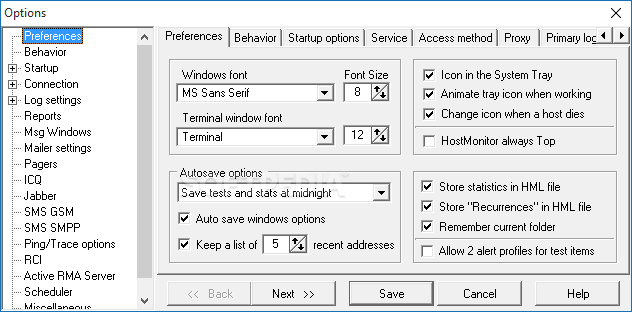
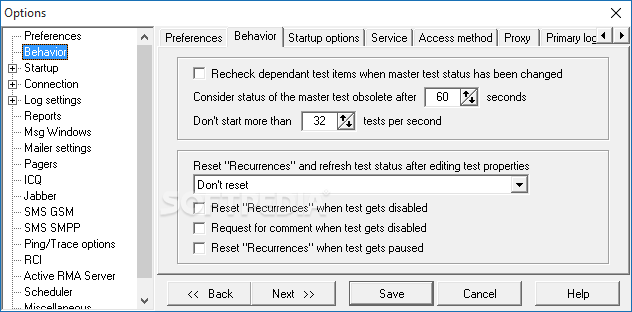
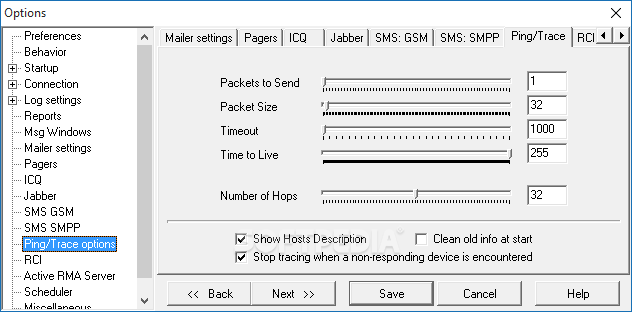
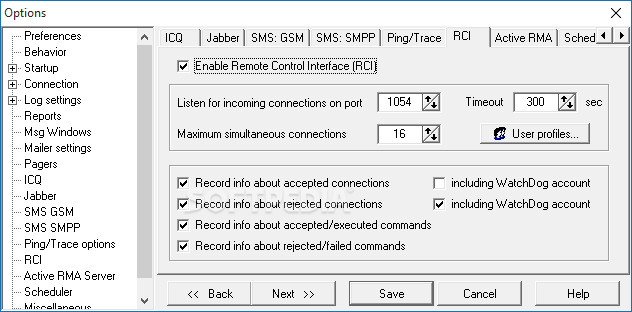
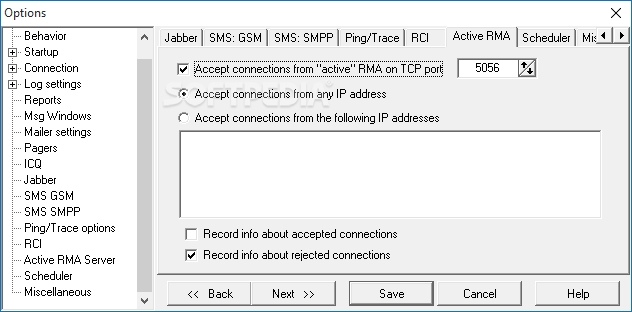
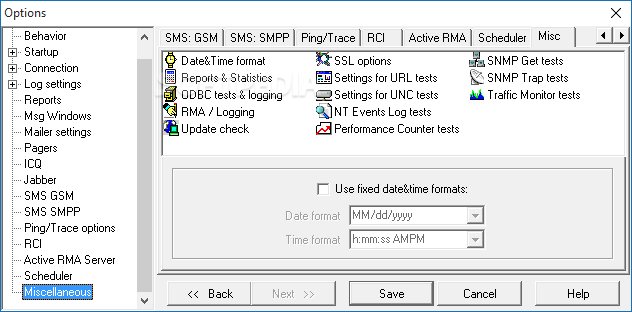
Before using Advanced Host Monitor, you must take the time to configure some options related to the remote manager, the connection manager, user permissions, SNMP profiles, remote monitoring agents and the network discovery. Once you complete the setup, you are good to go.
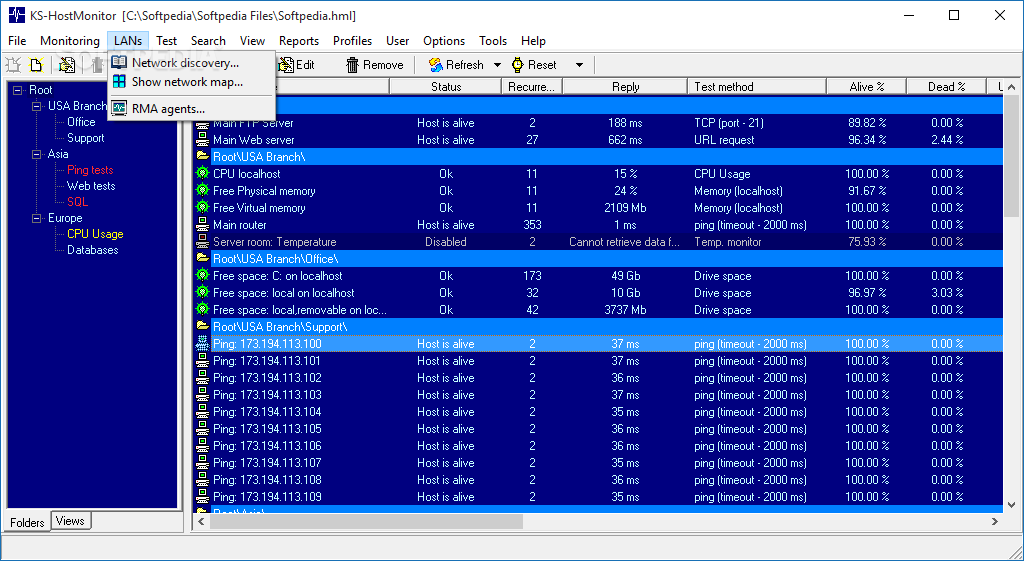
The network discovery tool in Advanced Host Monitor is ready to find all the systems in your local area network. Thanks to the remote monitoring agents (RMAs), it is possible to work with networks protected by firewalls. Network scans run in the background and up-to-date network maps can be easily accessed.
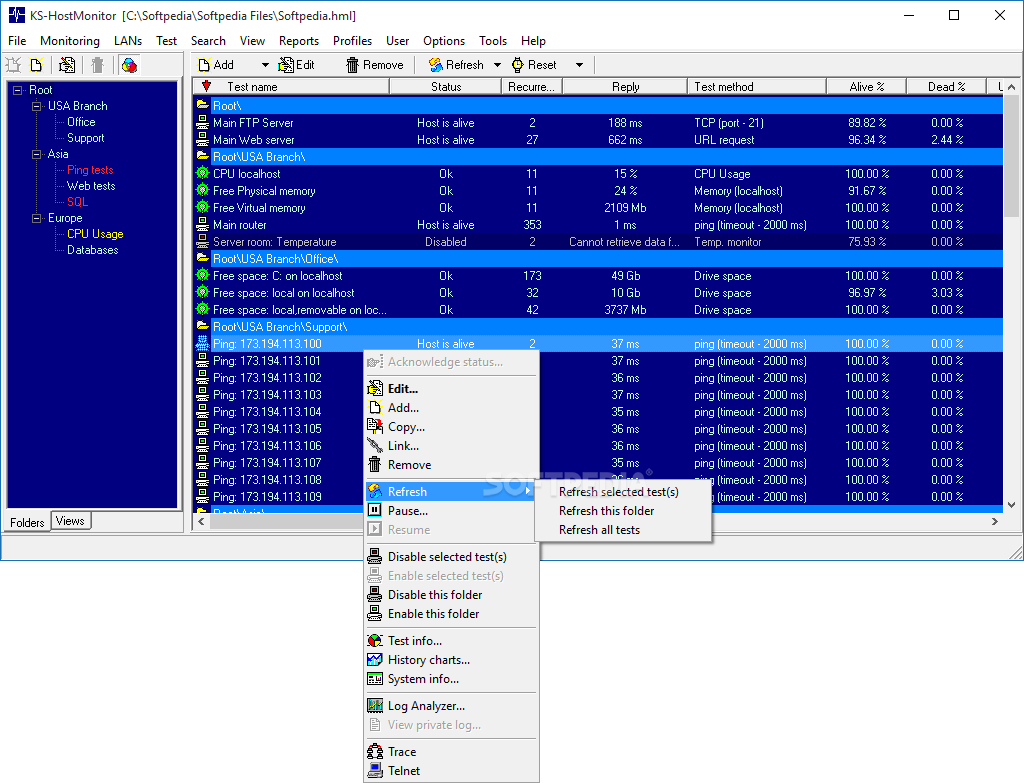
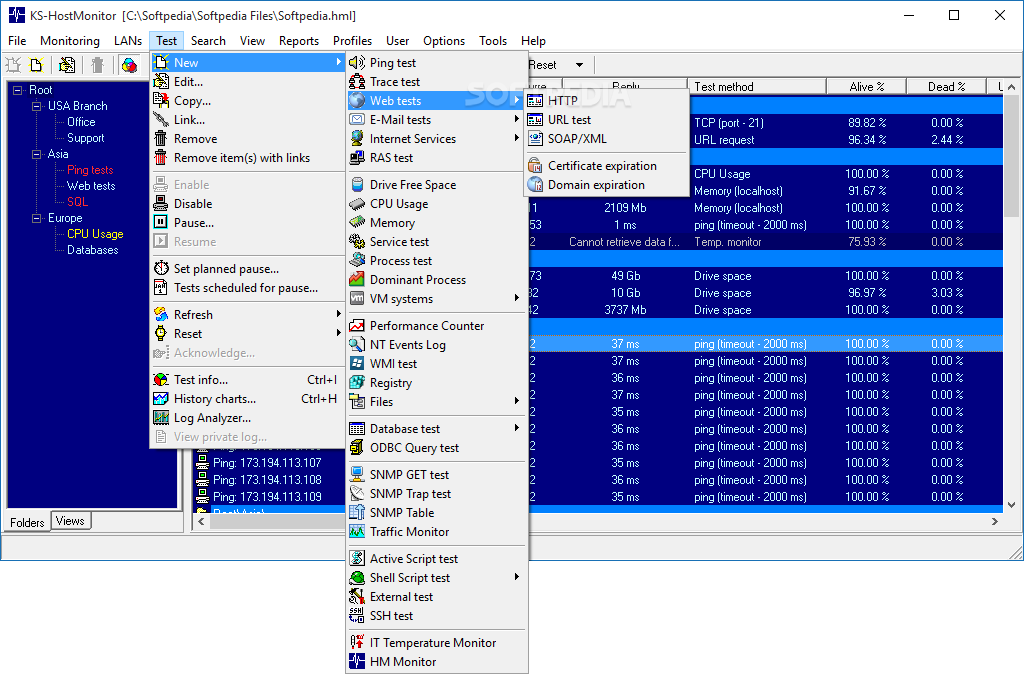
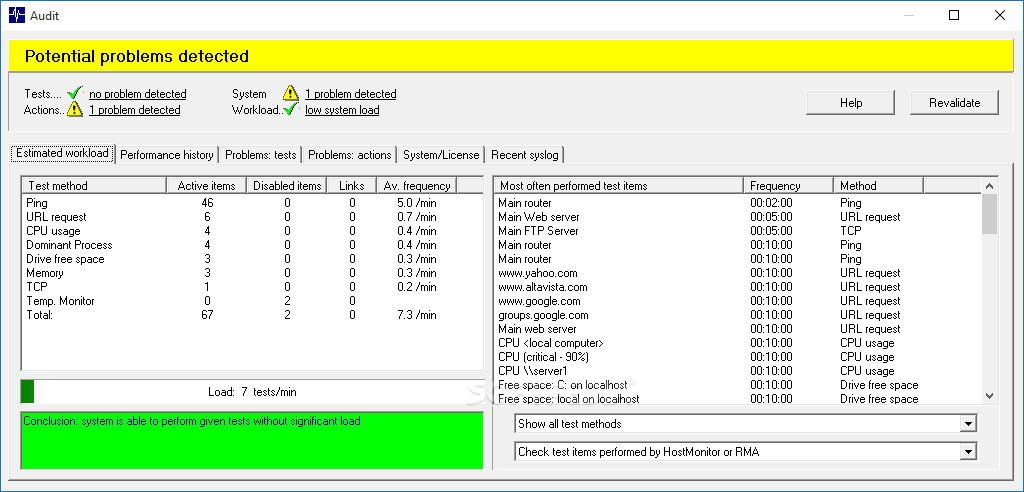
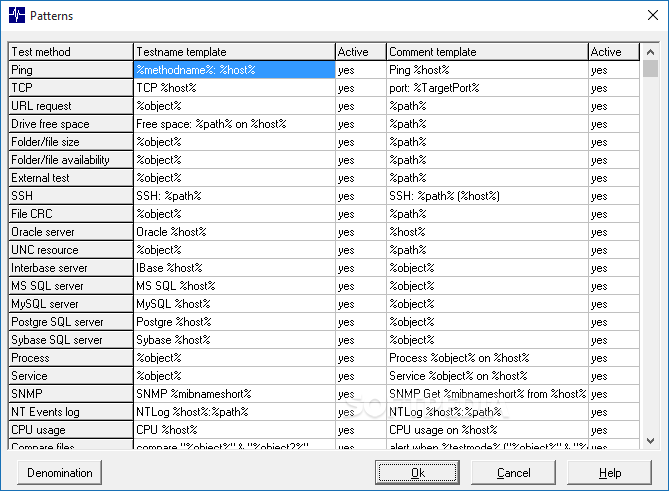
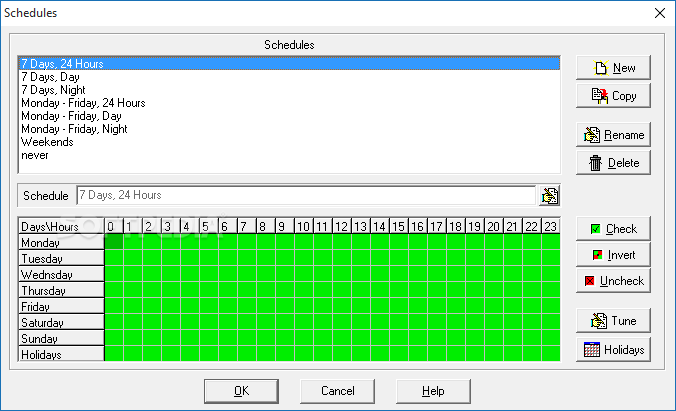
There is an impressive number of test methods that Advanced Host Monitor comes with. The scanner can detect Windows and UNIX machines, Juniper and Cisco routers, NAS devices, servers and UPS devices, as well as virtual hosts or guest systems. Thanks to the built-in scheduler, you can easily instruct Advanced Host Monitor to perform tests at regular time intervals, either directly or using the remote monitoring agents.
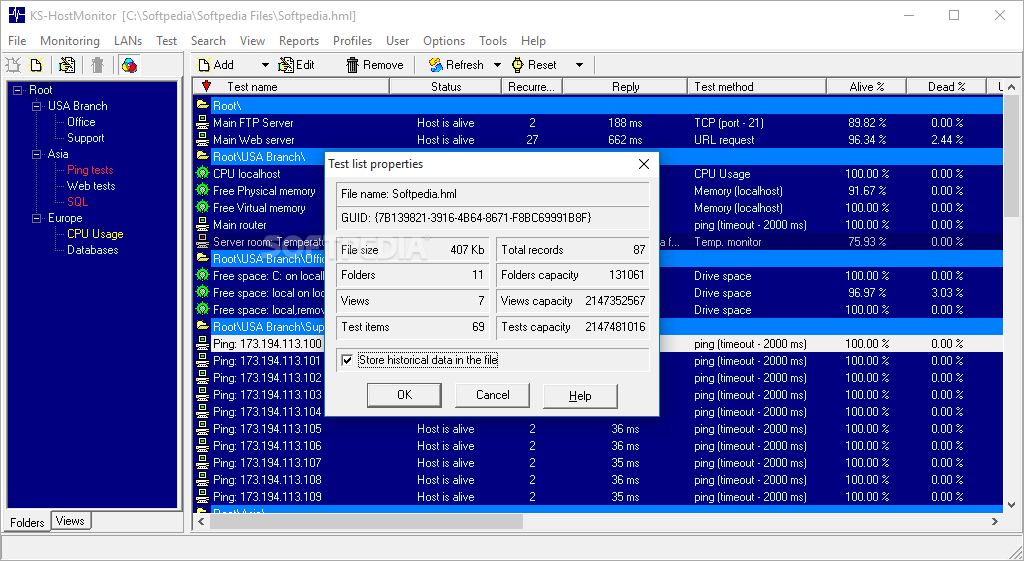
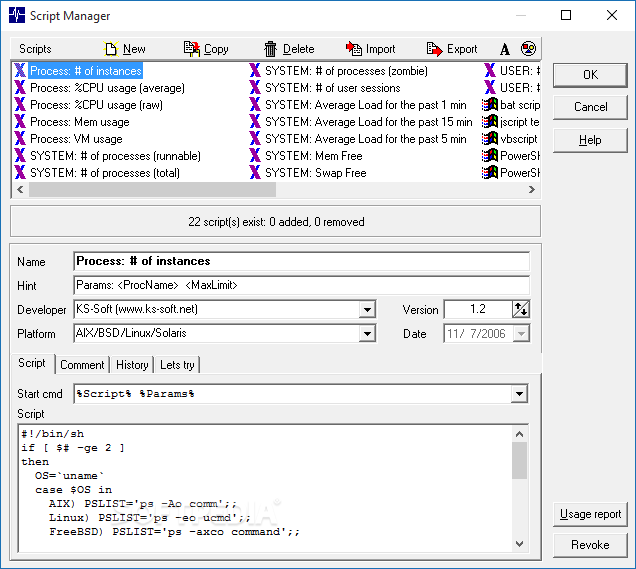
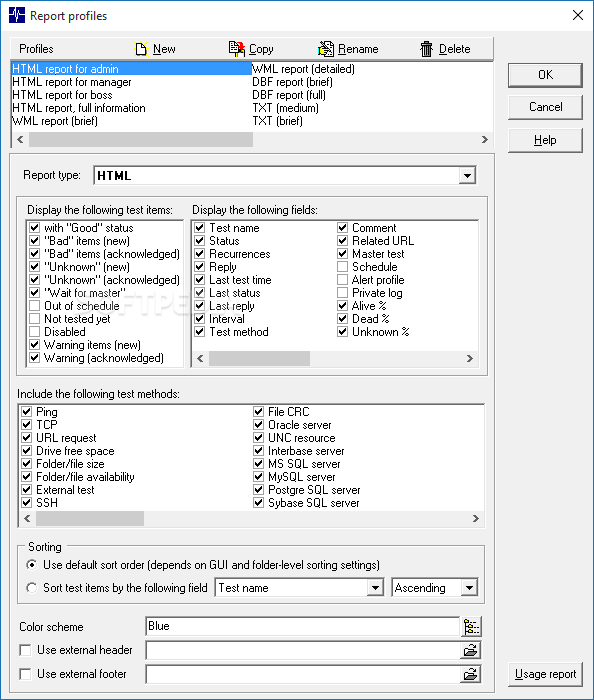
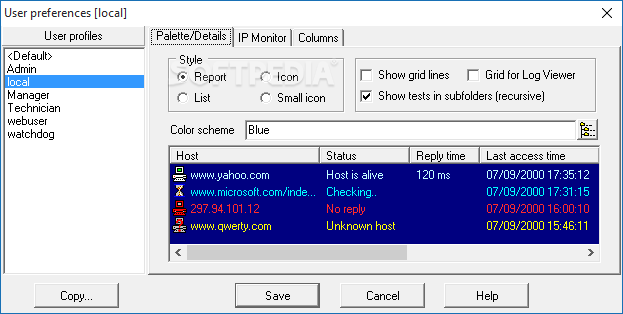
Monitoring tasks can be neatly organized in groups, which you can assign different color palettes for easier identification, and configure custom reports.
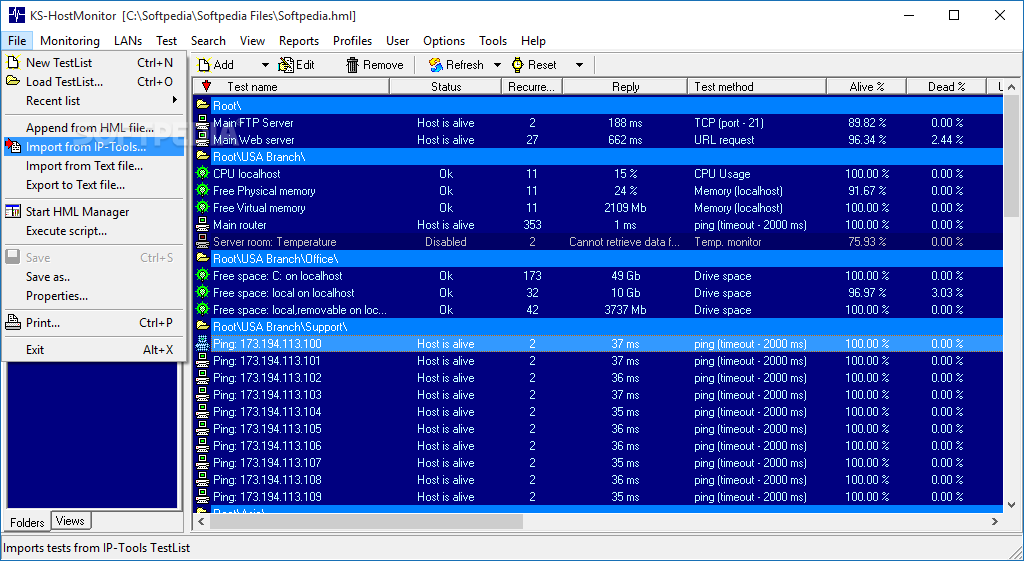
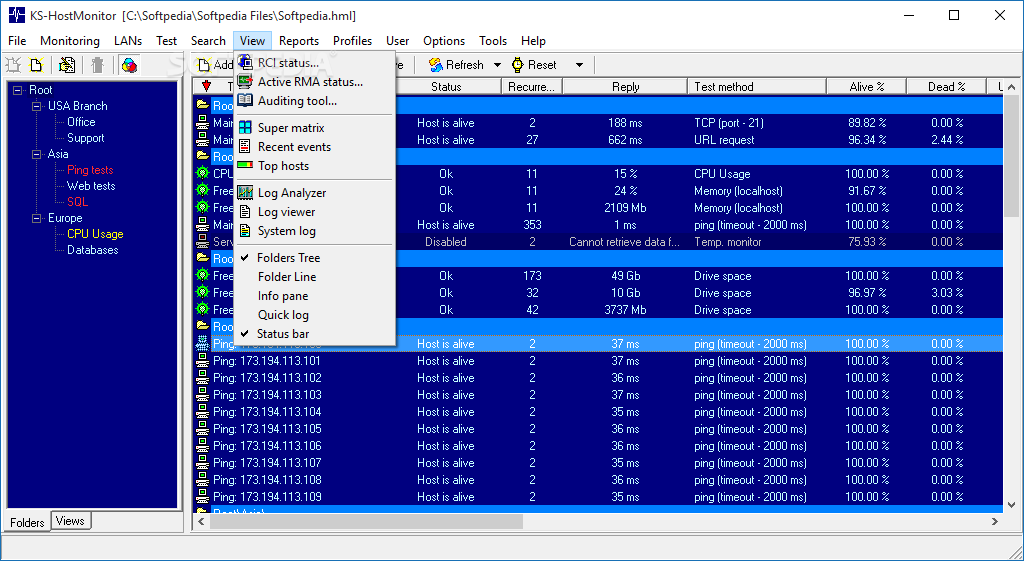
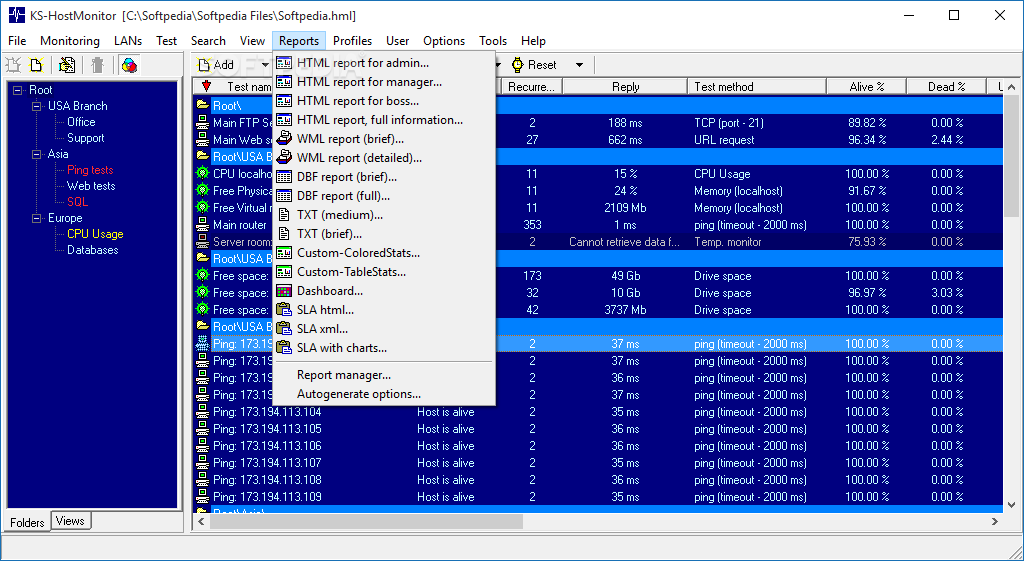
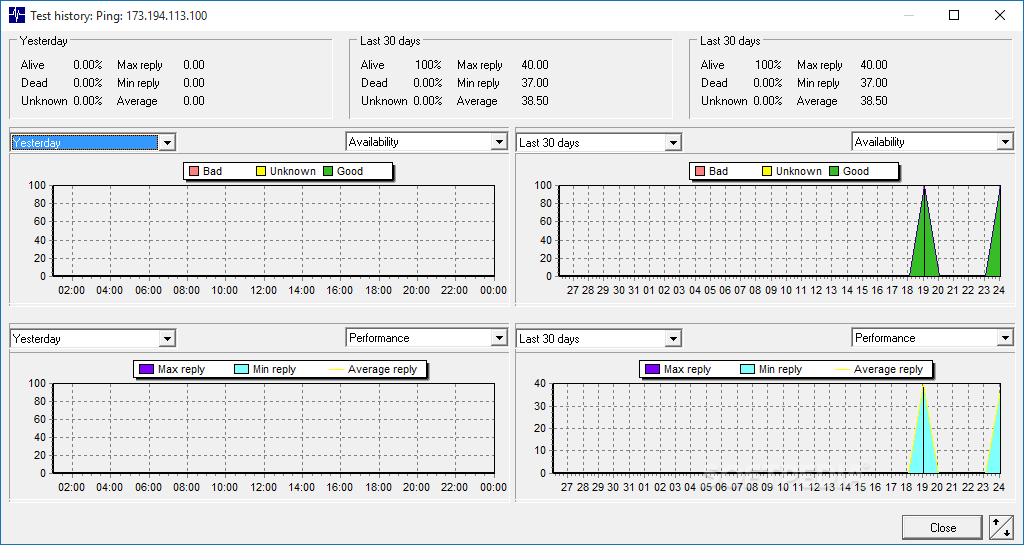
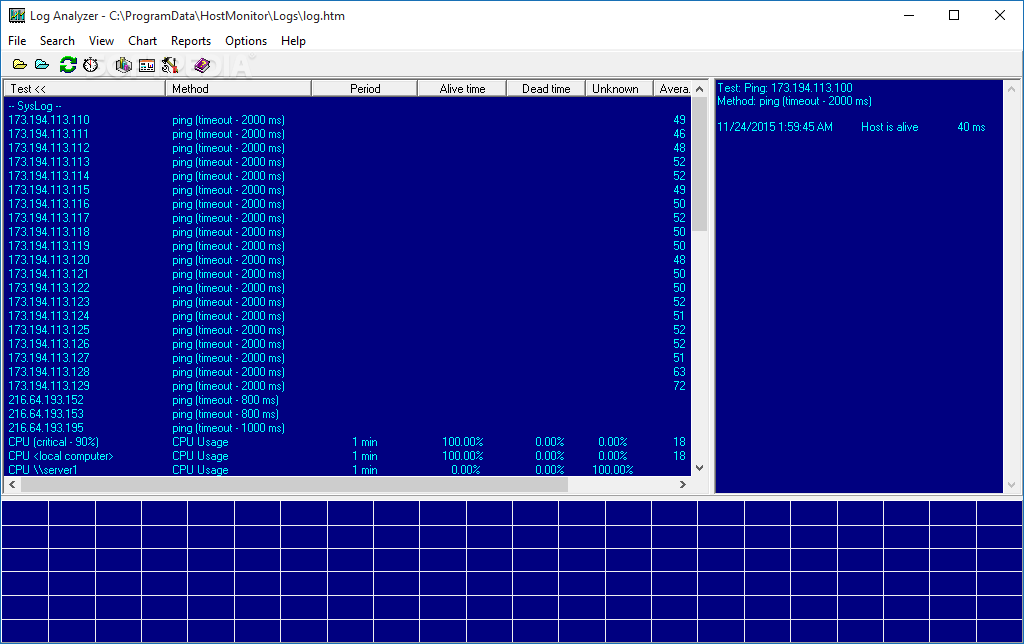
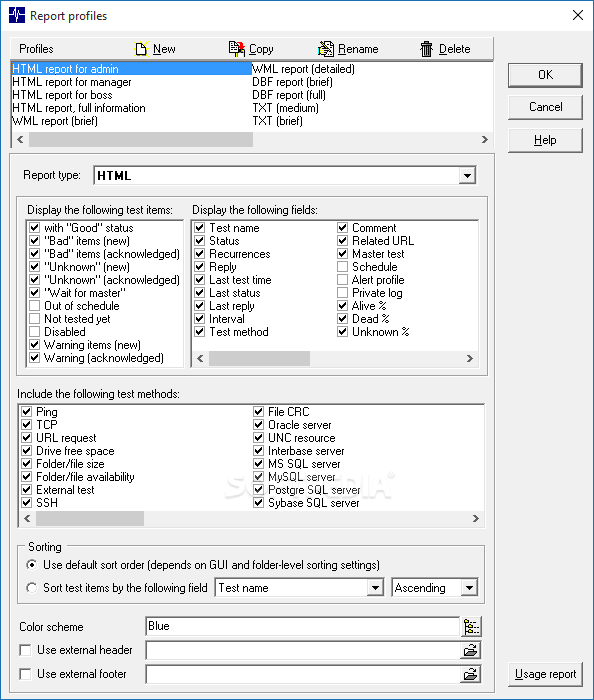
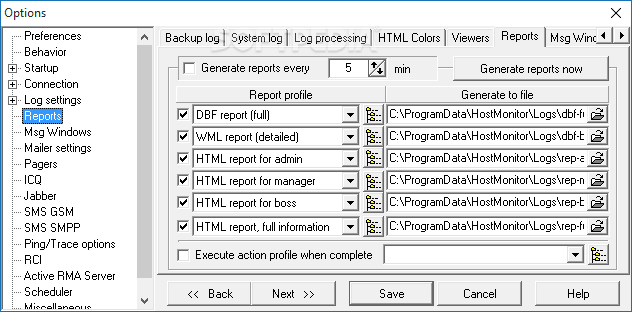
Speaking of reports, the built-in Report Manager can customize the look, feel and content of generated files depending on their receiver. The log analyzer gathers statistical information, displaying graphs related to the response time of network servers, which helps network administrators assess the request and response times.
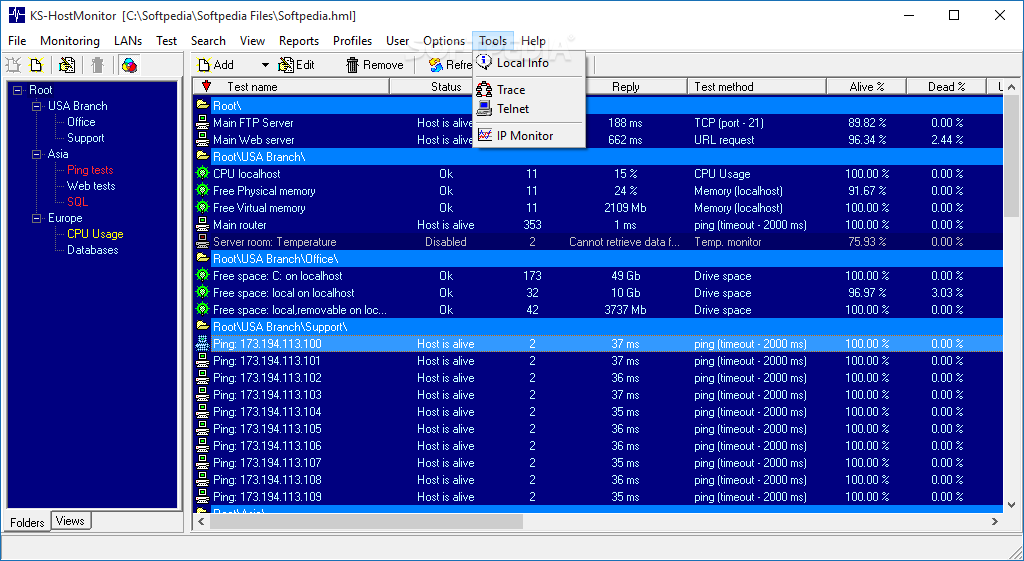
Due to its Telnet support and the Remote Control Console, Advanced Host Monitor can be controlled remotely. The application features web service integration, meaning that it also provides a web interface to control and review test results, start and stop the monitoring process, alter variables and settings, activate and deactivate notifications, and so on.
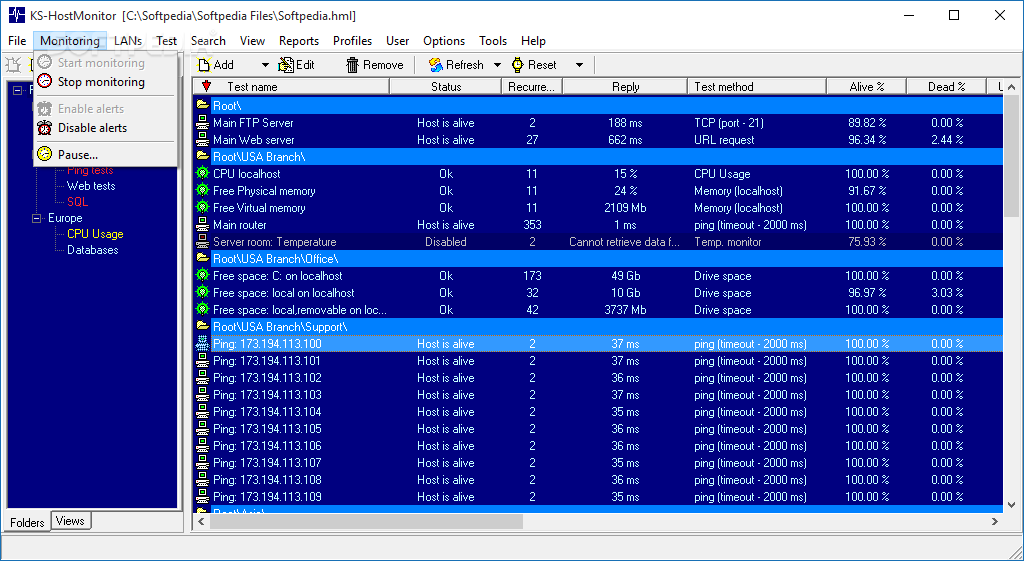
Advanced Host Monitor comes packed with a plethora of tests and alert modes, as well as powerful reporting tools. All work together to provide professional network administrators with the tools they need to monitor their network devices closely and to take immediate action when needed to minimize the servers’ downtime.
What's new in Advanced Host Monitor 14.28:
- HostMonitor and RCC improvements
- When you select many test items and click Edit button, you may change "Tune up Reply value" explession; Timeout and Retries parameters (number of packets for Ping tests) in addition to other parameters you could modify before.
- "Mark unused" popup menu item for RMA list. When you are managing list of Remote Monitoring Agents using menu LANs -> RMA agents you may use new menu item to grey out all RMA agents currently not used. HostMonitor checks all folder settings, test settings (within loaded test list), action setting and Network Discovery settings
Advanced Host Monitor 14.28
add to watchlist add to download basket send us an update REPORT- runs on:
-
Windows 11
Windows Server 2022
Windows Server 2019
Windows Server 2016
Windows 10 32/64 bit
Windows Server 2012 R2
Windows Server 2012
Windows 2008 R2
Windows 2008 32/64 bit
Windows 2003
Windows 8 32/64 bit
Windows 7 32/64 bit
Windows Vista 32/64 bit
Windows XP 32/64 bit - file size:
- 51.1 MB
- filename:
- hm1428.exe
- main category:
- Network Tools
- developer:
- visit homepage
IrfanView

Microsoft Teams

ShareX

4k Video Downloader

Bitdefender Antivirus Free

Context Menu Manager

calibre

Windows Sandbox Launcher

Zoom Client

7-Zip

- Windows Sandbox Launcher
- Zoom Client
- 7-Zip
- IrfanView
- Microsoft Teams
- ShareX
- 4k Video Downloader
- Bitdefender Antivirus Free
- Context Menu Manager
- calibre