
Test the speed of your Local Area Network with the minimum amount of fuss by relying on this simplistic yet very efficient piece of software. #Network speed #Speed tester #LAN speed #Speed #LAN #Network

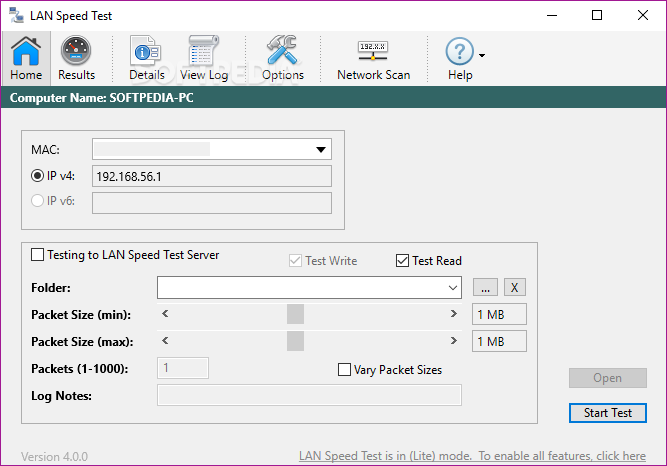
LAN Speed Test is a straightforward Windows software tool designed to test the speed of your Local Area Network, relying on an intuitive user approach and a limited number of configuration options.
Since it's a network tool, it's extremely important to know how to deal with rookies, so LAN Speed Test tries to make everything a bit easier with a very simple interface and a few settings.
It's impossible to get lost in the main window because it holds all details concerning the speed test, while also displaying computer name, IP and MAC addresses. You're prompted to configure the folder or server IP to perform the test, as well as the number of test packets, with values ranging in between 1 and 100.
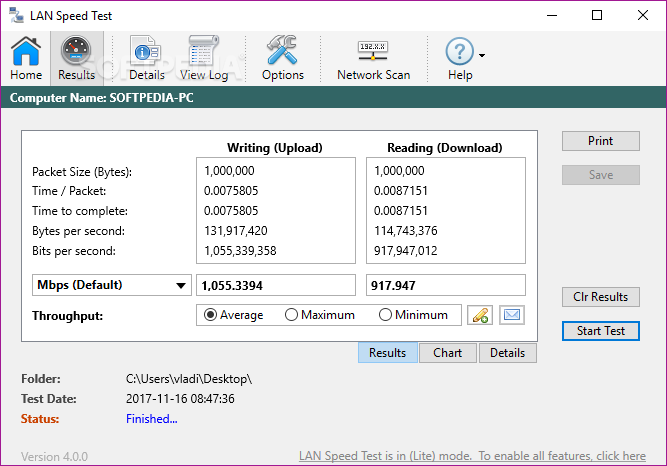
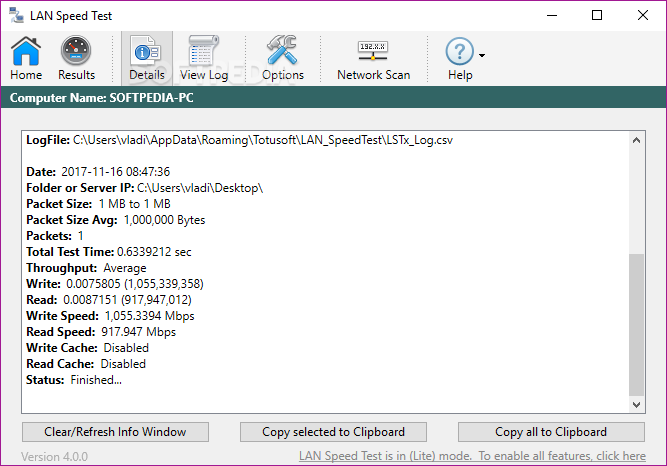
The results of the tests are again displayed right in the main window, which means you can see stats regarding packet length, average time per packet, time to complete, bytes per second and bits per second.
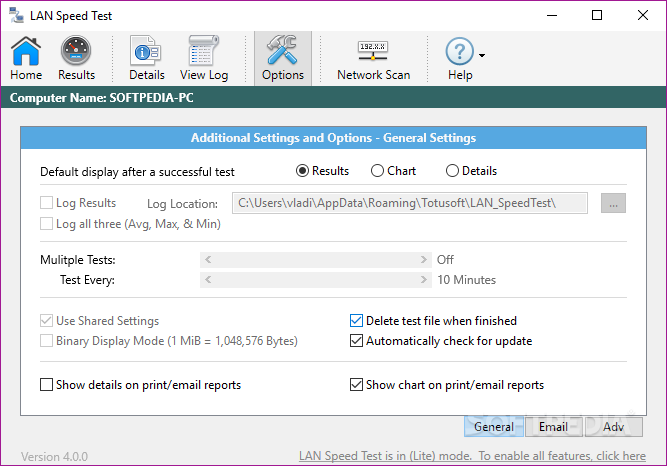
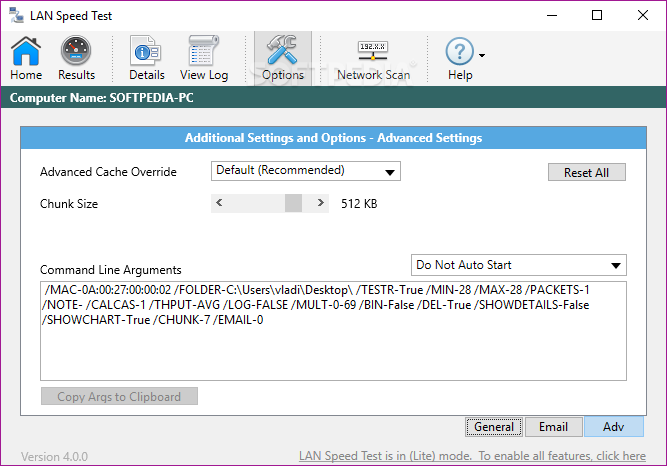
A small dedicated configuration screen is also available, again with a great amount of information on the available options, enabling you to choose the test packet size and to turn on the debug window.
Last but not least, LAN Speed Test comes with a dedicated tool for scanning the network, displaying each computer in the LAN together with IP address, MAC address, and name.
A comprehensive help file is also included in the package, providing detailed information on every single feature and thus lending a hand to beginners who may need assistance throughout the speed test.
Overall, LAN Speed Test is a very handy piece of software, being able not only to log all the information but also to export results to CSV files. Plus, it works just fine on all Windows versions and doesn't affect system performance.
What's new in LAN Speed Test 4.4:
- Fix: Email results to multiple email addresses works again
- Fix: Certain Listbox columns (Details and View Log) were not sorting numerically when user clicks on column header to sort by that column
- Fix: If certain settings in pref file becomes corrupt, LST could crash on startup
- Fix: RTT multiplies by 1000 every time log is edited and saved within 'View Log' tab
LAN Speed Test 4.4
add to watchlist add to download basket send us an update REPORT- runs on:
-
Windows 10 32/64 bit
Windows 8 32/64 bit
Windows 7 32/64 bit - file size:
- 17 MB
- filename:
- LAN_SpeedTest_Setup.exe
- main category:
- Network Tools
- developer:
- visit homepage
Windows Sandbox Launcher

calibre

4k Video Downloader

Bitdefender Antivirus Free

paint.net

ShareX

Microsoft Teams

IrfanView

Zoom Client

7-Zip

- IrfanView
- Zoom Client
- 7-Zip
- Windows Sandbox Launcher
- calibre
- 4k Video Downloader
- Bitdefender Antivirus Free
- paint.net
- ShareX
- Microsoft Teams