
Perform various network-related actions from your computer such as scanning for IP addresses, pinging a host or shutdown a machine with this tool. #Protocol analyzer #Packet sniffer #IP traffic monitor #Protocol #Analyzer #Filtering
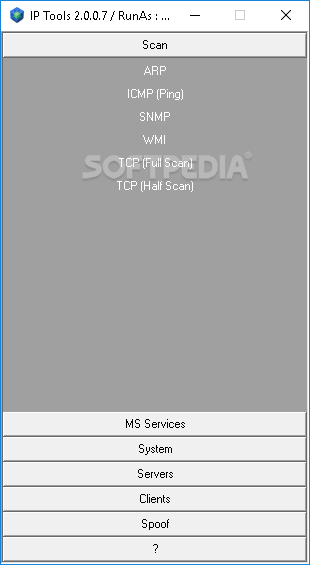
IP Tools ensembles a collection of various applications targeting the network adapter of your computer. The main component of IP Tools is the packet sniffer (aka network / protocol / packet analyzer or Ethernet / wireless sniffer) that intercepts and logs network traffic.
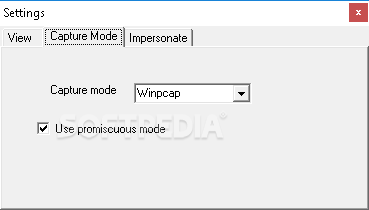
In order to work with any Windows version, the sniffer uses three methods: the new raw socket implementation of Windows 2000, the WinPcap application or the NDIS protocol. Its main objectives are filtering, decoding and parsing. The interface looks pretty simple at the surface, but once you get into its menus, a whole new world reveals itself. One thing is certain - IP Tools is definitely an application built for advanced users.
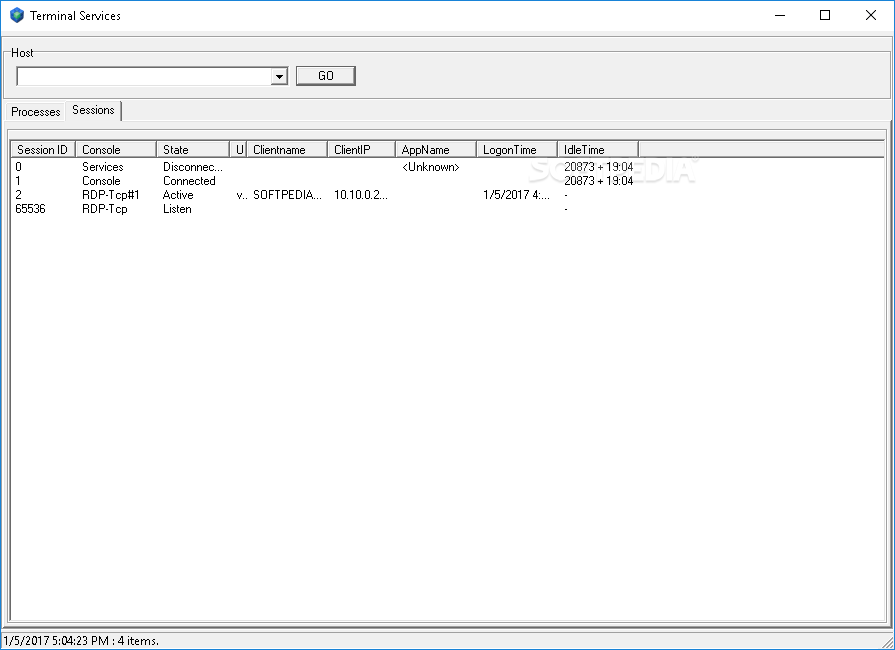
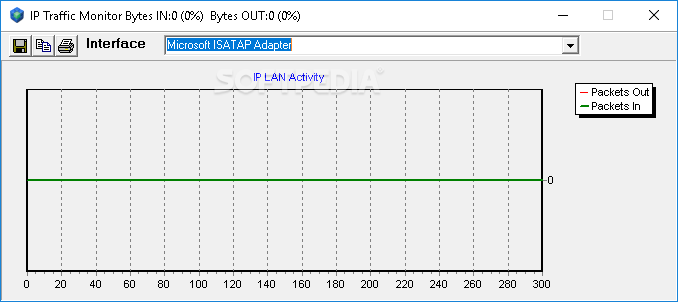
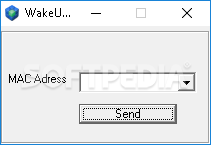
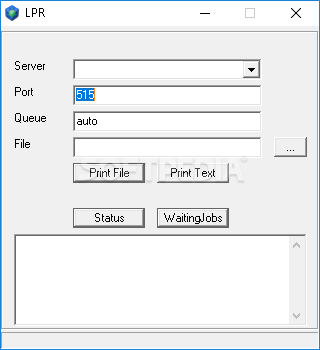
The suite consists of multiple individual tools, ranging from basic bandwidth monitoring to spoofing and decoding. The included bandwidth monitor works both locally and remotely, providing the IP LAN activity for the selected interface. The Adapter Statistics program displays data for several protocols such as IP, TCP, UDP or ICMP alongside graphs for directed, broadcast and multicast packets.
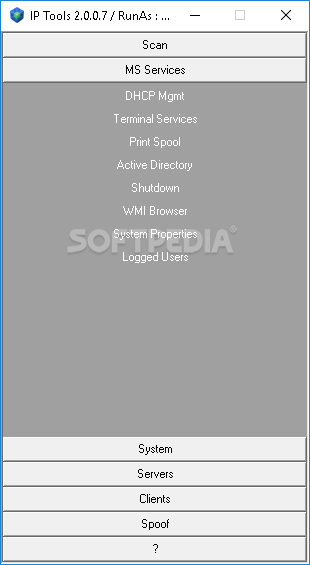
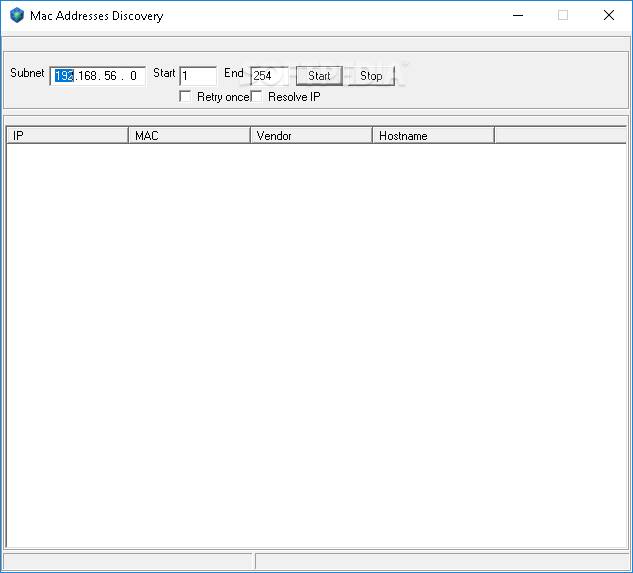
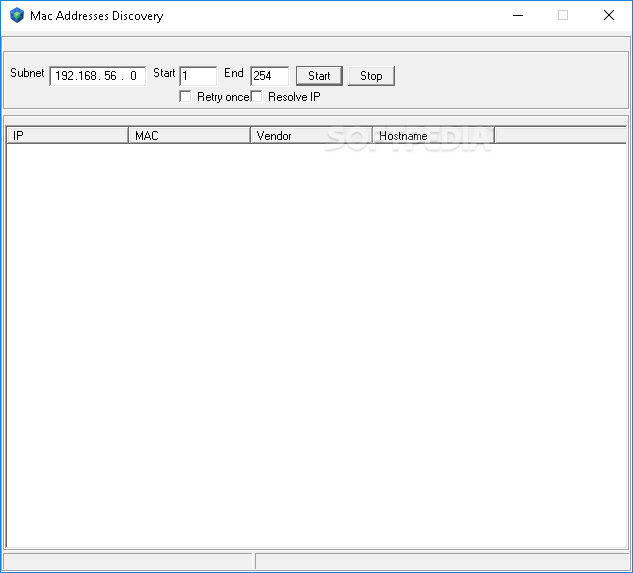
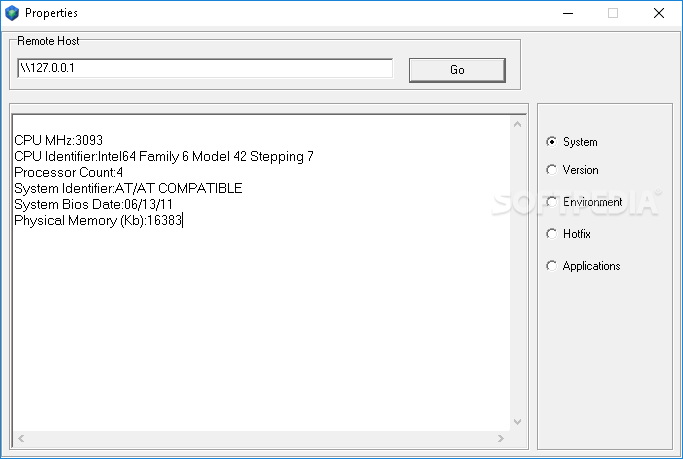
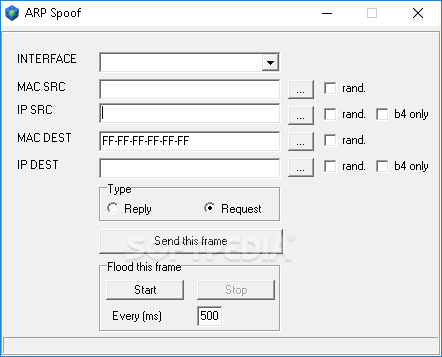
You can easily list all ARP entries, find out what ports are opened, retrieve information for specific network adapters or view the routing table of your PC. Other tools help you hook Winsock APIs to certain processes, perform ARP spoofs by tricking remote hosts with bogus ARP replies as well as TCP, UDP or ICMP packets.
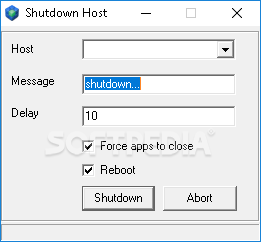
MAC address changing is possible along with SNMP, WINS, DNS, DHCP or SMTP configuration. Hostname Resolver is also included in the pack in addition to Whois, TCP tools (scan, ping or client/server), UDP tools (MSSQL / SNMP / SSDP ping) and ICMP tools (ping and tracert).
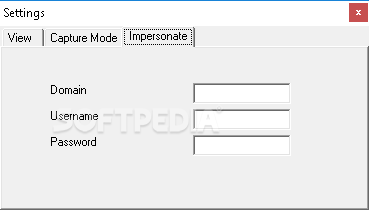
You can also make use of various decoder tools comprising Protected Storage, Dump Credentials, Password Reveal, Dialup Password, Hash Calculator or Decode IE History / Base64 / MDB or RDP (Remote Desktop Protocol). The collection concludes with numerous MS Networks, processes, firewall and Internet IP applications such as retrieval of NetBIOS names table, remote registry or drivers.
IP Tools features a comprehensive set of programs to say the least. It encases the a great pack of network software that comes in very handy for network administration daily tasks as well as more in-depth analysis and configuration. Although its interface does not make it attractive at all, IP Tools fills that gap with a broad selection of precise programs to make network management a swifter experience.
Download Hubs
IP Tools is part of these download collections: Network Sniffers, WHOIS Clients
IP Tools 2.0.0.10
add to watchlist add to download basket send us an update REPORT- PRICE: Free
- runs on:
- Windows All
- file size:
- 3 MB
- filename:
- iptoolsv2.zip
- main category:
- Network Tools
- developer:
- visit homepage
ShareX

Bitdefender Antivirus Free

Context Menu Manager

Windows Sandbox Launcher

7-Zip

Zoom Client

Microsoft Teams

calibre

4k Video Downloader

IrfanView

- calibre
- 4k Video Downloader
- IrfanView
- ShareX
- Bitdefender Antivirus Free
- Context Menu Manager
- Windows Sandbox Launcher
- 7-Zip
- Zoom Client
- Microsoft Teams