Search Perform an advanced search query SOFTPEDIA
 
SOFTPEDIA
Updated one minute ago
HomeSubmit a program for being reviewedAdvertise on our websiteGet help on surfing our websitesSend us your feedbackGet information about our XML/RSS backend and how to use itBrowse the news archiveVisit our discussion forumVizitati forumul in limba romana


Program Finder NormalFreeware onlyShareware only

Xshell 2.0 Report spyware 

Click to download Xshell
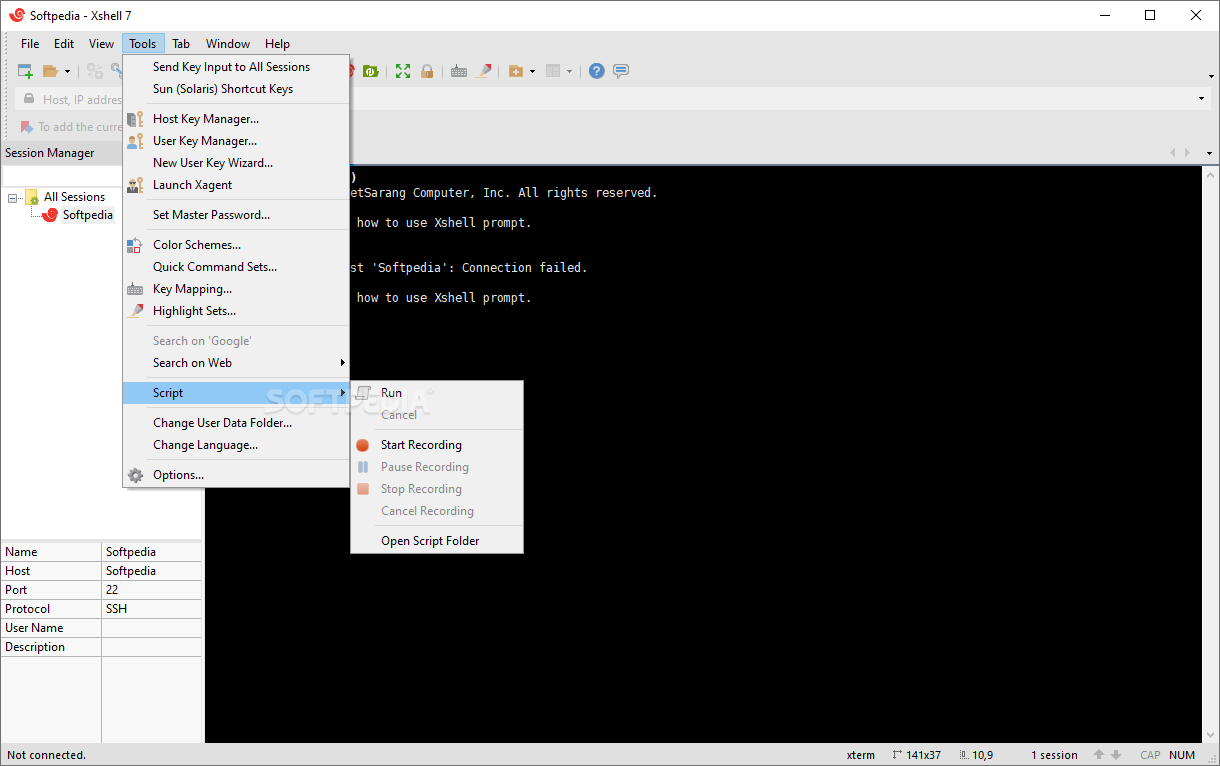
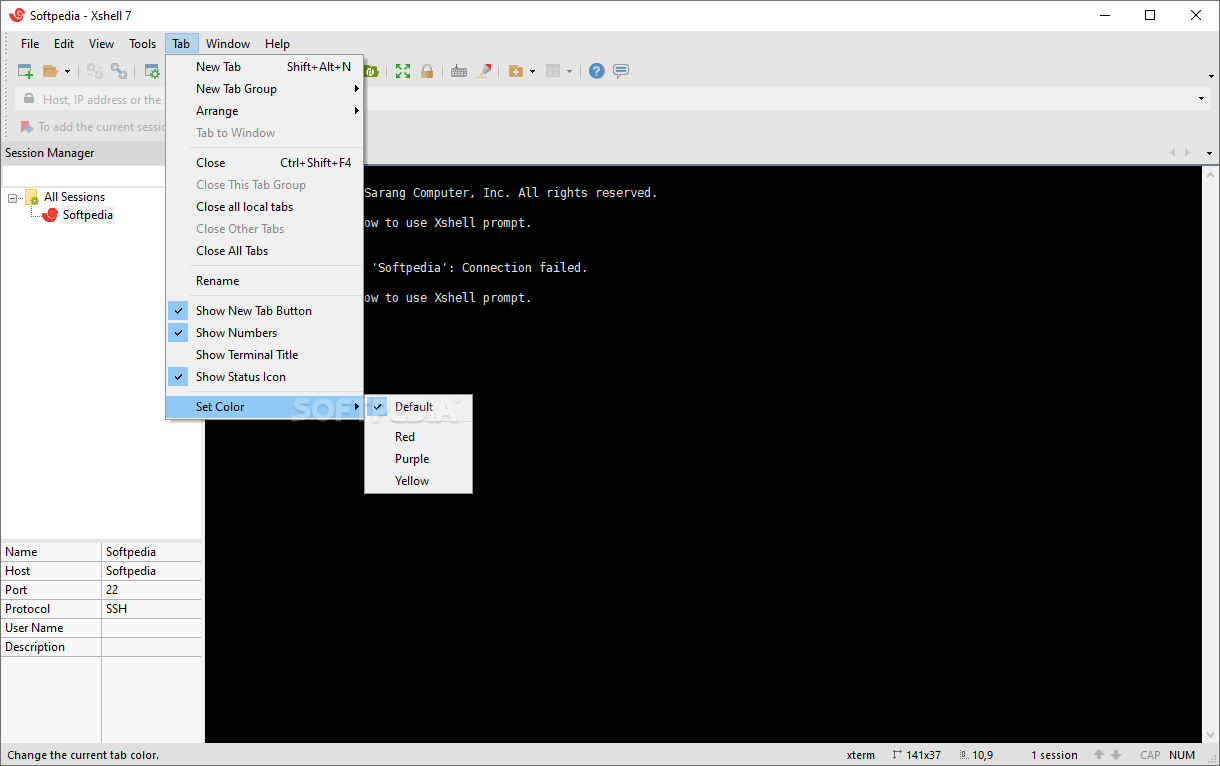
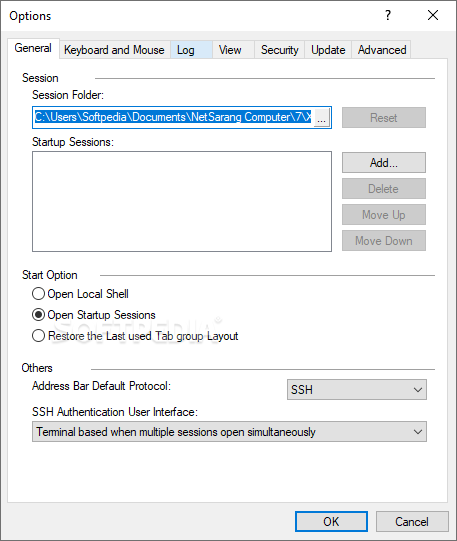
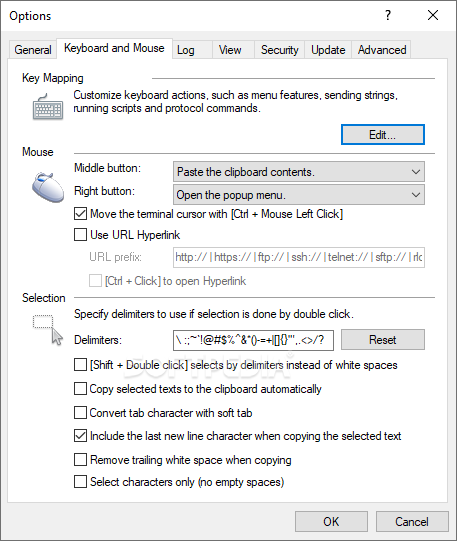
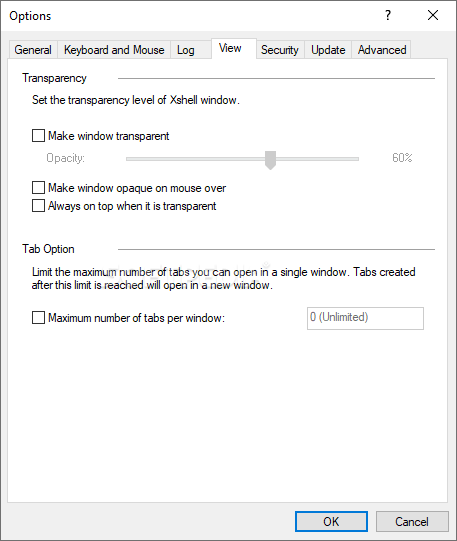
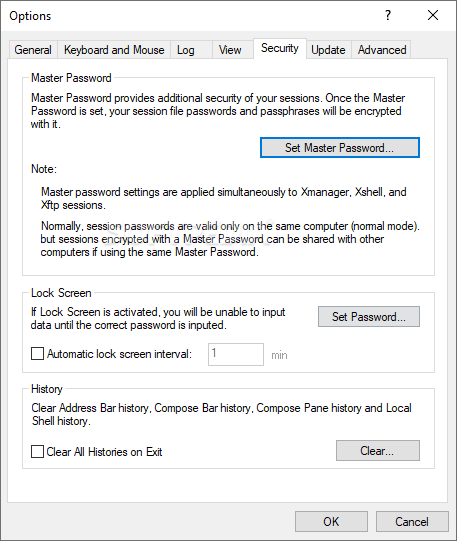
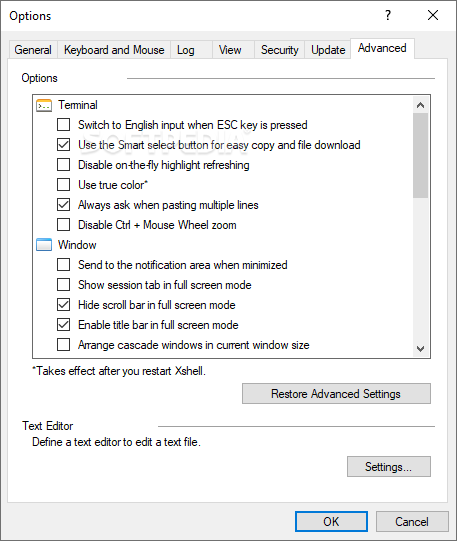
View more Xshell screenshots (3)
 Downloads: 6,439
Rating: Good (4.0/5) | Rated by: 28 user(s)
Add to download basket     Send us update information
 Developer: NetSarang Computer | More programs by this producer
 License: Shareware , 70 $ to buy 
 Size / OS: 9.47 MB, Windows All
 Last Updated: October 25th, 2005, 15:08 GMT
 Category: C: \ Network Tools \ Telnet/SSH Clients
 Read user reviews (2) Add a review Refer to friend Subscribe
    Download Xshell

Xshell description
A powerful SSH, TELNET and RLOGIN terminal emulator

Xshell is a powerful SSH, TELNET, and RLOGIN terminal emulator for Windows platforms. It allows users to gain access to Unix/Linux hosts easily and securely on a Windows workstation. SSH (Secure Shell) protocol supports encryption and user authentication for secure connections over the Internet, and it replaces legacy protocols such as TELNET and RLOGIN.

Xshell is designed to satisfy both beginners and advanced users. Its user interface is intuitive and it provides advanced users with powerful features such as local commands, searching with regular expressions, dynamic port forwarding, international languages and so forth.

Here are some key features of "Xshell":

General
· Supports SSH1, SSH2, SFTP, TELNET, and RLOGIN protocols
· Supports OpenSSH and ssh.com servers
· Multi-user configuration
· Keep alive option.
Session management
· Creates and manages session files for different hosts
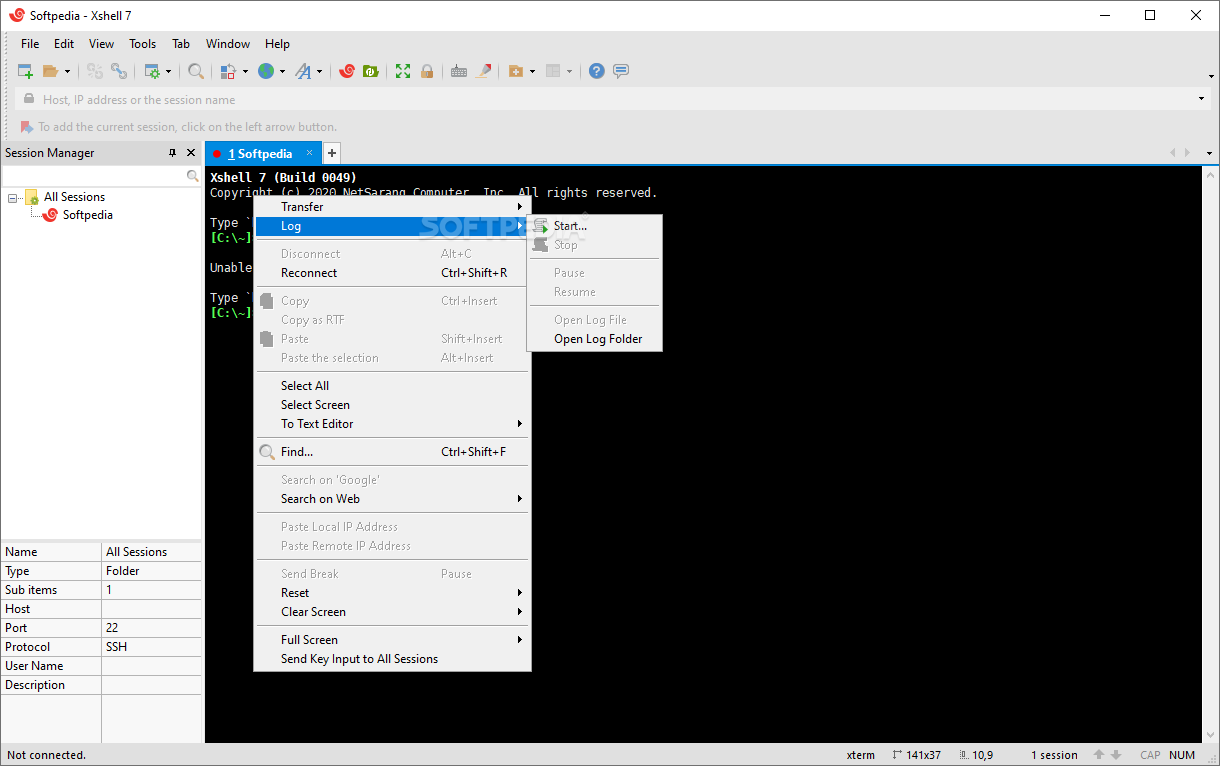
· Supports a connection dialog box, address bar, local prompt, and shortcut to open sessions
· Provides a default session for quick connections
· Address bar supports URL commands and allows you to connect to a remote host with or without a saved session
· Xactivator enters into the system tray and allows you to open, close and manage multiple Xshell windows
· Automatic logon, wait & response
scripts.
Security
· DSA public key, Password, and Keyboard Interactive authentication methods
· RSA/DSA key generation wizard and import/export features
· SSH authentication agent forwarding using Xagent utility
· AES128/192/256, 3DES, BLOWFISH, CAST128, ARCFOUR, RIJNDAEL encryption methods
· SHA1, SHA1-96, MD5, MD5-96, and RIPEMD160 MAC algorithms
· zlib compression
· Host key management dialog box
· User key management dialog box.
Terminal
· VT100, VT220, VT320, XTERM, LINUX, SCOANSI, and ANSI terminals
· International output encoding
· Compose bar
· Scroll buffer up to 32767 lines
· Text searching with regular expressions
· Scrolled copy
· Multi-byte support in copy & paste
· Bold font and ANSI color escape sequences.
Tunneling
· TCP/IP and X11 forwarding
· Dynamic port forwarding
· Tunneling bar allows you to monitor active forwarding channels and add new rules for the current session.
Appearance
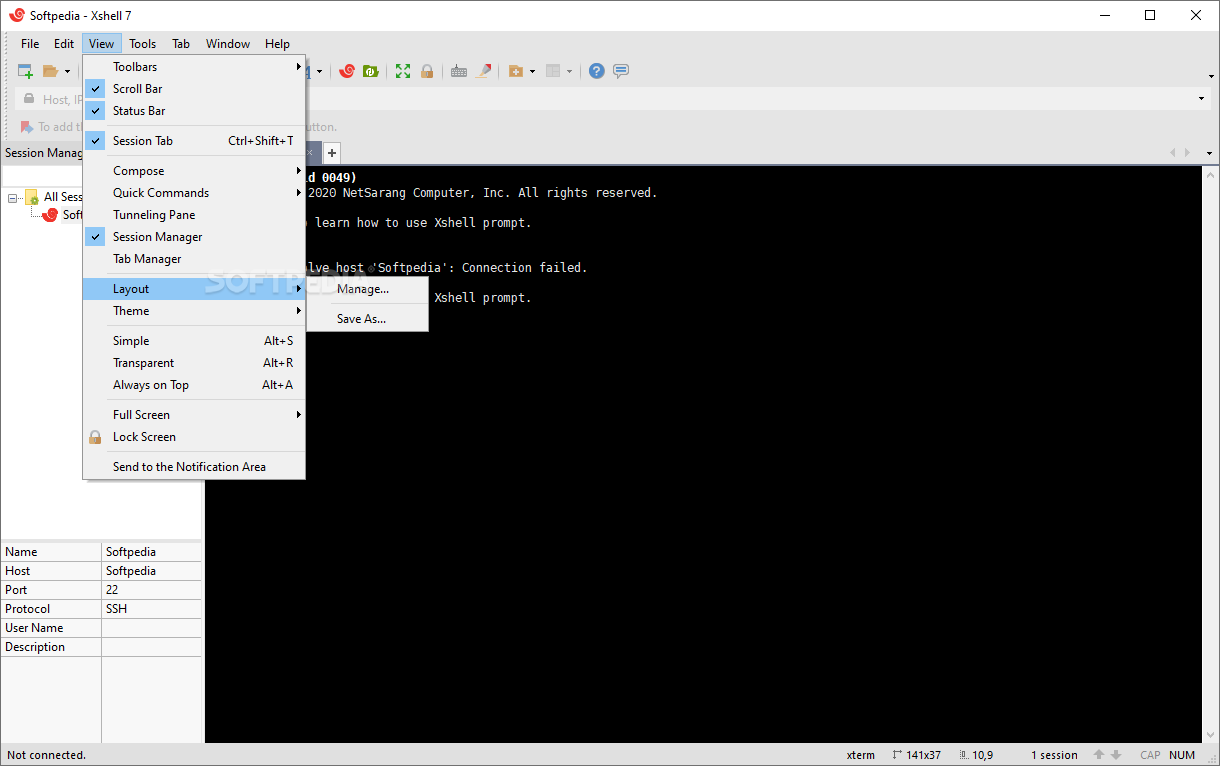
· Simple and powerful user interface
· Adjustable toolbar
· Configurable cursor color and blinking speed
· Color scheme edit/import/export feature
· Font bar allows you to select a preferred font on the fly.
Local commands
· Local Xshell prompt for advanced users
· Local commands such as open, ssh, sftp, telnet, and rlogin.
· Local DOS commands such as ping, ipconfig, netstat, and nslookup
· Escaping to the local prompt while connecting to a remote host.
Interoperability
· Interoperable with Xmanager® program for X11 forwarding
· Interoperable with Xagent program for agent authentication and forwarding
· Interoperable with Xftp™ program for file transfer
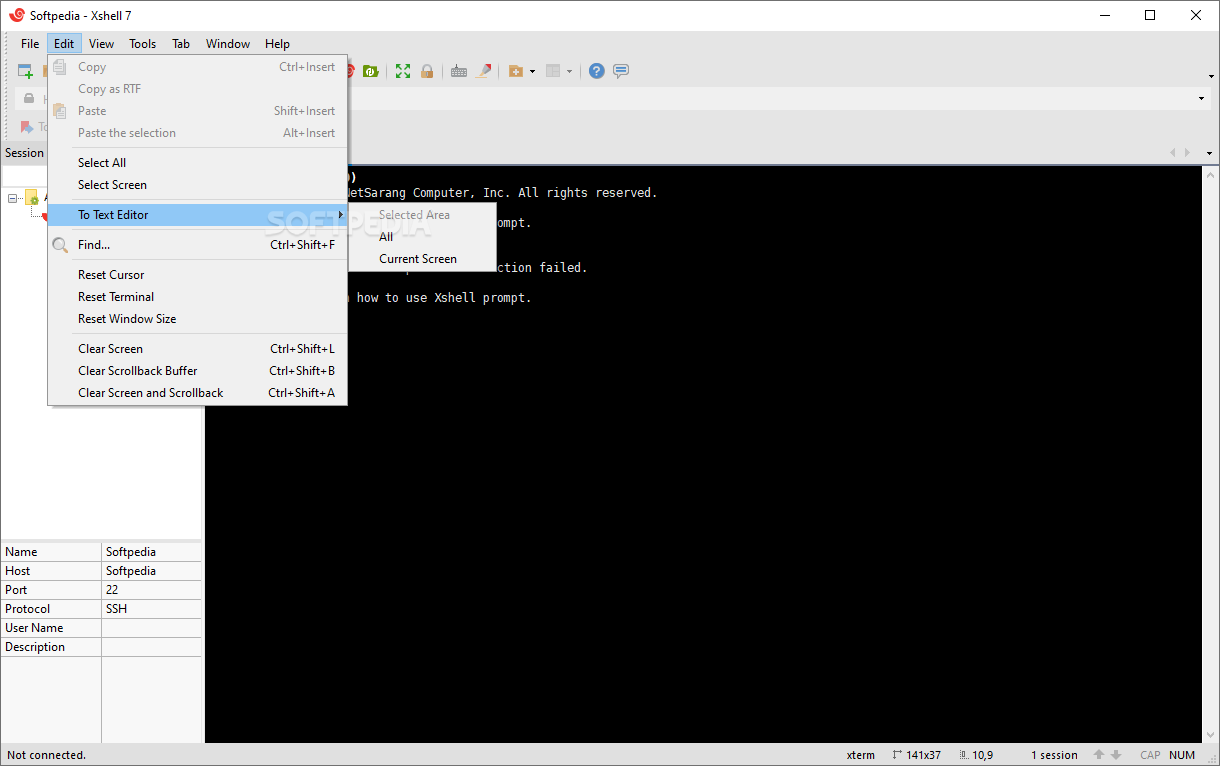
· Editing scroll buffer text with Notepad
· Menu commands to cycle through Xshell™ windows.
File management
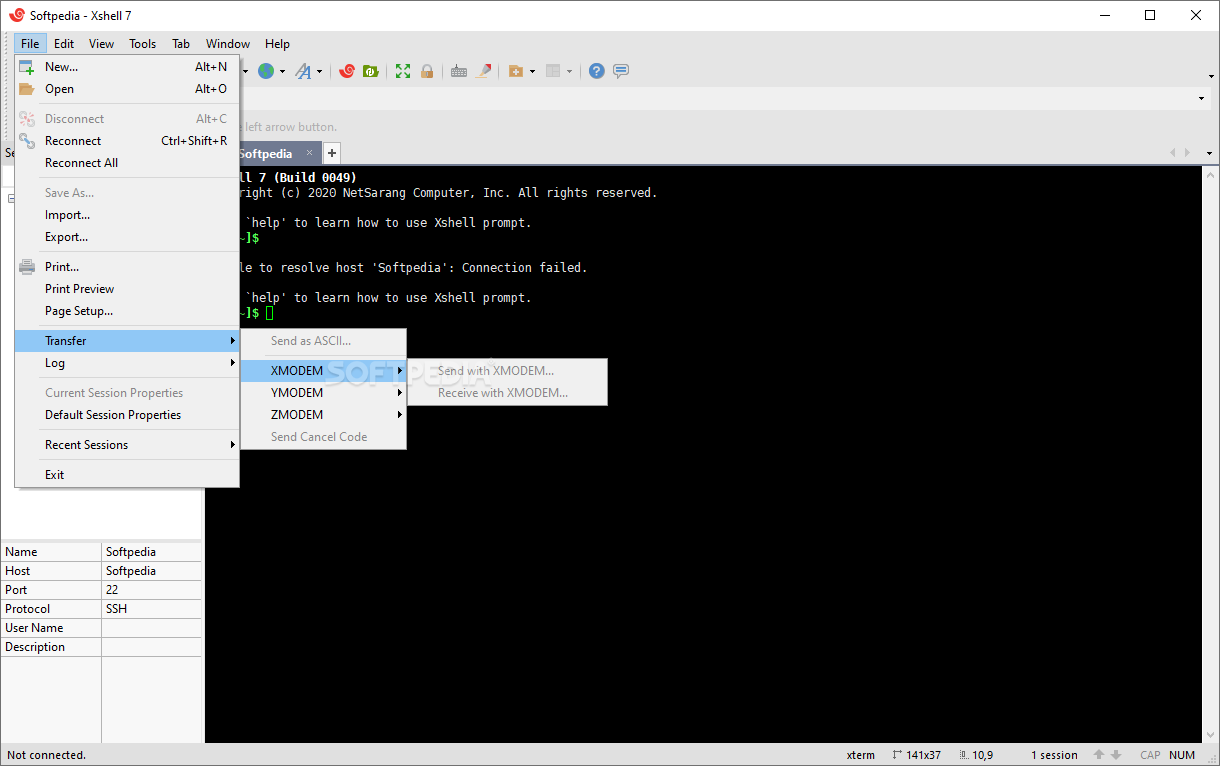
· SFTP download and upload
· ZMODEM download and upload
· ASCII file upload
· Logging sessions with or without escape sequences
· Logging connection and disconnection time for each session
· Printing selected text, screen, or scroll buffer


What's New in This Release:

· SSH authentication agent forwarding using Xagent
· Opening sessions via Xactivator
· Column select
· Adjustable cursor color and blinking speed
· Interoperable with Xftp program for file transfer
· SFTP download and upload
· NEW: Xagent now can list available keys in response to ssh-add of OpenSSH's SSH2 as well as SSH1
· FIX: Memory leaks when transferring files using SFTP protocol
· FIX: Terminal size report error of the RLOGIN protocol
· FIX: Deleted keys are listed in Xagent key list
· FIX: Password dialog's focus problem in Xagent
· FIX: Xshell crash when using tunneling bar with non-SSH protocols


Softpedia guarantees that Xshell 2.0 is 100% CLEAN, which means it does not contain any form of malware, including but not limited to: spyware, viruses, trojans and backdoors.

This software product was tested thoroughly and was found absolutely clean, therefore it can be installed with no concern by any computer user.

However, it should be noted that this product will be retested periodically and the award may be withdrawn, so you should check back on this page from time to time. (click here for more information)


Related downloads IT News Popular downloads New additions   Latest reviews  
SecureCRT 6.1 Beta 3 / 6.0.2
A windows terminal emulator that supports Secure Shell (SSH), Telnet, rlogin, serial, and TAPI protocols
Tunnelier 4.26
Fast SSH client for Windows with SFTP, tunneling, terminal, FTP-to-SFTP bridge
Erics TelNet98 12.0-SSH Build 621
Full-featured Telnet and SSH Client for Intra- & Internet
Portable Tunnelier 4.24
Tunnelier - fast SSH client for Windows with SFTP, tunneling, terminal, FTP-to-SFTP bridge
Axessh Windows SSH Client 4.0
Secure the connections to your remote systems
Axessh 3.4
Axessh is a SSH Client for Windows that secures the connections to your remote systems
Private Shell 2.1.1
SSH client with SecureFTP (SFTP) support
SecureToken 2.6.2 build 3174
SecureToken is a SSH1/SSH2 client with an IE style address bar that also supports a wide variety of communication protocols
Secure KoalaTerm 4.4
Secure KoalaTerm is a cost effective SSH clients with powerful terminal emulation capability
ZeroSSH 0.1b
ZeroSSH is a cross-platform GUI frontend for listing and accessing SSH services

go to top Use the following code to link to this page:


Welcome!
Hello, Guest

Login if you have a Softpedia.com account.

Otherwise, register for one.

Main categories:
  • Antivirus
  • Compression tools
  • CD/DVD Tools
  • Office tools
  • Programming
  • Authoring tools
  • File managers
  • Desktop Enhancements
  • Internet
  • Network Tools
  • IPOD TOOLS
  • Mobile Phone Tools
  • Multimedia
  • Tweak
  • System
  • Security
  • Others
  • Science / CAD
  • UNIX
  • Windows Widgets
  • PORTABLE SOFTWARE

  • Week's best:
  • Windows Defender Lat...
  • Firefox 3.0.1 / 2.0....
  • AutoCAD 2009
  • Norton AntiVirus 200...
  • Norton Internet Secu...
  • The Bat! Professiona...
  • WinRAR 3.80 Beta 3 /...
  • GMail Drive shell ex...
  • DAEMON Tools Lite 4....
  • UBCD4WIN 3.2.0
  • Adobe Reader 9.0.0 /...
  • Total Commander Ulti...
  • System Mechanic 8.0....
  • Adobe Acrobat Profes...
  • iPhone PC Suite 1.0....
  • Portable Firefox 3.0...
  • MPlayer for Windows ...
  • Vista Codec Package ...
  • Windows Live Messeng...
  • WinBubble 1.73
  • Kaspersky Anti-Virus...
  • Malware Removal Tool...
  • Royale Noir Theme fo...
  • IBM Lotus Symphony 1...
  • Adobe Dreamweaver 10...
  • Adobe Fireworks 10.0...
  • BitDefender Total Se...
  • McAfee Total Protect...
  • Ad-Aware 2008 7.1.0....
  • Adobe Flash Player 1...
  • Daniusoft Media Conv...
  • © 2001 - 2008 Softpedia. All rights reserved.
    Softpedia™ and Softpedia™ logo are registered trademarks of SoftNews NET SRL.
    Copyright Information | Privacy Policy | Terms of Use | Contact Softpedia | Update your software | Archive