
Extend the functionality of the Windows clipboard, manage notes, monitor RSS feeds and much more, with this easy-to-use application. #Clipboard Manager #Extend Clipboard #Monitor RSS Feed #Clipboard #Extend #Monitor


The standard Windows clipboard offers relatively little functionality, especially for those who need to perform a large number of operations with text.
AceText is a complex, but intuitive application that can save you a lot of effort when carrying out various tasks, by allowing you to save and easily paste any number of text items. It can be used to take and organize notes, keep journals, research data, write and monitor RSS feeds.
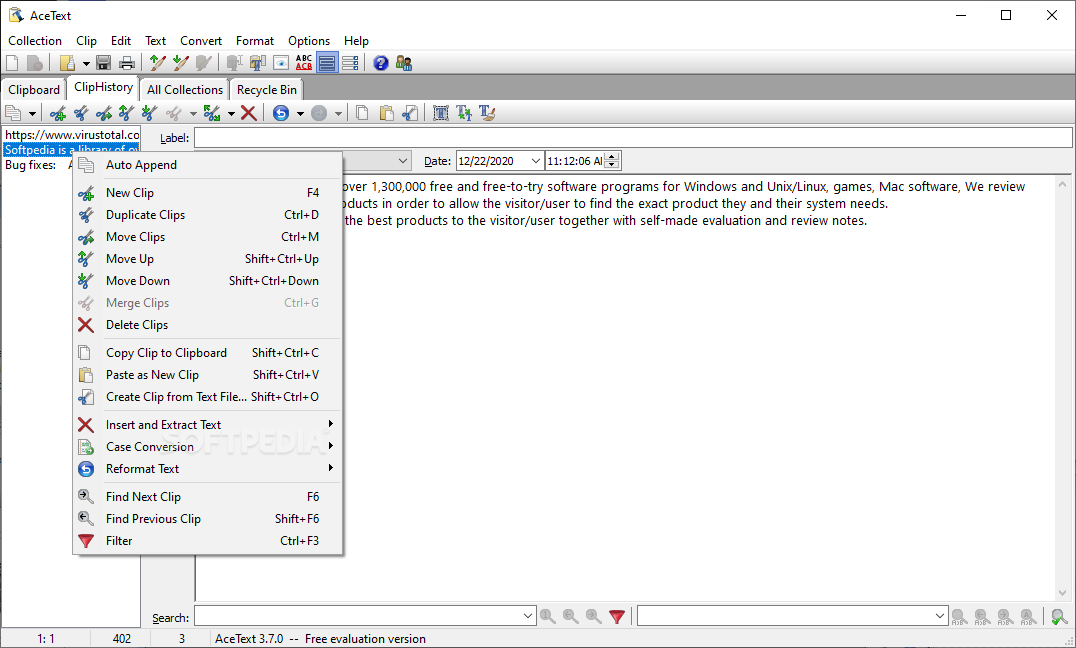
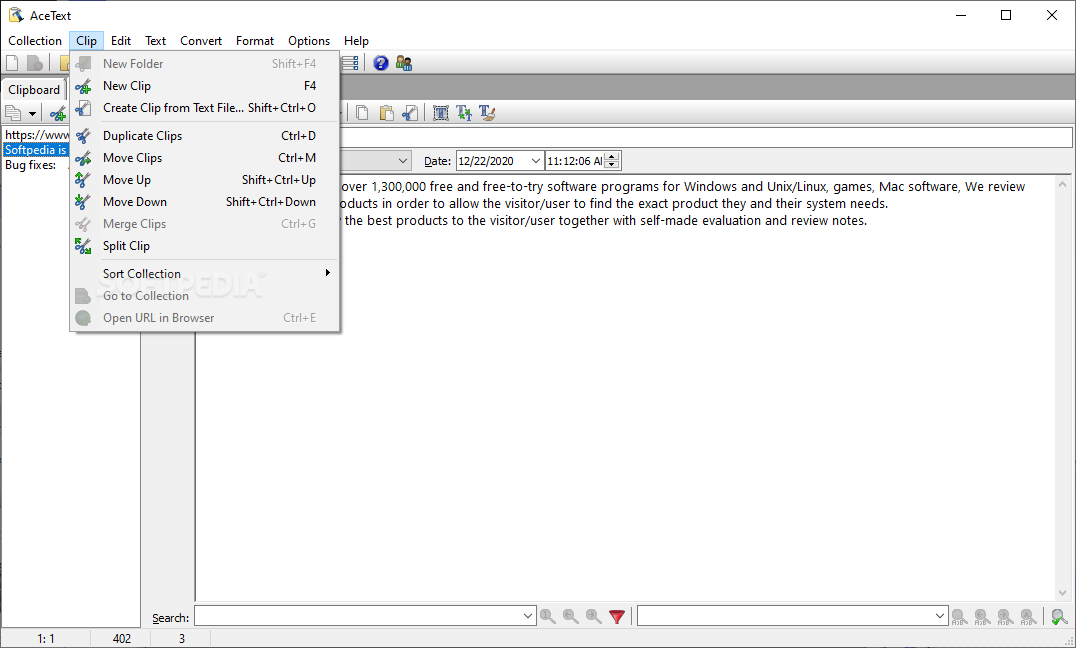
It features an easy-to-use interface and makes it possible to perform various actions with the help of preset hot keys.
The application's most useful feature is the ability to perform a large number of operations that are not possible when using the standard Windows clipboard.
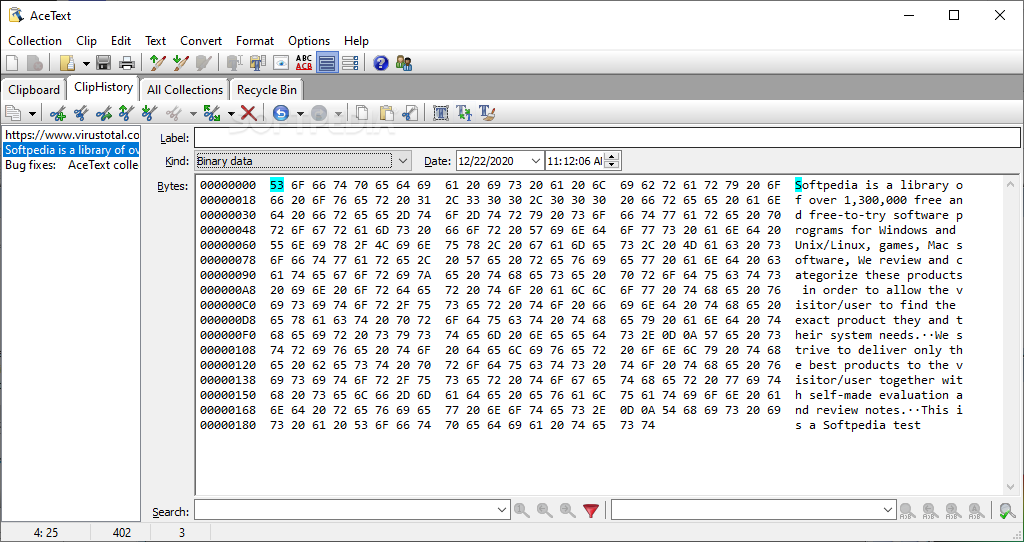
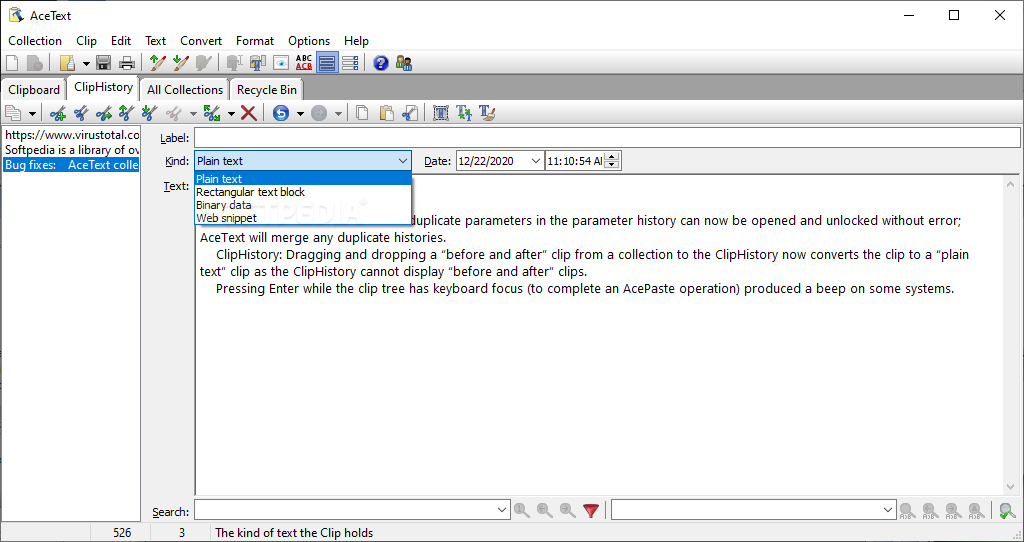
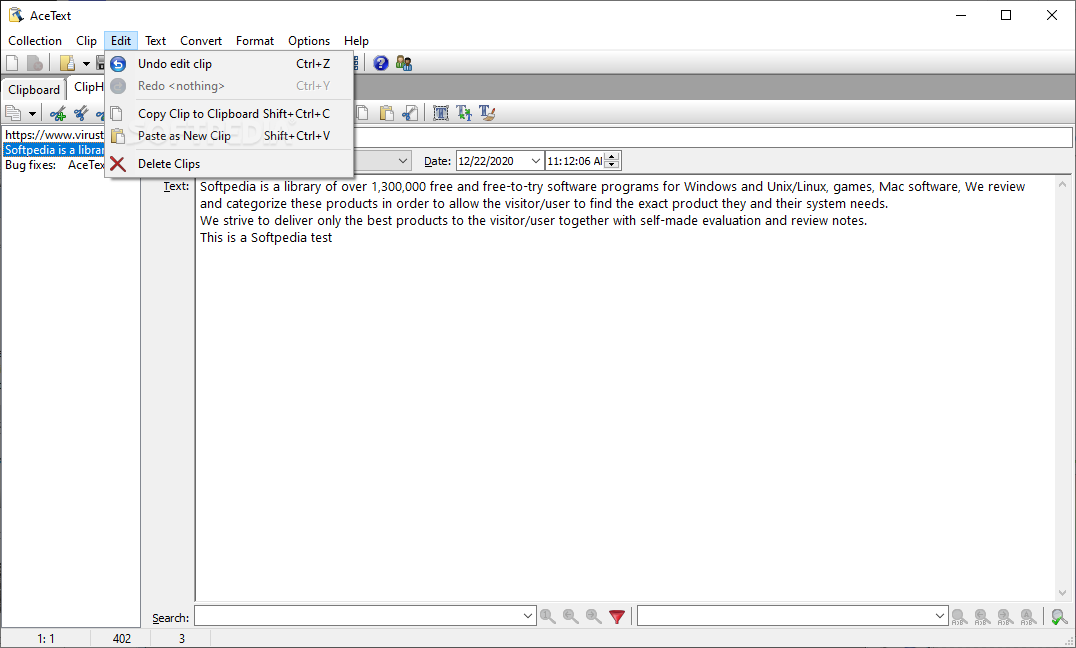
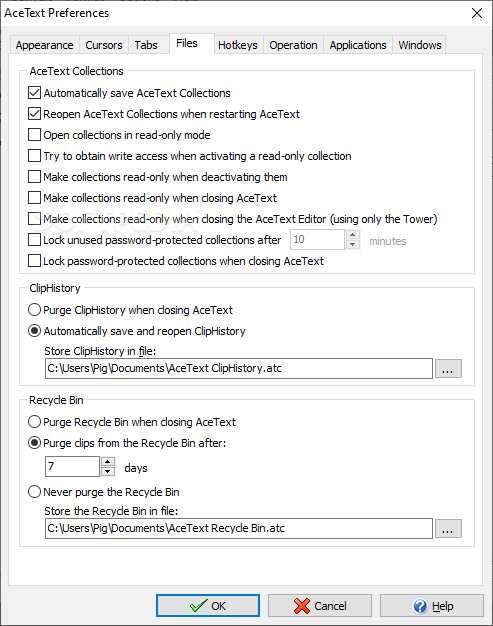
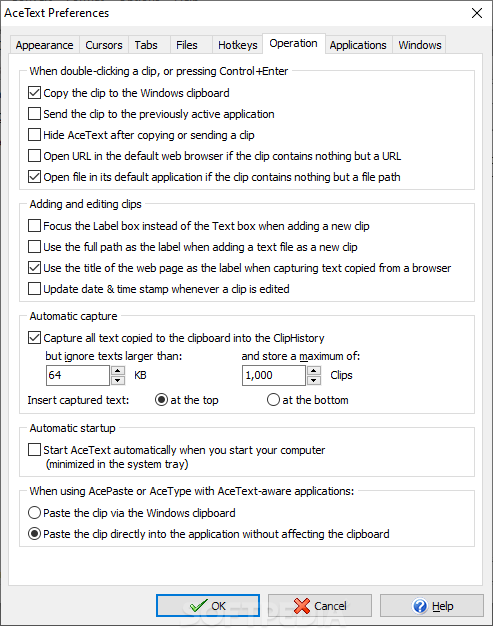
AceText saves all items that are stored in the clipboard, allowing you to access text that would normally have been overwritten. You can view a detailed clip history and edit the text currently present in the clipboard.
It is possible to create numerous collections, allowing you to organize clips and notes into separate tabs, making them easy to categorize.
Within each collection, you can create folders and organize them in a tree-like structure. These can store standard clips, as well as RSS feed readers or writers.
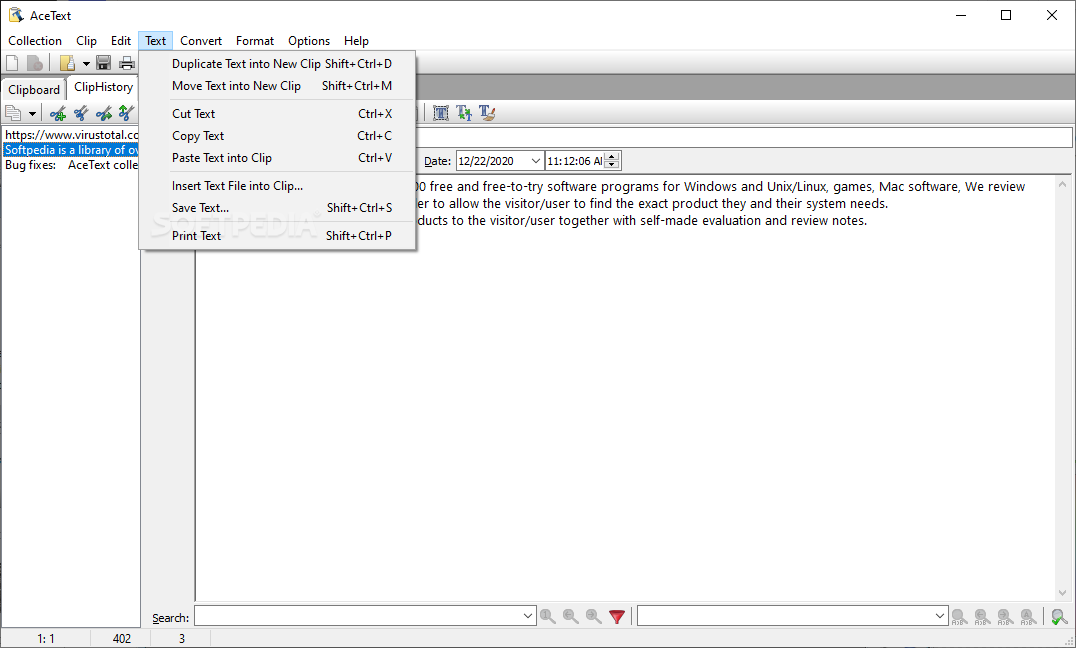
Once you have added a clip, you can double-click it to easily paste the contained text into any other application. You can quickly paste multiple clips in succession or insert text before and after a selected paragraph.
AceText offers an interesting function, enabling you to track and publish RSS feeds. This allows you to stay up-to-date with various announcements on the Internet and keep other people informed about certain developments.
Overall, AceText is a useful tool, designed to help you perform numerous text operations that are not possible when using the standard clipboard, as well as store notes and manage RSS feeds.
What's new in AceText 4.2.3:
- Bug fixes:
- AceEdit can now be completed by pressing the AceEdit hotkey again or by clicking the AcePaste Now button; switching away from the Clipboard tab or from AceText no longer automatically completes AceEdit.
- AcePure no longer pastes the text on the clipboard into AceText if you enabled the option to paste the text directly into the active application and you activated AcePure via the context menu on AceText’s icon in the notification area on the Windows taskbar.
- AceText defaulted to light instead of dark colors for its tabs and clip tree while otherwise using its dark theme if Windows itself was using its dark theme when AceText was run for the first time; using Options|Dark Theme twice corrected the issue (since 4.2.0).
AceText 4.2.3
 Softpedia Editor's Pick
add to watchlist
add to download basket
send us an update
REPORT
Softpedia Editor's Pick
add to watchlist
add to download basket
send us an update
REPORT
- runs on:
-
Windows 11
Windows 10 32/64 bit
Windows 8 32/64 bit
Windows 7 32/64 bit
Windows Vista 32/64 bit
Windows XP 32/64 bit - file size:
- 16.3 MB
- filename:
- SetupAceTextDemo.exe



- main category:
- Office tools
- developer:
- visit homepage
IrfanView

7-Zip

Microsoft Teams

calibre

Windows Sandbox Launcher

Context Menu Manager

Zoom Client

Bitdefender Antivirus Free

ShareX

4k Video Downloader

- Bitdefender Antivirus Free
- ShareX
- 4k Video Downloader
- IrfanView
- 7-Zip
- Microsoft Teams
- calibre
- Windows Sandbox Launcher
- Context Menu Manager
- Zoom Client