
Type faster and effortless using this application that provides text auto-fill capabilities, macros, hotkeys, abbreviations, and more. #Organize clipboard #Autocorrect text #Paste clipboard #Clipboard #Typo #Corrector

Regardless of whether it is routine documentation, business or school papers, emails or slide shows, most of us need to use the same text over and over again. Not only can this be frustrating, but typing the same text and phrases can certainly slow you down and make you lose your focus.
PhraseExpress is a tool designed to automate repetitive typing by enabling you to fill in the frequent texts and, in the long term, can boost your productivity.
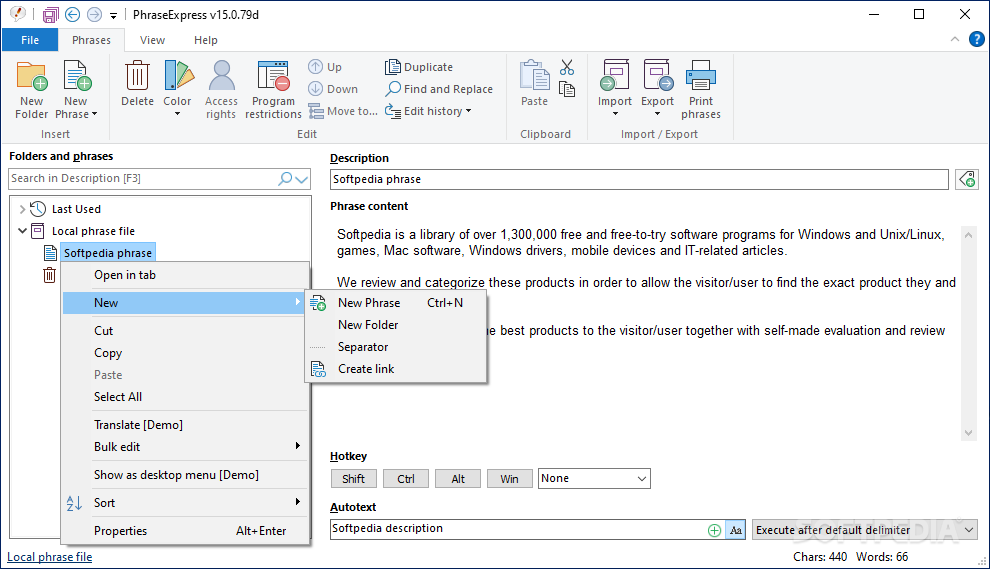
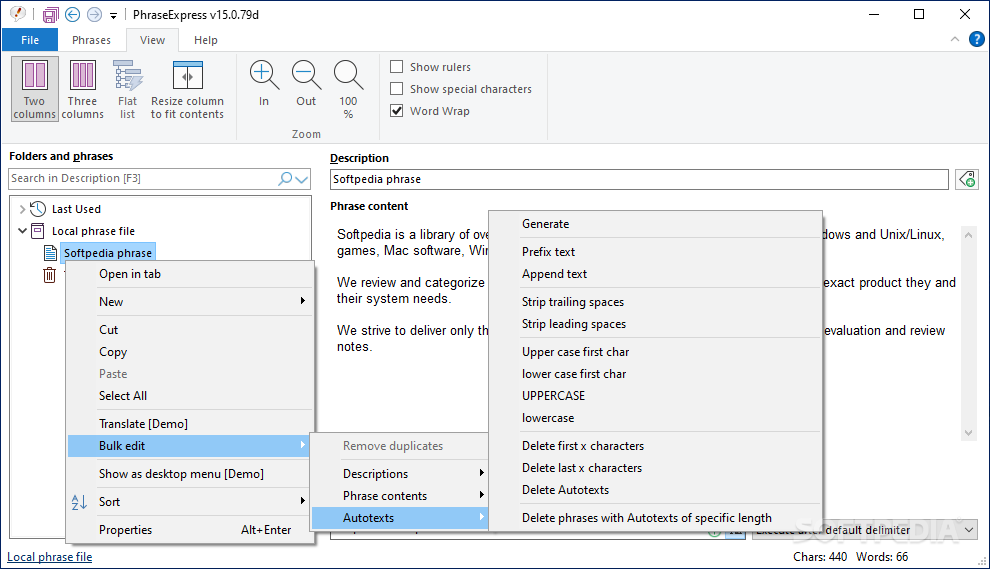
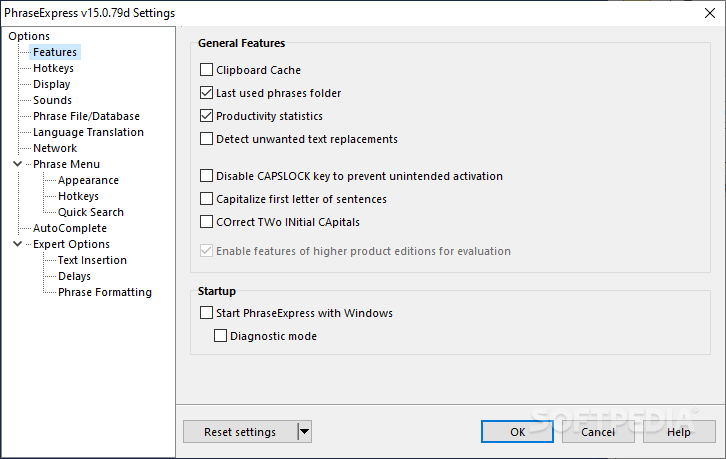
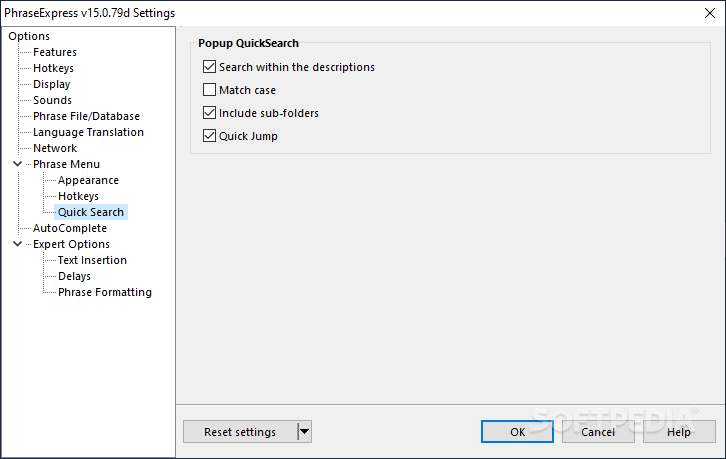
While the application is quite complex, luckily it comes with a user-friendly interface to guide you through the process. You can get started by creating a new phrase for which you add a short description so that it is easy to find. Speaking of queries, the app comes with an advanced organization system where you can store and manage snippets in hierarchies.
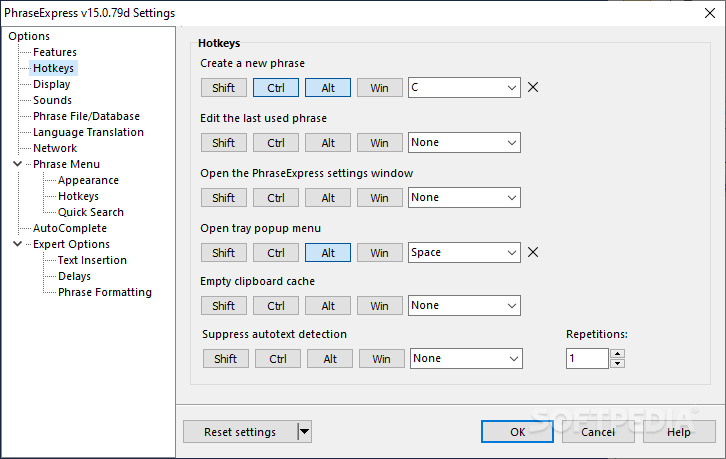
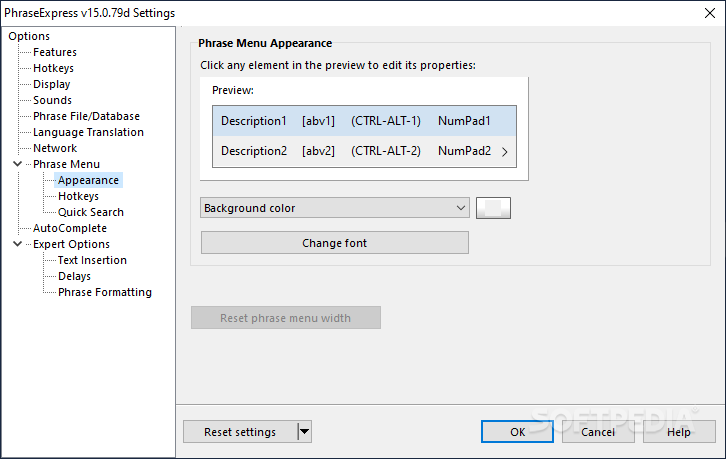
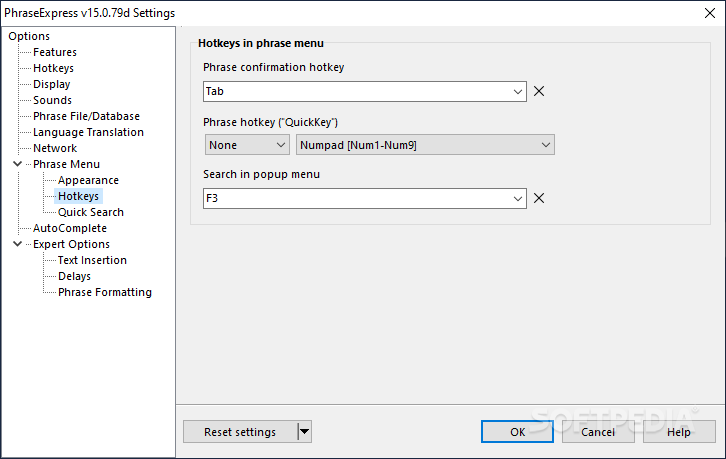
How these phrases are activated to be inserted in the text is completely up to you and among the common triggers, you can count hotkeys, floating menu, autotext abbreviations or directly via the app. In case you opt for the latter, you can set different background colors, just to make things even more convenient.
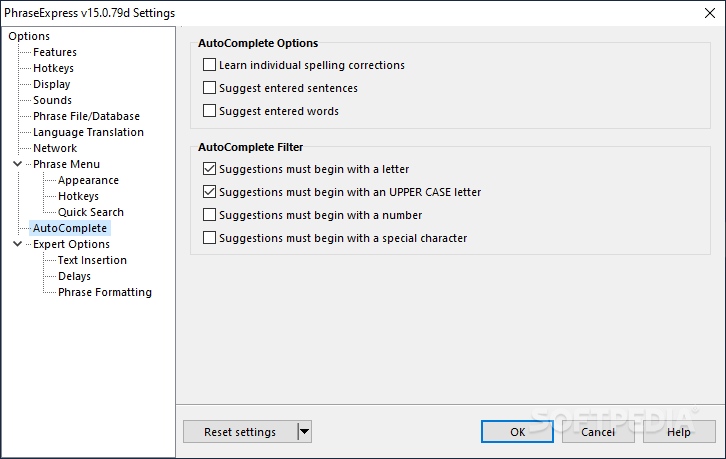
Since the idea behind the tool is to automate dull typing, the auto-complete feature is one most users are likely to enjoy. The app is designed to recognize frequently used phrases and offers you the possibility to auto complete words or even full sentences. Moreover, the developer claims that the app continues to offer better suggestions the more you use it, as it accounts for your habits.
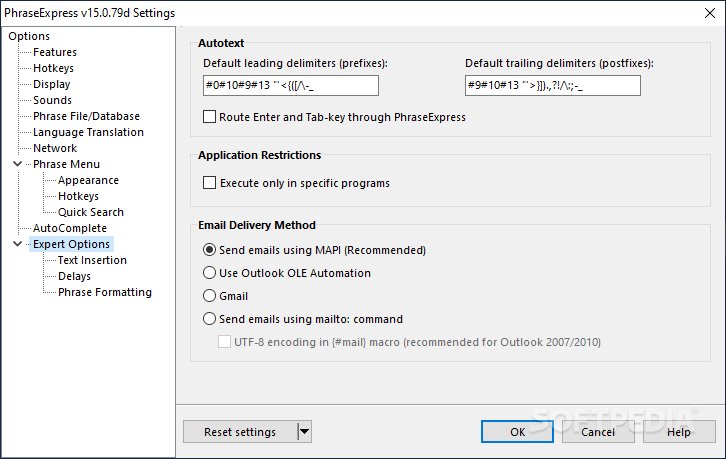
Phrases can also be triggered via auto-text or shortcuts. The idea behind the autotext is to allow you to reuse abbreviations for multiple snippets and you can choose the right one via a multiple choice menu. The feature can be automated or can be configured to appear in a pop menu.
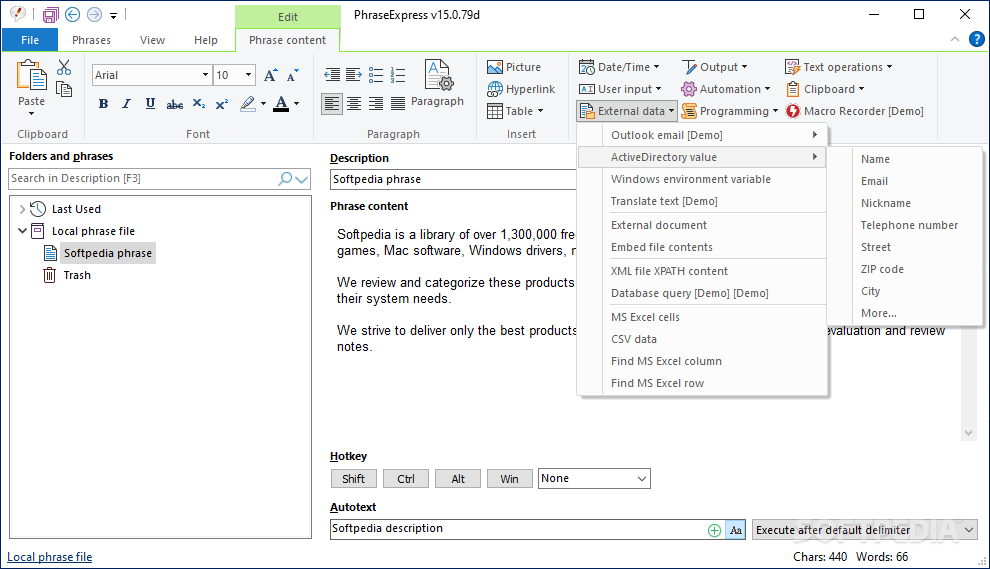
According to the developer, PhraseExpress supports numerous file formats, including, but not limited to DOCX, XLSX, RTF, PNG and JPG files. In the eventuality that you have the Microsoft Office suite installed on your computer, then you can seamlessly import and export Excel and CSV files along with their columns and rows.
Download Hubs
PhraseExpress is part of these download collections: Clipboard Managers
What's new in PhraseExpress 17.0.60 Beta:
- New features:
- Microsoft cloud-based Azure Entra/Active Directory support.
- Support for self-hosted AI "GPT4All" language models.
- The desired AI engine used to translate your phrases in PhraseExpress can now be selected (DeepL or OpenAI).
PhraseExpress 16.2.30 / 17.0.60 Beta
add to watchlist add to download basket send us an update REPORT- portable version
- PhraseExpress Portable
- runs on:
-
Windows 11
Windows 10 32/64 bit
Windows 8 32/64 bit - file size:
- 44 MB
- filename:
- PhraseExpressSetup.exe
- main category:
- Office tools
- developer:
- visit homepage
4k Video Downloader

Zoom Client

7-Zip

Windows Sandbox Launcher

Bitdefender Antivirus Free

calibre

IrfanView

Context Menu Manager

Microsoft Teams

ShareX

- Context Menu Manager
- Microsoft Teams
- ShareX
- 4k Video Downloader
- Zoom Client
- 7-Zip
- Windows Sandbox Launcher
- Bitdefender Antivirus Free
- calibre
- IrfanView
