Softpedia
 

WINDOWS CATEGORIES:


GLOBAL PAGES >>
SOFTPEDIA REVIEWS >>
MEET THE EDITORS >>
WEEK'S BEST
  • Bitdefender Total ...
  • Ocster Backup Pro ...
  • Hard Disk Sentinel...
  • FlashFXP [DISCOUNT...
  • DVDFab DVD Copy [D...
  • Kaspersky Internet...
  • Avast! Internet Se...
  • Avira Internet Sec...
  • Webroot SecureAnyw...
  • McAfee Total Prote...
  • Home > Windows > Office tools > Diary/Organizers/Calendar
     Report malware

    Calibre 0.9.31

    download button

    Part of the Desktop Calendars download hub (+1 other)
    Downloads: 55,627  View global page  Tell us about an update
    User Rating:
    Rated by:
    Very Good (4.2/5)
    172 user(s)
    Developer:

    License / Price:

    Size / OS:

    Last Updated:

    Category:

    GPL / $0
    49.4 MB / Windows All
    [view history]
    C: \ Office tools \ Diary/Organizers/Calendar

     Read user reviews (6)  Send to friend   Follow (34 users)

    Softpedia Editor's Review for Calibre

    EDITOR'S RATING:

    E-book library management application

    Written by Elena Opris on March 12th, 2013

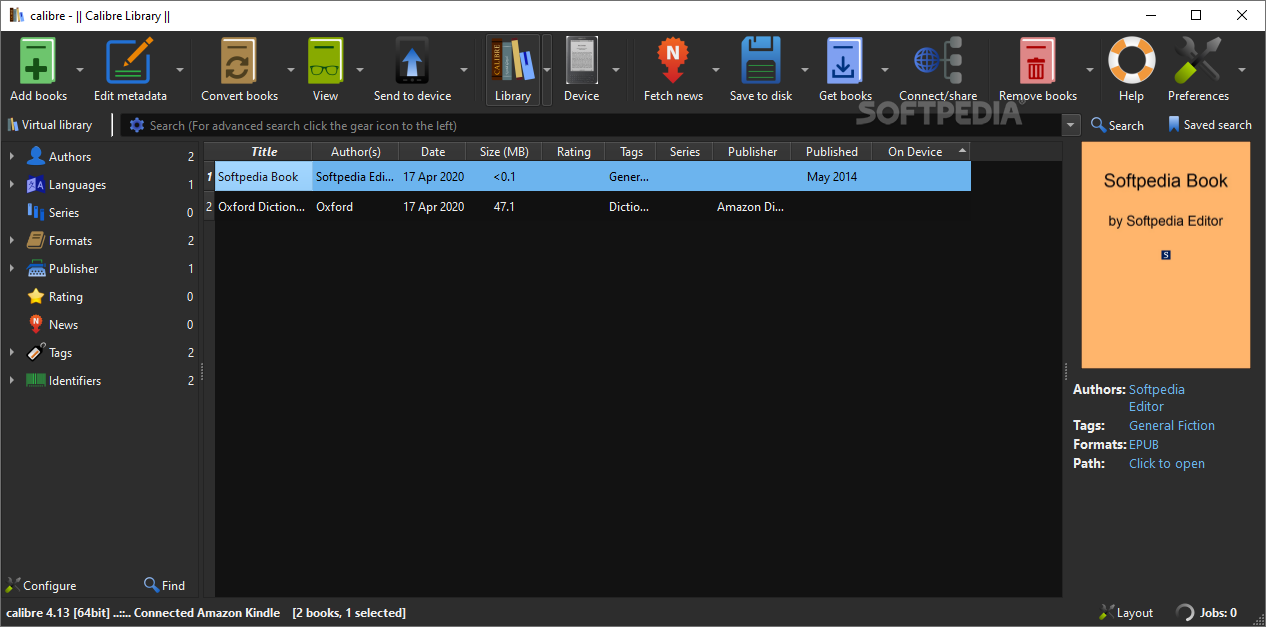
    Calibre is an application that allows you to view, convert and organize e-books in a simple manner.

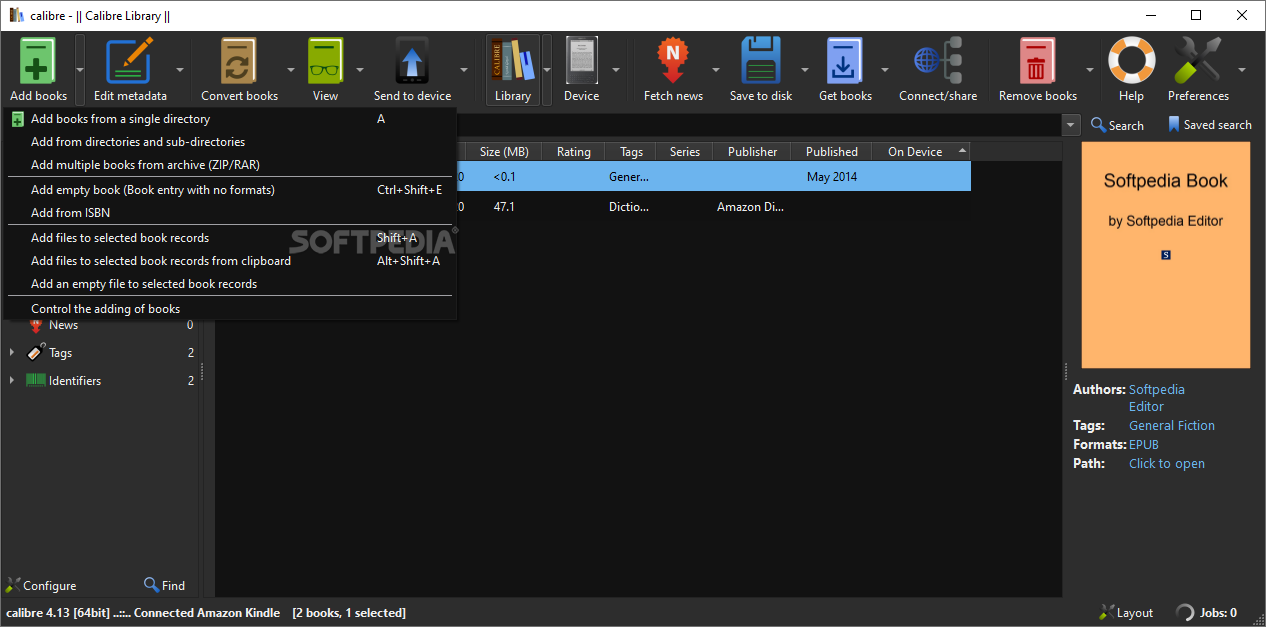
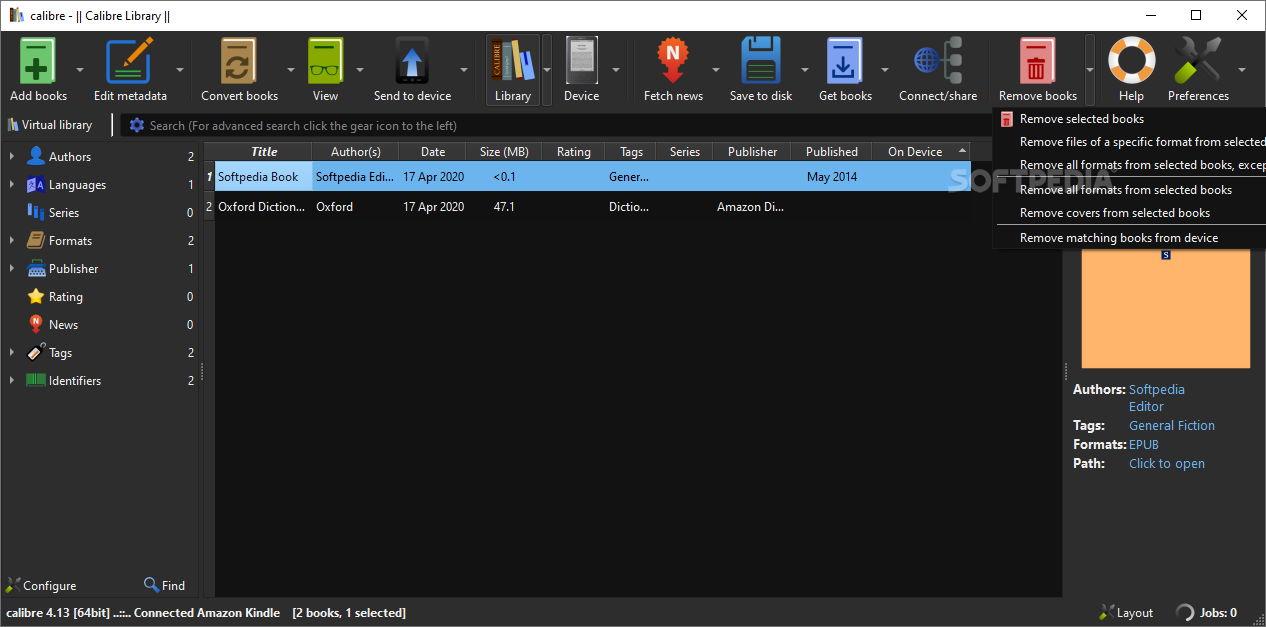
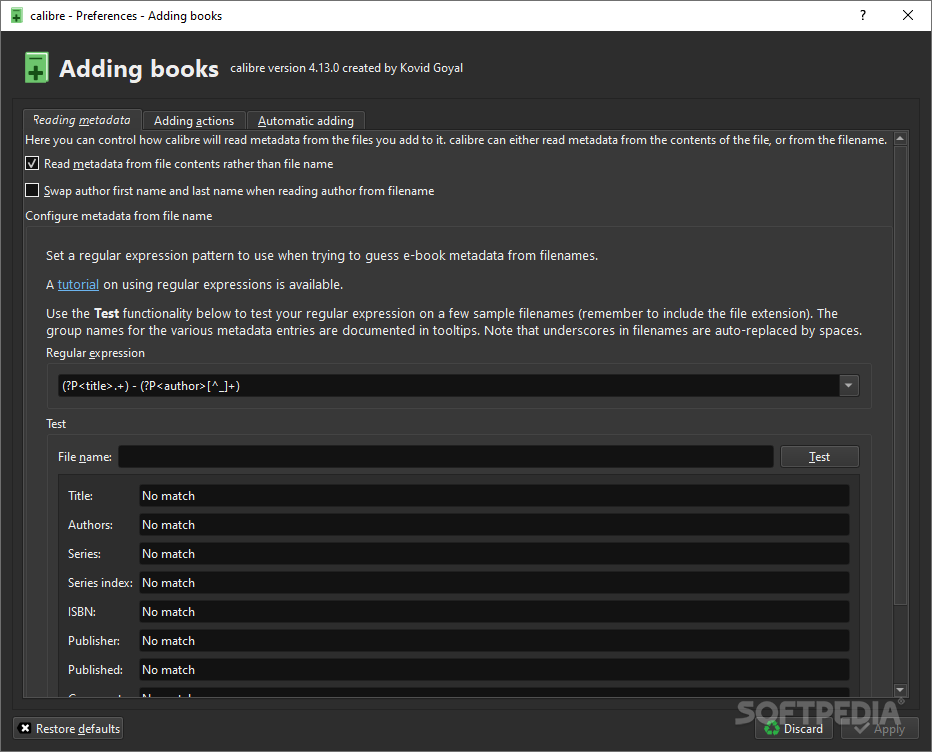
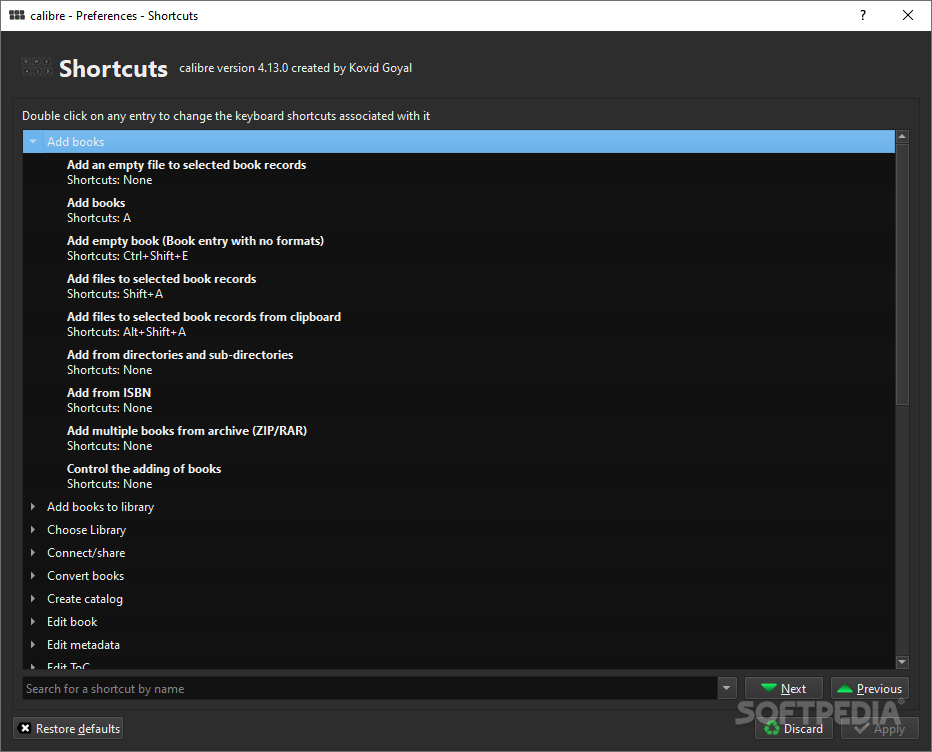
    The user interface of the program is simple to use. You can add e-books (from a single or multiple directories) by using the file browser or the "drag and drop" function. You can also add books by entering their ISBN code.

    In the tag browser you can sort e-books according to their author, language, series, format, publisher, rating, as well as news, tags and identifies.

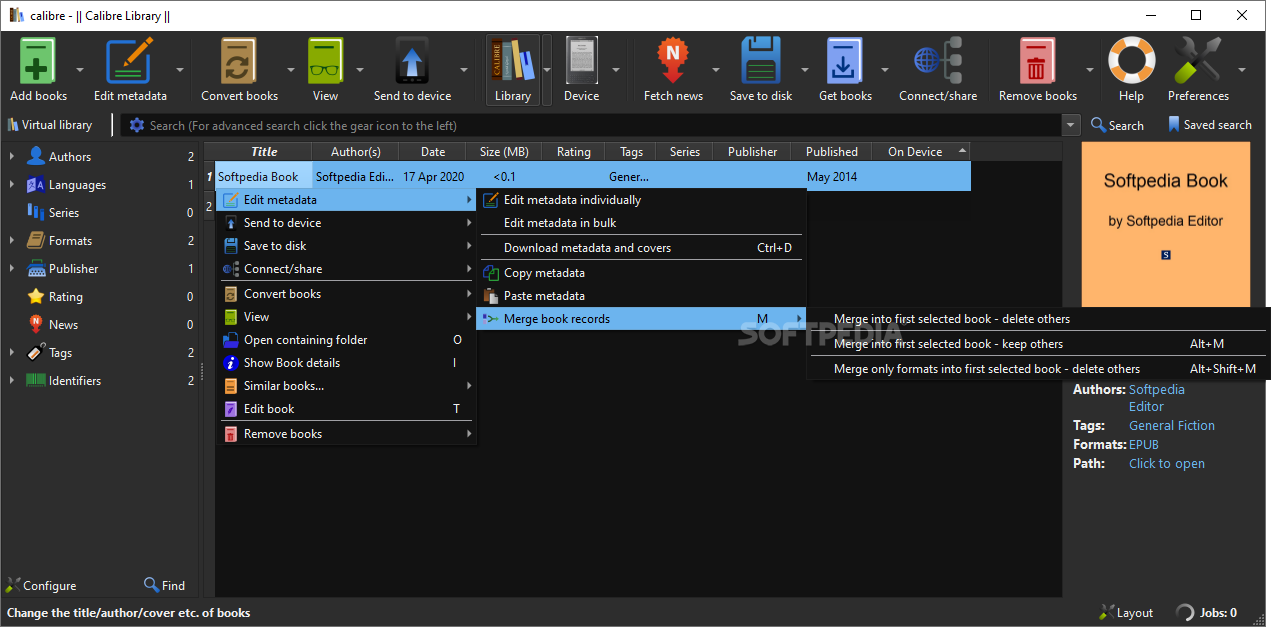
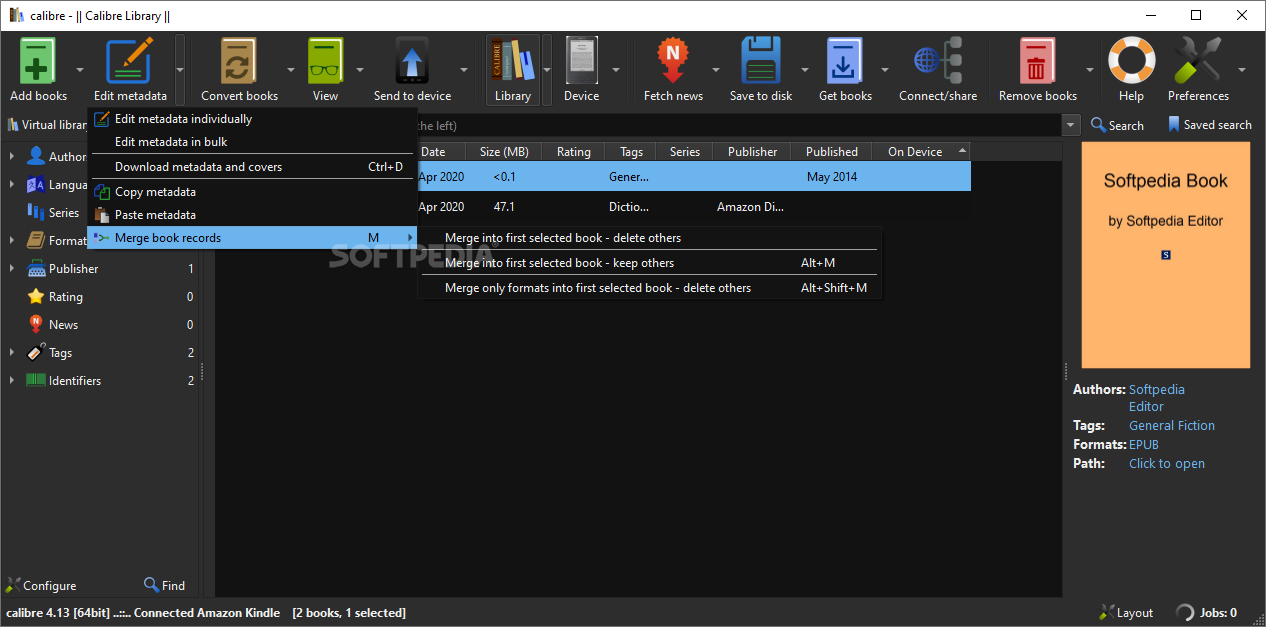
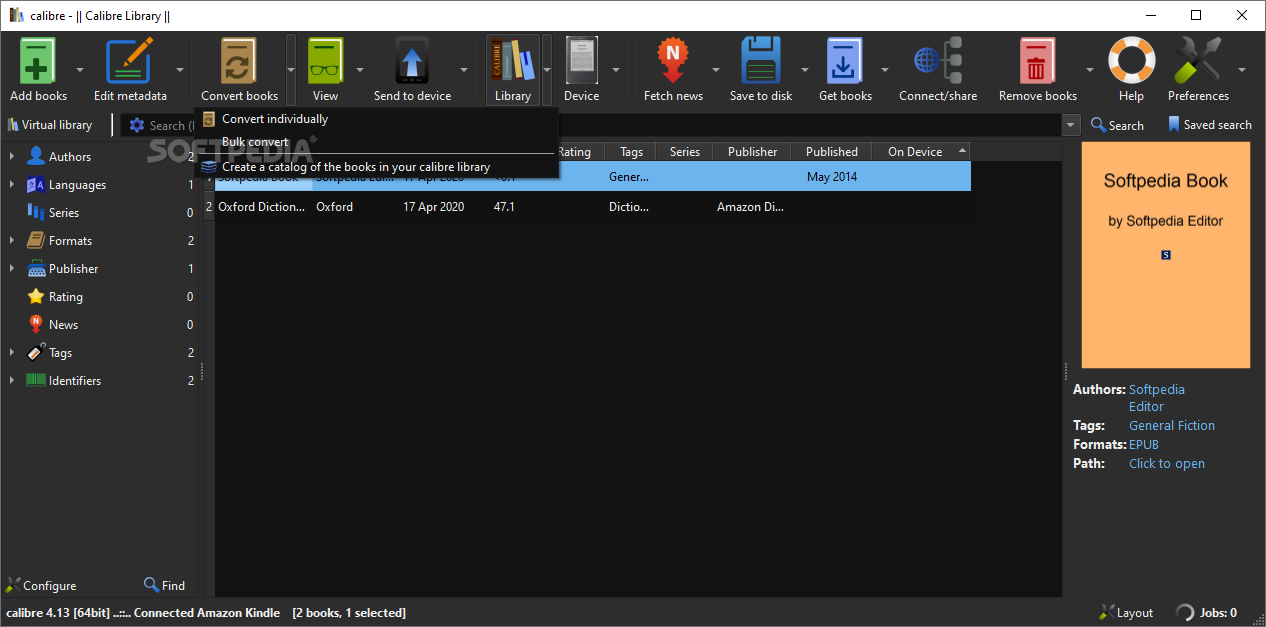
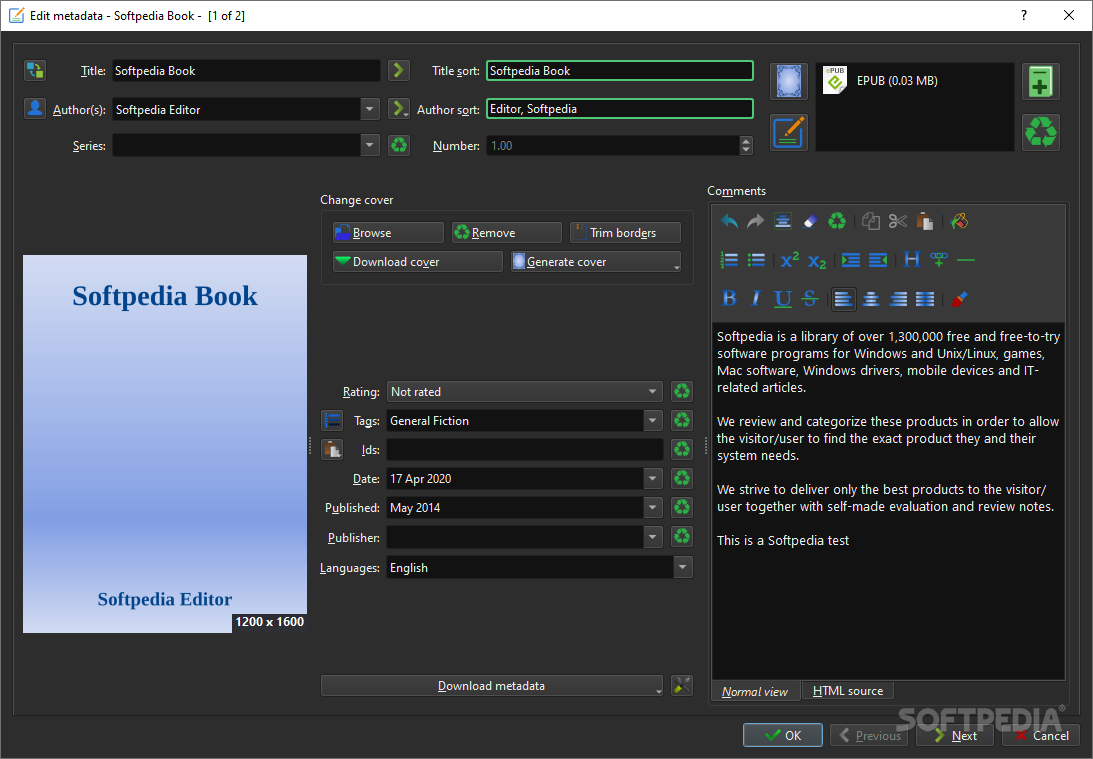
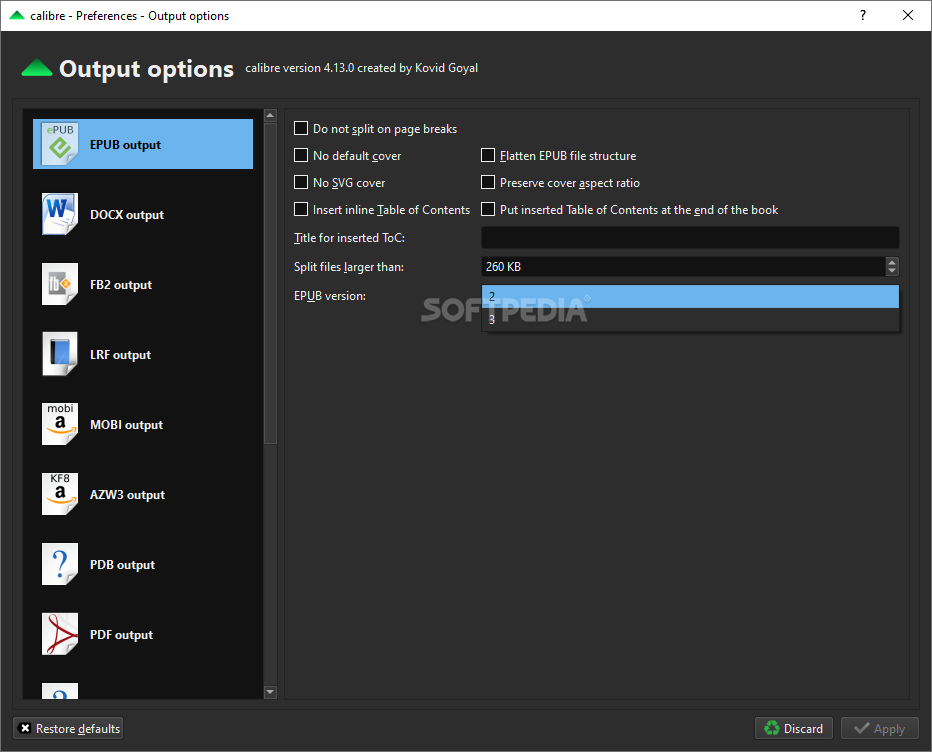
    So, you can download or edit metadata individually or in bulk, get covers, merge e-book records, convert e-books individually or in bulk (in the XML, CSV, EPUB, MOBI and other formats), as well as send e-books to devices.

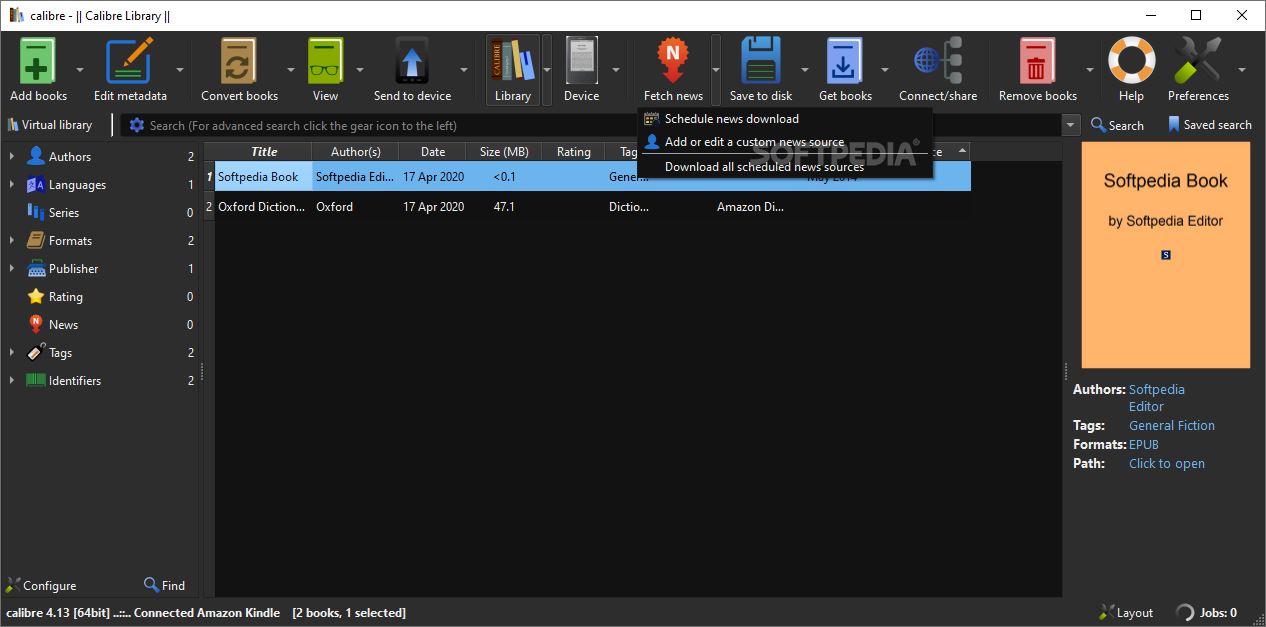
    You can also use the "Fetch news" feature to download news from websites and convert them into a preferred e-book format. It is possible to schedule news downloads, add a custom sources or download all scheduled news sources as well.

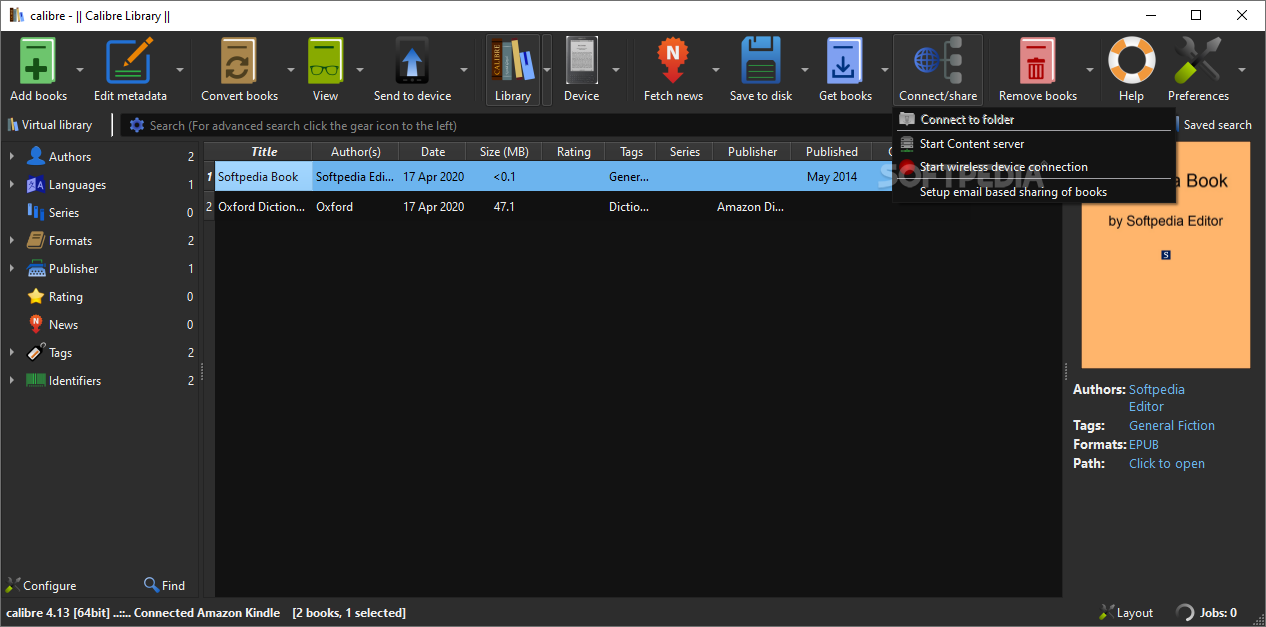
    Calibre allows you to create libraries and toggle between them, as well as rename, delete, backup and restore libraries, connect to iTunes, start a content server, search and sort e-books, and more.

    The program uses a high amount of system resources and contains a comprehensive help file. It didn't freeze or crash during our tests. Calibre is easy to use by both rookies and experienced individuals, and provides a great solution for viewing and organizing e-books in various formats, thus we strongly recommend this software.


    Read an in-depth analysis in our professional review for Calibre

    Calibre description

    Here are some key features of "Calibre":

    Library Management:
    · Calibre is primarily a ebook cataloging program. It stores your ebook files in a database along with easily editable metadata describing each book. It is designed around the concept of the logical book, i.e. a single entry in the database that may correspond to ebooks in several formats.
    Calibre support sorting the books in its database by:
    · Title
    · Author
    · Date
    · Publisher
    · Rating
    · Size (Max size of all formats)
    It also supports extra metadata fields that can be searched on:
    · Series: The series that a book belongs to
    · Comments: A general purpose field that can be used to describe the book, add notes on it, etc.
    · Tags: A flexible system to categorize books. You can tag any book with any custom tag to indicate subject, read status, category, etc.
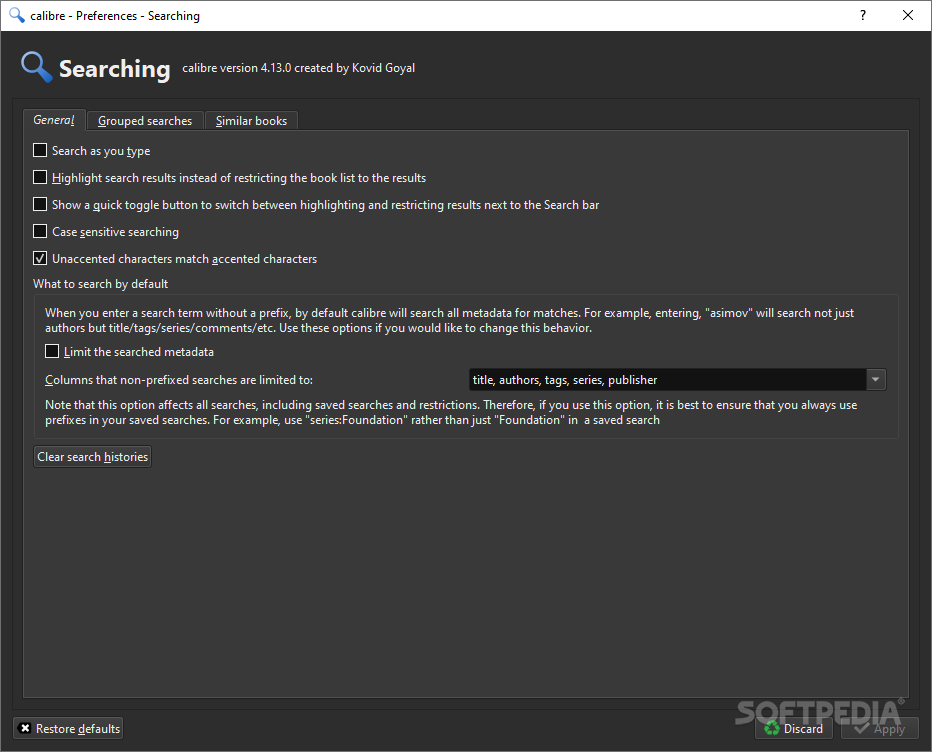
    · The database view also supports filtering by searching on the metadata. You can perform advanced searching on individual metadata fields by clicking the advanced search button to the left of the search bar.
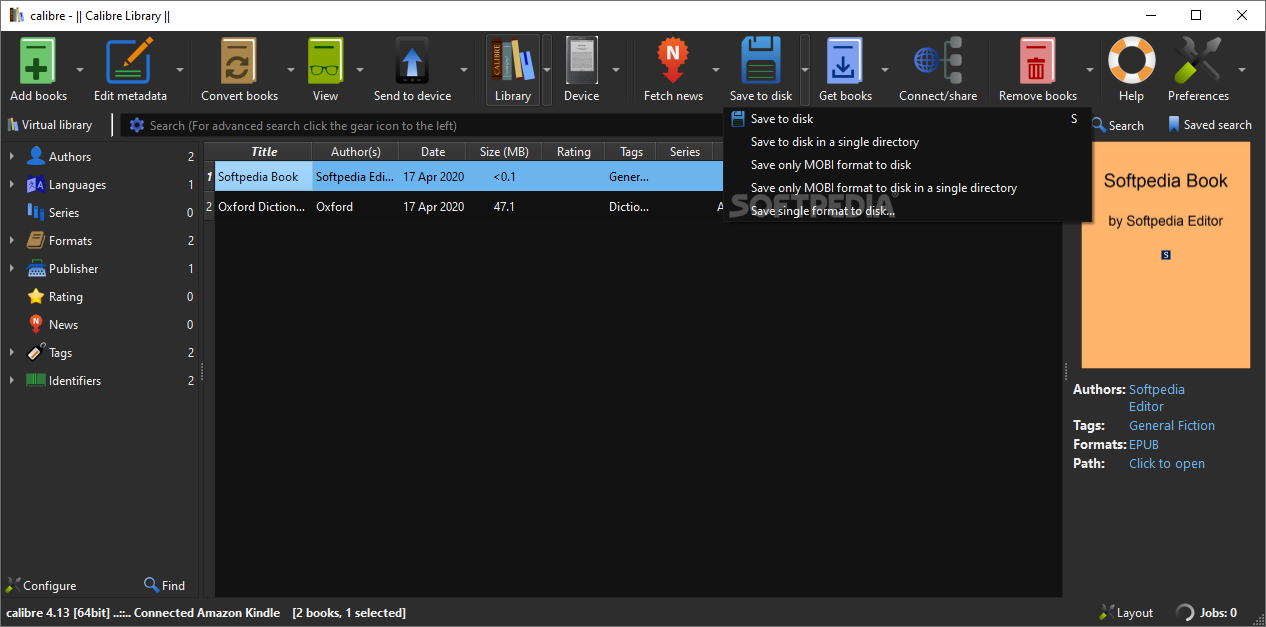
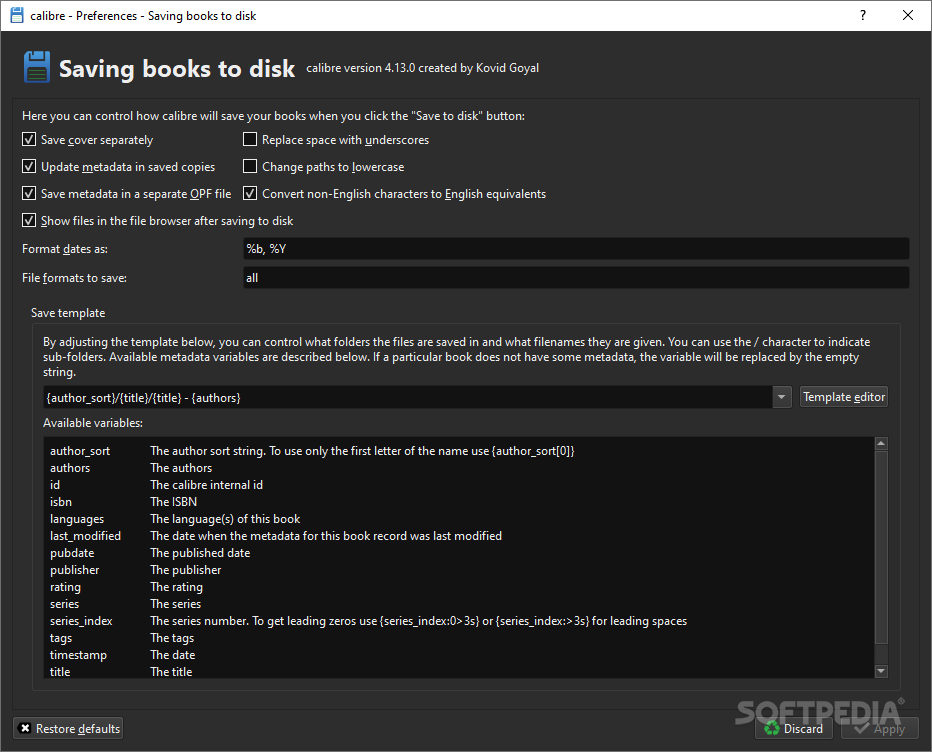
    · The books in the database can be saved to disk using the "Save to disk" button. All selected books are saved in a folder structure organized by Author and Title.
    · You can fetch metadata for a book based on its ISBN number or its title/author, instead of manually entering the metadata. You can also fetch a cover image based on the ISBN number.
    Format Conversion:
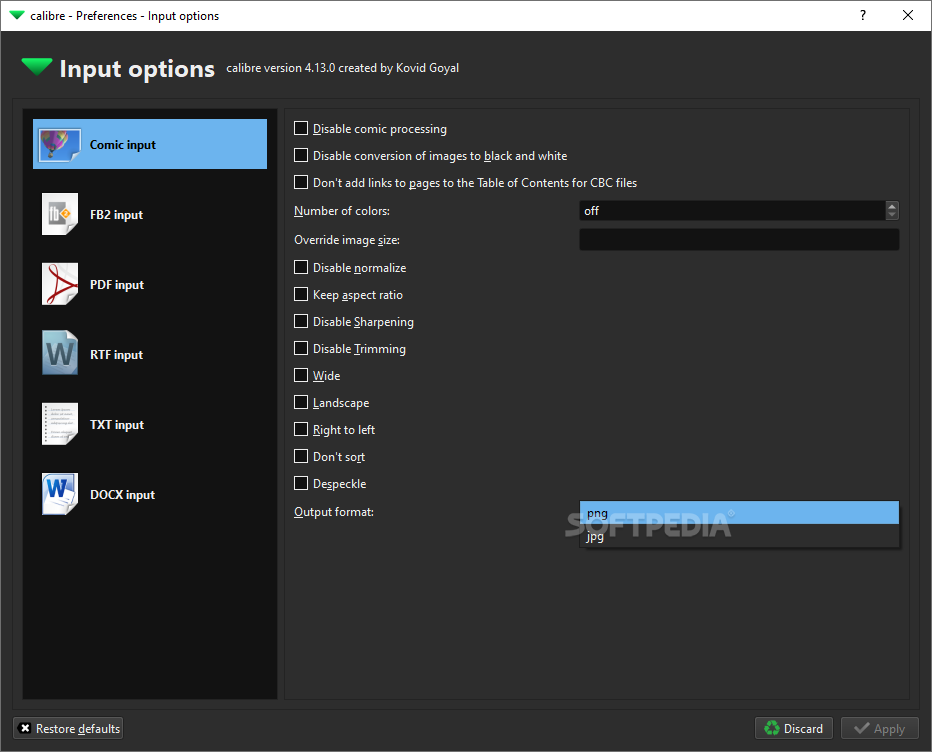
    · Calibre supports conversion from (HTML, LIT, RTF, TXT, PDF(simple text+few images)) to the SONY ebook reader format LRF. An graphical interface to the conversion software can be accessed by clicking the "Convert E-books" button.
    · The commandline access is via the command any2lrf. The conversion is very powerful and supports advanced typesetting features like tables, dropcaps, inline images, embedded fonts, etc. Full documentation of the features of the conversion software can be found at Conversion to LRF.
    Syncing to E-reader Devices:
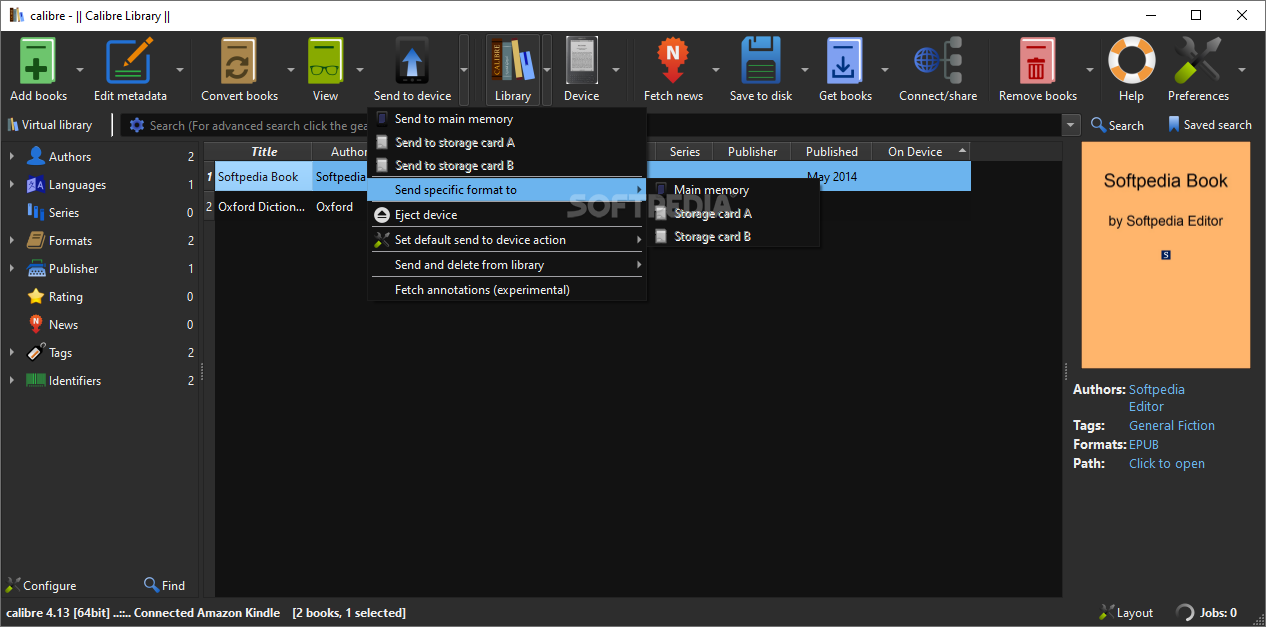
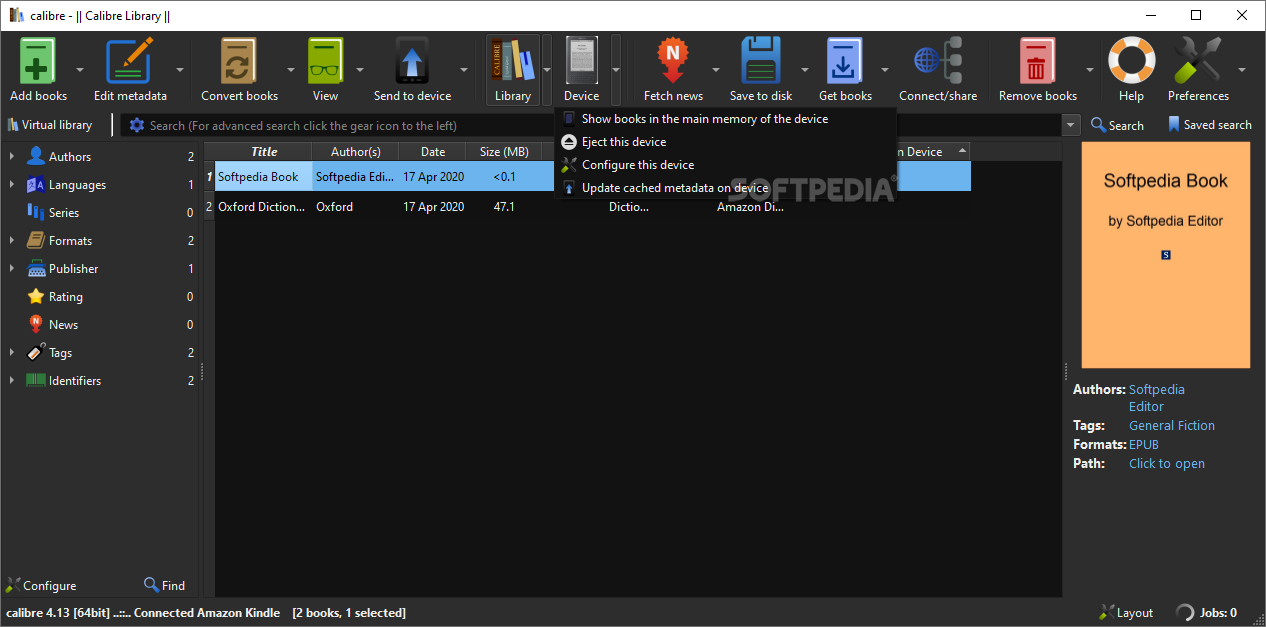
    · Calibre has a modular device driver design that makes adding support for different e-reader devices easy. At the moment, it has support for the SONY PRS 500/505. Syncing supports updating metadata on the device from metadata in the library and the creation of collections on the device based on the tags defined in the library view. If an book has more than one format available, calibre automatically chooses the best format when uploading to the device.
    Fetching News:
    Calibre can automatically fetch news from a number of websites, format the news into a ebook and upload to a connected device. At the moment there is support for generating LRF ebooks. Supported news sites are:
    · Newsweek
    · New York Times
    · The BBC
    · The Economist
    · The news fetching subsystem has a modular design, which makes it easy to add support for more sites. If you are interested in adding support for a site, read the User Manual. Once you have created a recipe, consider sharing it with other users by attaching it to User Recipes.
    Viewing E-books:
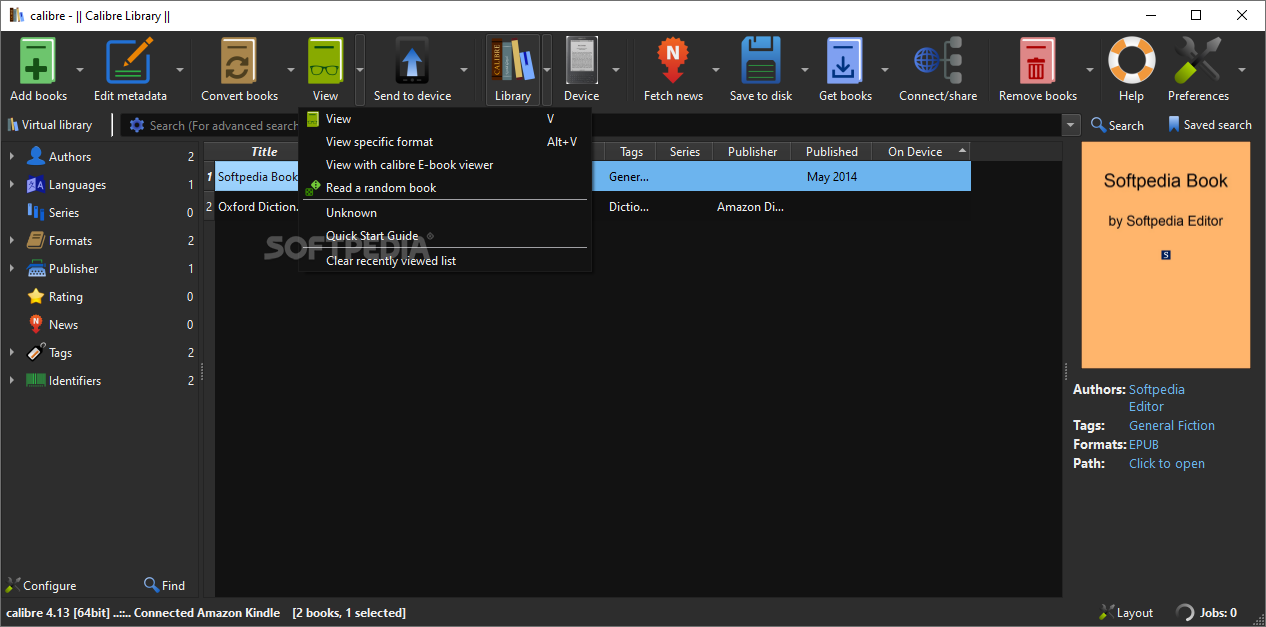
    · Calibre has an inbuilt viewer that can display LRF format files, so you can look over a recent conversion before uploading to the reader. It supports all the features of the LRF format, except dropcaps.

    What's New in This Release: [ read full changelog ]

    New features:
    · Book list: Highlight the current cell in the book list, particularly convenient for usage with the keyboard.
    · Allow creation of advanced rules for column icons.
    · Driver for the limited edition SONY PRS-T2N
    · MOBI Input: Add support for MOBI/KF8 files generated with the to be released kindlegen 2.9.

    Bug fixes:
    · ToC Editor: Fix incorrect playOrders in the generated toc.ncx when editing the toc in an epub file. This apparently affects FBReader.
    · PDF Input: Fix crashes on some malformed files, by updating the PDF library calibre uses (poppler 0.22.4)
    · PDF Output: Ignore invalid links instead of erroring out on them.
    · MOBI Output: Fix space errorneously being removed when the input document contains a tag with leading space and sub-tags.
    · Search and replace wizard: Fix generated html being slightly different from the actual html in the conversion pipeline for some input formats (mainly HTML, CHM, LIT).
    · Nook Color/Touch driver: Scan for ebooks in the entire main memory, not just unde...

       Softpedia guarantees that Calibre 0.9.31 is 100% FREE, which means it does not contain any form of malware, including spyware, viruses, trojans and backdoors. [read more >]


    TAGS:

    E-book Management | E-book Synchronizer | E-book Reader | E-book | Synchronize | Viewer

    Go to top

    WindowsGamesDriversMacLinuxScriptsMobileHandheldNews

    SUBMIT PROGRAM   |   ADVERTISE   |   GET HELP   |   SEND US FEEDBACK   |   RSS FEEDS   |   UPDATE YOUR SOFTWARE   |   ROMANIAN FORUM