
Place notes on the desktop, organize them in different groups, and set up alarms, by using this intuitive, rich-featured software solution. #Desktop note #Note manager #Sticky note #Note #Reminder #Remind

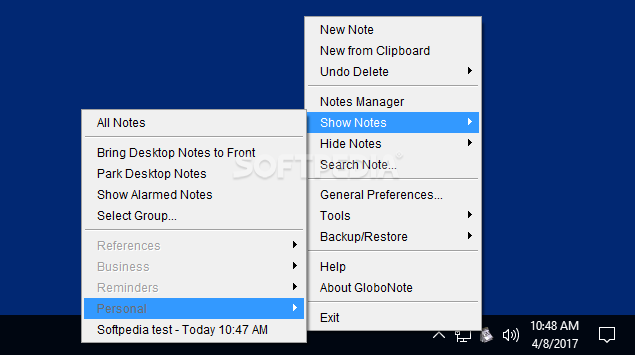
GloboNote is a lightweight software application designed specifically for helping you apply sticky notes right on your desktop and set up alarms.
It runs quietly in the system tray until called upon when it reveals several configuration settings to tinker with. You can access the program’s features by performing a right-click mouse operation on the utility’s icon from the system tray.
You are allowed to create multiple sticky notes and organize them in different preset groups (e.g. Personal, Reminders, Business, Preferences) or user-defined ones.
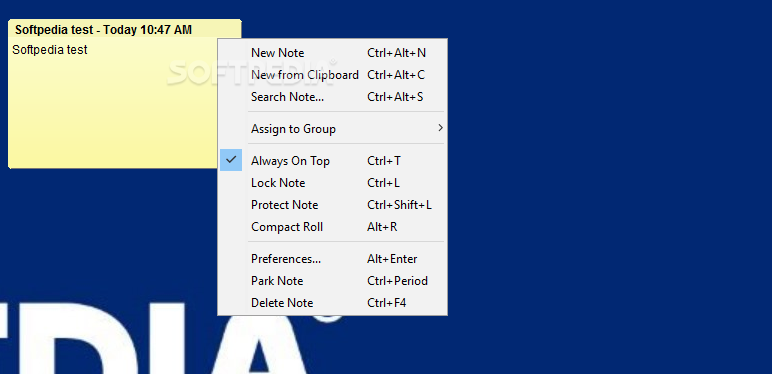
GloboNote gives you the possibility to make the selected note remain on top of other programs, lock the note (you cannot add or edit the text message), roll the note up or down, and switch to a compact viewing mode.
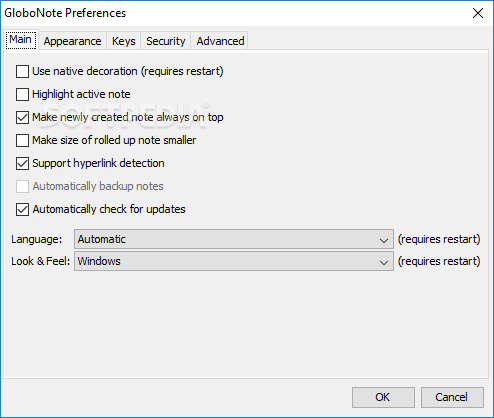
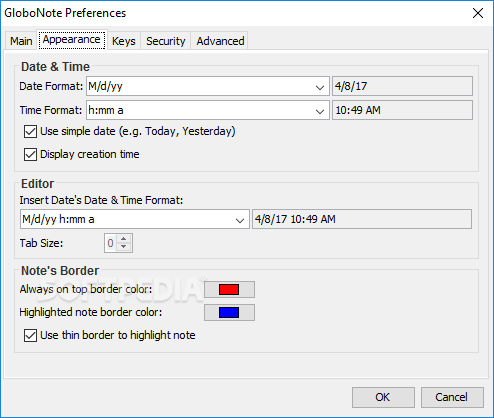
The tool offers support for many dedicated parameters for helping you customize the notes. You can make the application automatically roll up the note when it loses focus, as well as show or hide the title bar (where the date and time is displayed), creation date on the title bar, and note border.
What’s more, you are allowed to alter the transparency of the note, choose between several preset profiles for customizing the layout of the note, and resize it. You can manually alter the editing area by selecting the font, size, and color of the text, and choosing the foreground and background colors.
A smart feature bundled in this program allows you to set up alarms by selecting the date and time, choosing the desired sound notification from several preset options or uploading a custom audio file from the computer (WAV, AIFF, AU, MP3), and configuring the recurrence parameters.
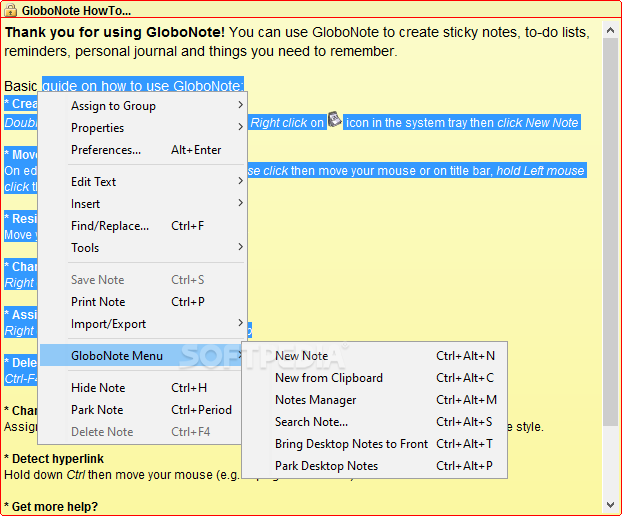
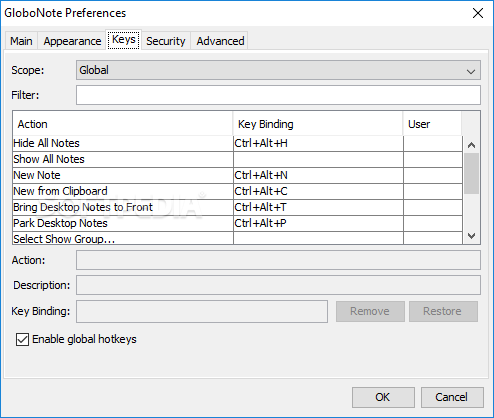
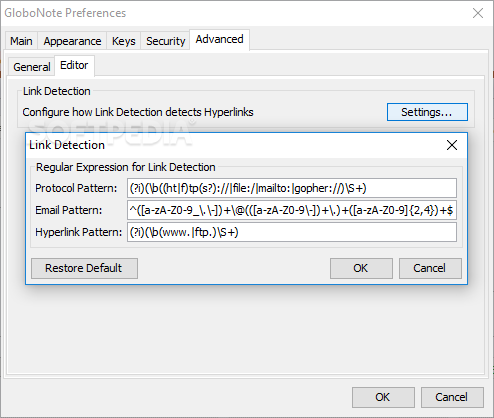
GloboNote lets you perform basic editing operations (cut, copy, paste, delete), undo or redo your actions, use hotkeys, increase or decrease the font, insert custom images or URLs, date stamp, and checkboxes, attach files, as well as carry out find and replace operations.
You may import/export data from/to plain text file format, print, hide, or delete notes, perform global search operations throughout the entire notes, and use the built-in Notes Manager for observing all notes organized by groups.
GloboNote proves to be a reliable application that comprises a rich suite of configuration settings for helping you place notes on the desktop, organize them in different groups, and set up alarms.
Download Hubs
GloboNote is part of these download collections: Desktop Sticky Notes
What's new in GloboNote 1.6 Build 53:
- Updates:
- Added support to Java 9 and above
- Improved user experience of setting alarm time spinner
- Fixed log files not created when using macOS
GloboNote 1.6 Build 53
add to watchlist add to download basket send us an update REPORT- PRICE: Free
- runs on:
-
Windows 10 32/64 bit
Windows 2008
Windows 8
Windows 7
Windows Vista
Windows XP
Windows 2K - file size:
- 8.2 MB
- main category:
- Office tools
- developer:
- visit homepage
7-Zip

Windows Sandbox Launcher

paint.net

IrfanView

Bitdefender Antivirus Free

4k Video Downloader

ShareX

calibre

Zoom Client

Microsoft Teams

- calibre
- Zoom Client
- Microsoft Teams
- 7-Zip
- Windows Sandbox Launcher
- paint.net
- IrfanView
- Bitdefender Antivirus Free
- 4k Video Downloader
- ShareX