
Manage your computer systems with ease, monitor drives, local groups, users, connections, services, and much more thanks to this powerful app. #System management #Computer administration #Server management #Administration #Network #Administrator

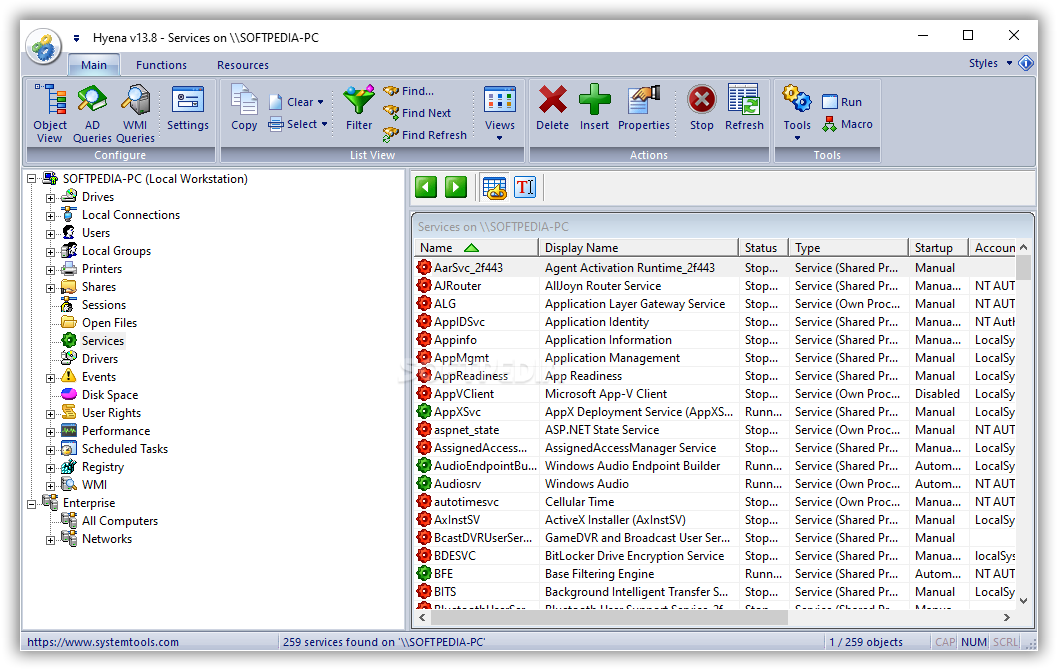
Be it that you’re a PC administrator whose job is to cater for several units at a particular company, a user who is concerned about PC’s status, or, just a tech-savvy person, having the right tools to learn and investigate more about a system’s characteristics is essential these days. Hyena was built specifically for addressing such requirements, and it will offer users a compact solution for exploring the details about the administrative aspects of their system, drivers, devices, system parameters, logs, and much more.
Once deployed, the application will automatically detect all the available information about the PC’s configuration, drivers, devices and other relevant parameters. These are neatly displayed into a tree-structure, which has collapsible items that can be easily toggled.
Although not very different from the Windows default, device manager visualizer, this structure does add multiple extra items, such as those pertaining to services, user rights, registry, local groups, and many more.
The application allows one to easily visualize a wide range of parameters, and we believe that its feature collection offers a high degree of versatility and flexibility. For instance, you can view services, processes, as well as attached domains.
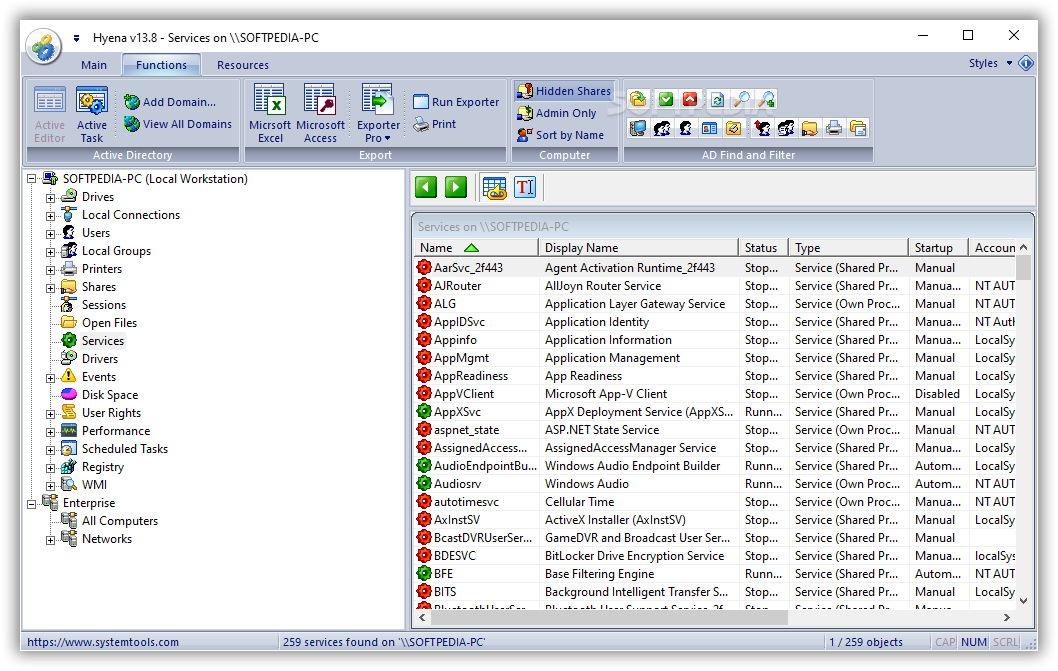
Indeed such parameters can all be seen using the default Task Manager, however, Hyena goes one step further and offers additional functionality. One can sort the information for better viewing, perform queries, as well as construct macros.
This application goes beyond the usual system information approach present in similar tools and offers additional features for exploring and learning more about your system’s configuration, constituent parameters, and other aspects.
What's new in Hyena 15.2:
- Increased size of Grouping "Group By..." dialog
- Modified Settings > Display dialog for consistency with other dialogs.
- Removed Settings > GUI double buffer option. Double buffering automatically enabled for all list controls.
- Modified Settings > Active Directory dialog to remove references to Windows 2003 on INetOrgPerson option.
Hyena 15.2
add to watchlist add to download basket send us an update REPORT- runs on:
-
Windows NT
Windows 11
Windows Server 2019
Windows Server 2016
Windows 10 32/64 bit
Windows Server 2012
Windows 2008 32/64 bit
Windows 2003
Windows 8 32/64 bit
Windows 7 32/64 bit
Windows Vista 32/64 bit
Windows XP 32/64 bit
Windows 2K - file size:
- 20.2 MB
- filename:
- hyena_en_x64.zip
- main category:
- Network Tools
- developer:
- visit homepage
paint.net

ShareX

4k Video Downloader

Microsoft Teams

Windows Sandbox Launcher

7-Zip

Zoom Client

Bitdefender Antivirus Free

IrfanView

calibre

- Bitdefender Antivirus Free
- IrfanView
- calibre
- paint.net
- ShareX
- 4k Video Downloader
- Microsoft Teams
- Windows Sandbox Launcher
- 7-Zip
- Zoom Client