
A feature-rich and highly customizable calendar software solution that is both easy to use and does not take much space on your desktop. #Outlook calendar #Customize calendar #Event reminder #Calendar #Reminder #Organizer

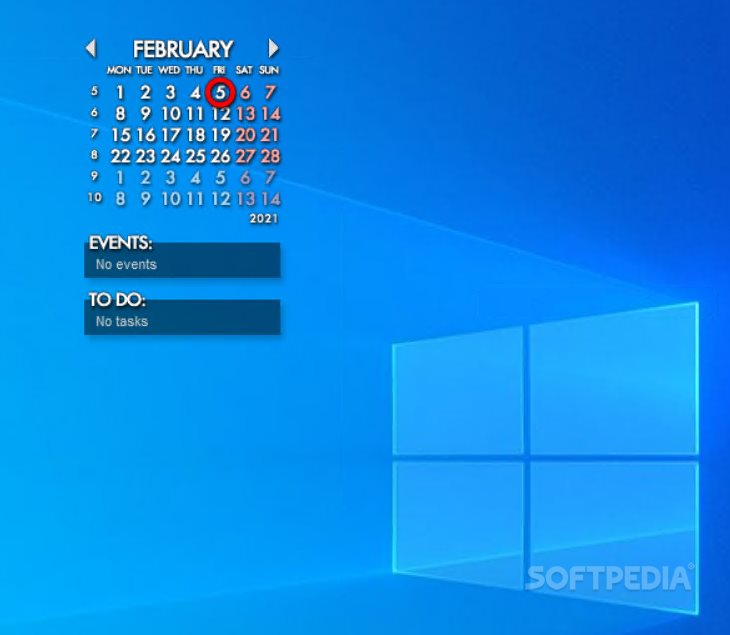
In order to always remember the upcoming events on the schedule or the tasks you need to perform, an effective calendar application is required. Rainlendar Pro is a light tool that can keep track of various appointments and anniversaries.
The program comes with a nice interface that doesn’t occupy too much space on the desktop.
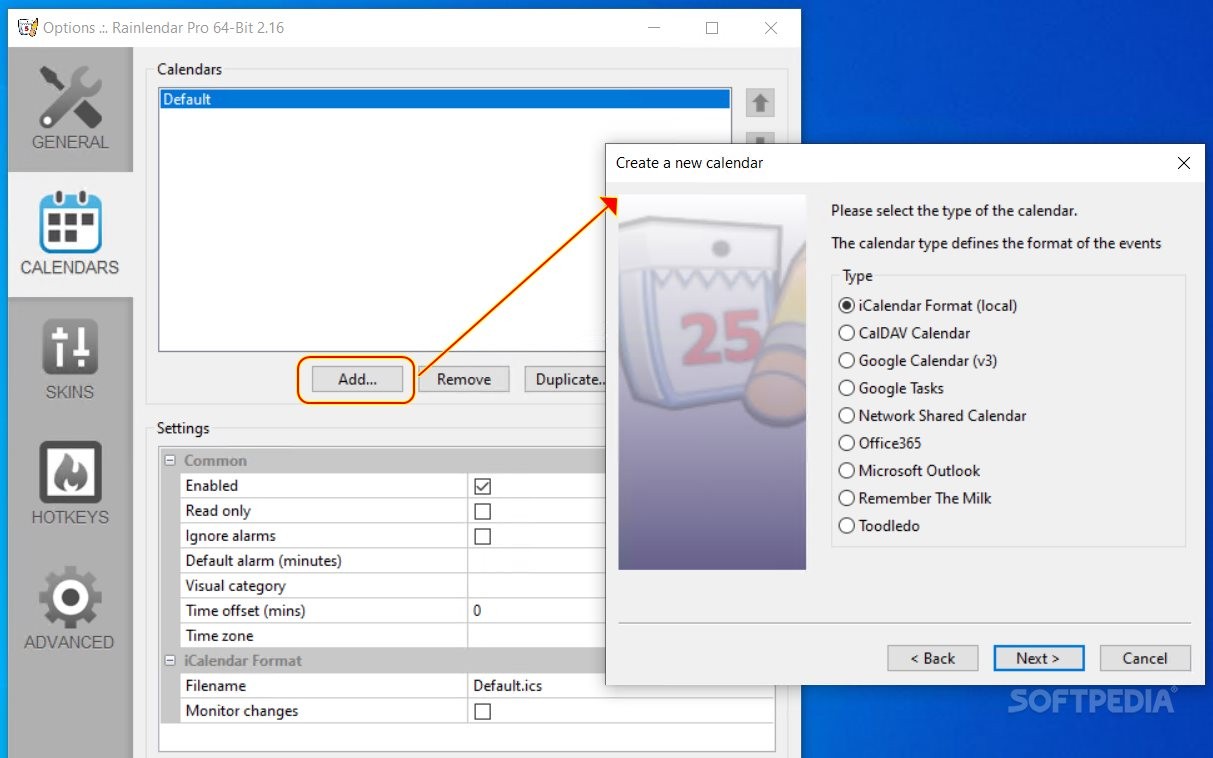
Rainlendar Pro is a calendar with plenty of tools that are easy to use. It lets you set up events and to-do tasks that can be viewed straight from the desktop.
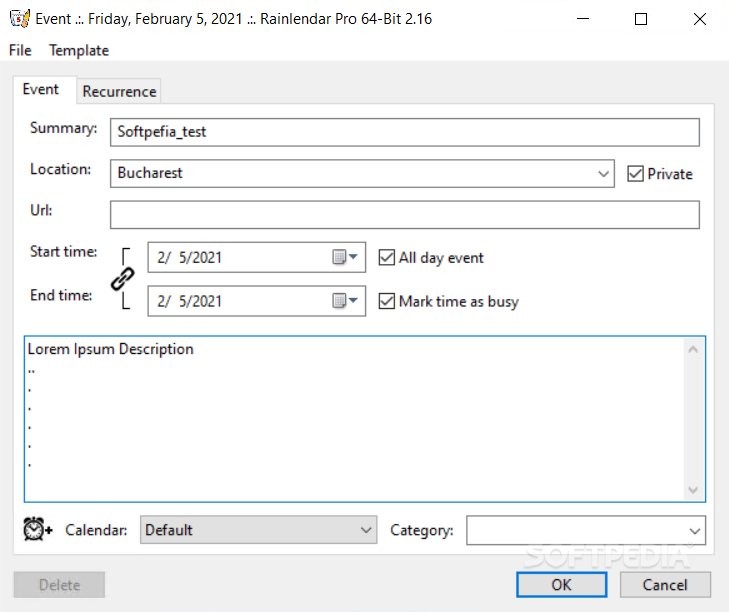
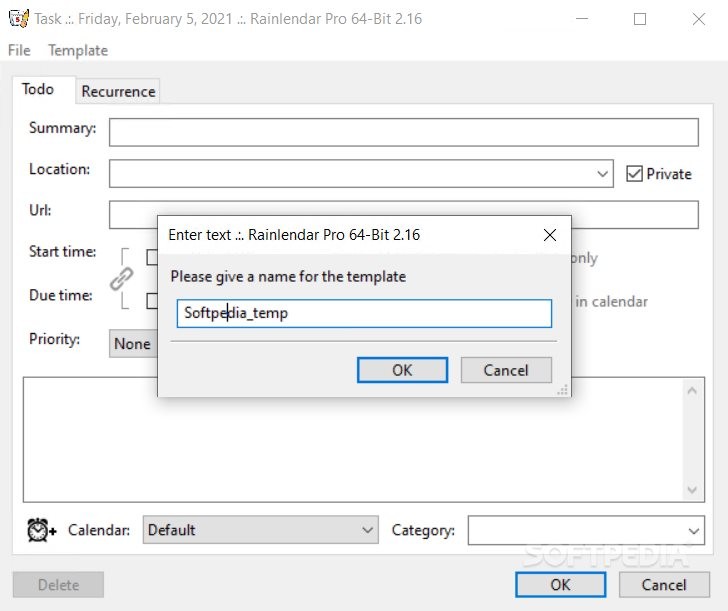
Thus, when you schedule an event, you can fill in a summary, the location, the URL address, the start and end time, as well as assign it to a category. The utility comes with an extensive list to choose from, including anniversaries, holidays, birthdays, games, medical appointments, vacations and even TV shows. A recurrence pattern can also be set for each event in the list.
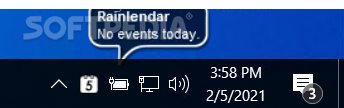
An alarm can be programmed to go off a few minutes before the event starts. All entries can be viewed straight from the small interface, while an icon is displayed in their respective days in the calendar.
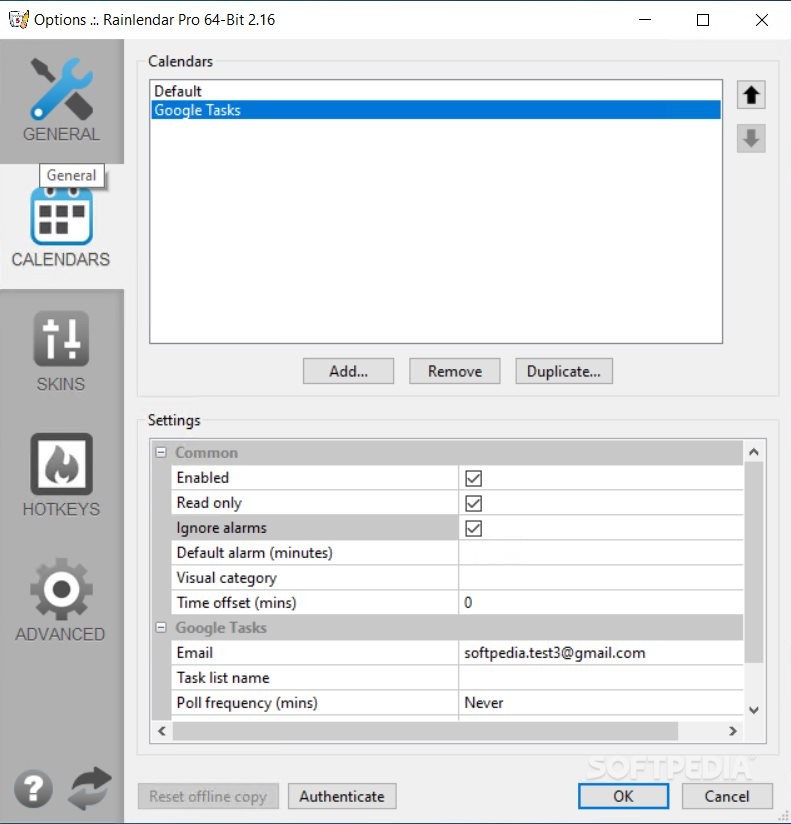
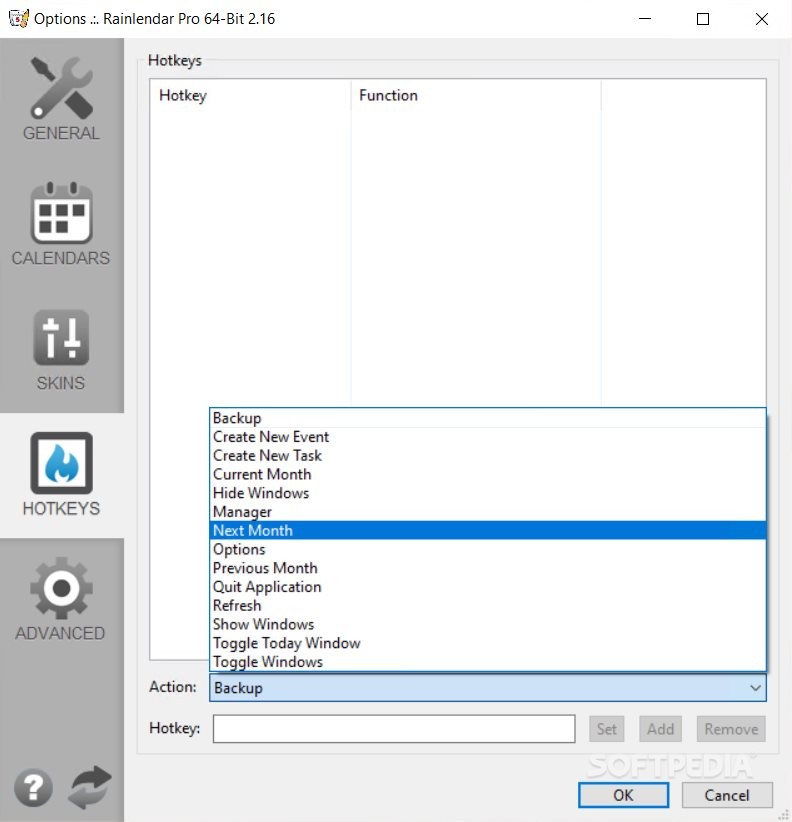
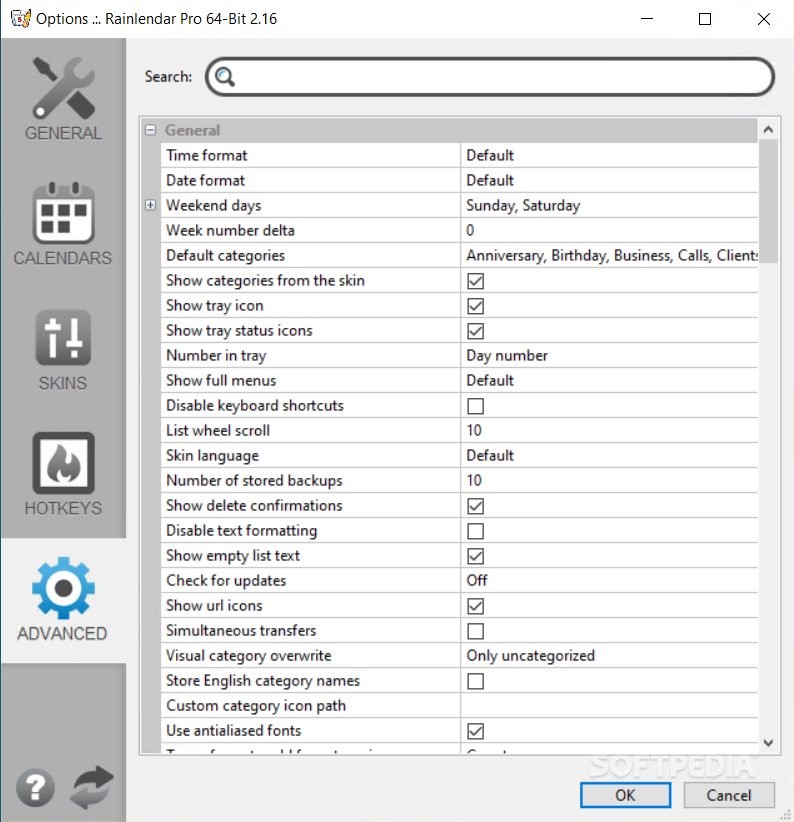
You can choose the week’s start day, fiddle with the widget’s opacity and have the program run on system startup. Hotkeys are also supported by Rainlendar Pro, so you can assign shortcuts for various actions, such as creating new events and tasks, viewing the next month and quitting the application, just to name a few.
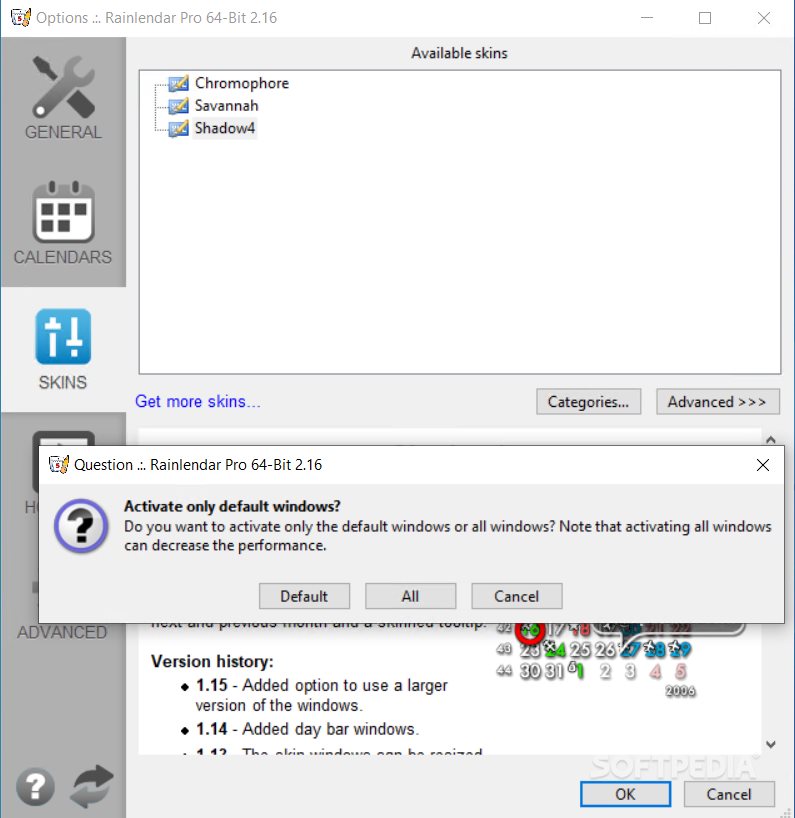
Various skins are available to customize the way the program looks. Additional skins are available for download.
The bottom line is that Rainlendar Pro is a nice tool with some great features. Inexperienced users should be able to quickly figure out all the app’s features.
Download Hubs
Rainlendar Pro is part of these download collections: Event Planner
What's new in Rainlendar Pro 2.20.1 Build 176:
- When edited the tasks were always set as "all day" even if they were previously set with a time.
- Empty attachment property was added to events for calendars which did not support attachments.
- Additional tab in the editor is hidden if it has no fields.
- Authentication tokens between online calendars get mixed up when the same email address was used.
Rainlendar Pro 2.20.1 Build 176
add to watchlist add to download basket send us an update REPORT- runs on:
-
Windows 11
Windows 10 32/64 bit
Windows 8 32/64 bit
Windows 7 32/64 bit
Windows Vista 32/64 bit - file size:
- 43 MB
- filename:
- Rainlendar-Pro-2.20.1-64bit.exe
- main category:
- Office tools
- developer:
- visit homepage
paint.net

Microsoft Teams

calibre

Bitdefender Antivirus Free

Zoom Client

ShareX

Windows Sandbox Launcher

7-Zip

4k Video Downloader

IrfanView

- 7-Zip
- 4k Video Downloader
- IrfanView
- paint.net
- Microsoft Teams
- calibre
- Bitdefender Antivirus Free
- Zoom Client
- ShareX
- Windows Sandbox Launcher