Softpedia
 

WINDOWS CATEGORIES:


GLOBAL PAGES >>
SOFTPEDIA REVIEWS >>
MEET THE EDITORS >>
WEEK'S BEST
  • Bitdefender Total ...
  • Ocster Backup Pro ...
  • Hard Disk Sentinel...
  • FlashFXP [DISCOUNT...
  • DVDFab DVD Copy [D...
  • Kaspersky Internet...
  • Avast! Internet Se...
  • Avira Internet Sec...
  • Webroot SecureAnyw...
  • McAfee Total Prote...
  • Home > Windows > Office tools > Diary/Organizers/Calendar
     Report malware

    Swift To-Do List Professional 8.0561

    download button buy button

    Downloads: 10,411  Tell us about an update
    User Rating:
    Rated by:
    Good (3.8/5)
    29 user(s)
    Developer:

    License / Price:

    Size / OS:

    Last Updated:

    Category:

    Trial / USD 89.95 buy button
    17.4 MB / Windows 2K / XP / 2003 / Vista / XP X64 / 2008 / Vista64 / 7 / 7 x64 / 8 32-bit / 8 64-bit
    [view history]
    C: \ Office tools \ Diary/Organizers/Calendar

     Read user reviews (4)  Send to friend   Follow (1 user)

    Softpedia Editor's Review for Swift To-Do List Professional

    EDITOR'S RATING:

    A useful and innovative to-do list program with reminders

    Written by Elena Opris on January 3rd, 2013

    Swift To-Do List Professional is a program which allows you to organize a list of daily tasks in a simple manner.

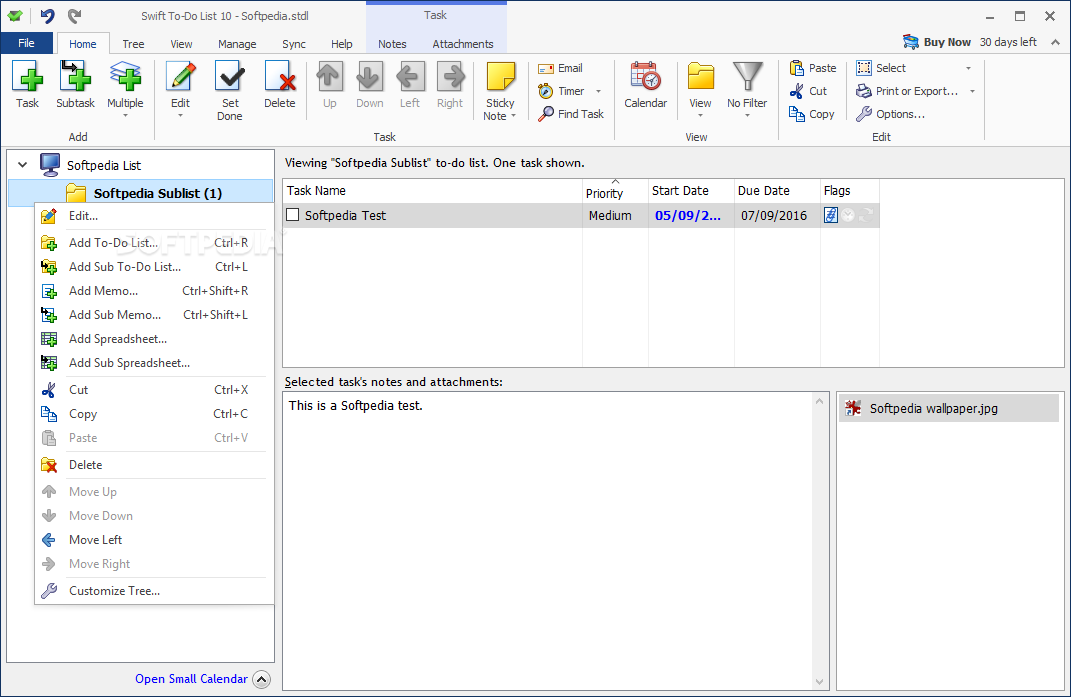
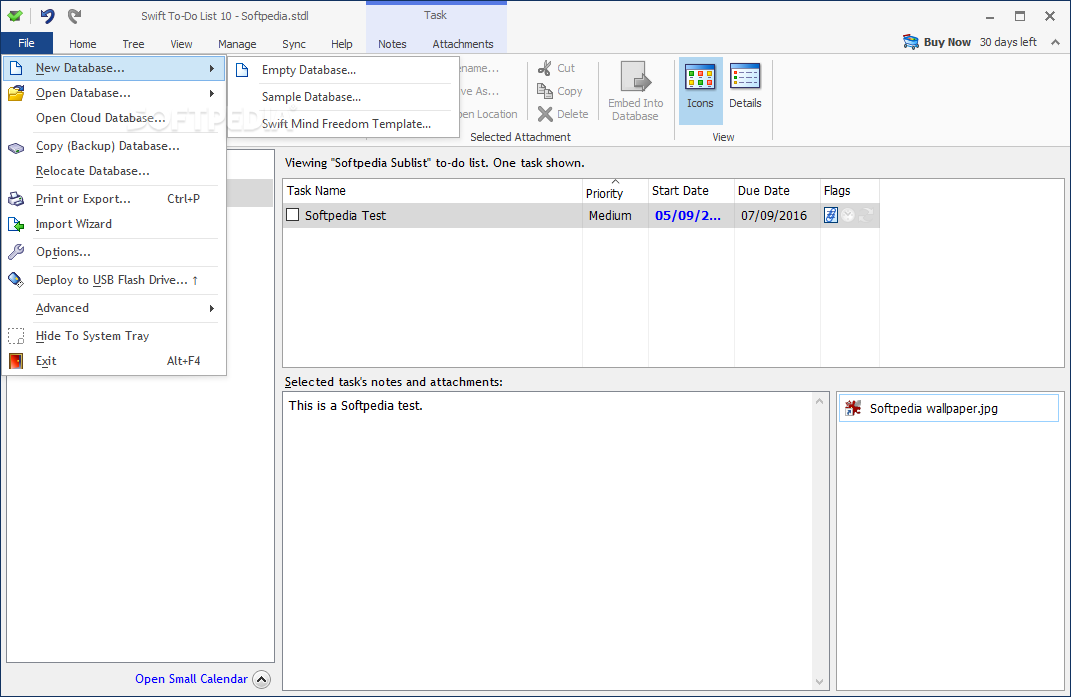
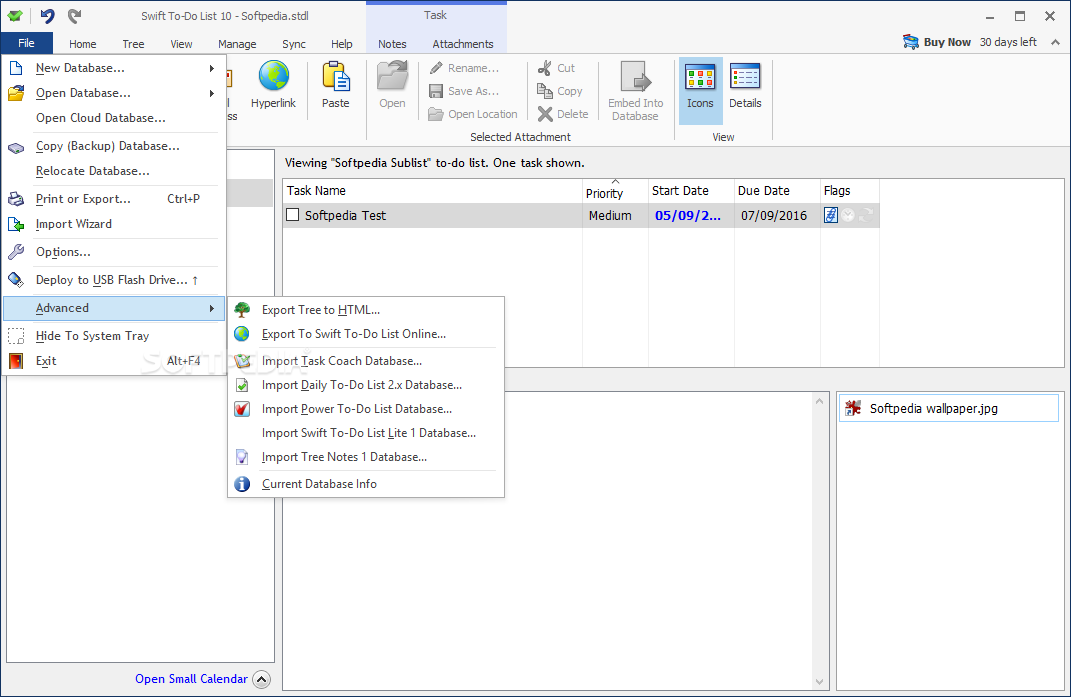
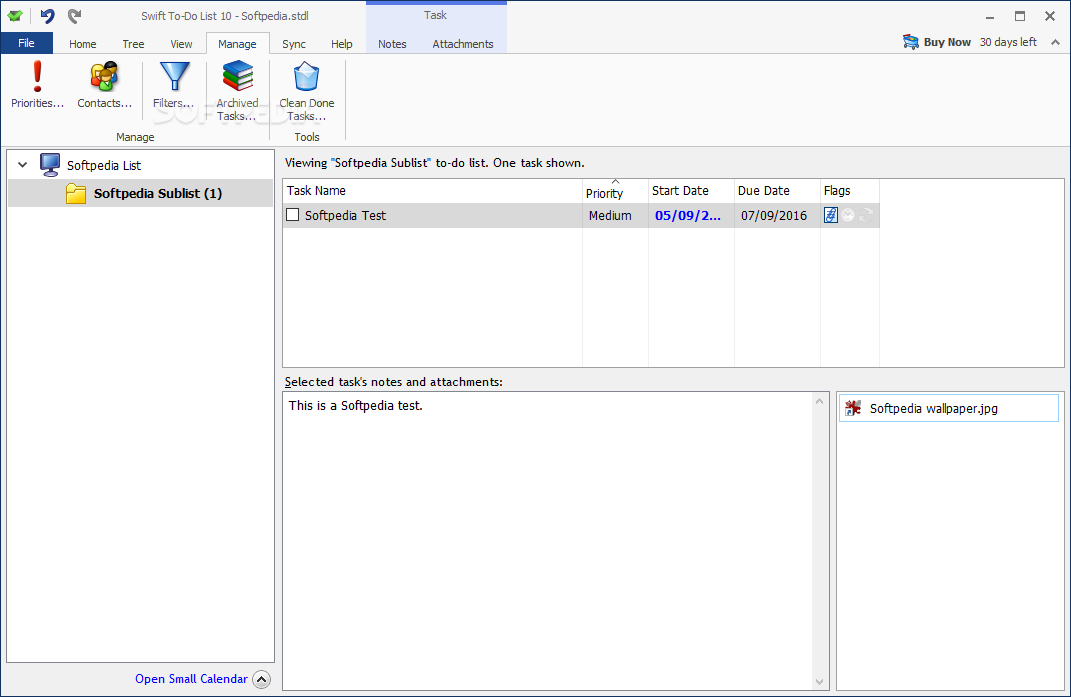
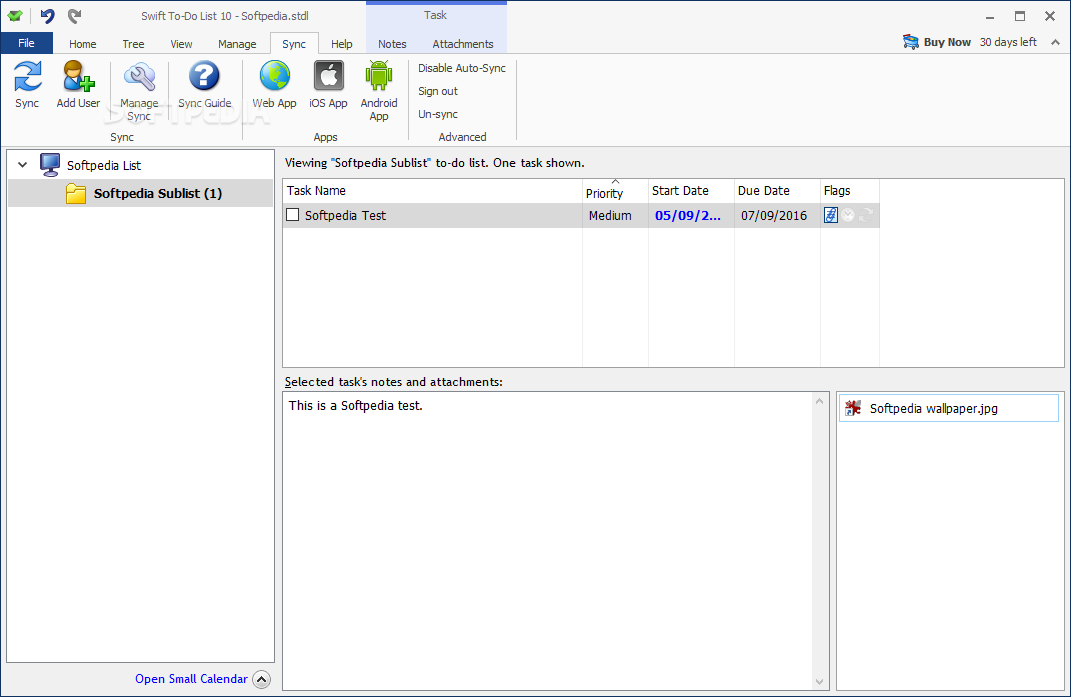
    The interface of the application is plain and intuitive. In order to get started, you can create a new database, by establishing its name and location.

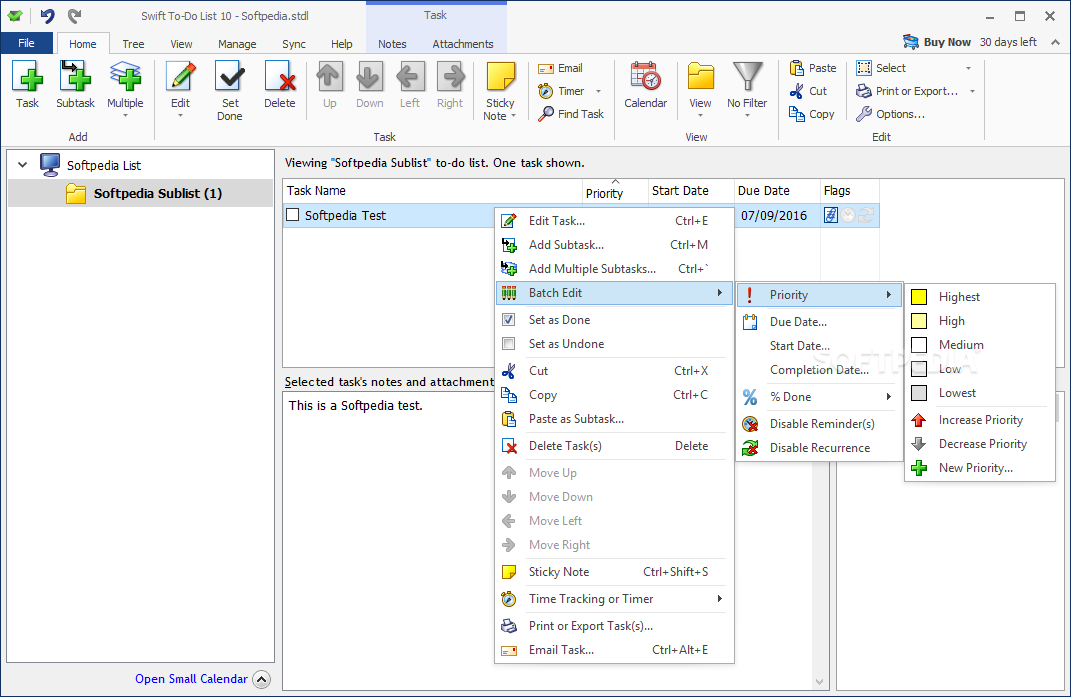
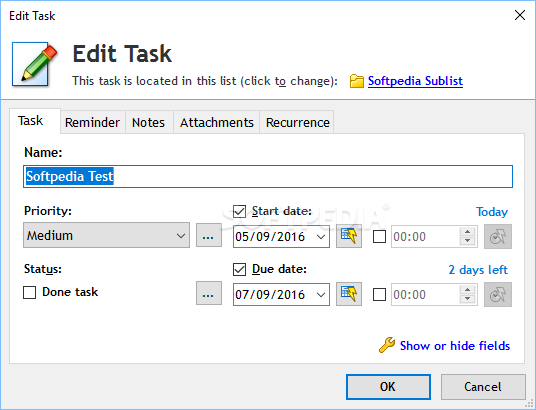
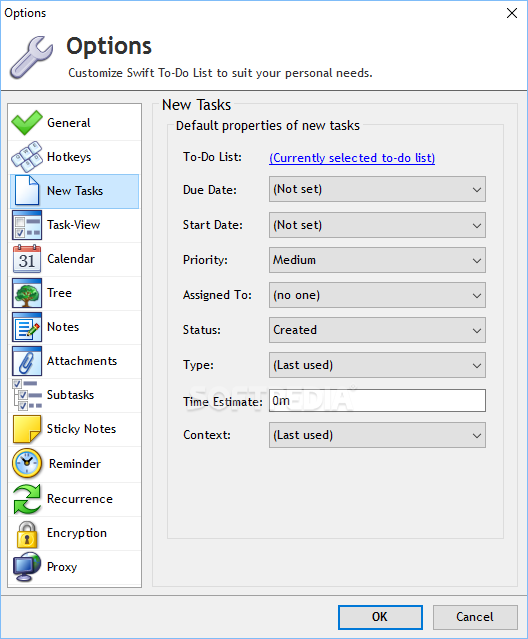
    So, you can add a new entry in your to-do list by naming the task and setting its priority level, type, due date and status.

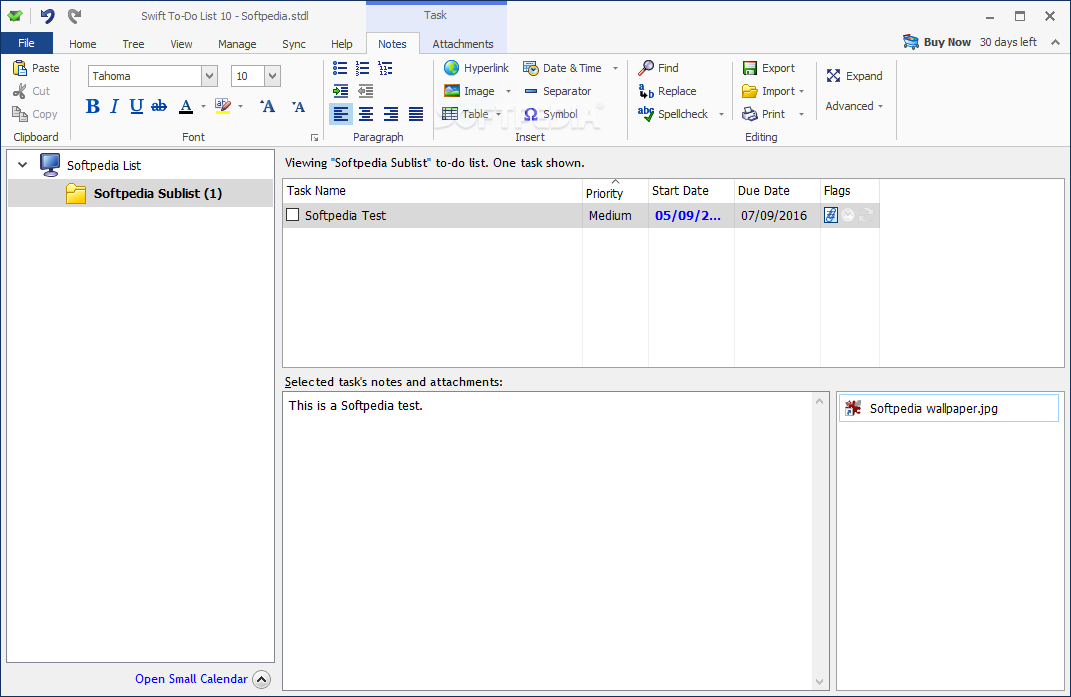
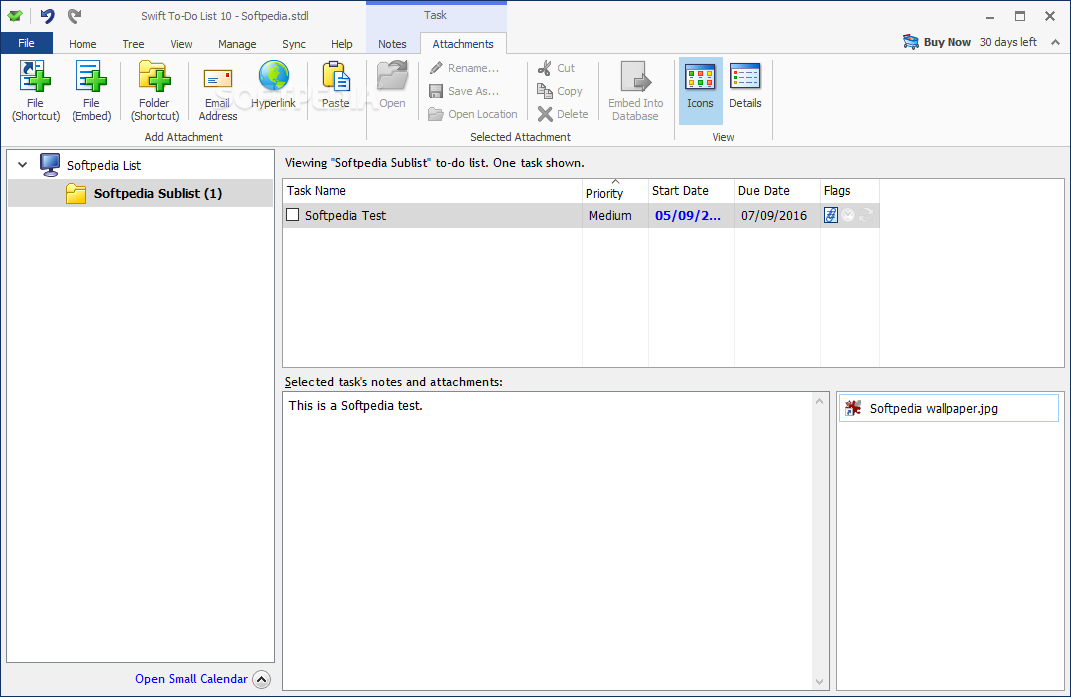
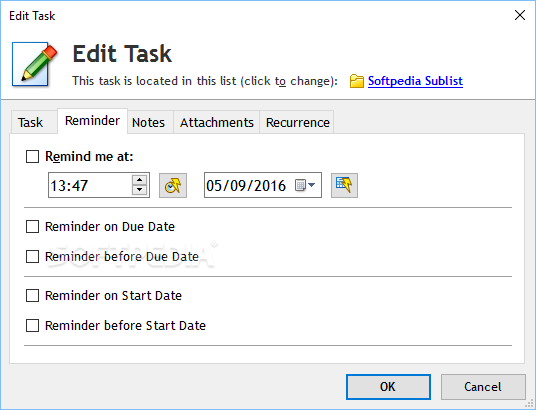
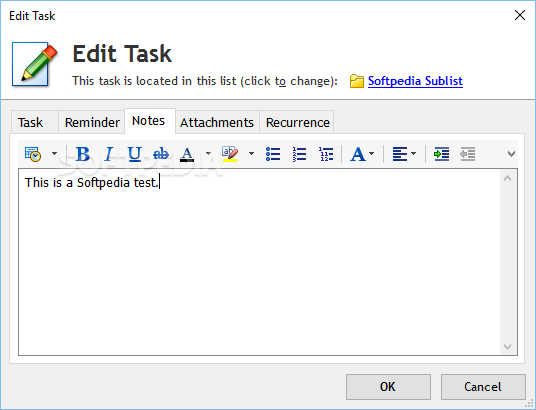
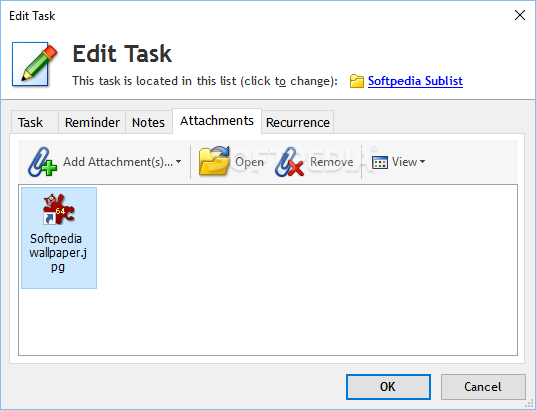
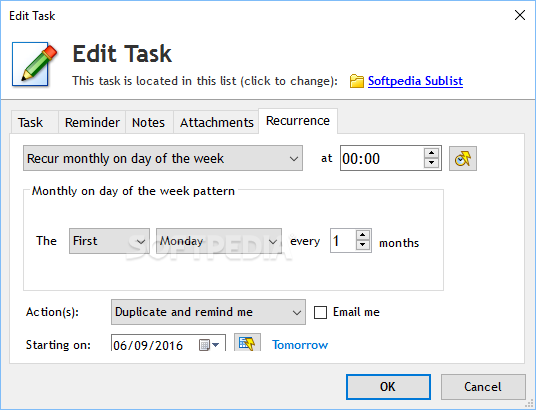
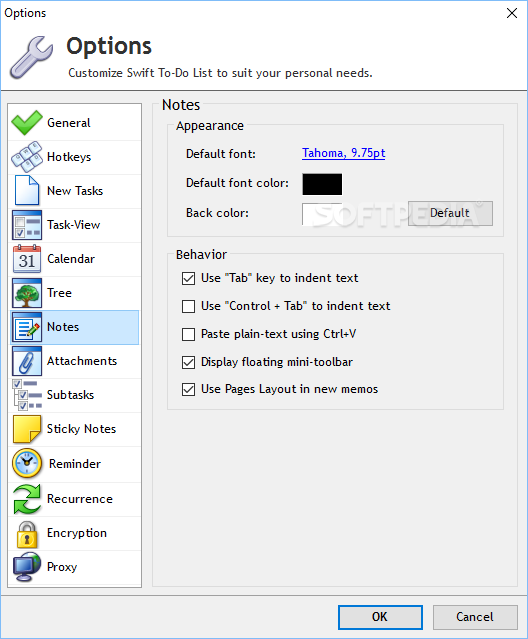
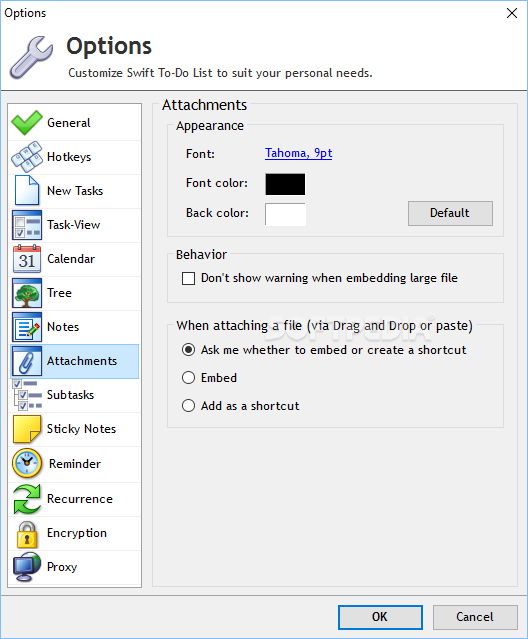
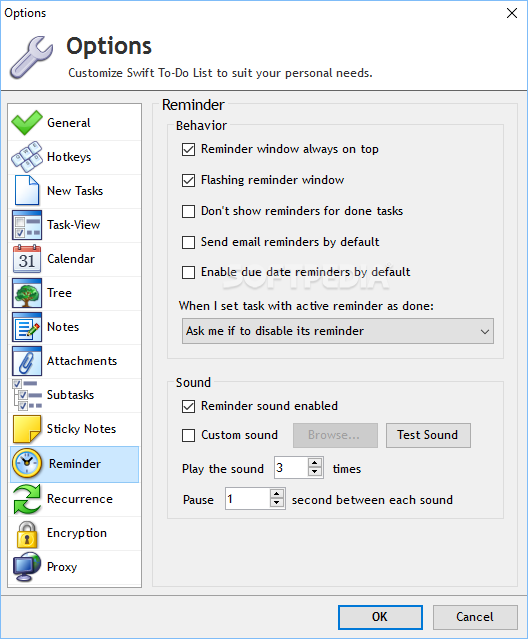
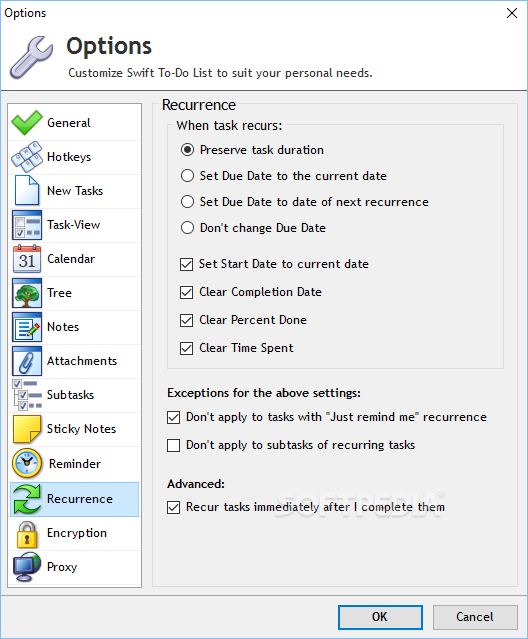
    But you can also set up a reminder (on or before the due date; optionally enable email mode), write notes, add attachments (via the file browser or "drag and drop" method) and set the recurrence period.

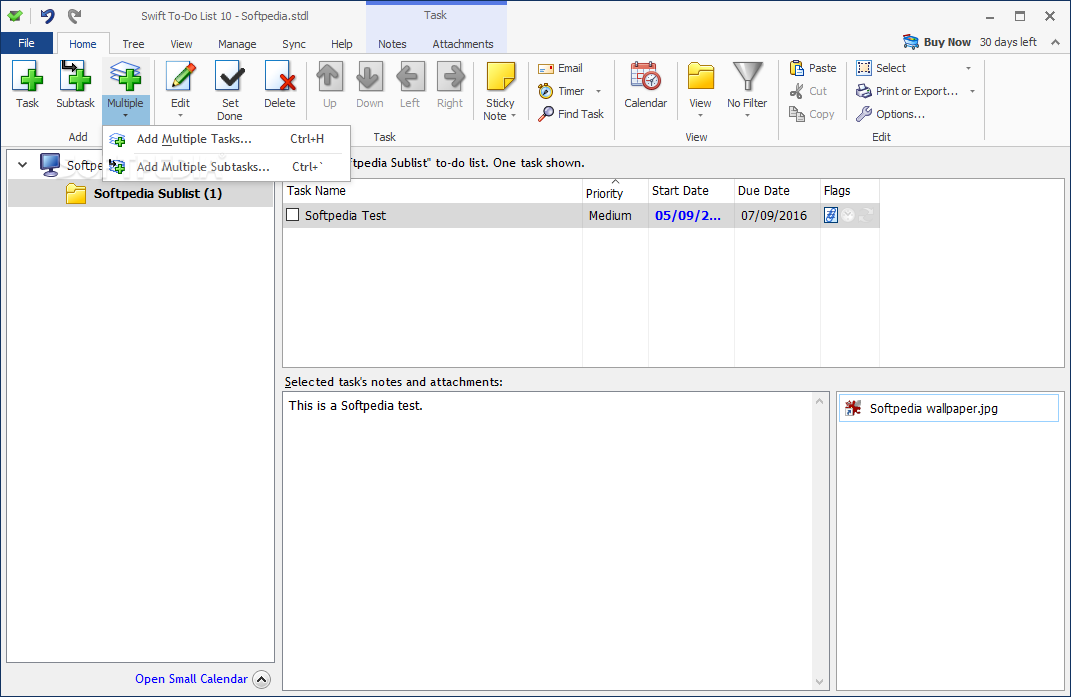
    Furthermore, you can edit tasks individually or in batch mode, mark them as done or undone, initiate time tracking, as well as cut, copy, print, export or email tasks.

    Additionally, you can use filters (e.g. due tomorrow, priority, creation date, recurrence), backup or relocate the database, use a search function for tasks and add memos, as well as manage archived tasks, priorities, types, contacts, filters and columns, and more.

    The simple-to-use tool requires a pretty high amount of system resources, includes a very well-drawn help file with snapshots and has a very good response time. No errors have occurred during our tests and Swift To-Do List Professional did not freeze or crash. We highly recommend this tool to all users.


    Read an in-depth analysis in our professional review for Swift To-Do List Professional

    Swift To-Do List Professional description

    Here are some key features of "Swift To-Do List Professional":

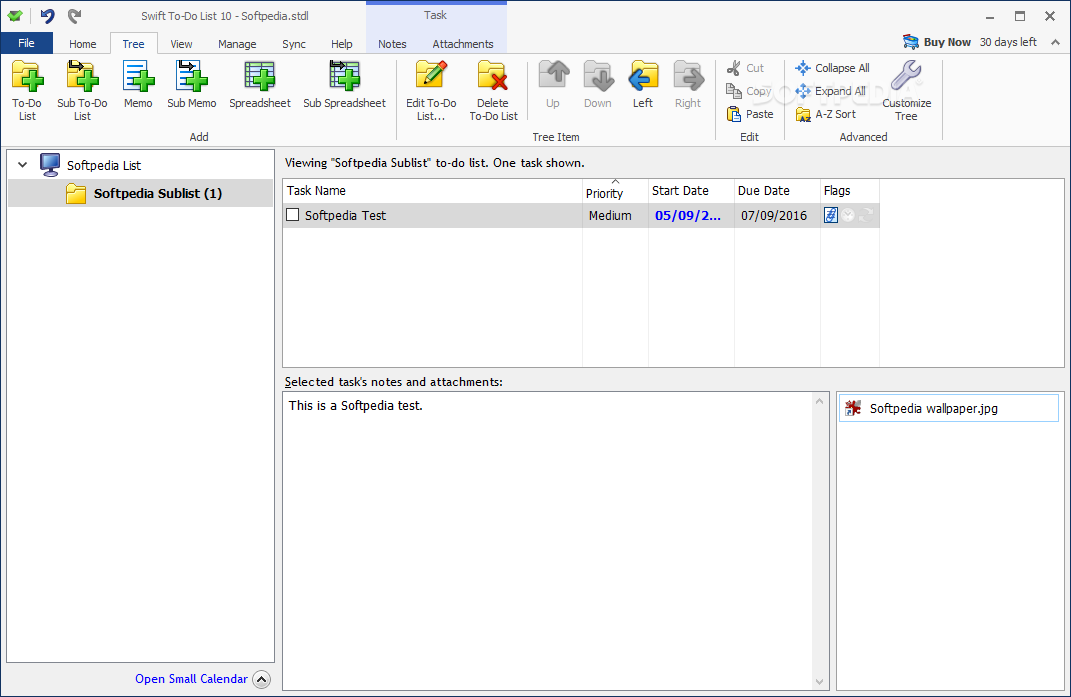
    · Manage both tasks and notes. Each task has its own notes, and you can also create task-independent notes ("memos") in the to-do list tree.
    · You can also manage lists of non-actionable items, such as inventories and ideas.
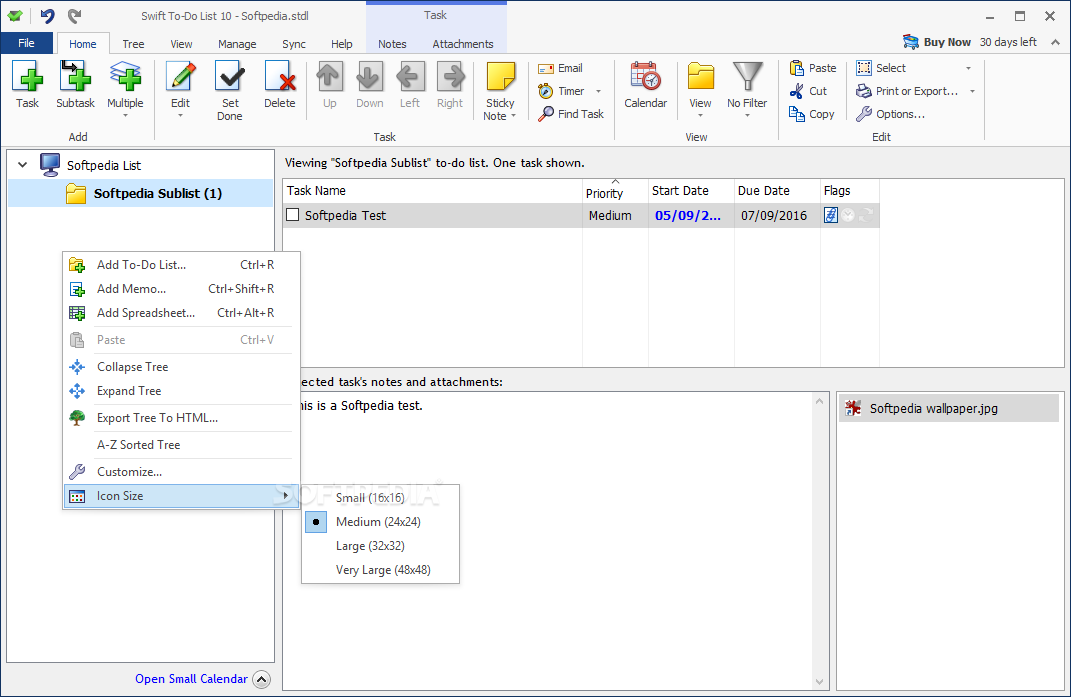
    · Choose from more than 240 colorful icons in 4 sizes for your lists and memos.
    · Easily reorder to-do lists using mouse (Drag and Drop)
    · Easily move or copy tasks between to-do lists using mouse
    · Cut, copy and paste to-do lists and memos (this allows you to create your own templates)
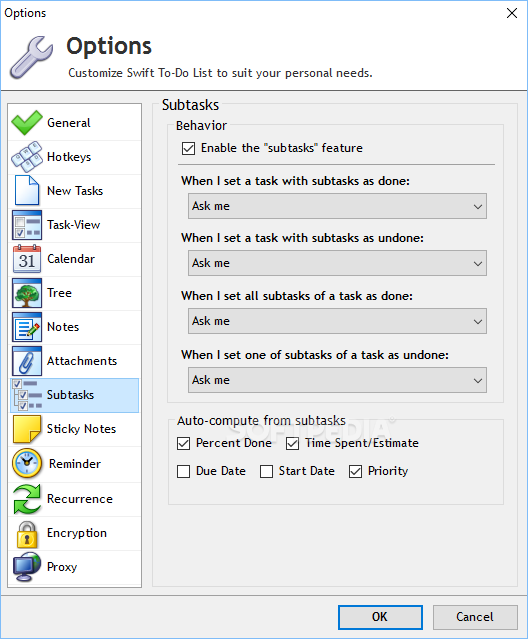
    · Reduce procrastination and make your work more enjoyable by breaking tasks down into small action steps.
    · Insert date/time or separators with keyboard shortcuts.
    · Create hyperlinks to websites, local files, or even to-do lists or memos in the to-do list tree.
    · Inbuilt spellchecker (Ultimate edition only). And much more.
    · Create tasks from emails: You can just Drag and Drop emails into the task-view to add them as tasks.
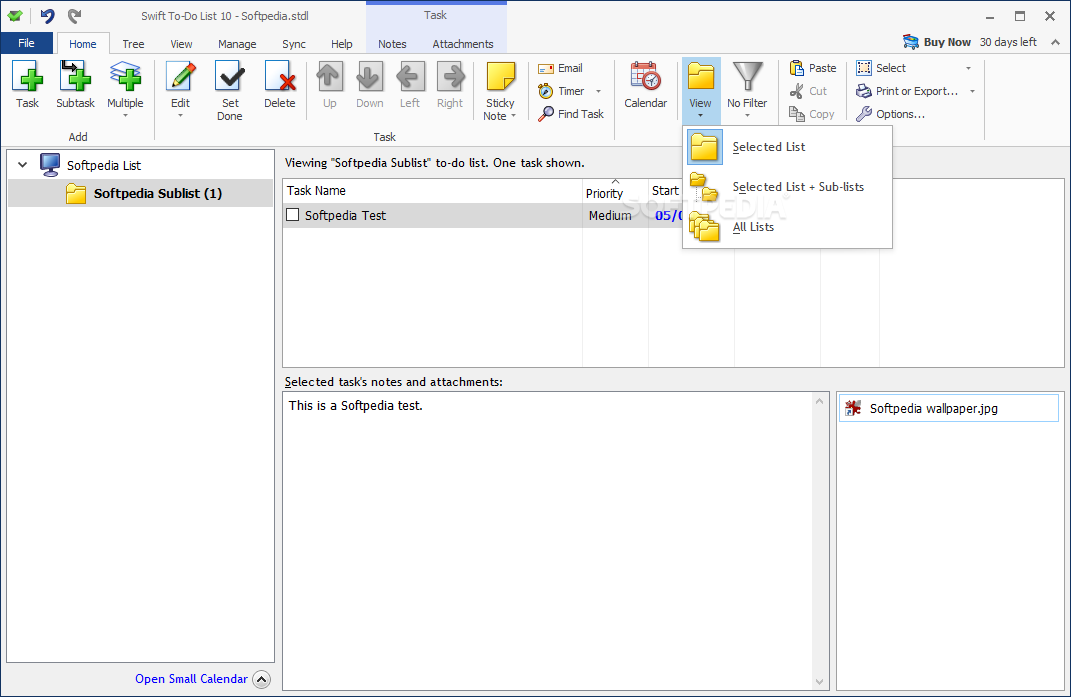
    · View modes and filters that allow you to see only the tasks you need at the moment.
    · Cut, copy & paste tasks, to-do lists, notes and attachments. Fully integrated clipboard support. This allows you to create templates and checklists.
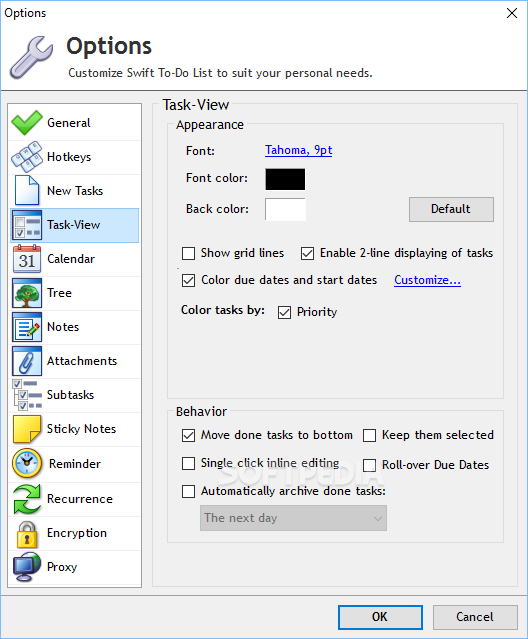
    · Custom task coloring. Automatically color tasks by priority, type, status, assigned to or context. Highlight overdue tasks. Highlight tasks due today. Choose your own custom colors.

    Requirements:

    · .NET Framework 3.5

    Limitations:

    · 30-day trial
    · Nag screen

    What's New in This Release: [ read full changelog ]

    · Multiple misc. fixes

       Softpedia guarantees that Swift To-Do List Professional 8.0561 is 100% CLEAN, which means it does not contain any form of malware, including spyware, viruses, trojans and backdoors. [read more >]


    TAGS:

    organize list | reminder list | manage note | reminder | planner | to-do

    Go to top

    WindowsGamesDriversMacLinuxScriptsMobileHandheldNews

    SUBMIT PROGRAM   |   ADVERTISE   |   GET HELP   |   SEND US FEEDBACK   |   RSS FEEDS   |   UPDATE YOUR SOFTWARE   |   ROMANIAN FORUM