
An easy to use and handy application designed to help you keep track of personal composite tasks, subtasks, notes and to-do lists. #Todo manager #Manage task #Task manager #Organizer #Task #Management

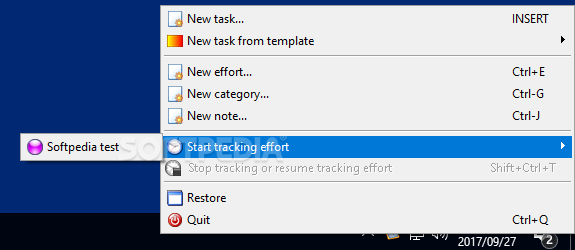
Task Coach represents a handy program that you can use to keep track of your goals and daily tasks.
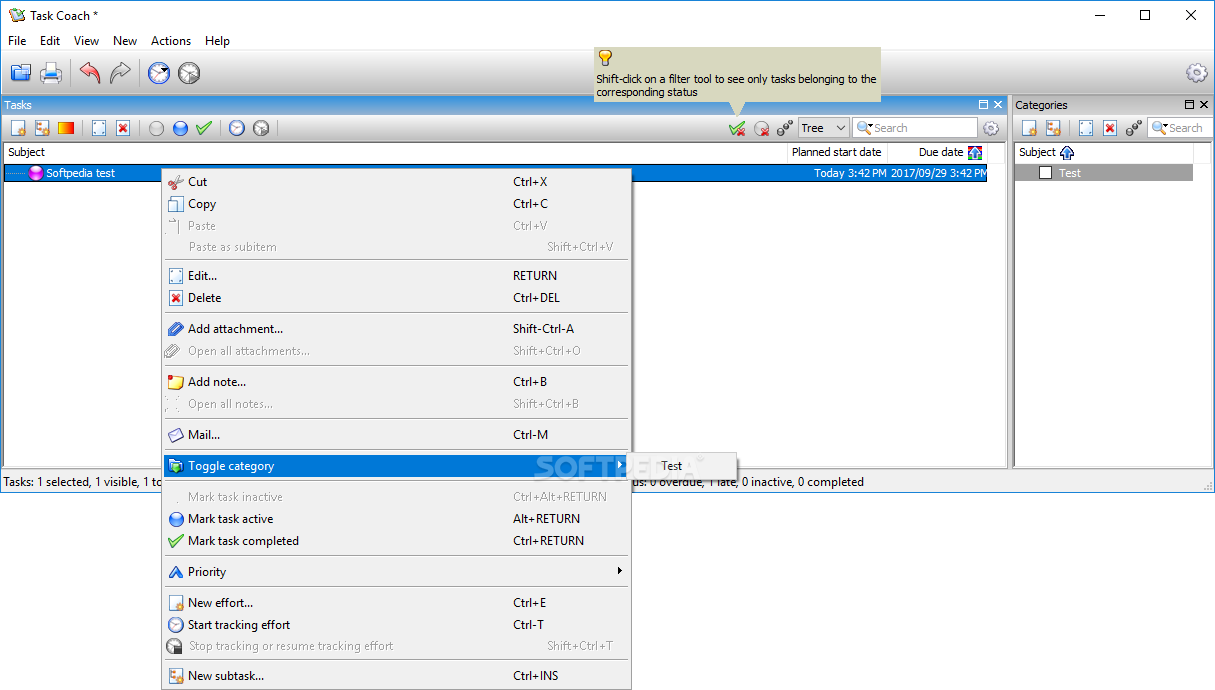
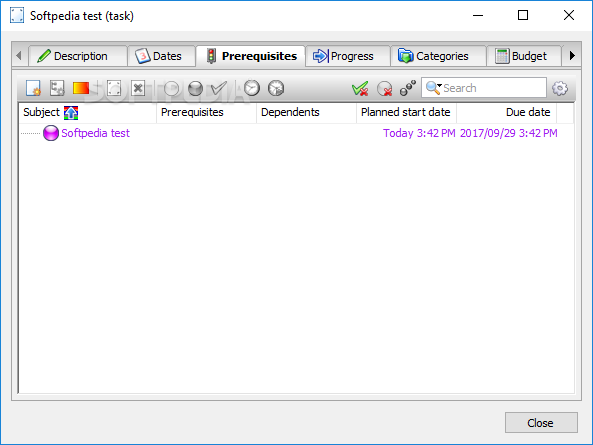
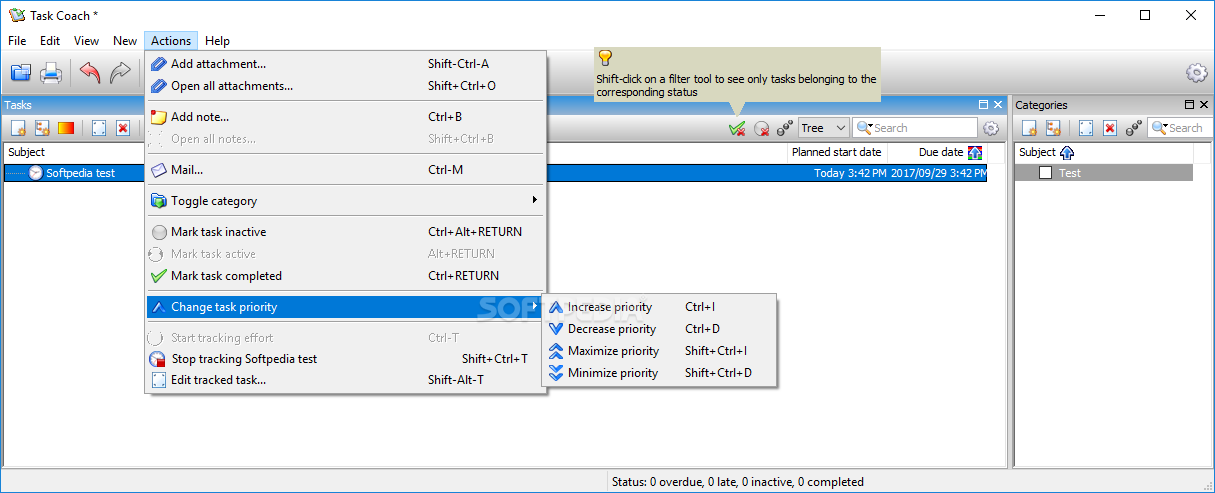
The interface of the application is quite simple and intuitive. To get started, you can create a new task.
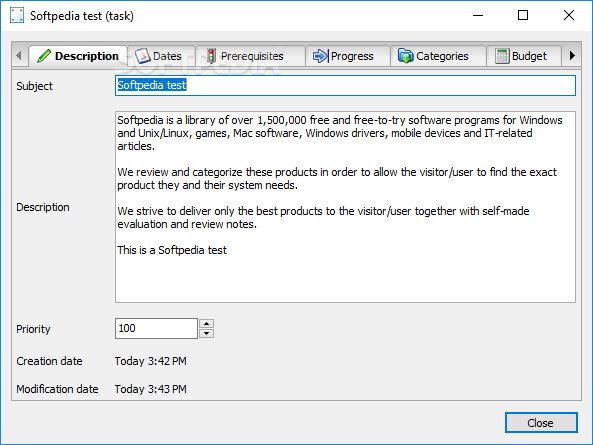
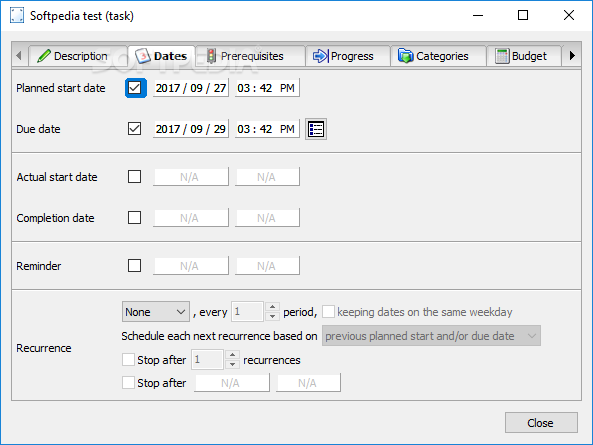
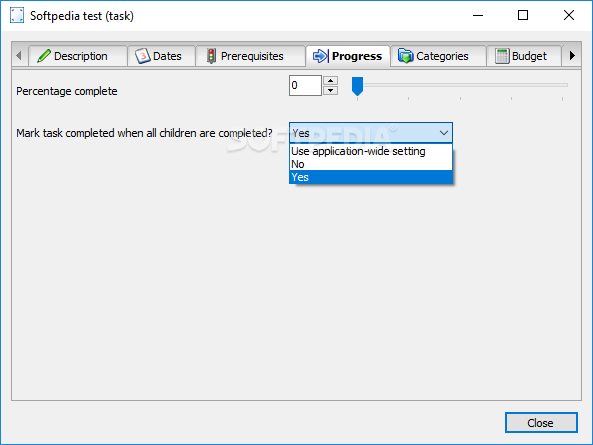
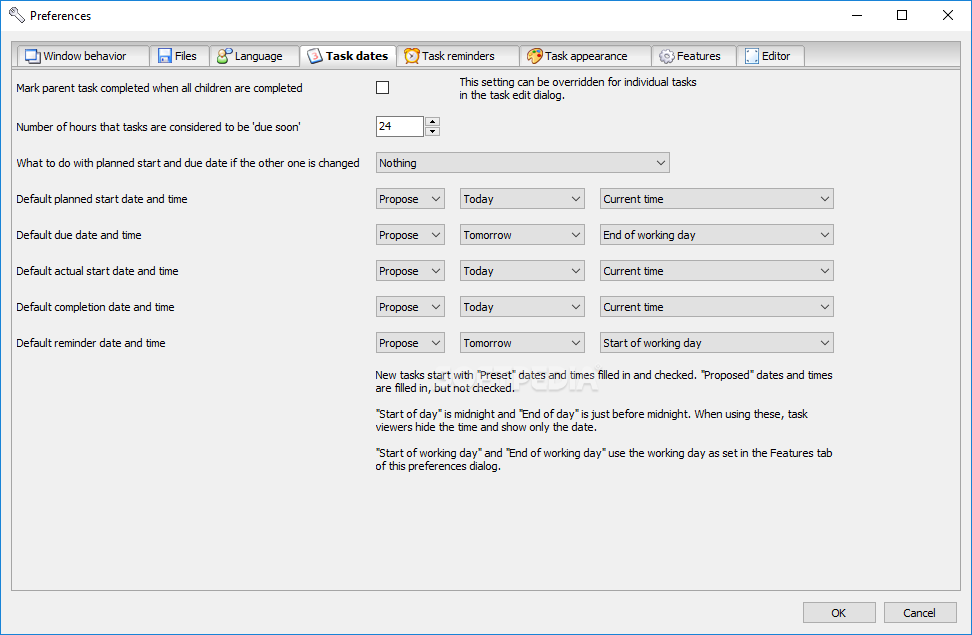
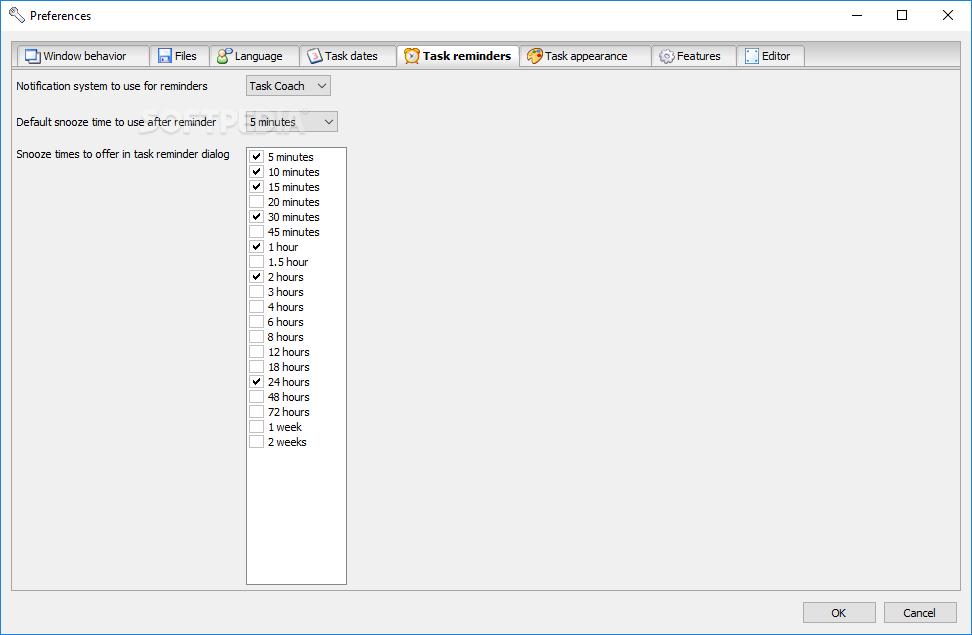
You can give it a subject, description and priority, mark dates (planned start, due, actual start and completion dates, reminder, recurrence) and set the completed percentage.
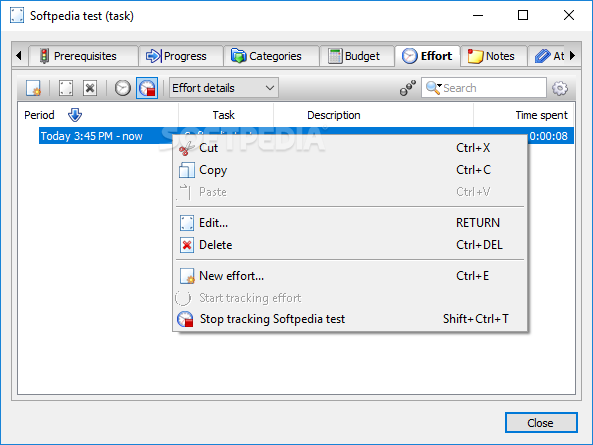
You can create subitems or tasks from template, edit or delete existing tasks, mark items as active, inactive or completed, start tracking effort and use a search function.
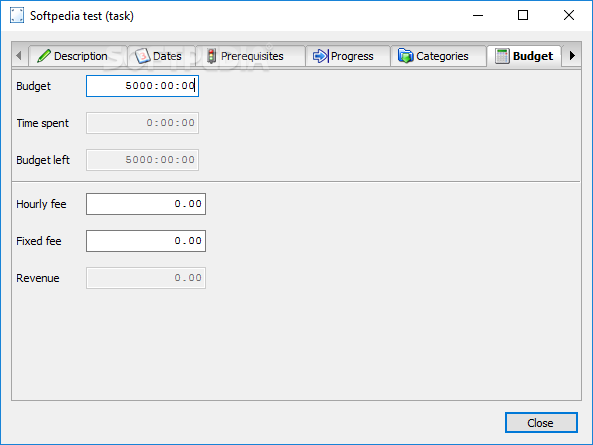
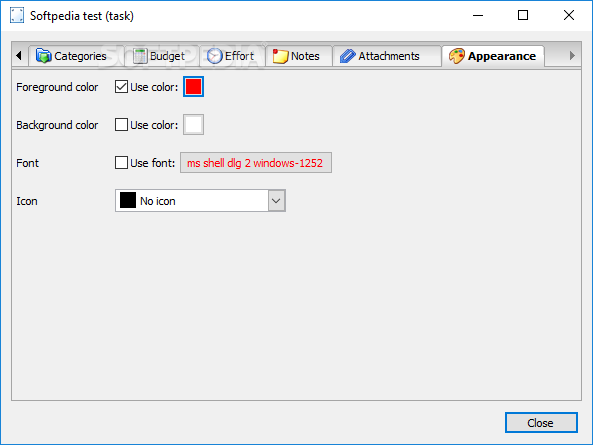
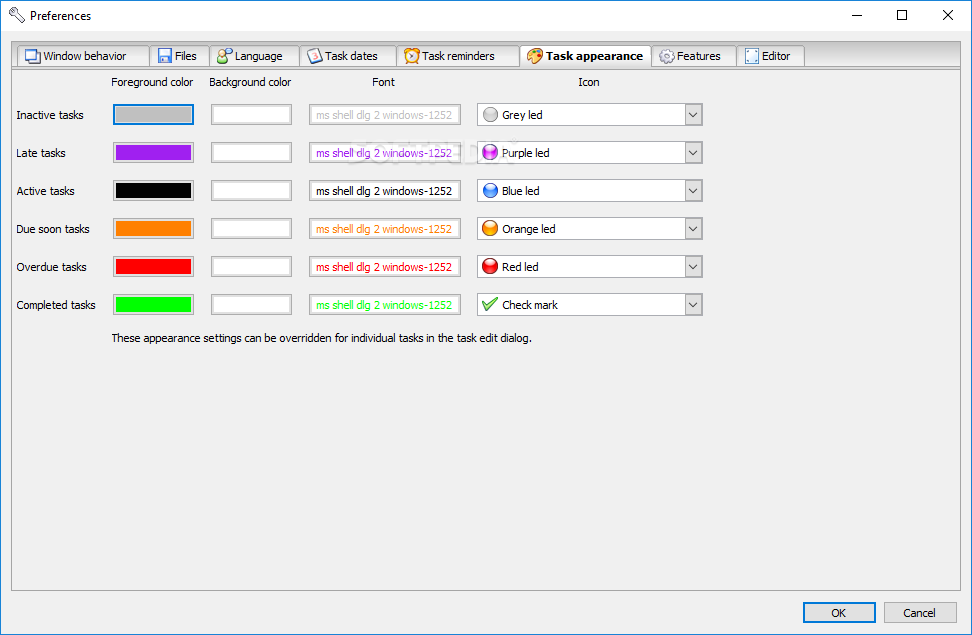
You can specify budget details (e.g. time spent, budget left, hourly or fixed fee, revenue), create a new effort task, take notes, add attachments, as well as change the foreground and background colors, font and icon.
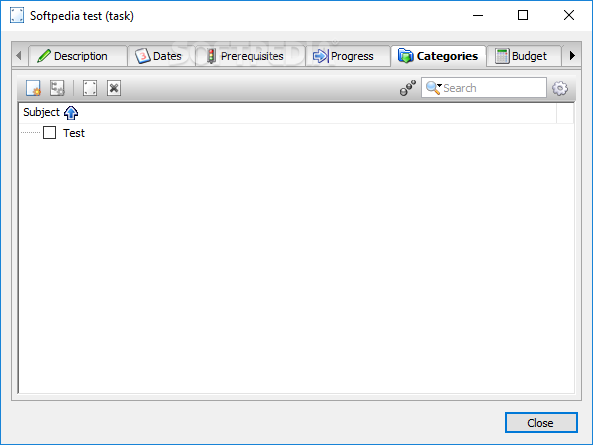
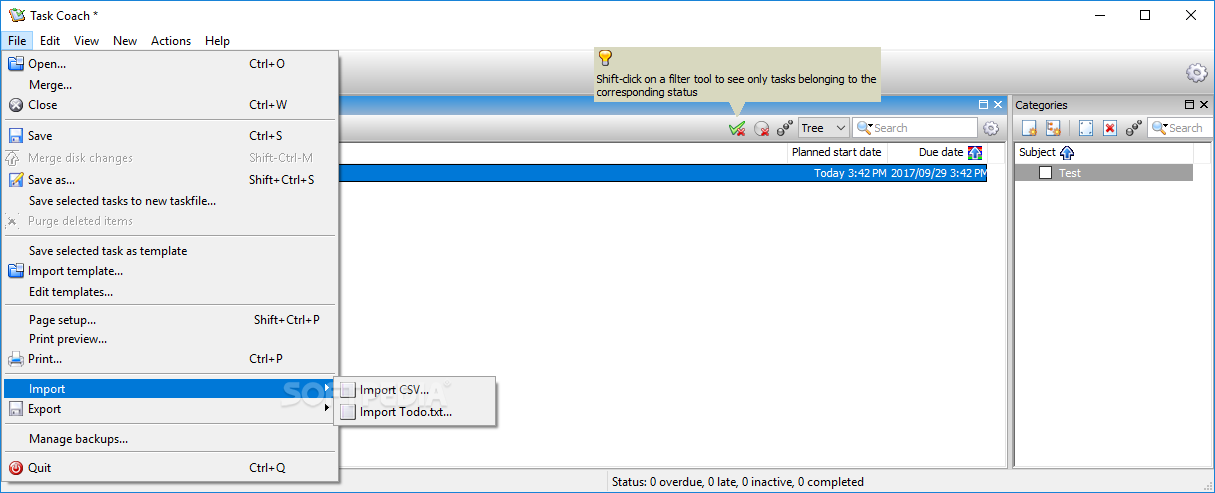
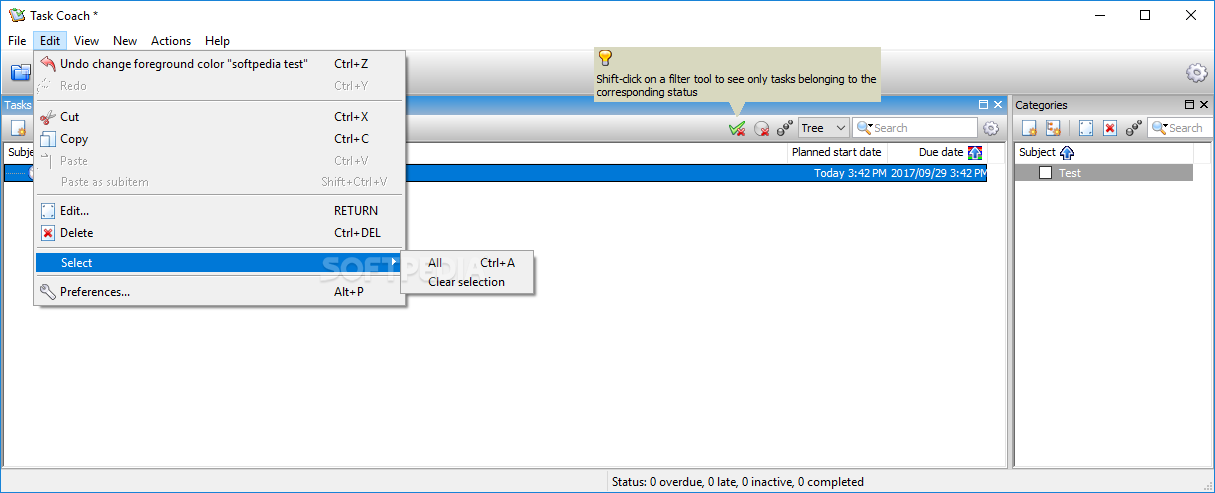
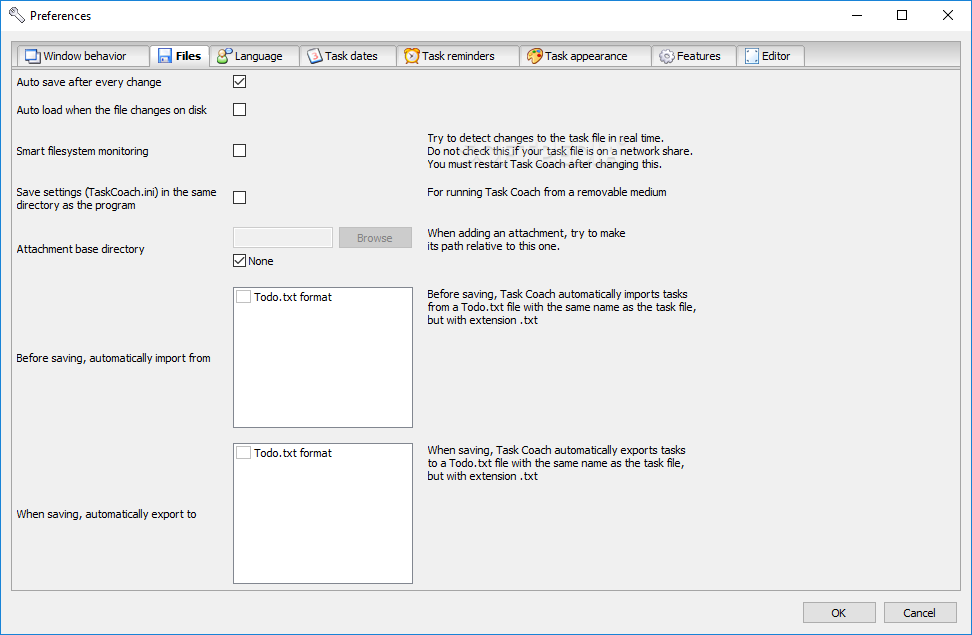
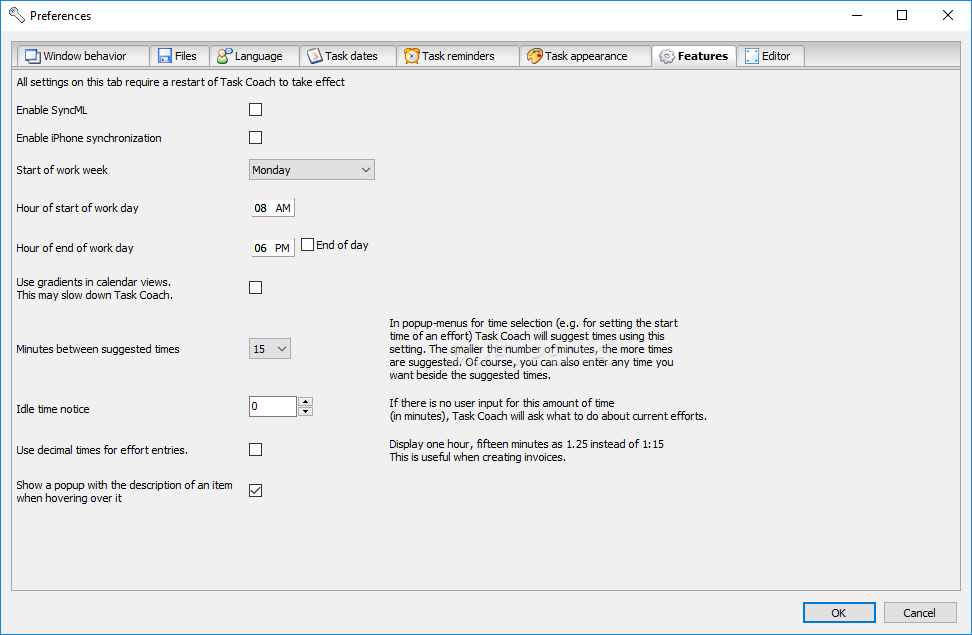
Moreover, you can create new categories and subcategories, merge files with different tasks, import and edit templates, import CSV and TXT files, export HTML, CSV, iCalendar and TXT files, use the undo and redo functions, view statistics, a square map, timeline, calendar and others, sort tasks, send items via email, and more.
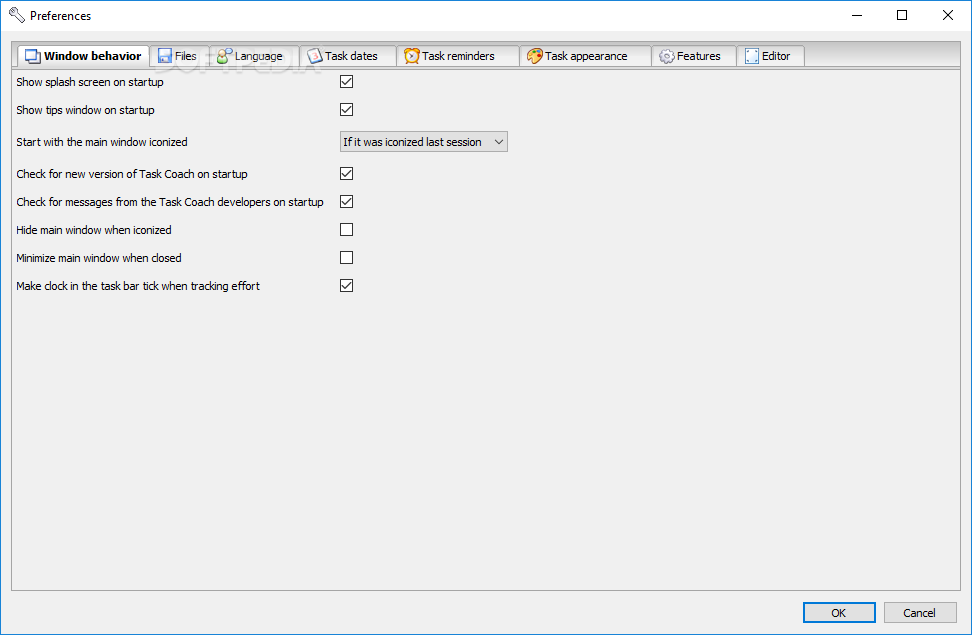
Task Coach runs on a moderate amount of system resources, contains a comprehensive help file along with daily tips, and didn't cause us any issues during our tests. On the other hand, the program could had been a little bit simplified because sometimes it's slightly difficult to keep track of its features. Even so, we strongly recommend Task Coach to all users.
Download Hubs
Task Coach is part of these download collections: Event Planner
What's new in Task Coach 1.4.6:
- Bug fixed:
- Workaround for an underlying wxPython limitation we ran into. After some time Task Coach would exhibit various symptoms because of an exception in the event loop.
Task Coach 1.4.6
add to watchlist add to download basket send us an update REPORT- portable version
- Portable Task Coach
- runs on:
-
Windows 10 32/64 bit
Windows 8
Windows 7
Windows Vista
Windows XP
Windows 2K - file size:
- 13.4 MB


- main category:
- Office tools
- developer:
- visit homepage
4k Video Downloader

calibre

Bitdefender Antivirus Free

7-Zip

Context Menu Manager

Microsoft Teams

Zoom Client

IrfanView

ShareX

Windows Sandbox Launcher

- IrfanView
- ShareX
- Windows Sandbox Launcher
- 4k Video Downloader
- calibre
- Bitdefender Antivirus Free
- 7-Zip
- Context Menu Manager
- Microsoft Teams
- Zoom Client