
Send and receive faxes from your computer, manage them with ease and process your fax archive and connect to your scanner to capture images and send them via fax. #Fax program #Fax machine #Fax software #Fax #Cover #Scanner

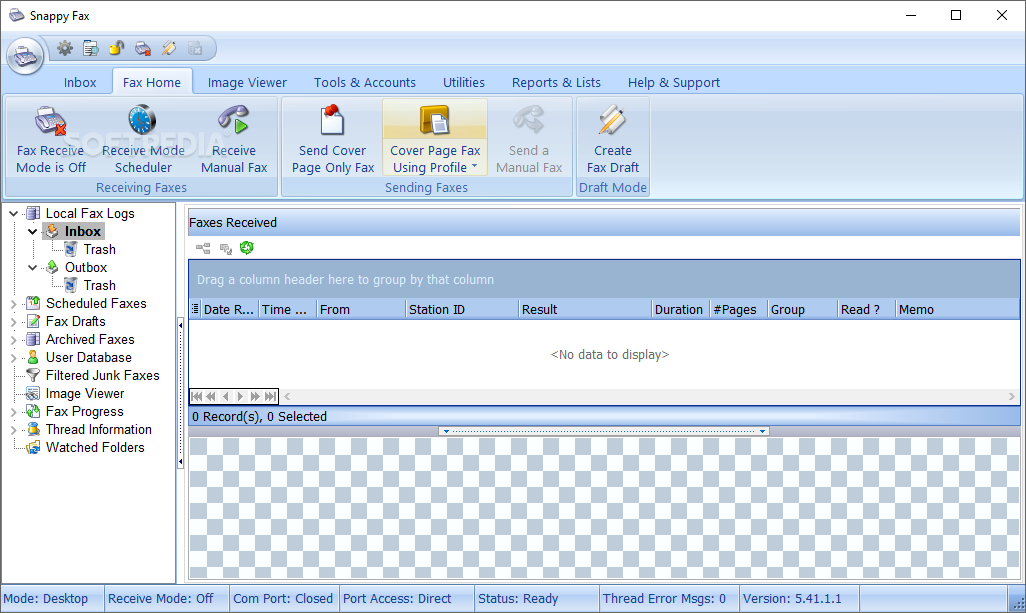
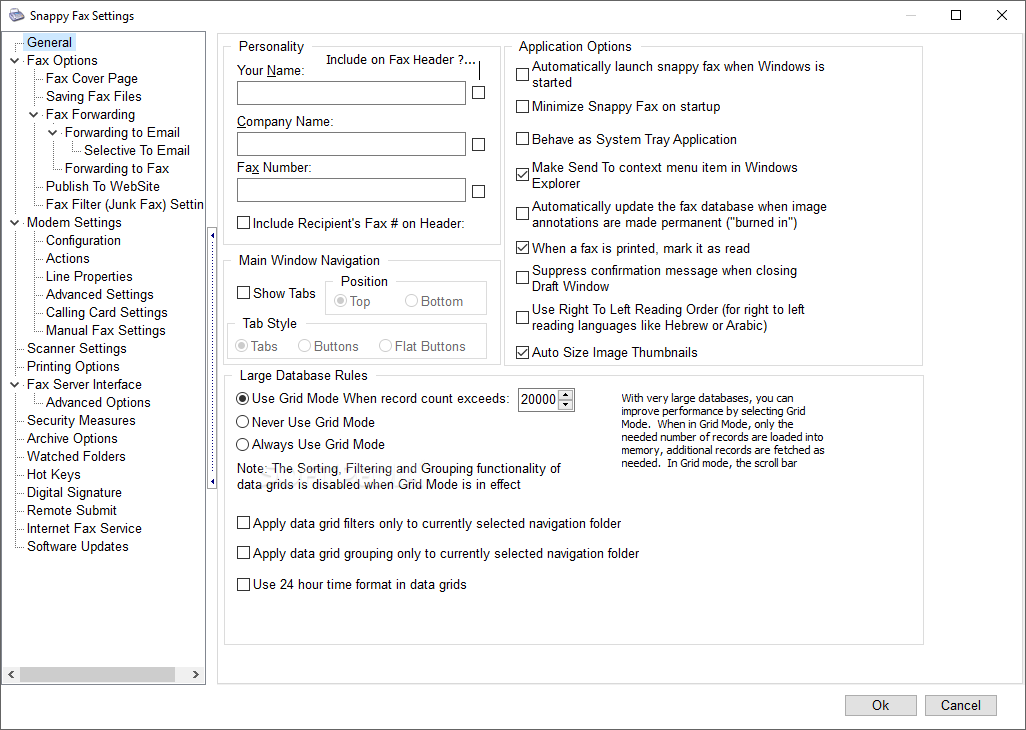
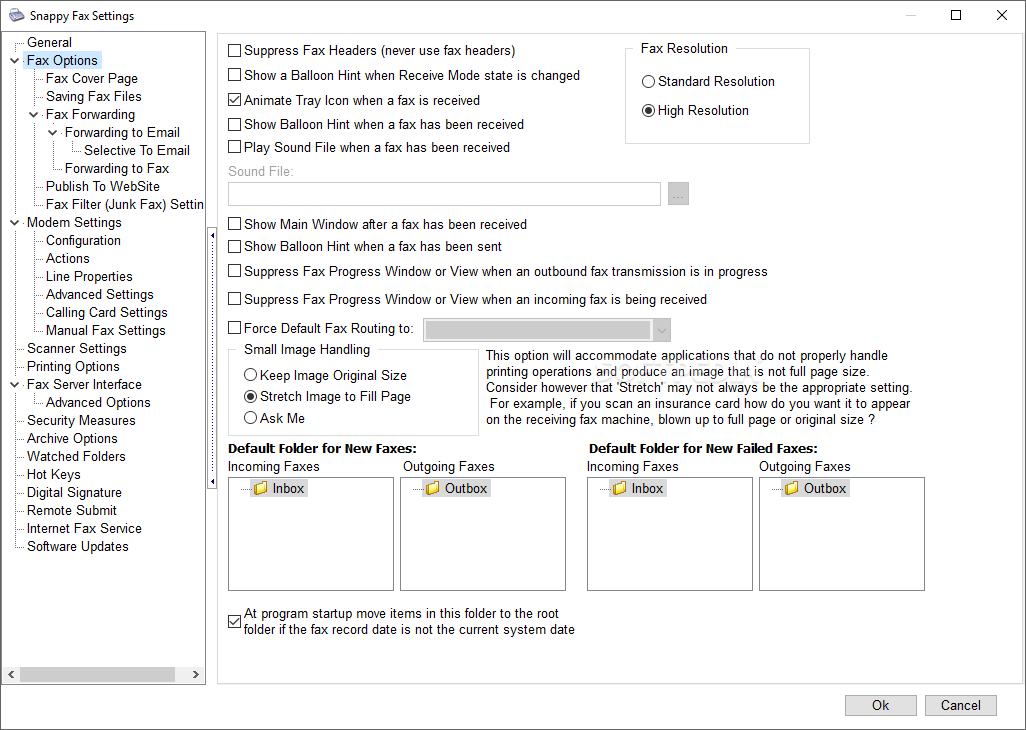
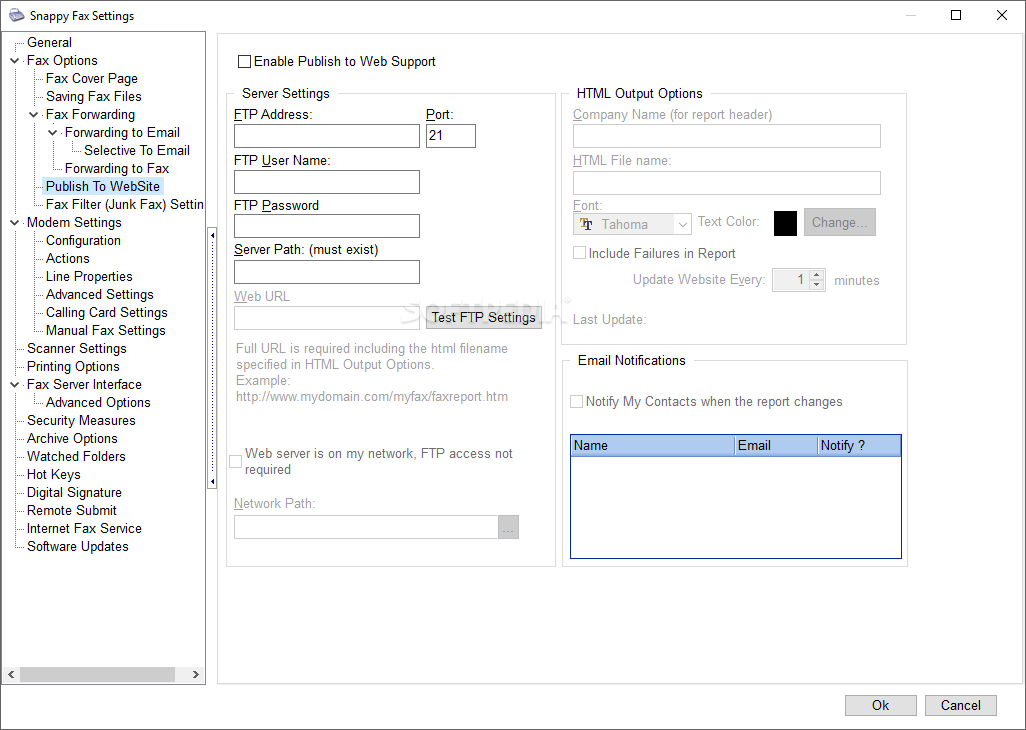
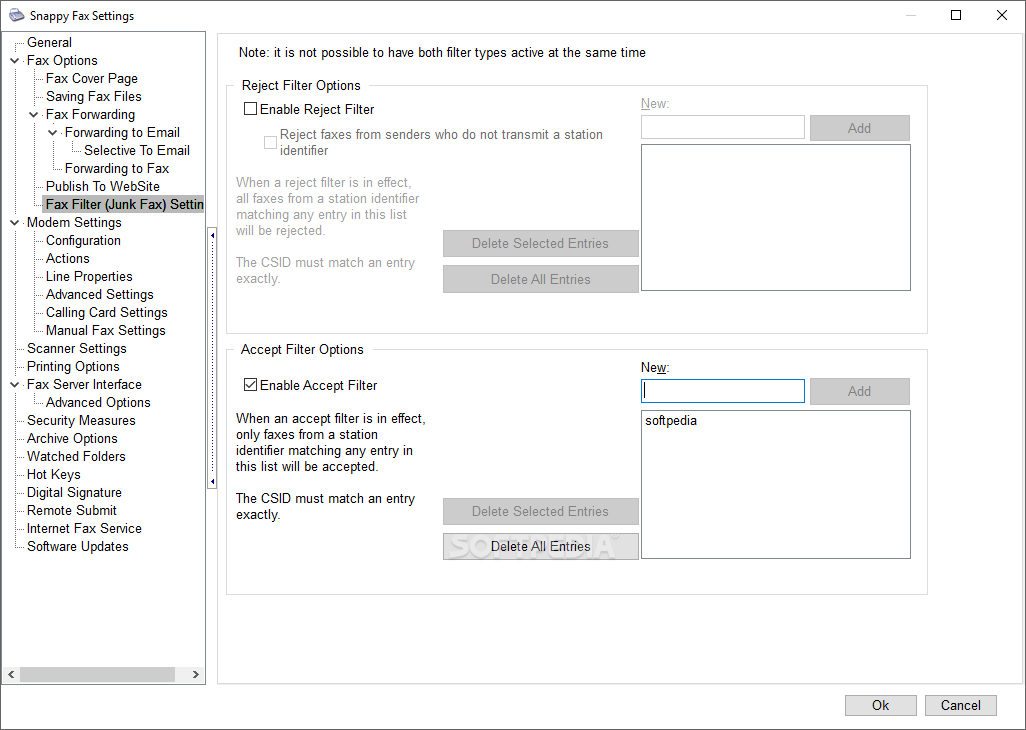
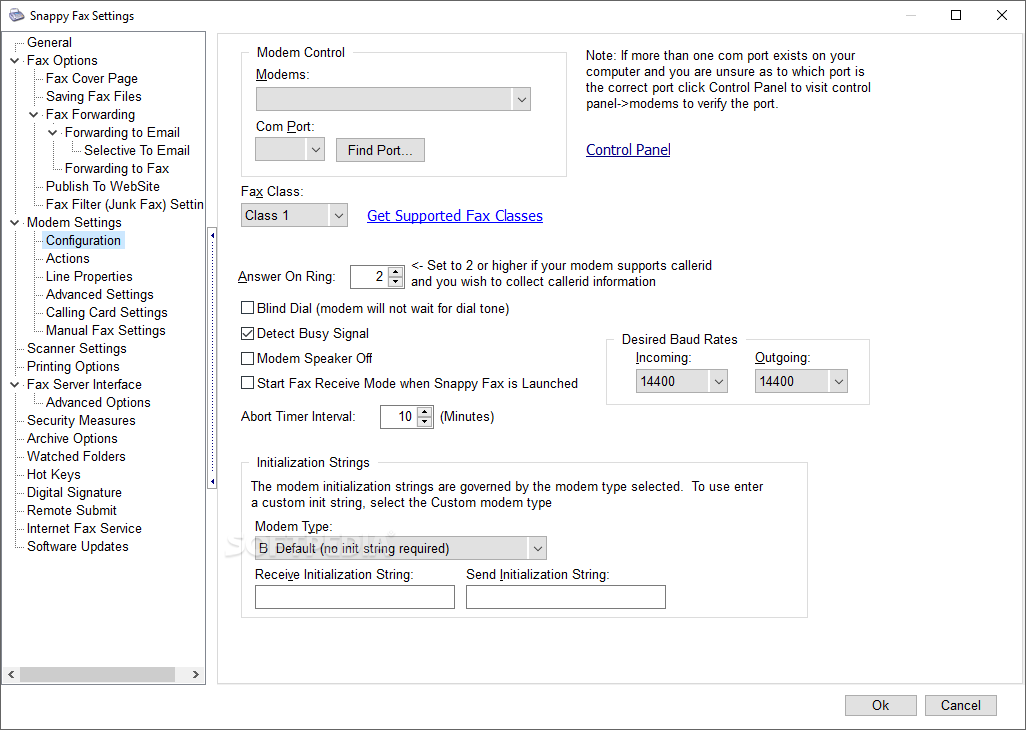
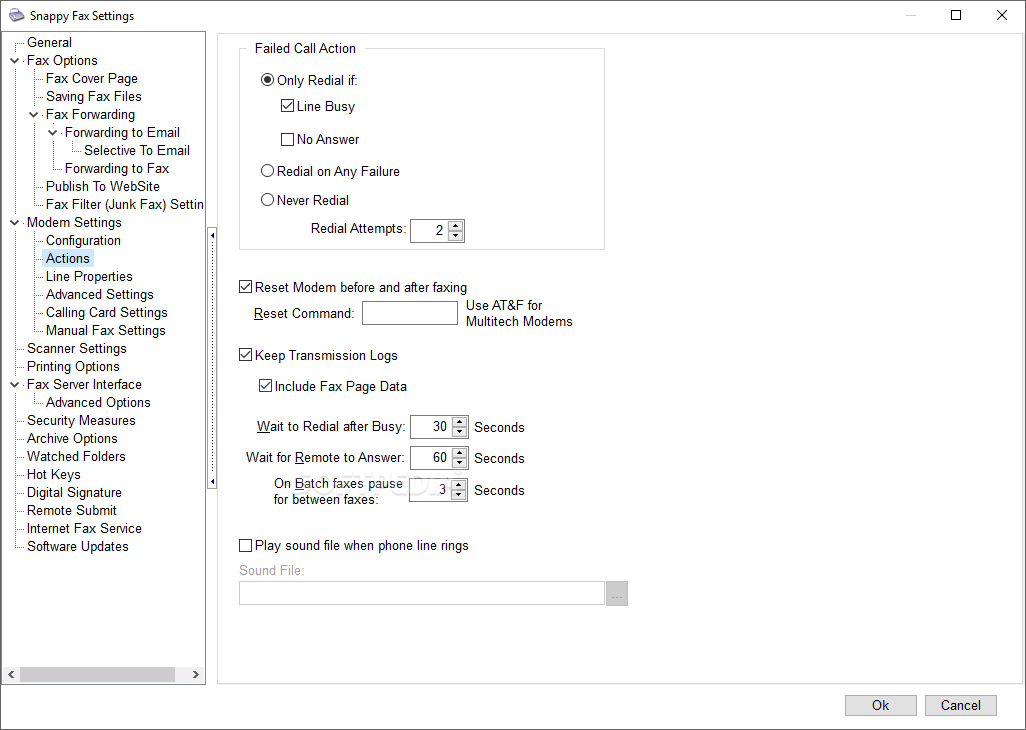
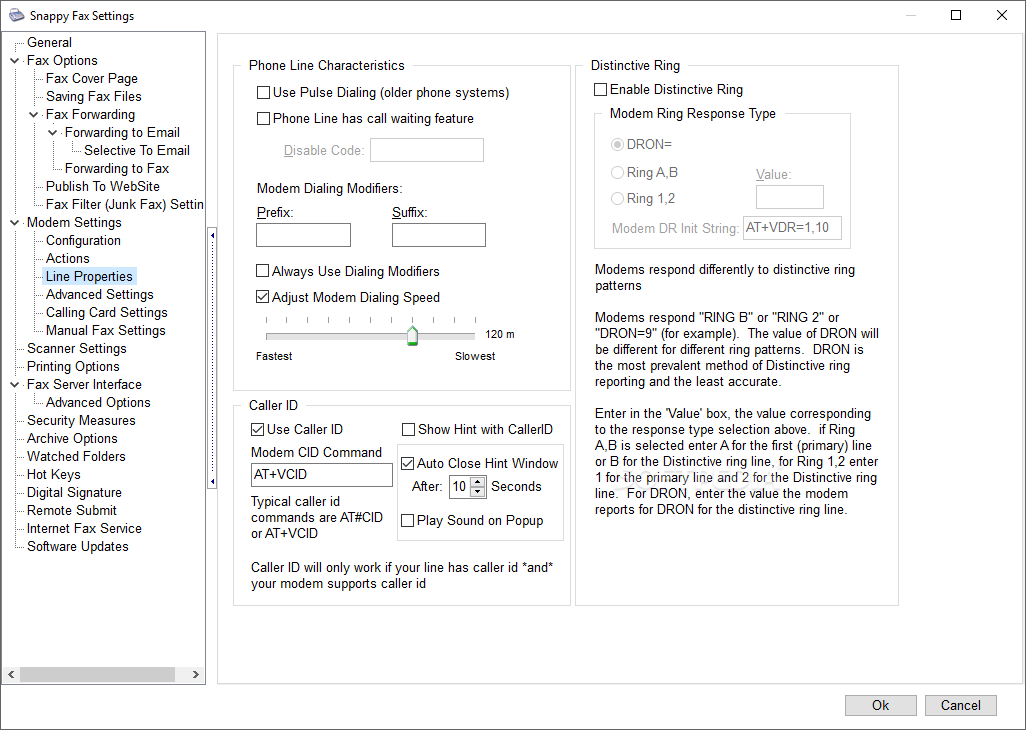
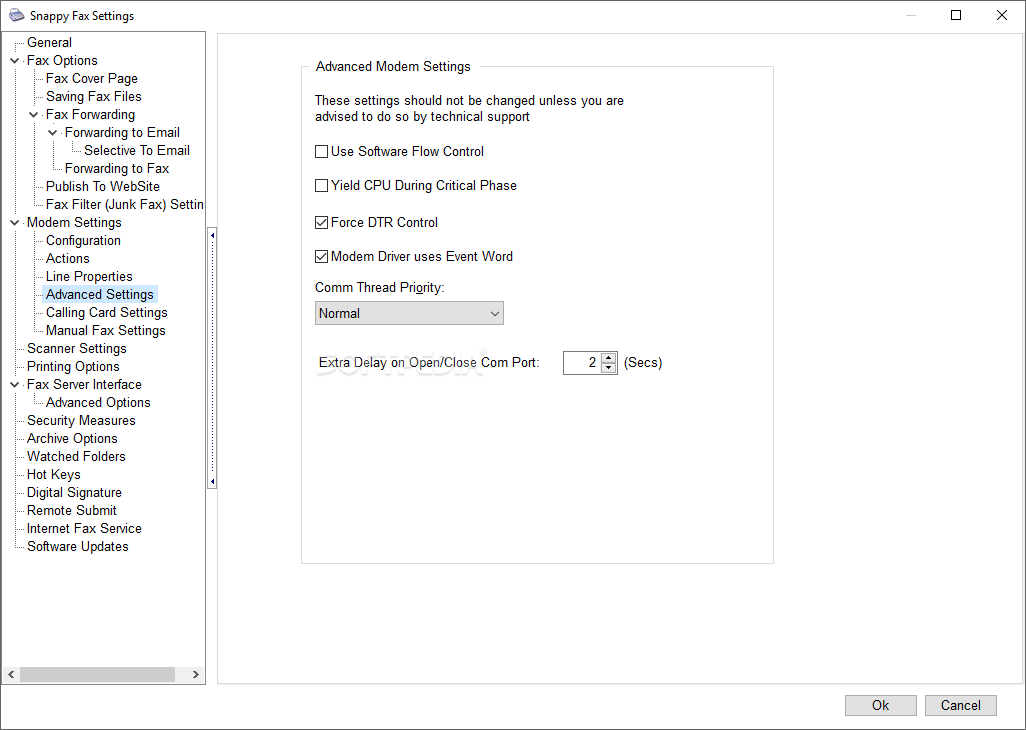
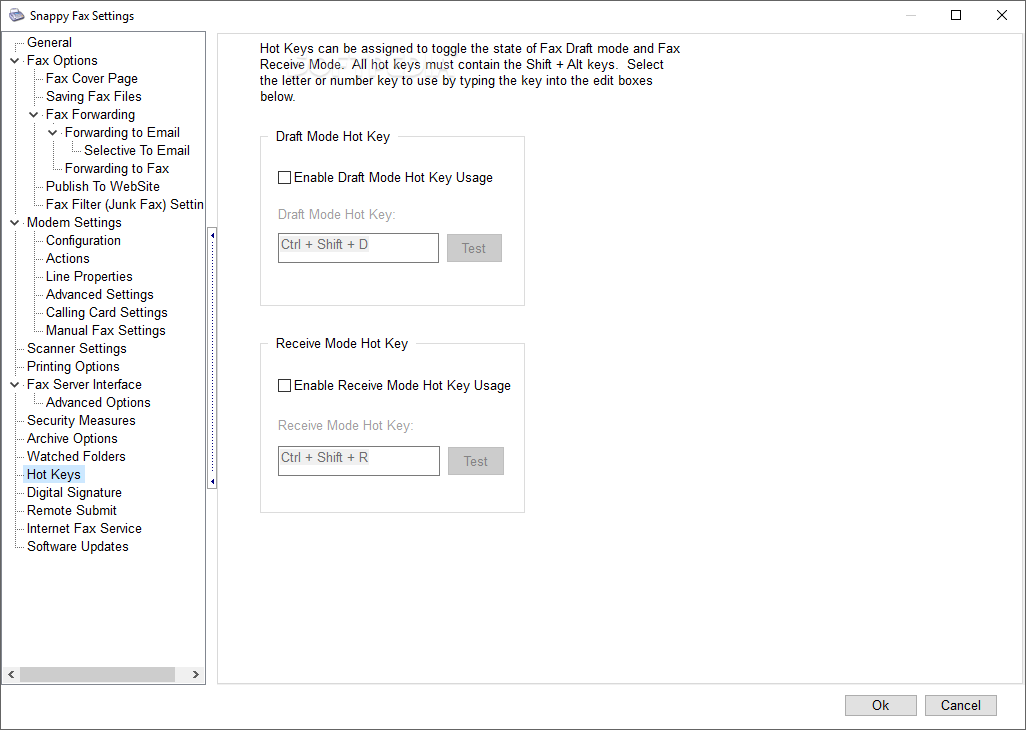
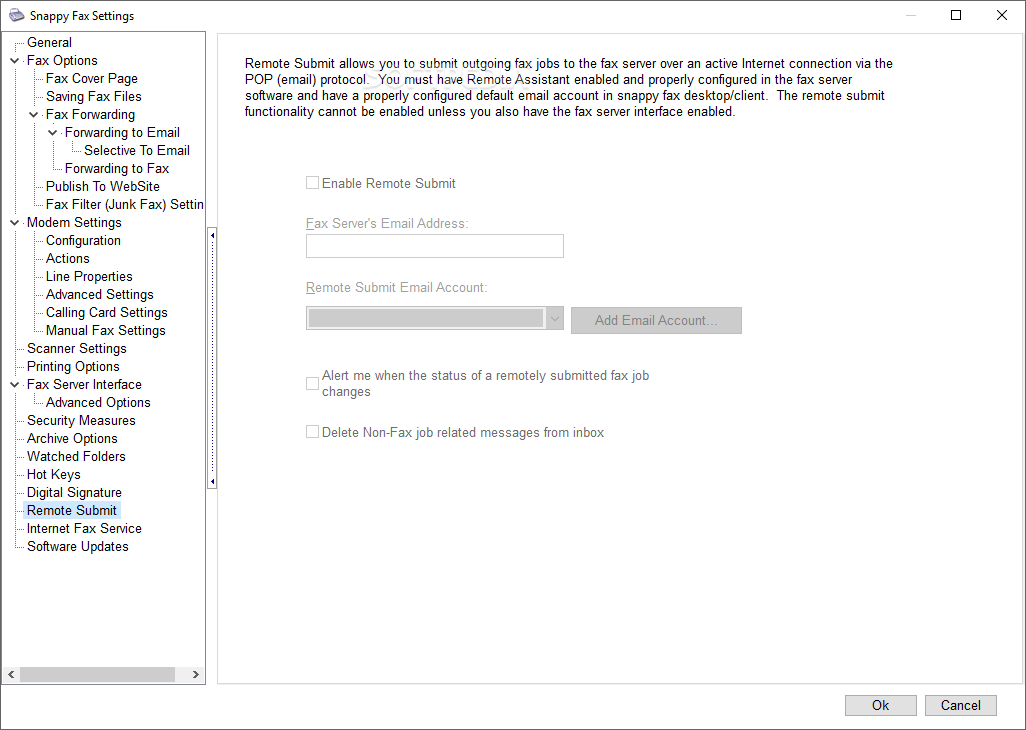
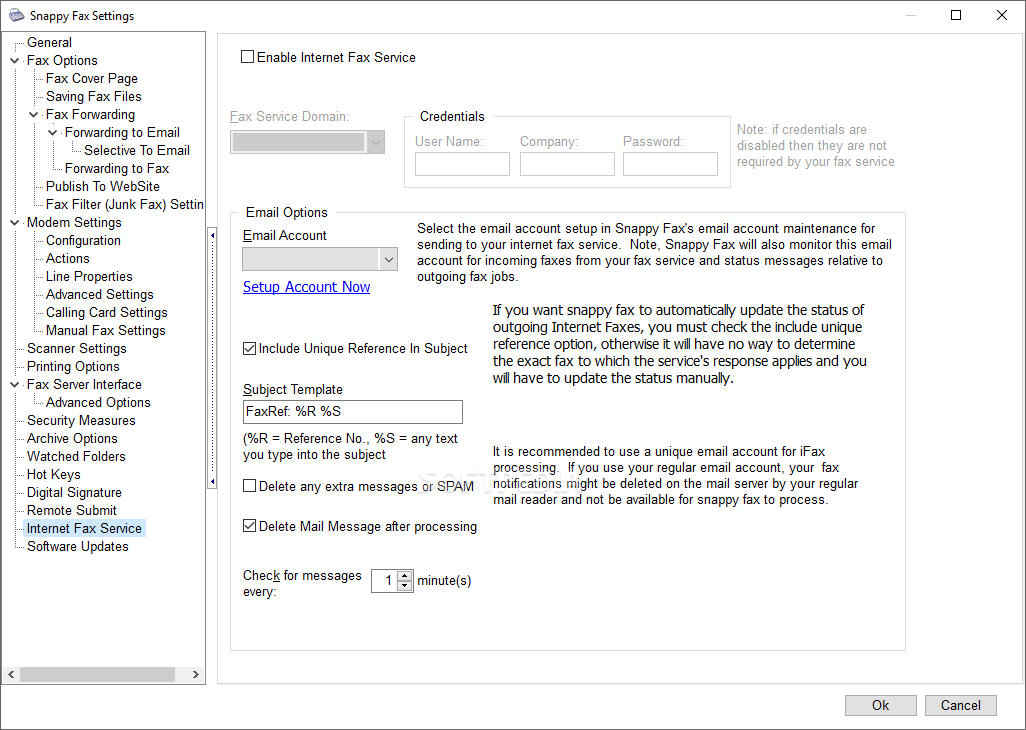
Snappy Fax is a desktop fax program that provides beginners with a user-friendly interface, yet offers many useful features that meet the needs of an advanced user. First, the program asks you to configure your modem's COM port, in order to establish the connection. After that, you can easily organize your incoming and outgoing faxes, as well as set scheduled tasks.
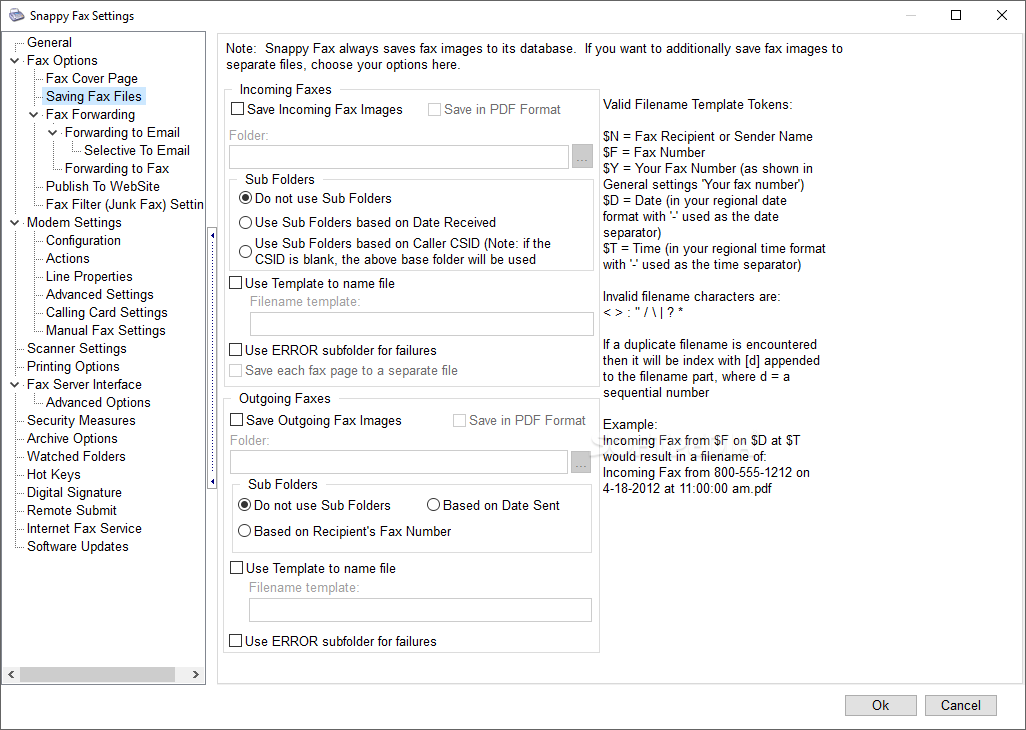
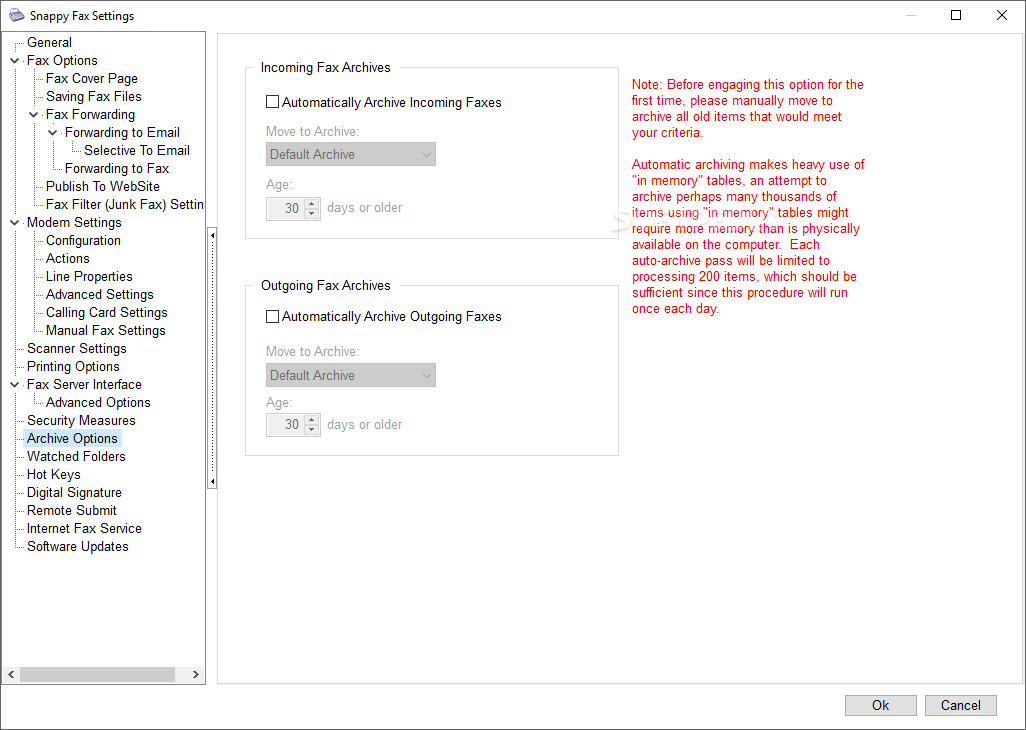
One advantage of Snappy Fax is that it can archive sent faxes for later use. You can retrieve them whenever you want, in order to process them again. Moreover, you can write annotations on the document, which enables you to mark it up and send it back to the initial sender.
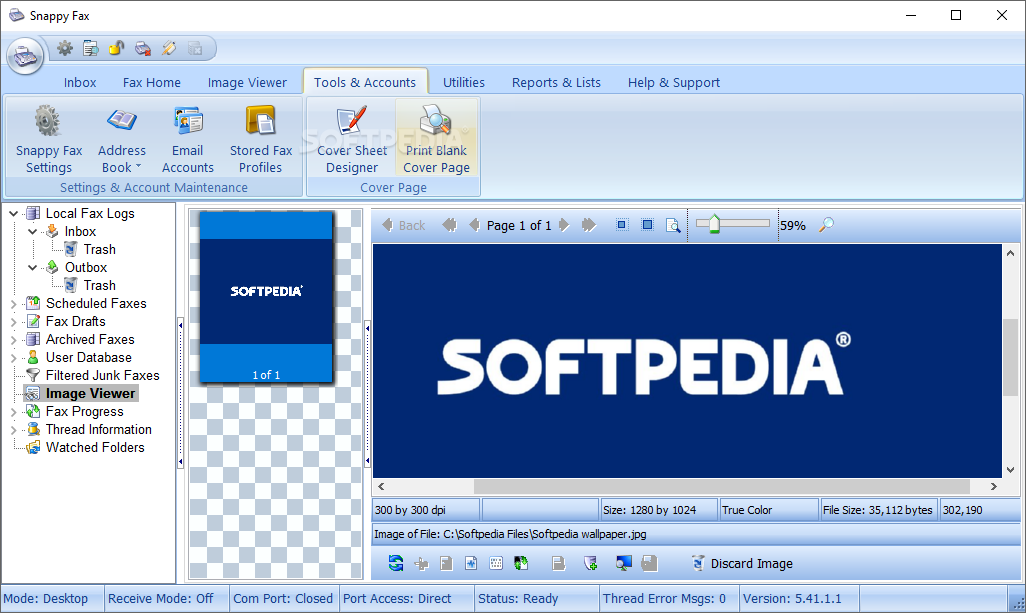
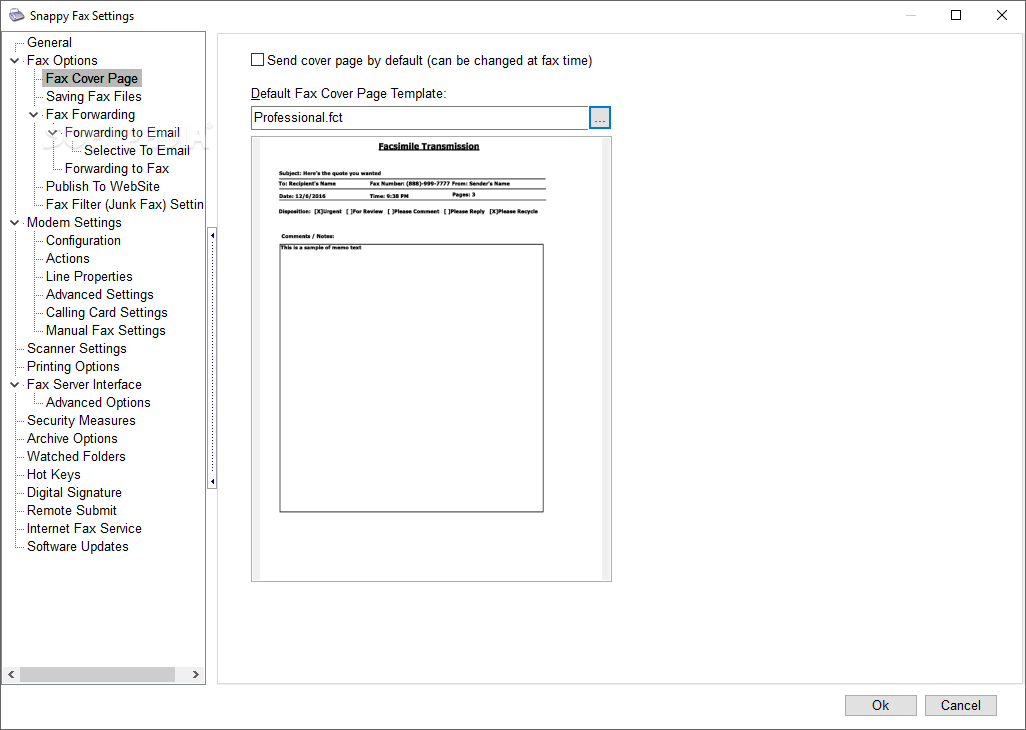
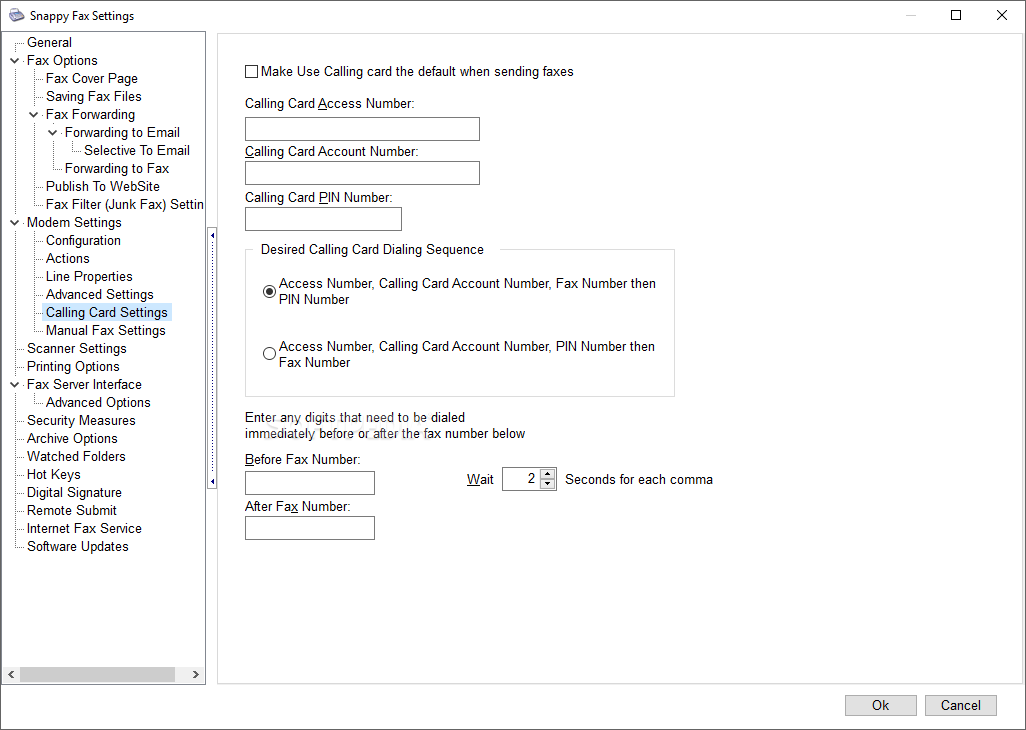
When sending a new fax, Snappy Fax enables you to prepare the fax job, by filling in the fax routing method, recipient information, sender details, dialing properties and fax signature. You can assign a cover page to the fax, which can also include a custom message: 'Urgent', 'For review', 'Please comment / reply / recycle'. The program includes an integrated cover page designer that you can use to create your own templates.
Another plus is the Schedule feature, which really comes in handy if you have multiple faxes to send. Any document can be queued and saved for sending at a user-defined date and time.
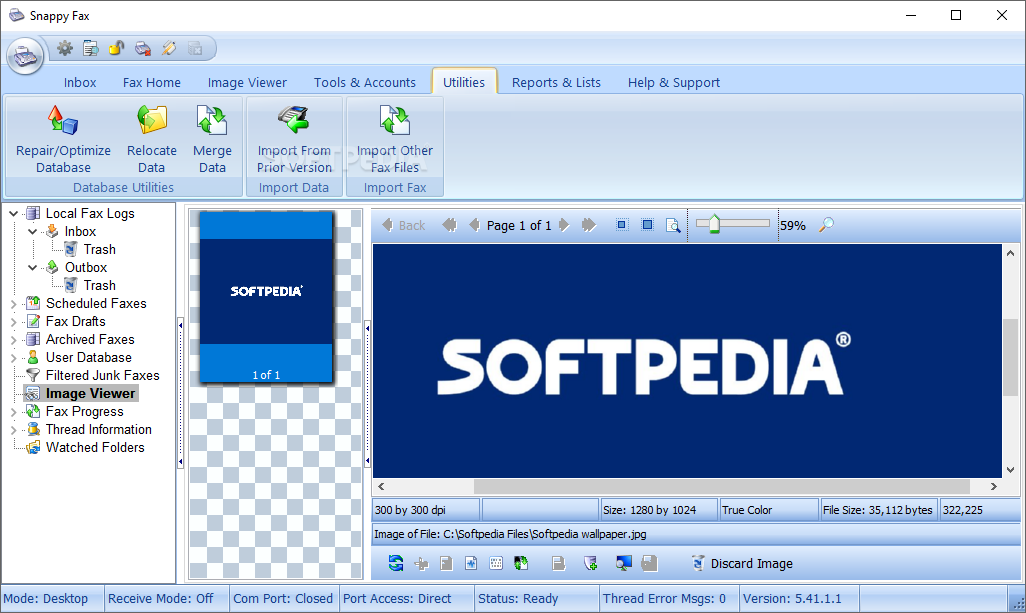
In order to easily manage your contacts, Snappy Fax allows you to create an address book, where you can store all fax machine numbers and contacts' detailed information. An advantage is that you can import address book entries from other applications.
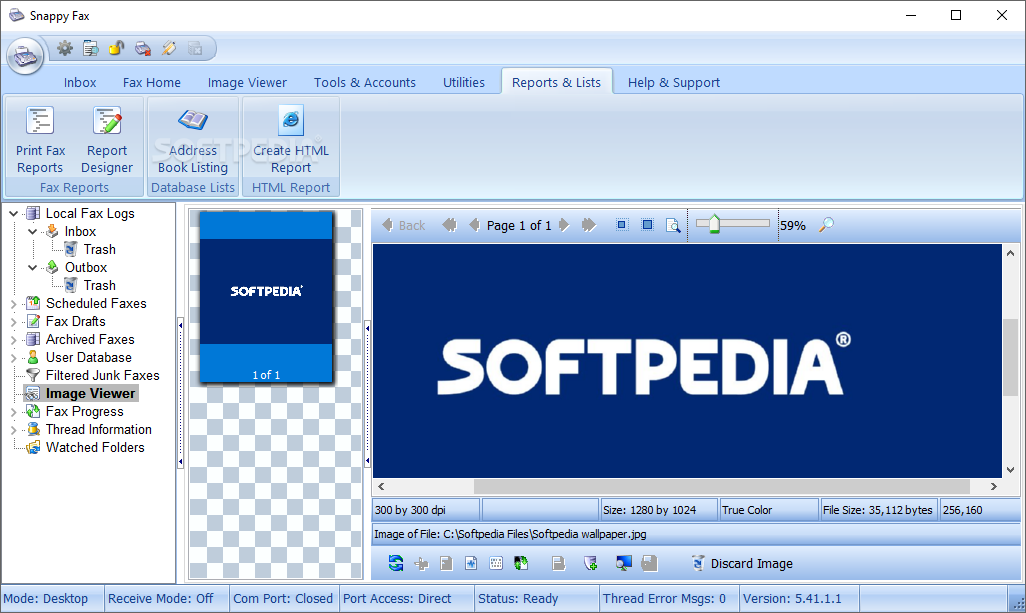
With the help of Snappy Fax, you can also repair or optimize your data files, as well as generate customized fax reports, using the in-built report designer.
As stated above, Snappy Fax provides you with a lot of useful features, which makes it a complete and useful solution for fax messages management.
Download Hubs
Snappy Fax is part of these download collections: Fax Clients
What's new in Snappy Fax 5.59.3.1:
- Includes Several Bug Fixes
- Addressed EOut Of System Resources error when constructing cover page.
Snappy Fax 5.59.3.1
 Softpedia Editor's Pick
add to watchlist
add to download basket
send us an update
REPORT
Softpedia Editor's Pick
add to watchlist
add to download basket
send us an update
REPORT
- runs on:
-
Windows Server 2019
Windows Server 2016
Windows 10 32/64 bit
Windows Server 2012 R2
Windows Server 2012
Windows 2008 R2
Windows 2008 32/64 bit
Windows 2003
Windows 8 32/64 bit
Windows 7 32/64 bit
Windows Vista 32/64 bit
Windows XP 32/64 bit - file size:
- 50.4 MB
- filename:
- sf5setup.exe





- main category:
- Office tools
- developer:
- visit homepage
Microsoft Teams

Context Menu Manager

IrfanView

4k Video Downloader

7-Zip

ShareX

Bitdefender Antivirus Free

Windows Sandbox Launcher

calibre

Zoom Client

- Windows Sandbox Launcher
- calibre
- Zoom Client
- Microsoft Teams
- Context Menu Manager
- IrfanView
- 4k Video Downloader
- 7-Zip
- ShareX
- Bitdefender Antivirus Free