Search Perform an advanced search query SOFTPEDIA
 
SOFTPEDIA
Updated one minute ago
HomeSubmit a program for being reviewedAdvertise on our websiteGet help on surfing our websitesSend us your feedbackGet information about our XML/RSS backend and how to use itBrowse the news archiveVisit our discussion forumVizitati forumul in limba romana


Program Finder NormalFreeware onlyShareware only

AbiWord 2.6.3 Report spyware 

Click to download AbiWord
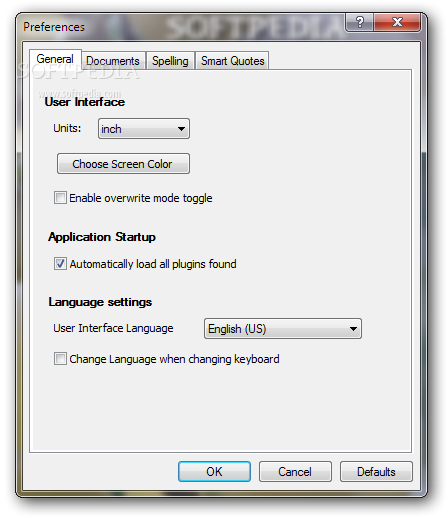
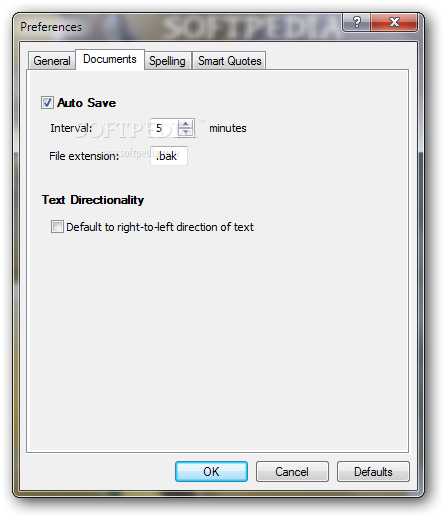
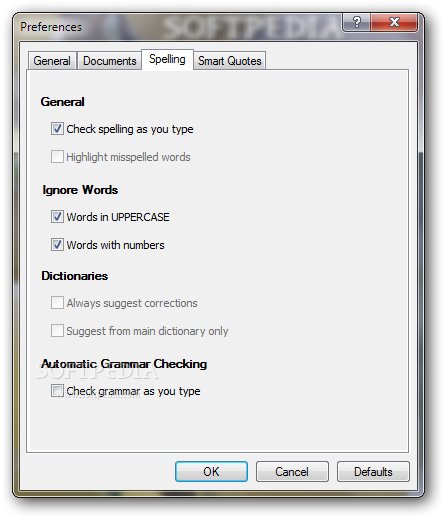
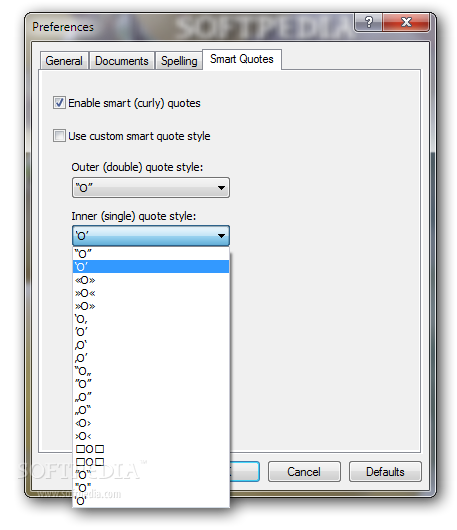
View more AbiWord screenshots (3)
 Downloads: 18,943
Rating: Very Good (4.4/5) | Rated by: 90 user(s)
Add to download basket     Send us update information
 Developer: SourceGear Corporation | More programs by this producer
 License: GPL  
 Size / OS: 5.66 MB, Windows All
 Last Updated: May 5th, 2008, 08:30 GMT
 Category: C: \ Office tools \ Office suites
 Read user reviews (0) Add a review Refer to friend Subscribe
    Download AbiWord

AbiWord description
A free word processor for all major operating systems

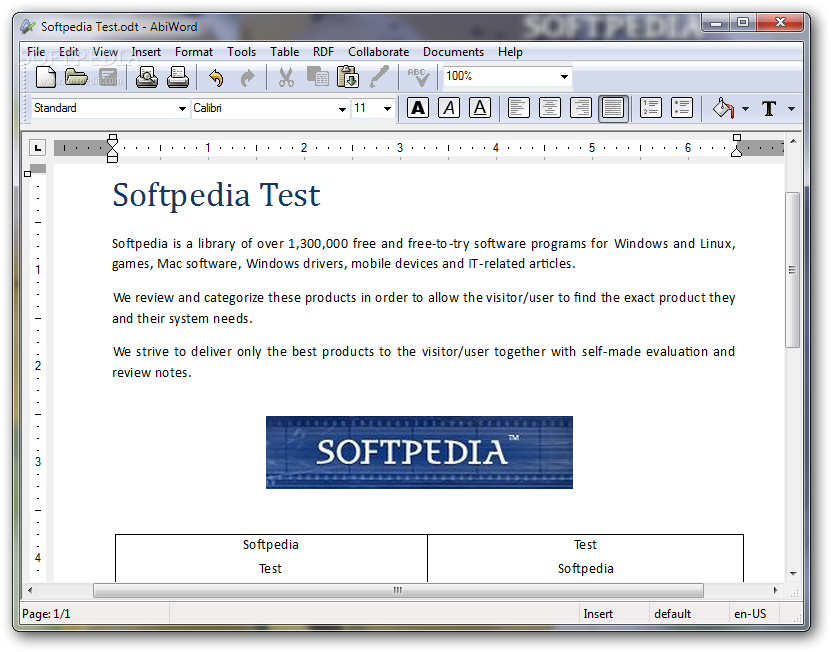
AbiWord is a word processing tool similar to Microsoft Word. It is suitable for typing papers, reports, letters, memos and so forth.

AbiWord is part of a larger project known as AbiSource, which was started by the SourceGear Corporation.

The goal of the project was the development of a cross-platform, Open Source office suite beginning with AbiWord, the project's word processor.

AbiWord is unique among word processors in its drive to become a fully cross-platform word processor.

Our source code is carefully written so that AbiWord will run on virtually any operating system with a minimum of time spent on porting.

This combined with our support for internationalization (the ability to run AbiWord in many languages) gives AbiWord a massive potential user-base.

AbiWord has been designed to integrate perfectly with the operating system it runs on. It will take advantage of the functionality provided by the system, such as image loading or printing capabilities.

Here are some key features of "AbiWord":


· Multi Platform
Enjoy your favorite Word Processor on the operating system you like to use - be it Windows, Linux, QNX, FreeBSD or Solaris.
AbiWord has been designed to integrate perfectly with the operating system it runs on. It will take advantage of the functionality provided
by the system, such as image loading or printing capabilities.

· Interoperability
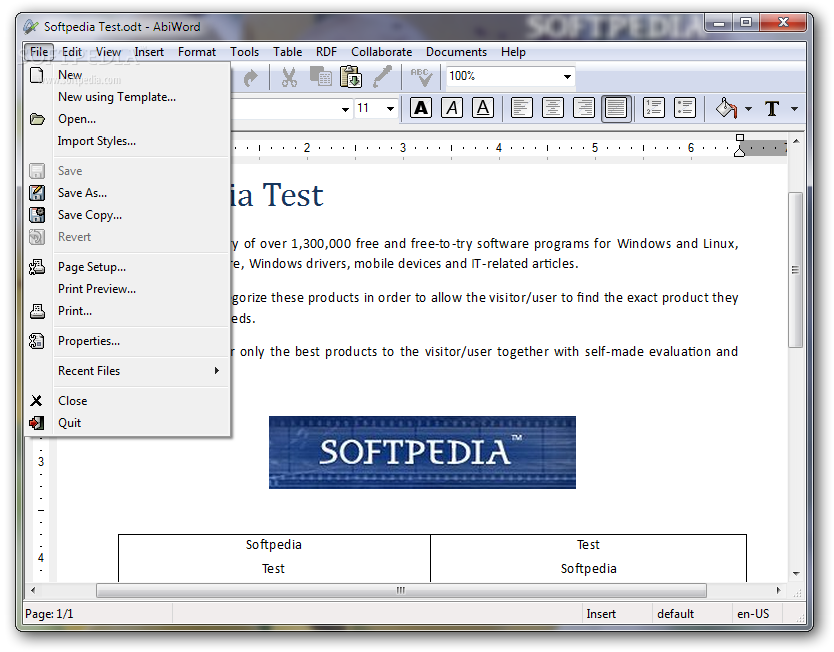
What use is a Word Processor when you can't share your documents with your friends? AbiWord is able to read and write all industry standard document types, such as OpenOffice.org documents, Microsoft Word documents, WordPerfect documents, Rich Text Format documents, HTML web pages and many more.

· Advanced Document Layout
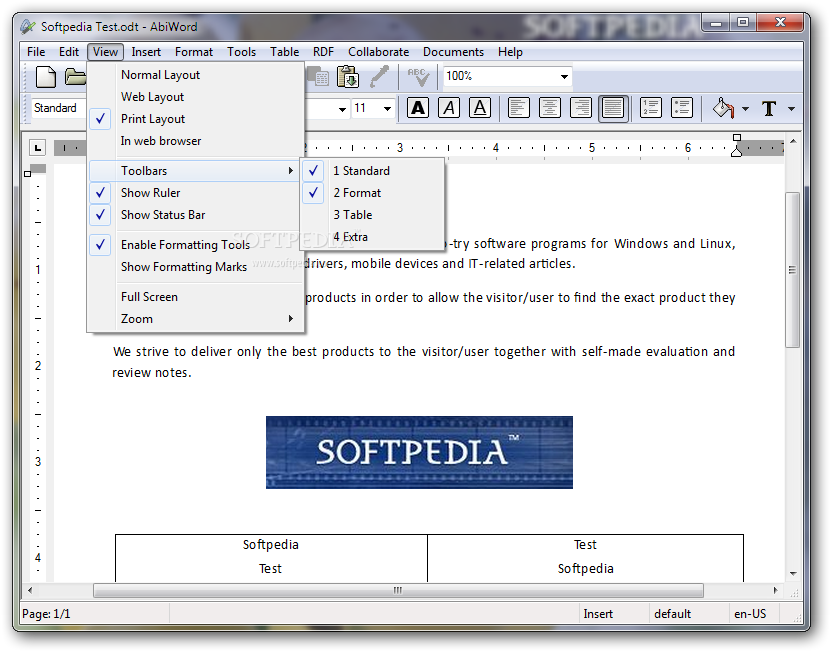
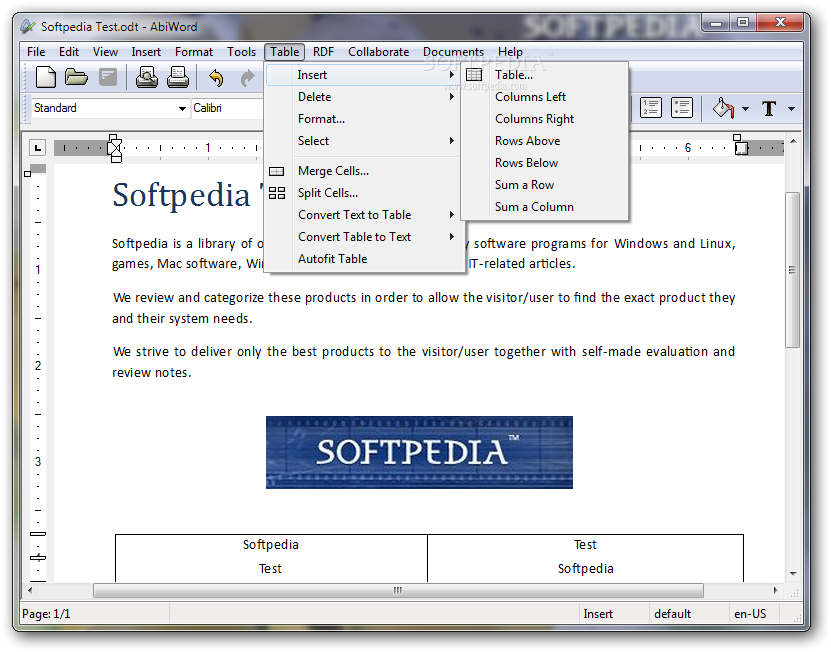
Give your document that professional, scientific or fun-to-read look using AbiWord's advanced document layout options. Use tables, bullets, lists, images, footnotes, endnotes and styles to enhance the way your document looks.

· Internationalization
Since not everyone in the world speaks the same language, AbiWord comes in many different languages. AbiWord is available in most common and many not-so-common languages.
Make sure your document contains none of those nasty spelling errors by using AbiWord's built-in spelling checker. Dictionaries exist for over 30 languages.
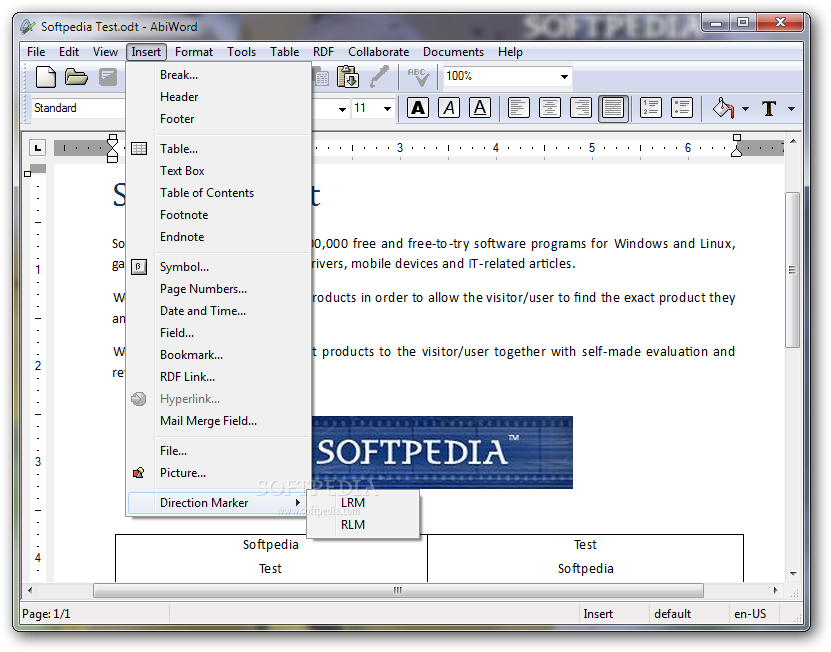
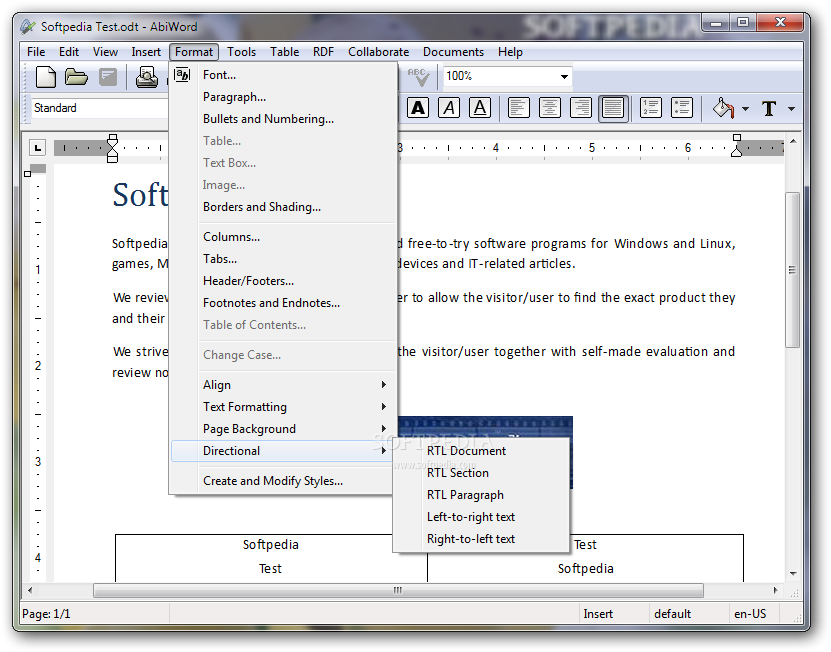
AbiWord supports right-to-left, left-to-right, and mixed-mode text. This means that in addition to supporting European languages, AbiWord supports languages like Hebrew and Arabic as well.

· Mail Merge
Do you also hate writing tens of thousands form letters by hand? With AbiWord's Mail Merge capabilities, you can let AbiWord automate that job for you. Special fields inserted into a template document can automatically be replaced with data coming from a variety of sources, such as Relational Databases, Comma Separated Text files or Tabbed Text files.
To facilitate the use of AbiWord in a server environment, a powerful command line interface to AbiWord is available. This allows you to generate form letters, print documents or convert documents to any file format AbiWord supports - all from the command line!

· Extensible Plugin Architecture
The main AbiWord program is very small and requires very little resources to run. This allows AbiWord to be used on systems that are not considered "State of the Art" anymore, which comes all too quickly in the IT world.
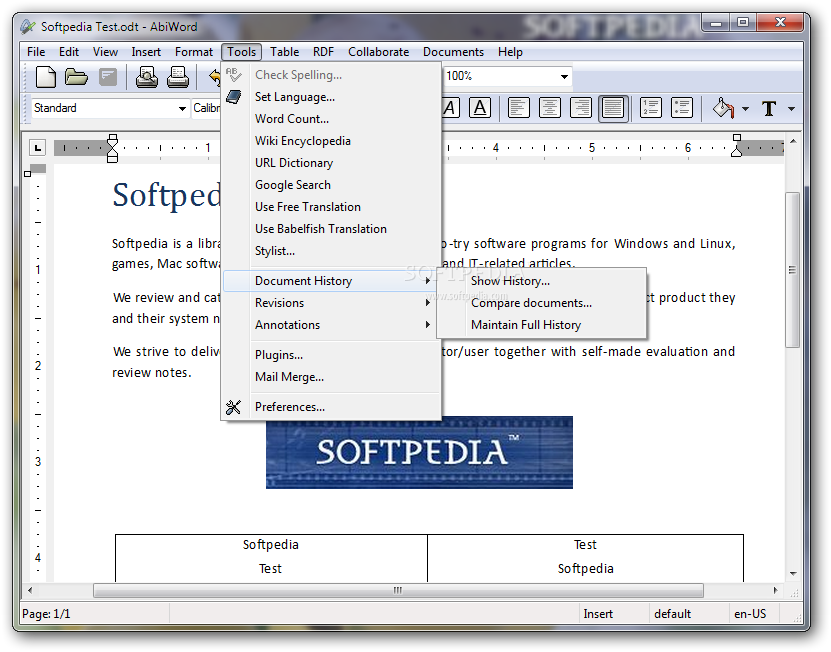
Our plugin system was designed to give AbiWord all the functionality you might expect from a modern Word Processor. A variety of plugins can be used to extend AbiWord's functionality, ranging from Document Importers to a Thesaurus, Image Importers and a Text Summarizer.


Requirements:

· 486dx or better processor
· At least 16MB RAM
· Windows 95b or later
· Windows NT4 with update below
· Windows 95a has been known to work as well, but you need the update described here


What's New in This Release:

· Greatly-improved support for languages like Thai and Arabic using a new Pango based renderer (Unix platforms)
· We've included a new GNOME Office plugin that allows embedding Gnumeric charts into your documents (Unix platforms)
· Ability to open files on remote shares, ie. samba, ftp or ssh shares (Unix platforms)
· A new experimental collaboration plugin, allowing users to collaboratively work on the same document in real-time. There are currently 3 communication backends supported: an XMPP based one (only available on Unix systems, and it could use some love), a pu
· A massive amount of work on all of our popular import and export filters, most notably the OpenDocument filter
· The addition of a new experimental Office Open XML import filter
· Support for native Windows Vista menus
· Various drag & drop and clipboard handling improvements
· Allow dragging and dropping images in and out of AbiWord (Unix platforms)
· Fast image previews in the Image dialog, even for huge images (Unix platforms)
· Various toolbar improvements, most notably the improvements to make them work better on small screens (Unix platforms)
· Lots of updates to our translations
· Lots of small fixes in our GTK+ frontend, such as fixing those pesky tooltips that just wouldn't go away (Unix platforms)
· Automatic font substitution using fontconfig when a specific font is not available (Unix platforms)
· Improved support for running AbiWord in non-UI mode (sometimes also referred to as "server" mode, as offered by the AbiCommand plugin); most notably AbiWord no longer requires an X server on Unix systems in non-UI mode... [ read full changelog ]


Softpedia guarantees that AbiWord 2.6.3 is 100% FREE, which means it is a freeware product (both for personal and commercial use) that does not contain any form of malware, including but not limited to: spyware, viruses, trojans and backdoors.

This software product was tested thoroughly and was found absolutely clean, therefore it can be installed with no concern by any computer user.

However, it should be noted that this product will be retested periodically and the award may be withdrawn, so you should check back on this page from time to time. (click here for more information)


Related downloads IT News Popular downloads New additions   Latest reviews  
Notepad Pro 2.91
Notepad Pro is a skinnable text-editor supporting 8 languages, that can control Winamp, and can even make PDF files
TextEdit 2.1.0.914
TextEdit is the simple and easy to use powerful text editor for Windows.
Notepad X 0.8.6
A powerful, tabbed text editor that can successfully replace Notepad
TextEdit 1.0
TextEdit - Simple text editor
Text tree 1.2
Text tree is a unique text editor and outliner!
Text Magician 1.30
With Text Magician application you will be able to edit text files any way you want
NoteMaster 1.3.4
NoteMaster project is creating a free, easy-to-use yet extremely powerful text and code editor with stunning features
It's All Text! 0.8.2
Firefox extension that will let you edit a webpage's text using your favorite editor
MvTools 1.4.1.3
MvTools - a custom text editor and working environment.
Edit Copy Snippet 1.0
Maxthon add-on that will allow you to edit the the selected text from a webpage of your choice

go to top Use the following code to link to this page:


Welcome!
Hello, Guest

Login if you have a Softpedia.com account.

Otherwise, register for one.

Main categories:
  • Antivirus
  • Compression tools
  • CD/DVD Tools
  • Office tools
  • Programming
  • Authoring tools
  • File managers
  • Desktop Enhancements
  • Internet
  • Network Tools
  • IPOD TOOLS
  • Mobile Phone Tools
  • Multimedia
  • Tweak
  • System
  • Security
  • Others
  • Science / CAD
  • UNIX
  • Windows Widgets
  • PORTABLE SOFTWARE

  • Week's best:
  • Adobe Flash Player 1...
  • Intel Chipset Softwa...
  • Uxtheme Multi-patche...
  • SRS Audio Sandbox 1....
  • SP3 UxTheme Patcher ...
  • PECompact 2.82
  • Sony Vegas Movie Stu...
  • 3DMark Vantage 1.0
  • Total Commander 7.03
  • VistaMizer 2.5.1.0
  • AVG Free Edition 8.0...
  • Windows XP Service P...
  • Ashampoo Burning Stu...
  • XviD Media Codec 1.1...
  • Blu-ray Disc Ripper ...
  • Blu-ray Region Code ...
  • Adobe Photoshop Ligh...
  • PowerDVD 8.0.1531
  • EF Commander 6.54
  • Microsoft Windows In...
  • Nero 8 Lite 8.3.2.1
  • WebSite-Watcher 4.41...
  • EVEREST Ultimate Edi...
  • Nokia PC Suite 6.86....
  • VMware Workstation 6...
  • AnyDVD HD 6.4.2.2
  • Messenger Plus! Live...
  • The Bat! Voyager 4.0...
  • Windows Vista Servic...
  • Nero 8 8.3.2.1
  • © 2001 - 2008 Softpedia. All rights reserved.
    Softpedia™ and Softpedia™ logo are registered trademarks of SoftNews NET SRL.
    Copyright Information | Privacy Policy | Terms of Use | Contact Softpedia | Update your software | Archive