
A reliable application that allows users to record their screen activity and design interactive presentations by inserting text messages, audio and video files, and transition effects. #Create presentation #Screen capture #Record demonstration #Presentation #Demonstration #Simulation

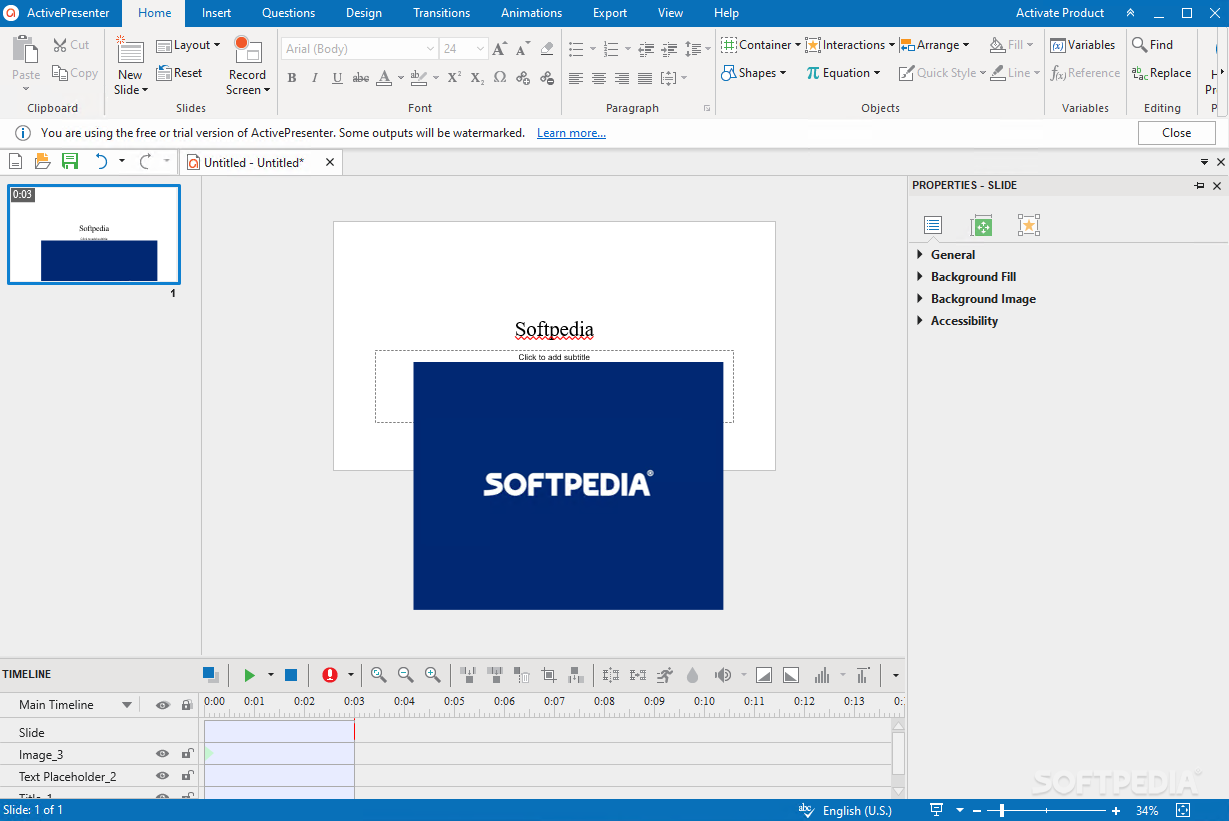
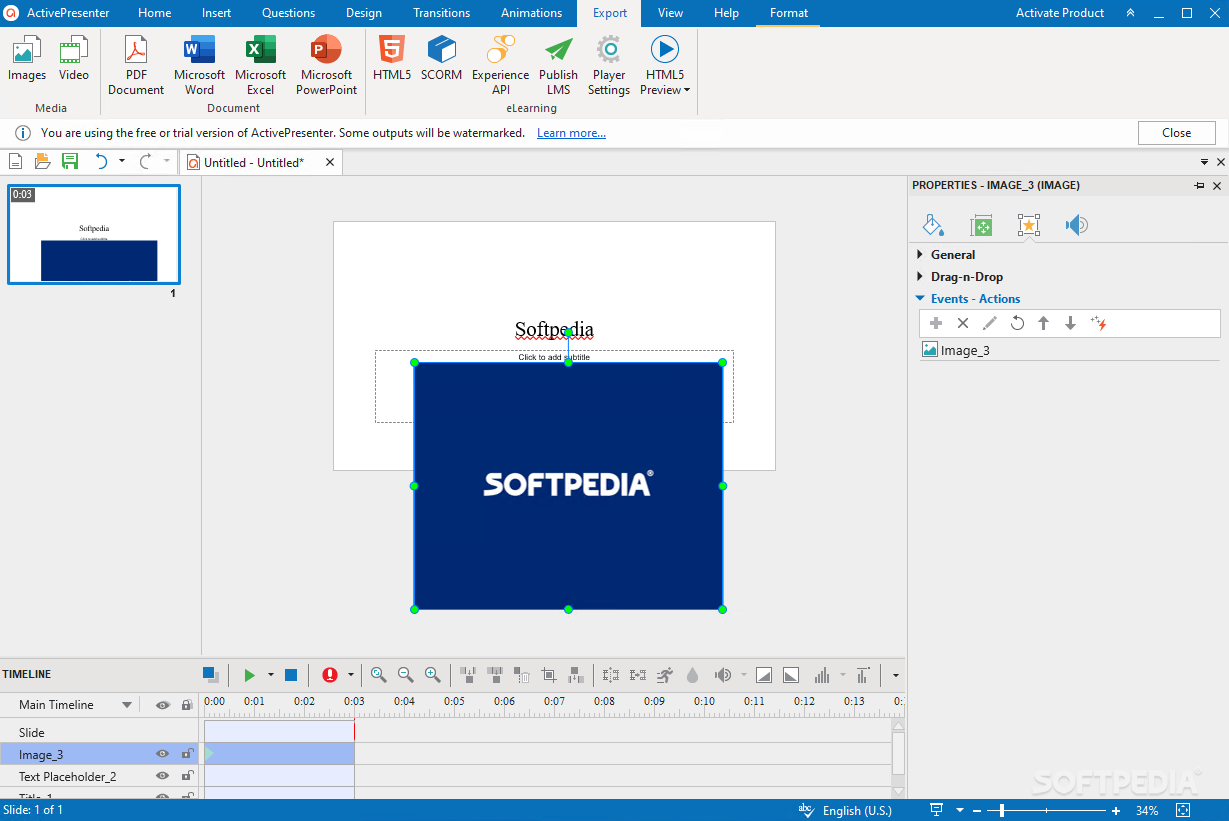
ActivePresenter is a professional software application whose purpose is to help you perform video screen capture operations and edit the files.
It can be used as an education tool, as it lets your create complex presentations which may include annotations and tips.
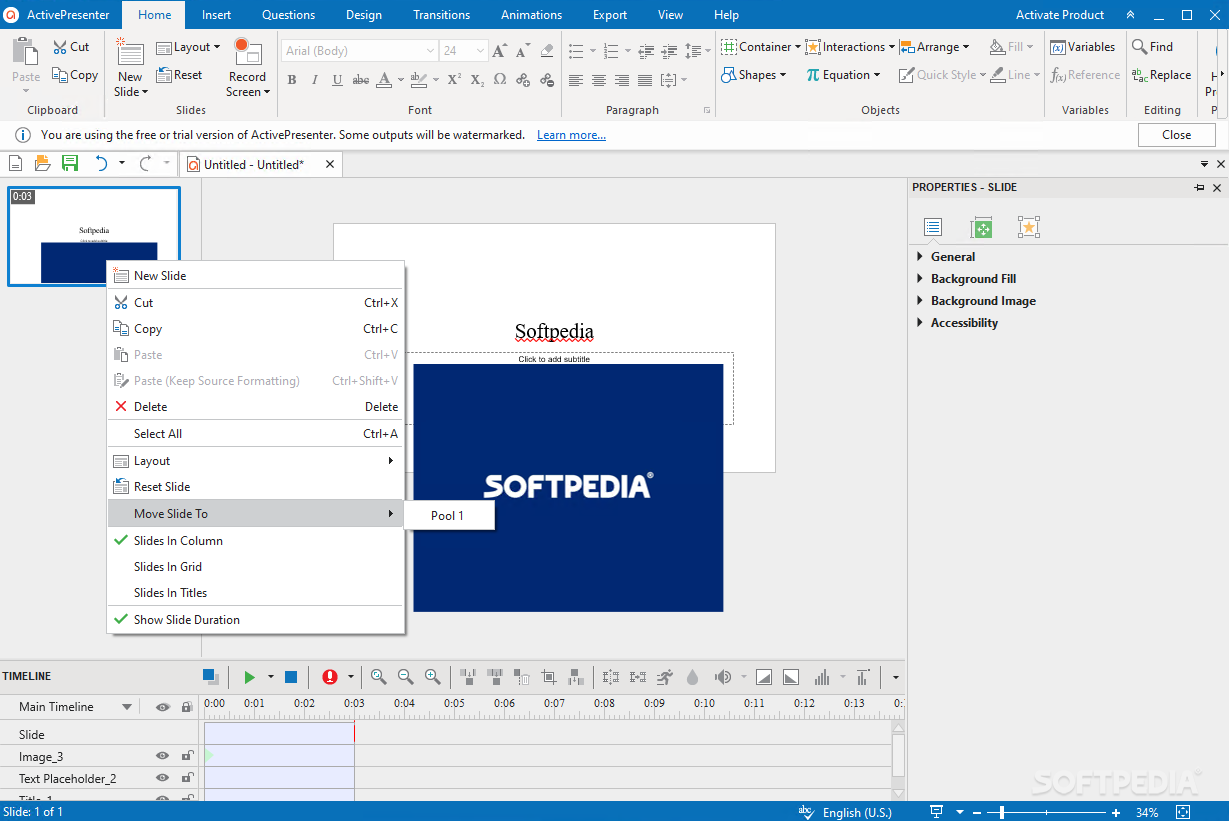
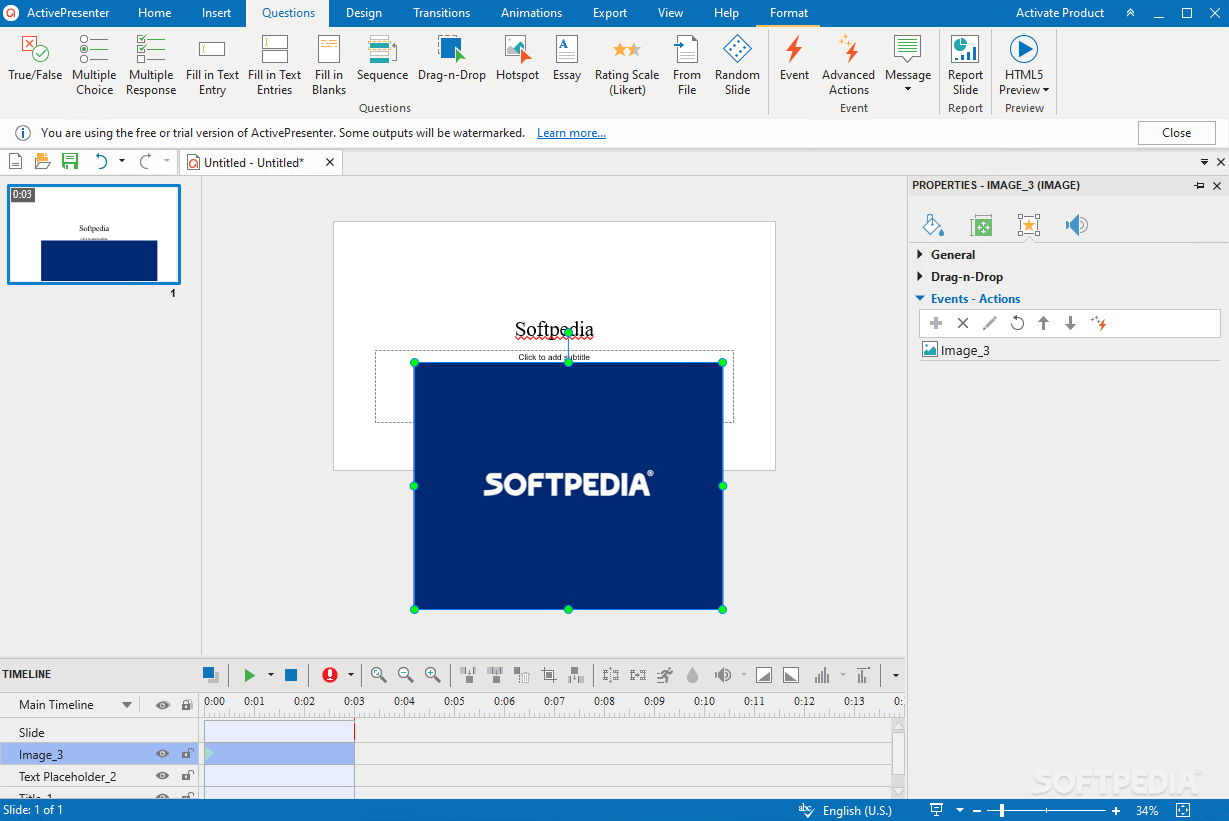
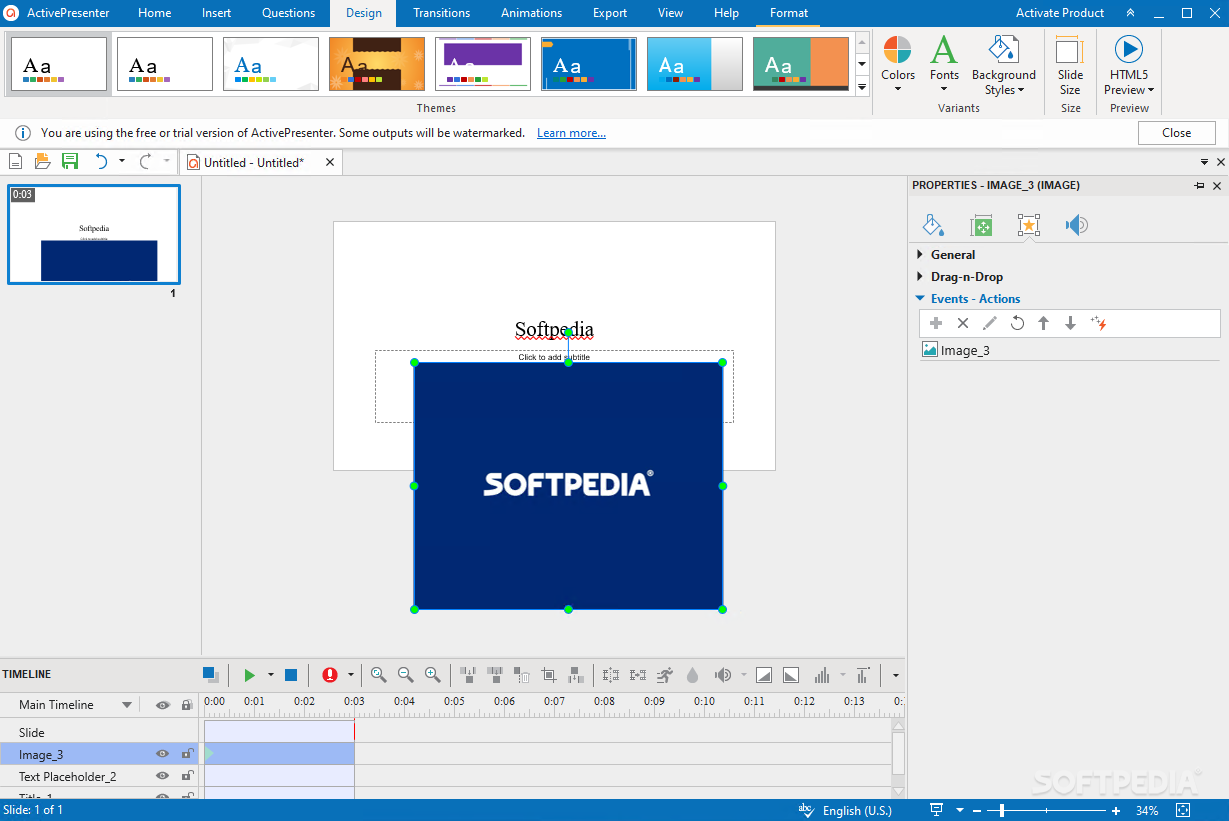
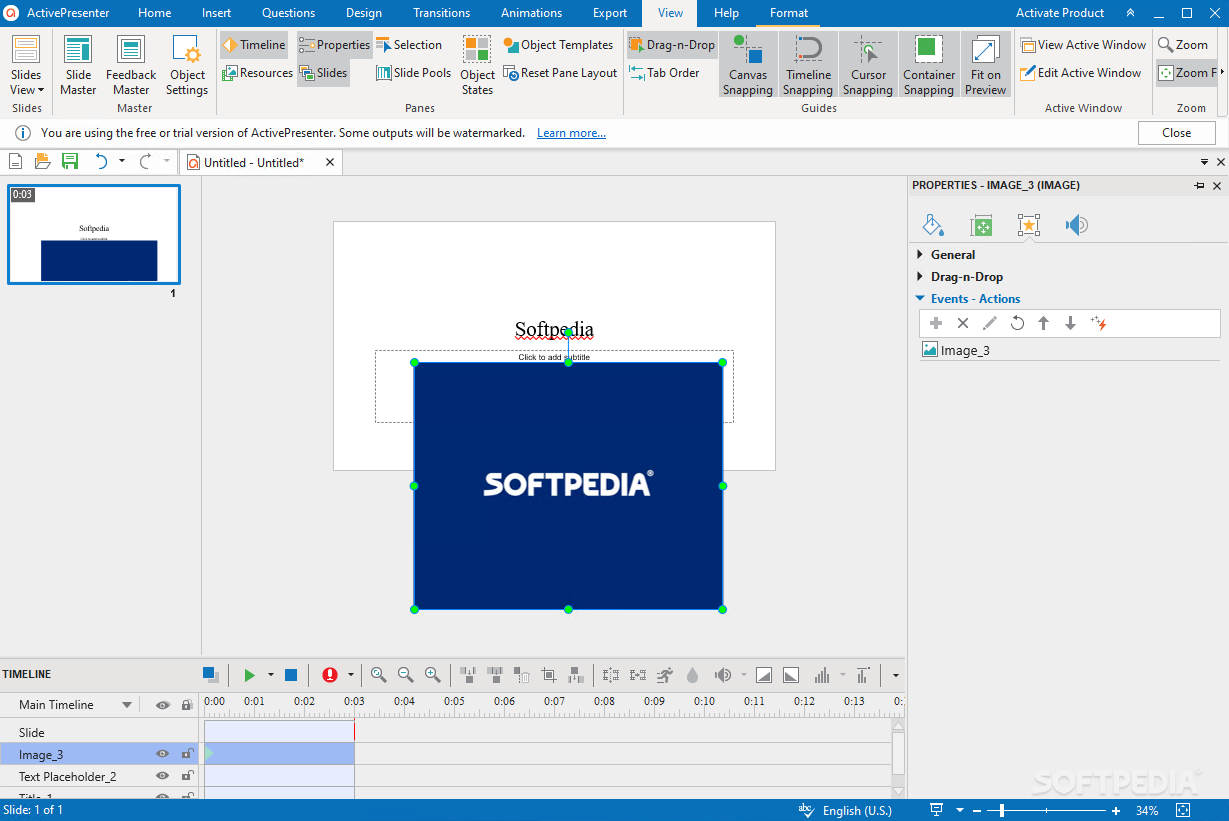
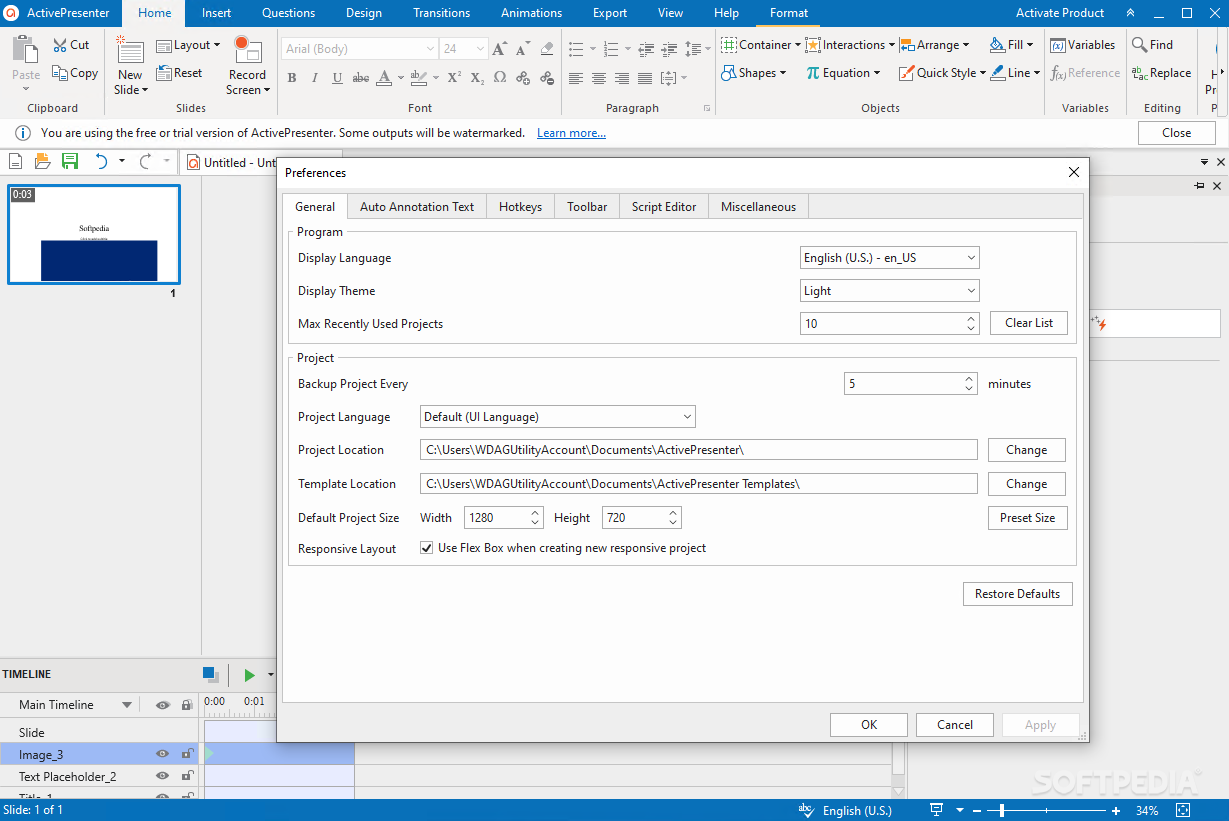
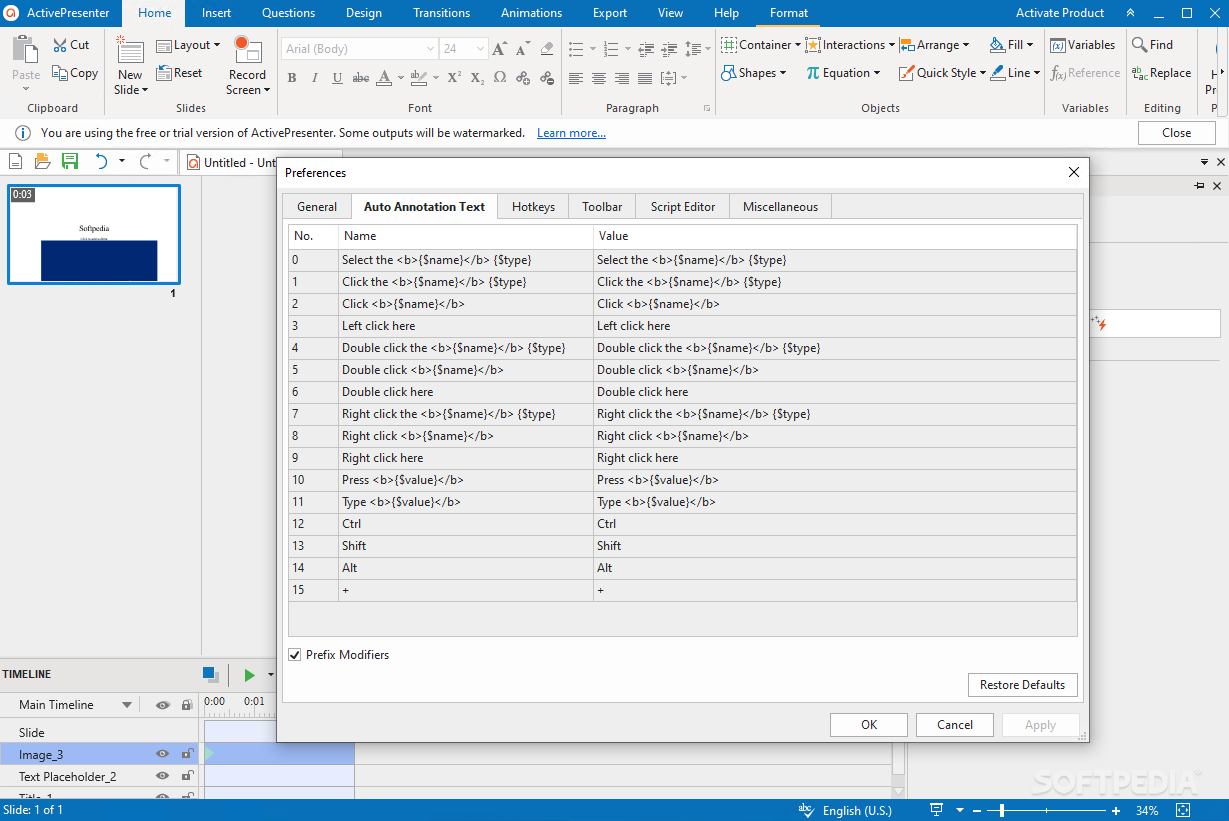
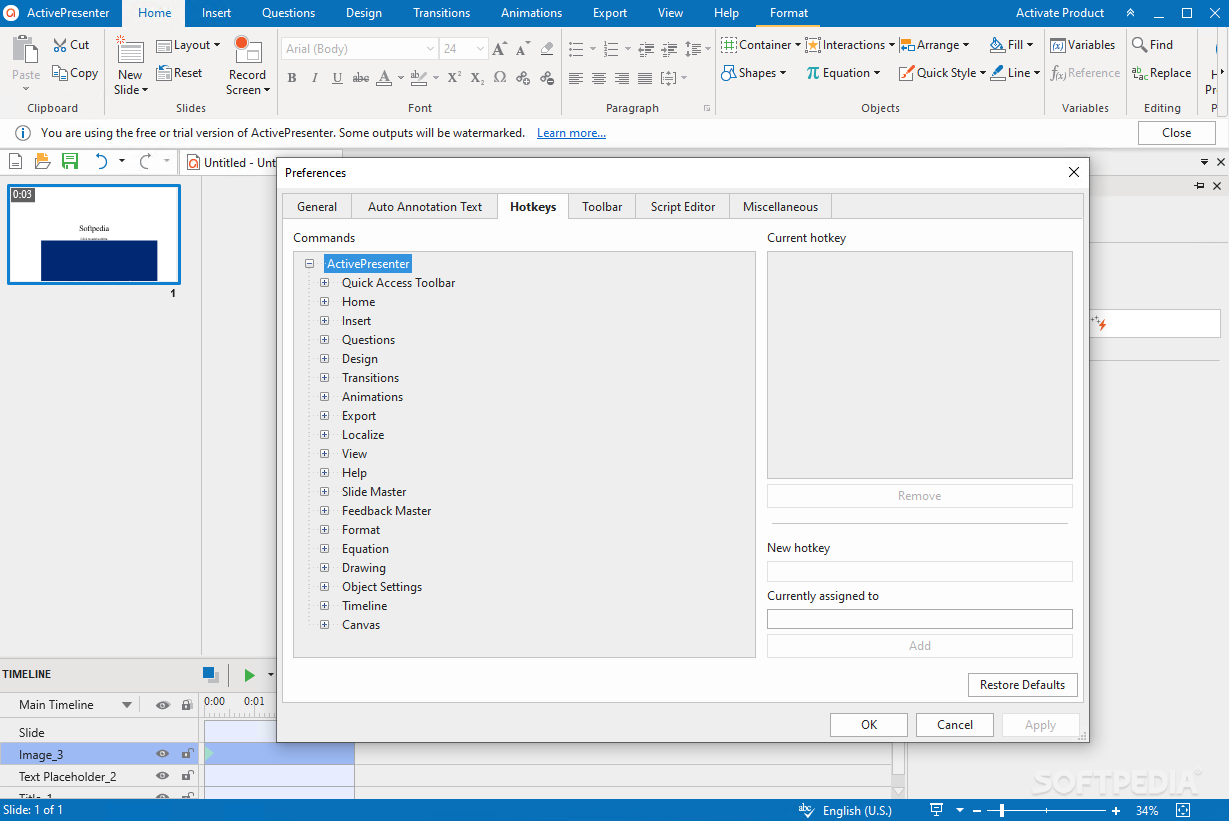
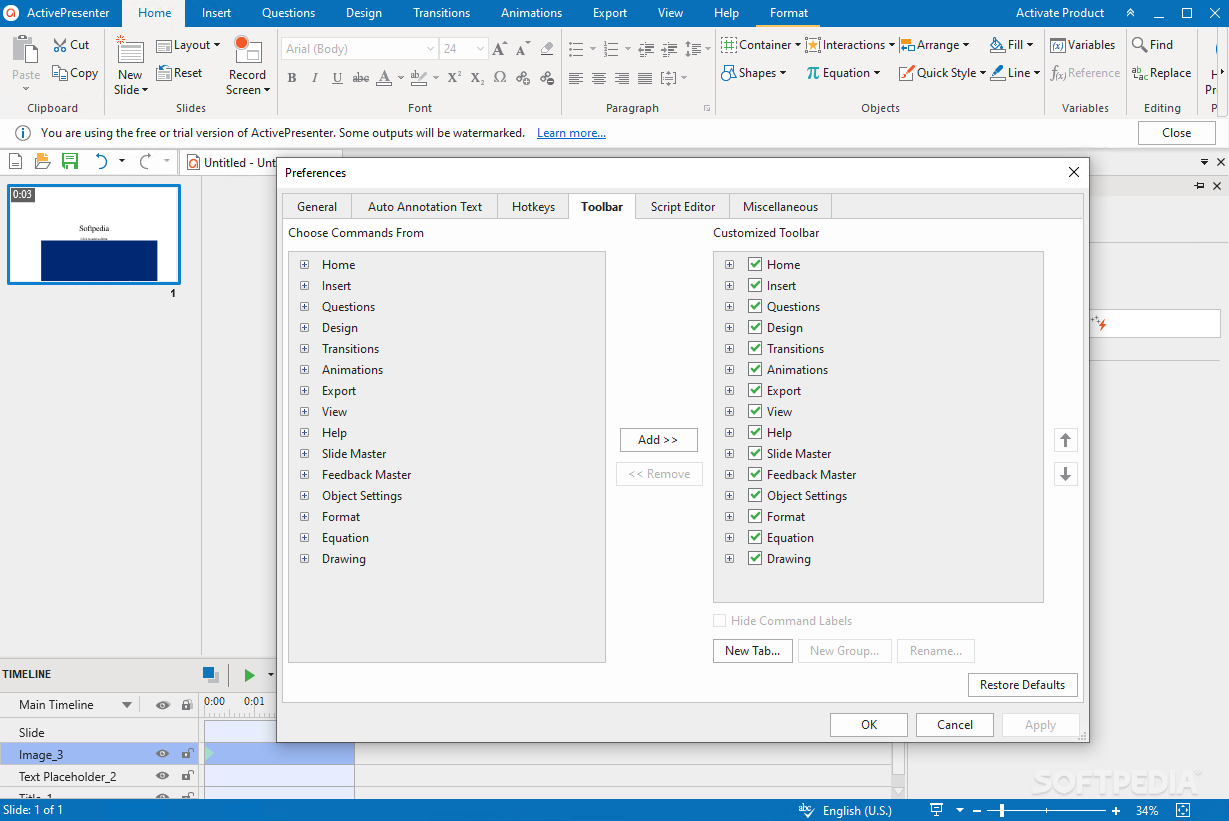
The layout may seem a bit overwhelming at a first glance, but this is only because the application comes packed with many dedicated parameters.
ActivePresenter gives users the possibility to select between various capturing modes. You can record the computer screen activity by pressing a key or clicking with your mouse.
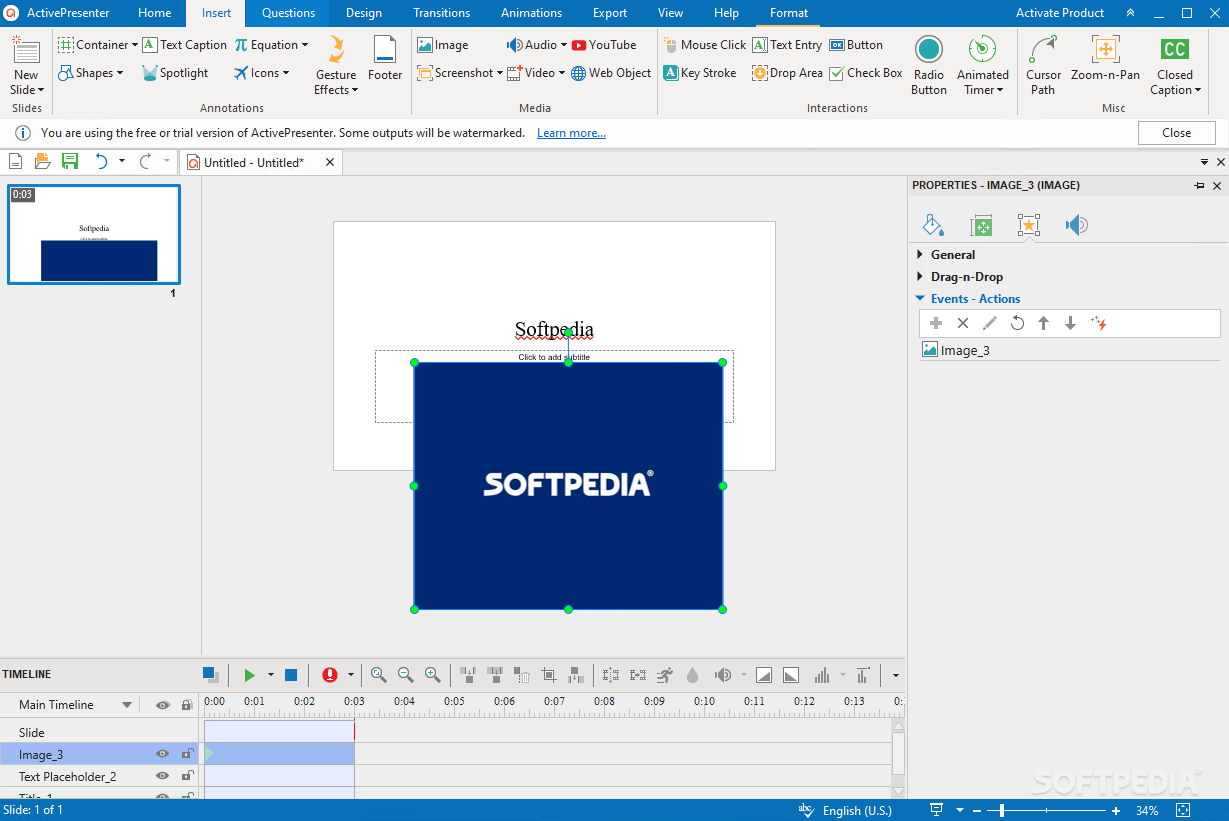
What’s more, you can opt for a full screen recording mode, insert text messages, apply voice-over effects and various sounds, as well as embed transition effects. The generated project can be exported to AVI, WMV, or MP4 file format.
One of the top features bundled into ActivePresenter is a smart event-action system that lets users define various learning methods based on students’ responses.
Another notable characteristic of this utility is the possibility to edit the audio and video files, as you are allowed to perform the following operations: cut, delete, crop, split, merge, alter the volume, as well as insert frames.
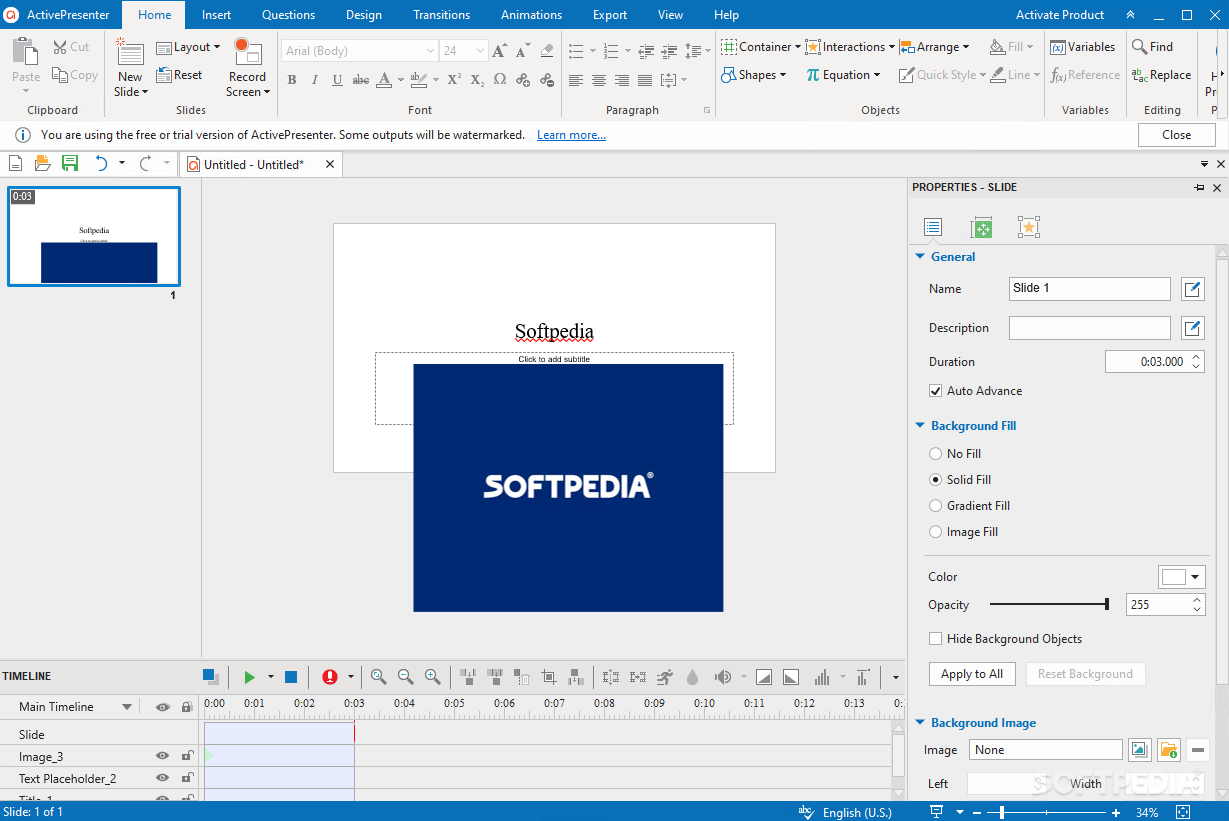
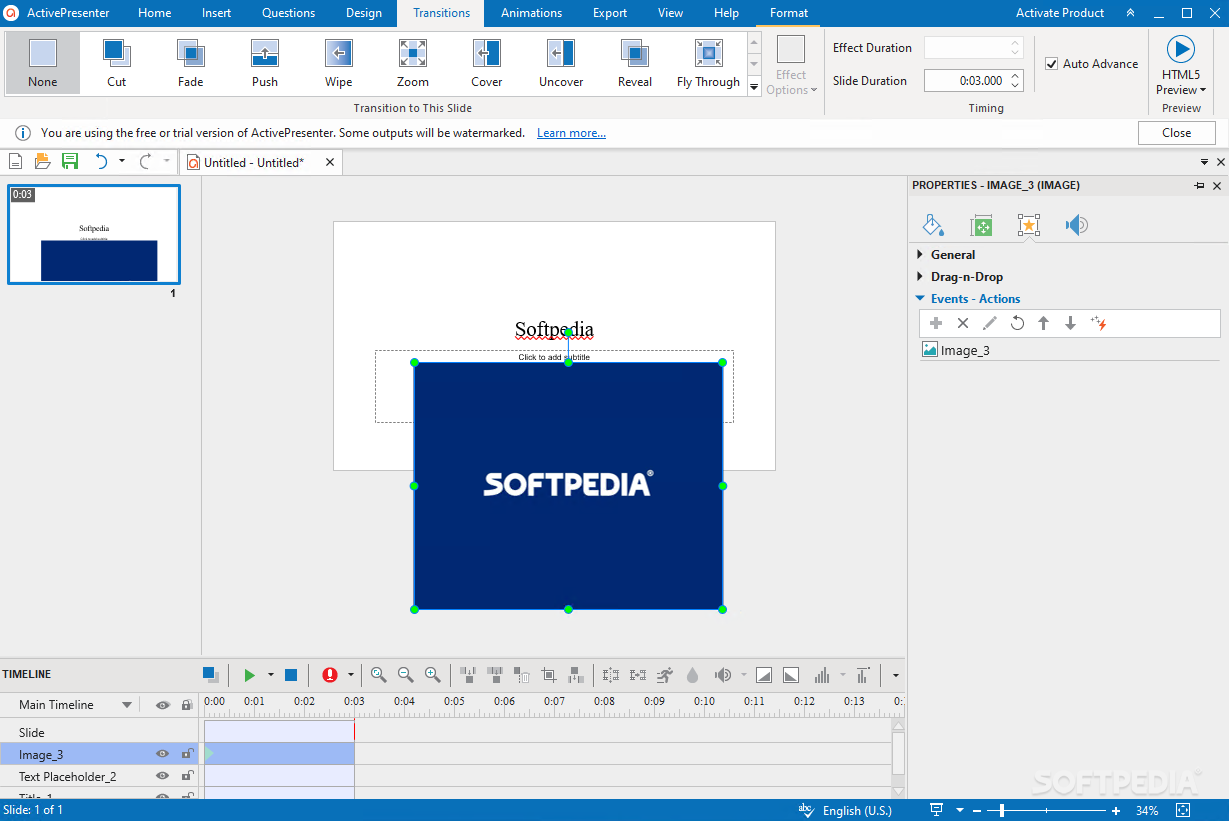
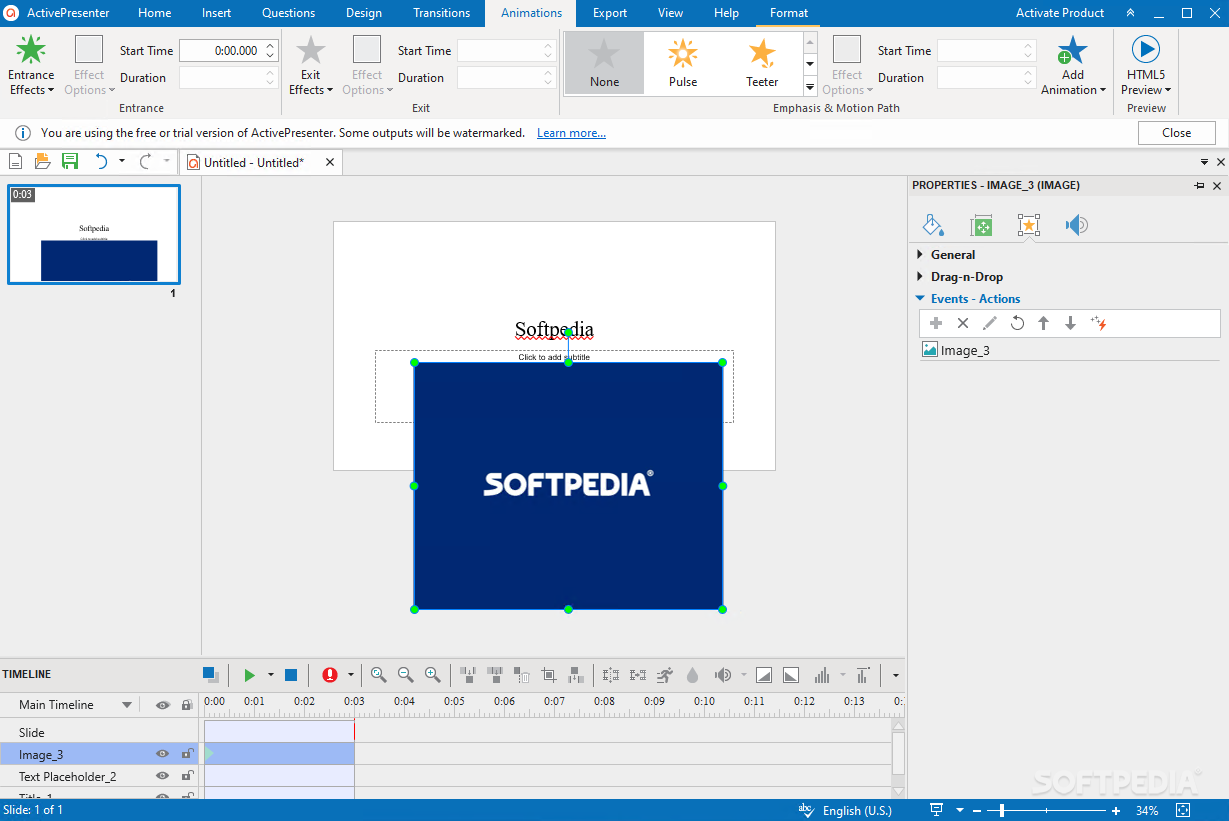
Other important features worth mentioning enable you to create presentations which can be customized in terms of lines, filling patterns, text styles, and shadow effects, choose from a wide range of transition effects (e.g. fade, fly, wipe), as well as configure the video parameters in terms of frame rate and quality.
You can edit images, use the text-to-speech feature, emulate the cursor movement, as well as enable the spell checking option.
Last but not least, the utility offers support SCORM compliant packages, which can uploaded to any Learning Management System, and allows you to use spotlights for drawing the students’ attention upon important data, insert multiple video and audio files into a slide, hide sensitive data with blurring tools, as well as set up passwords.
ActivePresenter packs all the necessary features for recording your screen activity and designing interactive presentations.
What's new in ActivePresenter 9.1.4:
- Bugs Fixed:
- The program becomes unresponsive when rendering the tab orders of objects on macOS.
- Cannot detect the webcam on some Mac computers.
ActivePresenter 9.1.4
add to watchlist add to download basket send us an update REPORT- runs on:
-
Windows 11
Windows 10 64 bit
Windows 8 64 bit - file size:
- 72.6 MB
- filename:
- ActivePresenter_v9.1.4_setup.exe
- main category:
- Office tools
- developer:
- visit homepage
Bitdefender Antivirus Free

Microsoft Teams

Context Menu Manager

Zoom Client

Windows Sandbox Launcher

IrfanView

calibre

4k Video Downloader

7-Zip

ShareX

- 4k Video Downloader
- 7-Zip
- ShareX
- Bitdefender Antivirus Free
- Microsoft Teams
- Context Menu Manager
- Zoom Client
- Windows Sandbox Launcher
- IrfanView
- calibre