
Manage the printers that you want to use with different networks while freeing up computer resources at the same time via this program. #Manage printer #Printer manager #Printer control #Printer #Network #Manager
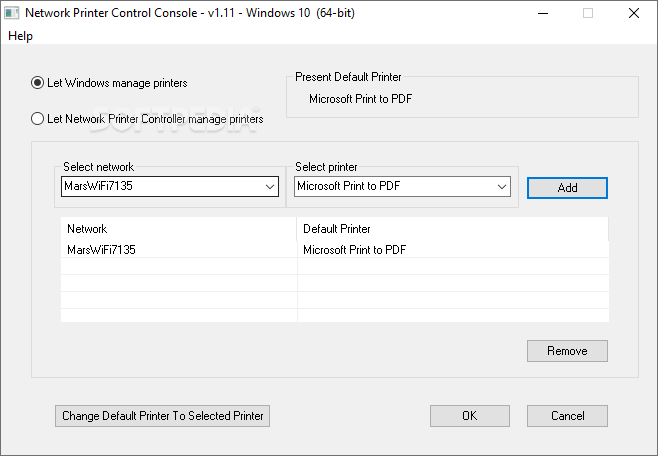
In the eventuality that you are upgrading Windows to a newer version, then you may discover that the recent versions of the operating system do not handle printer management in the same way. More precisely, if you are upgrading to Windows 10, then the new OS may replace your previous selections with the “Let Windows manage my default printer”, which basically means that it sets the last printer used as default.
Network Printer Controller is a tiny tool designed for users with multiple printers who prefer to use different machines for different networks. For example, if you are using a laptop at work and at home, the app can come in handy as you can set the printers from the two locations based on the network you are connecting to.
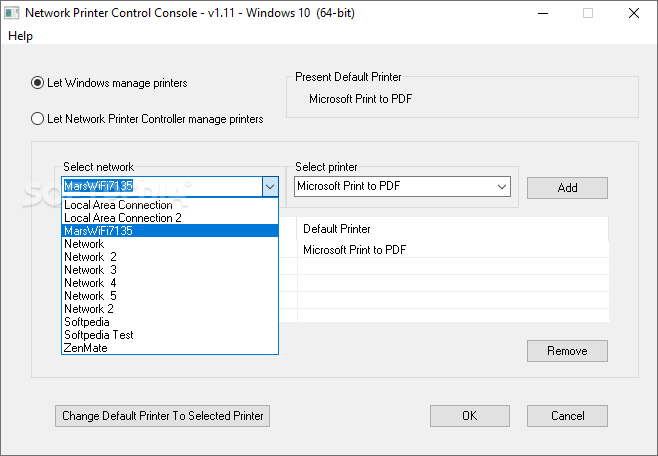
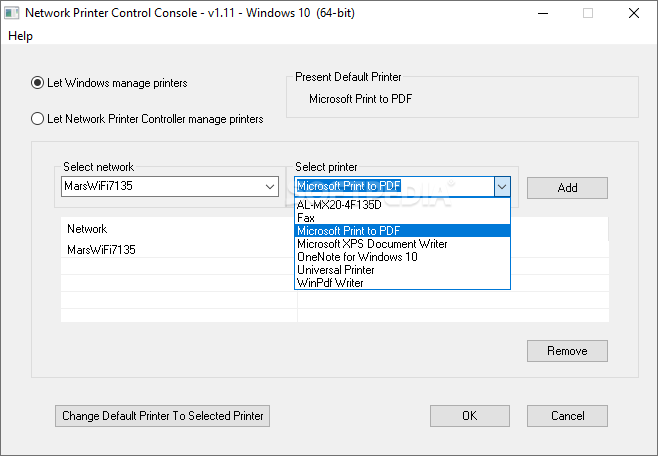
According to the developer, another benefit that you can enjoy from setting up your own printers is the fact that not allowing Windows to handle this, the management module quits and hence, you free up a lot of valuable computer resources, such as CPU and RAM. The tool comes with an intuitive interface and you can easily add the desired printers to their corresponding networks. It is important that you use the Add button to add the printers, as otherwise the pairing cannot complete.
What's new in Network Printer Control 1.15:
- Fixed a flicker that showed up on some test machines.
Network Printer Control 1.15
add to watchlist add to download basket send us an update REPORT- PRICE: Free
- runs on:
-
Windows 10 32/64 bit
Windows 8 32/64 bit
Windows 7 32/64 bit - file size:
- 909 KB
- filename:
- NPCSetup.zip
- main category:
- Tweak
- developer:
- visit homepage
Bitdefender Antivirus Free

Zoom Client

4k Video Downloader

IrfanView

ShareX

Microsoft Teams

Windows Sandbox Launcher

paint.net

calibre

7-Zip

- paint.net
- calibre
- 7-Zip
- Bitdefender Antivirus Free
- Zoom Client
- 4k Video Downloader
- IrfanView
- ShareX
- Microsoft Teams
- Windows Sandbox Launcher