
Changes the way your ribbon menu looks like on Microsoft Office 2007 by bringing back the familiar toolbar and other added functions. #Display Menu #Display Classic Toolbar #Office 2007 Menu #Replacer #Menu #Toolbar

If you still can't get along with the famous Ribbon interface inside Microsoft products, Classic Menu for Office is definitely the right app for you because it brings the familiar Office 2003 menus in newer versions of the Office suite.
Although the Ribbon interface is believed to be a great addition to Microsoft Office 2007, there are many users out there who still prefer the old and classy look and feel of Office 2003.
That's why Classic Menu for Office 2007 may be considered a godsend, replacing the Ribbon with the traditional menus and toolbars quickly and easily.
The application can be installed and customized in just a few minutes, supporting most Office tools, such as Word, PowerPoint, Outlook, Excel and Access.
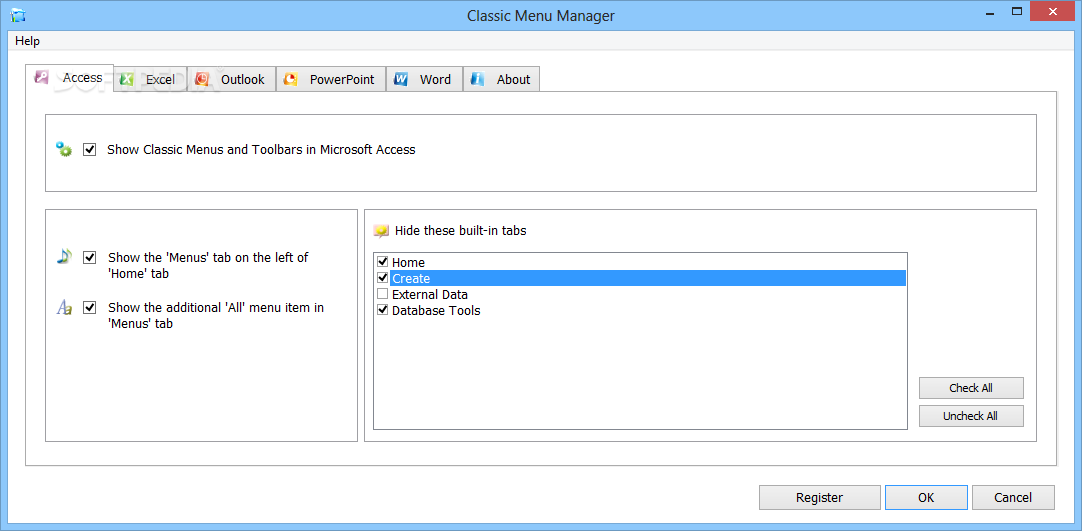
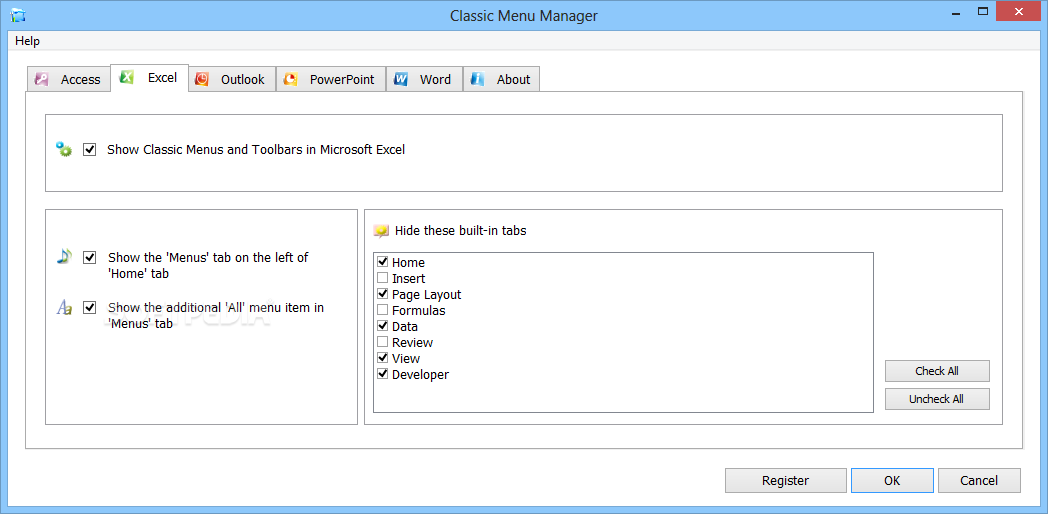
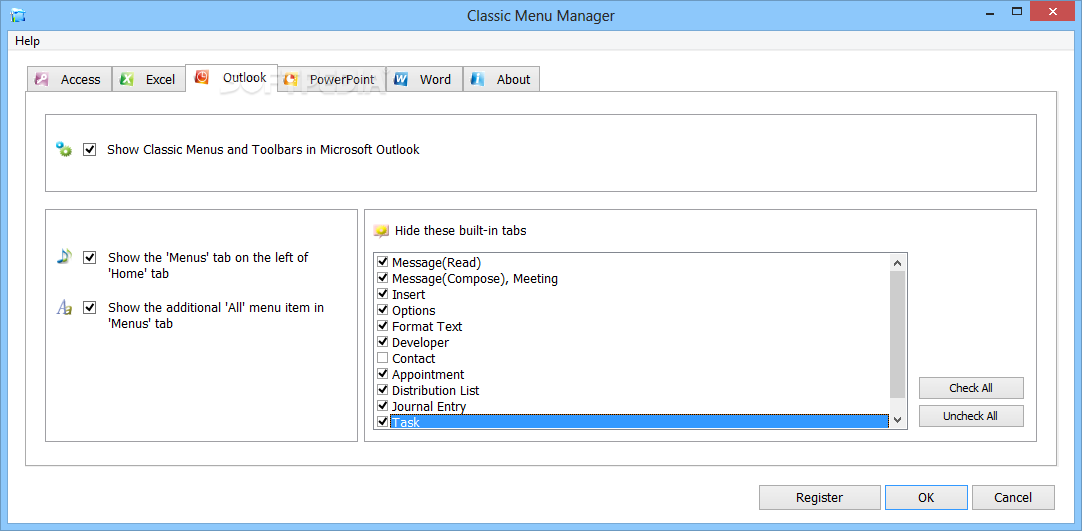
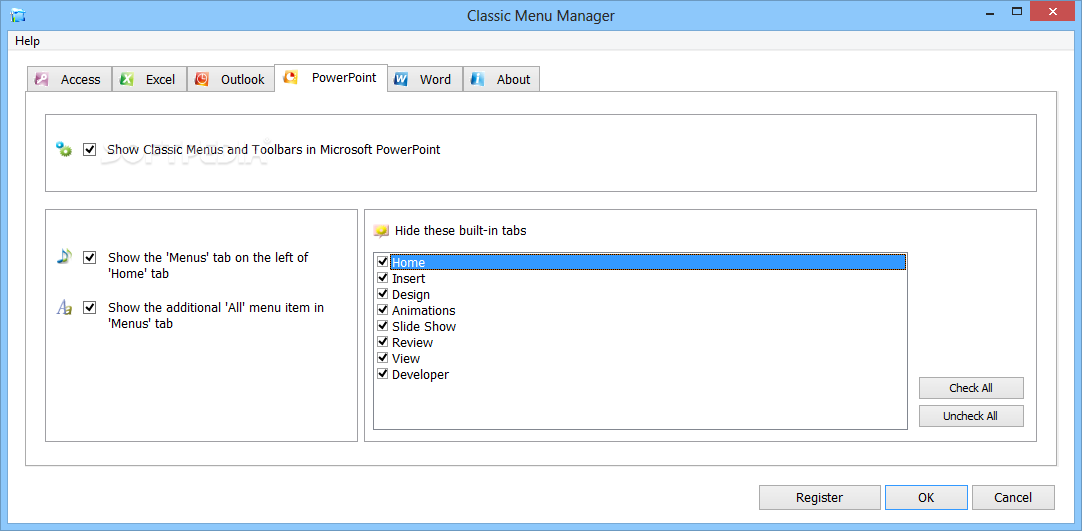
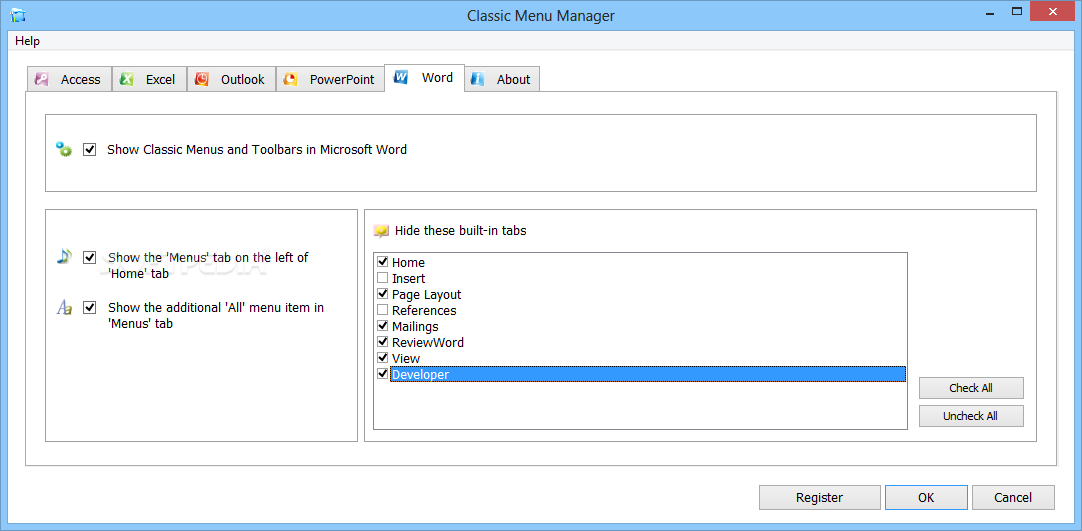
Each of these tools benefit from its very own pack of settings, so the users have the power to hide some of the built-in tabs and enable the classic menus and toolbars.
There are dedicated options to show the “Menus” tab on the left of “Home” tab, but also to show the additional “All” menu item in “Menus” tab.
Classic Menu for Office 2007 can be safely used by beginners despite the fact that it doesn't boast a help file, but features are organized in tabs and everything is intuitive enough to keep you on the safe side.
Classic Menu for Office 2007 is a must have for all Office 2003 fans and since it's so easy to use, it's aimed at all beginners out there.
Download Hubs
Classic Menu for Office is part of these download collections: Microsoft Word Tweaks, Excel Tweaks
What's new in Classic Menu for Office 9.25:
- Fixed: some small bugs.
Classic Menu for Office 9.25
add to watchlist add to download basket send us an update REPORT- runs on:
-
Windows Server 2016
Windows 10 32/64 bit
Windows Server 2012
Windows 2008 R2
Windows 2008 32/64 bit
Windows 2003
Windows 8 32/64 bit
Windows 7 32/64 bit
Windows Vista 32/64 bit
Windows XP - file size:
- 14.1 MB
- filename:
- OfficeMenu.exe
- main category:
- Office tools
- developer:
- visit homepage
7-Zip

Windows Sandbox Launcher

Zoom Client

ShareX

IrfanView

Bitdefender Antivirus Free

Context Menu Manager

Microsoft Teams

4k Video Downloader

calibre

- Microsoft Teams
- 4k Video Downloader
- calibre
- 7-Zip
- Windows Sandbox Launcher
- Zoom Client
- ShareX
- IrfanView
- Bitdefender Antivirus Free
- Context Menu Manager