
Compress documents, presentations and images with ease using a user-friendly and intuitive application that can optimize the size of your files. #Reduce size #Compress file #Size reducer #Optimize #Compression #Optimization

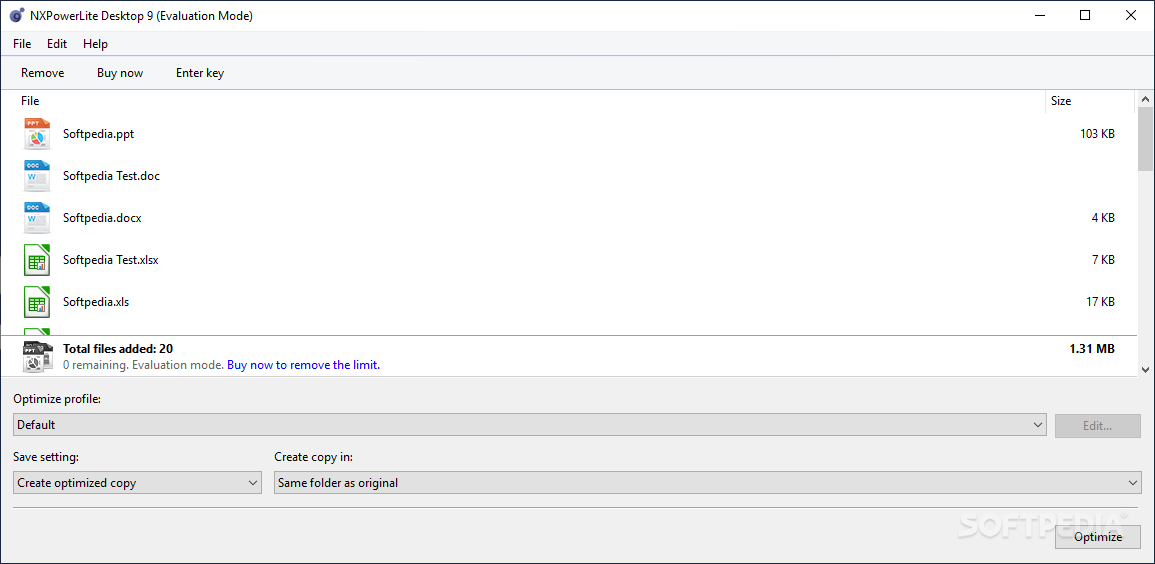
NXPowerLite is an intuitive and approachable Windows program which enables you to reduce the size of files such as documents, images, spreadsheets and presentations.
It can be particularly useful if you have large amounts of data on your disk that simply takes up too much space, or if you plan to copy the files on external devices with a lower disk capacity, such as memory cards and pen drives.
The interface of the application is plain and uncomplicated, letting you easily customize settings. Importing items into the file list can be done by using either the file browser or drag-and-drop feature. Working with multiple entries at the same time is possible, as batch processing is supported.
The file queue displays the source path and size for each item. You can make NXPowerLite optimize files for the screen, printing or mobile devices. Otherweise, you can enter custom mode to establish the new resolution for Microsoft Office, PDF and JPEG items, among other settings.
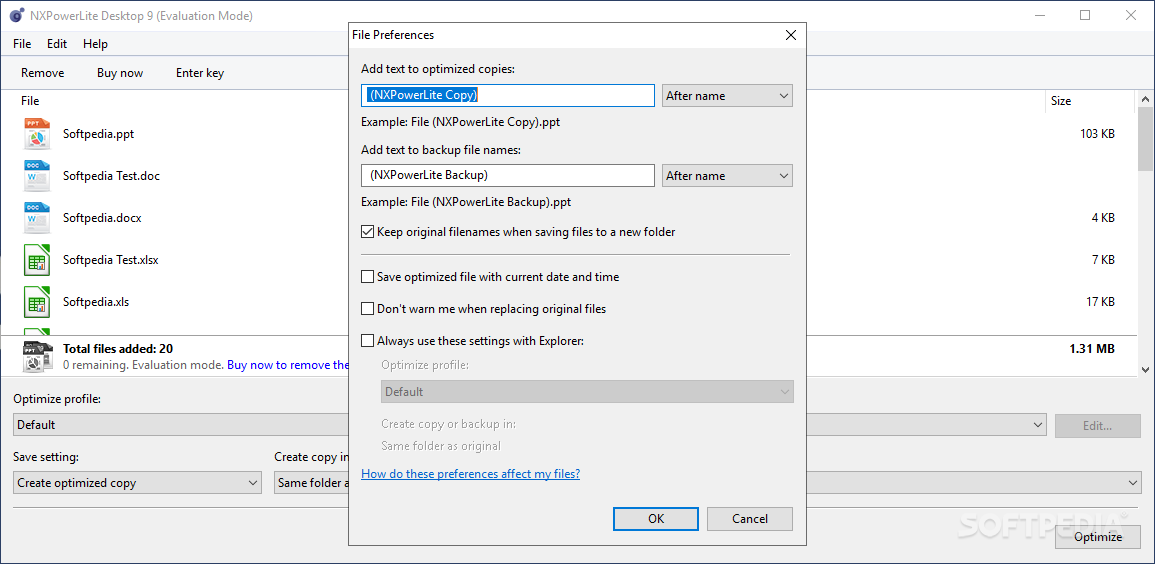
You specify a file renaming rule as well as set the tool to delete private application data and to preserve the original file's date and time.
The utility runs on a very low amount of CPU and system memory, has a good response time, and includes a help file for inexperienced users. It quickly finishes a task and delivers good results regarding the optimized size. On the other hand, it popped up some errors in our tests when we attempted to optimize ZIP archives. Other than that, NXPowerLite proves to be quite reliable for swiftly decreasing file sizes in an uncomplicated manner.
NXPowerLite Desktop 10.2.0
 Softpedia Editor's Pick
add to watchlist
add to download basket
send us an update
REPORT
Softpedia Editor's Pick
add to watchlist
add to download basket
send us an update
REPORT
- runs on:
-
Windows 11
Windows 10 32/64 bit
Windows 8 32/64 bit
Windows 7 32/64 bit - file size:
- 49.2 MB
- filename:
- NXPowerLite64Setup102_0.msi
- main category:
- Office tools
- developer:
- visit homepage
calibre

ShareX

Context Menu Manager

Bitdefender Antivirus Free

Microsoft Teams

IrfanView

4k Video Downloader

7-Zip

Windows Sandbox Launcher

Zoom Client

- 7-Zip
- Windows Sandbox Launcher
- Zoom Client
- calibre
- ShareX
- Context Menu Manager
- Bitdefender Antivirus Free
- Microsoft Teams
- IrfanView
- 4k Video Downloader