
A cute assistant for the users who need to use their computer for technical presentations, demonstrations and explaining workflows. #Presentation assistant #Presentation enhancement #Enhance presentation #Presentation #Assistant #Screen
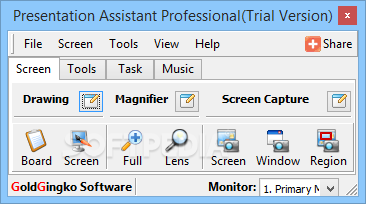
Presentation Assistant Pro is a handy application designed to transform your computer into a powerful presentation tool. It allows you to make notes directly on your desktop and magnify certain screen areas in order to emphasize windows or icons.
The users who needed to explain certain applications to a larger audience often need a more visible item than the mouse cursor in order to guide the audience. As the audience focus is as important as the presentation content, this program aims to provide you with a more efficient tool than a laser pointer.
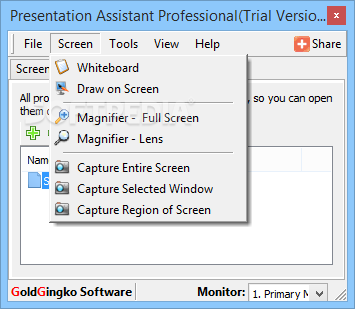
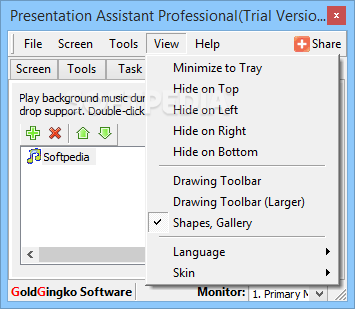
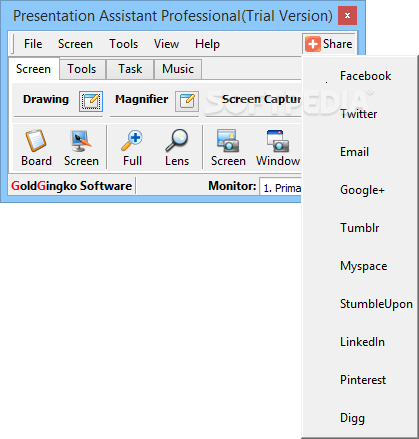
When you start the application for the first time, it attaches to the top of your screen and displays the available presentation tools. From the Screen you can launch the magnifier or transform the desktop into a whiteboard in order to easily make notes and point out the important items.
You can also capture a desktop area and attach it to the whiteboard in order to use it for later explanations. If you are using multiple monitors or a projector, the app allows you to specify which one is the main presentation tool.
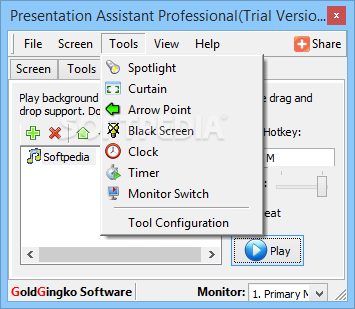
The Tools tab includes spotlight effects, timers and allows you to black out the entire screen or a part of it by using curtain effect. The list of tools can be expanded with the applications that you need to launch and the command line arguments.
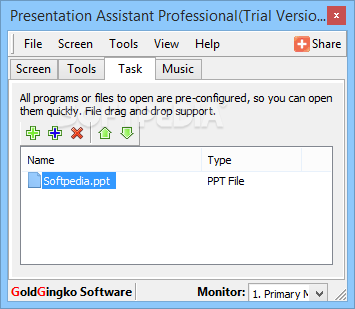
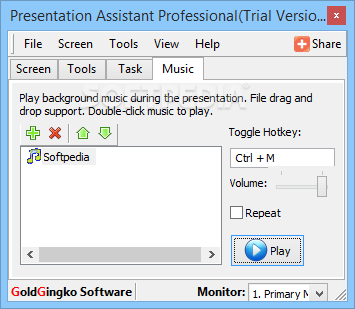
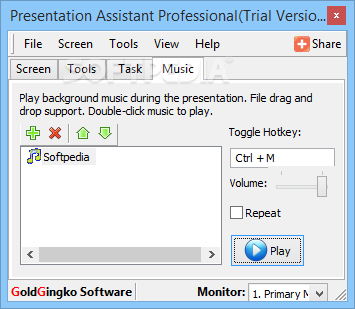
Additional resources can be linked to your demonstration by adding apps, files and links in the Tasks tab. If you need an audio effect or background music, the program allows you to add and play MP3 or WAV files with just a few clicks.
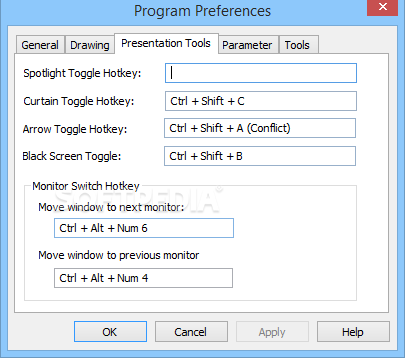
The program includes keyboard shortcuts which enable you to easily access the drawing board or the available effects in order to avoid exploring the menus during the presentation.
Overall, Presentation Assistant Pro provides you with a useful set of tools for improving your performance when explaining various subjects.
Presentation Assistant Pro 3.0.3
add to watchlist add to download basket send us an update REPORT- runs on:
-
Windows 10 32/64 bit
Windows 2003
Windows 8 32/64 bit
Windows 7 32/64 bit
Windows Vista 32/64 bit
Windows XP
Windows 2K - file size:
- 6.8 MB
- filename:
- presentationa.exe


- main category:
- Office tools
- developer:
- visit homepage
calibre

IrfanView

Bitdefender Antivirus Free

Windows Sandbox Launcher

ShareX

4k Video Downloader

Zoom Client

7-Zip

Microsoft Teams

Context Menu Manager

- 7-Zip
- Microsoft Teams
- Context Menu Manager
- calibre
- IrfanView
- Bitdefender Antivirus Free
- Windows Sandbox Launcher
- ShareX
- 4k Video Downloader
- Zoom Client