
Rich-featured project management software that allows you to deliver personalized projects with the aid of templates and collaboration, reporting and presentation tools. #Project planner #Task management #Project timeline #Project #Task #Planner
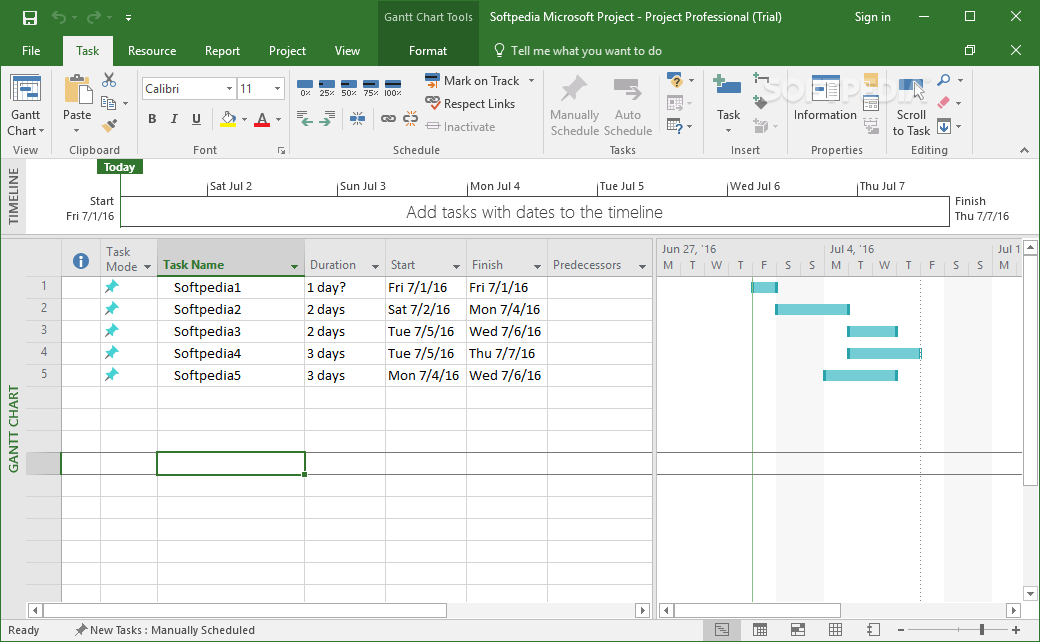
Microsoft Project Professional is a powerful and reliable platform designed for project management and analysis. It delivers easy planning and collaboration, task prioritization and visually compelling presentations that allow teams to be more efficient and productive.
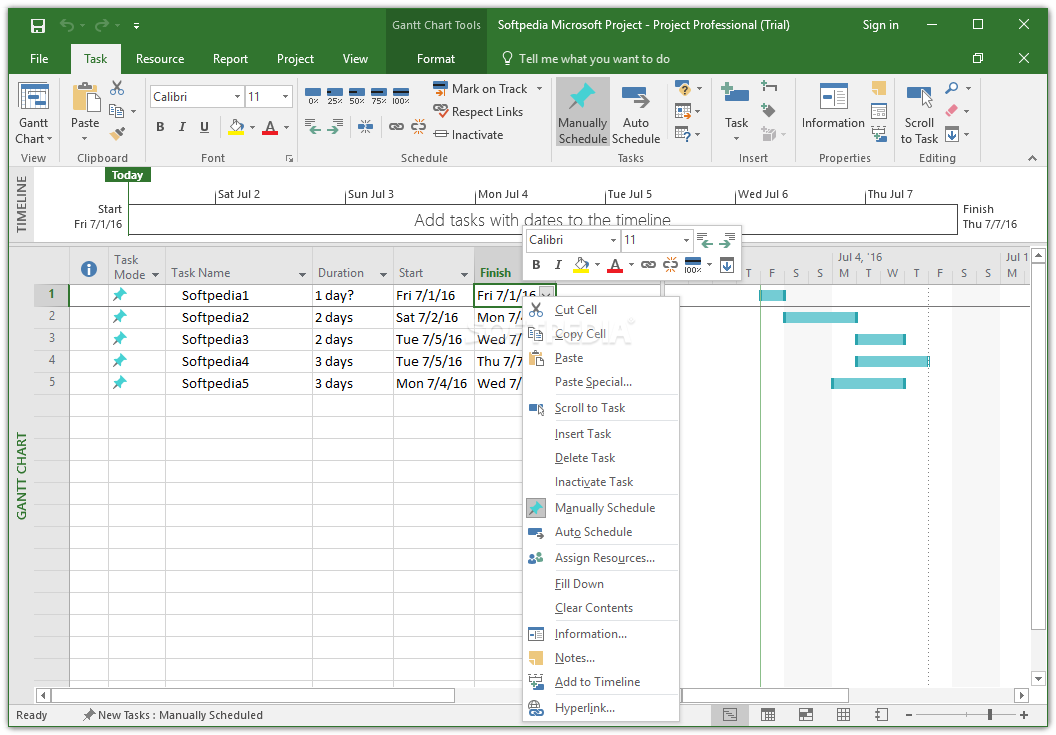
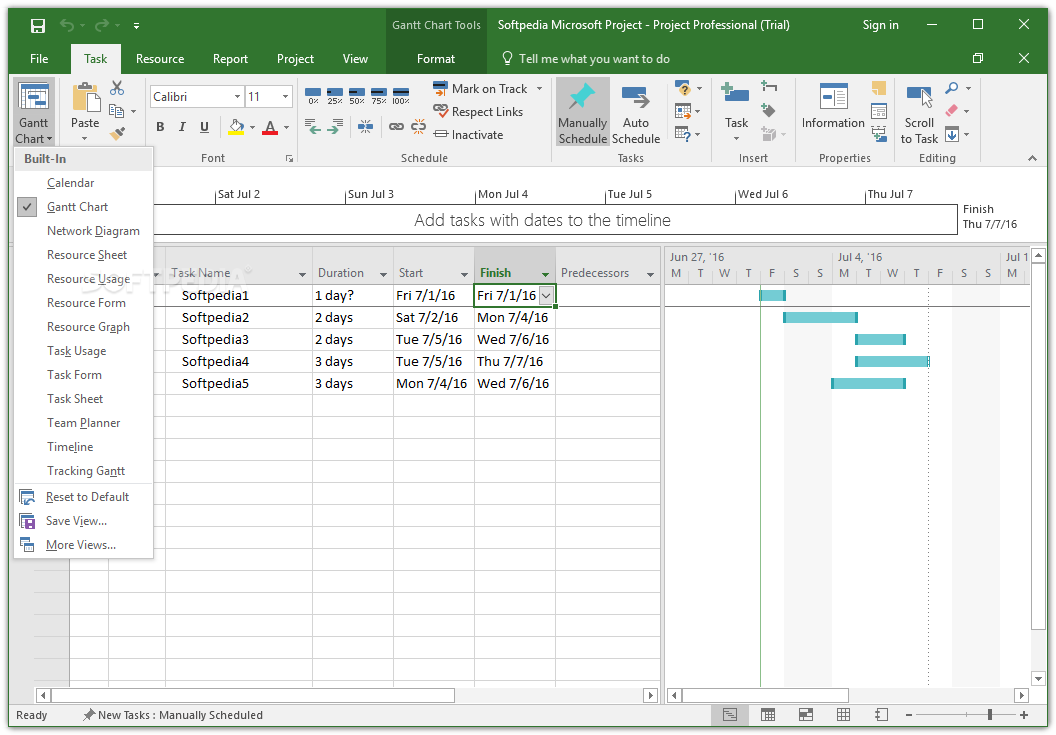
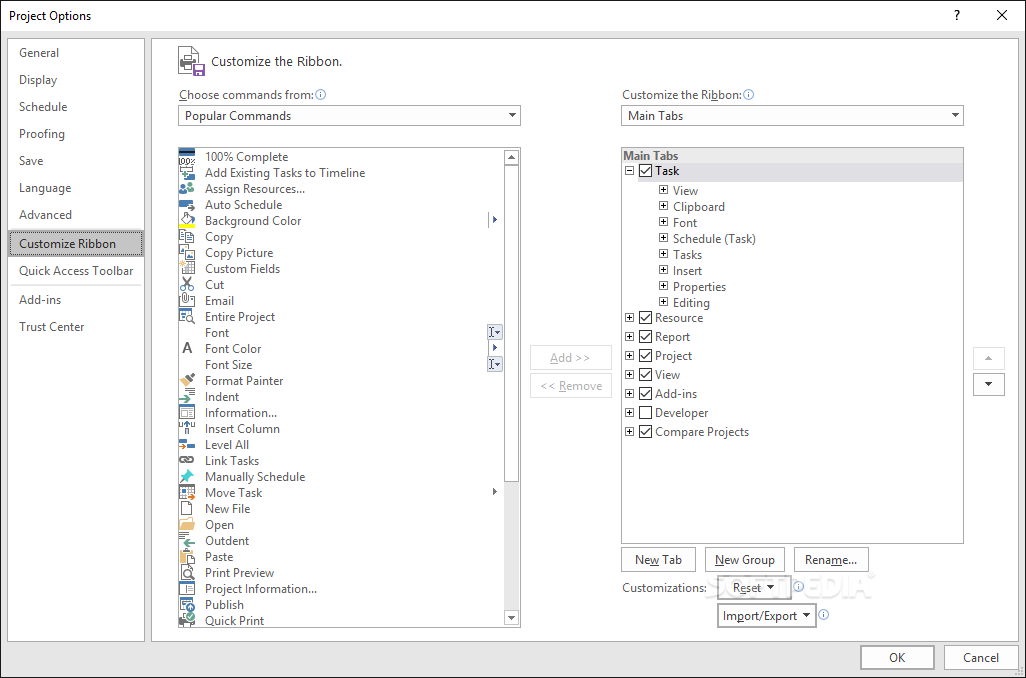
Microsoft Project Professional is part of the Microsoft Office family, but it was never delivered with the suite. Although shipped in an individual package, the product preserves the look and feel of the Office release, with a classy, professional appearance and a practical approach brought by the ribbon-based interface.
What makes it a top product is the flexibility that results from the intuitive and user-friendly controls.
Project managers are assisted in developing plans, assigning various resources with the possibility to track the overall evolution of the tasks. This leads to an effective analysis of the workload, which is the key to successfully managing the budget assigned for a particular project.
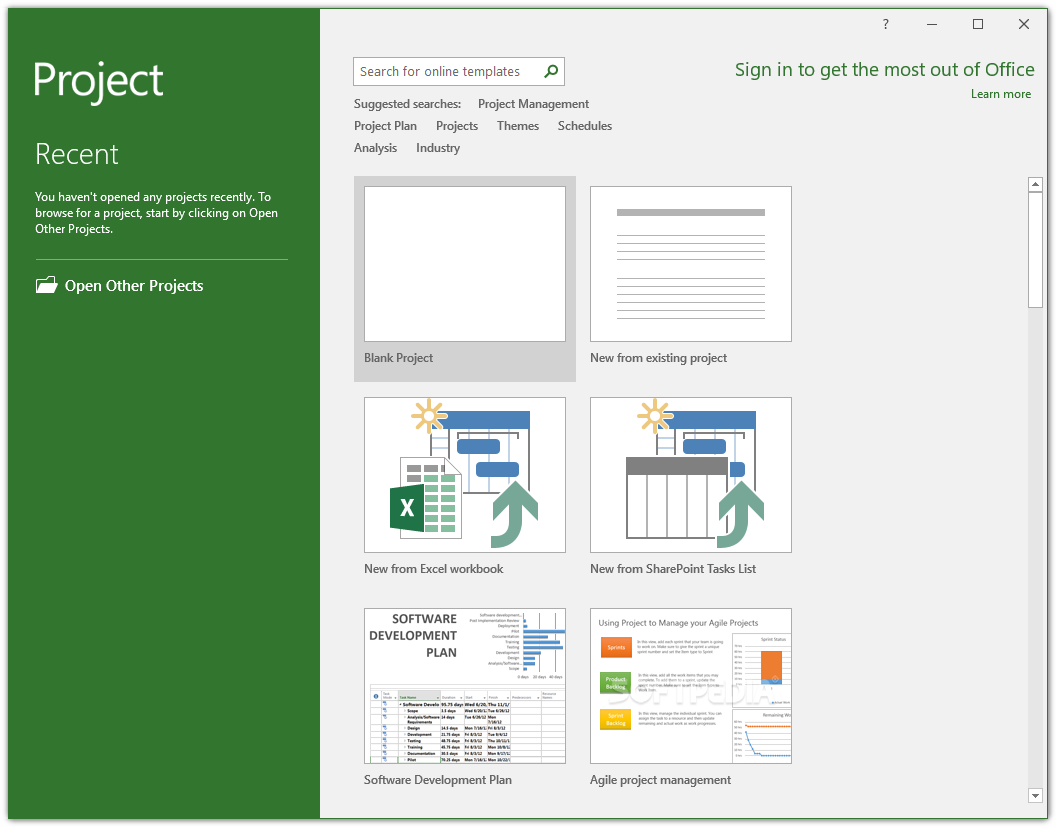
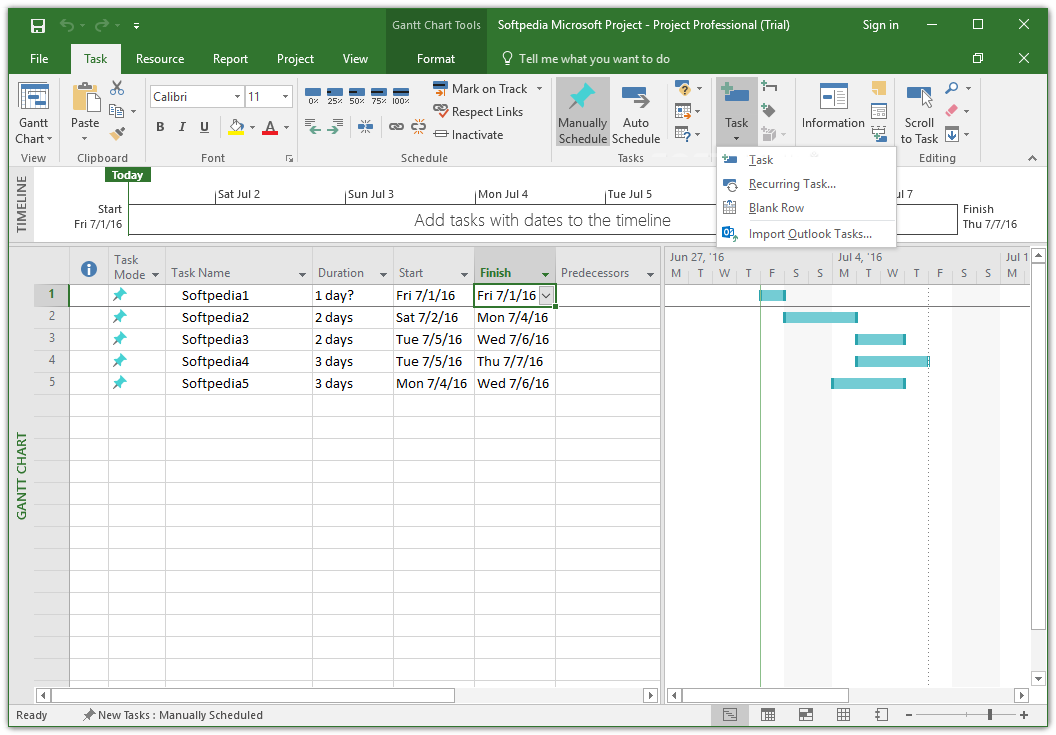
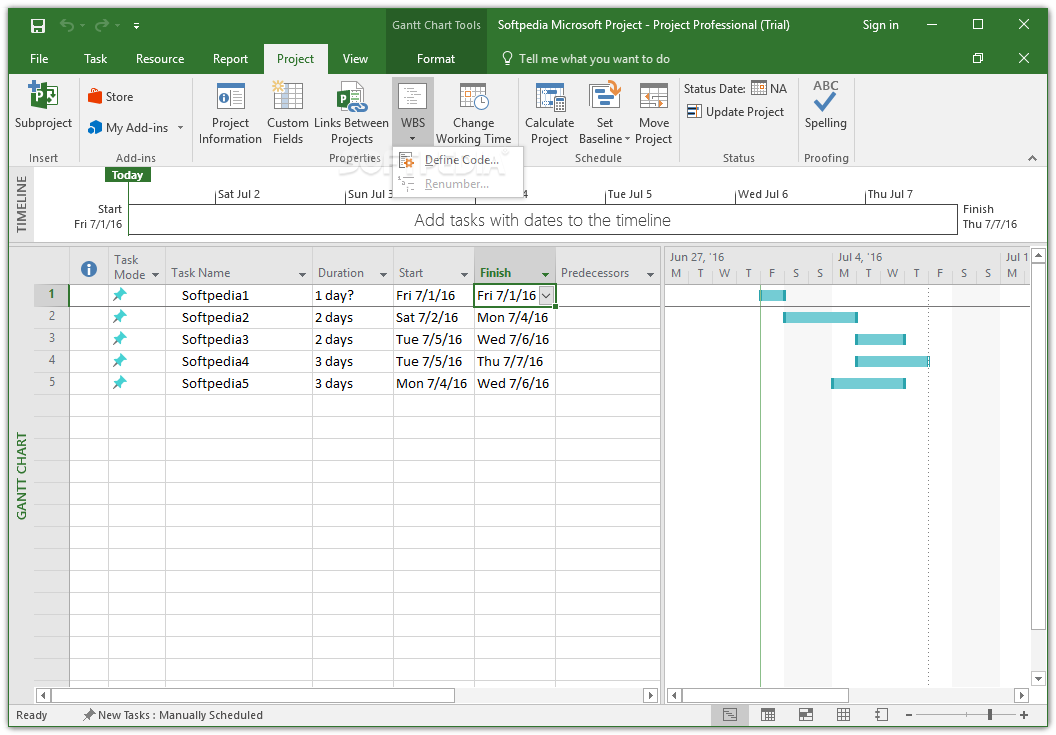
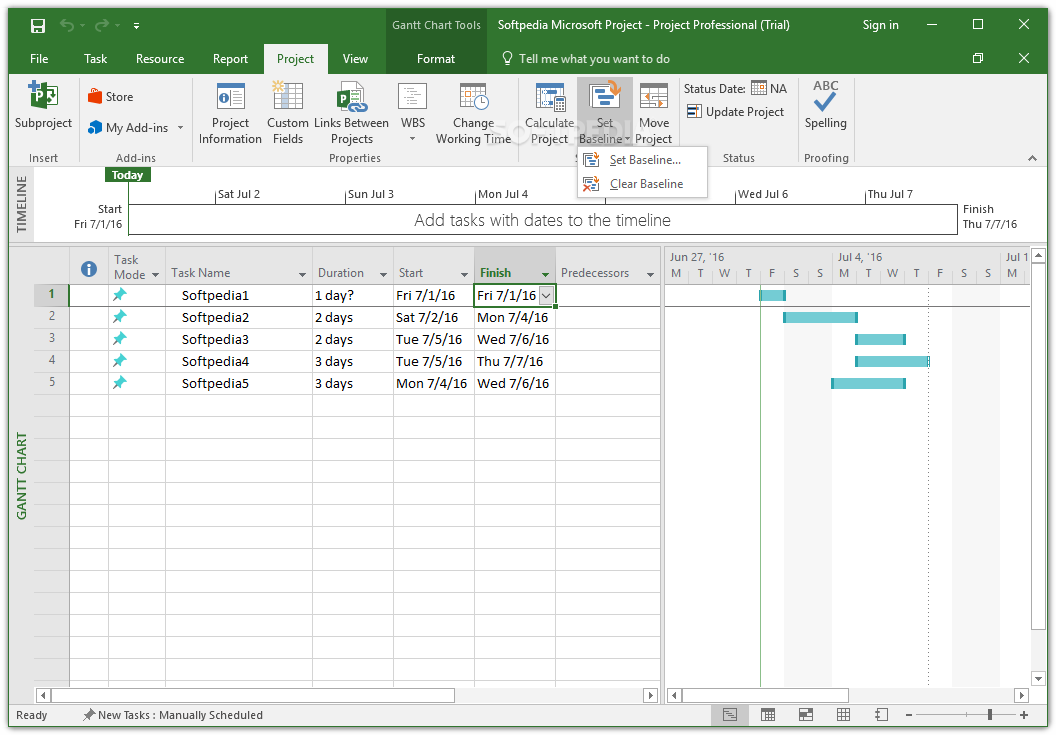
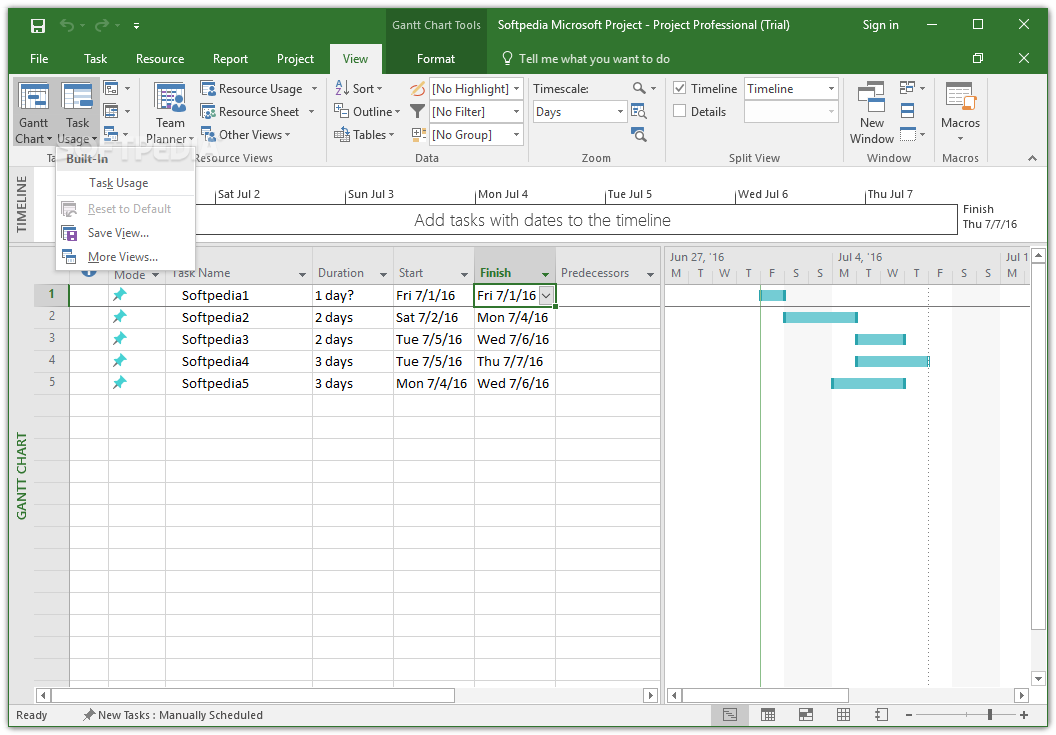
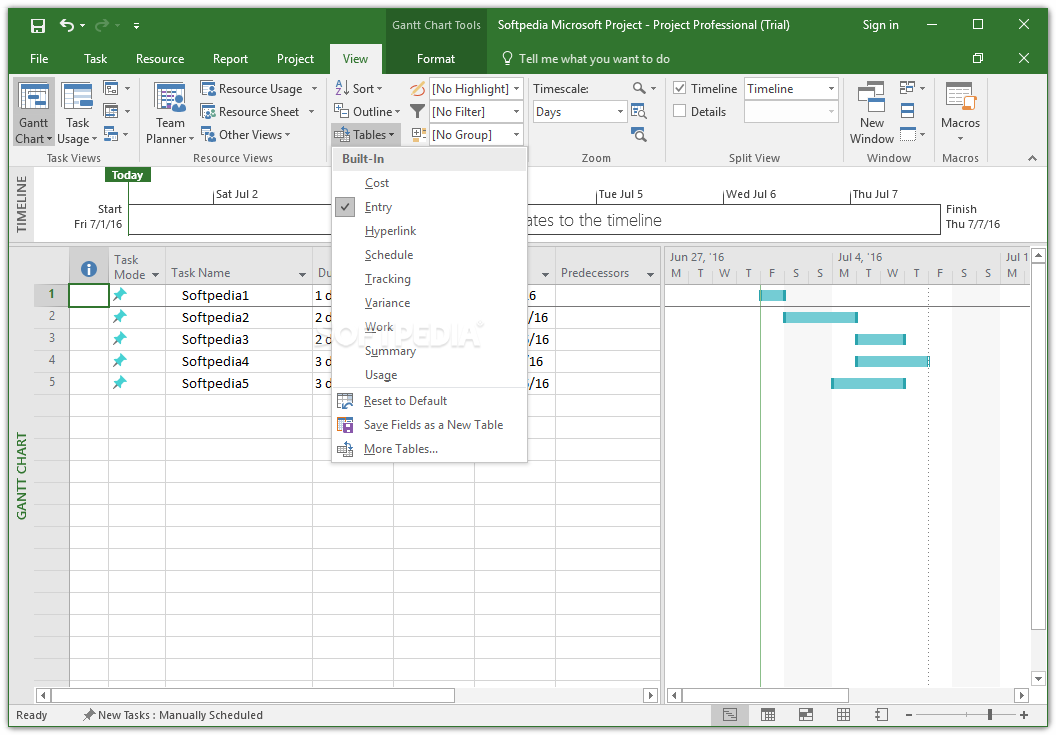
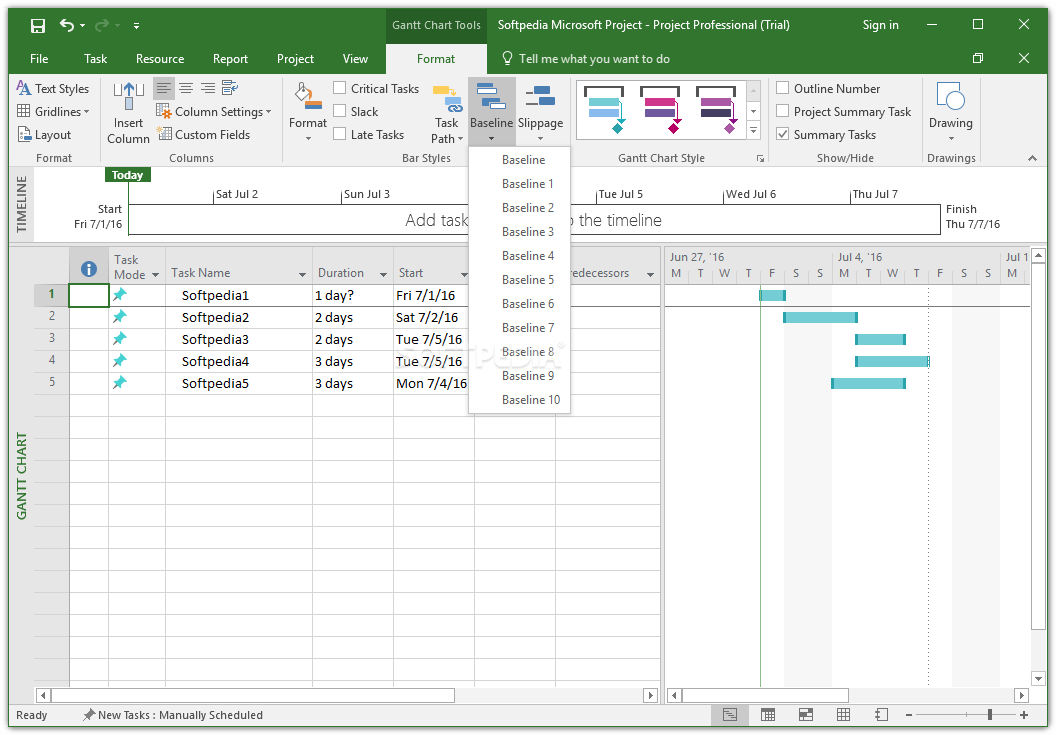
Although projects can be started from scratch, an easier approach is to browse and select from the Project Templates offered by Microsoft, which cover a wide array of aspects for any business. No matter the size of the project, you can gain full control over it via timelines and Gantt charts, which offer a quick overview of the team’s progress.
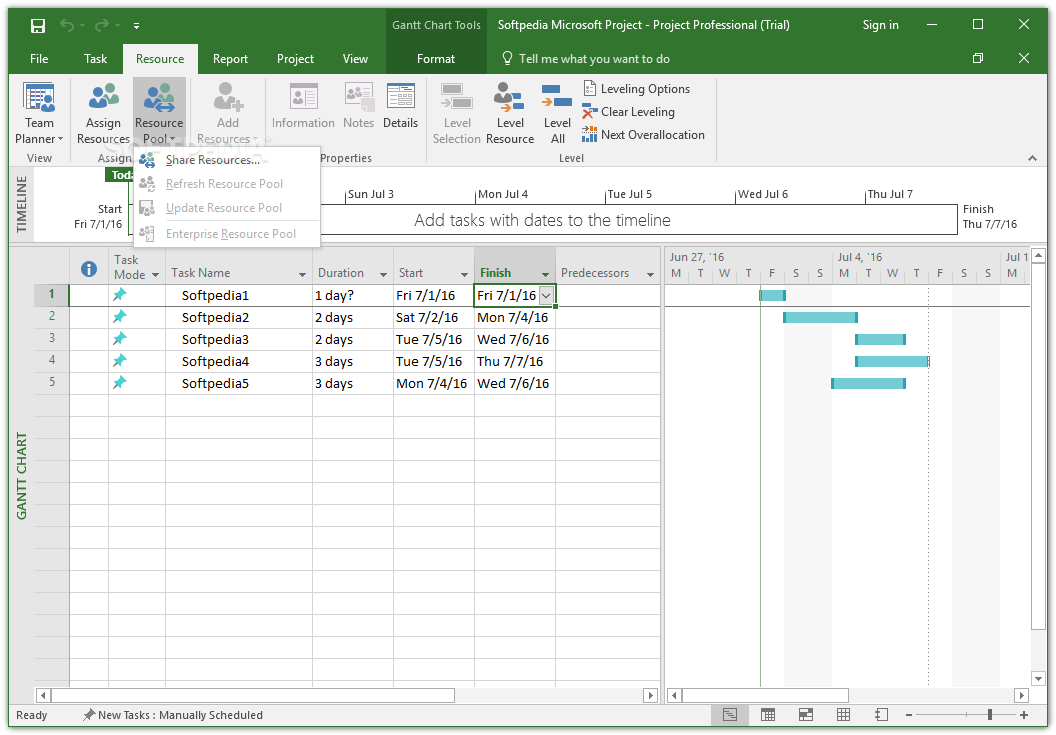
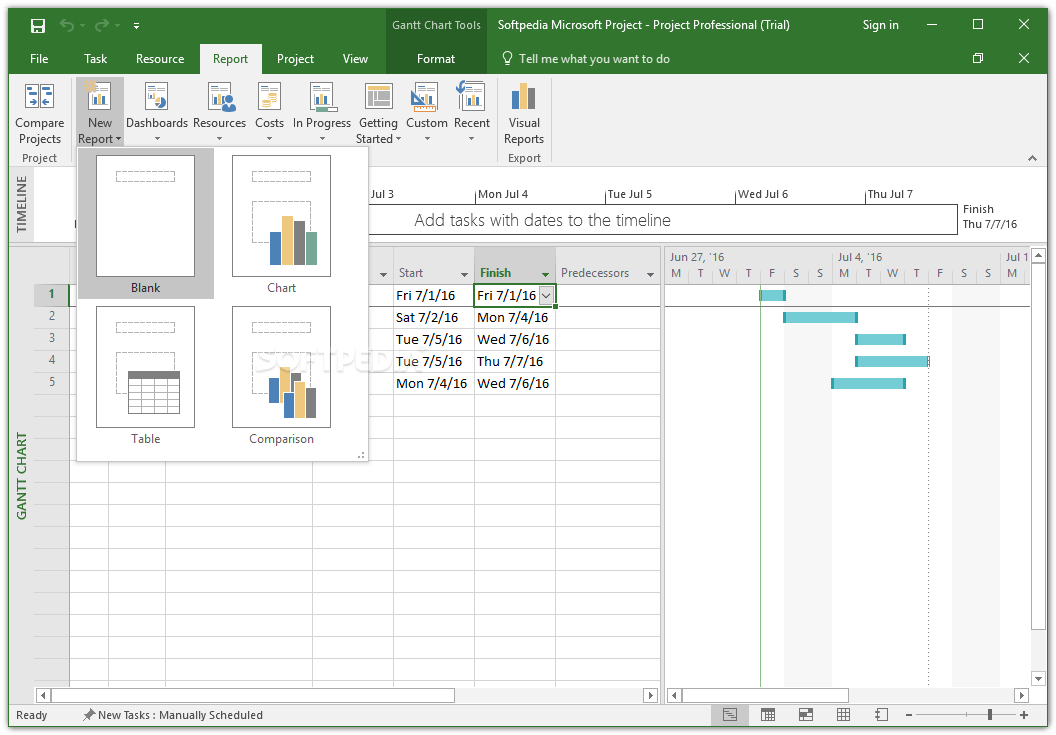
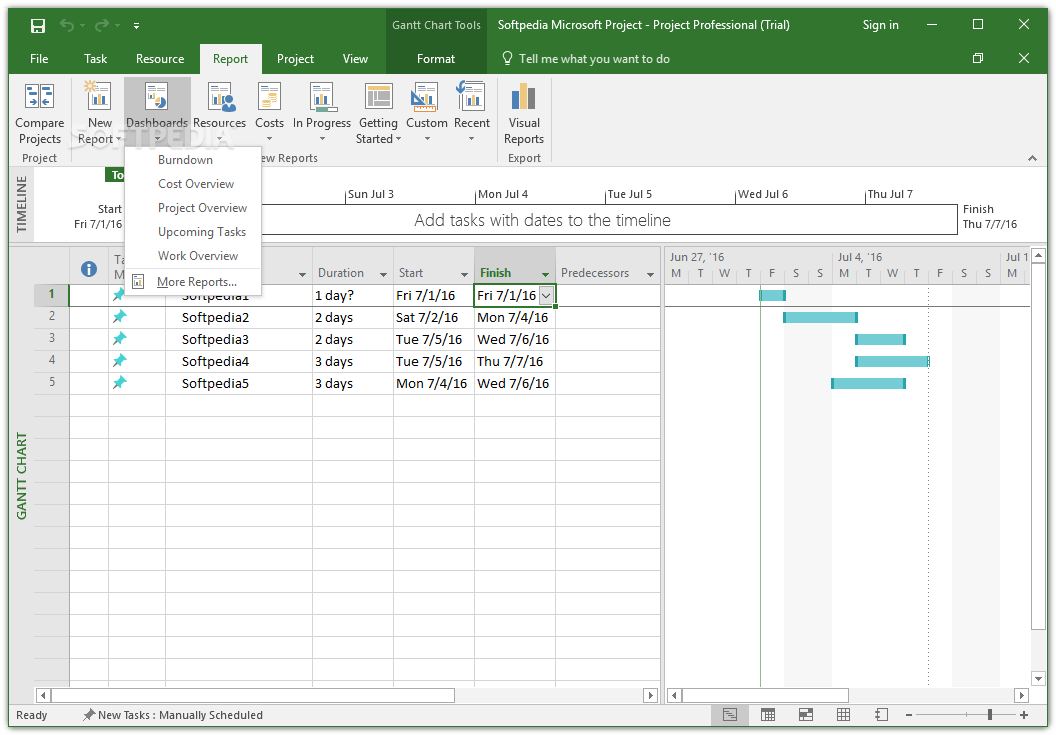
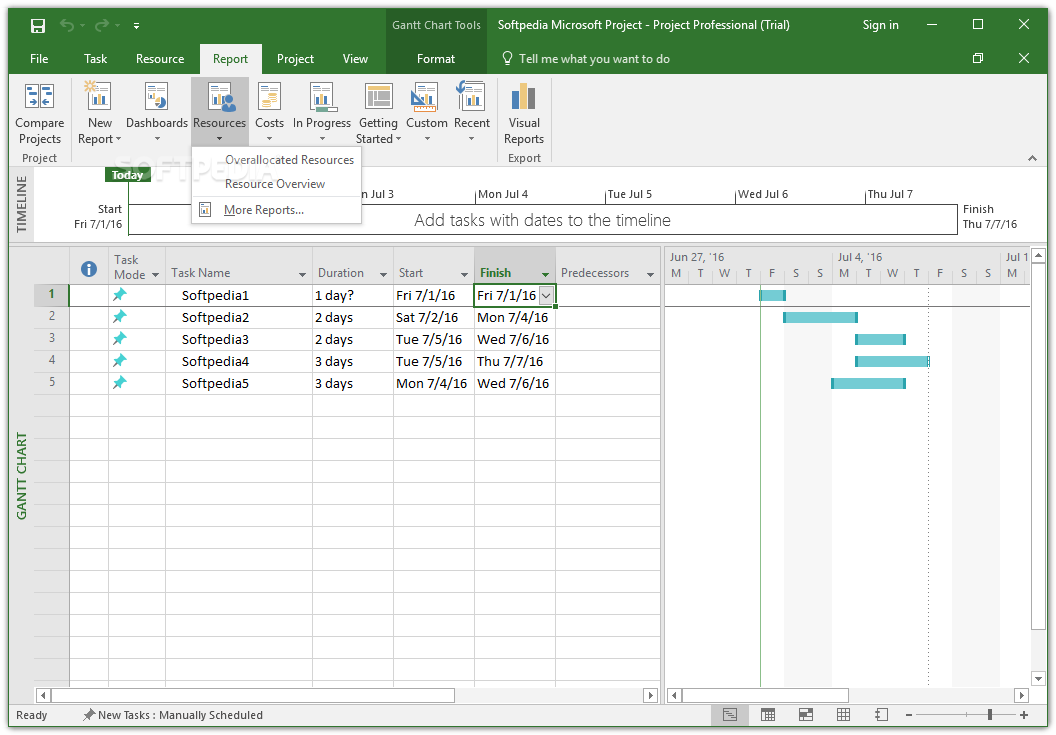
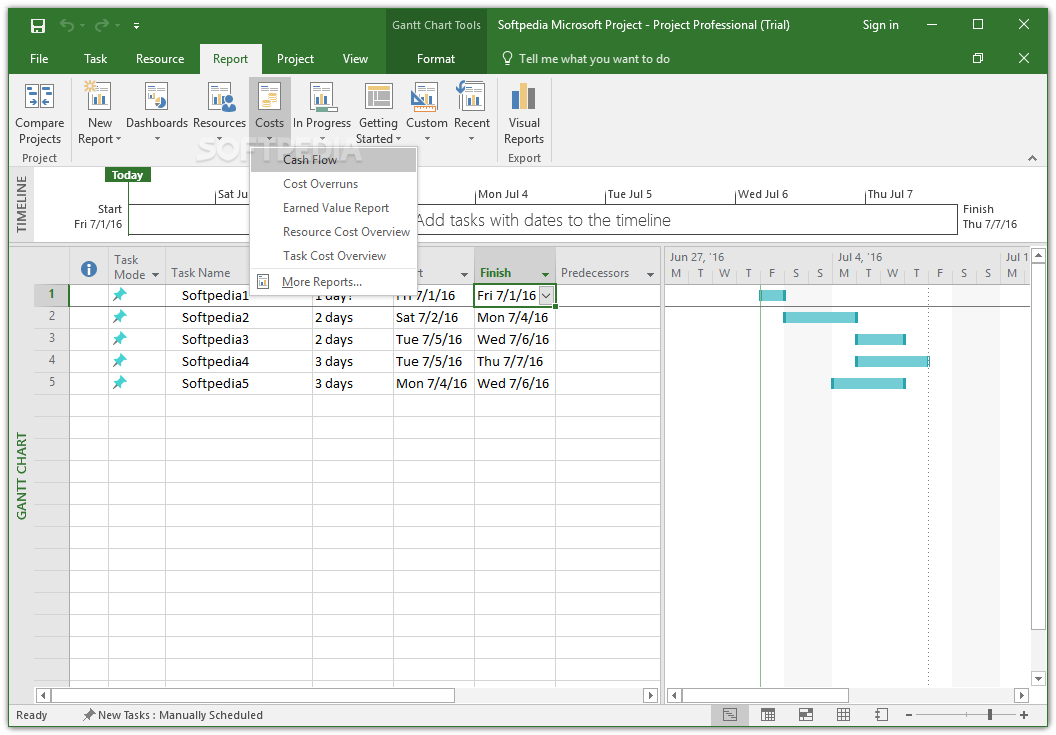
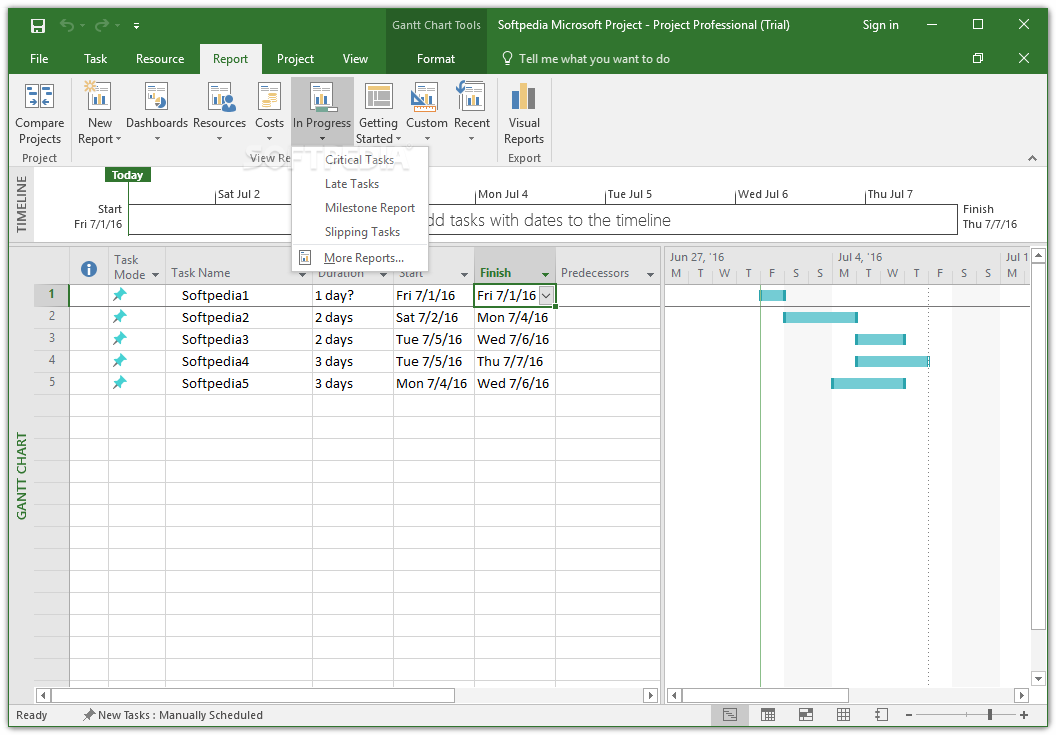
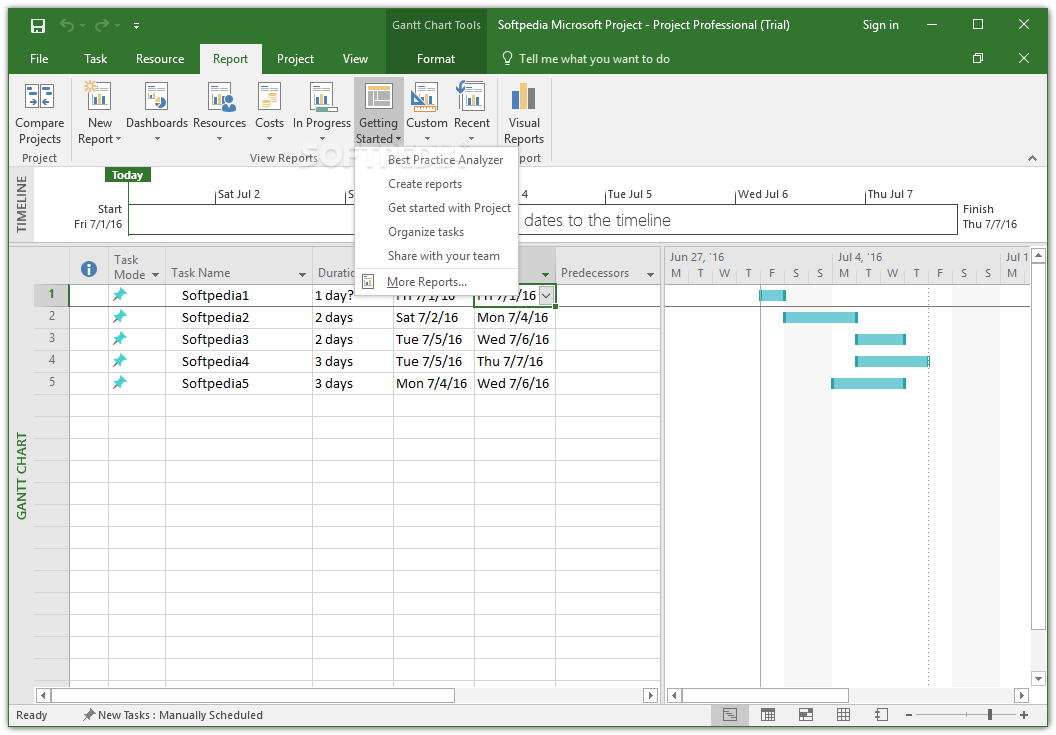
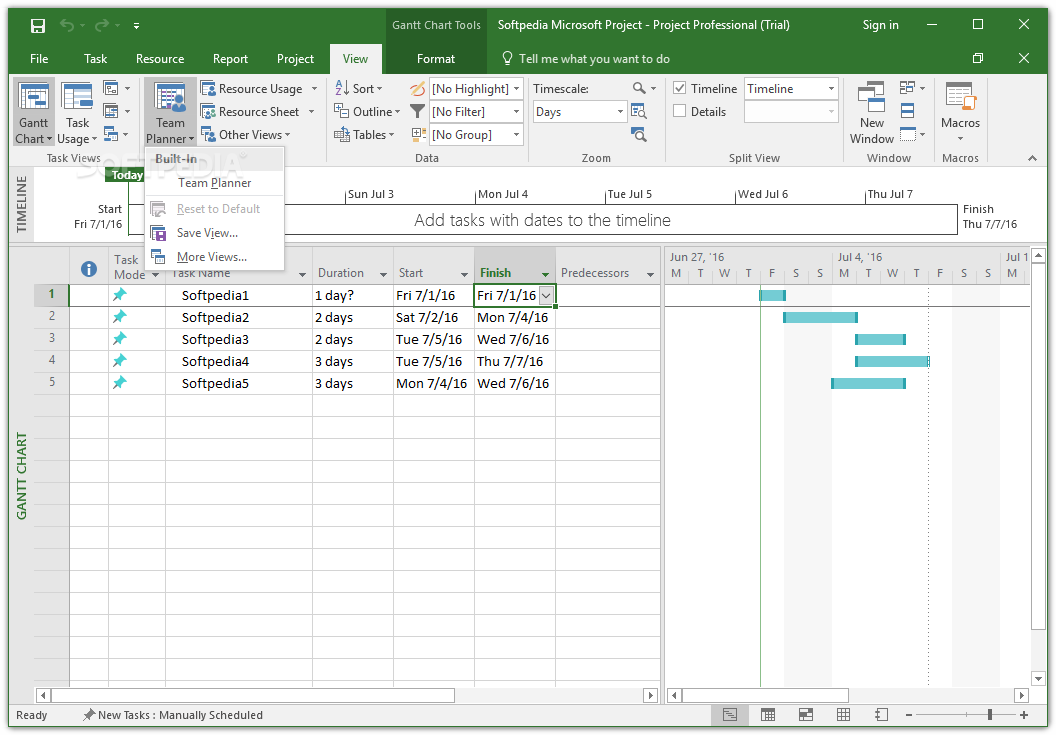
Measuring the evolution, as well as the resource allocation is made easier with the aid of the rich reporting tools, which can be customized to fit any requirement. The Team Planner feature assists project managers in anticipating the problems that could impact the schedule, allowing them to make the necessary changes before the workloads are affected.
Sharing is facilitated via the Lync feature, which allows for instant calls or messaging among project participants. The projects can be accessed from virtually anywhere via the Office 365 and SharePoint integration.
Last, but not least, managers can rely on the built-in presentation features that can be used to emphasize the strongest points of a project when bringing it to be evaluated by stakeholders or executives.
To sum up, Microsoft Project Professional is the go-to solution for project management. The rich templates, together with the collaboration, reporting and presentation tools are more than sufficient to assist teams in delivering a winning project.
Download Hubs
Microsoft Project Professional is part of these download collections: View MPP
Microsoft Project Professional 2021
add to watchlist add to download basket send us an update REPORT- runs on:
-
Windows 11
Windows Server 2019
Windows Server 2016
Windows 10 32/64 bit
Windows Server 2012
Windows 2008 R2
Windows 8 32/64 bit
Windows 7 32/64 bit - file size:
- 4.1 GB
- filename:
- project2010sp1-kb2460052-x86-fullfile-en-us.exe

- main category:
- Office tools
- developer:
- visit homepage
Windows Sandbox Launcher

Zoom Client

Microsoft Teams

IrfanView

ShareX

4k Video Downloader

Bitdefender Antivirus Free

calibre

Context Menu Manager

7-Zip

- calibre
- Context Menu Manager
- 7-Zip
- Windows Sandbox Launcher
- Zoom Client
- Microsoft Teams
- IrfanView
- ShareX
- 4k Video Downloader
- Bitdefender Antivirus Free