WINDOWS CATEGORIES:


NEWS ARCHIVE >>
SOFTPEDIA REVIEWS >>

WEEKLY HIGHLIGHTS

DVD Cloner45
Spyware Doctor40
1Click DVD Copy40
Apollo DVD Copy40
ABC Amber BlackBer...45
Protected Music Co...40

7-DAY TOP DOWNLOAD

#
Program
Avira AntiVir
Personal - Free
Antivirus 9.0.0.415

169,069
Windows Live
Messenger 2009
14.0.8089.726

164,651
Avira Antivir Virus
Definition File
Update November 19,
2009

143,004
Nexus Radio 4.2
121,054
FreeZ Online TV 1.31
110,198
Microsoft Office
2010 14.0.4536.1000
Beta / 2007

74,563
Y! Multi Messenger
8.x and 9.x

72,611
Windows Live
Messenger
8.5.1302.1018

58,396
RemoveWGA 1.2
47,572
AVG Free Edition 9.0
Build 707a1765

46,961

WEEK'S BEST

  • Faststone Image Vi...
  • Vuze (formerly Azu...
  • Softpedia Wallpape...
  • Softpedia Wallpape...
  • Softpedia Wallpape...
  • RSSOwl 2.0 Final
  • Internet Explorer ...
  • Online Armor ++ 4....
  • cFosSpeed 5.01 Bui...
  • SONY Vegas Pro 9.0...
  • Firefox 3.6 Beta 3...
  • Nokia Photos 1.6.434
  • Windows Server 200...
  • Skype Portable 4.1...
  • Google Chrome Port...
  • PCMark Vantage Bas...
  • Kaspersky Anti-Vir...
  • Microsoft Virtual ...
  • Messenger Plus! Li...
  • WinX DVD Author [F...
  • SoftPerfect Networ...
  • System Mechanic Pr...
  • Ad Muncher 4.8 Bui...
  • Windows 7 Upgrade ...
  • Pidgin 2.6.3
  • OpenOffice.org 3.2...
  • VirtualDub 1.9.7 B...
  • Maxthon [Softpedia...
  • Spyware Doctor 7.0...
  • SUPERAntiSpyware 4...
  • Home / Windows / Office tools / Other Office Tools
     Report spyware

    Stickies 7.0b

    Download button

    Downloads: 10,683  Add to download basket  Tell us about an update
    User Rating:
    Rated by:
    Very Good (4.6/5)
    103 user(s)
    Developer:

    License / Price:

    Size / OS:

    Last Updated:

    Category:
    Tom Revell | More programs
    Freeware / FREE
    1 MB / Windows All
    November 10th, 2009, 04:42 GMT [view history]
    C: \ Office tools \ Other Office Tools

     Read user reviews (0)  Add a review  Refer to a friend  Subscribe


    Stickies description


    A computerised version of Post-It notes

    Stickies was designed to store all information in a single text-based ini file.

    Stickies will never support animated dancing figures, or play "Greensleeves". They are instead yellow rectangular windows onto which you can put some text notes. Once created, they will stay on screen until you take them away. Just like a real sticky piece of paper.

    How to use Stickies:
    If you use Stickies as a reminder program:
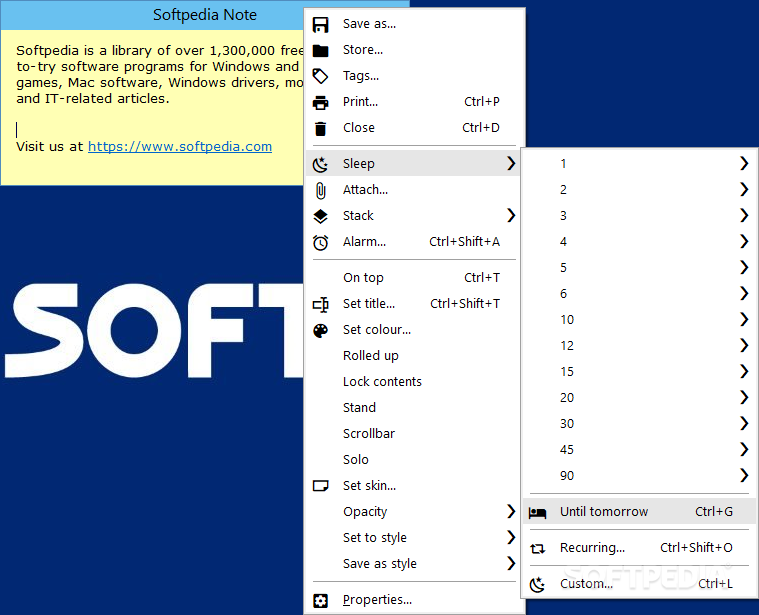
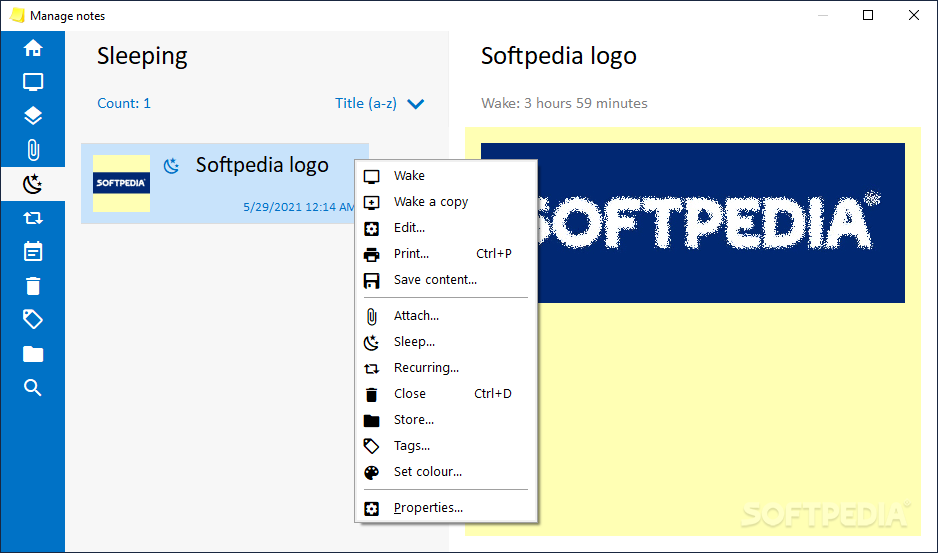
    · Send a sticky to sleep to hide it until you need to be reminded
    · Set recurring reminders to be reminded at a set time every day, week or month
    · Set an alarm to have a sticky grab your attention at some point
    · Change sticky colours to show different priorities, and change appearance quickly using styles
    · Press and hold the control key, and then scroll the mouse wheel to make the sticky text larger or smaller
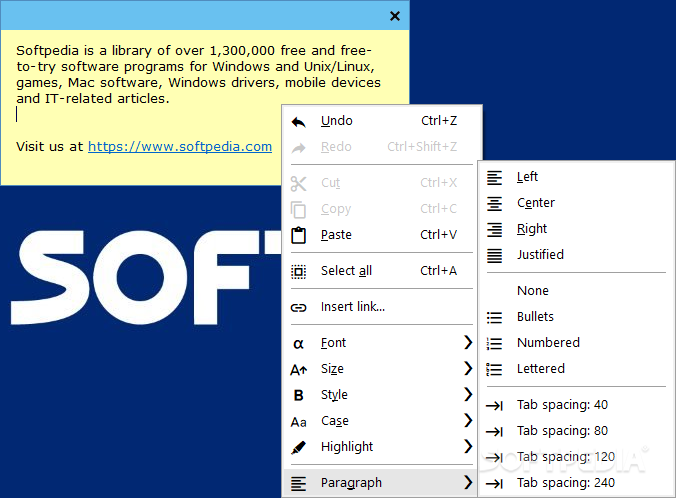
    · Use bullets to make keeping a list simpler

    If you send Stickies over the network:
    · Quickly send a sticky back after adding some text by pressing control-r to reply
    · Send stickies in secret mode to allow the recipient to choose when to call the sticky up onto screen
    · Force all incoming stickies to secret mode if you prefer not being interrupted with incoming messages
    · Get a task-tray balloon when someone sends you a secret sticky to see who it's from
    · Set up logging so that you can keep a record of all stickies you send and receive
    · Apply your style to the text you add, so you can quickly and easily see who said what when a sticky is passed back and forth in a conversation
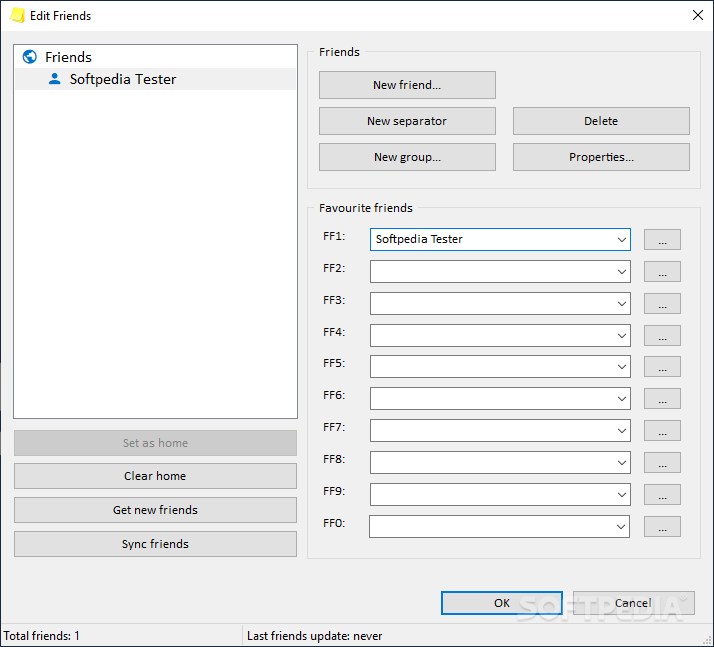
    · Set some favourite friends to quickly send to some other users or groups of users
    · Set up Stickies to use an SMTP server to which it will send stickies which can't be instantly transmitted
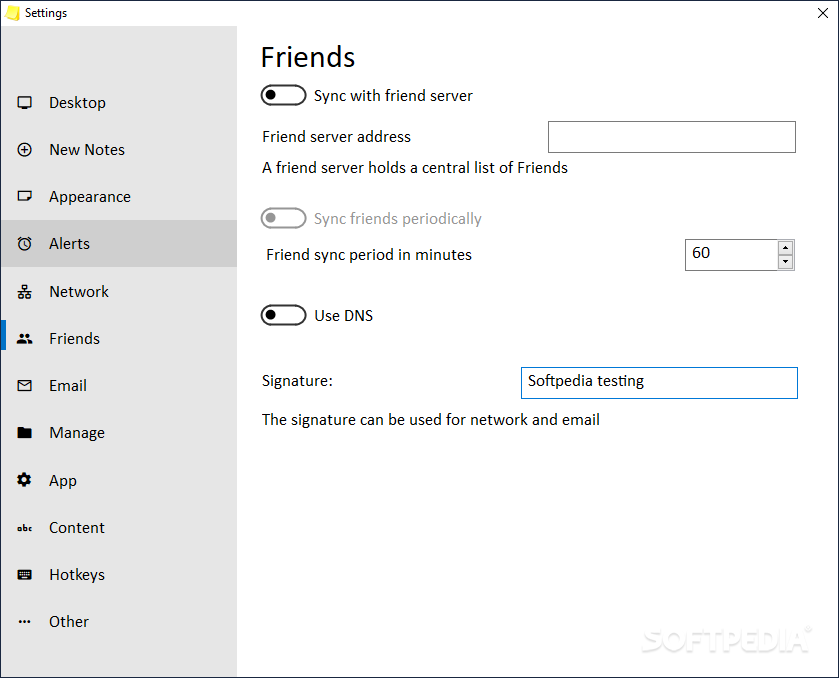
    · Set the address of another copy of Stickies on the Automation tab to keep your friends list up-to-date

    If you use Stickies to store information:
    · Use rolled up mode to fit as much information on screen at once
    · Enable direct sizing, and scroll up and down stickies with a large amount of text on them
    · Set the title bar text to summarise what information is on the sticky
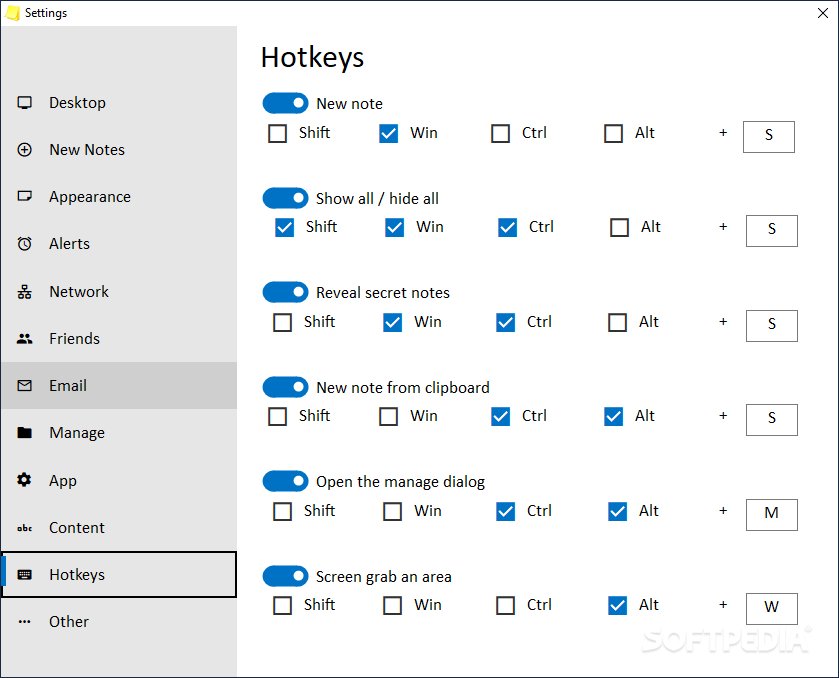
    · Hide and show all stickies with the keyboard shortcut to quickly bring back your information
    · Store URLs on them, and then double-click the URL open it
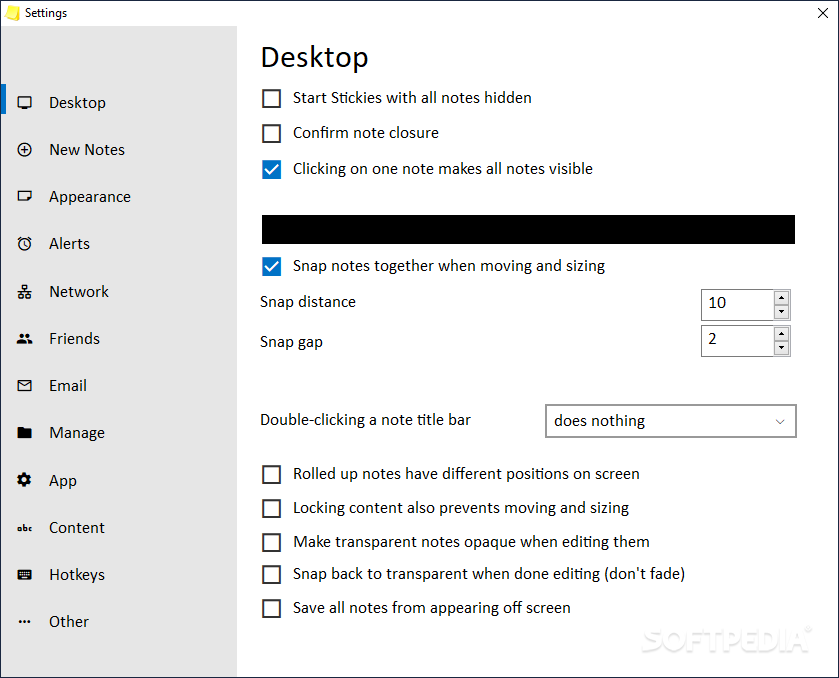
    · Make stickies transparent normally, and then turn opaque when you edit them
    · Use Stickies Store to squirrel away information you don't access too often

    Here are some key features of "Stickies":

    · Once on screen, stickies will remain where placed until closed, even through reboots
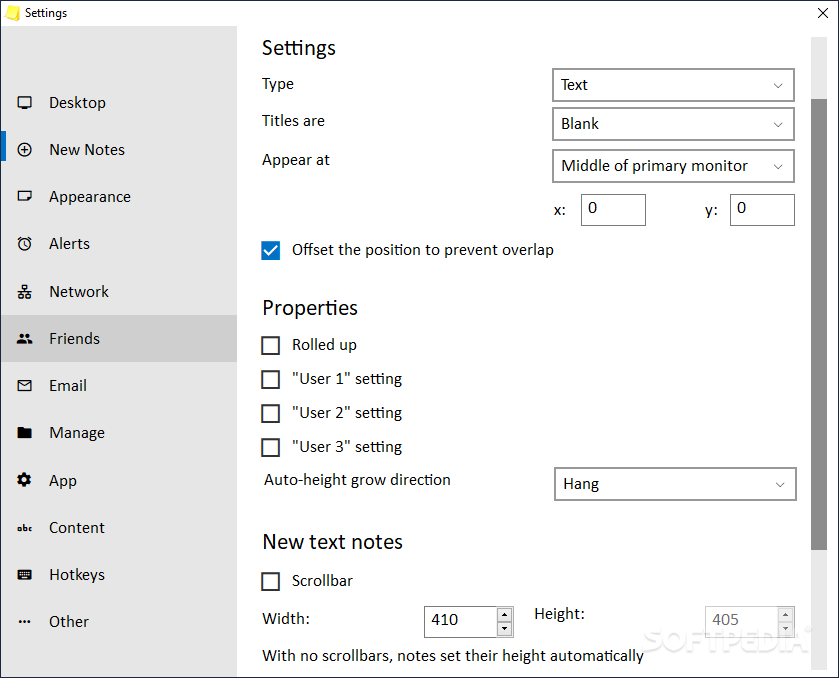
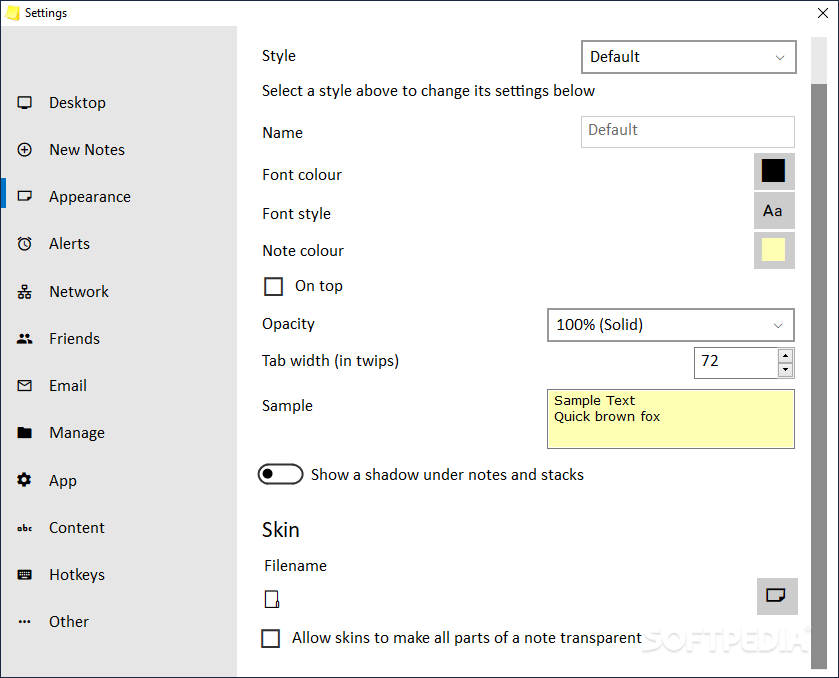
    · Stickies appearance can be customised; fonts, colours and buttons may be changed, and styles saved. Stickies can be resized.
    · Stickies can snap to each others edges to keep them lined up
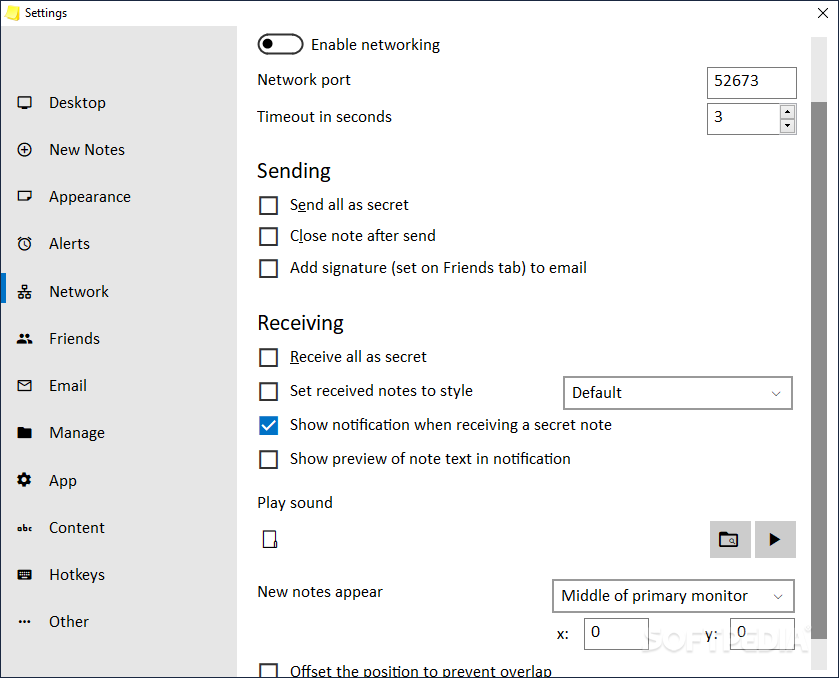
    Stickies can be transferred from one machine to another either over a TCP/IP network connection, or by using an SMTP mail server or MAPI client:
    · Hierarchical friends list, which may be automatically transferred from other friends
    · Play a sound file on receive
    · Signature for transmitted or emailed stickies
    · Favourite friends, and custom lists can be made
    · Stickies can be hidden for a certain period, until a specified date and time, or to wake every day, week or month, to act as reminders.
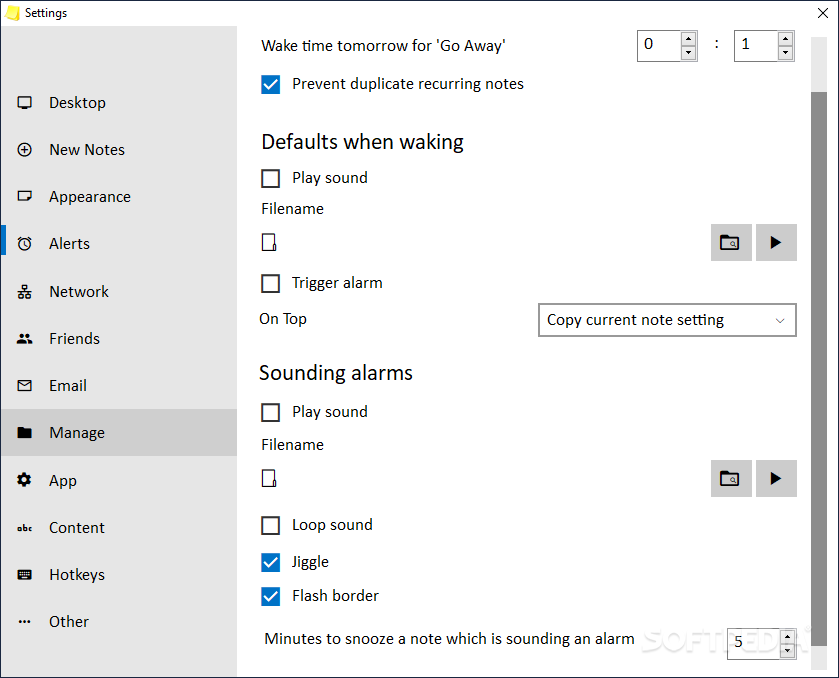
    · Stickies can have alarms set to ensure you notice them at a point you choose
    · Stickies can be transferred to and from your Palm or PPC PDA.
    · International language support
    · Stickies is small and simple, it writes to a single text file, and does not touch the registry

    What's New in This Release: [ read full changelog ]

    New features:
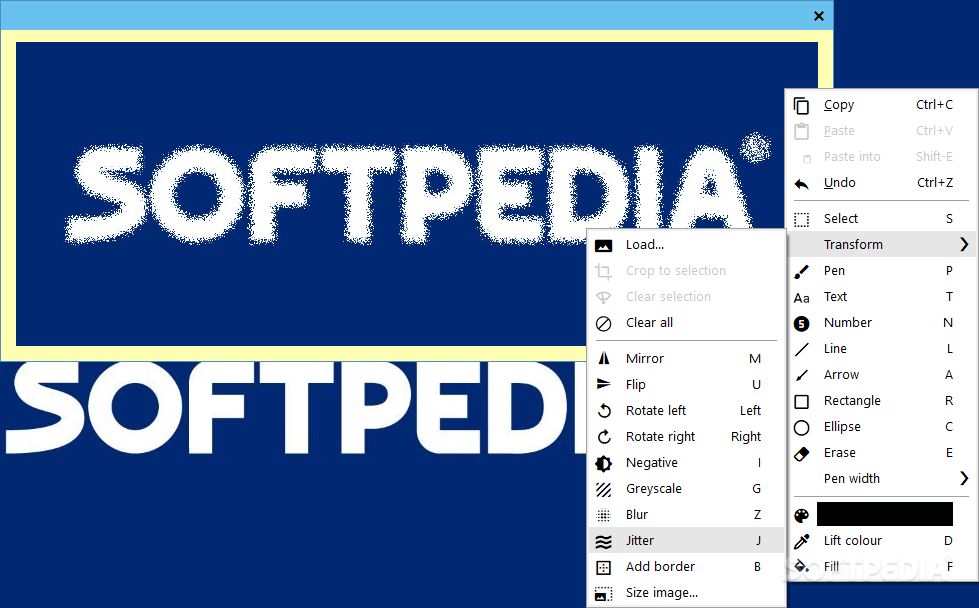
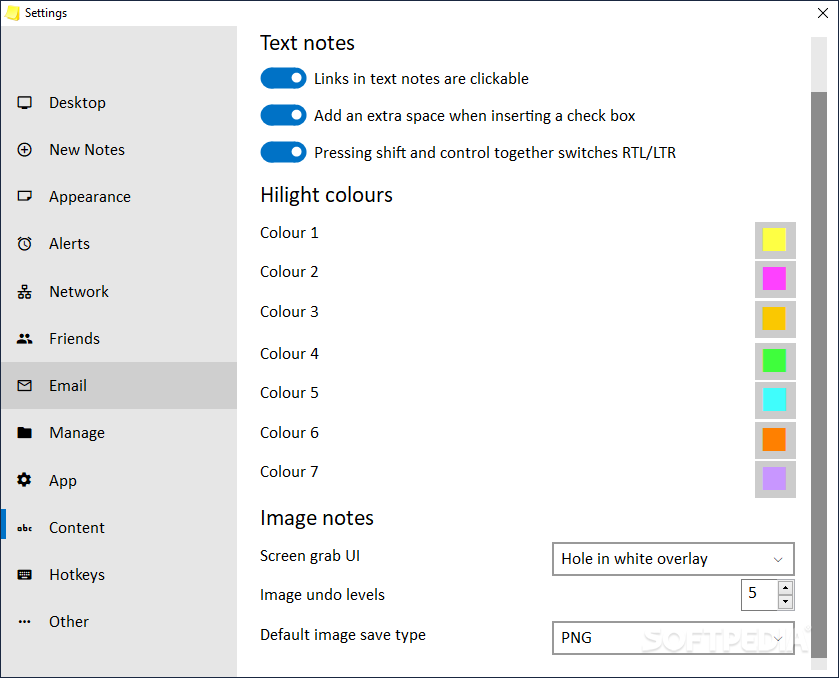
    · Image stickies
    · Unicode titles
    · "Show System windows" checkbox in Attach dialog
    · Attached stickies can be set to only appear if the window is visible (not minimised)
    · "Snap back to transparent" option
    · Sticky ID added to properties
    · 32 new API commands
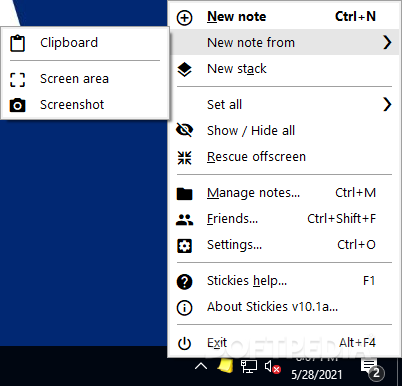
    · New sticky from clipboard
    · Sleep until / Tomorrow added to Sleep menu
    · PDA keys can now be entered in Stickies
    · Text background highlighting
    · stickies.1wk now written after one week of continuous operation
    · Live preview of setting transparency
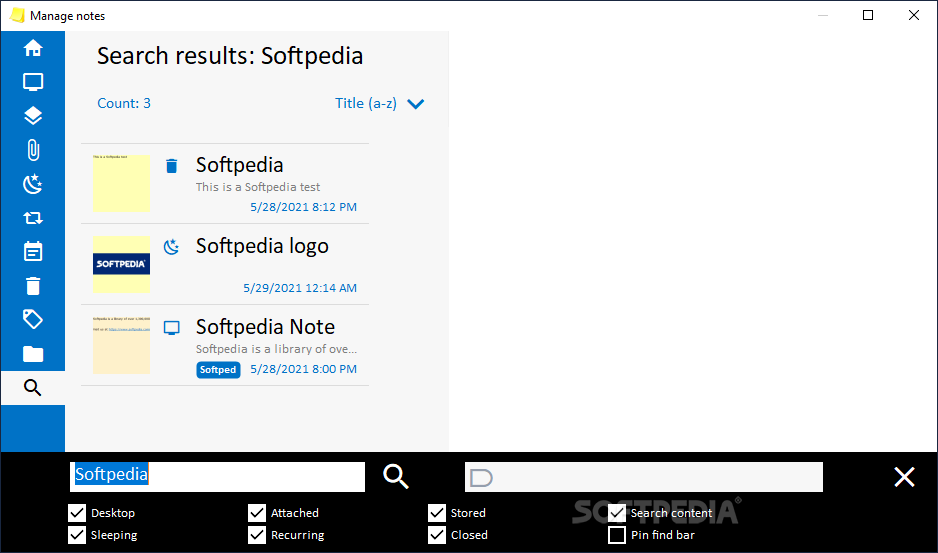
    · Control-F now searches text within a sticky
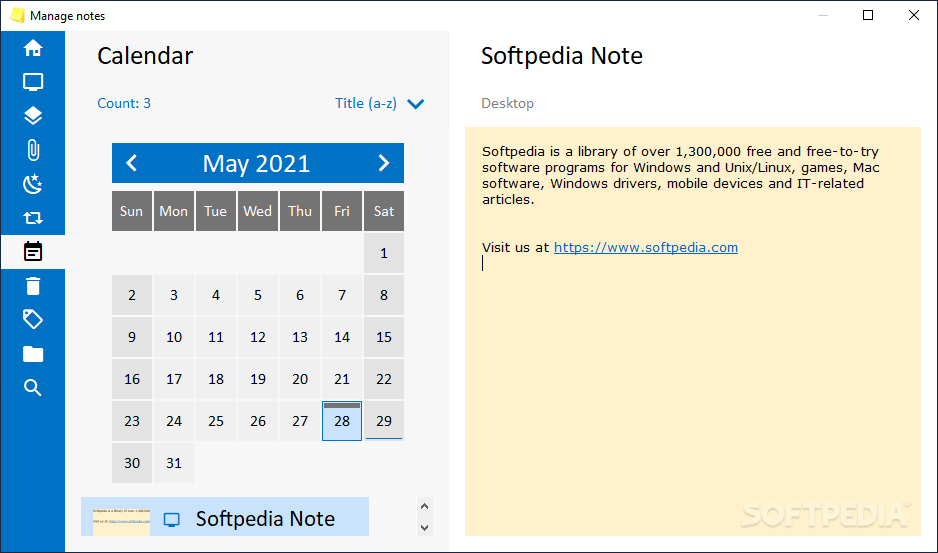
    · Stickies can be moved directly from any category to any other in the Manage dialog
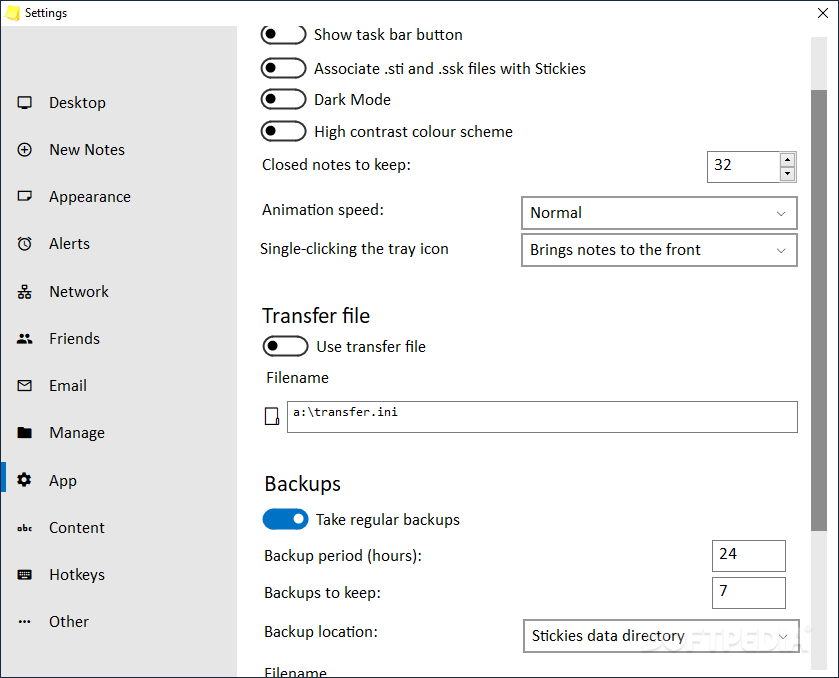
    · Backup function
    · Drop shadow option
    · Font name MRU list
    · F2 edits the sticky title
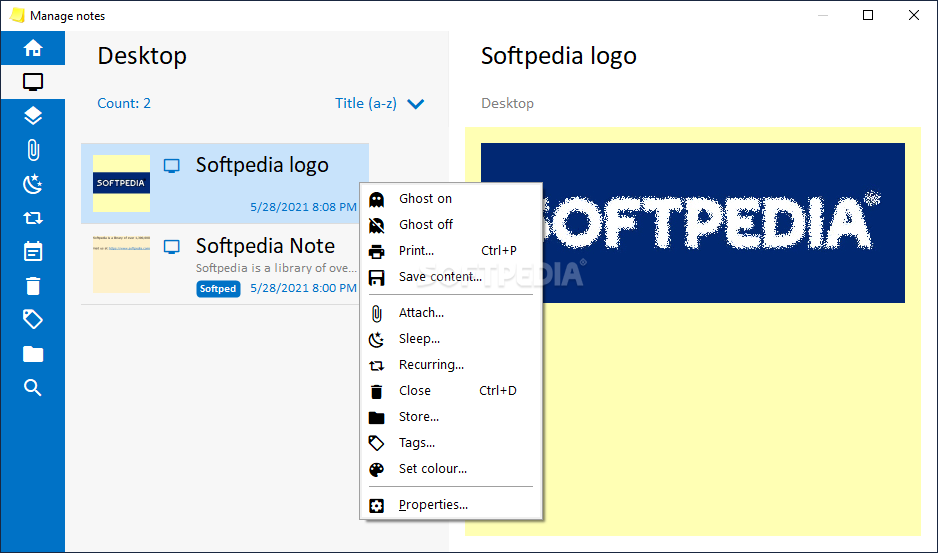
    · Sticky colour can be set in the Manage dialog
    · Sticky colour is now shown in the Manage dialog
    · New sticky "force title on create" option
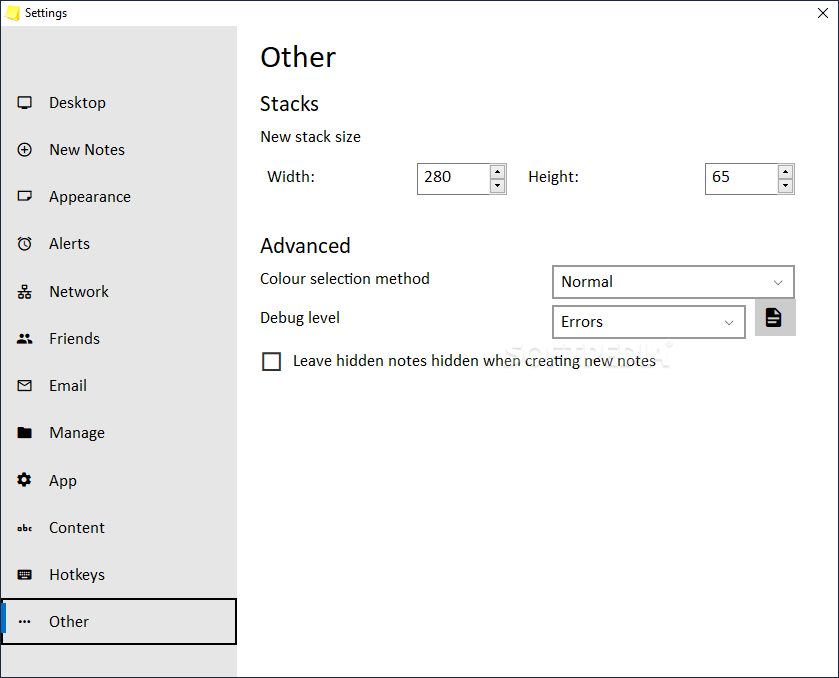
    · Individual Desktop stickies can be hidden/revealed in the Manage dialog
    · RTL (right-to-left) default option ...

     Softpedia guarantees that Stickies 7.0b is 100% CLEAN, which means it does not contain any form of malware, including spyware, viruses, trojans and backdoors. [read more >]


    TAGS:

    store note | keep note | write note | note | post-it | reminder


    HTML code for linking to this page:


    Go to top

    Windows tabGames tabDrivers tabMac tabLinux tabScripts tabMobile tabHandheld tabGadgets tabNews tab

    SUBMIT PROGRAM   |   ADVERTISE   |   GET HELP   |   SEND US FEEDBACK   |   RSS FEEDS   |   ENTER NEWS SITE   |   ENGLISH BOARD   |   ROMANIAN FORUM