
Collection of document translation and spellchecking tools for Microsoft Word, Excel and Autodesk AutoCAD to improve your productivity. #Text Translator #Translate Text #Proofread Translation #Translate #Translator #Translation

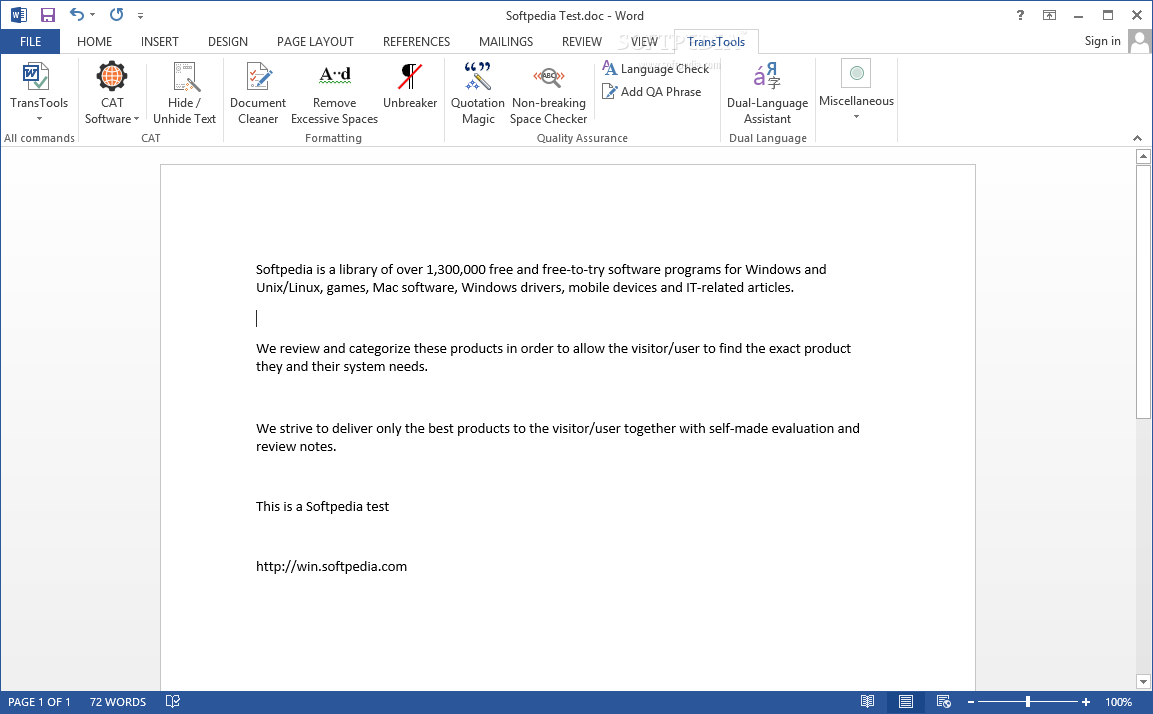
TransTools provides you with a set of tools for Office applications that enables you to process documents and prepare them for translation, proof-read and format them. Designed to enhance the working productivity of translators, the application can be installed as an addon for Microsoft Word, Excel, Visio and AutoCAD.
Once installed, TransTools can be found in the 'Add-Ins' section of the above-mentioned Office programs. Its main purpose is to format the document in the pre-translation stage and assist you during the whole translation and text checking process.
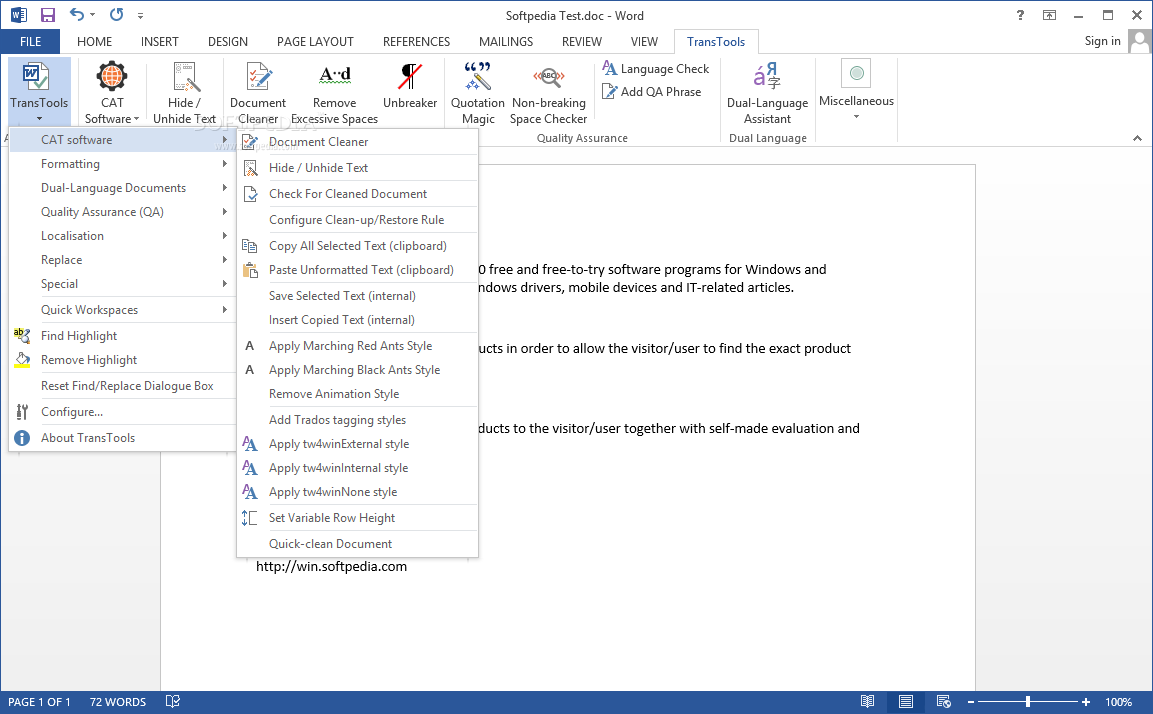
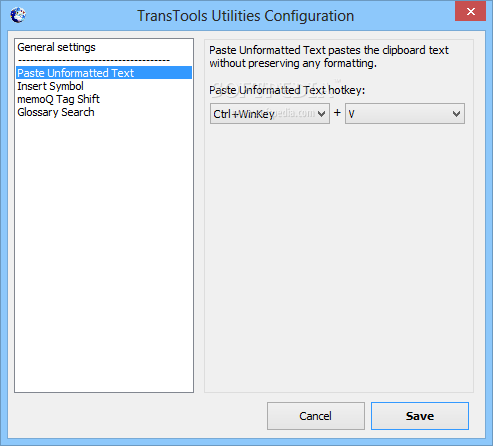
The program uses CAT tools in order to prepare the document for translation. It allows you to hide or unhide document portions, find, replace and insert text, apply matching styles throughout the text, clean-up badly formatted files to make them easier to translate or remove excessive tags.
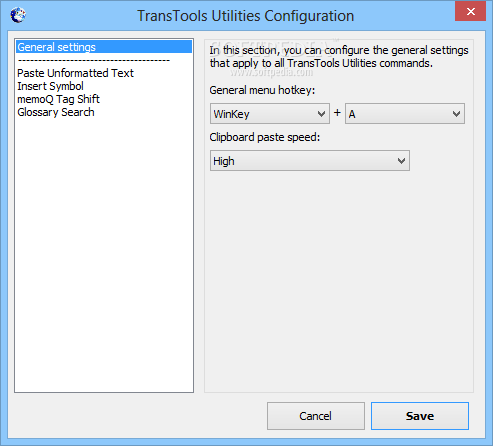
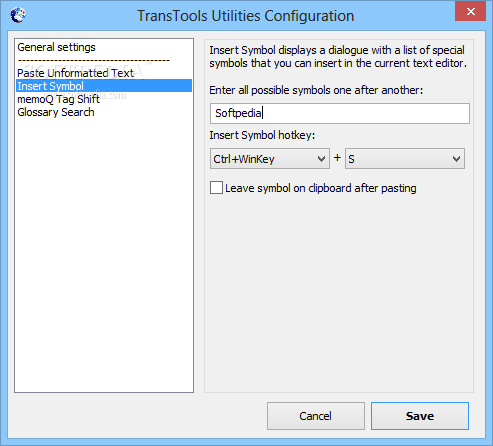
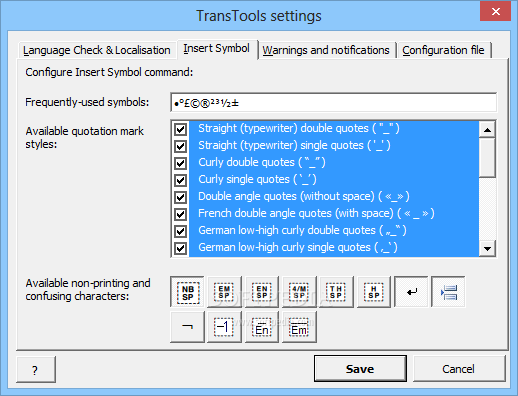
It can clean Trados-formatted documents, process OCR resulting documents (with the 'Document Cleaner'), insert custom symbols, extract all the grahphics from the opened file, pretranslate common text to the target language, as well as find and quickly format numbers.
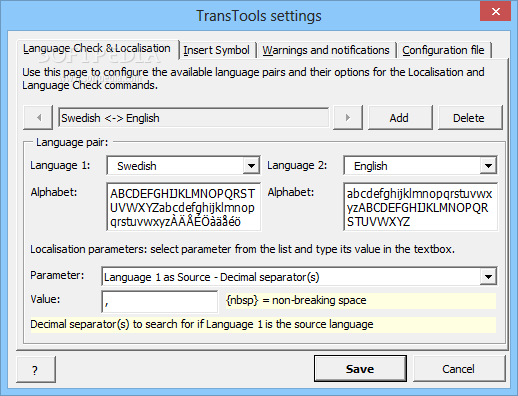
Both automatic and manual localization options are available and the application can find and detect double spaces and duplicate sections throughout the text. The application provides support for various languages, enabling you to set language pairs and configure their localization and language check settings.
It can also assist you during the proof-reading process, in order to make sure that the translation is fully completed and verify it for common mistakes. Once the text is translated, you can perform language checking and create glossaries. Text bookmarks are designed to help you quickly find important text sections, while to-do lists allow you to organize your work easier.
TransTools comes with advanced text formatting and processing capabilities, which make it a must-have tool for any translator out there. Its special commands allow you to automate some of the manual tasks and minimize the time allocated for proof-reading and text corrections.
What's new in TransTools 3.26.2:
- TransTools for Word v. 2.16.2:
- [Document Cleaner] When “Replace special symbols with regular characters where appropriate” option was enabled, the tool did not perform character replacement in some cases, causing some tags to remain in a document. This has been fixed.
TransTools 3.26.2
add to watchlist add to download basket send us an update REPORT- runs on:
-
Windows 10 32/64 bit
Windows 8 32/64 bit
Windows 7 32/64 bit
Windows Vista 32/64 bit
Windows XP 32/64 bit - file size:
- 15.7 MB
- filename:
- TransTools_Installer.exe
- main category:
- Office tools
- developer:
- visit homepage
IrfanView

Windows Sandbox Launcher

7-Zip

Zoom Client

Context Menu Manager

Bitdefender Antivirus Free

ShareX

4k Video Downloader

Microsoft Teams

calibre

- 4k Video Downloader
- Microsoft Teams
- calibre
- IrfanView
- Windows Sandbox Launcher
- 7-Zip
- Zoom Client
- Context Menu Manager
- Bitdefender Antivirus Free
- ShareX