
Analyze and present scientific data using a multitude of powerful tools, with this handy and effective add-in for Microsoft Excel. #Chart Editor #Chart Toolbox #Excel Addin #Chart #Excel #Diagram

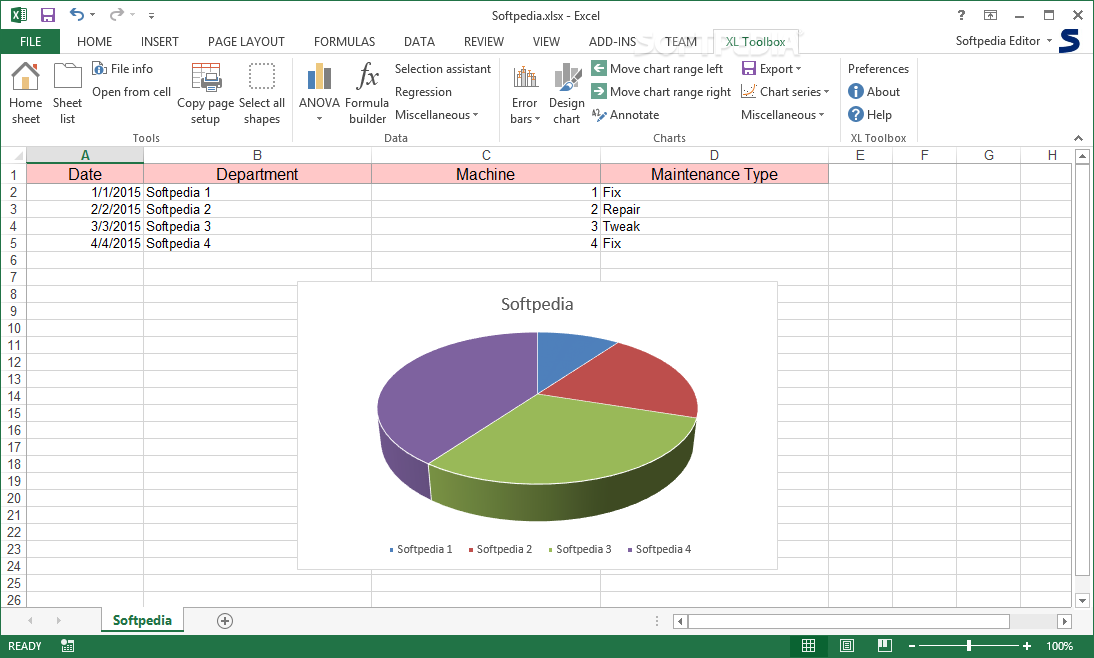
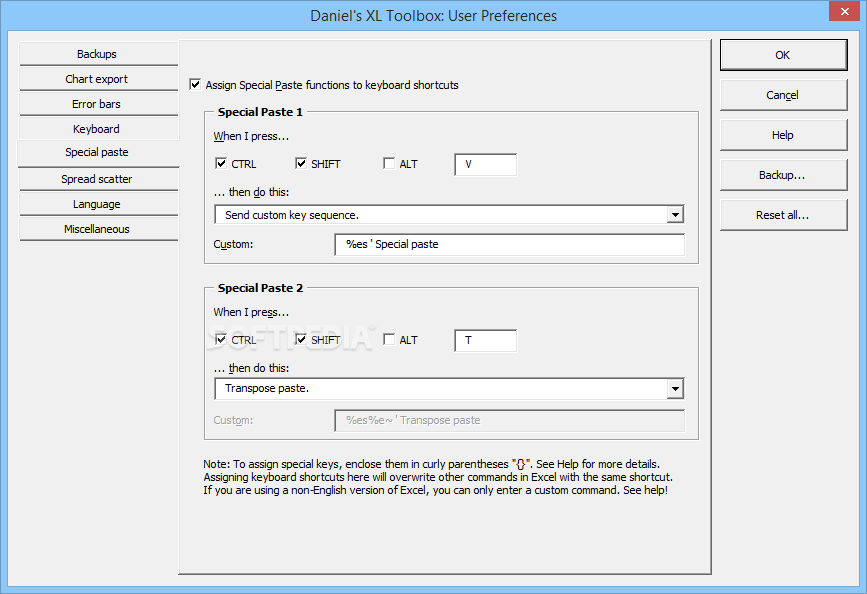
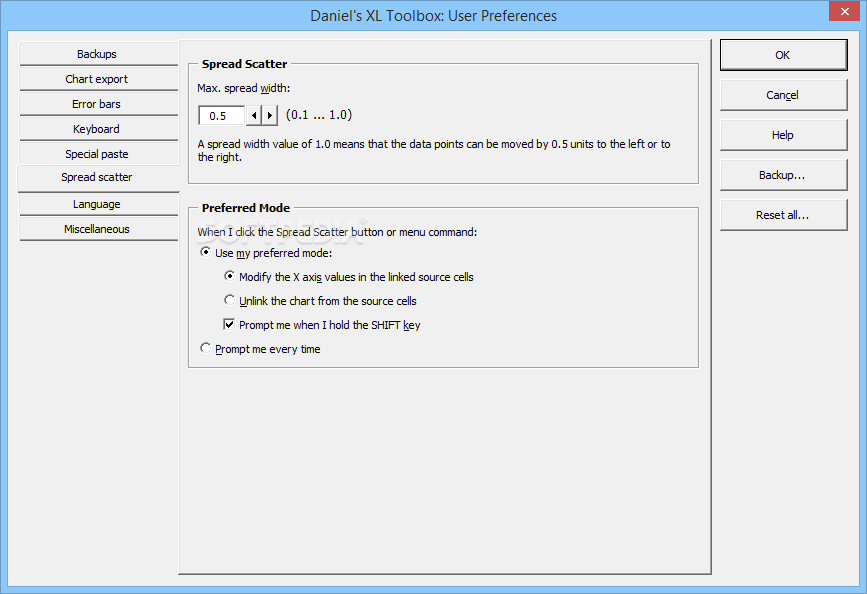
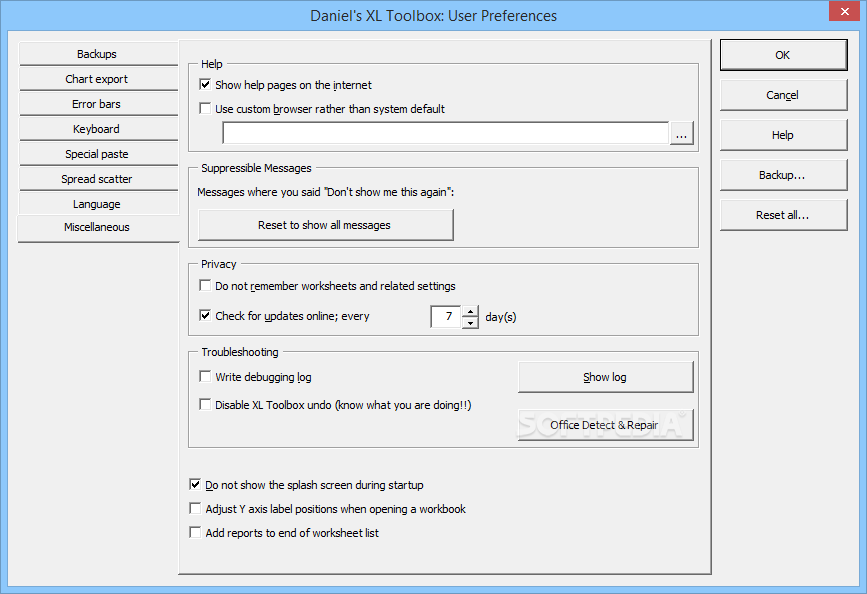
XL Toolbox is a complex add-in for Microsoft Excel, aimed at those who need a set of specialized tools for analyzing, editing and exporting data. It includes numerous advanced functions and is best suited for scientists, but offers extensive documentation to help less experienced users.
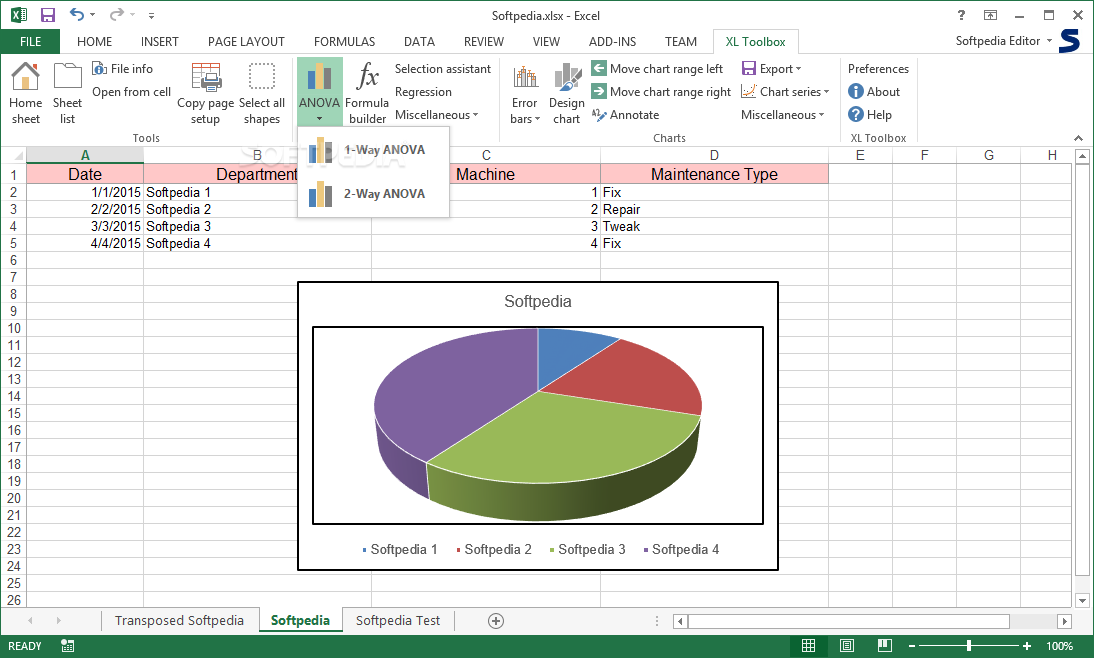
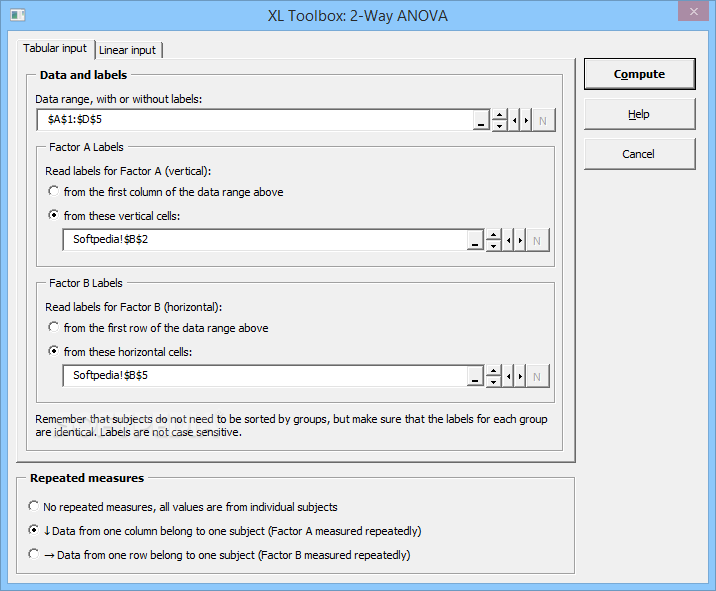
You can perform a one or two-way analysis of variance, to determine if there are any important differences between multiple sets of variables. The program can accept data inserted in numerous layouts.
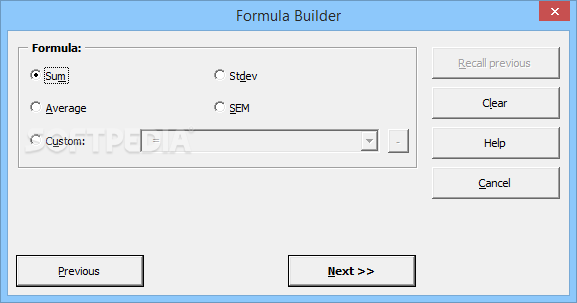
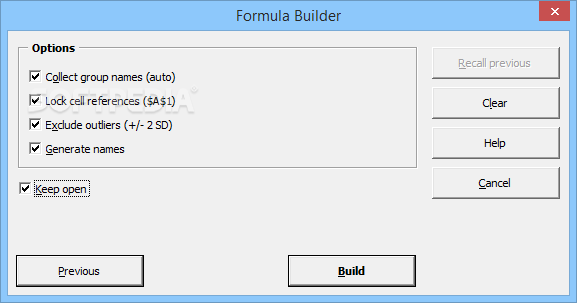
XL Toolbox also includes a formula builder, which gathers cell references for data to create various types of formulas.
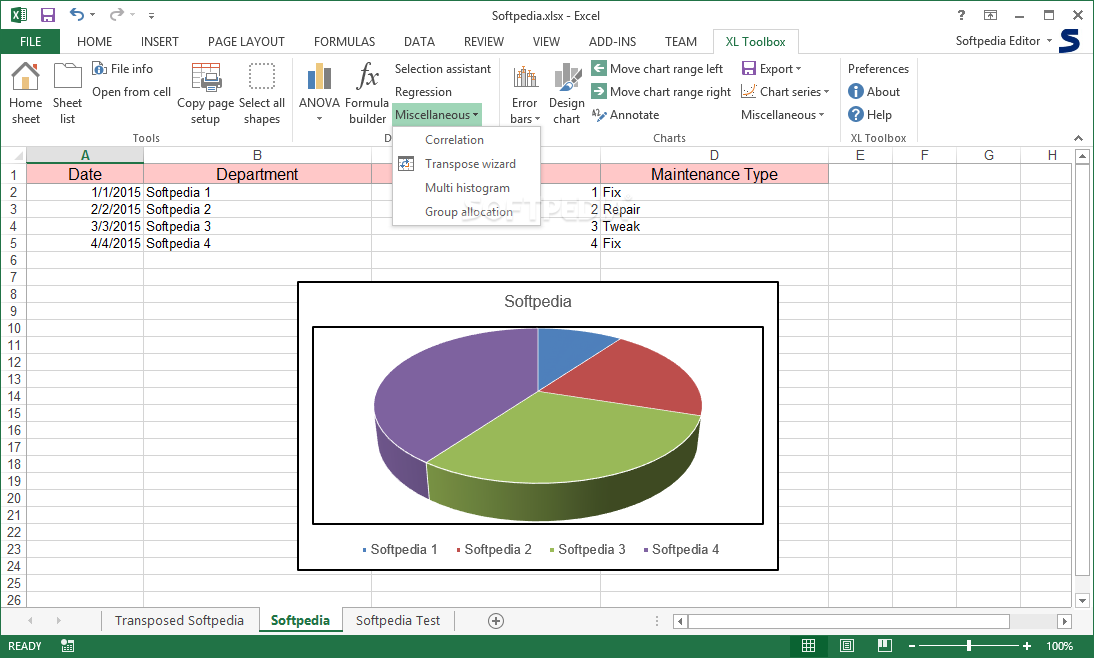
The built-in Transpose Wizard allows you to analyze information generated by various types of multiwell plate readers, as it imports and reorganizes tabular data.
Moreover, you can use this application to perform correlation and regression tests, determining if there are any relationships between variables that are not logically dependent upon one another.
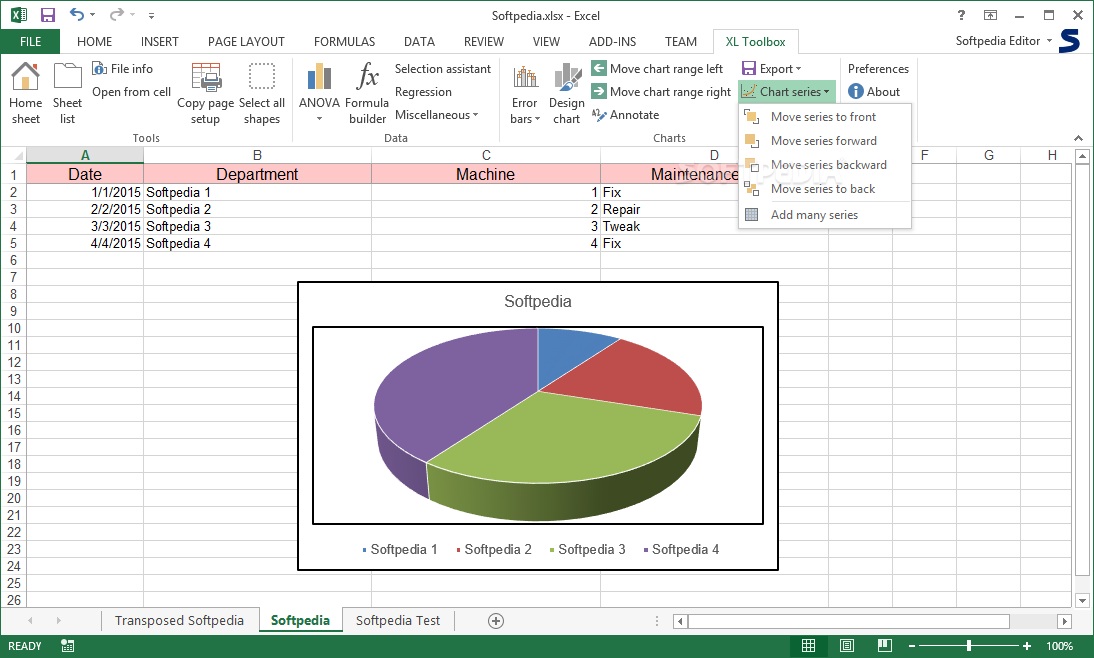
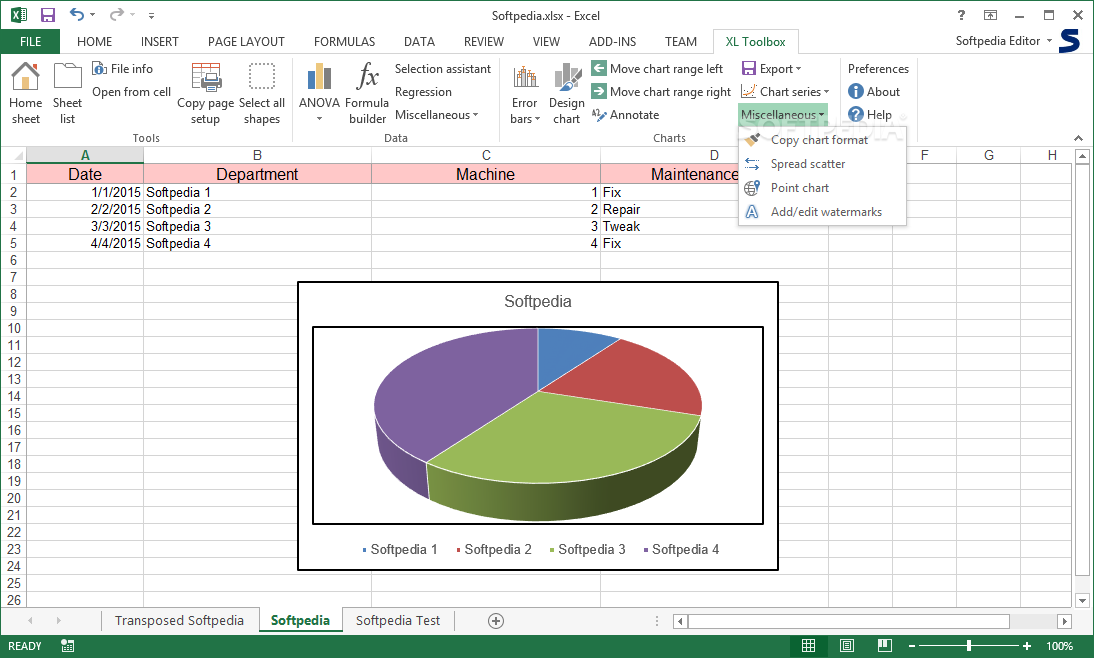
XL Toolbox offers many useful functions intended to help you edit the charts in your spreadsheets in various ways.
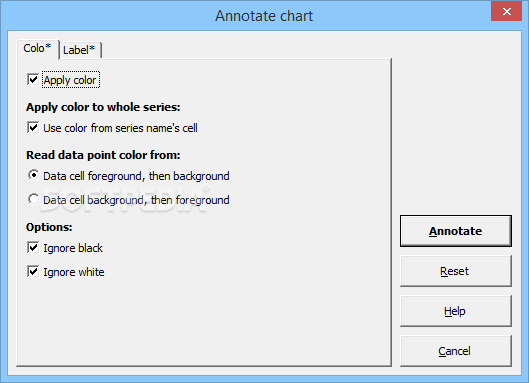
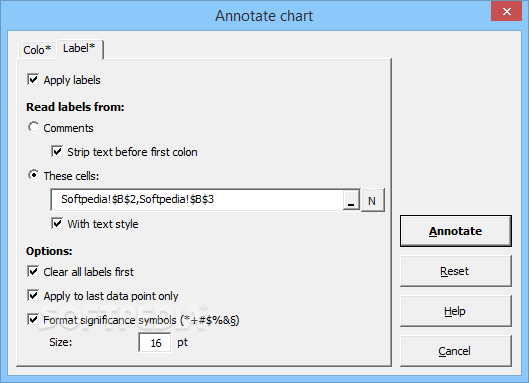
You can add color and text annotations to certain objects in your chart, to highlight specific data points or change their color.
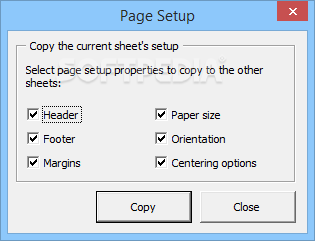
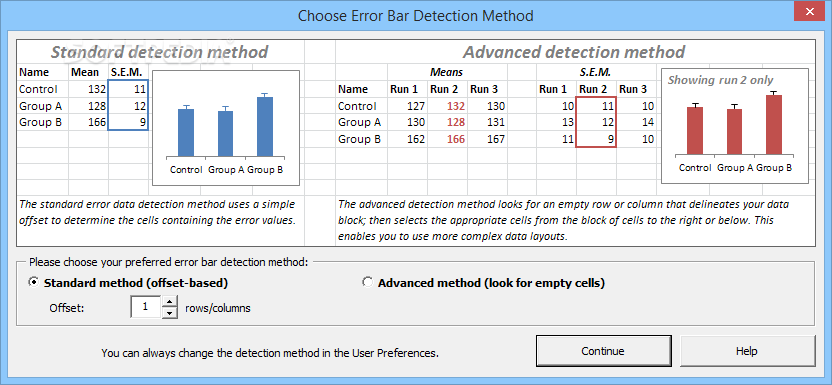
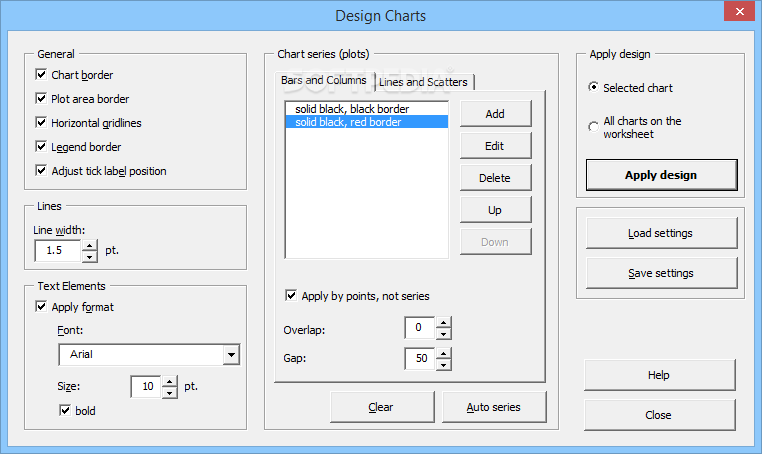
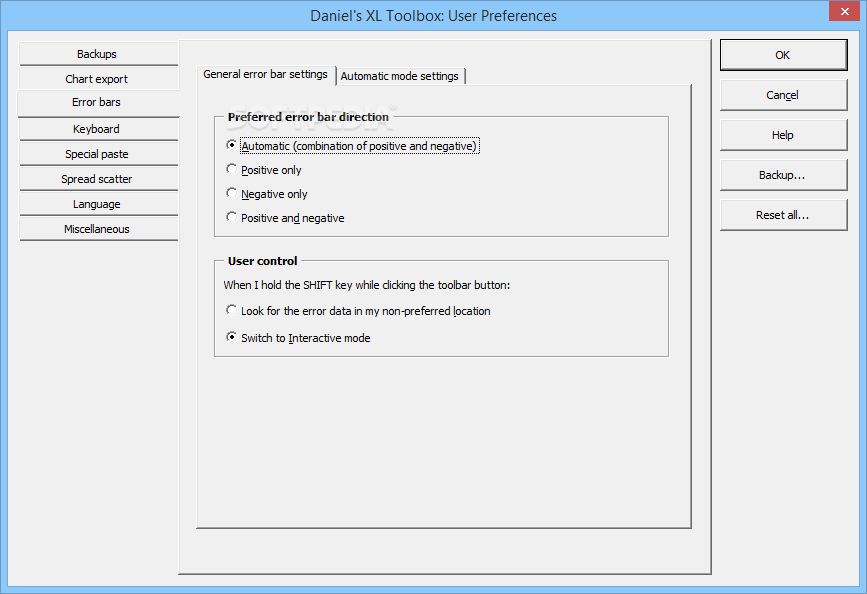
It is also possible alter chart design, add custom error bars, move or extend chart range, add or edit watermarks, as well as copy specific properties to other objects in your workbook.
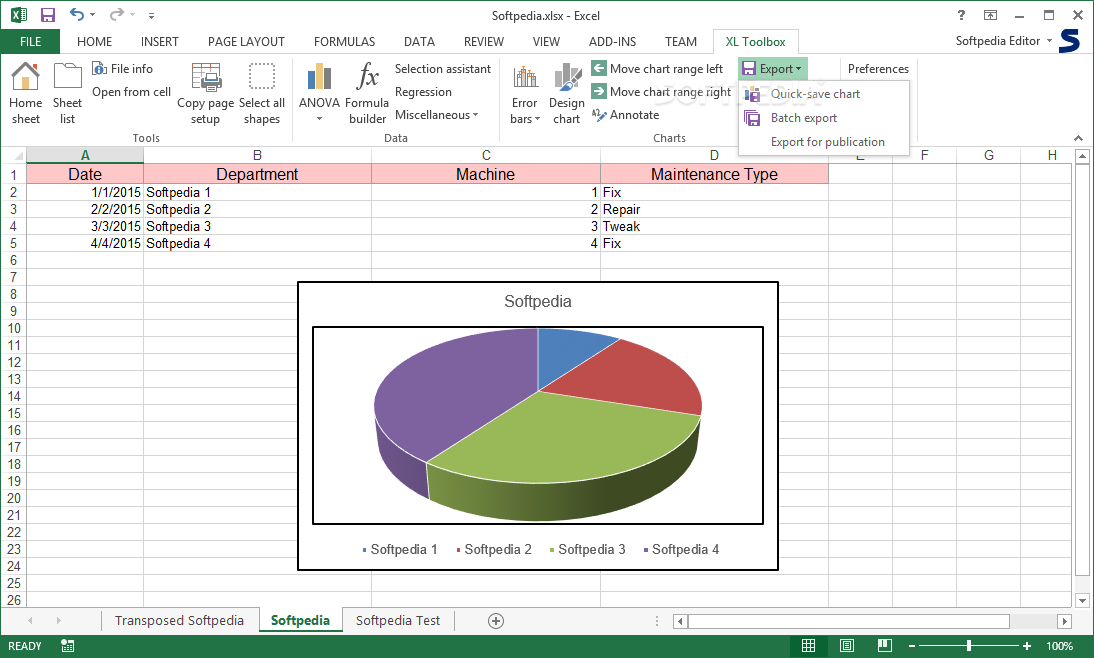
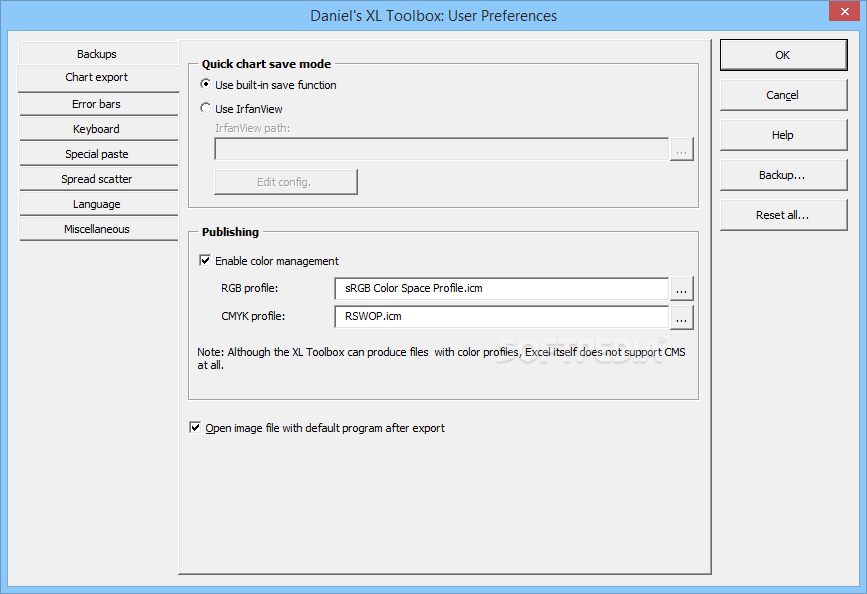
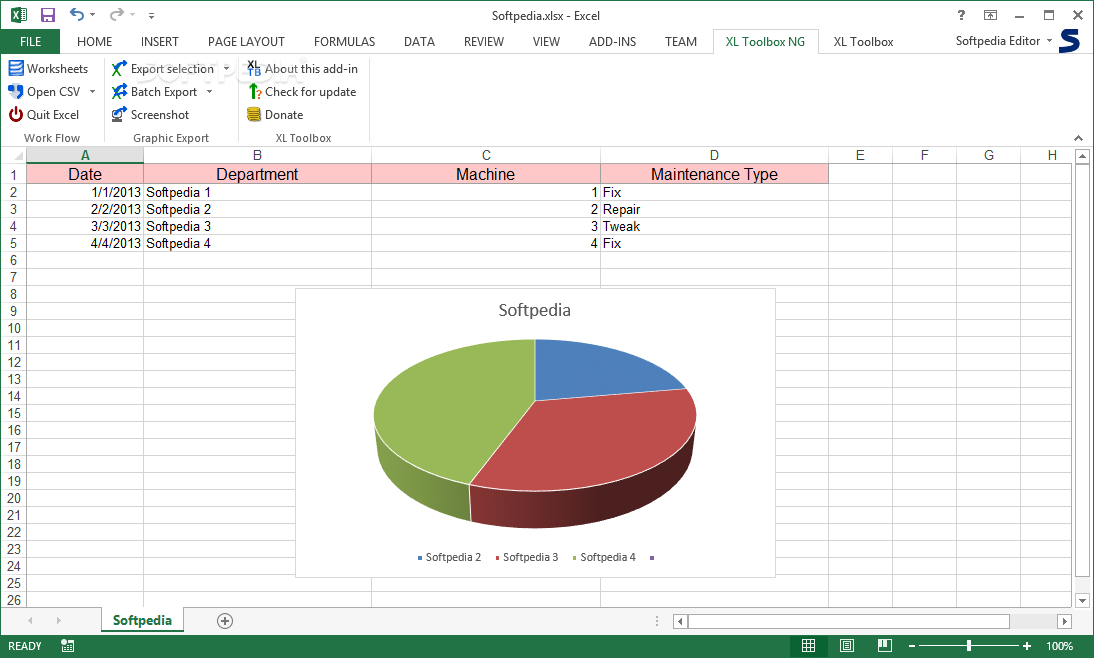
The application enables you to export your charts to high-resolution formats required in scientific journals. You can save data to TIFF, PNG or EMF.
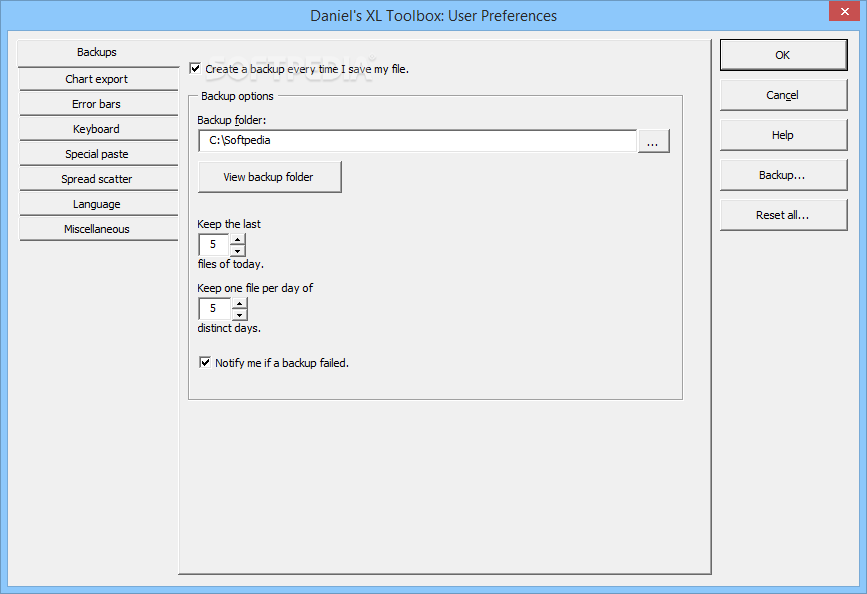
XL Toolbox can automatically create backups, saving the most recently modified versions of your project in a special folder. It can retain a certain number of documents created during the current day, as well as the last version saved on previous days.
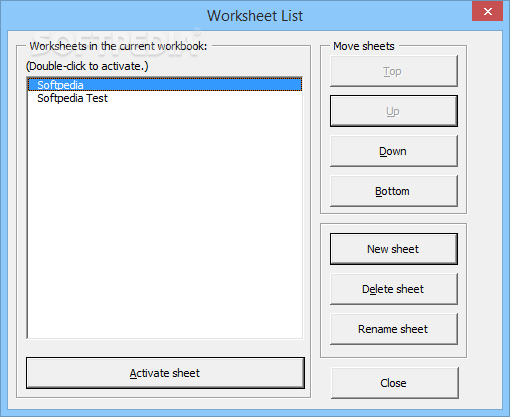
The program includes a worksheet list that can be accessed to view and quickly switch between various project pages.
XL Toolbox is a comprehensive Microsoft Excel add-in, designed to help you analyze and present data in various ways. It was created with scientists in mind, but offers comprehensive documentation.
XL Toolbox 6.70 / 7.0.0 Alpha 19
add to watchlist add to download basket send us an update REPORT- runs on:
-
Windows 10 32/64 bit
Windows 8 32/64 bit
Windows 7 32/64 bit
Windows Vista 32/64 bit
Windows XP 32/64 bit - file size:
- 17.9 MB

- main category:
- Office tools
- developer:
- visit homepage
Zoom Client

IrfanView

Bitdefender Antivirus Free

4k Video Downloader

7-Zip

Microsoft Teams

calibre

Context Menu Manager

ShareX

Windows Sandbox Launcher

- Context Menu Manager
- ShareX
- Windows Sandbox Launcher
- Zoom Client
- IrfanView
- Bitdefender Antivirus Free
- 4k Video Downloader
- 7-Zip
- Microsoft Teams
- calibre
