
A reliable, useful and effective application whose main purpose is to help users inspect documents and remove unnecessary elements before printing them. #Virtual Printer #Print Preview #Print to Image #Printer #Print #Preview
Handling documents and making last minute adjustments before sending them to be printed is a job for dedicated office suites, but can be carried out just as well by individual apps, which are specialized on this type of tasks.
priPrinter Professional is one such program and it was developed in order to provide a lot more than a simple pre-printing utility, since it boasts many useful features.
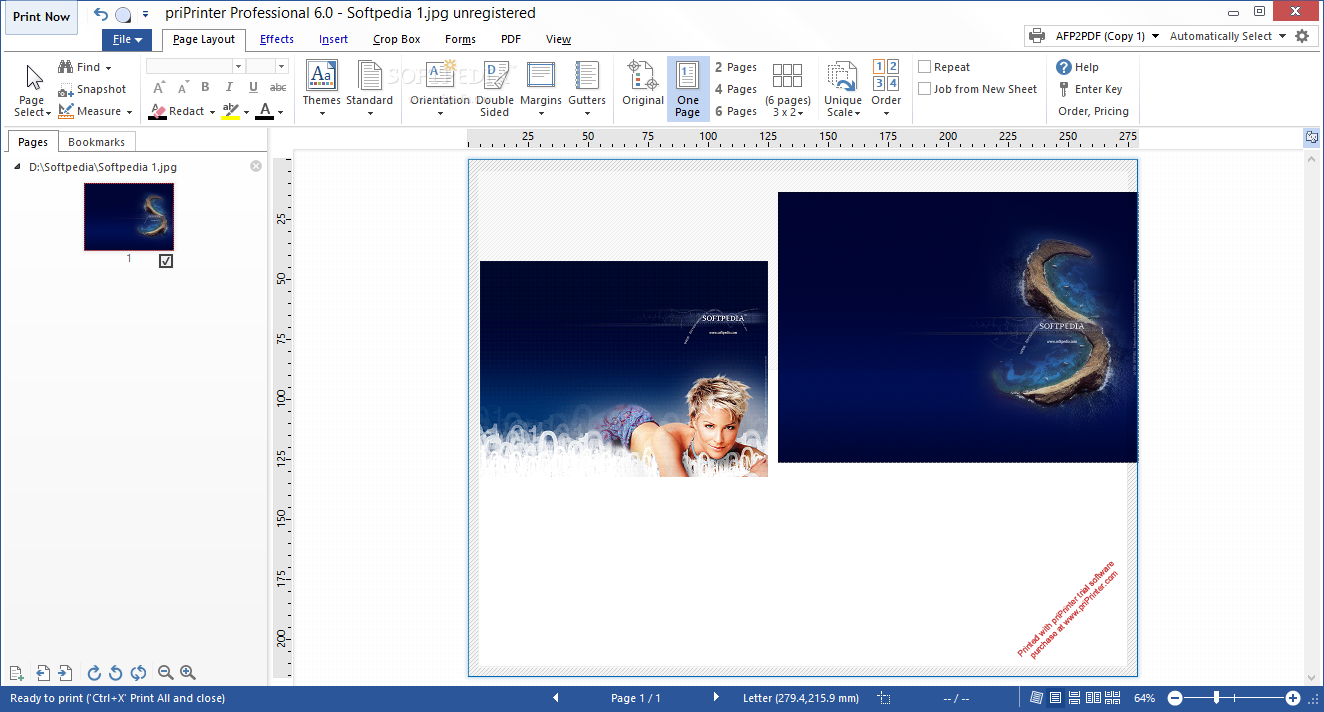
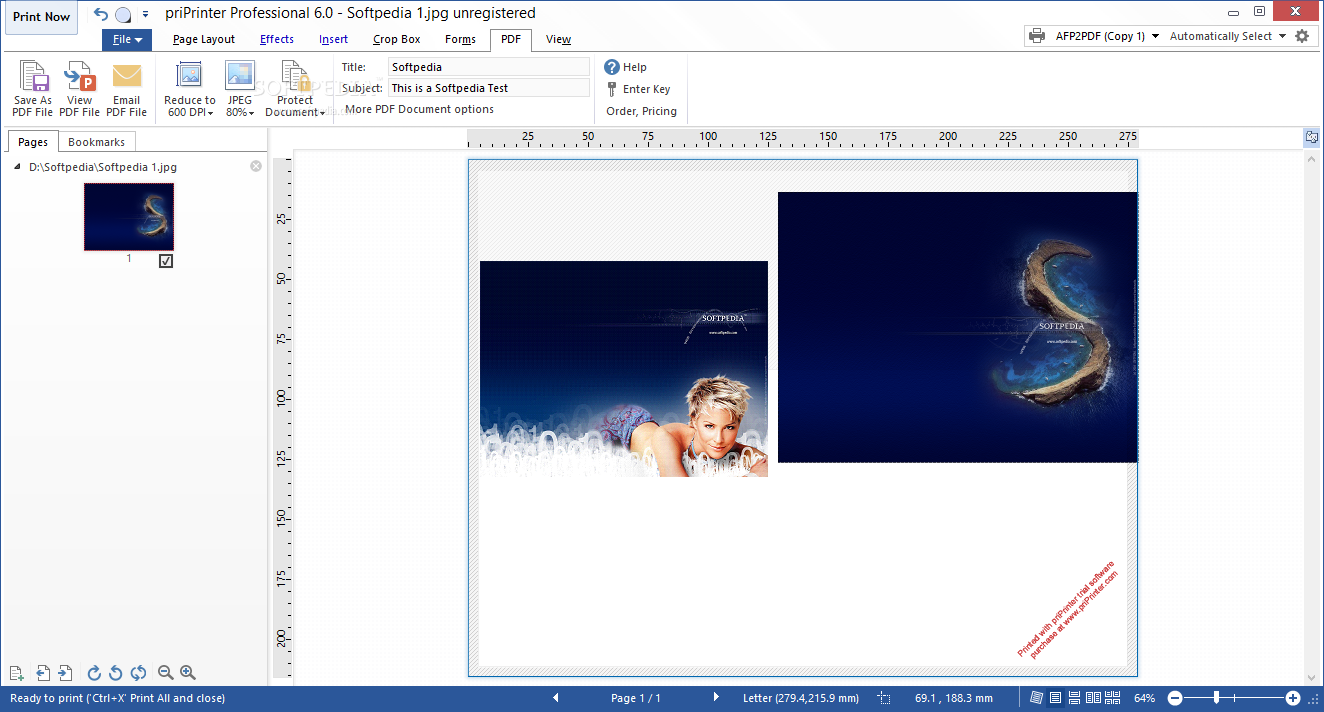
When deploying the application for the first time you will surely notice the clean layout which is well organized and makes it possible for any user to get to the main commands and features with no efforts.
The workspace is separated into several areas, with most of the space reserved for the document preview. The left side panels accommodate the page thumbnail previews and the bookmarks menu, while there are also many details and some viewing functions as well in the status bar, displayed in the lower part of the interface.
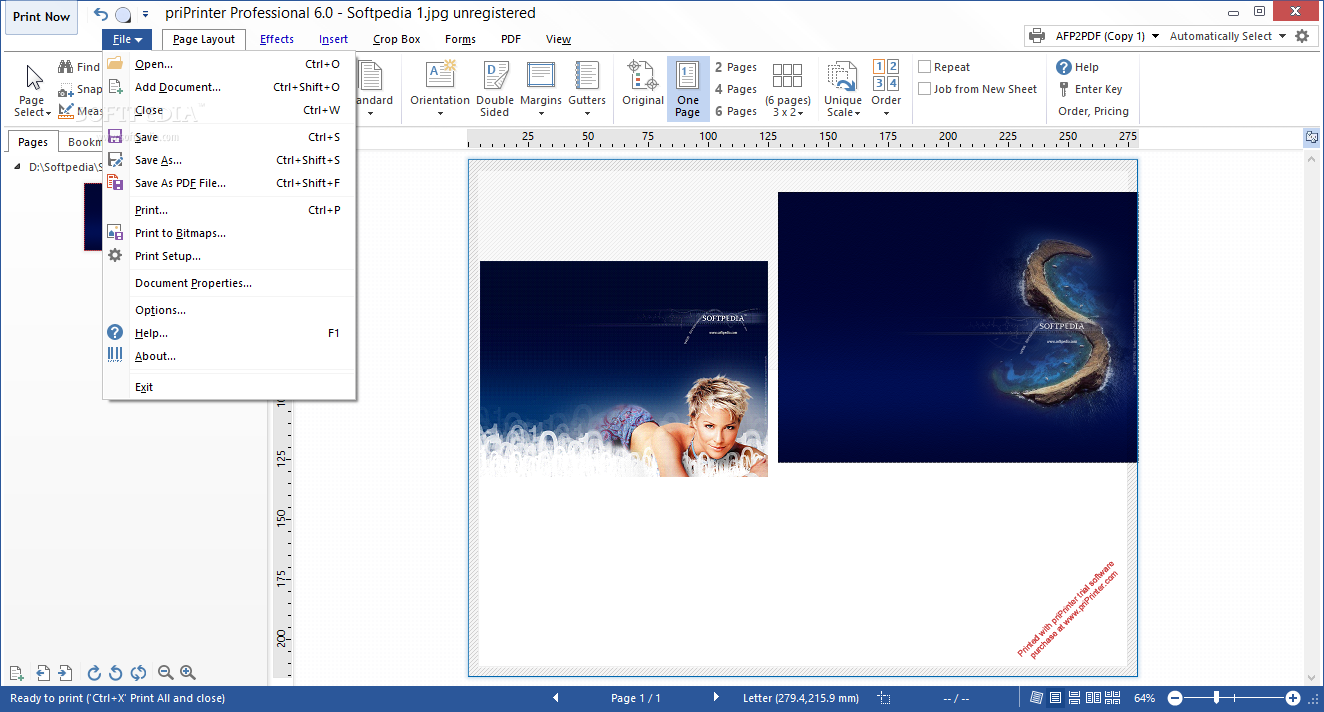
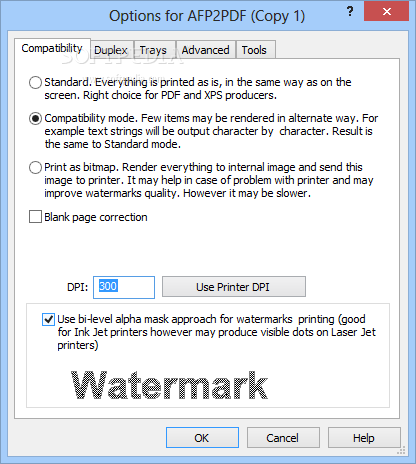
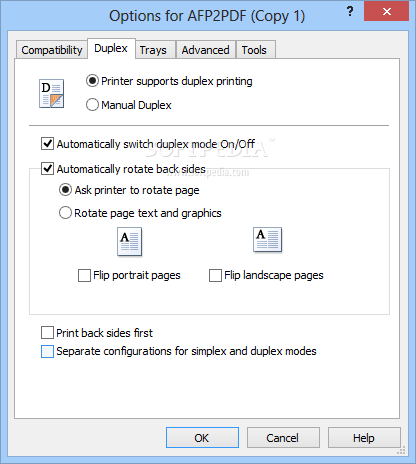
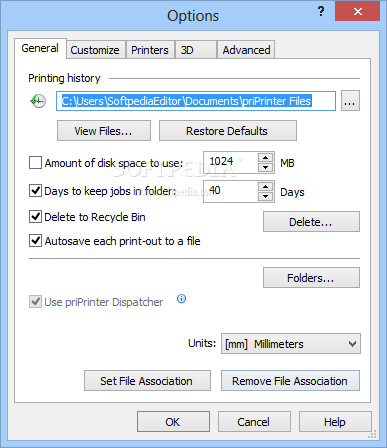
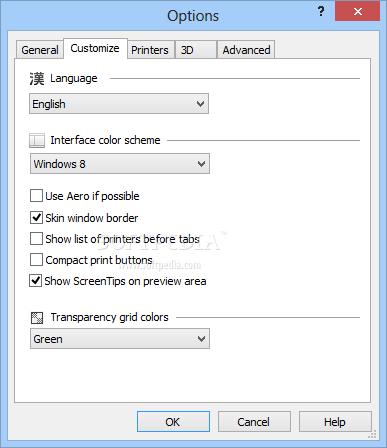
The feature set that priPrinter Professional offers its users is quite impressive as there are numerous facilities for choosing from a wide variety of themes, orientation, margins and gutters settings, not to mention custom scaling or page ordering functions.
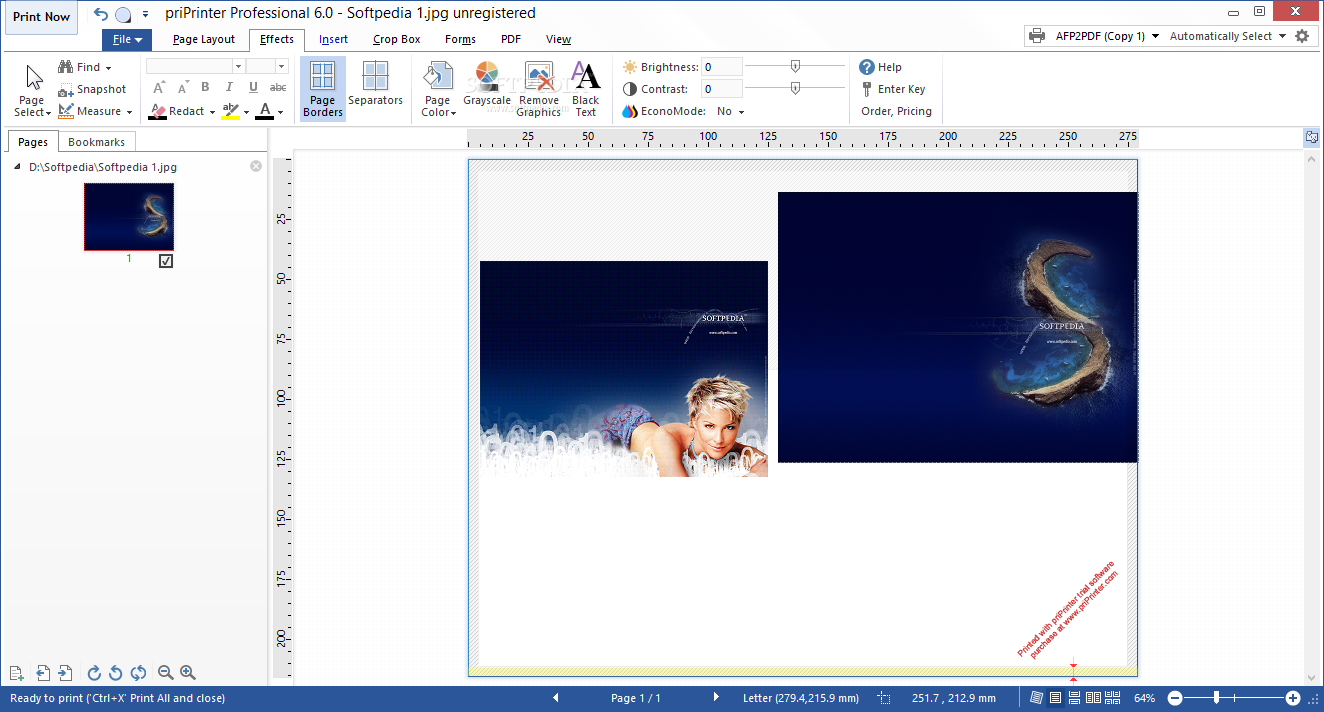
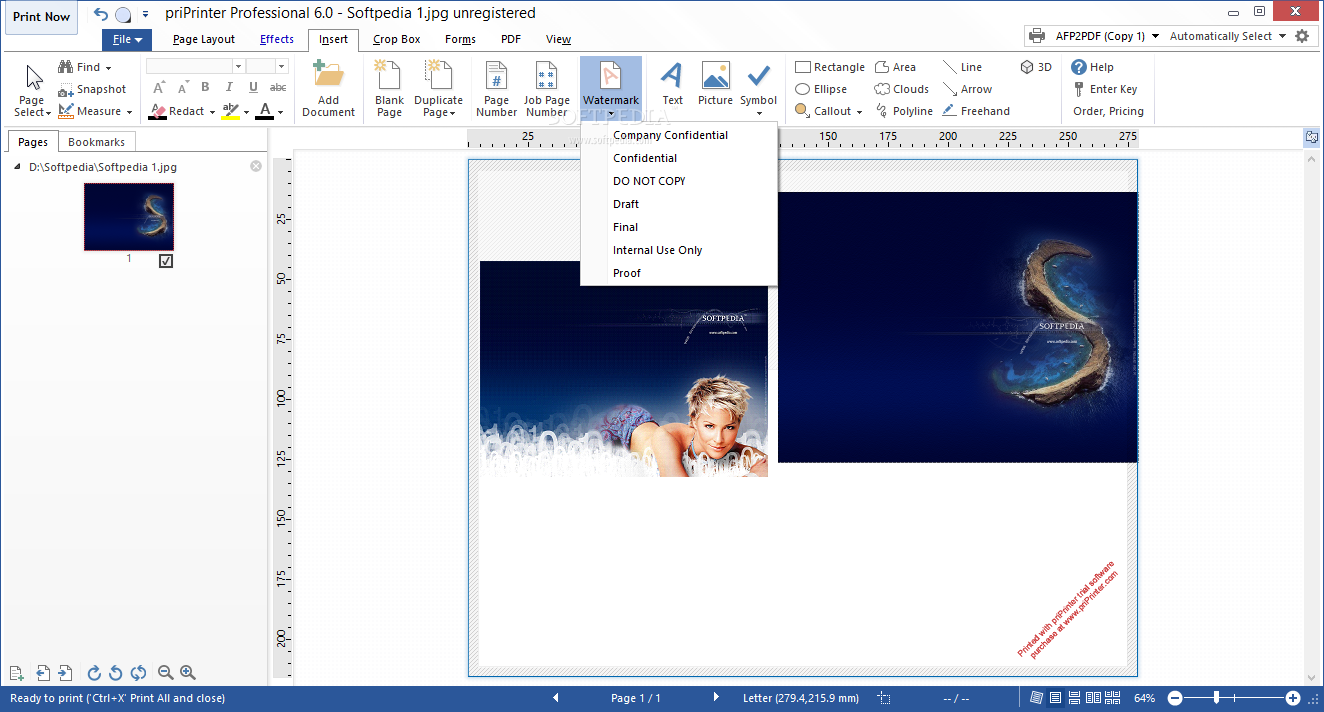
It is possible to decorate the pages with custom effects, insert symbols, pictures, text strings and personalized watermarks, as well as all sorts of objects. The PDF generation ability of this program further expands its reach and makes it also suitable for editing Portable Document Format files, with security and signing capabilities.
PriPrinter Professional puts up a great performance and goes way beyond from being a mere virtual printer or an app for making minor adjustments to a file that has to be printed quickly. The plethora of features it boasts, coupled with the ease of use place it among the best utilities of its kind.
What's new in priPrinter Professional 6.9.0.2541:
- Fixes and improvements in translations.
- An issue in the URL detection code is fixed. Now multi-line URL should be detected correctly.
- Added text align mode for watermarks or text items.
- New script functions are added.
priPrinter Professional 6.9.0.2541 / 6.9.0.2548 Beta
add to watchlist add to download basket send us an update REPORT- runs on:
-
Windows 11
Windows 10 32/64 bit
Windows 2008
Windows 2003
Windows 8 32/64 bit
Windows 7 32/64 bit
Windows Vista 32/64 bit
Windows XP 32/64 bit
Windows 2K - file size:
- 4.6 MB
- filename:
- priPrinterProSetup.exe
- main category:
- Office tools
- developer:
- visit homepage
calibre

Zoom Client

4k Video Downloader

7-Zip

Microsoft Teams

IrfanView

ShareX

Windows Sandbox Launcher

paint.net

Bitdefender Antivirus Free

- Windows Sandbox Launcher
- paint.net
- Bitdefender Antivirus Free
- calibre
- Zoom Client
- 4k Video Downloader
- 7-Zip
- Microsoft Teams
- IrfanView
- ShareX