
Create, modify, convert, and apply watermarks to your documents with a secure and intuitive PDF-centered program that will fit all your needs. #PDF editor #Convert PDF #ESign PDF #PDF #Editor #Convert
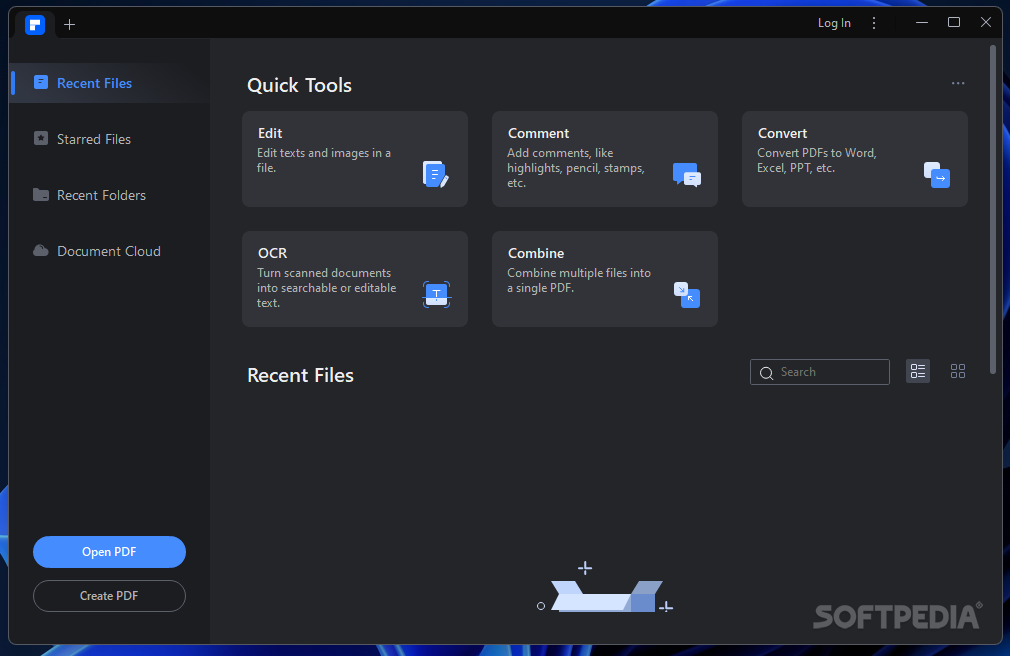
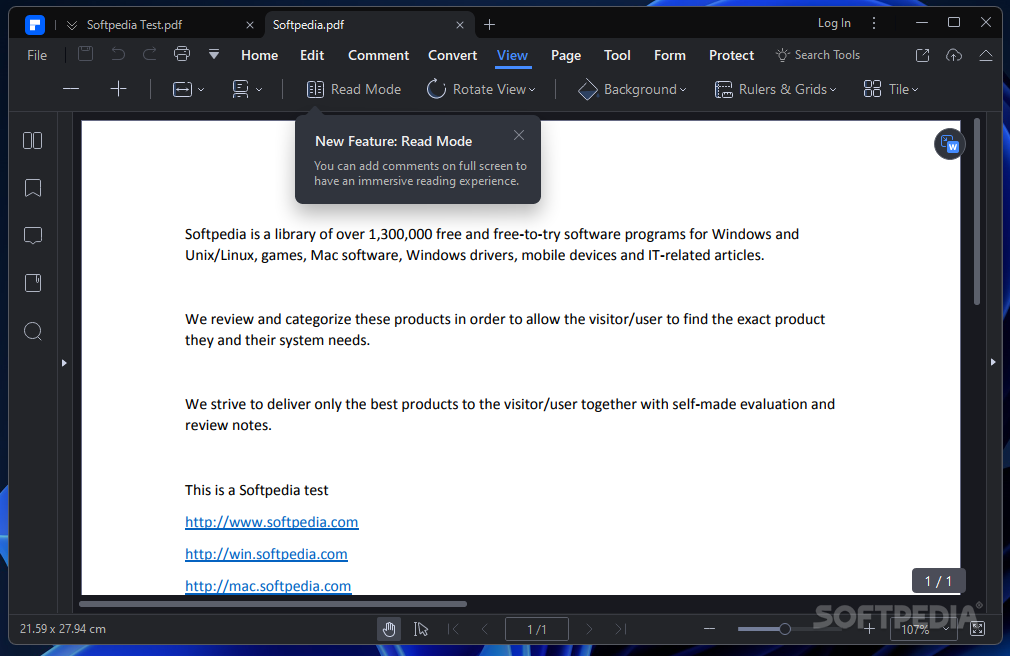
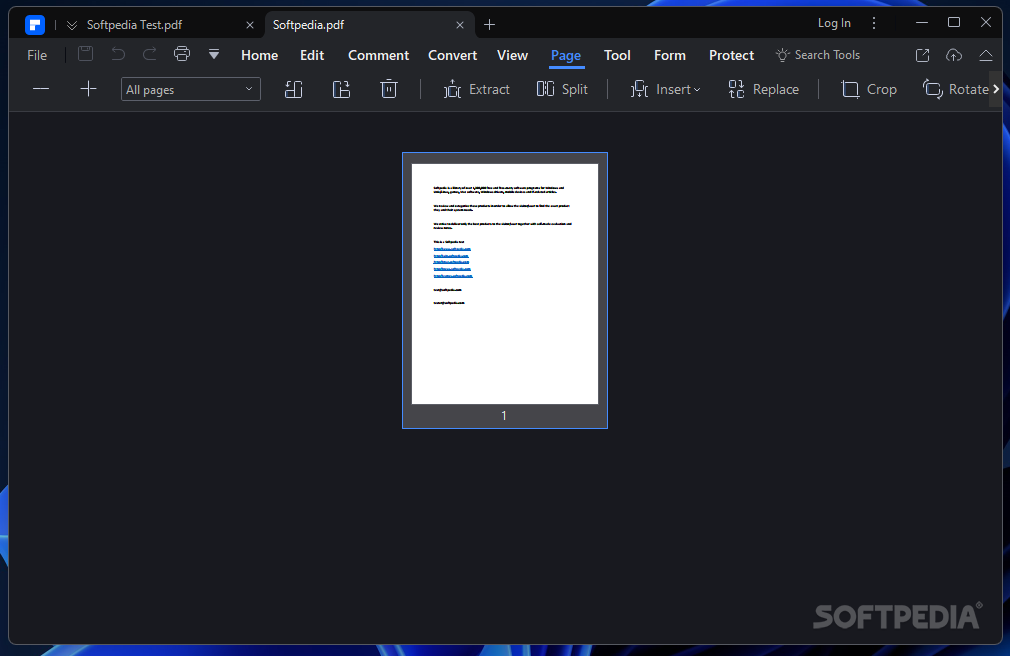
Wondershare PDFelement is a PDF viewer, editor, and batch document converter that enables access to an extensive suite of PDF tools, fit for users who need a complete solution.
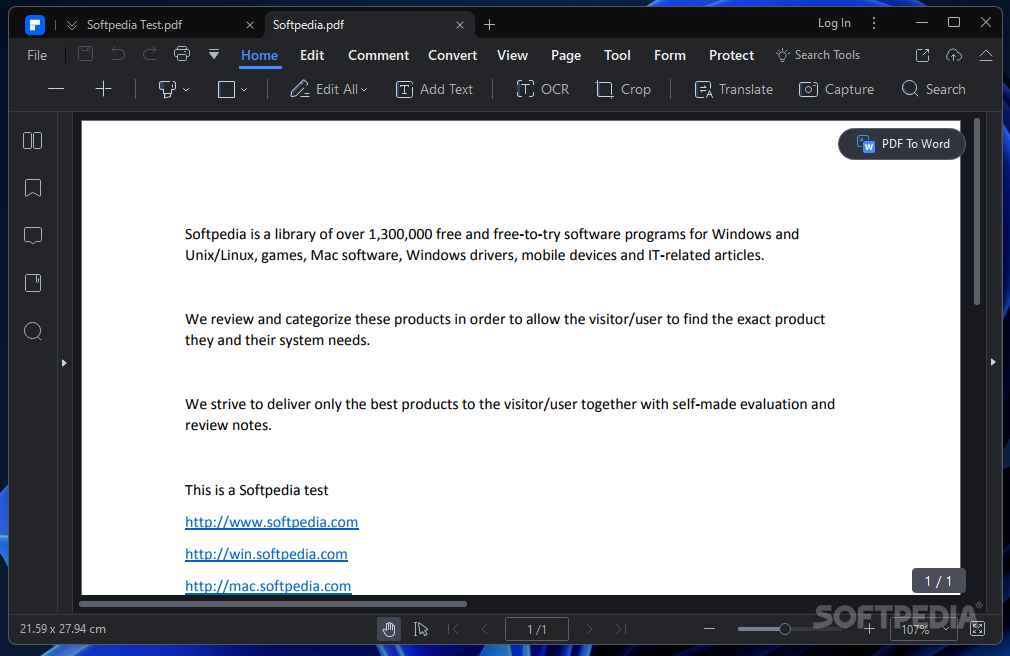
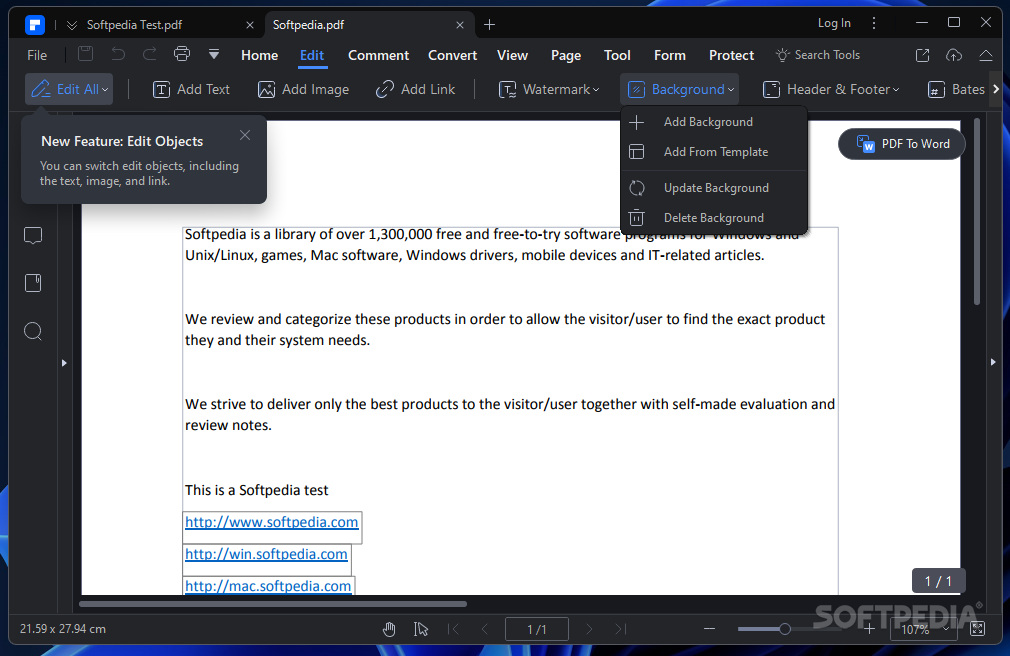
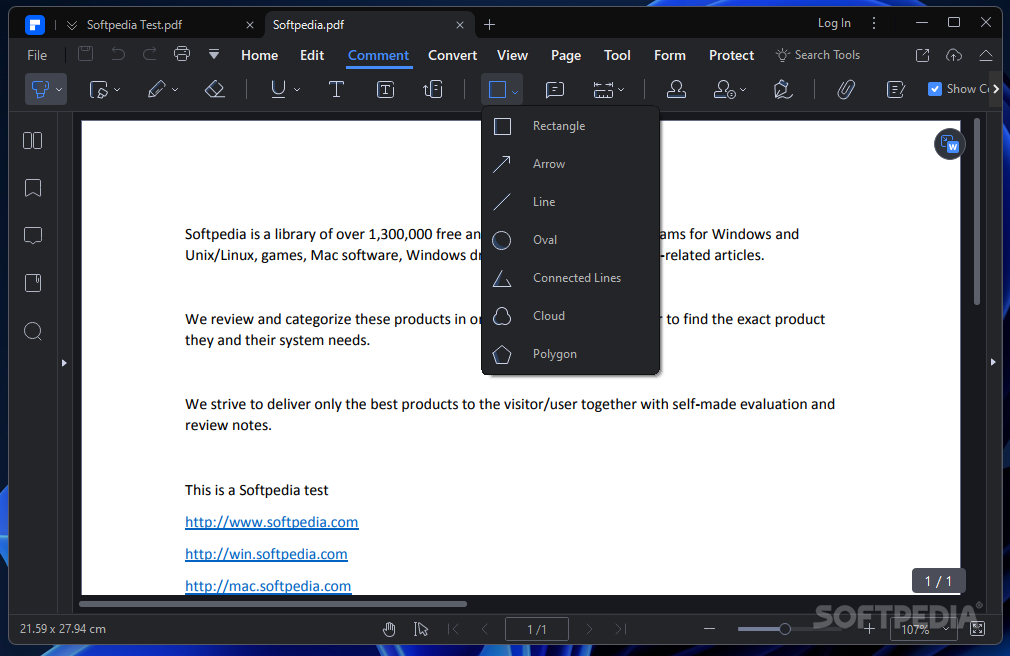
This PDF editor has exceptional capabilities and super complex and sophisticated mechanisms, allowing a multitude of document customizations. You can create your files from scratch, edit existing ones, and convert other file formats like Word, Excel, or PowerPoint to PDF. Regarding document creation, you have plenty of options to customize the files' appearance — adding different kinds of text enhancers, like notes, comments, checkboxes, or buttons.
Document modifications can easily be done as well. You can convert files to PDF without losing fonts and formattings from the originals, insert text fields, make modifiable PDF documents, and share the results via email, Evernote, Dropbox, or Google Drive. Optionally, for enhanced security, you can save copies of your files (or the original documents) locally, to your machine.
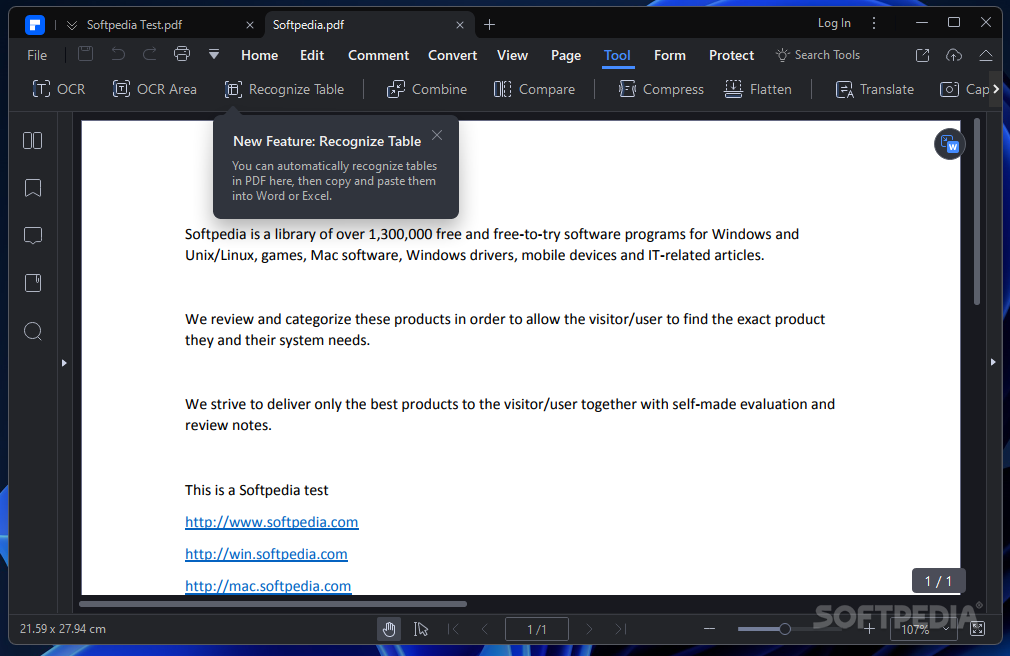
Wondershare PDFelement is an excellent solution for all users who need to work with pre-existing, scanned PDF files that are not editable. If you have files that are scans of physical documents, it can be extremely difficult to find a good program that can extract the data from those. By opening a PDF of this kind with Wondershare PDFelement, you will find it easier to manipulate the data. The system identifies that you have a scanned document and suggest downloading and installing the OCR Library.
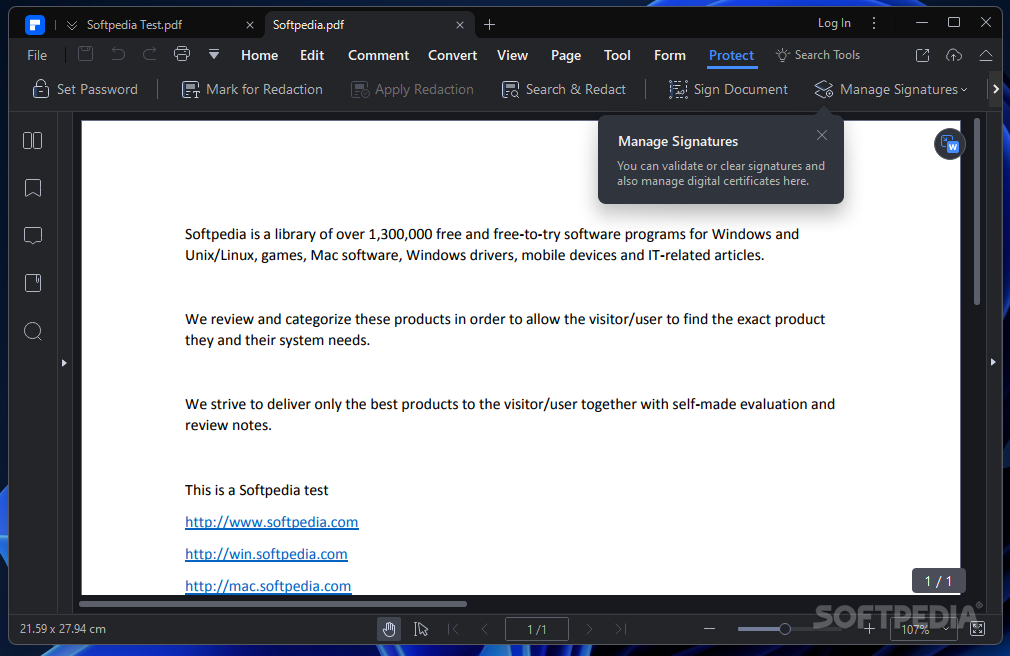
OCR stands for Optical Character Recognition, and it is a plugin that gets downloaded and installed automatically after the user gives their consent for this to happen. This plugin enables you to copy, modify, edit, and conduct in-text searches for your scanned PDFs that are non-editable. Moreover, you can use the online, connected Wondershare signing service for securely e-signing your documents.
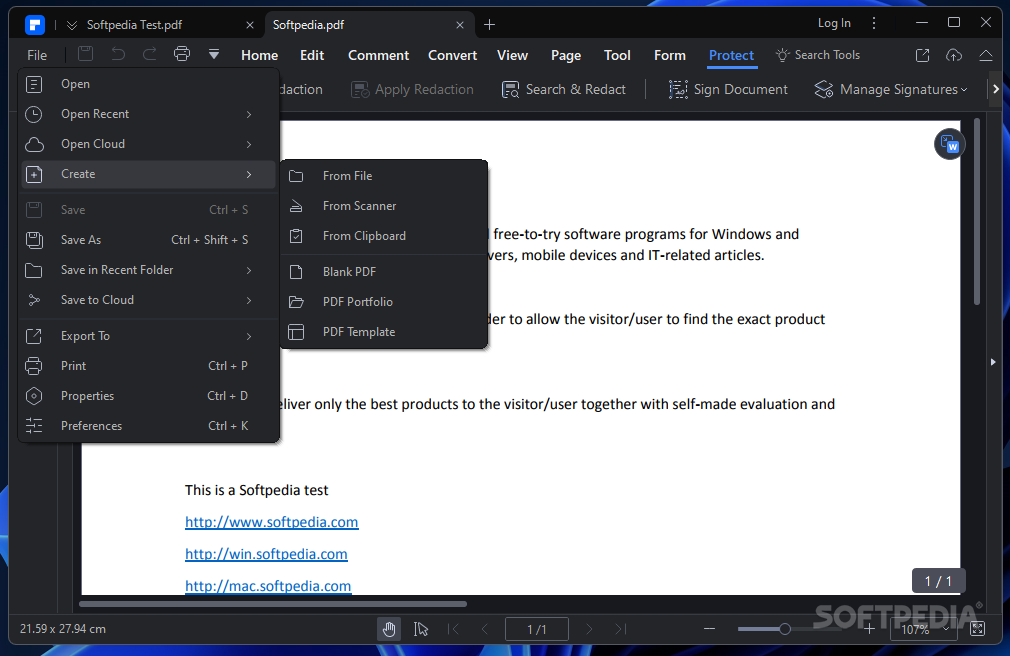
Wondershare PDFelement is a truly amazing PDF-handling application. First of all, it has a bunch of options for quickly and efficiently handling PDFs (like batch file conversion and/or batch watermark and stamp addition). Secondly, the program works smoothly, it doesn't lag, and its GUI is modern-looking and intuitive.
Wondershare PDFelement 10.3.8
add to watchlist add to download basket send us an update REPORT- runs on:
-
Windows 11
Windows 10 32/64 bit
Windows 8 32/64 bit
Windows 7 32/64 bit - file size:
- 2.1 MB
- filename:
- pdfelement-pro_setup_full5239.exe


- main category:
- Office tools
- developer:
- visit homepage
ShareX

calibre

Zoom Client

4k Video Downloader

Context Menu Manager

7-Zip

IrfanView

Windows Sandbox Launcher

Microsoft Teams

Bitdefender Antivirus Free

- Windows Sandbox Launcher
- Microsoft Teams
- Bitdefender Antivirus Free
- ShareX
- calibre
- Zoom Client
- 4k Video Downloader
- Context Menu Manager
- 7-Zip
- IrfanView