
Software solution that allows you to convert photos, drawings, scans and faxes into Acrobat PDF documents, you can create electronic books that you can later upload on the Internet. #TIFF to PDF #TIFF converter #Convert TIFF #TIFF2PDF #Converter #Convert
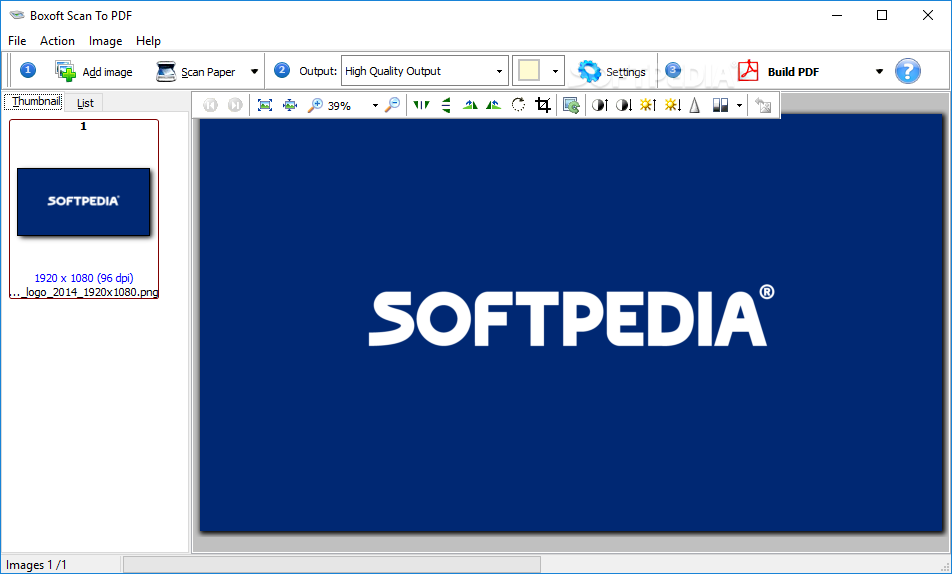
There are many applications on the Internet that you could use in order to manage your files. One of them is Boxoft TIFF to PDF.
It's a neat software solution that allows you to convert photos, drawings, scans and faxes into Acrobat PDF documents, you can create electronic books that you can later upload on the Internet.
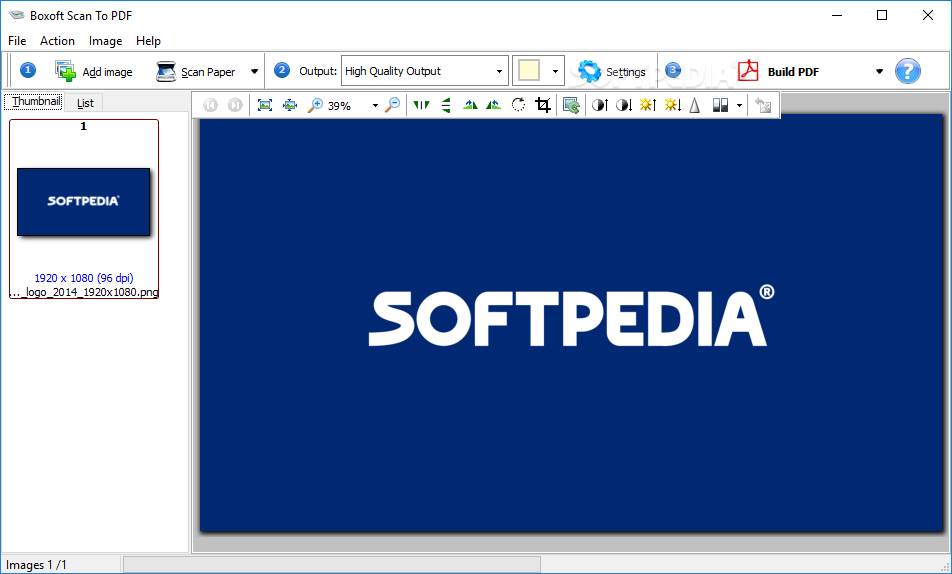
The application doesn't take long to install and it sports a really intuitive graphical interface with many nice tools at hand.
Boxoft TIFF to PDF is a neat software solution that allows you to convert photos, drawings, scans and faxes into Acrobat PDF documents, you can create electronic books that you can later upload on the Internet.
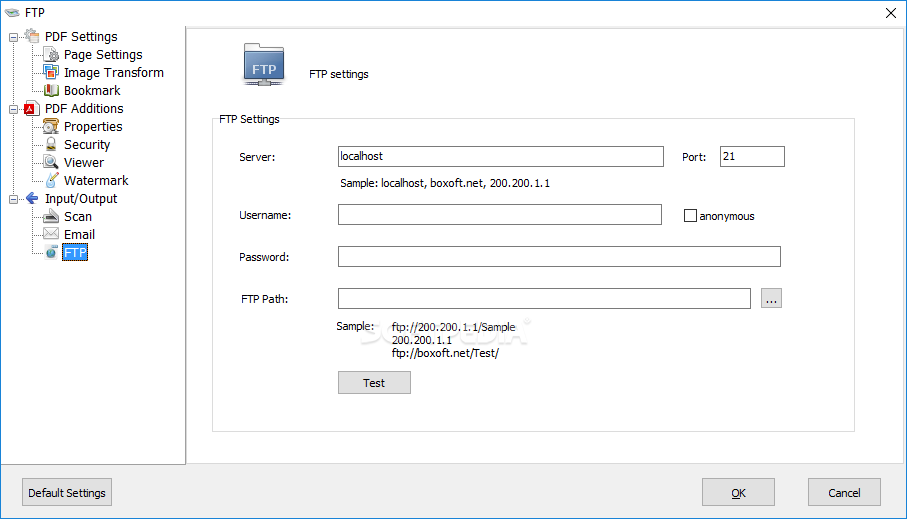
It supports multiple file formats including TIFF, JPEG, JPEG 2000, GIF, BMP, PNG, ICO, WMF, EMF and many more. You can load images from your scanner or digital camera. It lets you create electronic books which can be later uploaded on web pages.
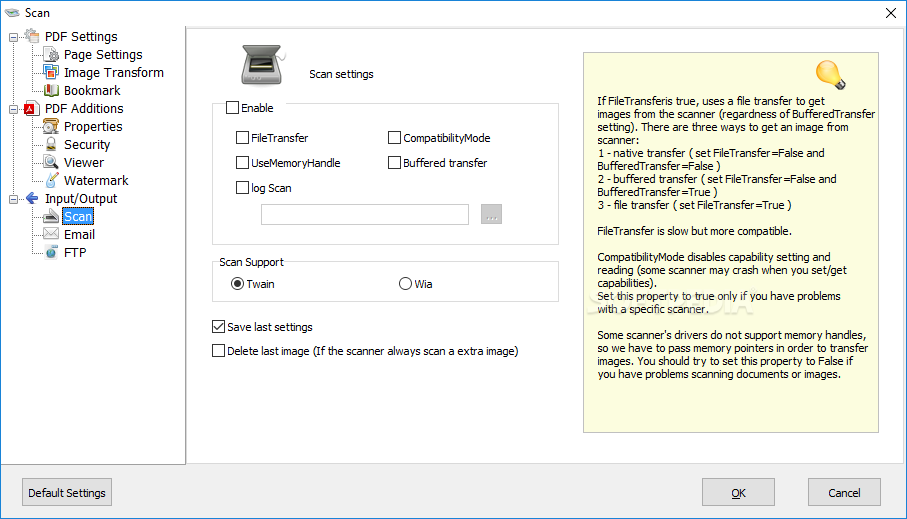
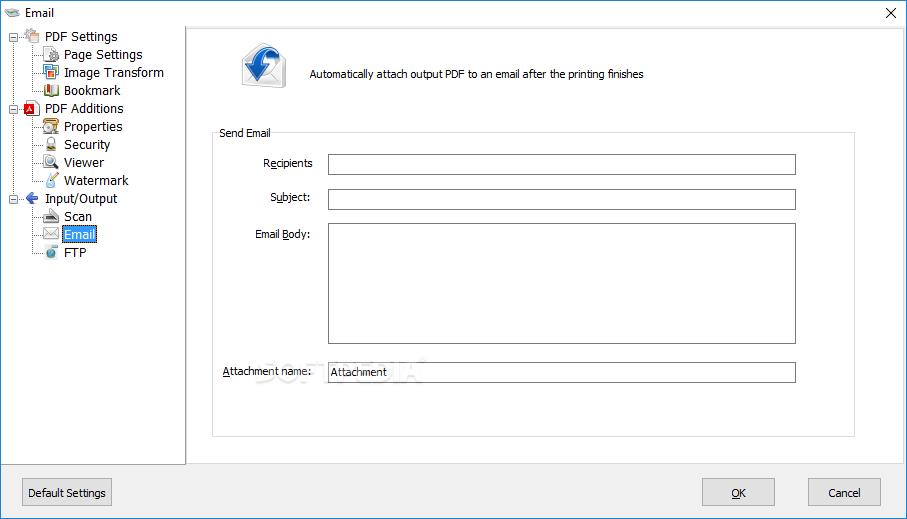
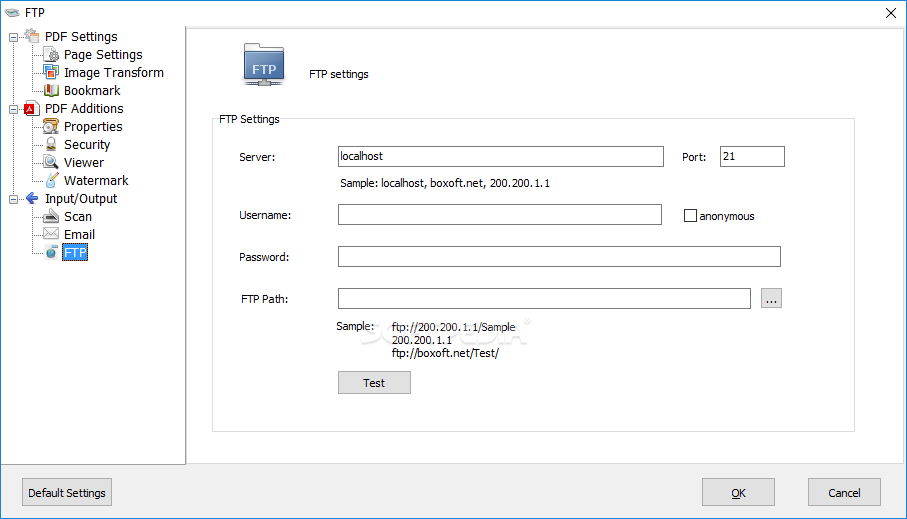
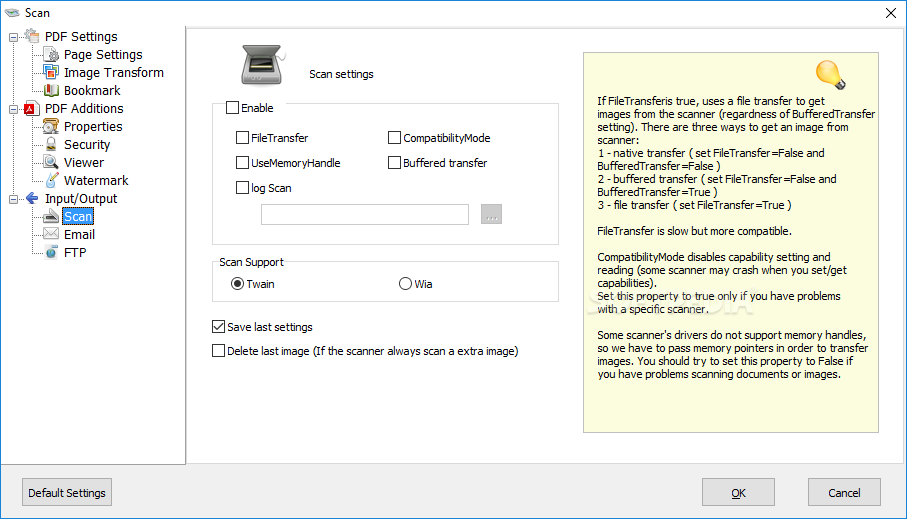
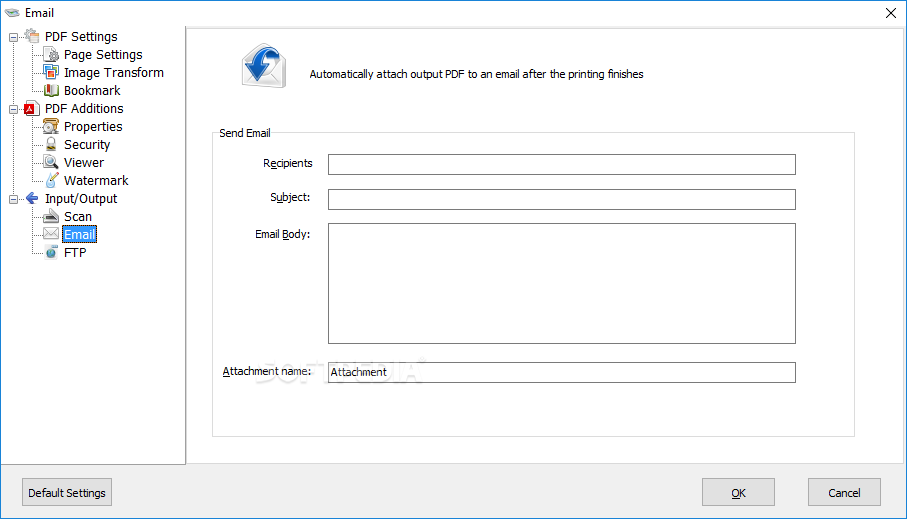
You can scan paper documents directly to image files and then convert them to PDF. It allows you to scan paper documents and automatically emails them as PDF attachments using your existing email software. It lets you modify images and it comes with some options that you can use.
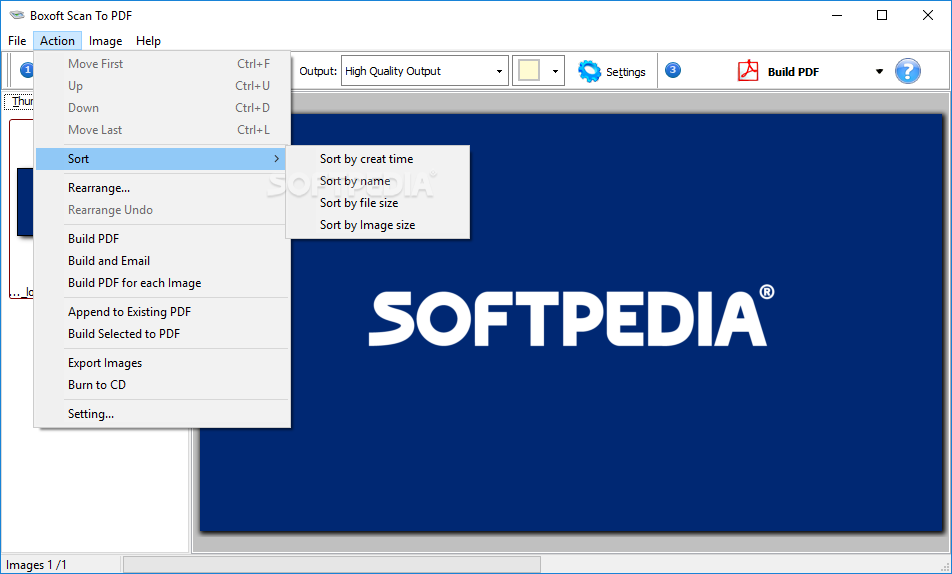
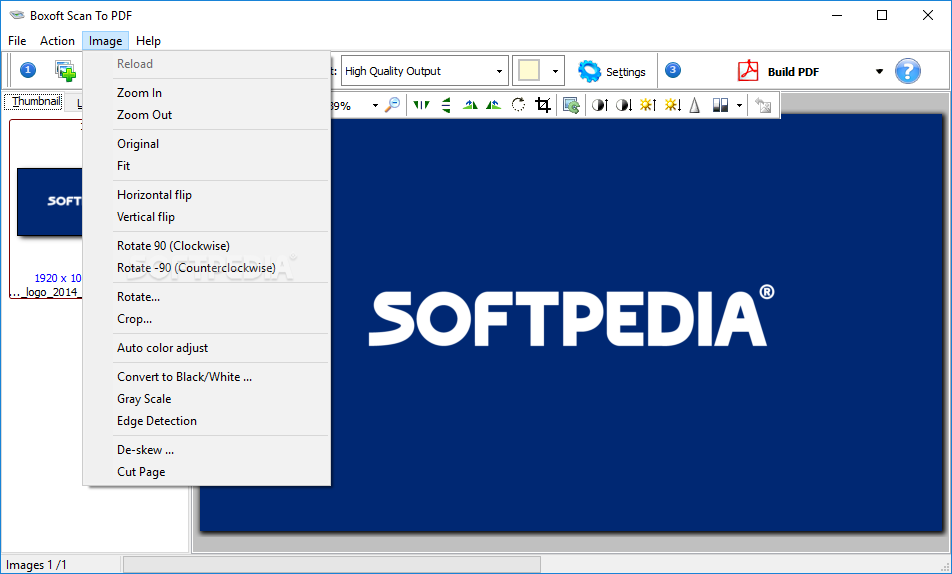
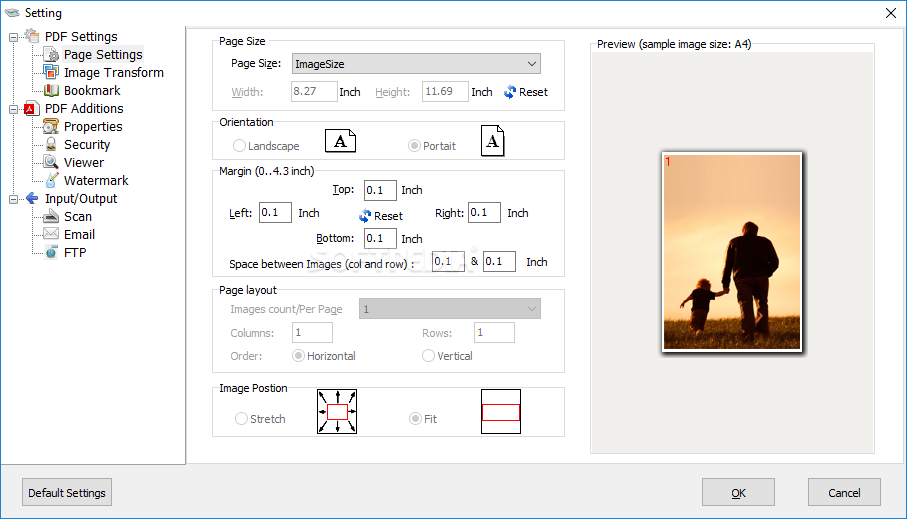
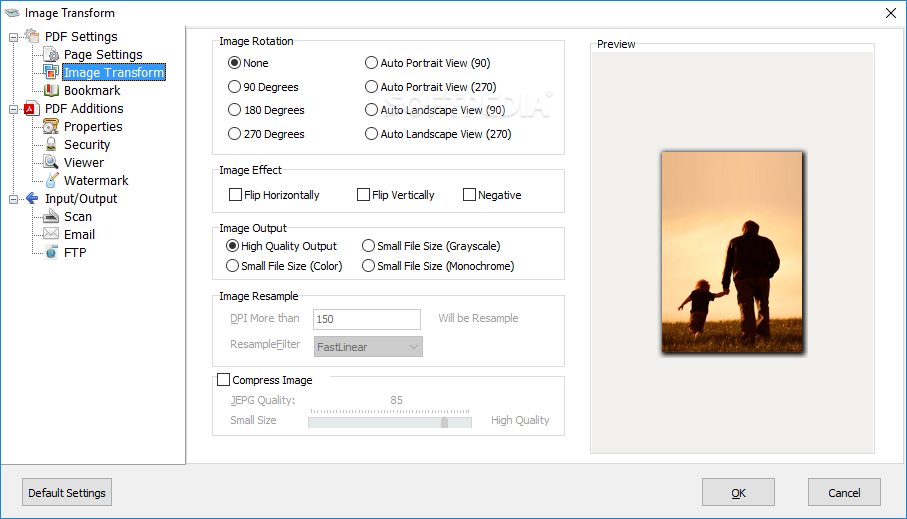
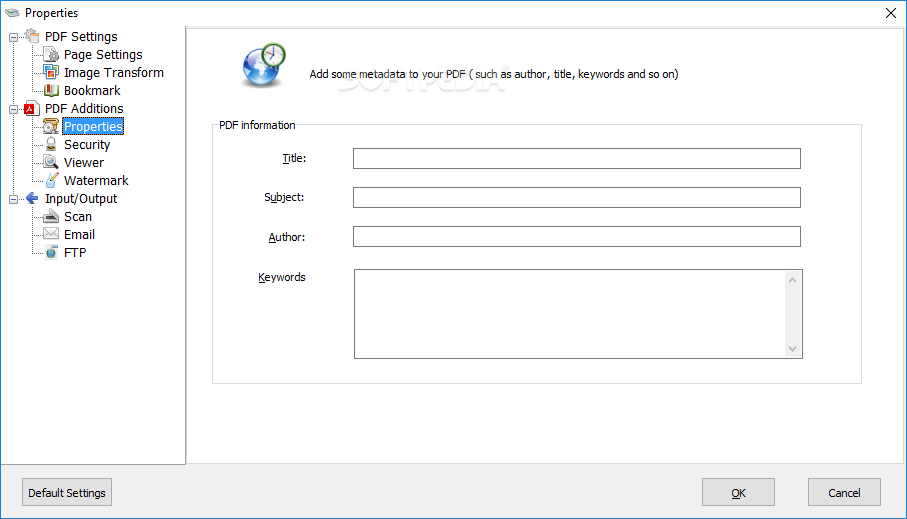
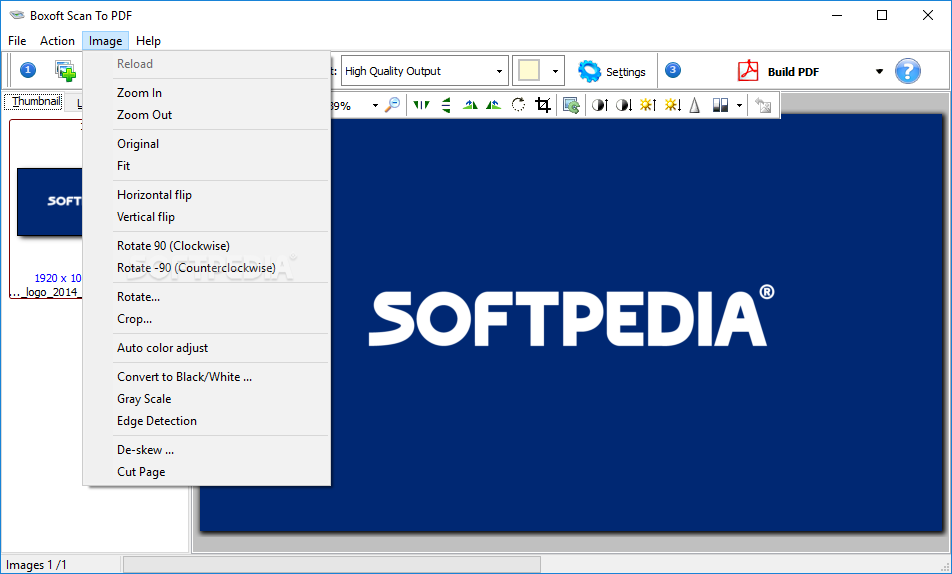
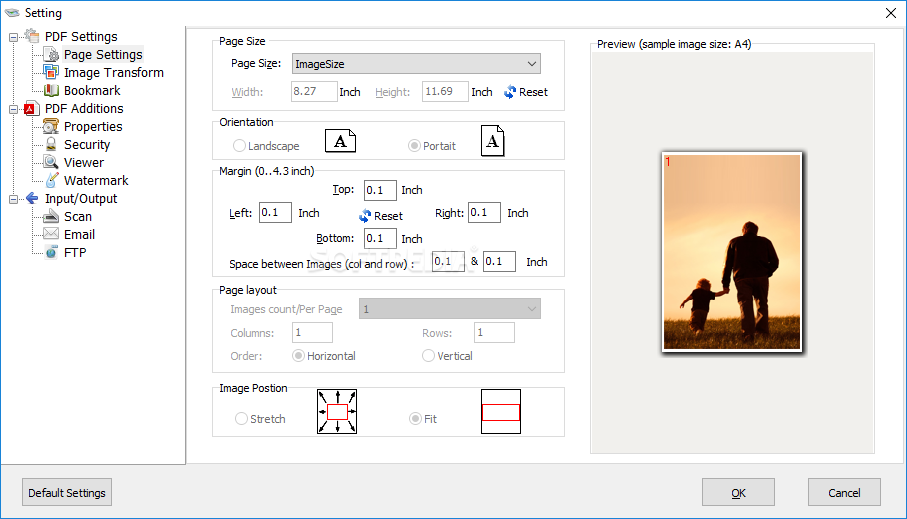
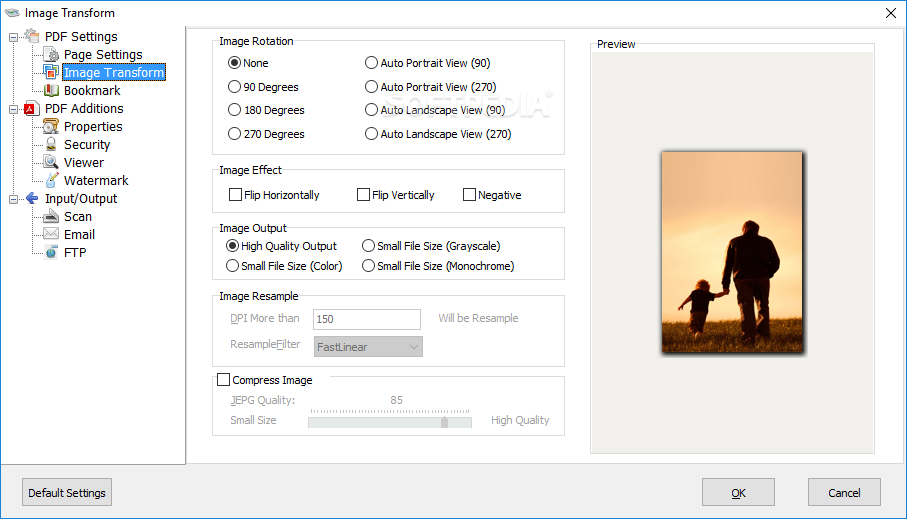
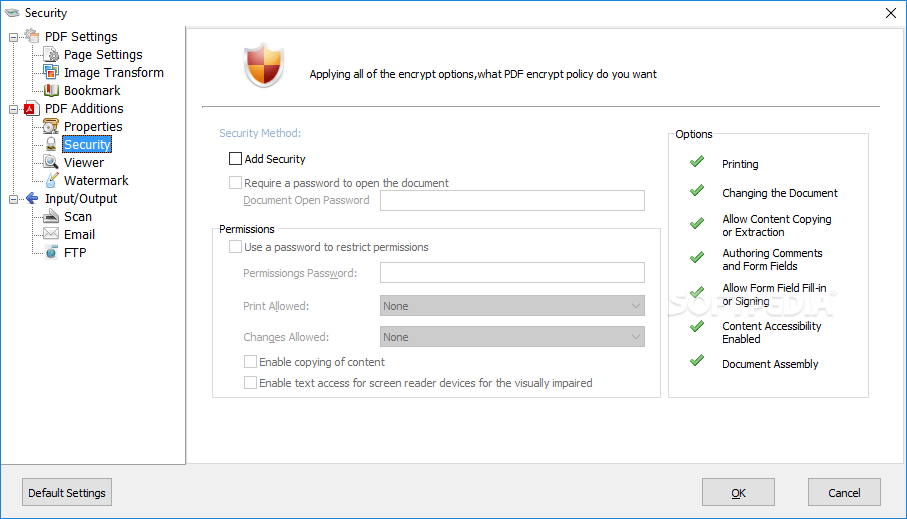
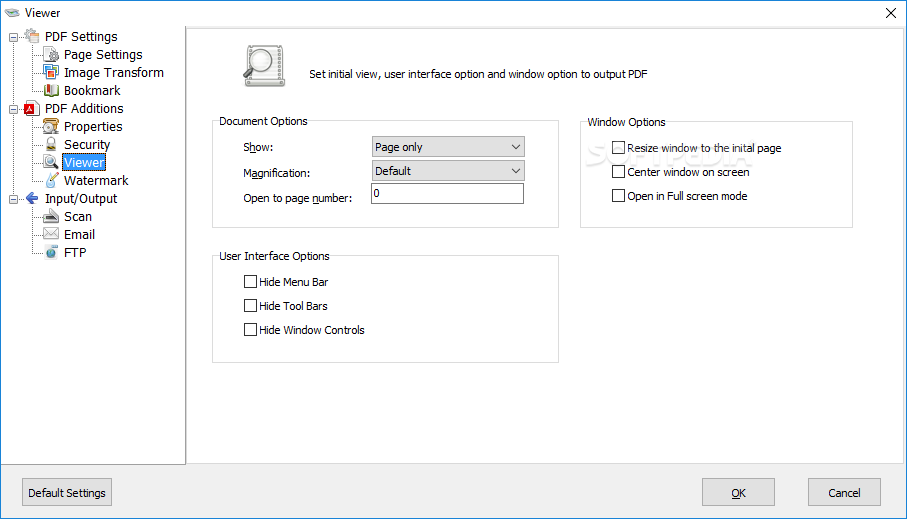
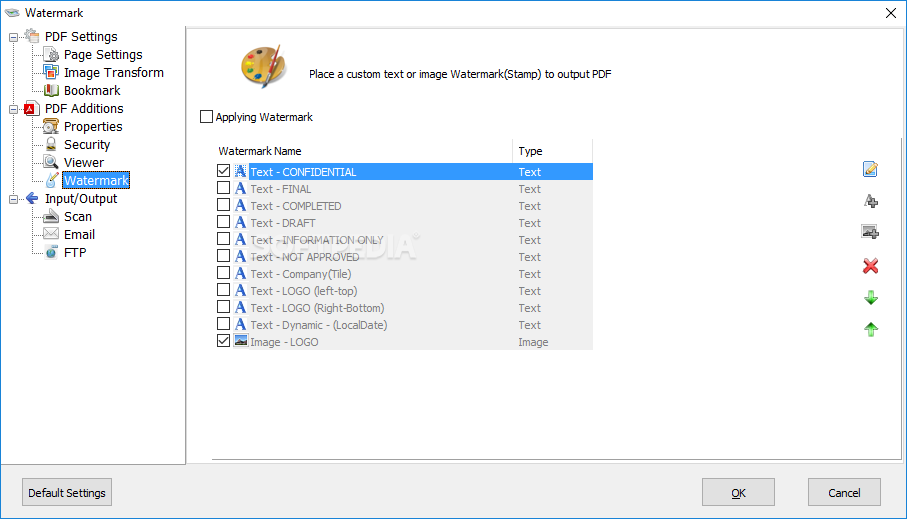
It allows you to rotate, crop, flip or convert images to grayscale or black/white. You can set the page size, orientation, margin and layout of the output PDF document. It lets you change its properties, security settings, add a watermark and it has many viewer options. You can also add margins to your documents and set the image position.
Boxoft TIFF to PDF is a useful software solution that allows you to convert photos, drawings, scans and faxes into Acrobat PDF documents, you can create electronic books that you can later upload on the Internet.
Boxoft TIFF to PDF 1.2
add to watchlist add to download basket send us an update REPORT- runs on:
- Windows All
- file size:
- 3.1 MB
- filename:
- setup(tiff-to-pdf).exe





- main category:
- Multimedia
- developer:
- visit homepage
Bitdefender Antivirus Free

Zoom Client

calibre

7-Zip

Windows Sandbox Launcher

ShareX

paint.net

Microsoft Teams

IrfanView

4k Video Downloader

- Microsoft Teams
- IrfanView
- 4k Video Downloader
- Bitdefender Antivirus Free
- Zoom Client
- calibre
- 7-Zip
- Windows Sandbox Launcher
- ShareX
- paint.net