
Simple and lightweight PDF reader with night, low blue light and airplane reading modes, smart bookmarks, and various view options. #PDF viewer #Read PDf #View PDF #Reader #Viewer #View

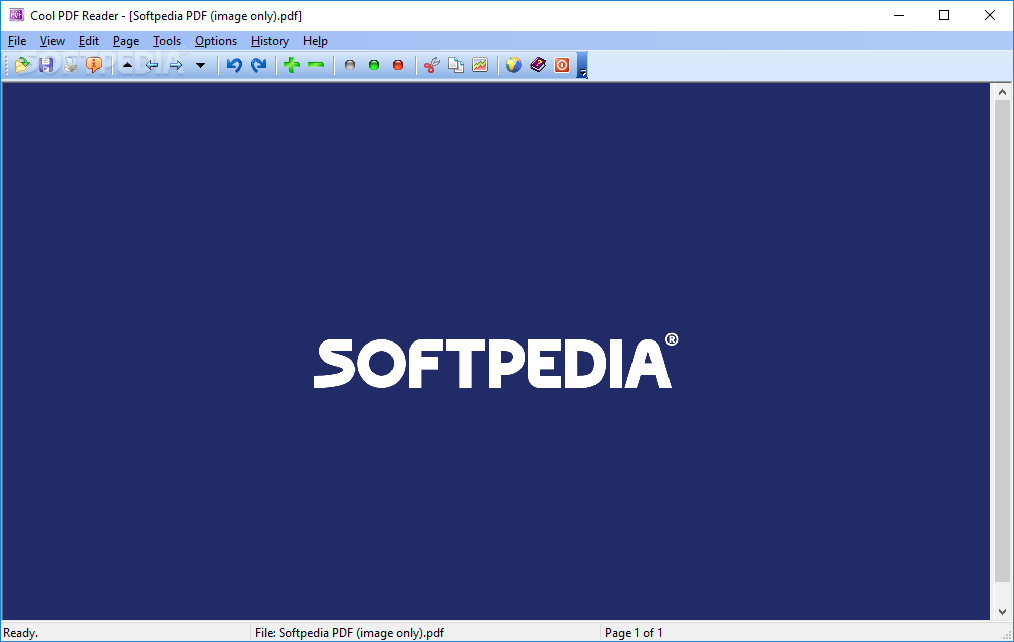
Cool PDF Reader is a very small application that allows you to view and print PDF documents.
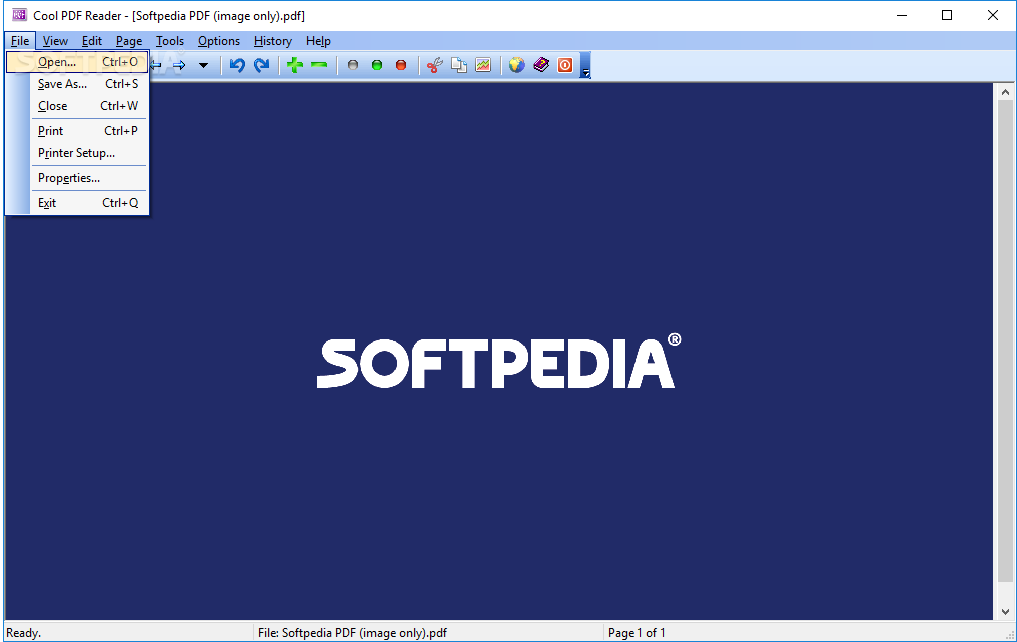
The user interface of the program is simplistic and easy to navigate through. You can insert a Portable Document Format file by using the file browser (the "drag and drop" method is not supported).
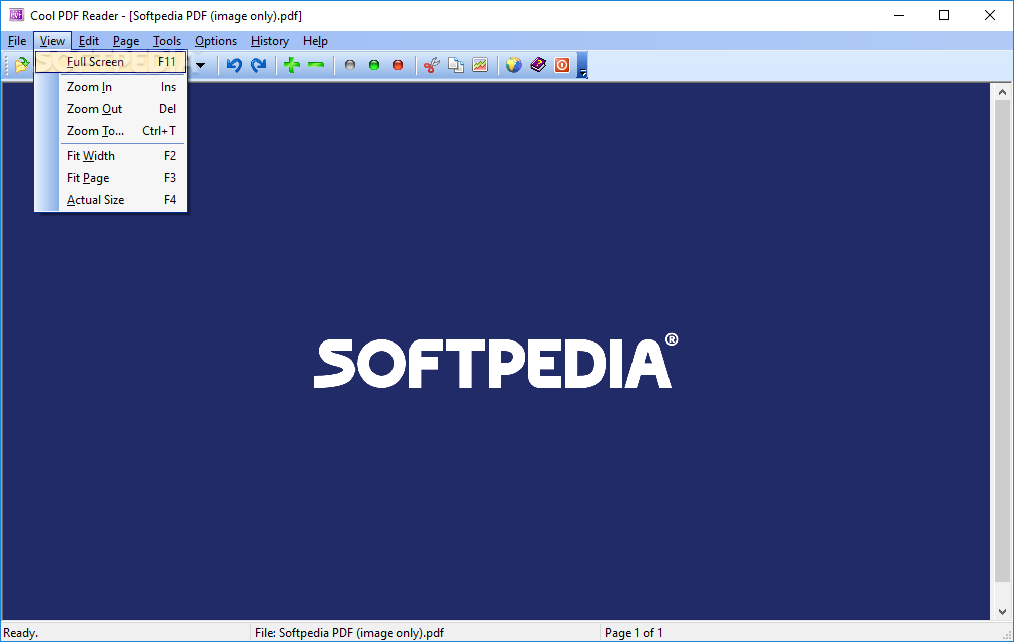
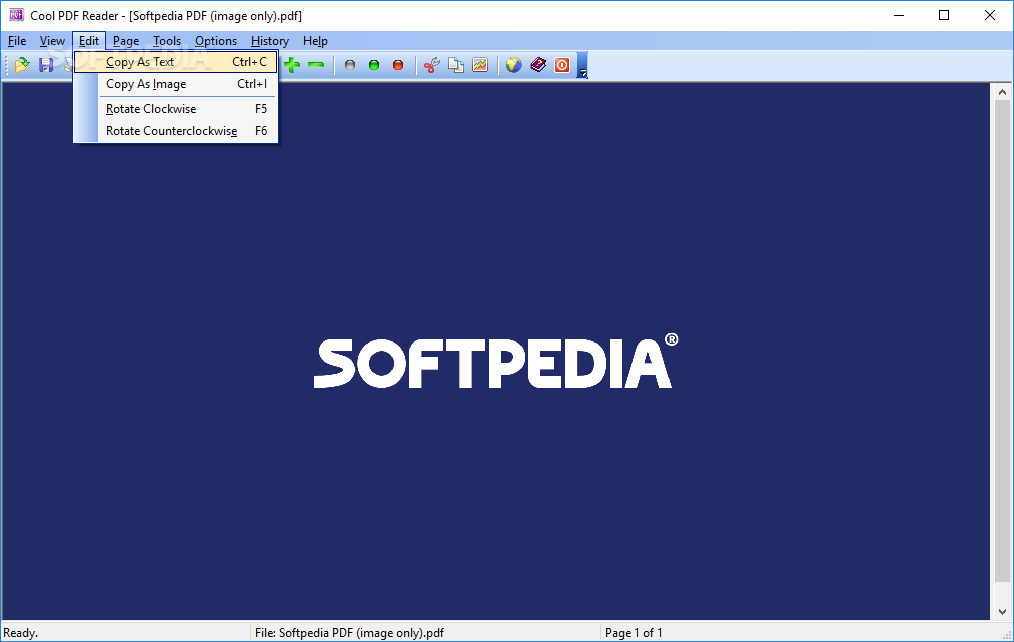
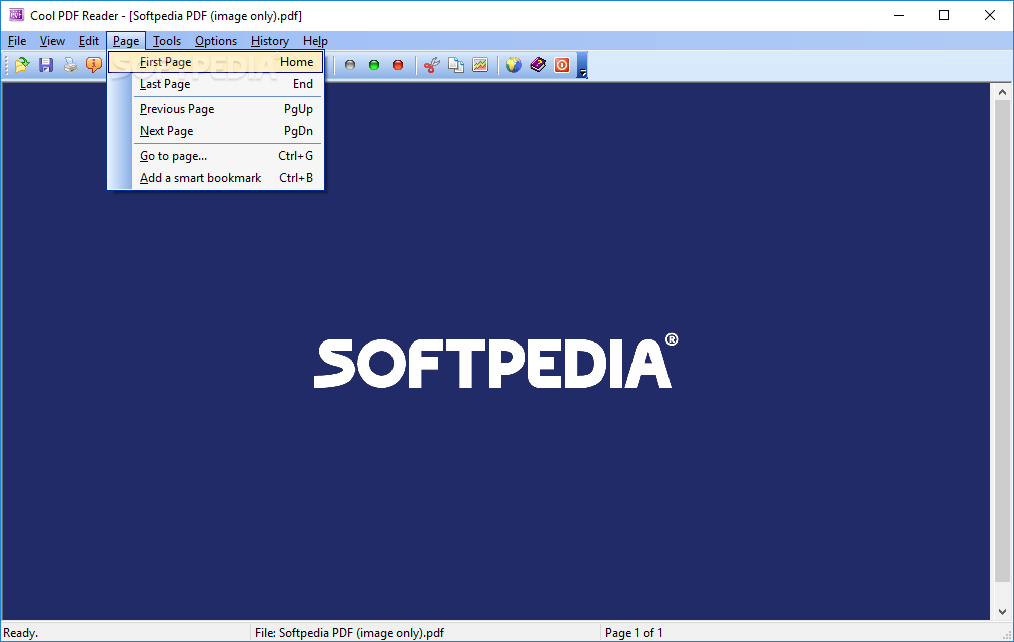
Thus, you can view document properties (e.g. producer, date of creation, encryption level), zoom in and out, switch to full screen mode, rotate the page and go to a specific page.
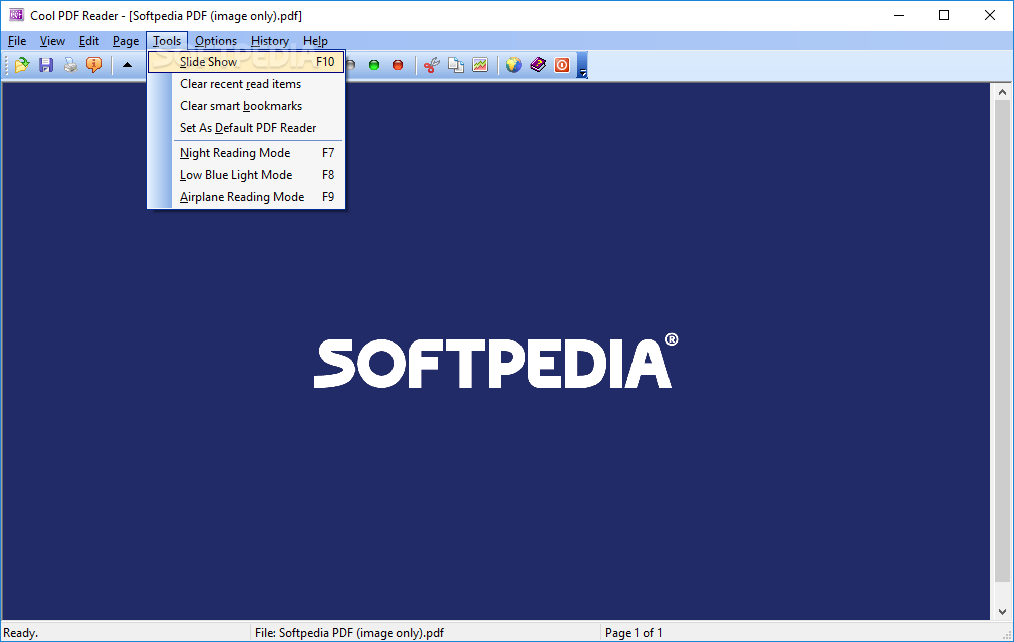
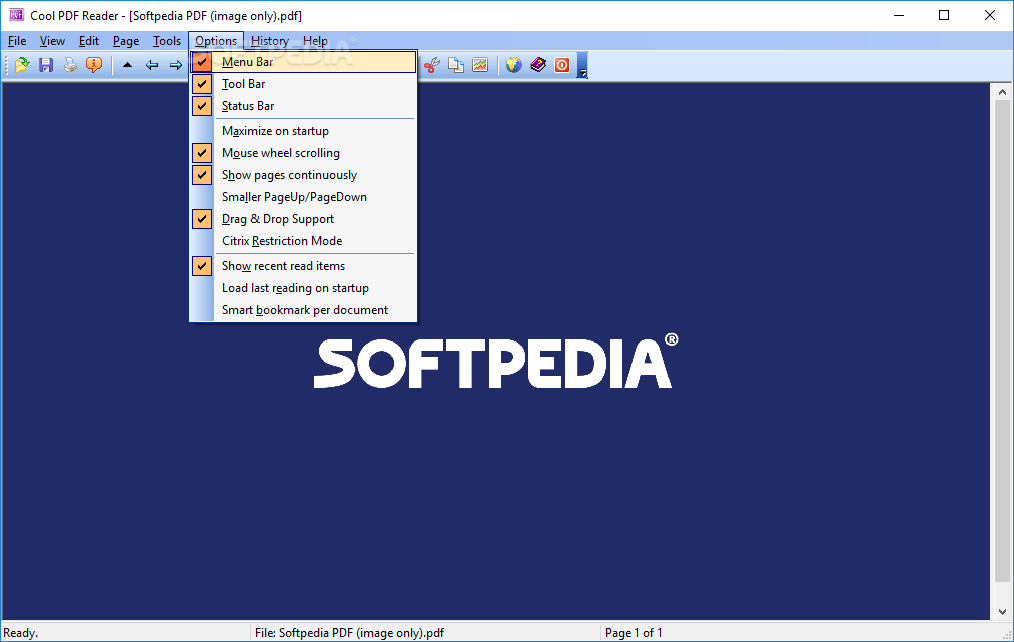
You can also create a slideshow of the PDF pages, set Cool PDF Reader as your default PDF reader and hide the menu bar, tool bar and status bar. You can print pages and configure print options, such as paper size and source, orientation.
The program uses a small amount of system resources, contains a help file and you can easily access functions by using the assigned keyboard shortcuts.
However, we have encountered some minor problems during our tests. For example, we were not able to switch to full screen mode (pressing the button didn't initialize anything) and you cannot zoom in and out of the page using the mouse scroll.
Plus, there is no search function available and that's probably the biggest disadvantage of Cool PDF Reader. Even so, the program is simple to use, even by beginners. We suggest you give it a shot and decide for yourself if it's worth keeping or not.
Download Hubs
Cool PDF Reader is part of these download collections: Open PDF, PDF Viewers
Cool PDF Reader 3.5.0.550
add to watchlist add to download basket send us an update REPORT- portable version
- Portable Cool PDF Reader
- runs on:
-
Windows Server 2019
Windows Server 2016
Windows 10 32/64 bit
Windows Server 2012
Windows 2008 32/64 bit
Windows 2003
Windows 8 32/64 bit
Windows 7 32/64 bit
Windows Vista 32/64 bit
Windows XP 32/64 bit
Windows 2K - file size:
- 3.5 MB
- filename:
- CoolPDFReaderSetup.exe
- main category:
- Office tools
- developer:
- visit homepage
Zoom Client

Bitdefender Antivirus Free

Context Menu Manager

IrfanView

ShareX

calibre

Microsoft Teams

7-Zip

Windows Sandbox Launcher

4k Video Downloader

- 7-Zip
- Windows Sandbox Launcher
- 4k Video Downloader
- Zoom Client
- Bitdefender Antivirus Free
- Context Menu Manager
- IrfanView
- ShareX
- calibre
- Microsoft Teams