
Create professional quality PDF files from almost any printable document thanks to this virtual printer that easily integrates with any word processing app. #PDF creator #PDF writer #Create PDF #Printer #Print #Virtual

Although some of the existing word processors are also able to save documents as PDF files, some of them mess up the format and the layout and everything looks like an awkward puzzle.
This is why dedicated software solutions for creating PDF files have been brought to life and CutePDF Writer is just one of the top names.
Although the installation should be as easy as 1-2-3, you should be a bit careful when clicking the 'Next' button because the setup package also includes third-party software that can modify the settings of your Internet browser.
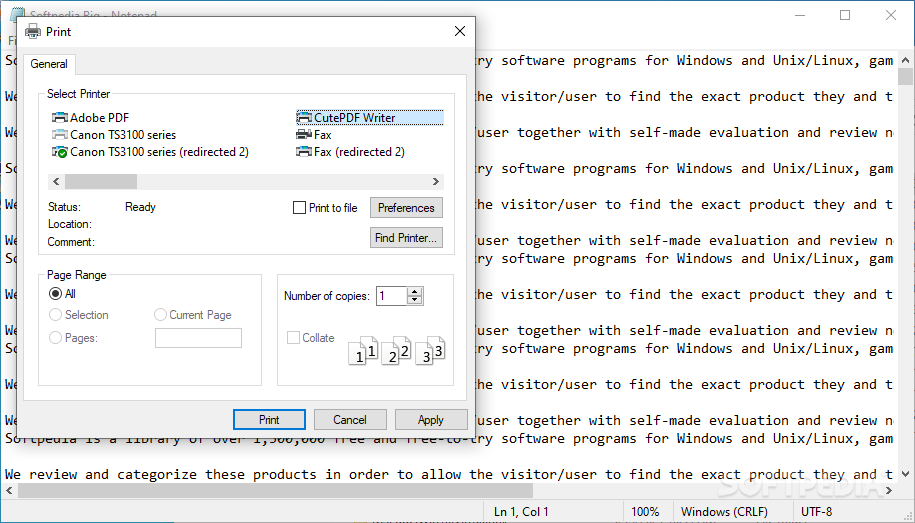
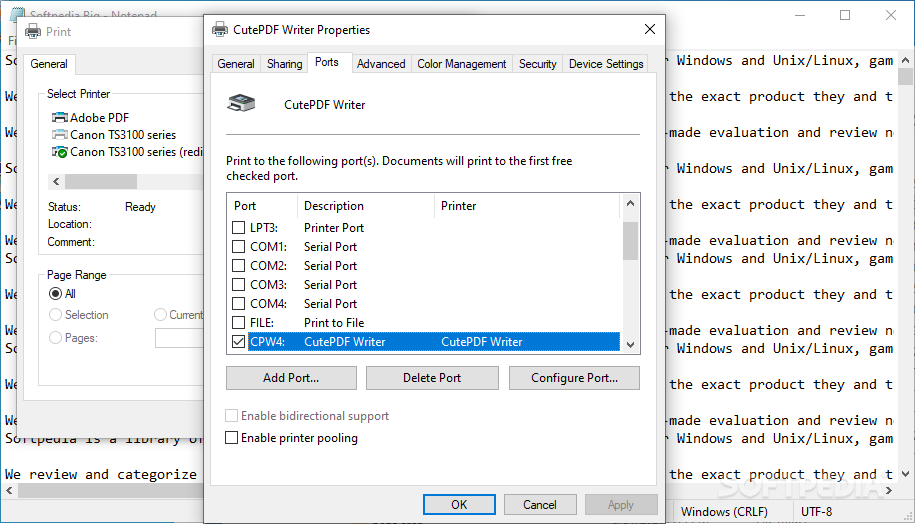
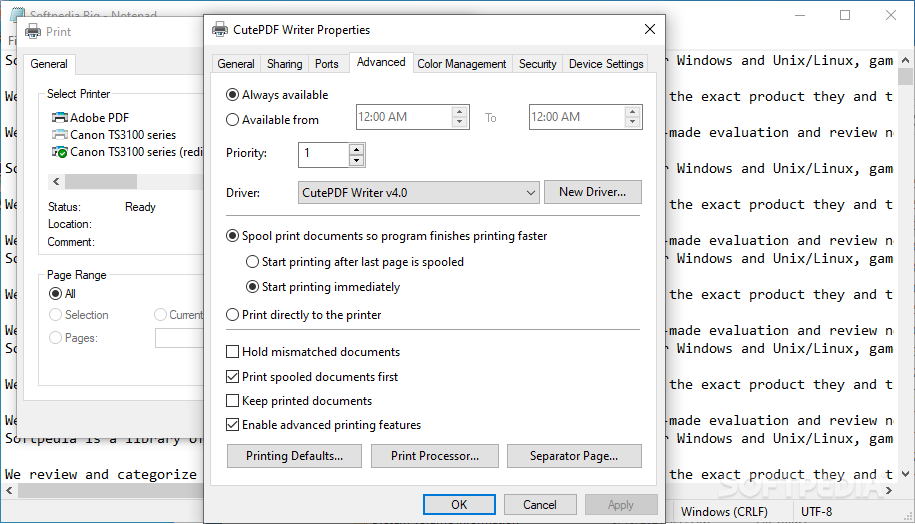
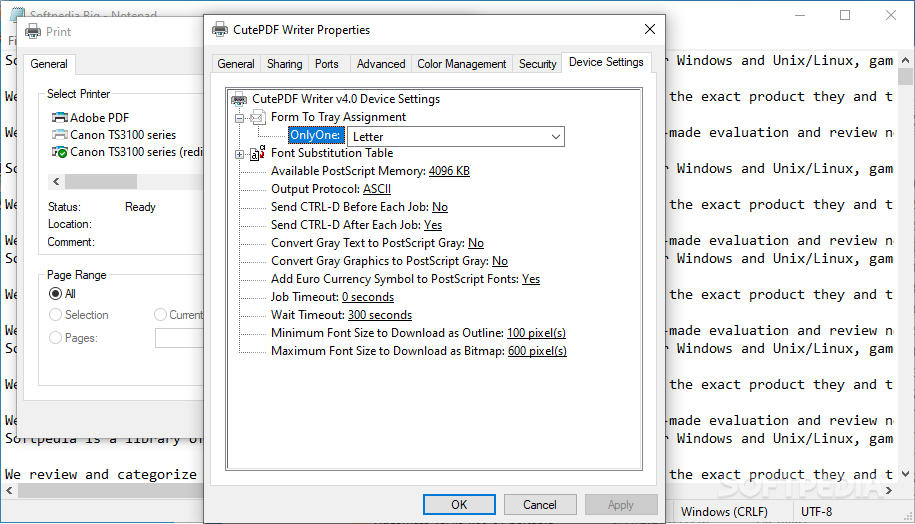
CutePDF Writer has no interface because the way it creates PDF files is a bit original. It's not a stand-alone application, instead it integrates into Windows and acts like a virtual printer. This means CutePDF Writer is available for all the installed programs that support printing.
After creating a document in any text editor you like, in order to convert it to Portable Document Format just hit the 'Print' button and select the CutePDF Writer option. After that, you will see the 'Save As' dialog that will actually convert your text file into a PDF one.
While testing this application it worked flawlessly every time and another great thing we noticed about it is that CutePDF Writer doesn’t stress the system resources at all.
Given its ease of use and versatility this program earns a well deserved spot on the list of recommendations, so in case you’re still looking for a way to turn documents into PDF files, you should really give CutePDF Writer a try.
What's new in CutePDF Writer 4.0.1.3:
- Added support for Server 2008/2012/2016/2019/2022 and Terminal Server.
CutePDF Writer 4.0.1.3
 Softpedia Editor's Pick
add to watchlist
add to download basket
send us an update
REPORT
Softpedia Editor's Pick
add to watchlist
add to download basket
send us an update
REPORT
- PRICE: Free
- runs on:
-
Windows 11
Windows Server 2022
Windows Server 2019
Windows Server 2016
Windows 10 32/64 bit
Windows Server 2012
Windows 2008 32/64 bit
Windows 2003
Windows 8 32/64 bit
Windows 7 32/64 bit
Windows Vista 32/64 bit
Windows XP 32/64 bit - file size:
- 3.2 MB
- filename:
- CuteWriter.exe
- main category:
- Office tools
- developer:
- visit homepage
Bitdefender Antivirus Free

ShareX

4k Video Downloader

Zoom Client

Windows Sandbox Launcher

calibre

7-Zip

IrfanView

Microsoft Teams

Context Menu Manager

- IrfanView
- Microsoft Teams
- Context Menu Manager
- Bitdefender Antivirus Free
- ShareX
- 4k Video Downloader
- Zoom Client
- Windows Sandbox Launcher
- calibre
- 7-Zip