
User-friendly and advanced PDF viewer that includes zoom tools, comment and markup utilities, image exporting options, link functions and more. #Pdf viewer #Pdf format #Image format #Viewer #PDF #Export

NOTE: PDF-XChange Viewer has been discontinued and replaced by PDF-XChange Editor.
A PDF viewer is a must have nowadays and many users are already using the popular software solution designed by Adobe which is still considered the number one tool in this particular category.
PDF-XChange Viewer claims it deserves a chance too and promises to offer users at least the same goodies as its more famous counterpart.
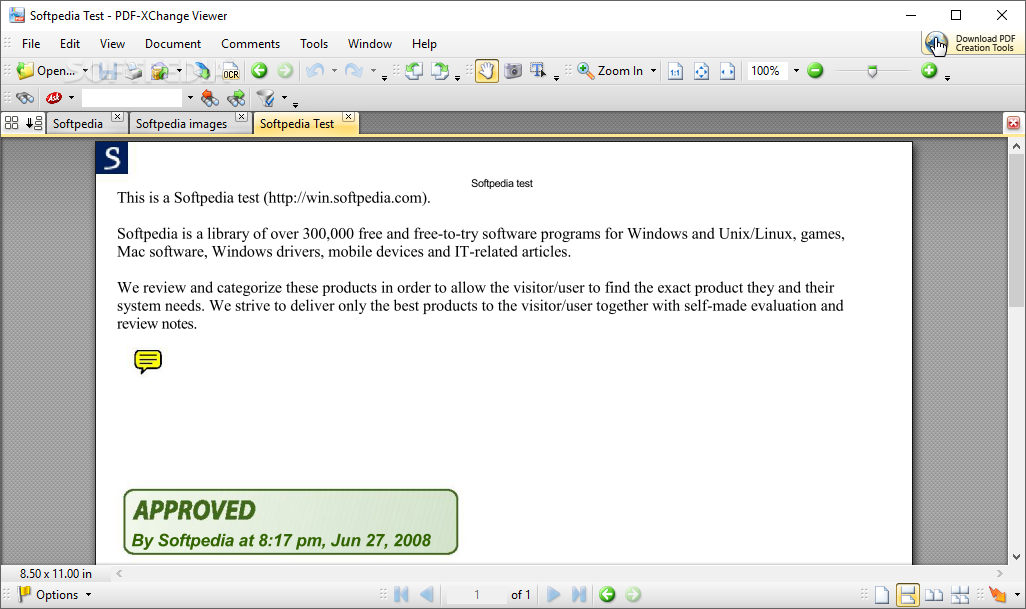
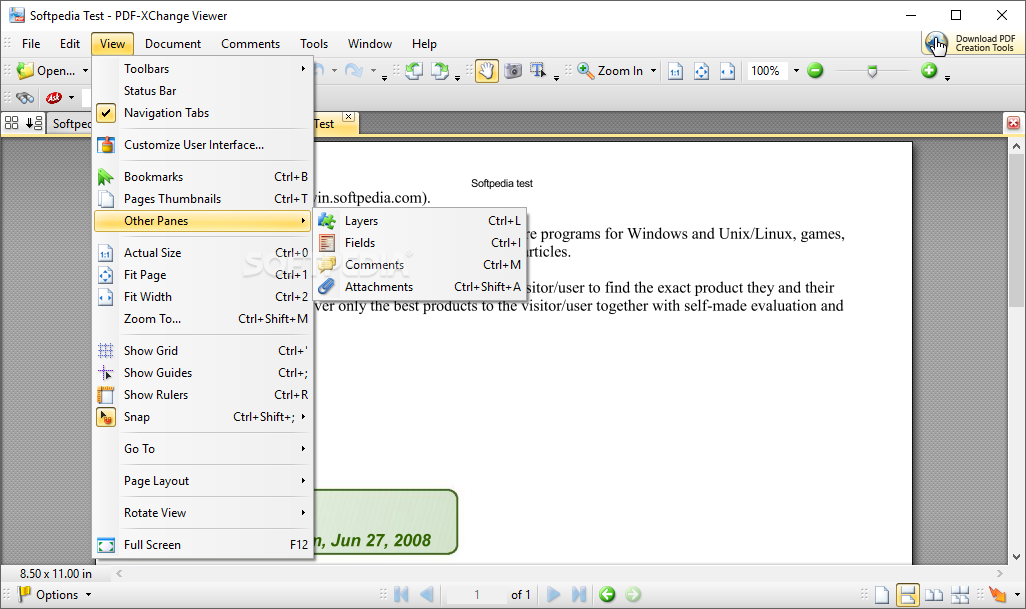
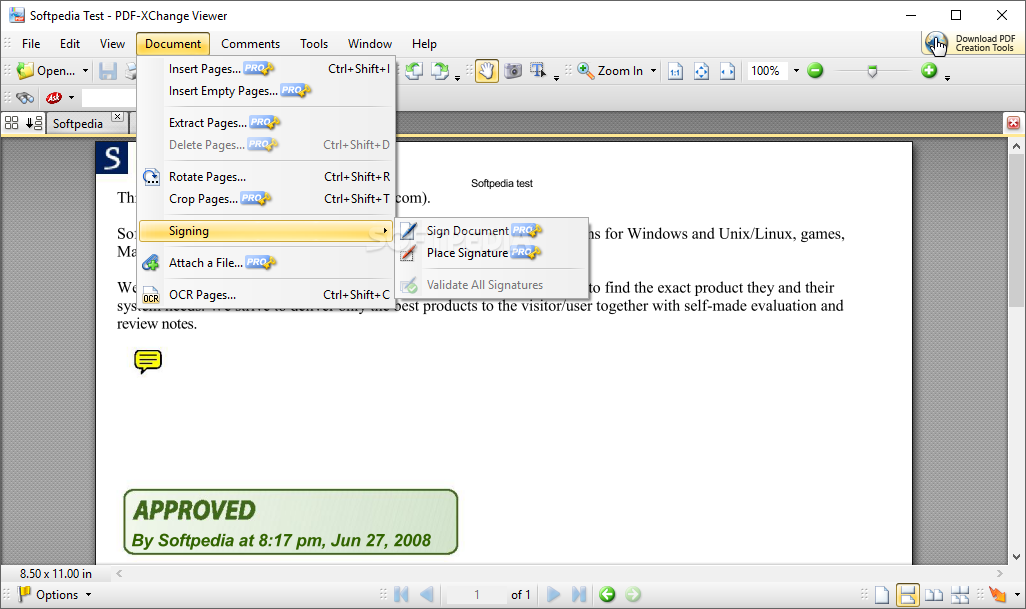
As far as we're concerned, PDF-XChange Viewer is quite an advanced application, relying on a very clean and pleasant interface that provides instant access to all the features.
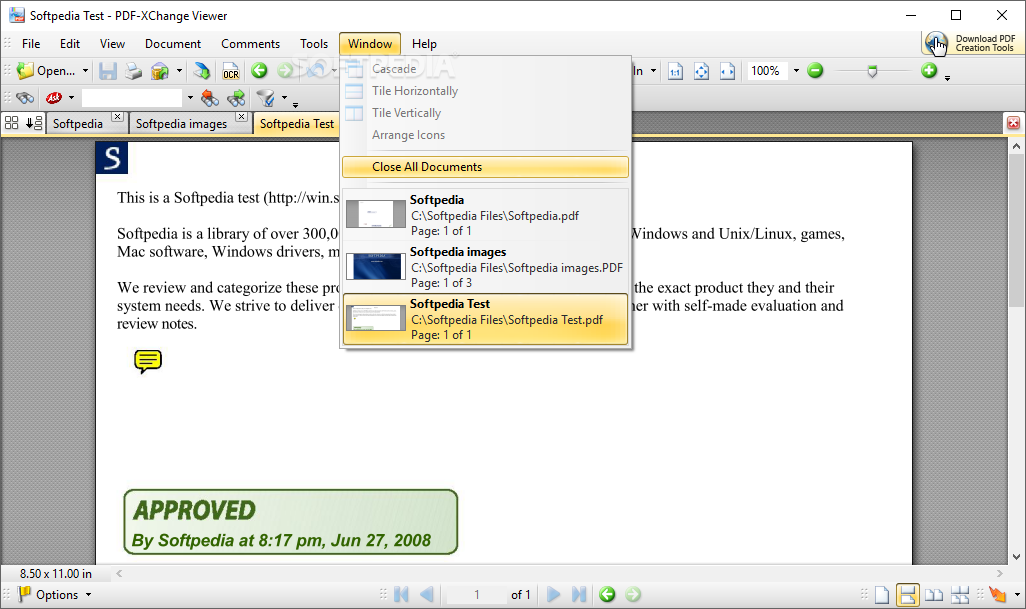
The program comes with the now-popular tabbed look, which means you can safely open multiple PDF files in the same window, just like in the same way an Internet browser does with websites.
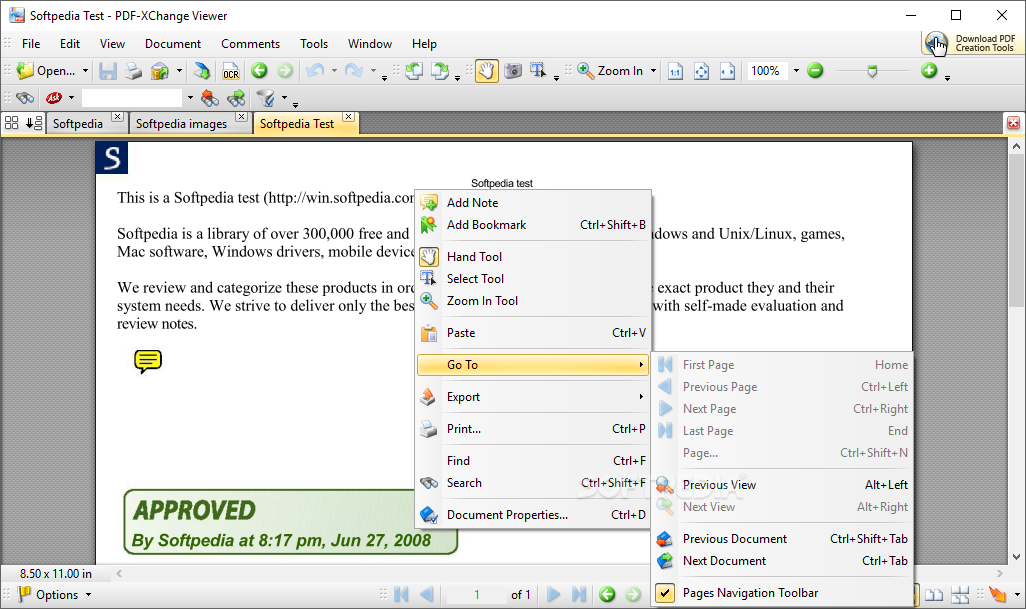
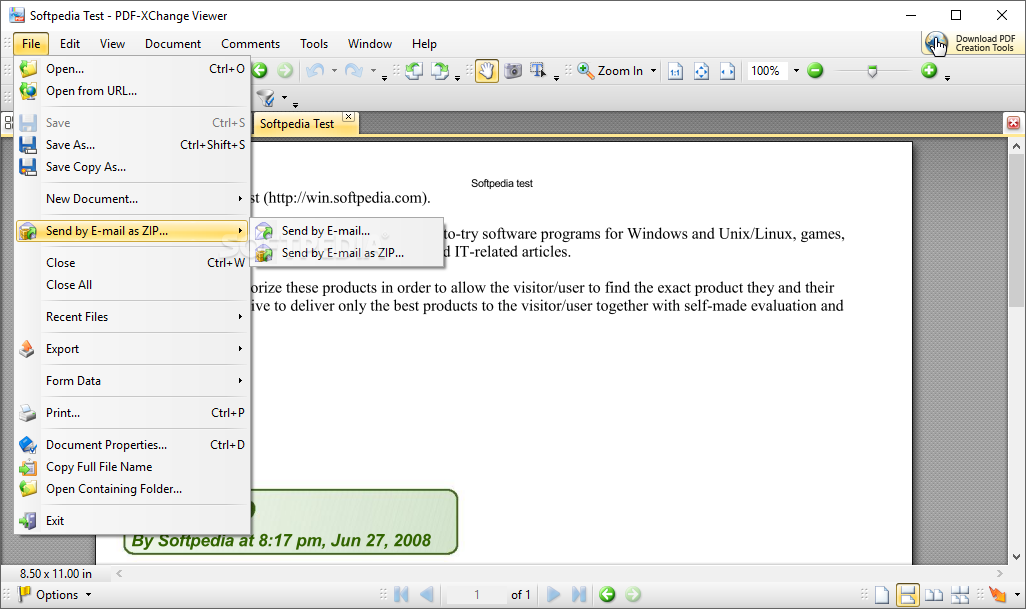
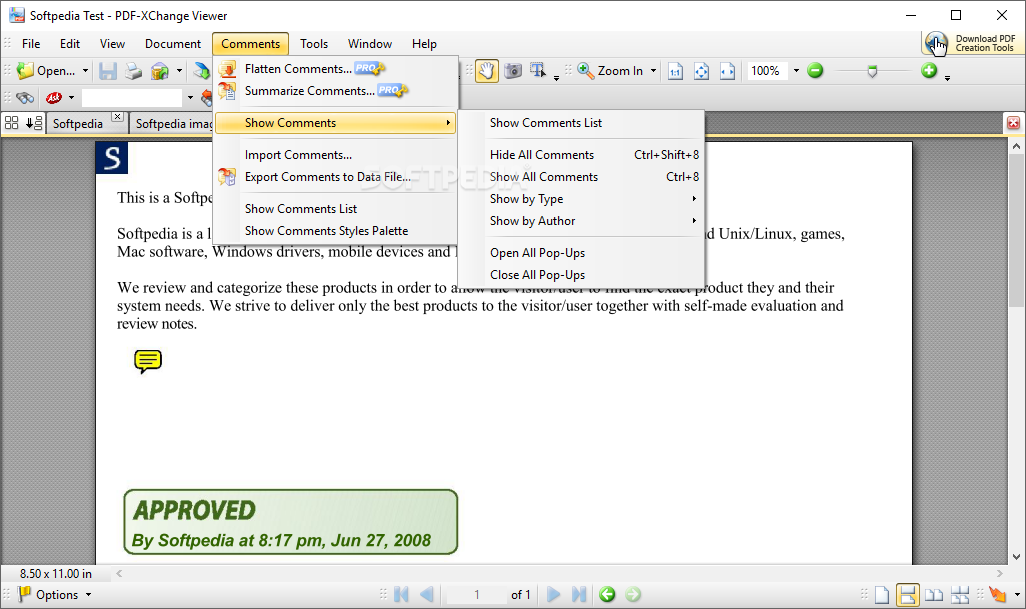
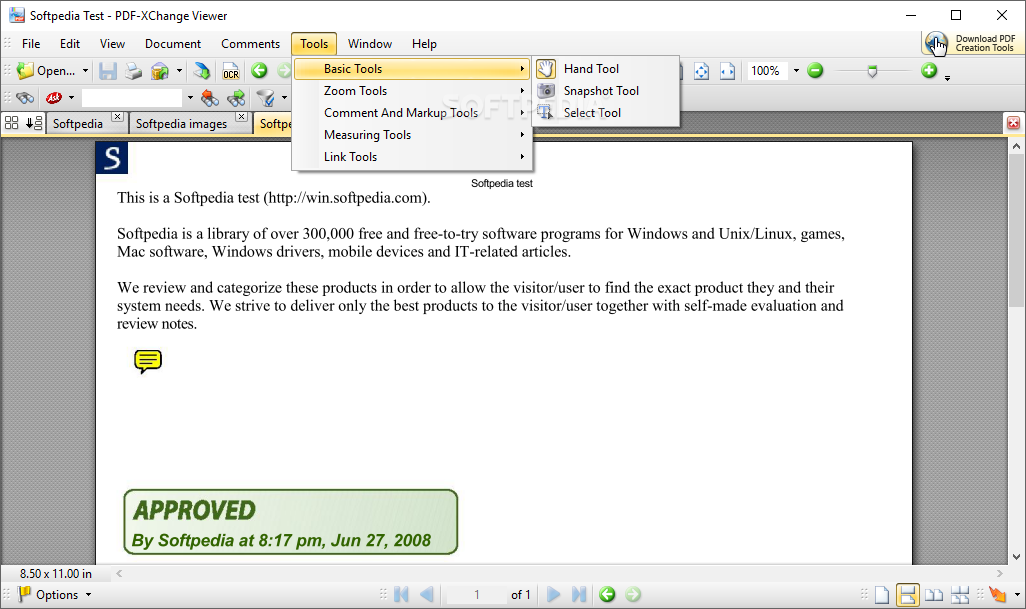
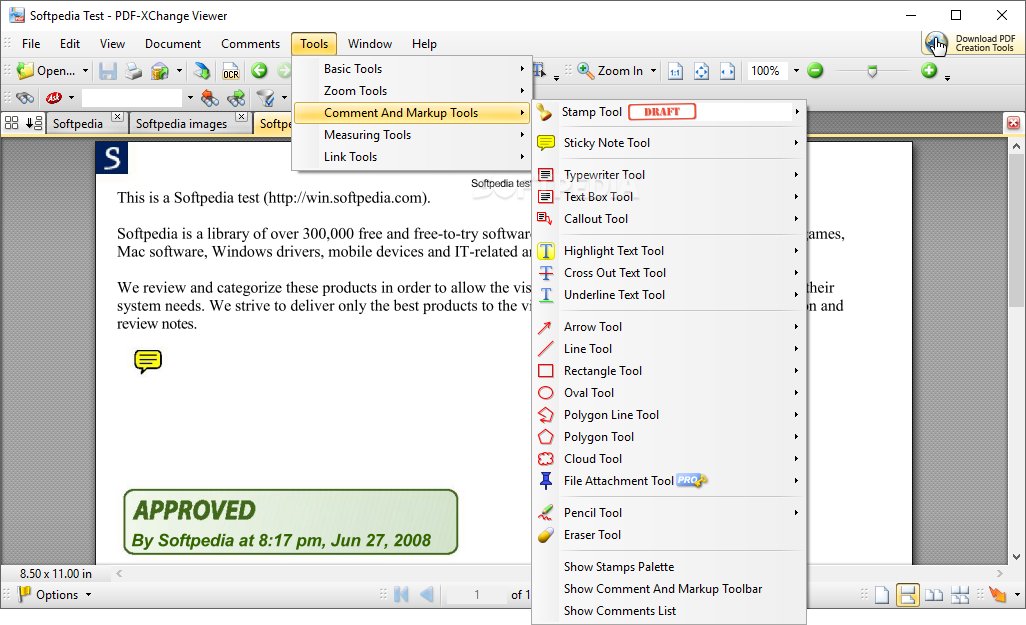
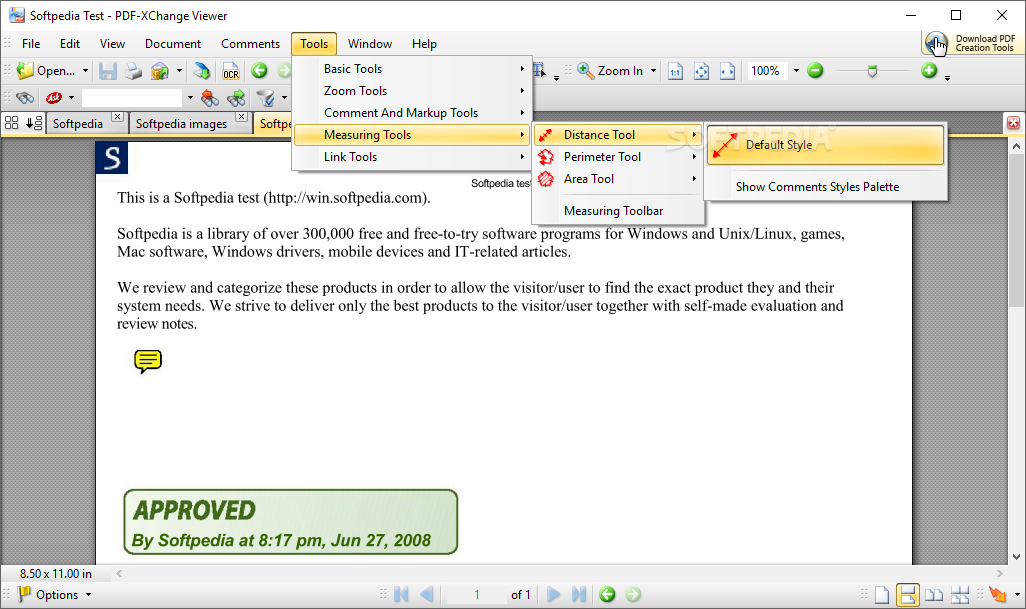
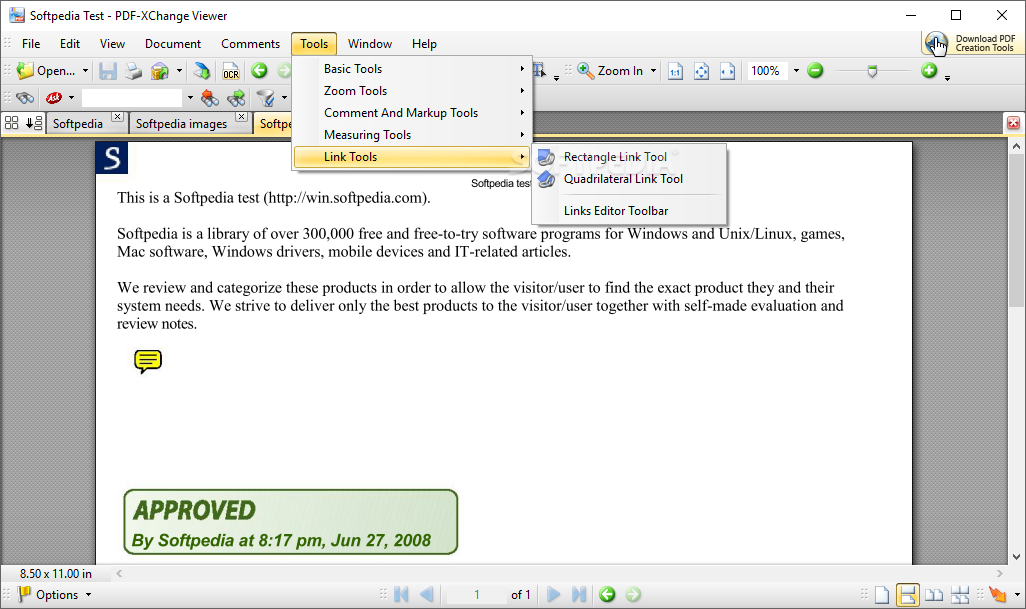
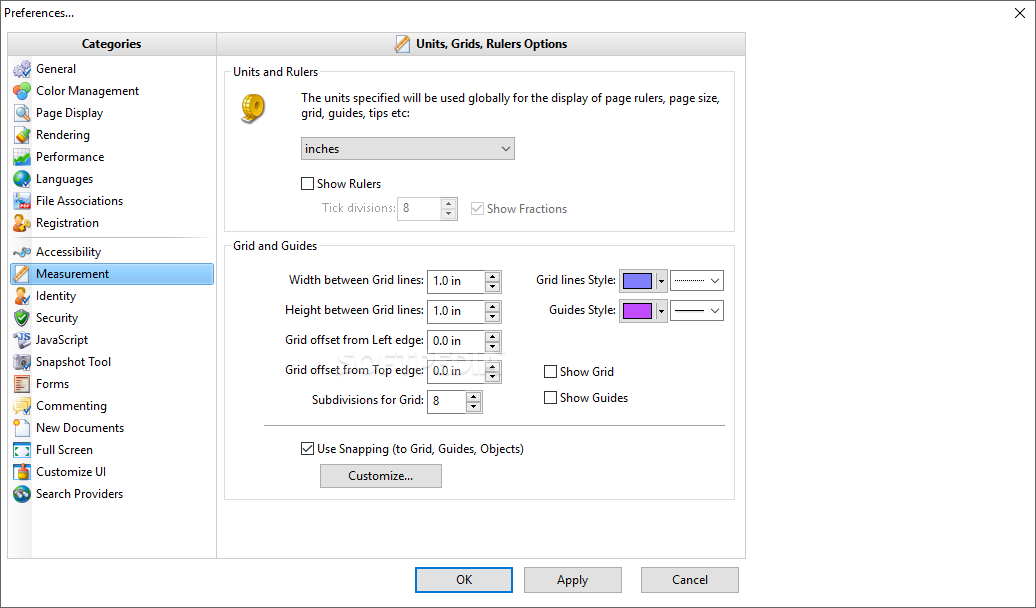
PDF-XChange Viewer remains light on computer resources and works very smoothly even when opening large PDF files. It provides the utilities you would expect from such a powerful PDF viewer, including zoom tools, comment and markup utilities, measuring goodies and link functions.
PDF-XChange Viewer boasts an advanced export to image, feature which enables you to save any PDF file as a digital picture. The supported formats include BMP, PNG, JPEG, TGA, GIF and TIFF.
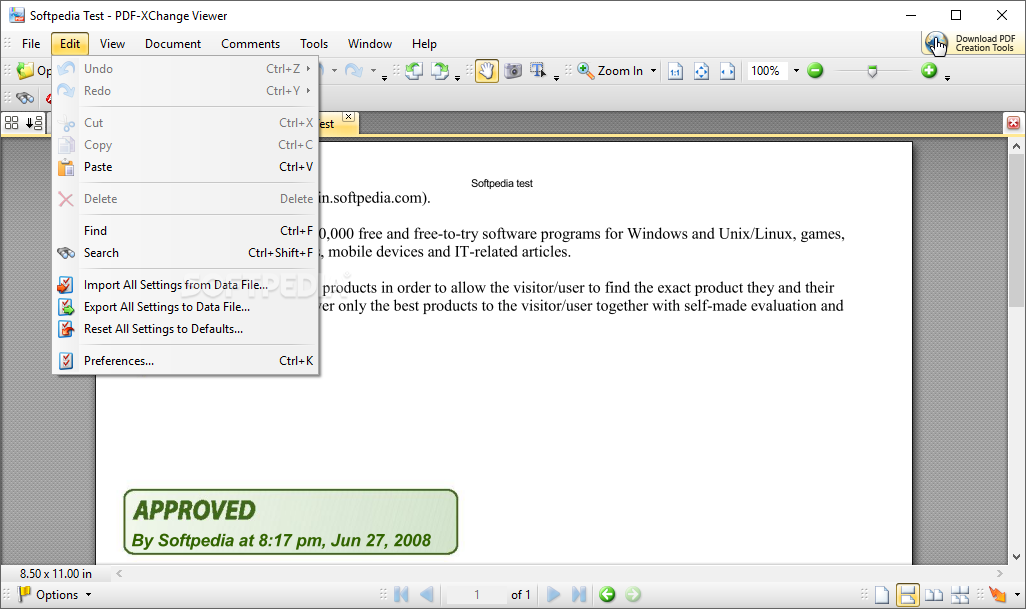
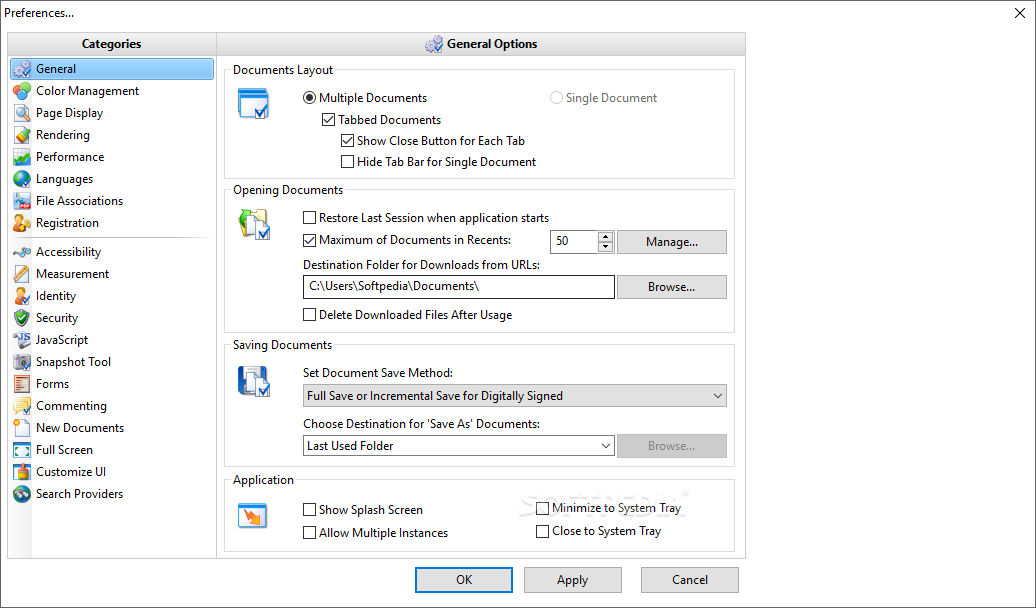
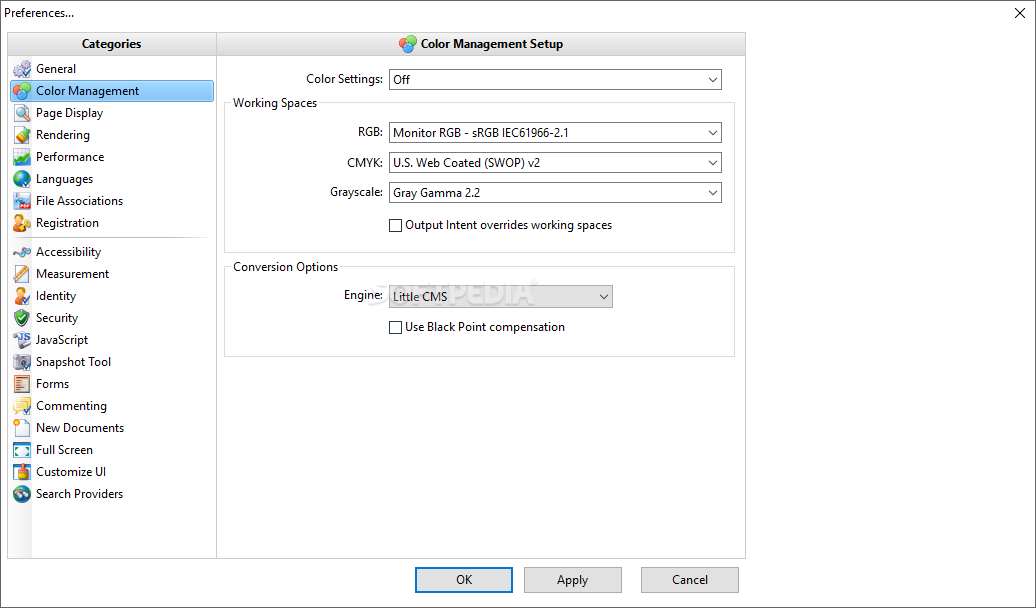
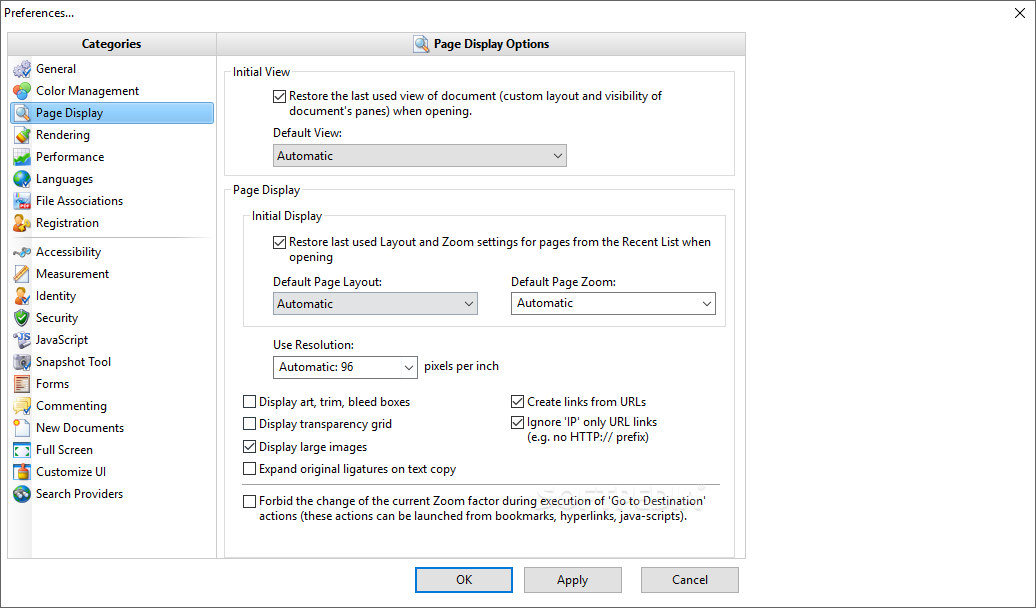
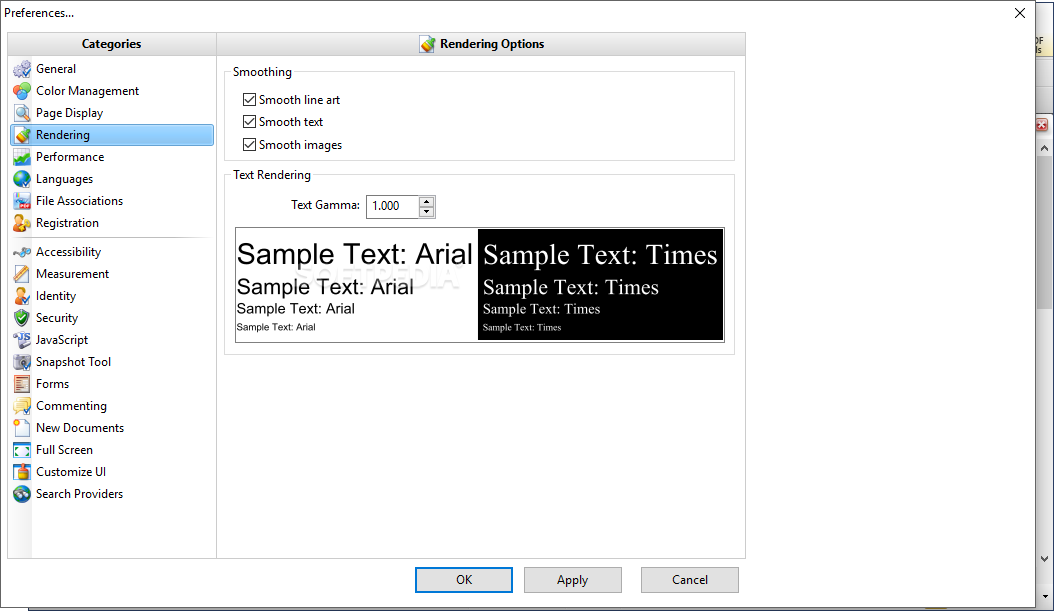
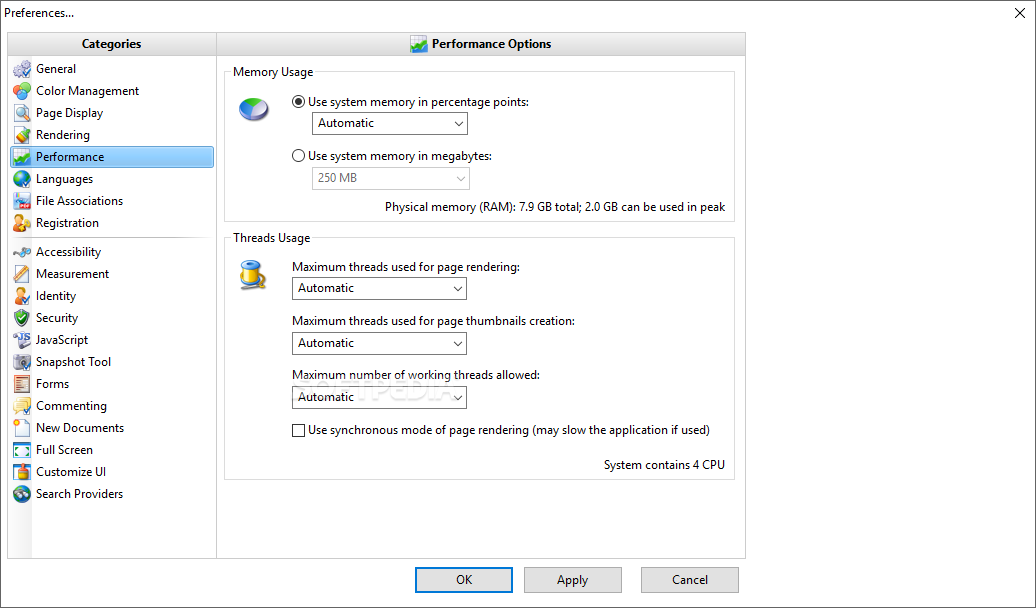
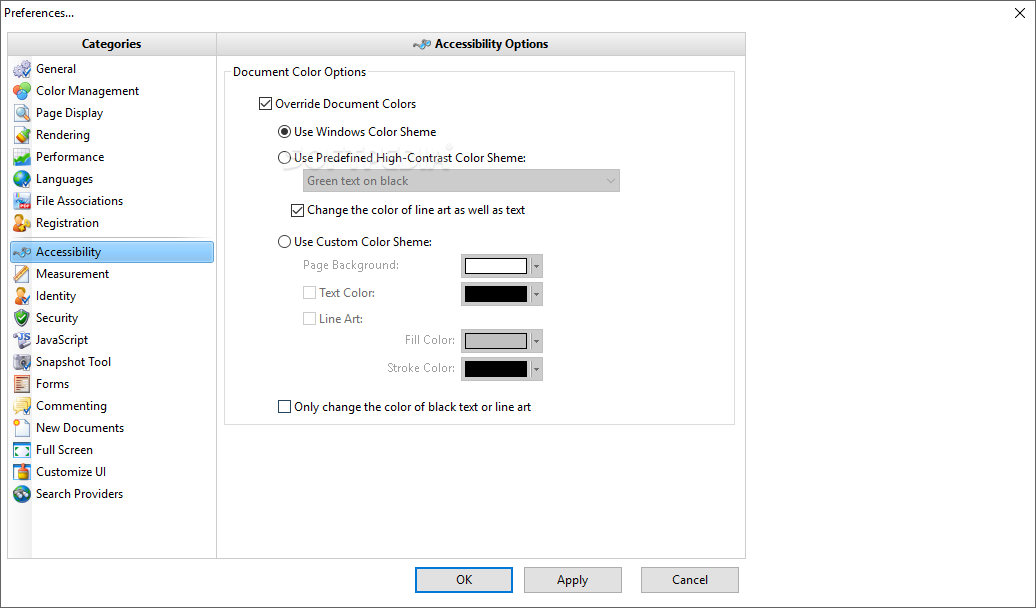
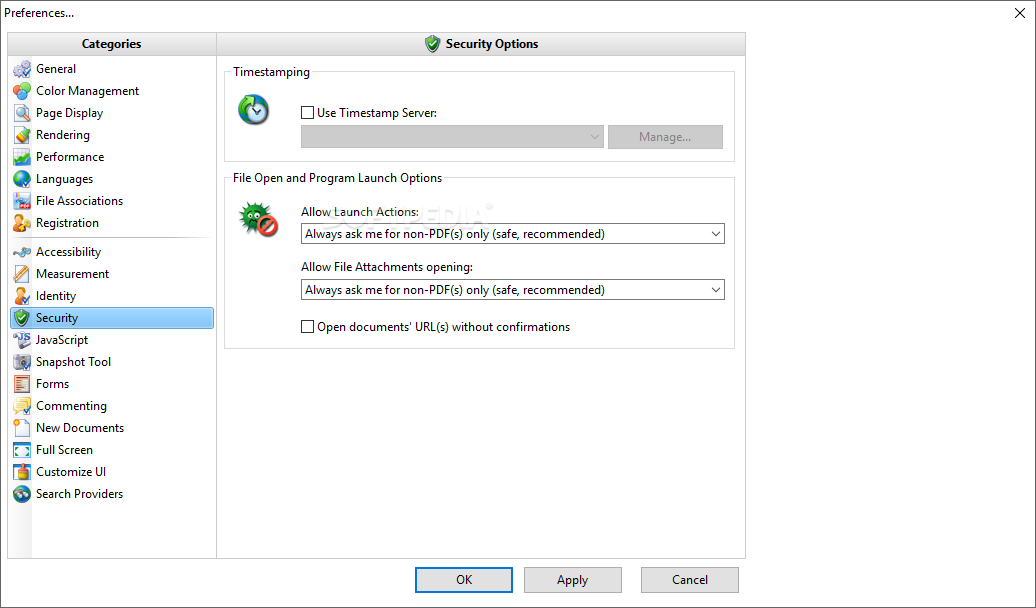
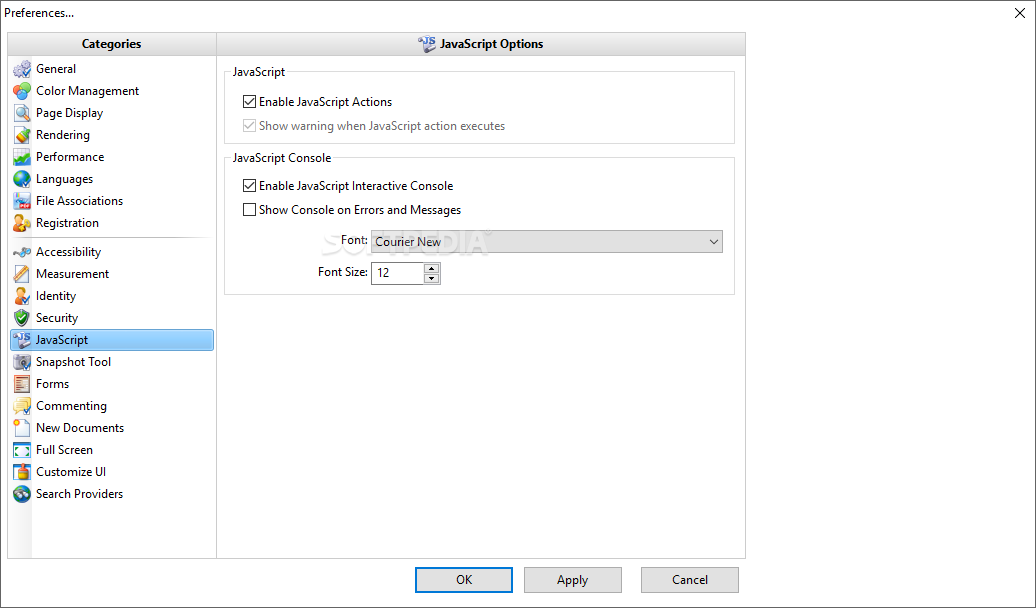
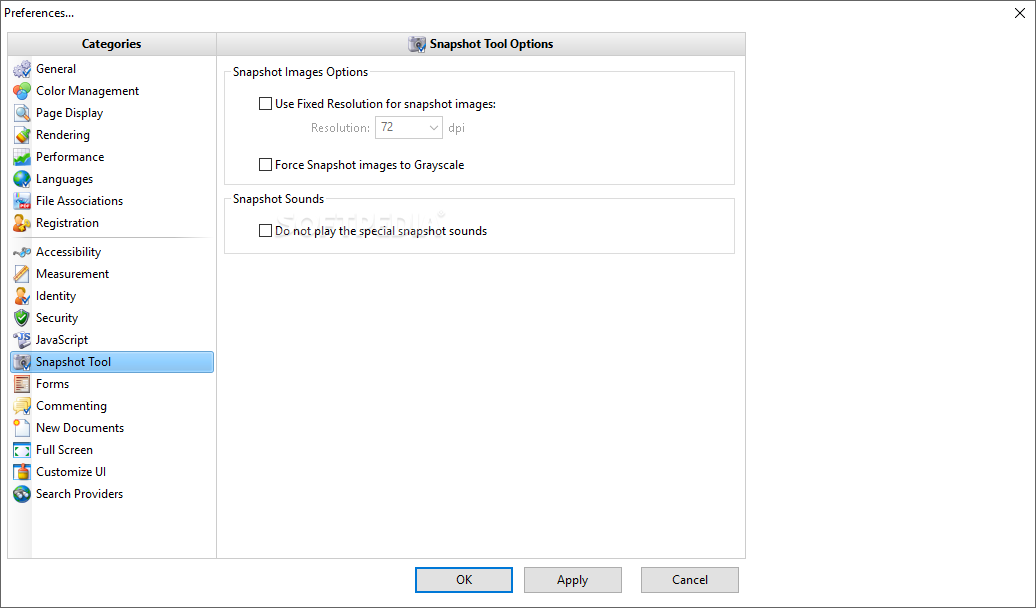
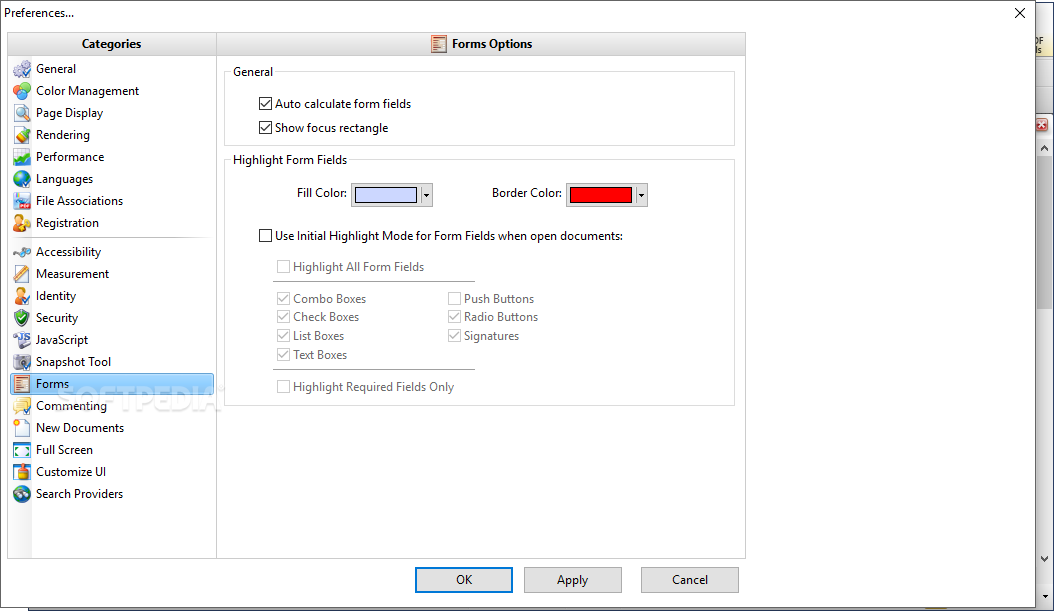
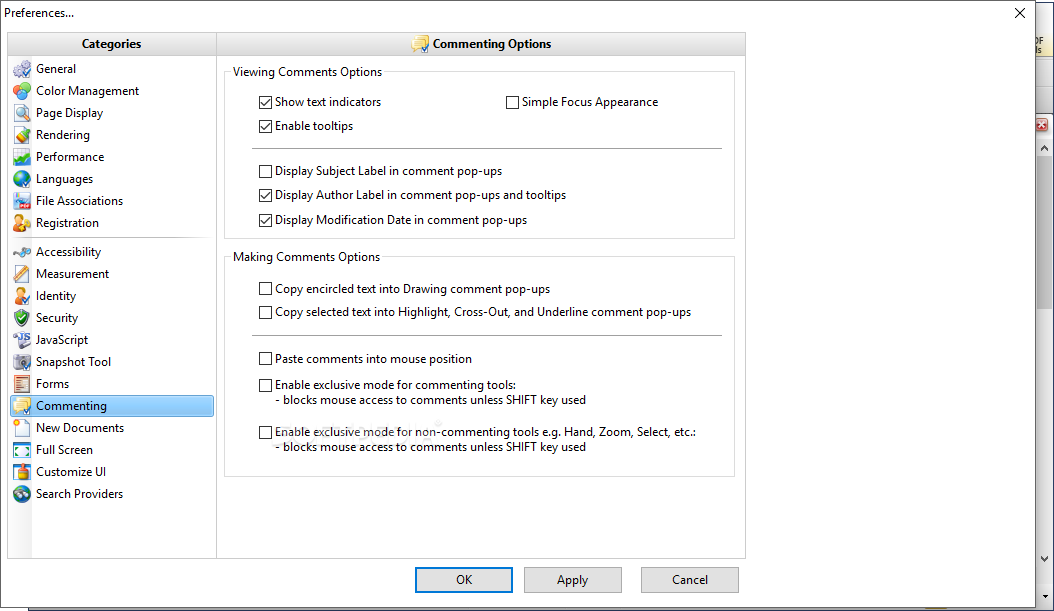
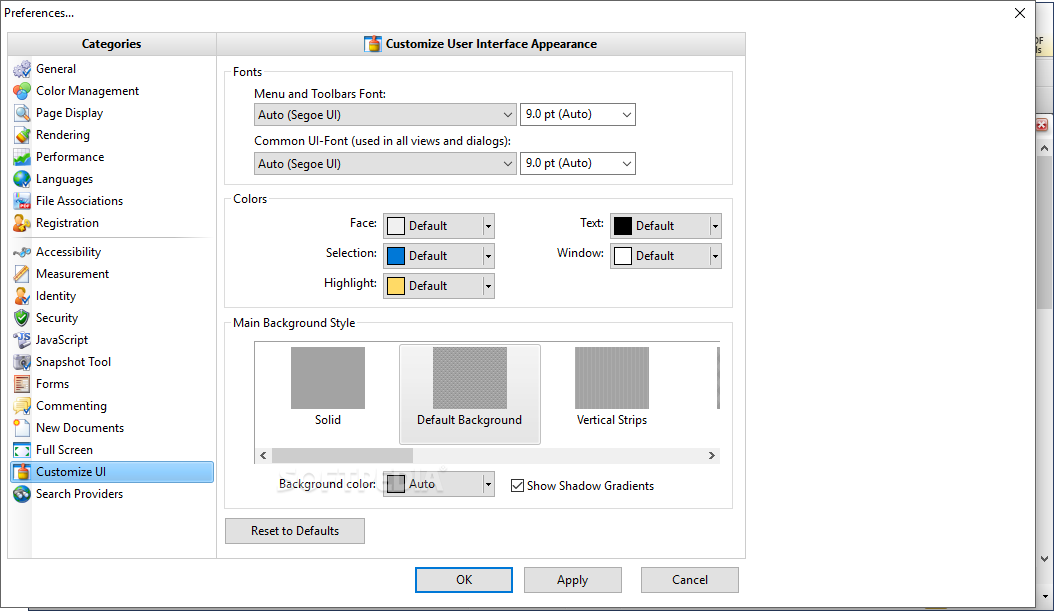
Last but not least, the application sports a huge settings menu, with options concerning basically every single component, such as performance, rendering, page display, file associations, forms, commenting, snapshots, identity, security and search providers.
As a conclusion, PDF-XChange Viewer is one of the best, if not the best, replacement for the famous application wearing Adobe's badge. It handles PDF files so good that you'll definitely be impressed once you give it a try.
Download Hubs
PDF-XChange Viewer is part of these download collections: Open PDF, PDF Viewers
What's new in PDF-XChange Viewer 2.5.322.10:
- Critical error or bug fix:
- Fixed digital signature validation vulnerability reported by NDS.
PDF-XChange Viewer 2.5.322.10
add to watchlist add to download basket send us an update REPORT- portable version
- Portable PDF-XChange Viewer
- runs on:
-
Windows 10 32/64 bit
Windows 8 32/64 bit
Windows 7 32/64 bit
Windows Vista 32/64 bit
Windows XP 32/64 bit - file size:
- 17.3 MB
- filename:
- PDFXVwer.exe
- main category:
- Office tools
- developer:
- visit homepage
Bitdefender Antivirus Free

paint.net

calibre

4k Video Downloader

Windows Sandbox Launcher

Zoom Client

IrfanView

7-Zip

Microsoft Teams

ShareX

- 7-Zip
- Microsoft Teams
- ShareX
- Bitdefender Antivirus Free
- paint.net
- calibre
- 4k Video Downloader
- Windows Sandbox Launcher
- Zoom Client
- IrfanView