
Create booklets from PDF files, rotate, scale, or crop the pages, and zoom in or out to customize the output with this simple-to-use and powerful tool. #Create booklet #Booklet creator #Convert PDF #Booklet #PDF2booklet #Publish

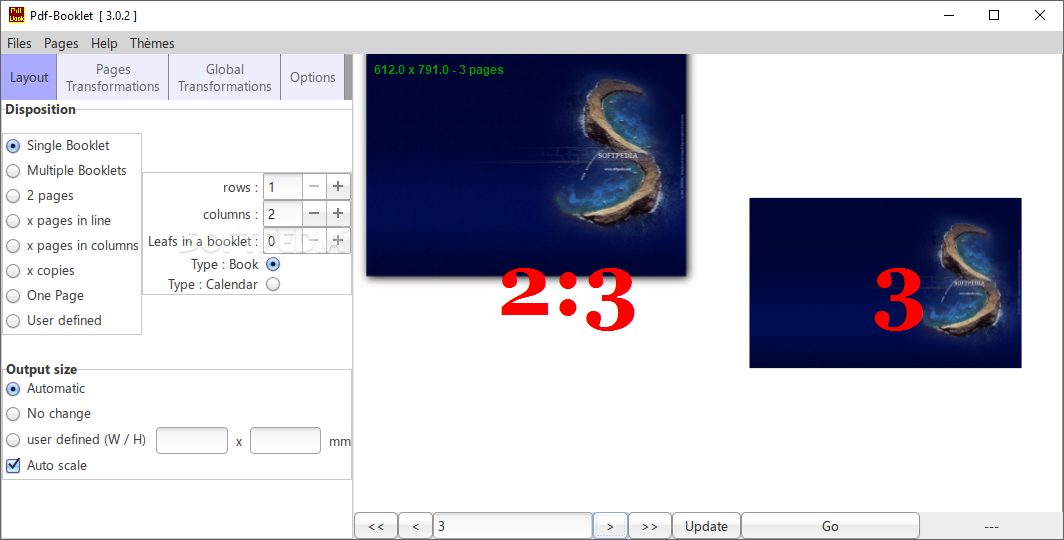
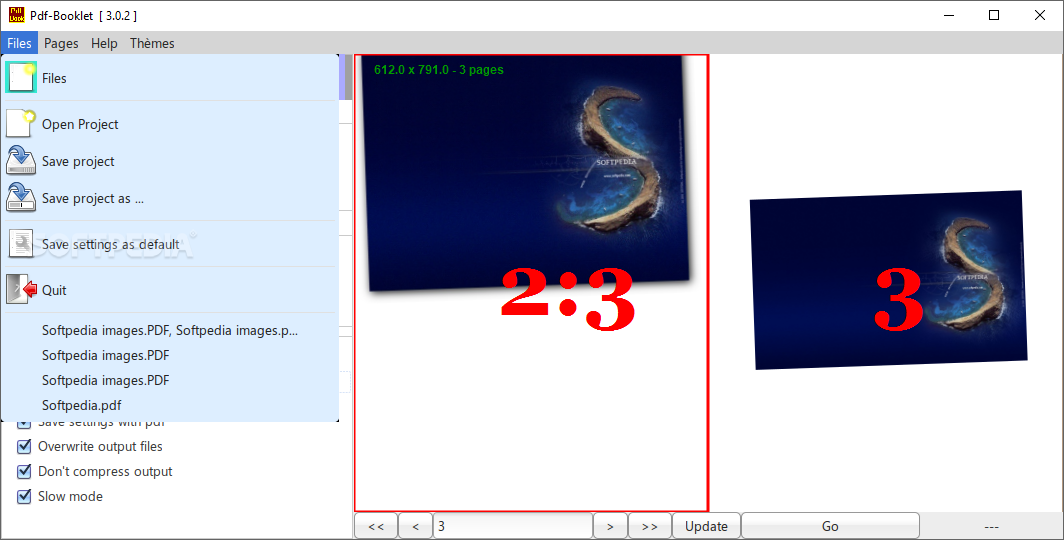
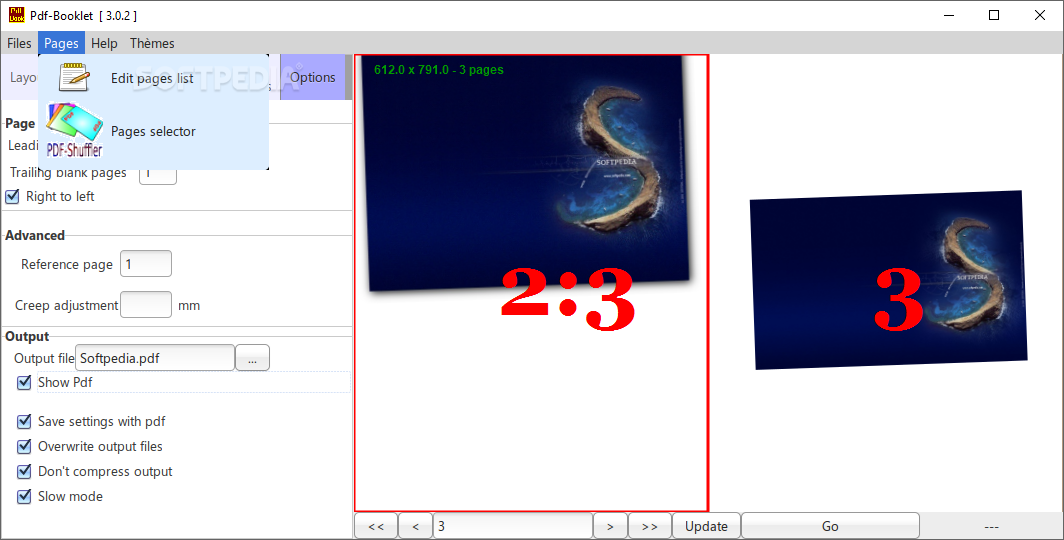
Pdf-Booklet is a lightweight Windows application that allows users to create booklets out of PDF files and apply several adjustments to the PDF pages.
It sports a clean and intuitive layout that gives you the possibility to create a single or multiple booklets, as well as documents containing only one or two pages.
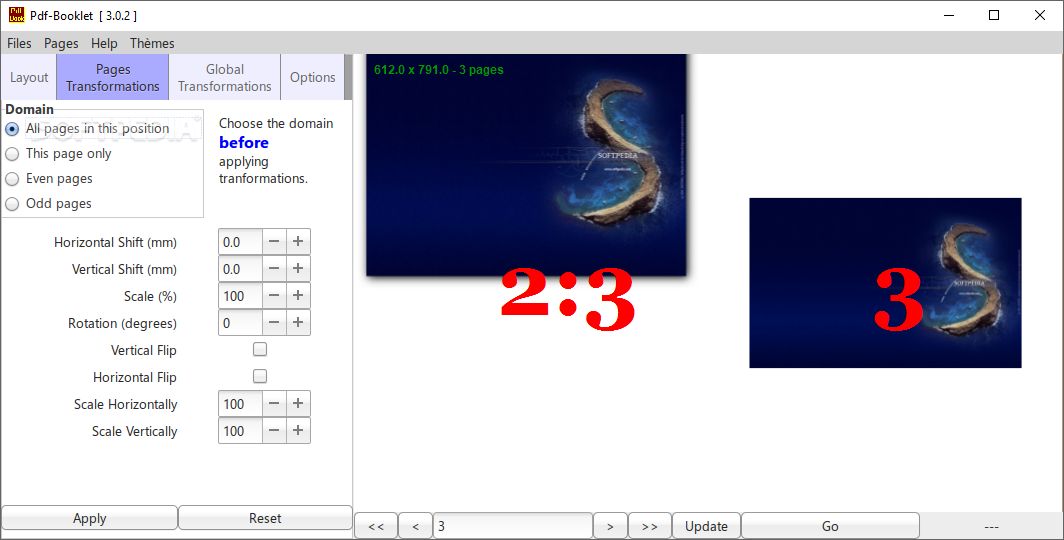
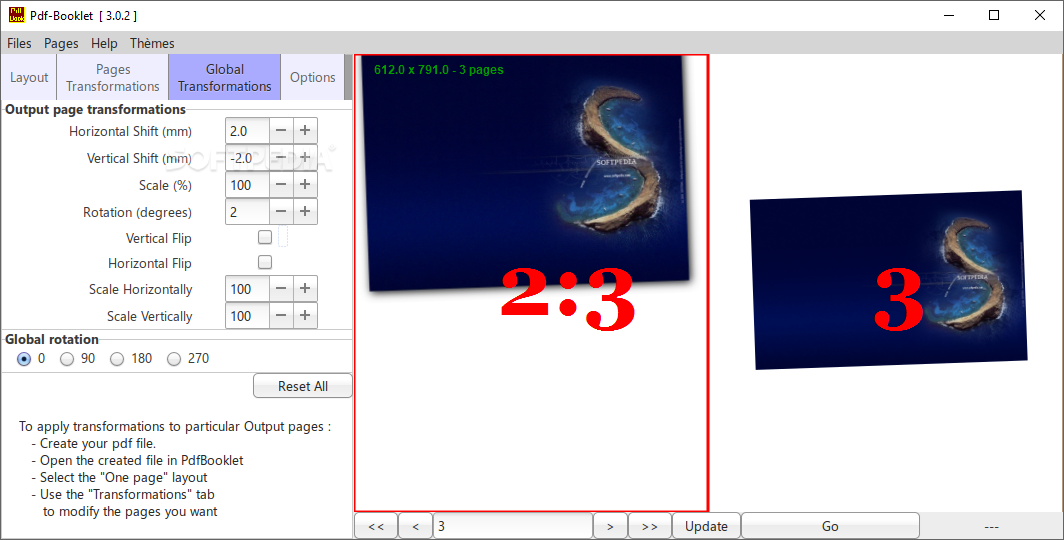
What’s more, you are allowed to specify the output size or let the program automatically select the size, and configure the dedicated parameters related to scaling and rotation angles, horizontal and vertical shifts.
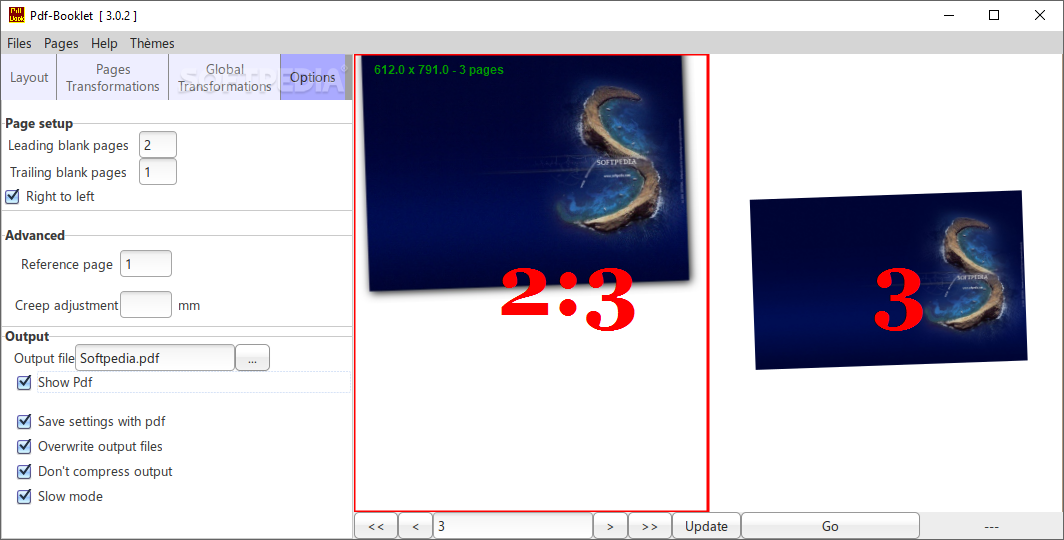
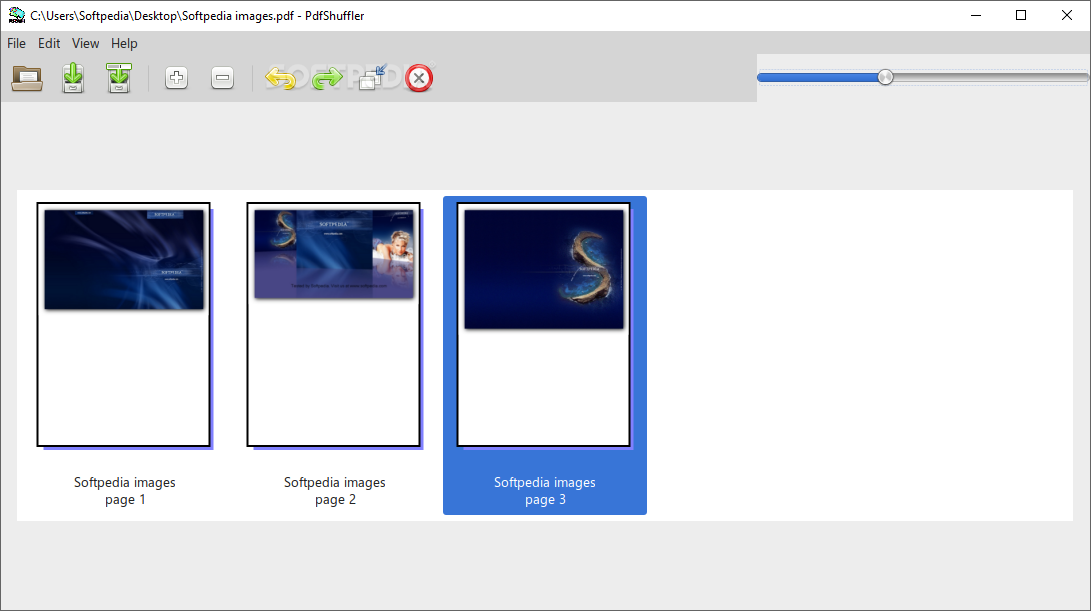
Pdf-Booklet lets you insert blank pages at the start and end of the documents, preview the files in the primary pane, go to the previous or next page, as well as apply individual adjustments for the selected page from the PDF file, such as rotate them to different angles or delete them.
Other notable characteristics bundled in this program are represented by the possibility to zoom in or out, switch to a full screen mode for a better focus on your work, as well as insert up to four blank pages before or after the selected page.
Last but not least, the utility allows you to crop the selected pages by manually specifying the left, right, top, and bottom values, and undo or redo your actions.
You can check out the log pane for detailed information about the entire process and possible errors. Since it doesn’t require much computer knowledge to work with this tool, even rookies can set up the dedicated parameters with minimum effort.
During our testing we have noticed that Pdf-Booklet carries out a task very quickly, offers very good image quality, and no errors showed up throughout the entire process. It doesn’t put a lot of stress on CPU and memory, so the overall system performance is not hampered.
As a conclusion, Pdf-Booklet offers an intuitive layout and a handy set of parameters for helping you create booklets.
What's new in Pdf-Booklet 3.1.5:
- Apart from a better engine, some new functions :
- Slow mode (in options tab)
- Reference page may now be indicated with the file number : 2:1 for example.
- In Options, Advanced, creep capability is now available
Pdf-Booklet 3.1.5
add to watchlist add to download basket send us an update REPORT- PRICE: Free
- runs on:
-
Windows 10 32/64 bit
Windows 8 32/64 bit
Windows 7 32/64 bit - file size:
- 15 MB
- filename:
- PdfBooklet 3.1.5 Setup.exe
- main category:
- Office tools
- developer:
- visit homepage
Context Menu Manager

4k Video Downloader

Windows Sandbox Launcher

calibre

IrfanView

7-Zip

Microsoft Teams

Zoom Client

Bitdefender Antivirus Free

ShareX

- Zoom Client
- Bitdefender Antivirus Free
- ShareX
- Context Menu Manager
- 4k Video Downloader
- Windows Sandbox Launcher
- calibre
- IrfanView
- 7-Zip
- Microsoft Teams